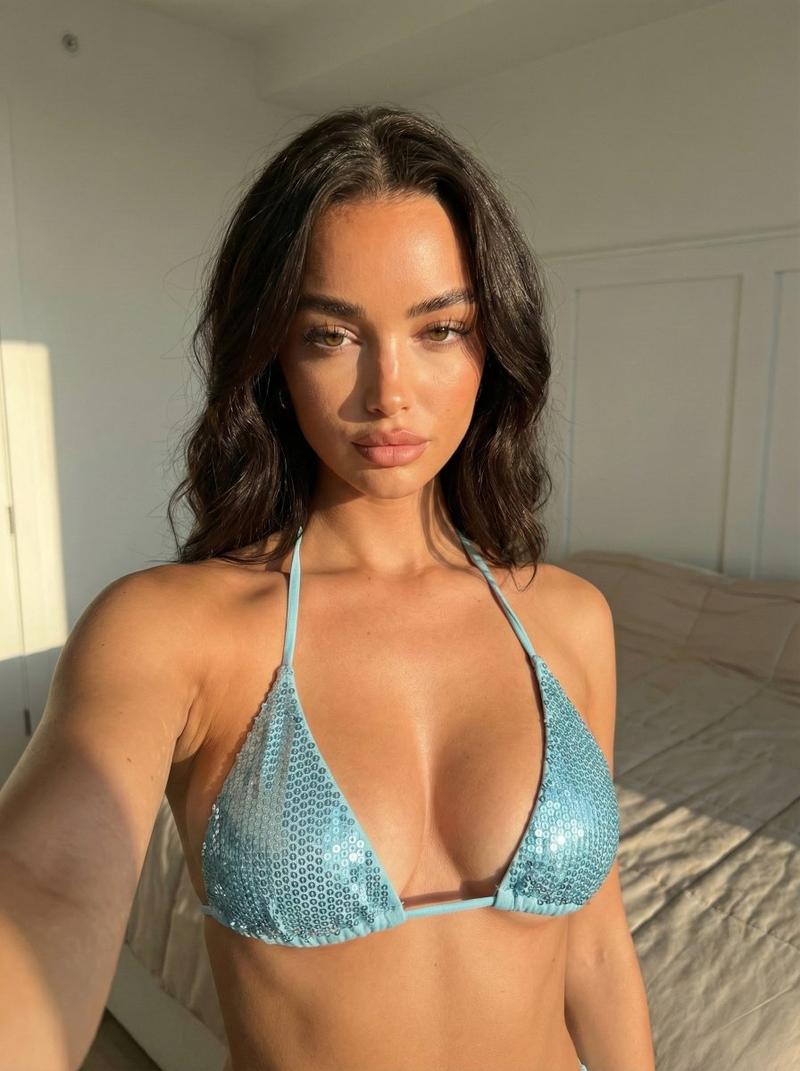
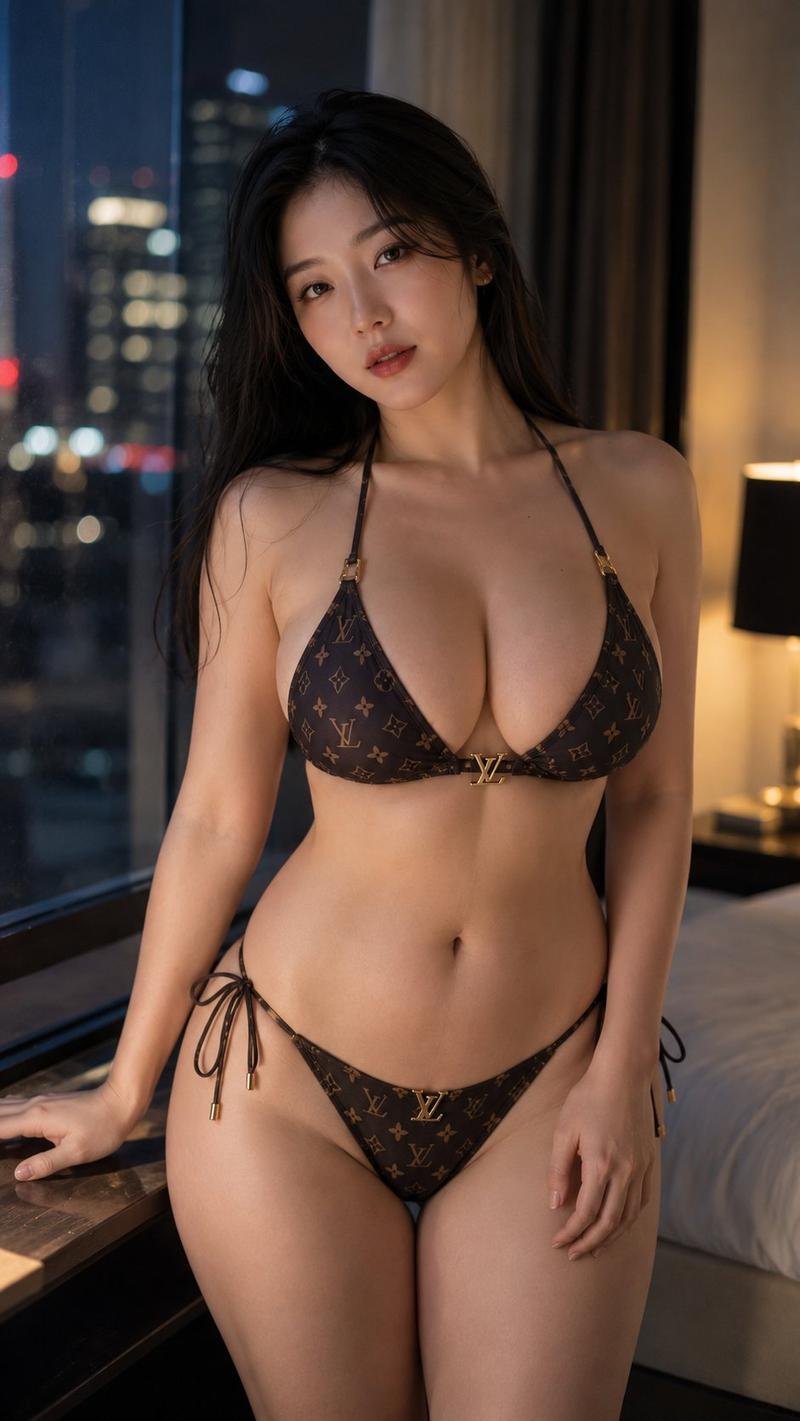
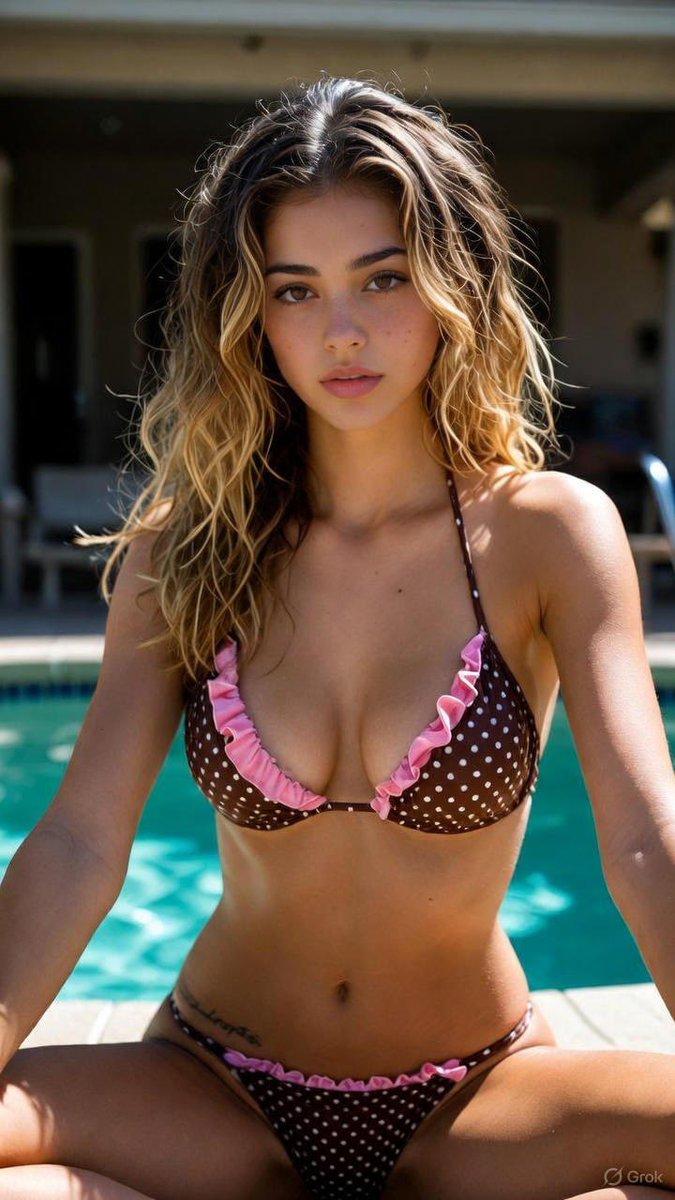
超逼真服装更换肖像
提示词
{
  "task": "image_generation",
  "model_style": "ultra_realistic_photography",
  "resolution": "8K",
  "aspect_ratio": "3:4",
  "identity_constraints": {
    "face_match": "100% same as reference image",
    "body_proportions": "unchanged",
    "no_facial_modification": true,
    "no_body_modification": true
  },
  "subject": {
    "type": "woman",
    "shot_type": "close-up portrait",
    "pose": "standing beside a window, leaning slightly backward with a relaxed posture",
    "expression": "soft, calm, emotionally warm",
    "gaze": "natural, slightly off-camera"
  },
  "clothing": {
    "dress": "exact same dress from the provided second reference image",
    "fit": "identical fit, fabric, color, and texture as reference",
    "alterations": "none"
  },
  "environment": {
    "location": "indoor, beside a large sunlit window",
    "background": "minimal and softly blurred, cozy interior feel",
    "lighting": {
      "type": "natural daylight",
      "direction": "side-lit through the window",
      "quality": "warm, soft, diffused",
      "shadows": "gentle, realistic soft shadows"
    }
  },
  "mood_and_style": {
    "mood": "cozy, intimate, emotional warmth",
    "style": "high-end editorial realism",
    "color_tones": "warm neutrals, natural skin tones",
    "dynamic_range": "high",
    "depth_of_field": "shallow, professional portrait blur"
  },
  "camera": {
    "lens": "85mm portrait lens",
    "aperture": "f/1.8",
    "focus": "sharp facial details with natural skin texture",
    "noise": "none",
    "clarity": "extremely high"
  },
  "quality_controls": {
    "photorealism": "maximum",
    "skin_texture": "natural, detailed, no over-smoothing",
    "lighting_realism": true,
    "no_artifacts": true,
    "no_text": true,
    "no_watermark": true
  }
}- 分类
- 创意图片
- 模型
- Nano Banana Pro
- 来源作者
- Shreya Yadav
- 来源 ID
- 8212e7f1-8e9e-48a0-a821-d3b4119bfdcb
- 发布时间
- 2026年3月8日
浏览量0