超逼真冬季肖像序列,带身份锁定
提示词
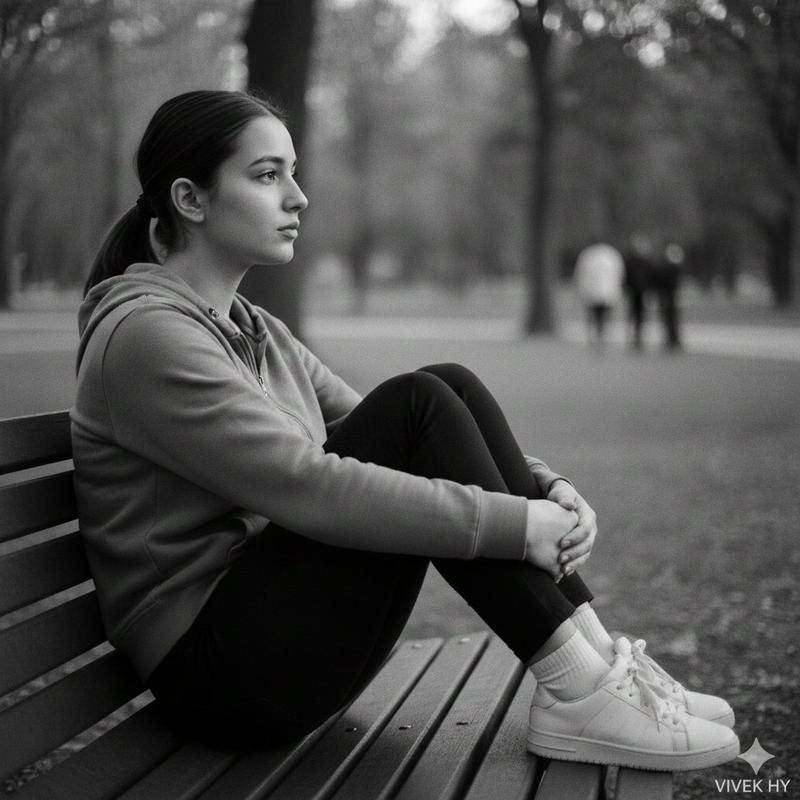
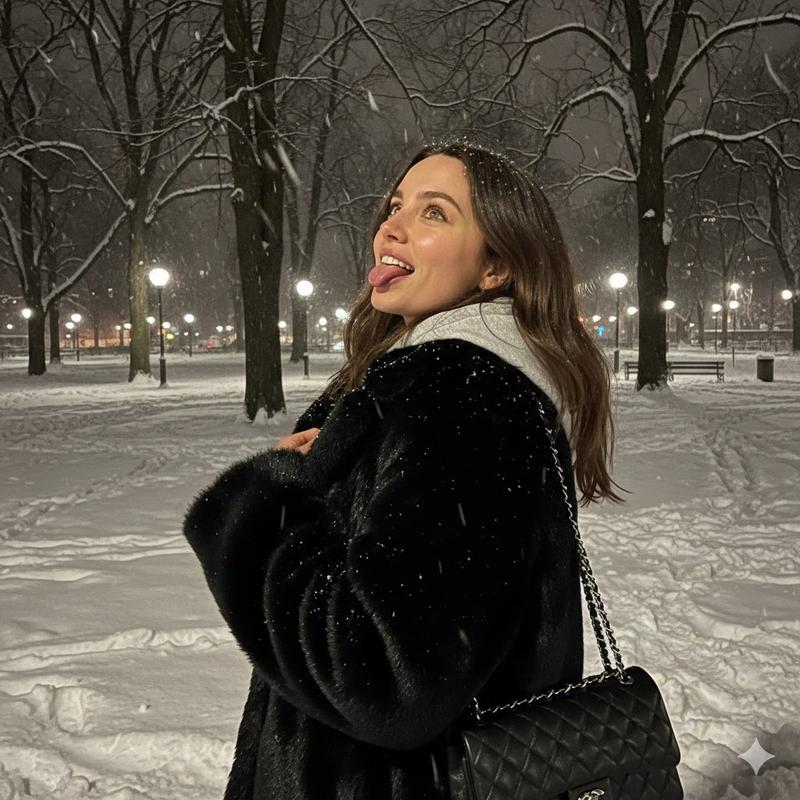
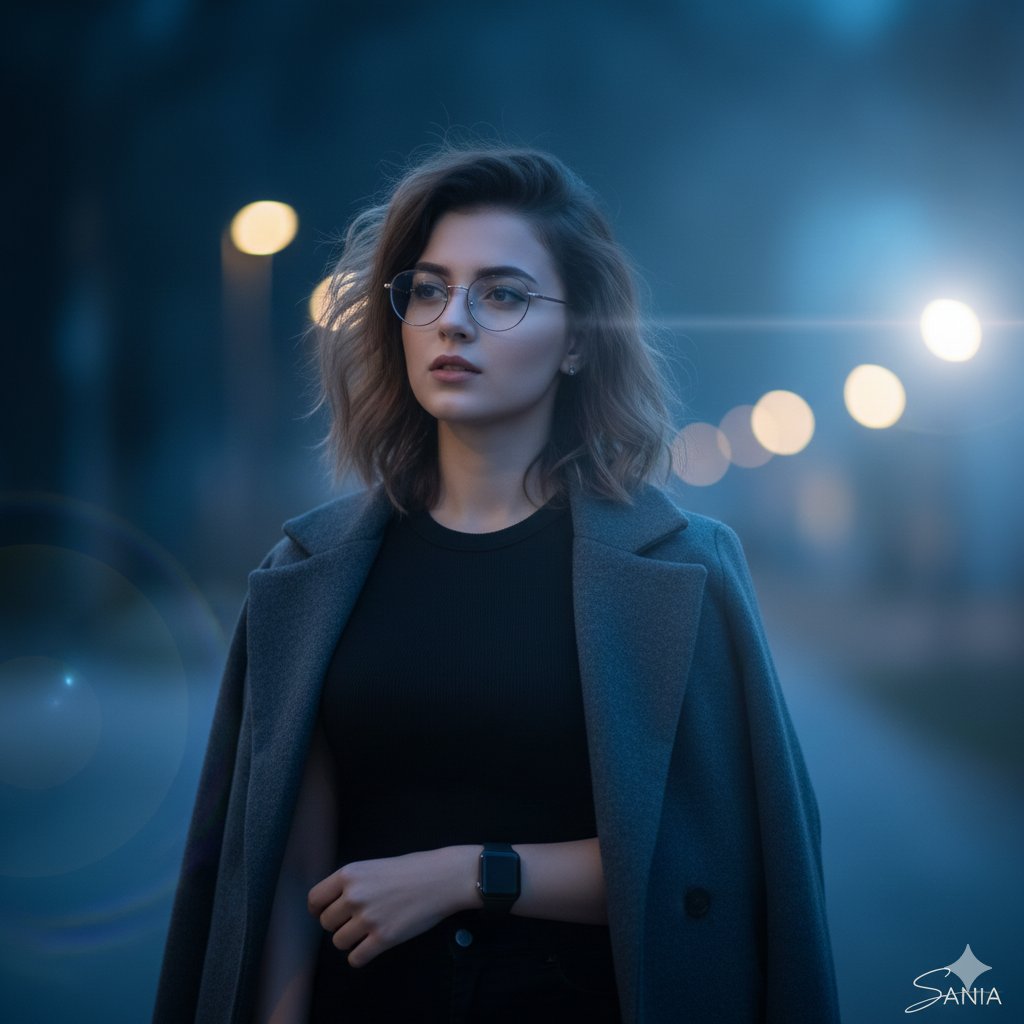
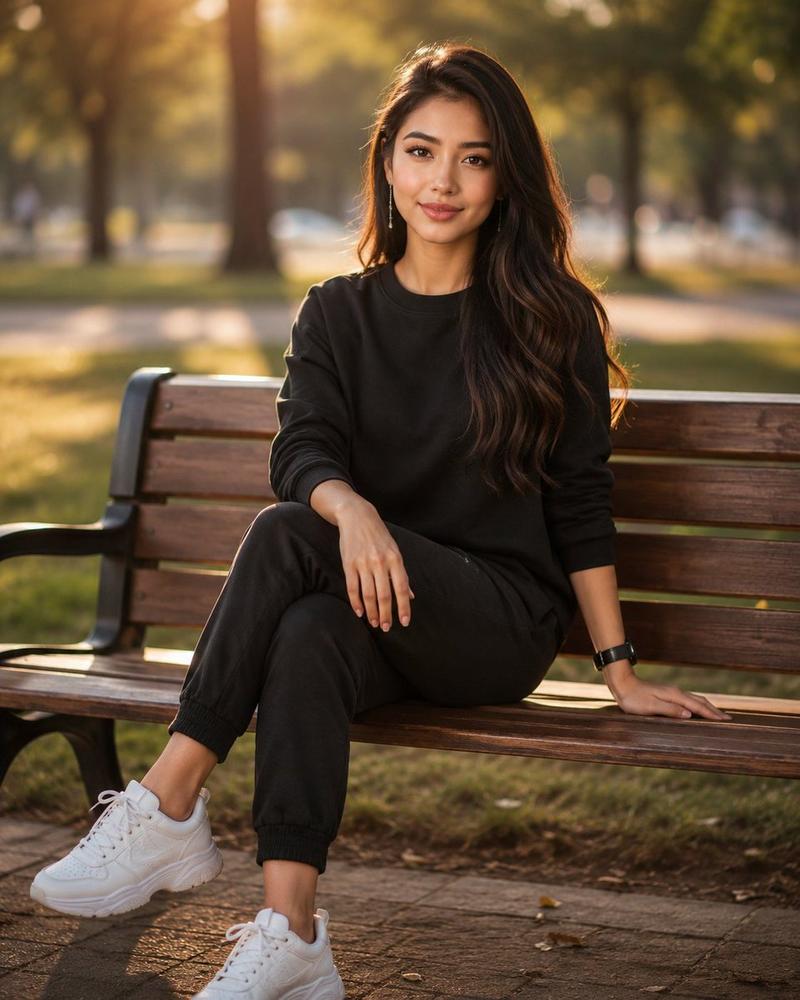
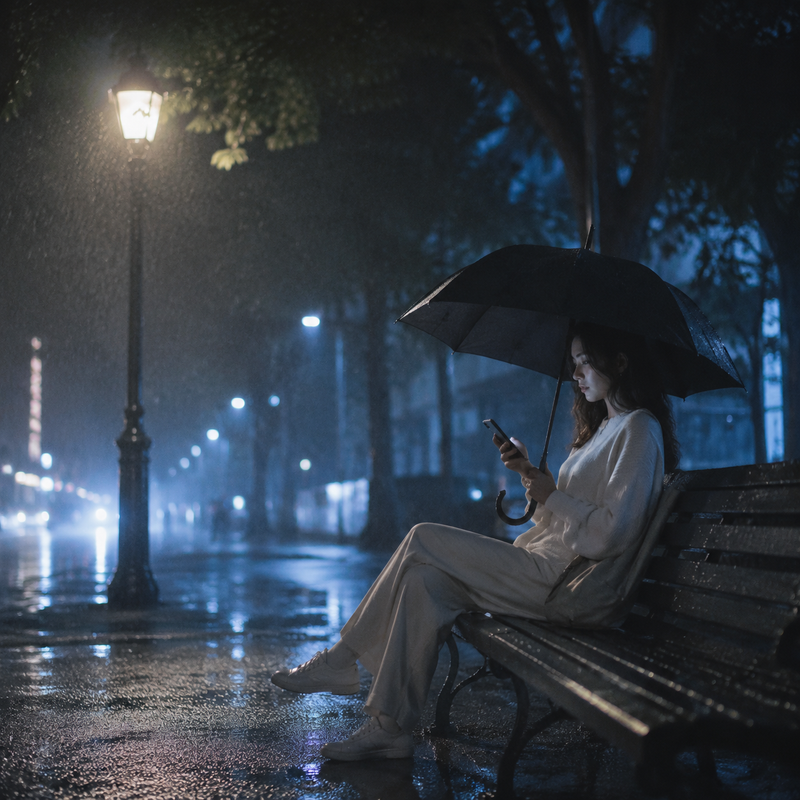
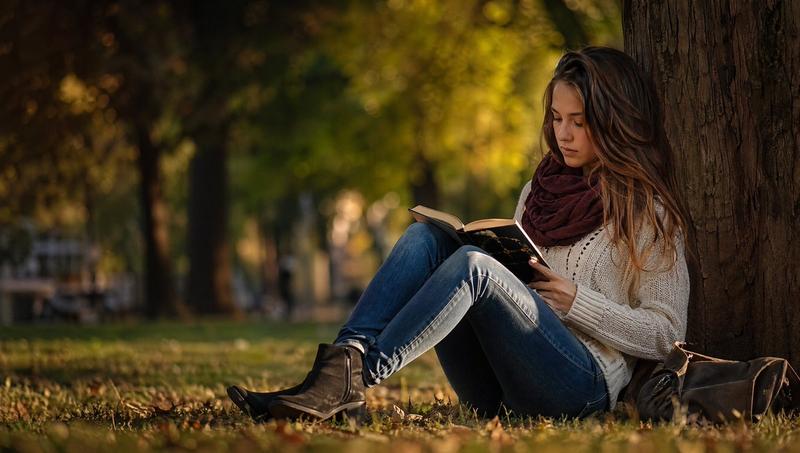
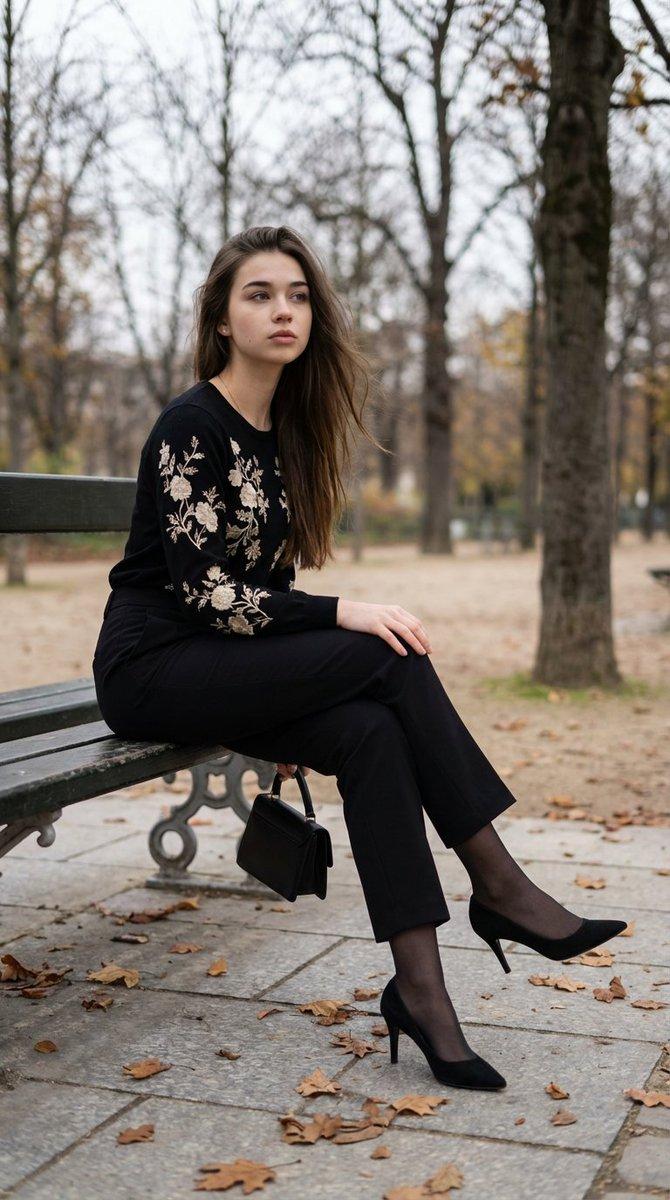
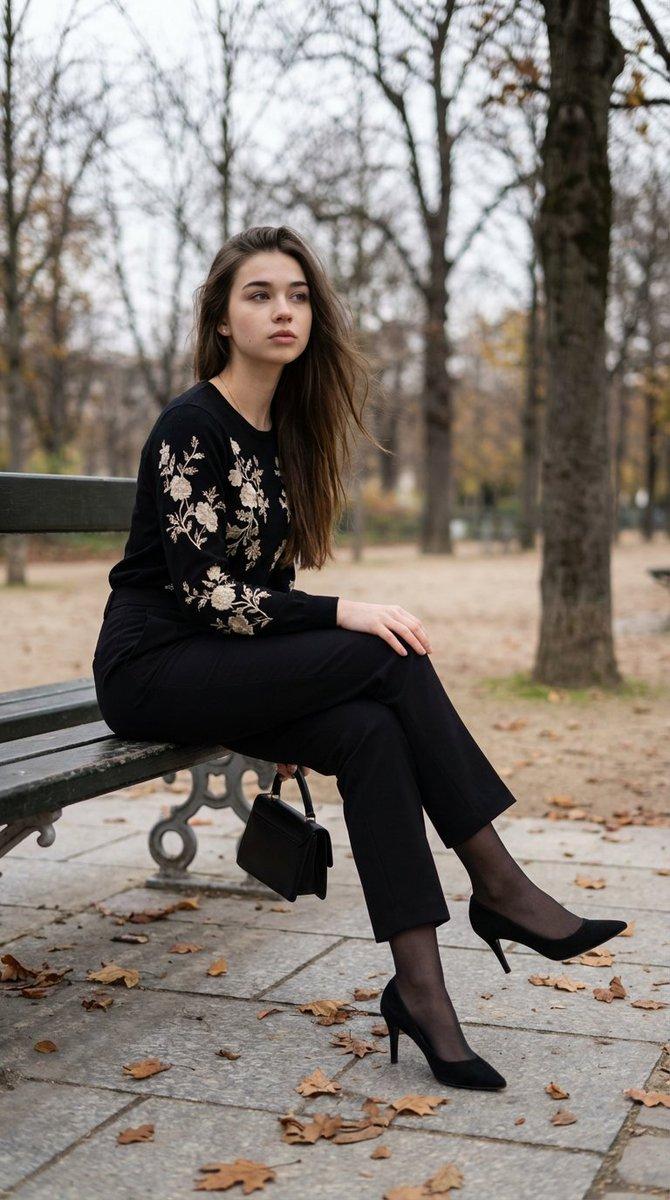
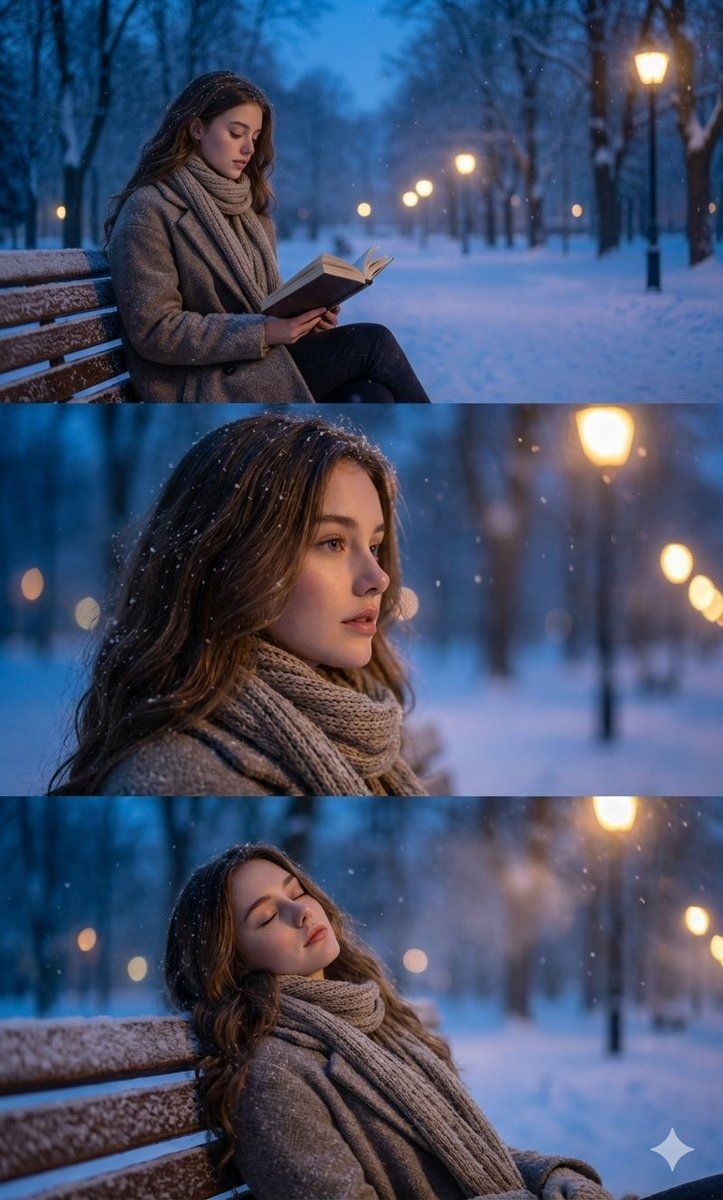
use the face from the attached image without any changes to facial features, preserve identity with nano-level precision and maintain all natural micro-expressions exactly as in the reference. create an ultra-photorealistic three-frame winter portrait sequence set in a snow-covered park

during the blue hour. in the first frame, depict the character sitting on a wooden bench, reading a book while snowflakes fall softly around them. render the environment with cinematic depth: frosted trees, distant lampposts glowing with diffused warm light, and a cold blue ambient atmosphere. in the second frame, capture a calm profile close-up with shallow depth of field, highlighting realistic snowflake interactions with hair, fabric, and air. in the third frame, show the character leaning back with eyes gently closed, immersed in the quiet winter evening, the coat, scarf, and all textile surfaces must show molecular-level texture detail, accurate lighting falloff, and true-to-physics shading. keep the background softly blurred with natural bokeh from lamplights, subtle haze, and crisp snowfall suspended in layered depth, ensure full photorealism with intelligent context awareness and precise atmospheric rendering.
- 分类
- 创意图片
- 模型
- Nano Banana Pro
- 来源作者
- Harboriis
- 来源 ID
- 2f35aa67-d1ca-43c8-aa62-9f3bddcb420c
- 发布时间
- 2026年3月8日
浏览量0