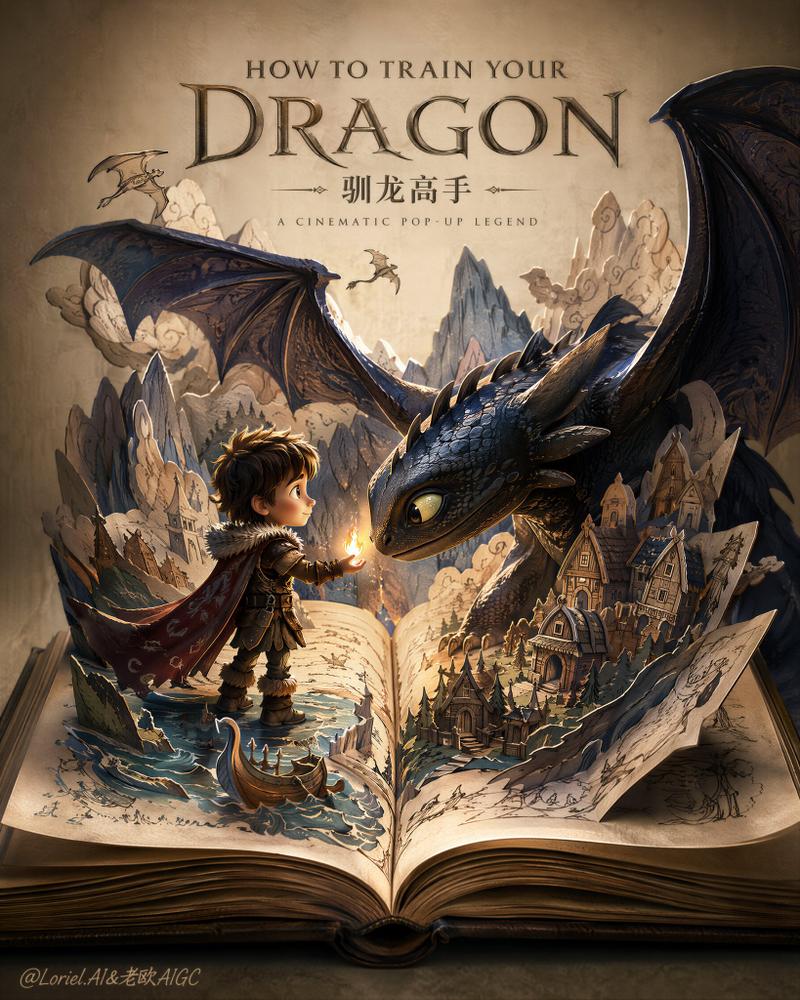
魔法速写本艺术活灵活现
提示词
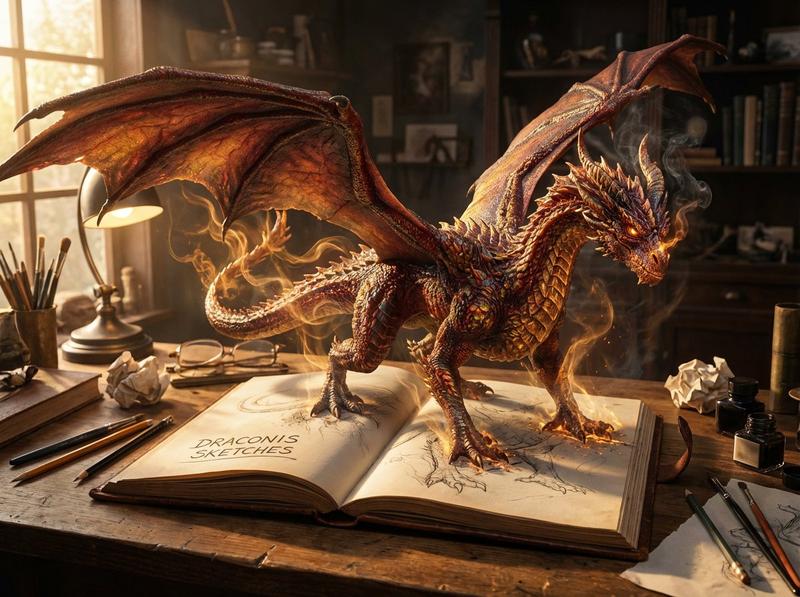
An open vintage leather-bound sketchbook lying on a cluttered artist's desk, with a {argument name="subject" default="[subject]"} magically coming to life and rising fully three-dimensional out of the pages in a breathtaking display of art becoming reality. The {argument name="subject" default="[subject]"} towers magnificently above the book with {argument name="key features" default="[key features]"}, its form transitioning from faint pencil sketch lines at the base into richly textured, hyper-detailed, fully realized 3D form. Magical glowing particles and wisps of ethereal light swirl around the {argument name="subject" default="[subject]"} where drawing meets reality. The {argument name="subject" default="[subject]"} casts dramatic shadows across the book and desk. The desk is scattered with vintage ink bottles, paint jars, worn brushes in ceramic containers, scattered pencils, crumpled paper, and paint splatters. Dark moody background, cinematic golden-hour lighting from the side with subtle rim light, rich browns, deep reds, amber, and warm gold tones, hyper-photorealistic, 8K resolution, extreme intricate detail, dramatic cinematic composition, front-facing view at desk level, masterpiece quality, awe-inspiring.- 分类
- 创意图片
- 模型
- Nano Banana Pro
- 来源 ID
- ef9d92e5-fc8d-4c41-a805-082ed16a6fd2
- 发布时间
- 2026年3月8日
浏览量0