震惊表情抓拍照片提示
提示词
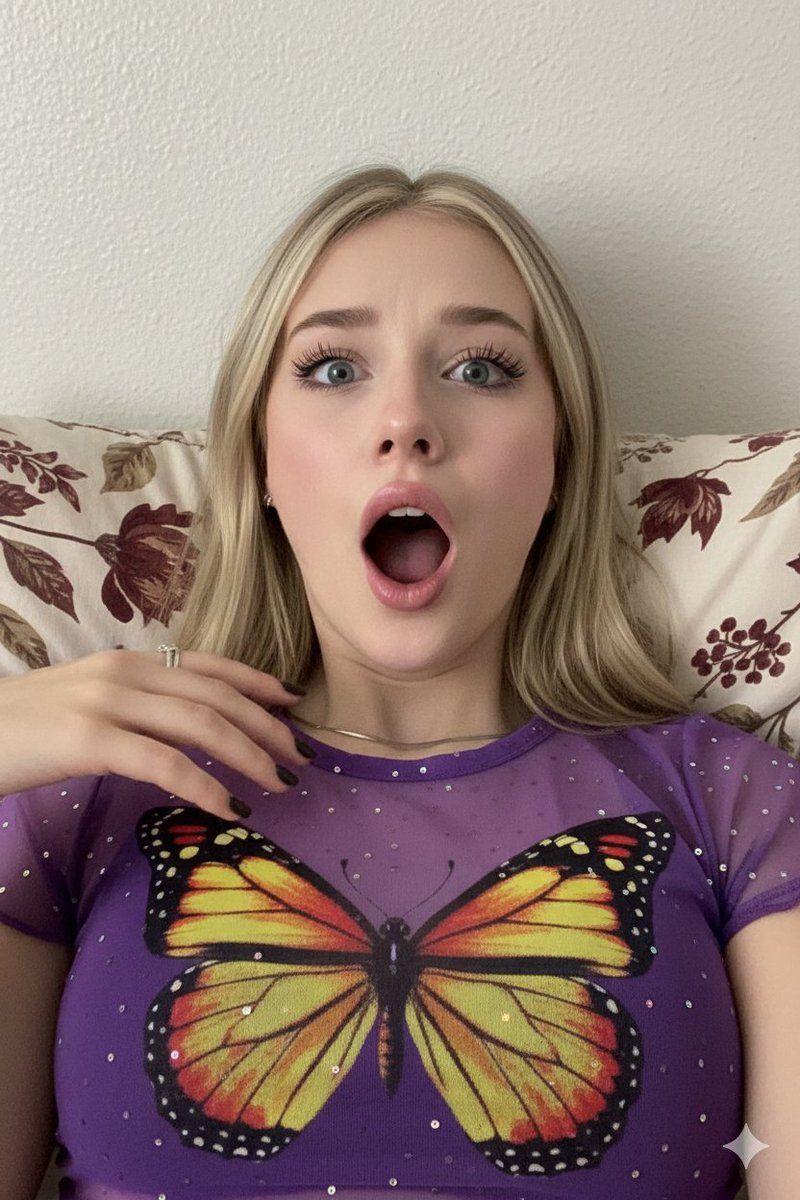
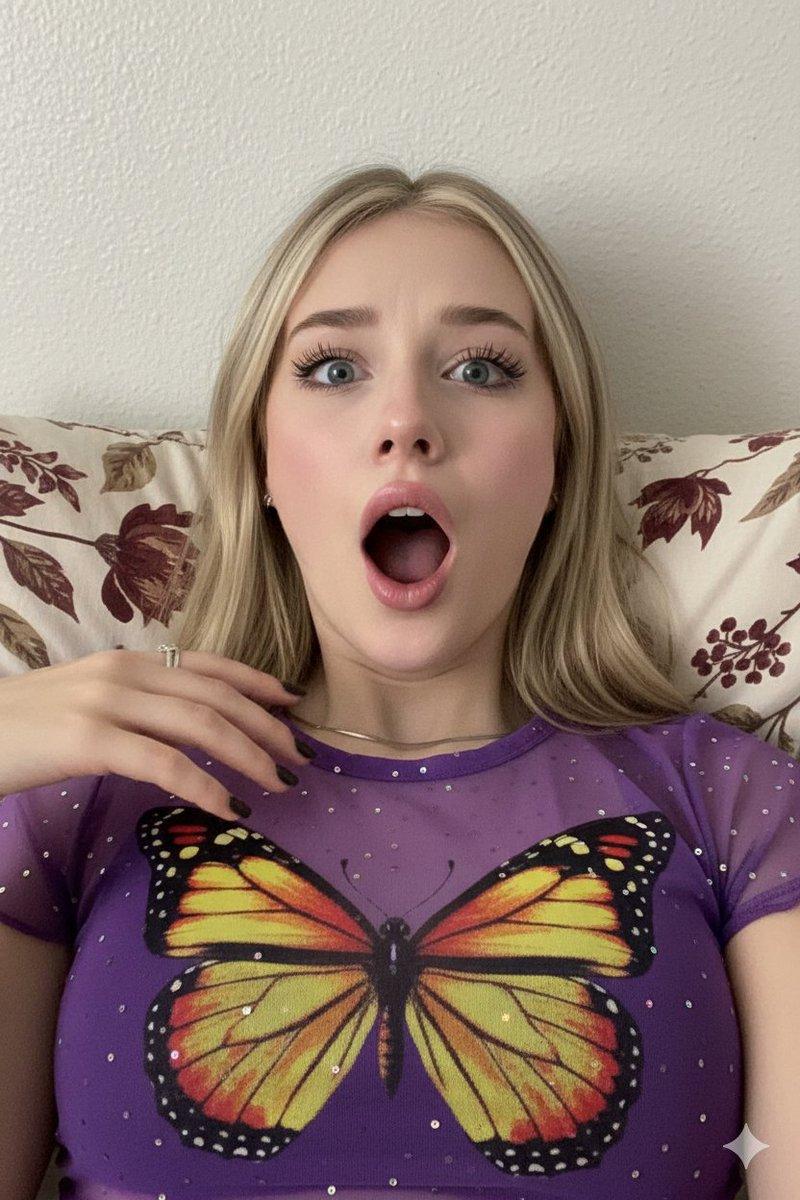
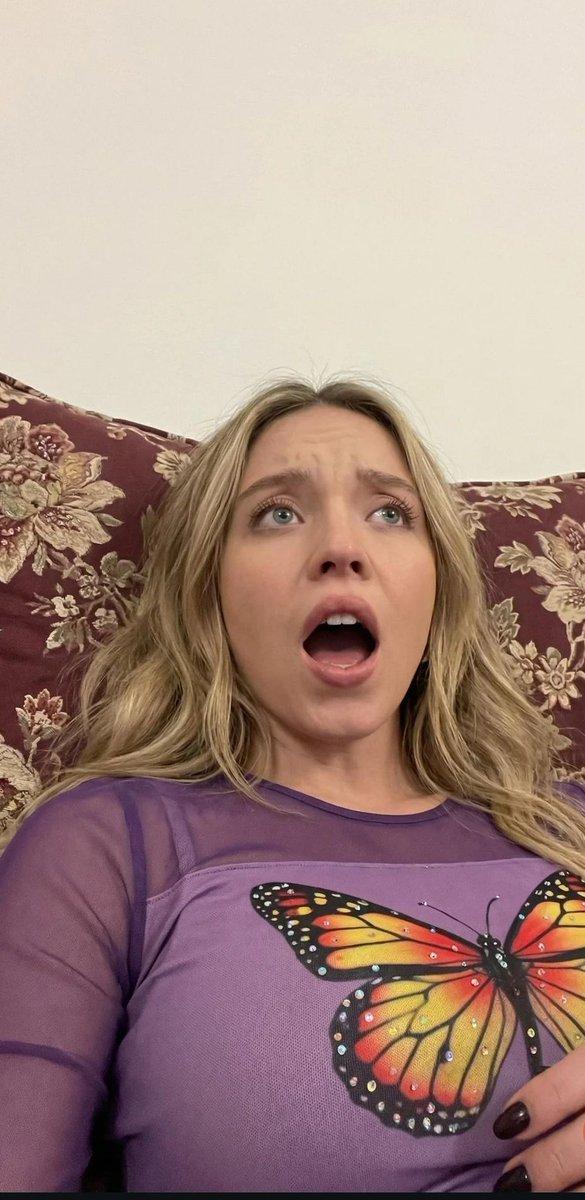
Use the same face from the reference image without changing facial features
{
  "image_description": {
    "subject": {
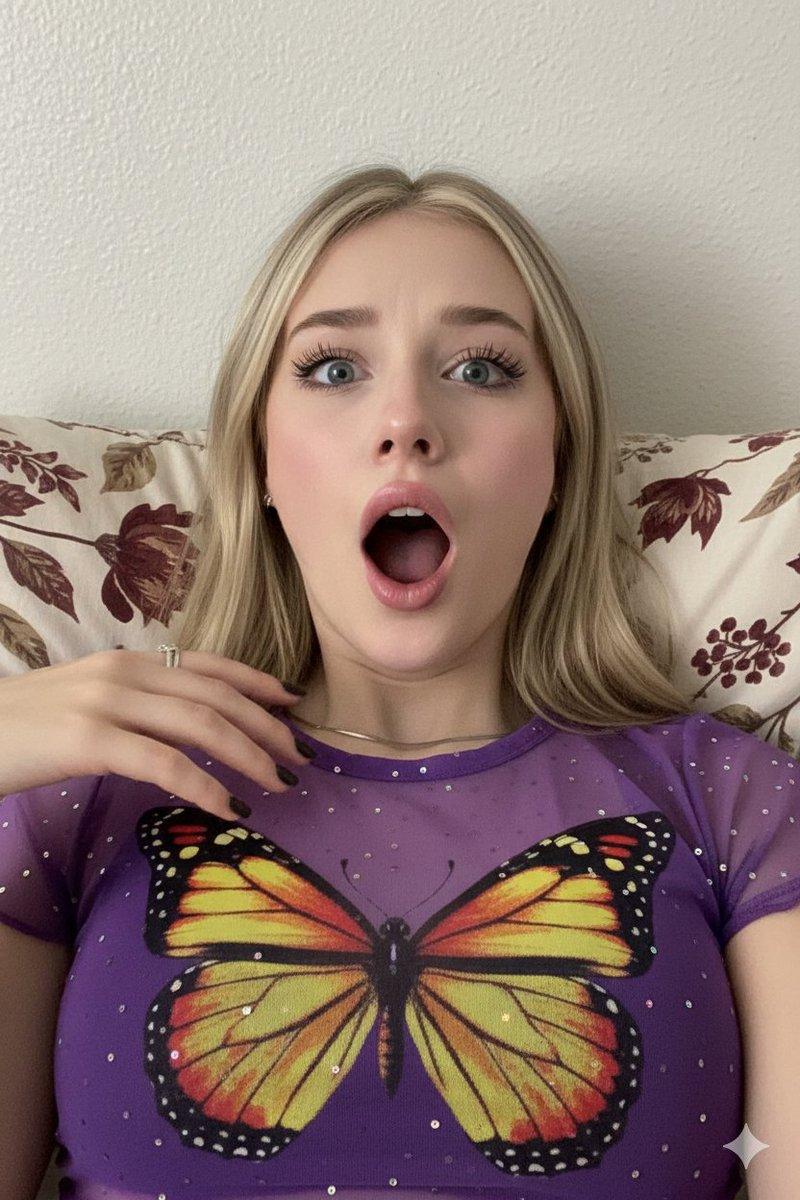
      "person": "Young woman with blonde hair and fair skin",
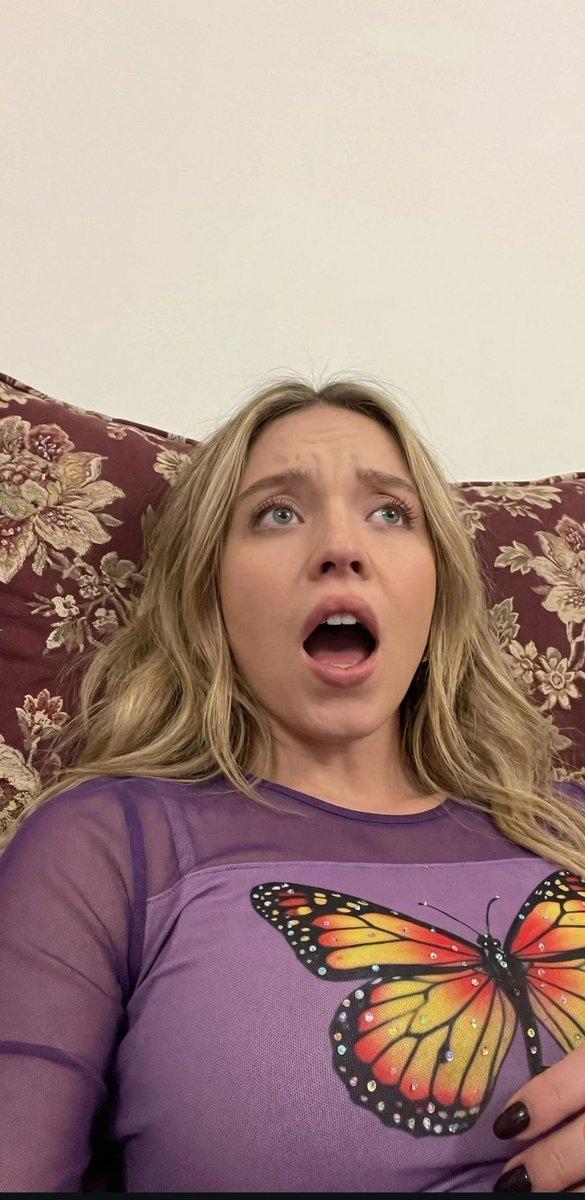
      "expression": "Extremely shocked and surprised, mouth wide open in a gasp, eyes rolled slightly upward, dramatic facial expression",
      "pose": "Reclining or lying down, captured from a low-angle perspective looking up"
    },
    "clothing_and_style": {
      "top": "Purple sheer or mesh top with a solid chest panel featuring a large, colorful butterfly print (yellow, orange, and red wings)",
      "details": "Small iridescent sequins or rhinestones on the fabric, dark nail polish on visible hand"
    },
    "environment": {
      "background": "A patterned pillow with a floral or leaf motif in shades of burgundy and beige, plain off-white wall behind it",
      "lighting": "Soft, indoor ambient lighting, slightly shadowed"
    },
    "technical_attributes": {
      "camera_angle": "Close-up, extreme low angle (worm's eye view)",
      "image_quality": "Slightly grainy, candid smartphone photography style, soft focus",
      "color_palette": "Deep purples, vibrant yellows from the butterfly print, and muted earth tones in the background"
    }
  }
}- 分类
- 创意图片
- 模型
- Nano Banana Pro
- 来源作者
- The Newz 2.0
- 来源 ID
- cec63c5c-7aa6-47ff-a6d0-858d12d271cb
- 发布时间
- 2026年3月8日
浏览量0


![🎨 NEON SPLASH ABSTRACT 🎨 Base prompt : [SUBJECT] reimagined in a Neon Splash A](https://cdn.pixshop.app/prompt-library/tweet-2013144408393232824/primary-0-1769095420427-h8v6lhyx.jpeg)