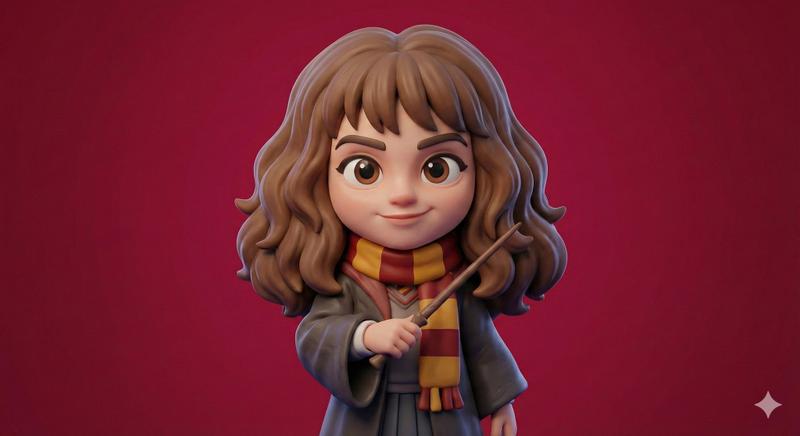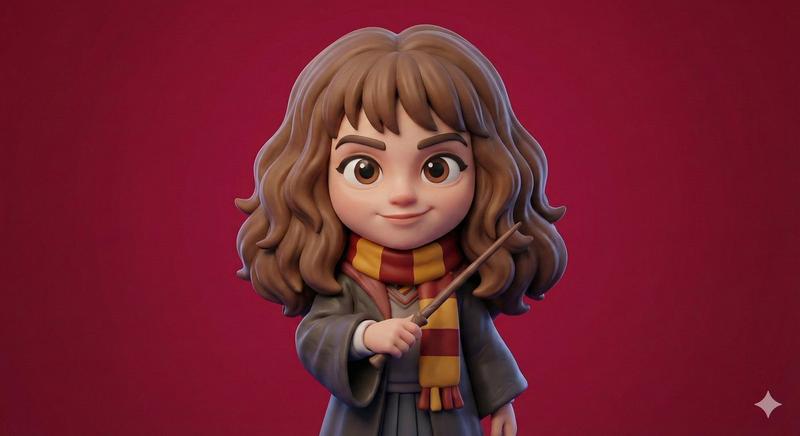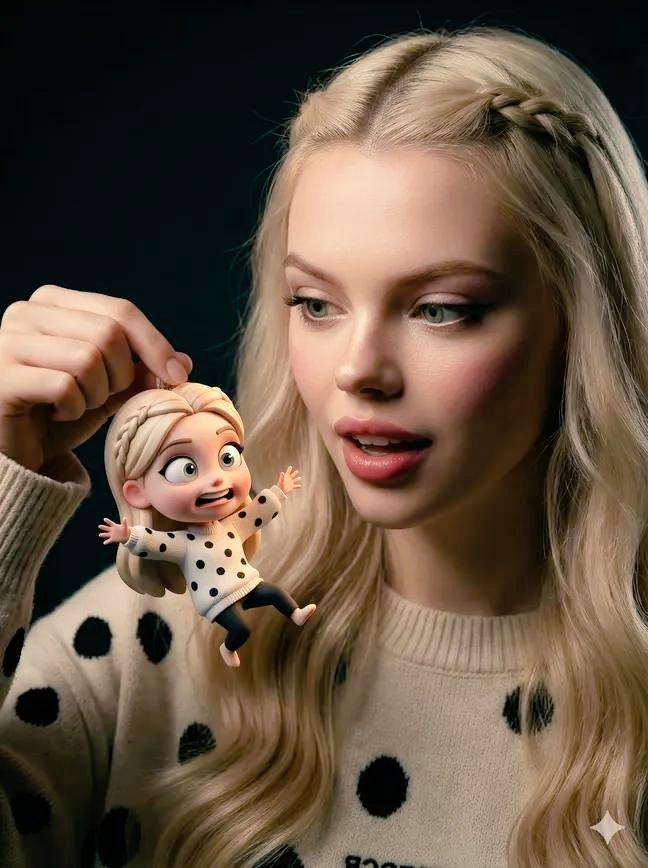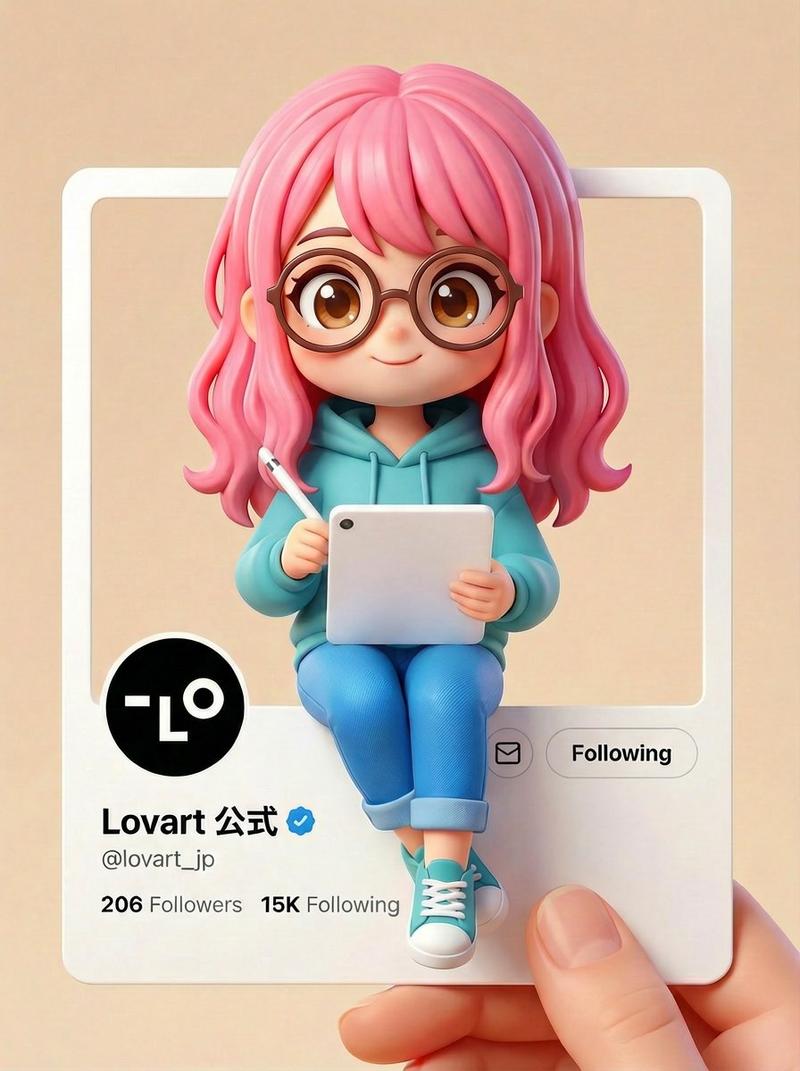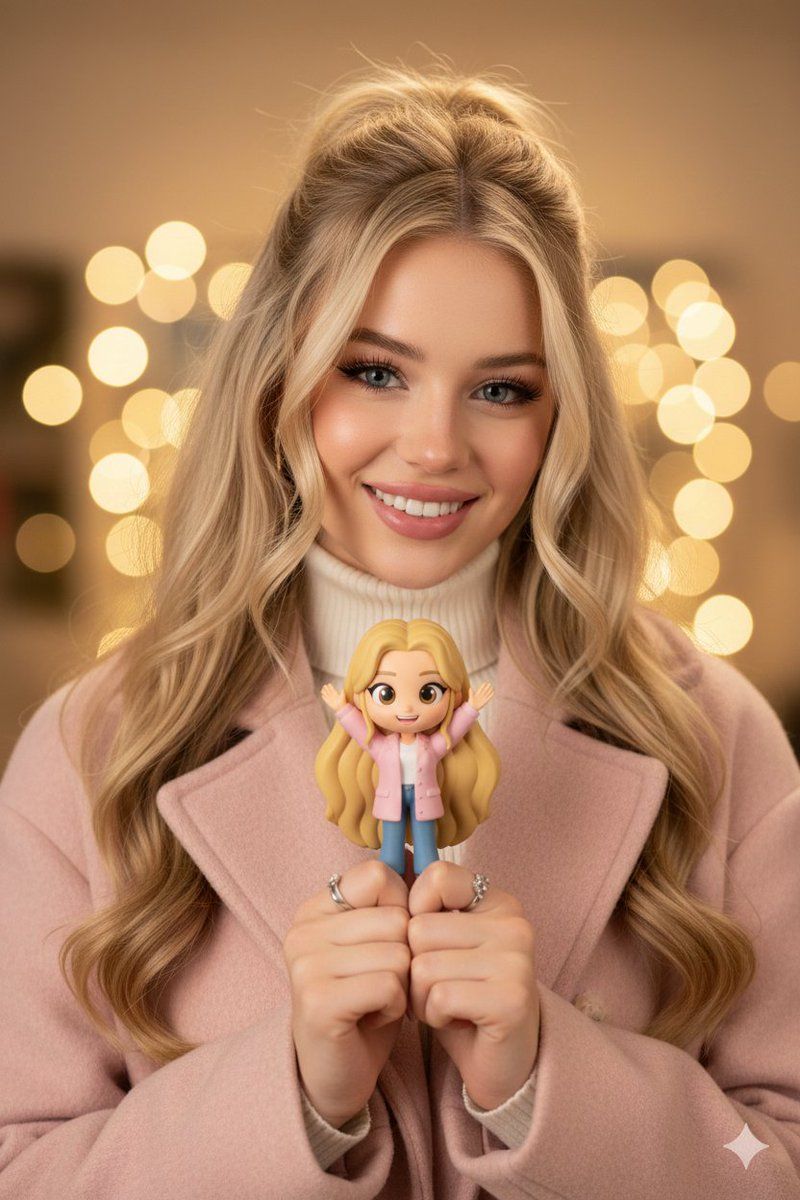
电影人像模式搭配 Q 版手办道具
提示词
{
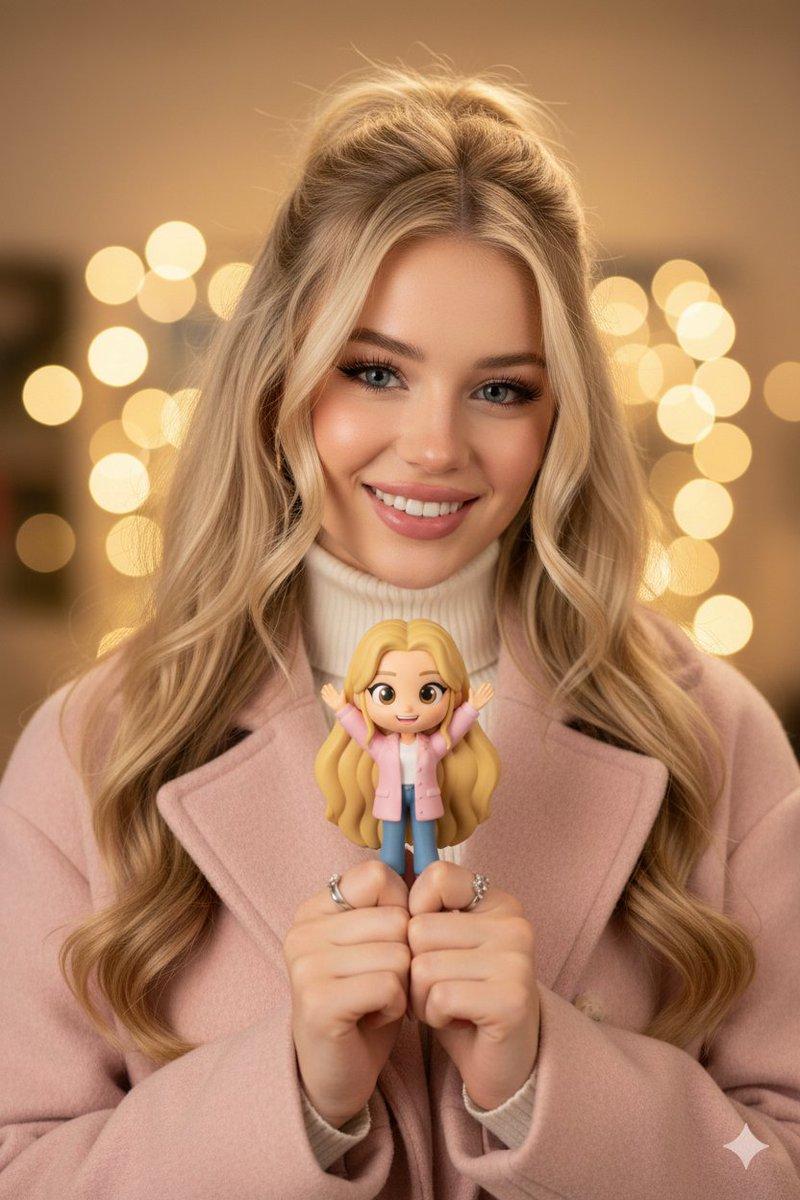
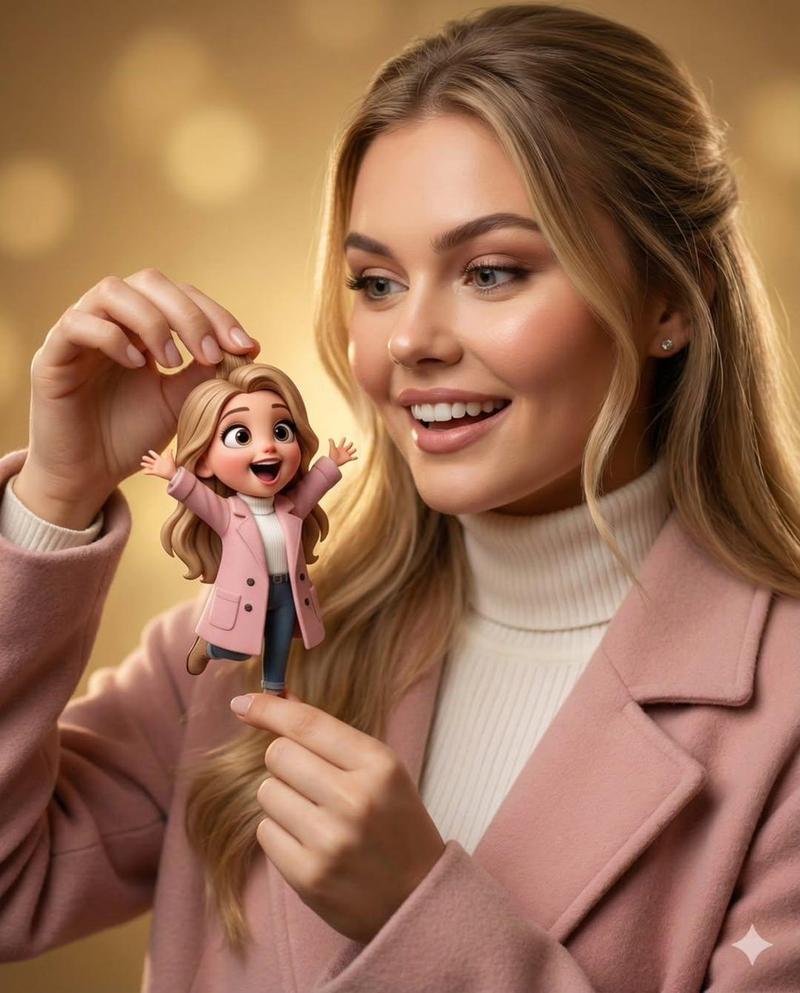
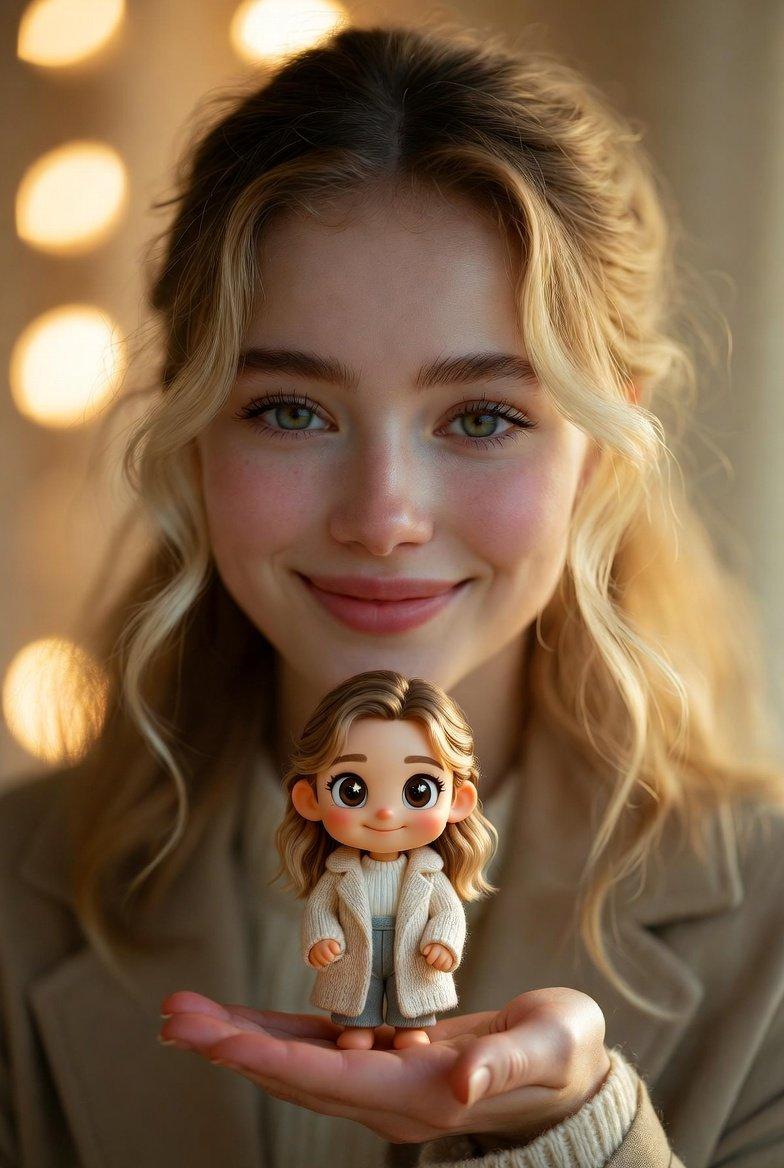
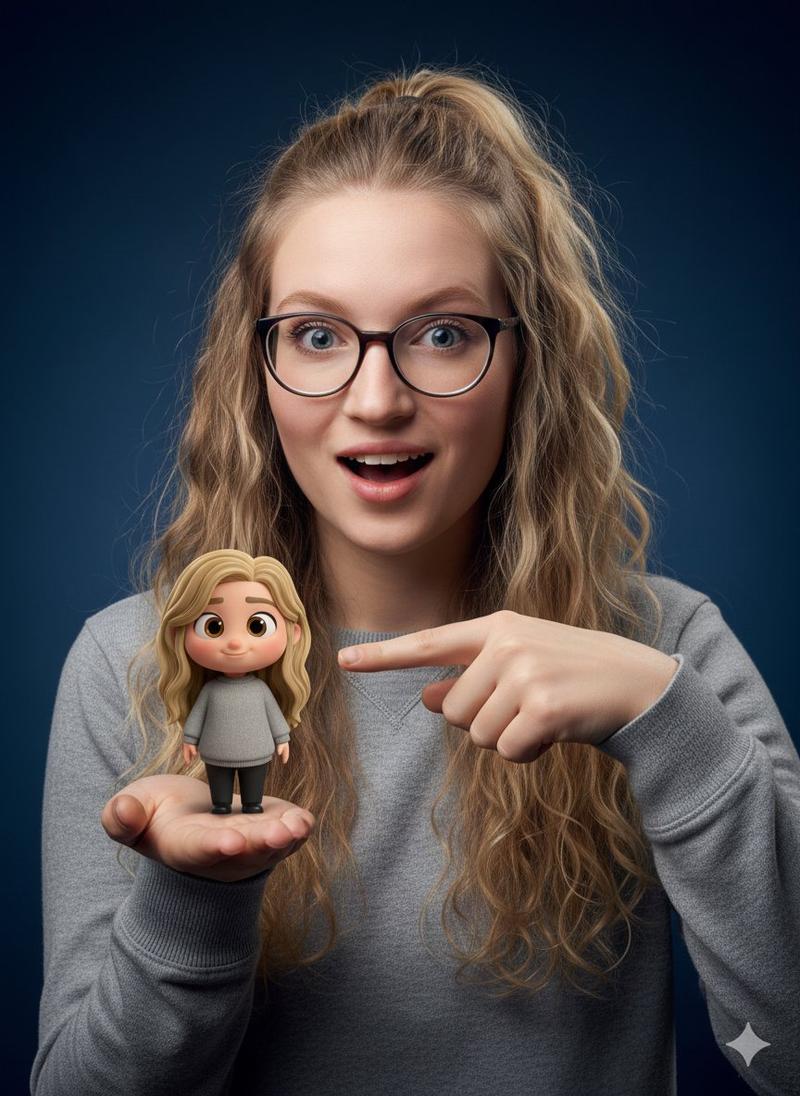
  "image_description": "A high-quality, cinematic portrait of a beautiful young woman with long blonde hair, styled in a half-updo, smiling warmly while holding a small, stylized 3D cartoon figurine of herself. The woman is wearing a light pink woolen coat over a white turtleneck sweater. The figurine mimics her appearance exactly, including the blonde hair, pink coat, white top, and blue jeans, but is rendered in a cute, large-eyed 'chibi' or Pixar-inspired animation style with arms raised in joy. The lighting is soft and golden, creating a professional studio bokeh background with warm, circular light orbs. The focus is sharp on the woman's face and the figurine, highlighting the realistic skin textures and the smooth, matte finish of the toy.",
  "composition": {
    "shot_type": "Close-up",
    "angle": "Eye-level",
    "focus": "Macro focus on figurine and facial expression"
  },
  "style": {
    "overall": "Hyper-realistic photography blended with 3D character design",
    "lighting": "Soft rim lighting, golden hour aesthetic, warm tones",
    "colors": "Pastel pink, cream white, golden yellow, soft beige"
  },
  "technical_details": {
    "camera": "85mm lens, f/1.8",
    "features": "Deep depth of field, sharp textures, high resolution 8k"
  }
}- 分类
- 创意图片
- 模型
- Nano Banana Pro
- 来源作者
- The Newz 2.0
- 来源 ID
- 6bf1bfd9-ab1b-434a-a971-896643088618
- 发布时间
- 2026年3月8日
浏览量0