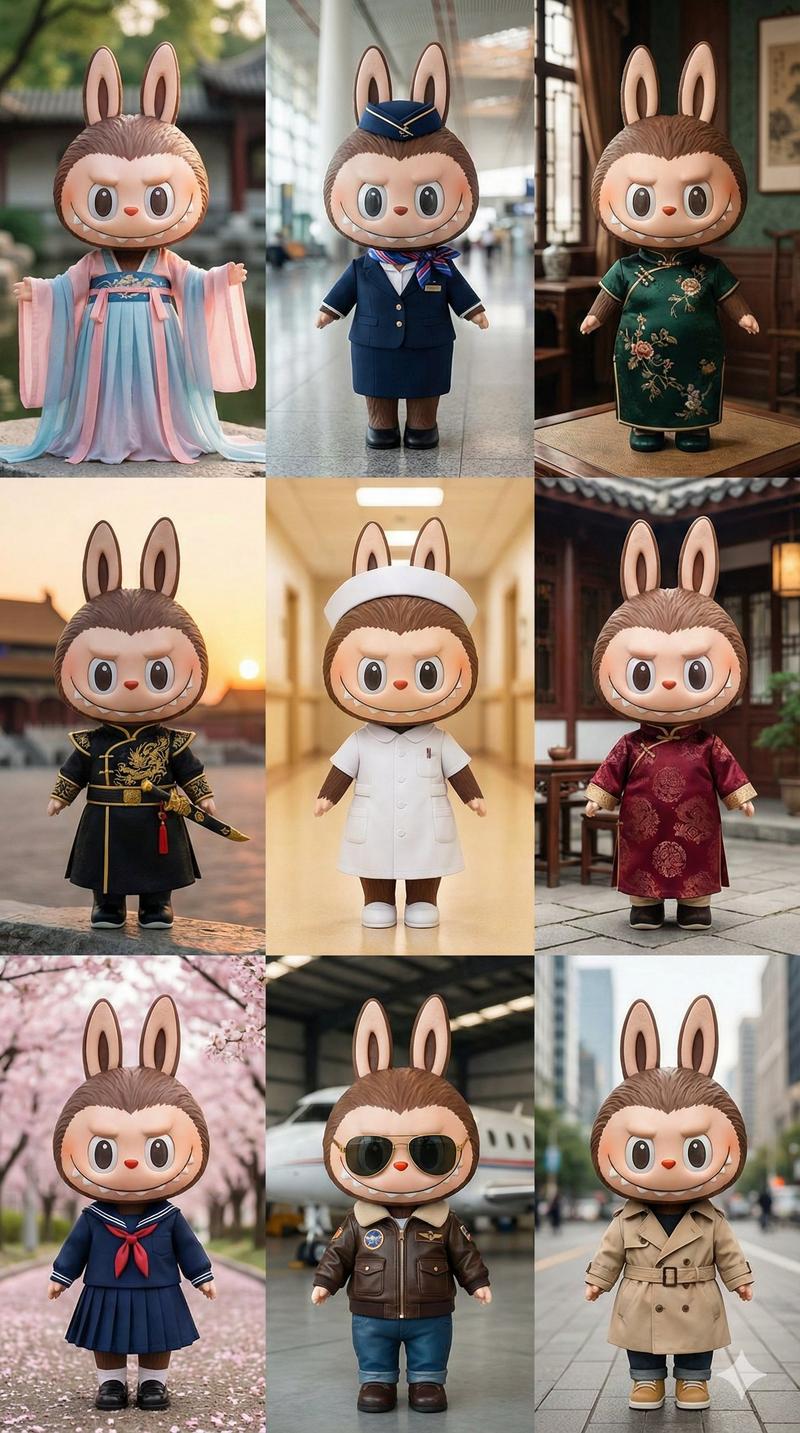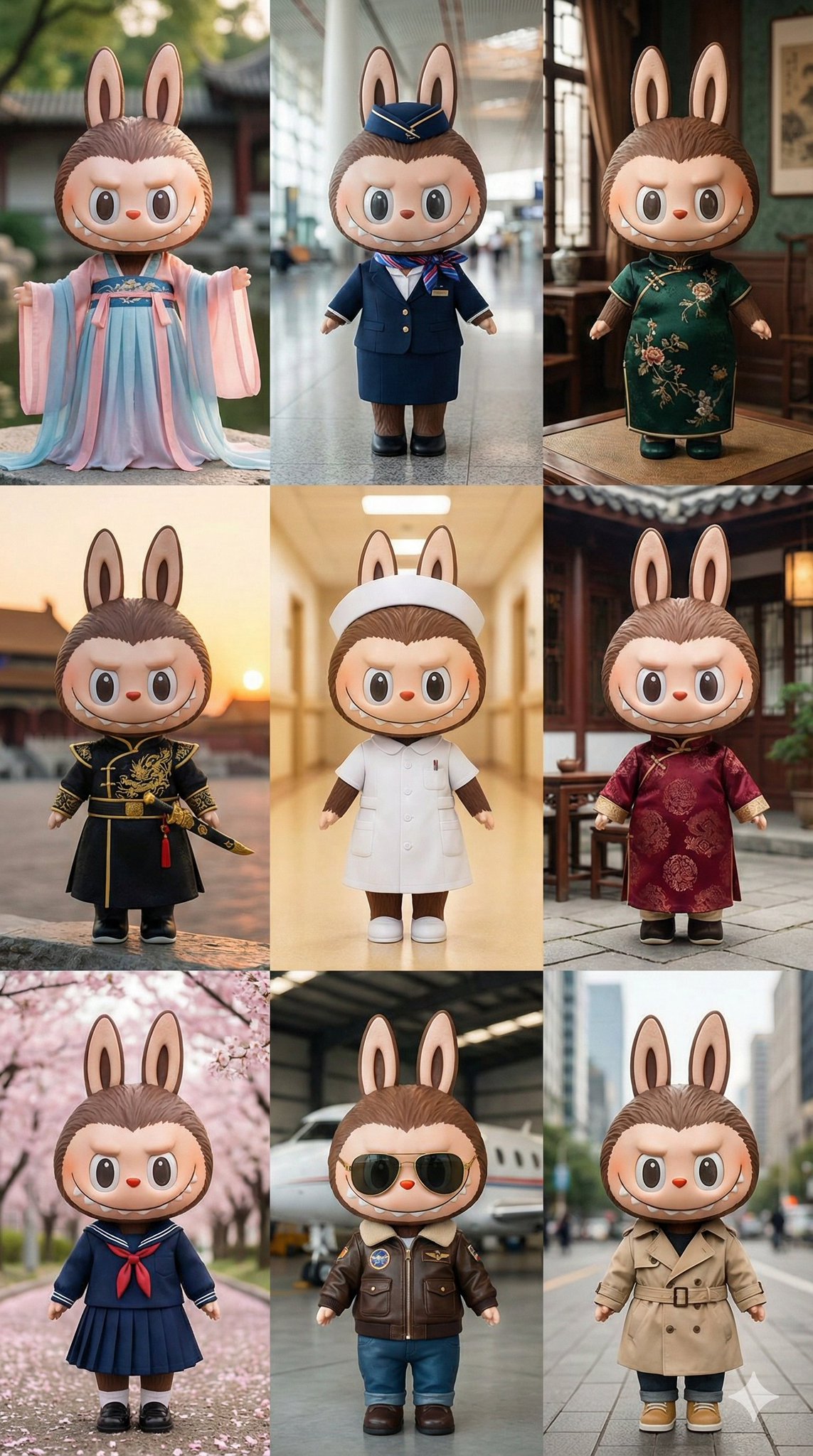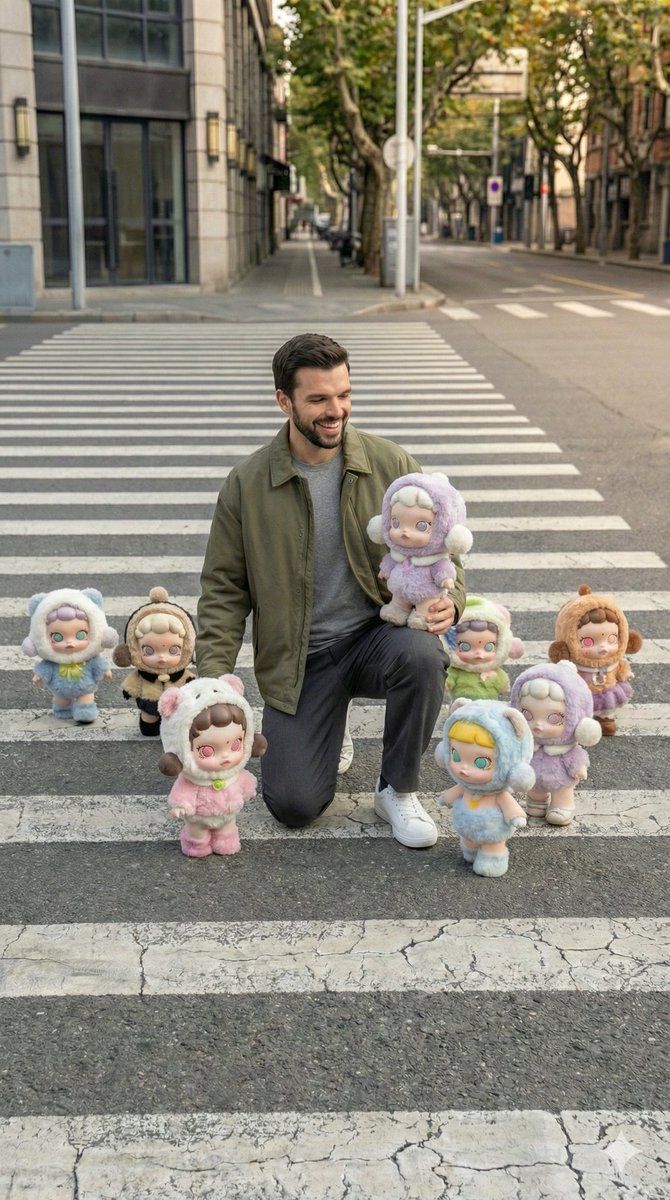
用 Popmart 人偶拍摄超现实街头摄影
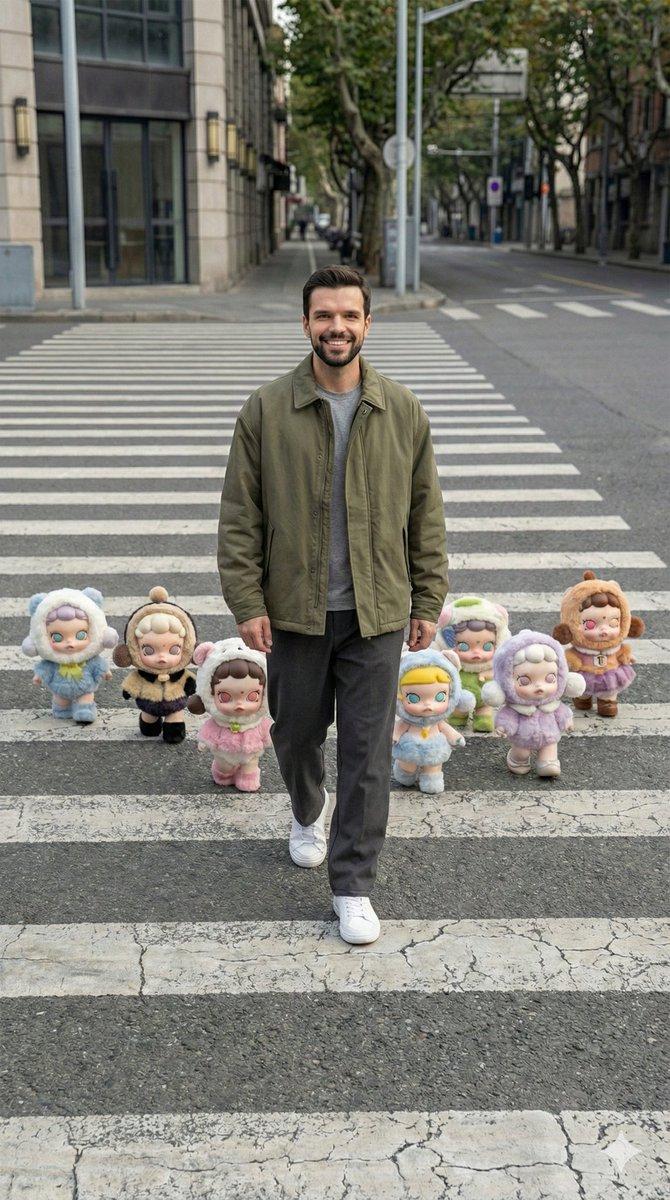
提示词
{
  "image_style": {
    "realism_level": "hyper-realistic",
    "source_format": "iPhone RAW photo",
    "aspect_ratio": "9:16 vertical",
    "photography_style": "candid street photography",
    "color_treatment": "true-to-life color balance",
    "post_processing": "none",
    "aesthetic": "artsy Pinterest-style realism"
  },
  "camera_composition": {
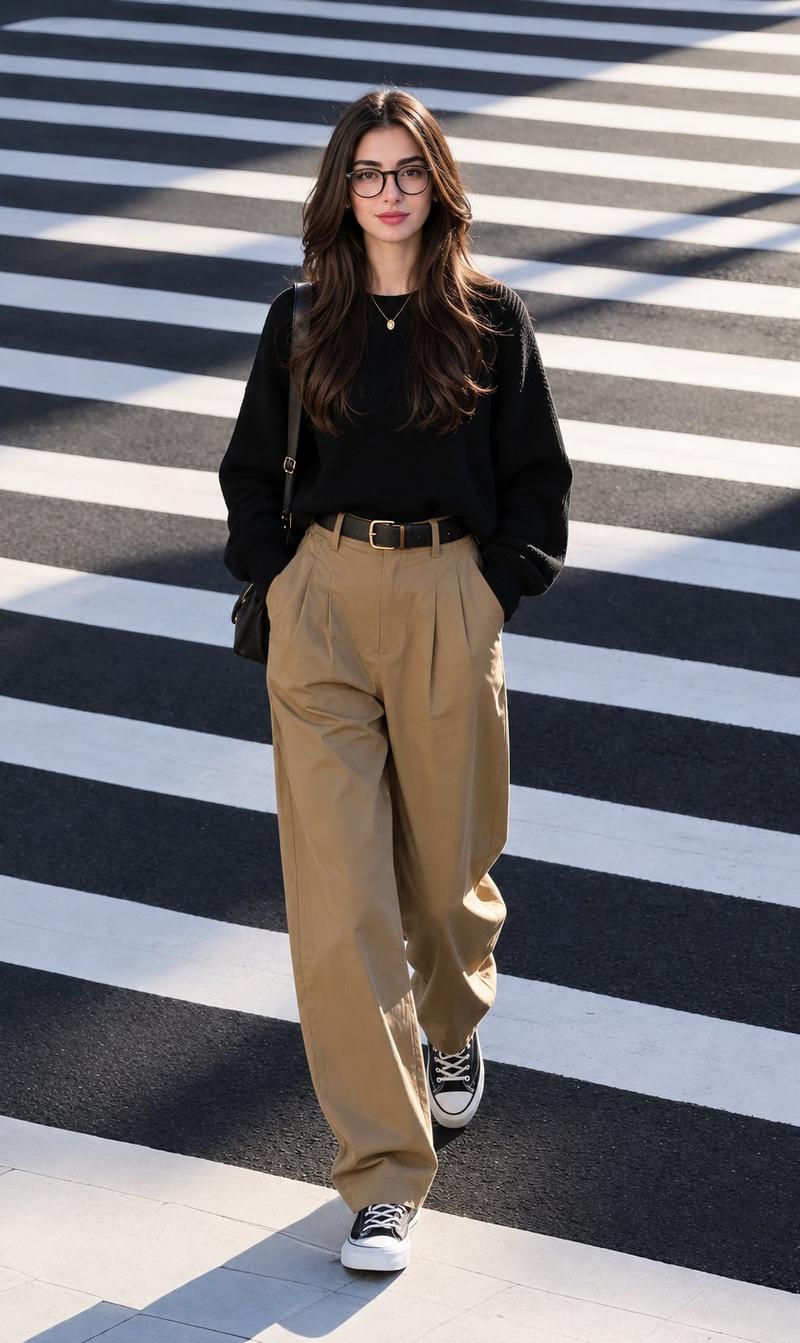
    "angle": "slightly elevated wide-angle viewpoint looking downward",
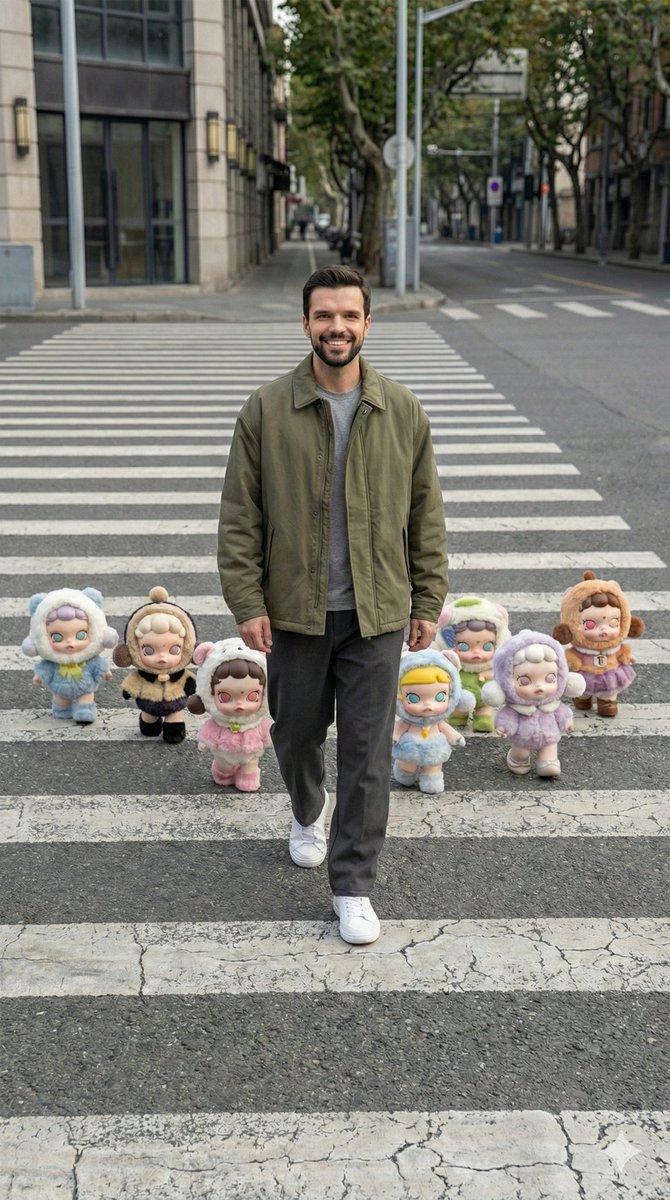
    "reference_match": "camera perspective, height, tilt, and framing must precisely align with the reference image",
    "scene_framing": "wide full-body shot",
    "perspective": "street-level overhead view capturing the entire zebra crossing horizontally",
    "stability": "handheld feel with subtle natural imperfections",
    "depth_of_field": "realistic, keeping both subject and surrounding elements sharp",
    "crop": "no portrait or close-up crop"
  },
  "subject": {
    "type": "young adult male",
    "physique": "athletic, naturally fit build",
    "action": "walking forward mid-step on the crosswalk",
    "pose_accuracy": "body orientation, stride, and walking direction must mirror the reference",
    "expression": "neutral, relaxed, unposed candid look",
    "skin_detail": "realistic human skin with visible pores, natural highlights, and minor imperfections"
  },
  "wardrobe": {
    "style": "modern casual streetwear",
    "silhouette": "relaxed and effortless",
    "outerwear": "oversized jacket in muted earthy tones such as olive, charcoal, or brown",
    "innerwear": "minimal plain shirt",
    "bottoms": "loose straight-fit trousers",
    "footwear": "clean minimalist sneakers"
  },
  "environment": {
    "location": "empty urban street",
    "ground": "zebra crossing with authentic asphalt texture and subtle wear",
    "traffic": "none",
    "bystanders": "none",
    "layout": "street structure and spatial depth identical to the reference image"
  },
  "props_characters": {
    "type": "Popmart Skullpanda figures",
    "appearance": "soft plush-like textures with rounded proportions",
    "costumes": "fluffy outfits in varied colors",
    "placement": "arranged around the subject in the exact formation, spacing, and alignment as the reference",
    "interaction": "appearing to casually walk alongside the human subject"
  },
  "lighting": {
    "source": "natural daylight from above",
    "shadows": "soft, diffused shadows cast naturally on the ground",
    "exposure": "balanced with no blown highlights or crushed blacks",
    "contrast": "natural and understated"
  },
  "constraints": {
    "must_match": [
      "camera angle",
      "perspective geometry",
      "crosswalk scale",
      "subject placement",
      "character spacing"
    ]
  },
  "negative_prompt": [
    "different camera angle",
    "eye-level or low-angle view",
    "close-up portrait",
    "cinematic or dramatic lighting",
    "HDR look",
    "over-sharpened de"
  ]
}- 分类
- 创意图片
- 模型
- Nano Banana Pro
- 来源作者
- Johnn
- 来源 ID
- 601cfbb8-b31d-4f3d-8c16-0137f26d5579
- 发布时间
- 2026年3月8日
浏览量0