黄金时段街头肖像转换提示
提示词
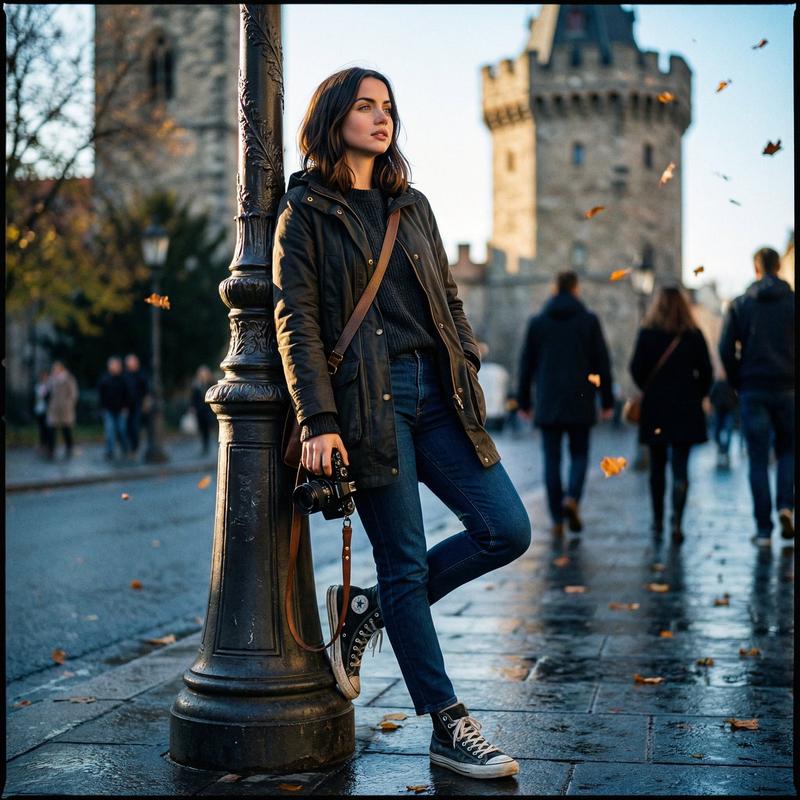
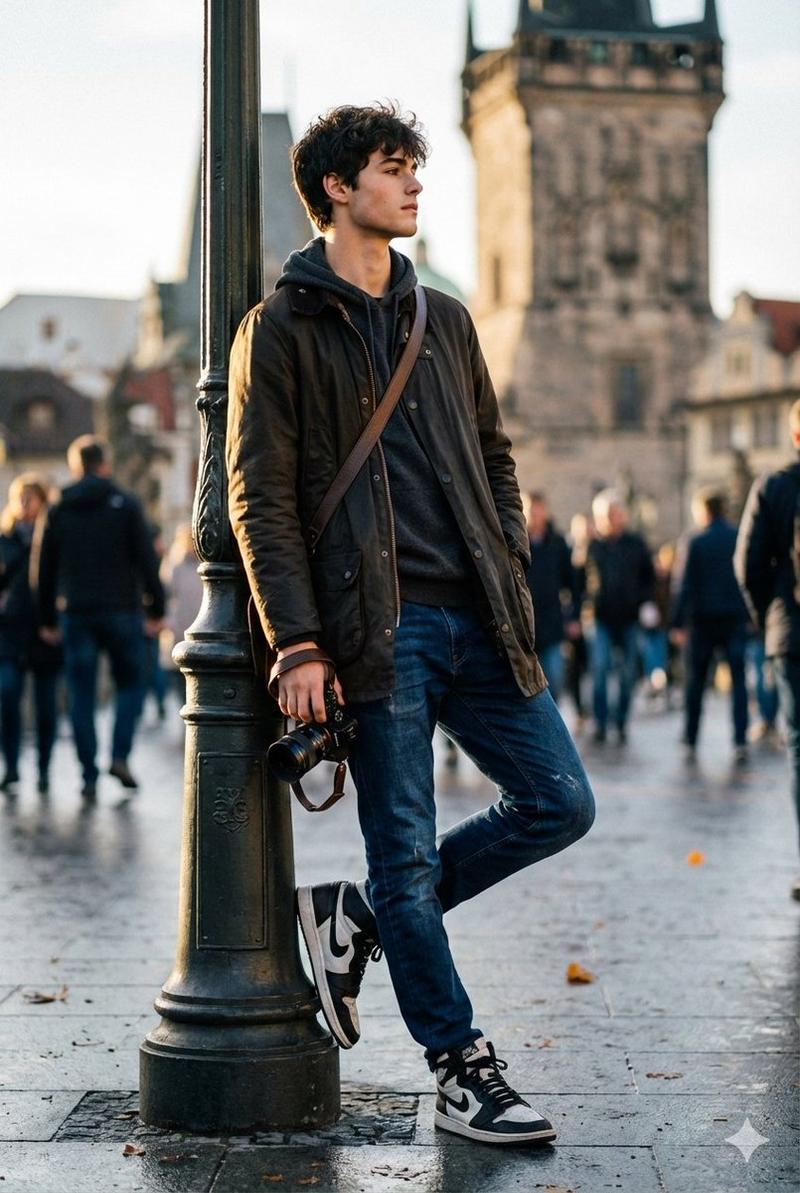
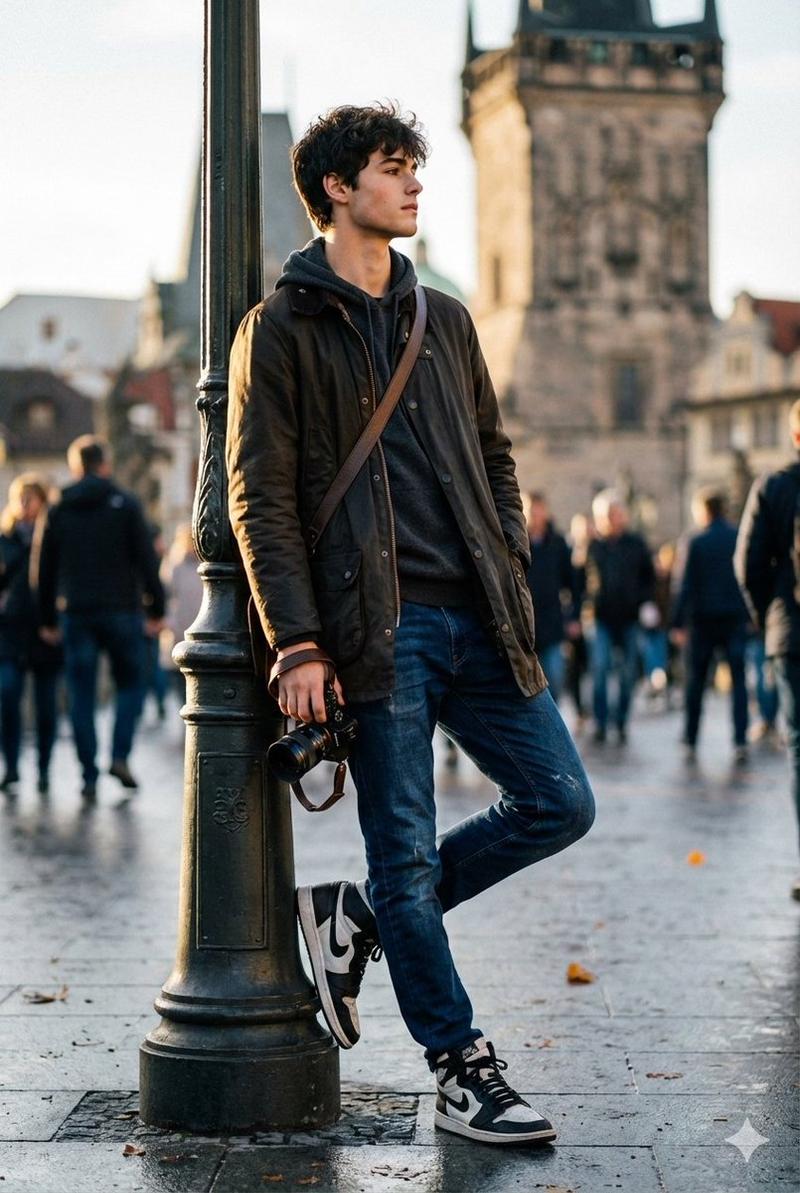
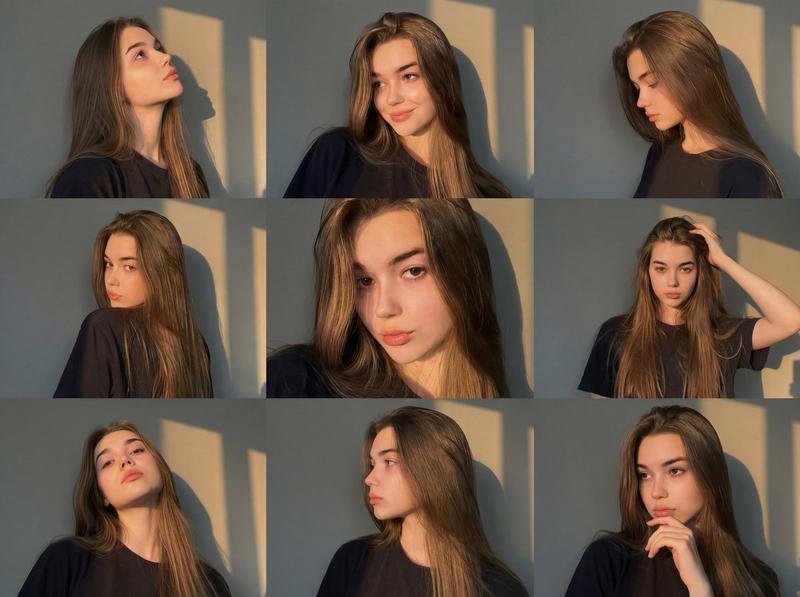
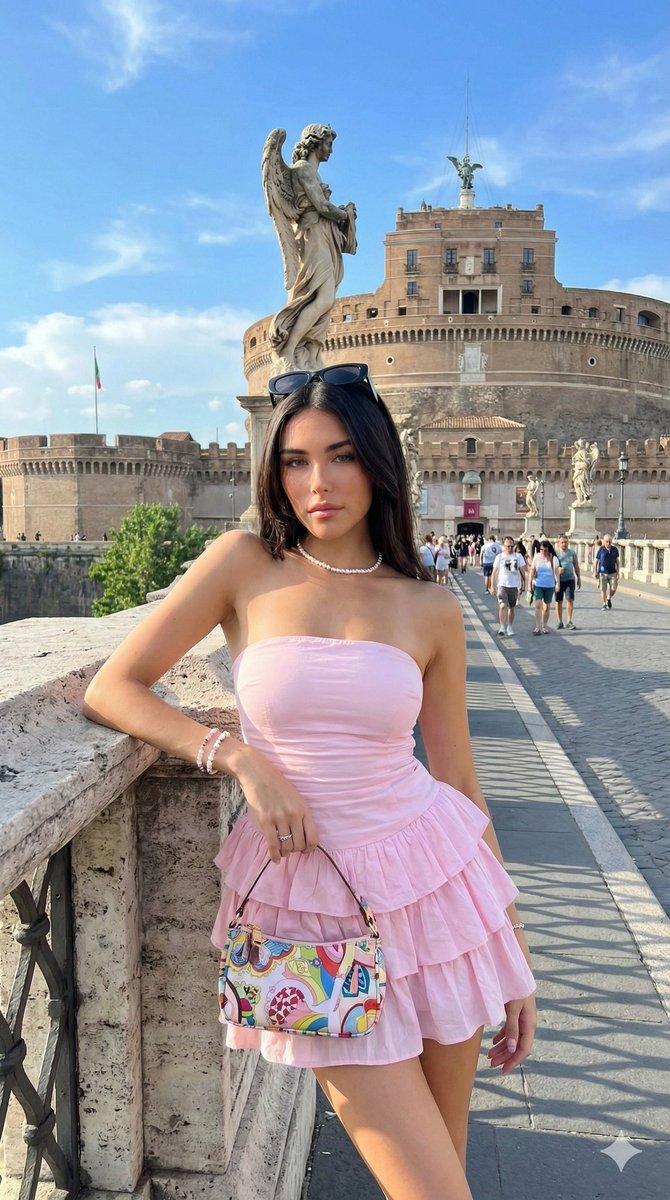
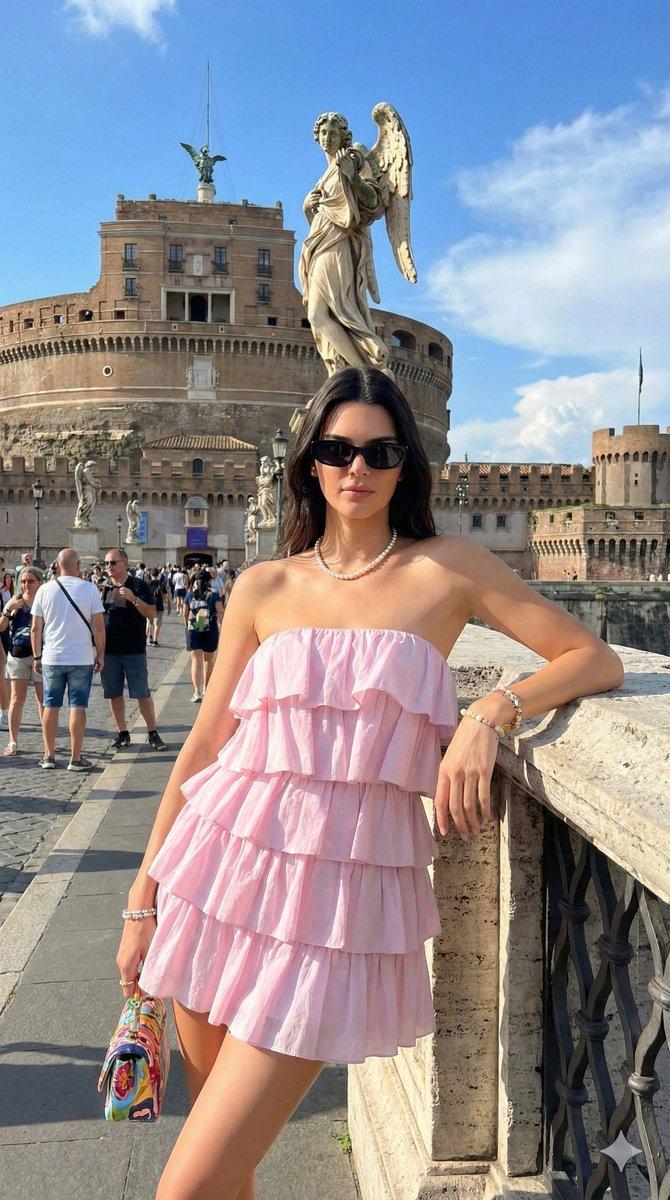
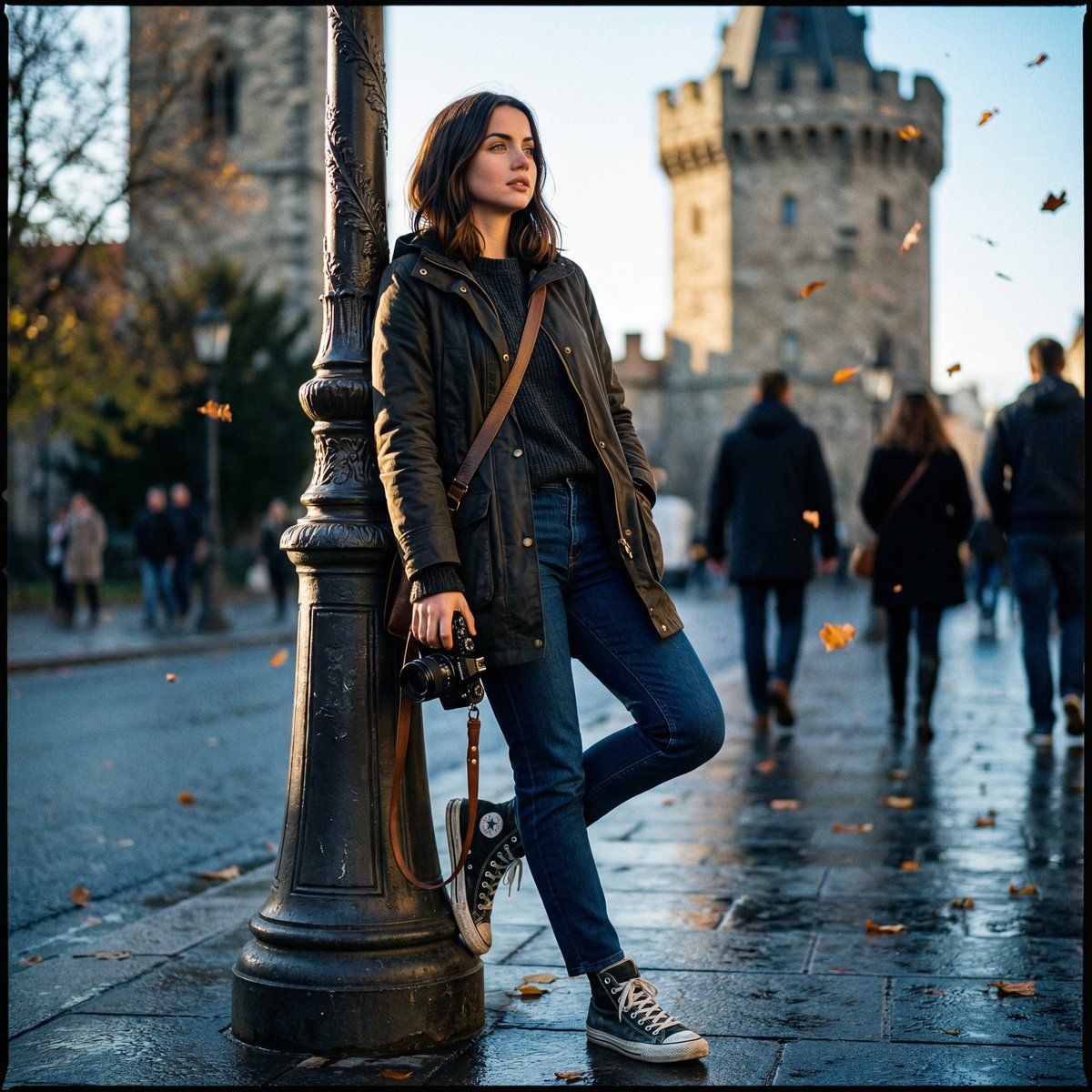
"Please use the female user’s reference photo to accurately apply all of her facial features. Edit this image — transform the photo into a high-end street-photography portrait of a female traveler/photographer leaning casually against a lamp post in front of a historic tower. Pose & composition (preserve): Standing with the left leg bent and foot resting on the lamp base, right leg relaxed. Left hand tucked into the jacket pocket, right hand holding a camera down by the thigh. Shoulders slightly turned toward the camera, chin gently lifted, gaze looking off-frame with a calm, confident expression. Keep the original framing and body alignment. Wardrobe & accessories: Keep the dark parka/jacket, enhance fabric texture with a subtle waxed canvas or premium matte finish Replace inner layer with a soft charcoal or muted knit sweater Retain blue jeans, deepen to rich indigo with natural creasing and realism Emphasize high-top sneakers — increase contrast on black-and-white panels, add light scuff details Add a slim messenger bag strap across the chest Add a compact leather wrist strap on the camera Optional: minimal jewelry (small studs or thin ring), understated and editorial Lighting & color grading: Cinematic cool-tone color grade with soft blue shadows. Add a warm golden rim light hitting the left side of the face and shoulder (late-afternoon sun feel). Slight contrast and midtone boost while preserving natural skin texture. Add subtle film grain and a gentle vignette to draw focus to the subject. Camera & optics look: Emulate a 35mm–50mm prime lens, shallow depth of field (f/1.8–2.8). The tower and pedestrians fall into smooth, painterly bokeh while the subject remains razor-sharp. Apply slight perspective correction so the tower peeks elegantly behind her shoulder. Enhance eye catchlights (or sunglasses reflection if present). Sharpen camera body and lens details. Background & atmosphere: Maintain the busy pedestrian environment but soften and desaturate it to make the subject pop. Increase clarity and texture on the historic stone tower for architectural strength. Add a few falling autumn leaves and a subtle wet-pavement sheen suggesting recent rain, with light reflections near the shoes. Final touches: Natural skin retouching (preserve pores and fine detail), boost micro-contrast on jacket and jeans, enhance glass and metal reflections on the camera. Export as photorealistic, vertical 4K editorial cro
- 分类
- 创意图片
- 模型
- Nano Banana Pro
- 来源 ID
- bda967ef-e477-414d-981e-2bcbc405f3f7
- 发布时间
- 2026年3月8日
浏览量0