超逼真电影感霓虹肖像提示词
提示词
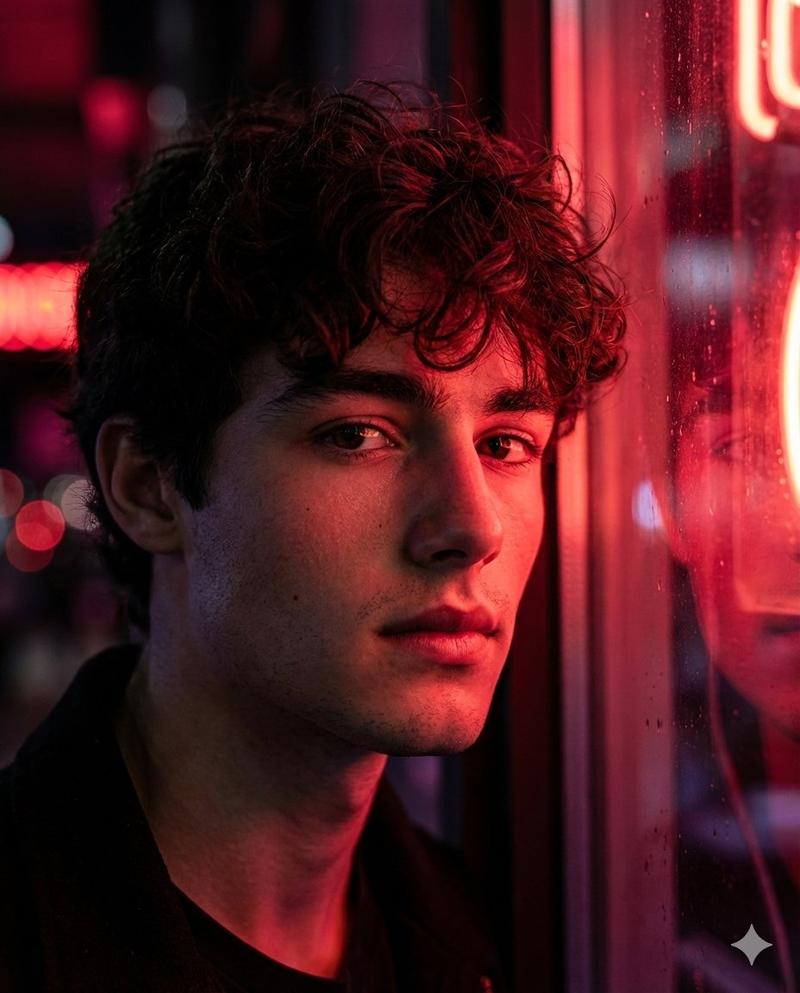
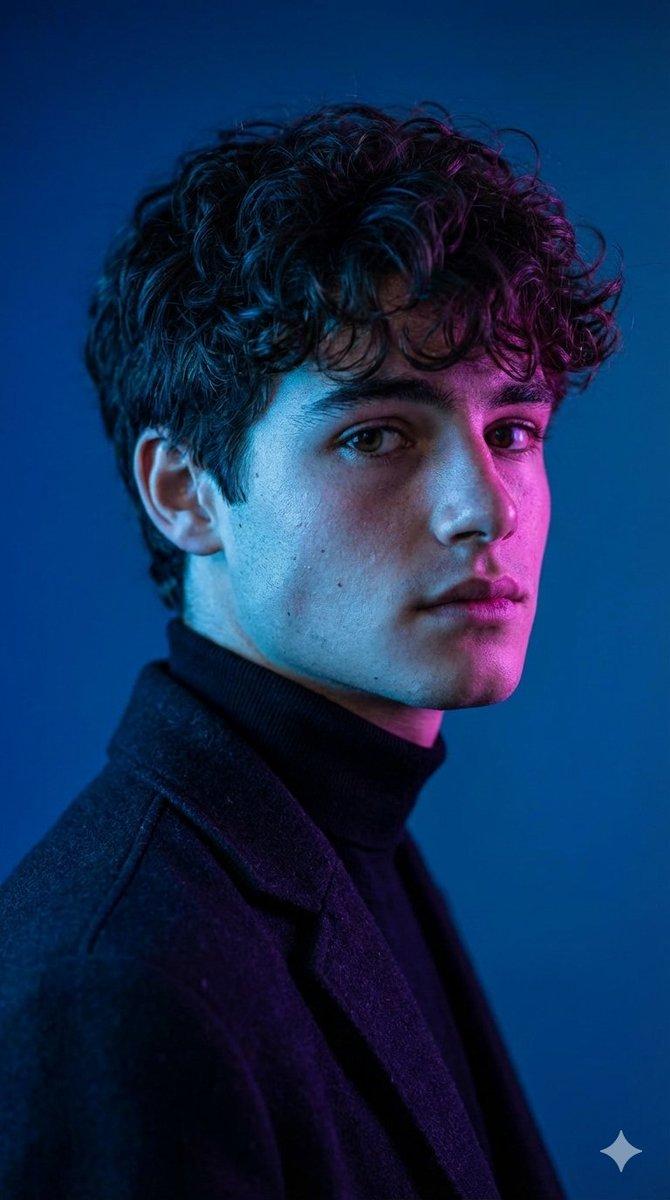
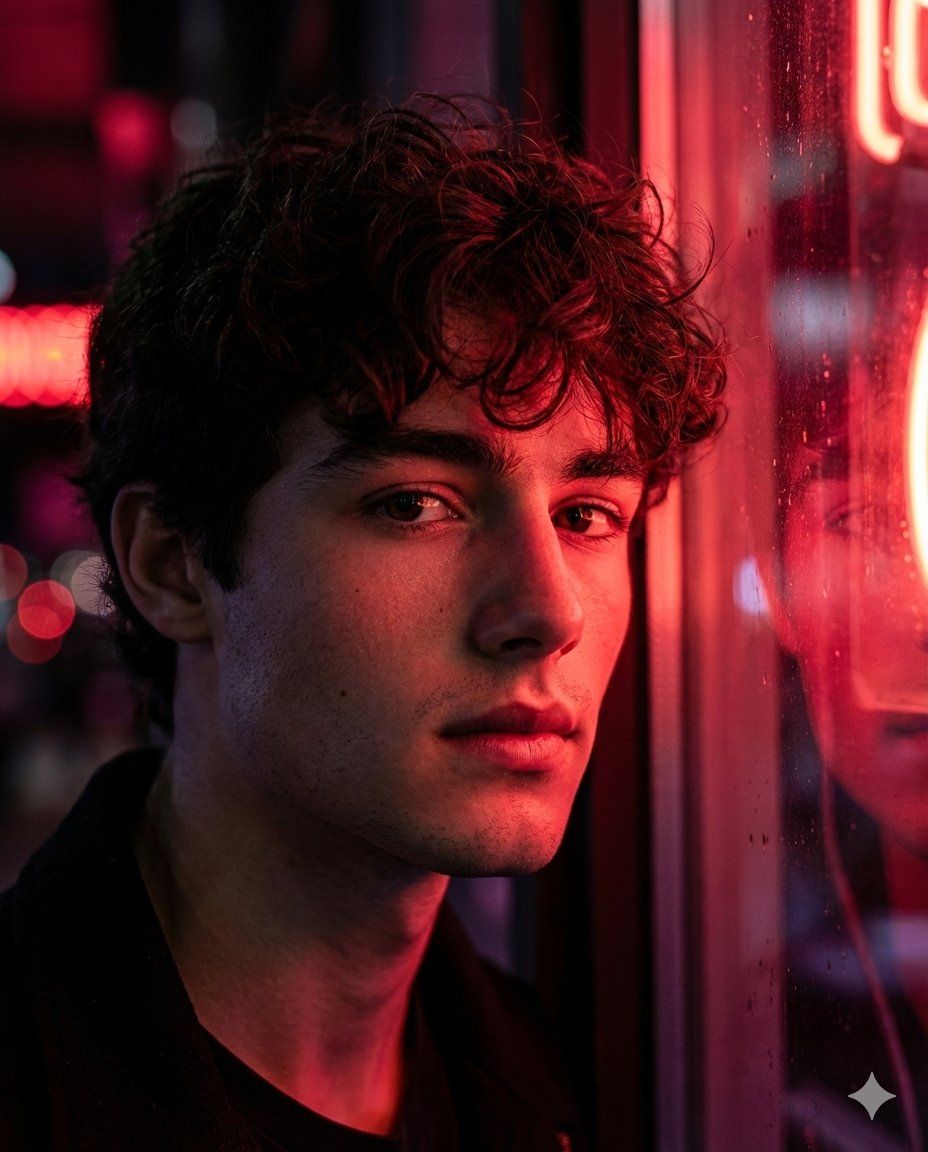
Hyper realistic cinematic portrait of a young man, natural soft skin with visible texture, subtle pores and fine facial detail. He has a calm but intense expression, a deep focused gaze looking slightly past the camera. Short dark hair, slightly tousled, with soft strands catching the light along the edges. Light stubble or clean shaved look, sharp jawline softly defined by shadow.
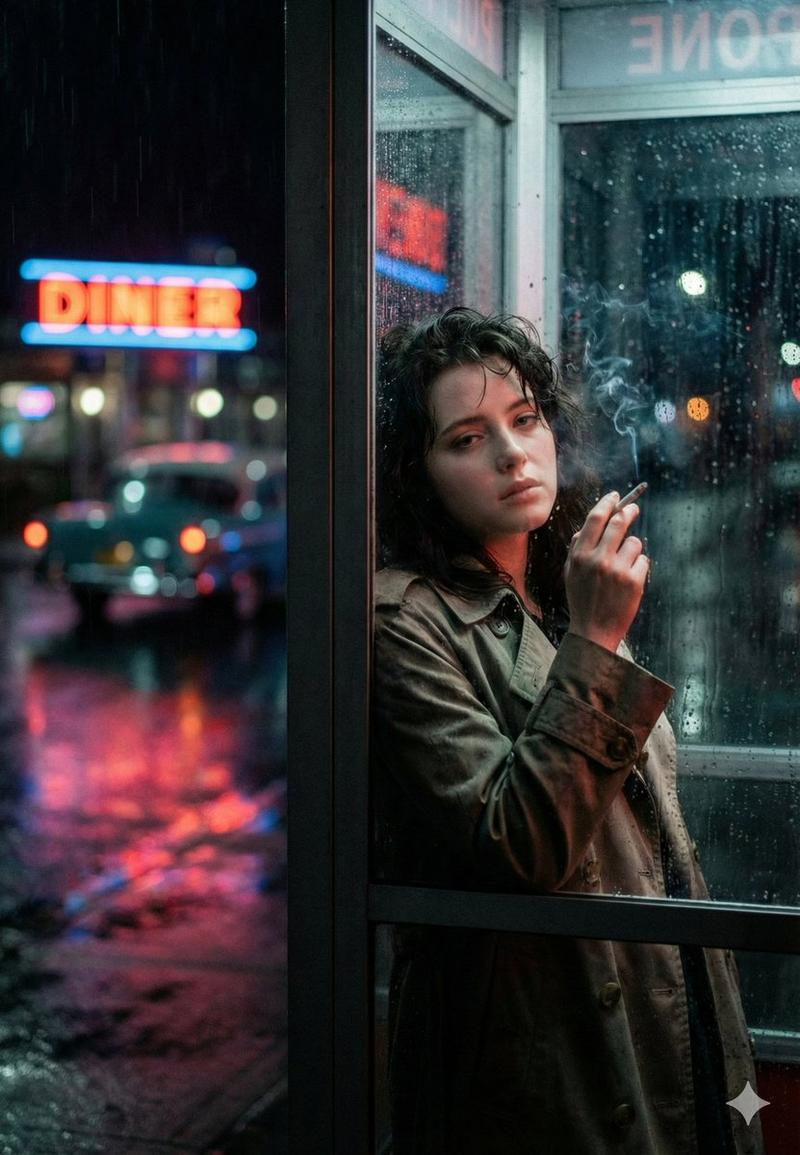
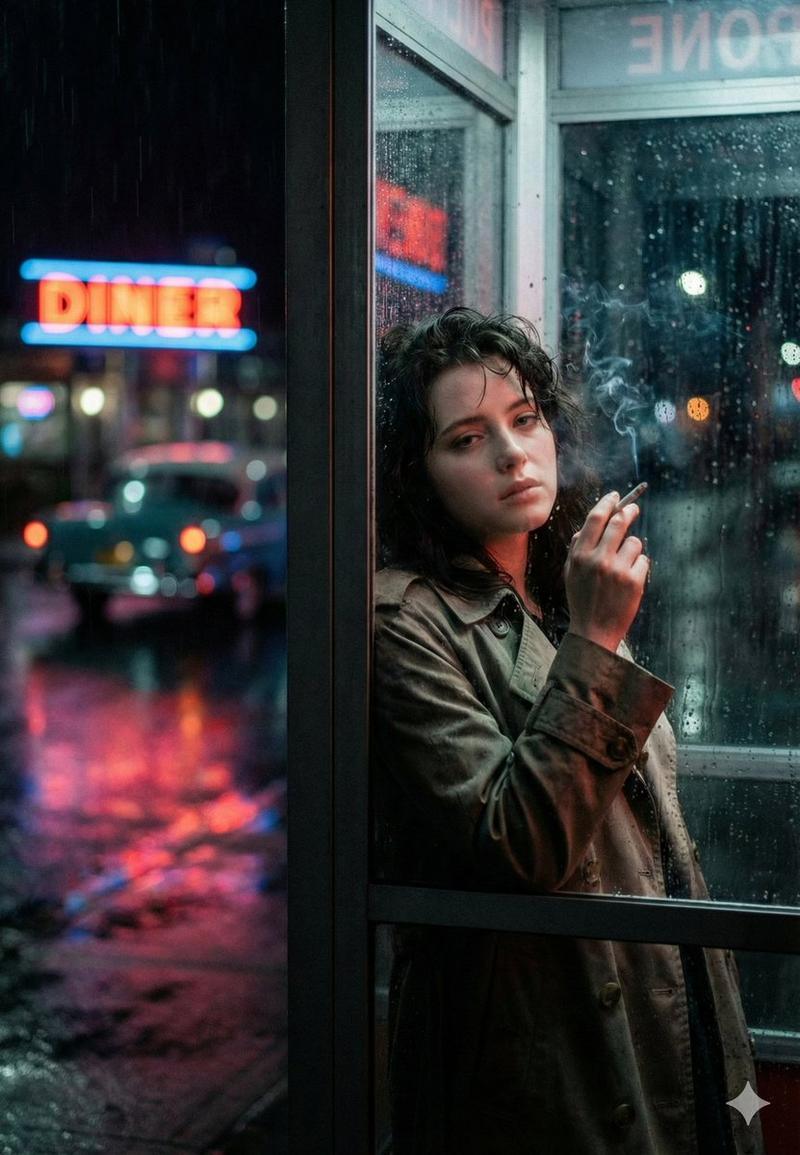
He is standing close to a window or glass surface at night, with {argument name="neon colors" default="cherry red and crimson"} neon lights reflecting across his face and surroundings. Strong side lighting creates dramatic contrast, with highlights on the cheekbones, nose, and brow, while deep shadows fall across one side of his face, forming abstract light patterns.
The background is softly blurred with red, wine red, and dark magenta tones, neon signage bokeh, urban night atmosphere. Subtle moisture or reflections on the glass add depth and realism.
Cinematic color grading, moody editorial feel, shallow depth of field, sharp focus on the eyes, glossy skin highlights, studio level detail, high dynamic range, realistic lighting, natural color transitions. High end cinema camera look, 85mm lens feel, f1.8 aperture, professional fashion editorial style, 4:5 image ratio.
--ar 2:3 --v 6.1 --style raw- 分类
- 创意图片
- 模型
- Nano Banana Pro
- 来源作者
- Harboriis
- 来源 ID
- eebdd6ee-f273-4657-86ea-b093ea64a574
- 发布时间
- 2026年3月8日
浏览量0