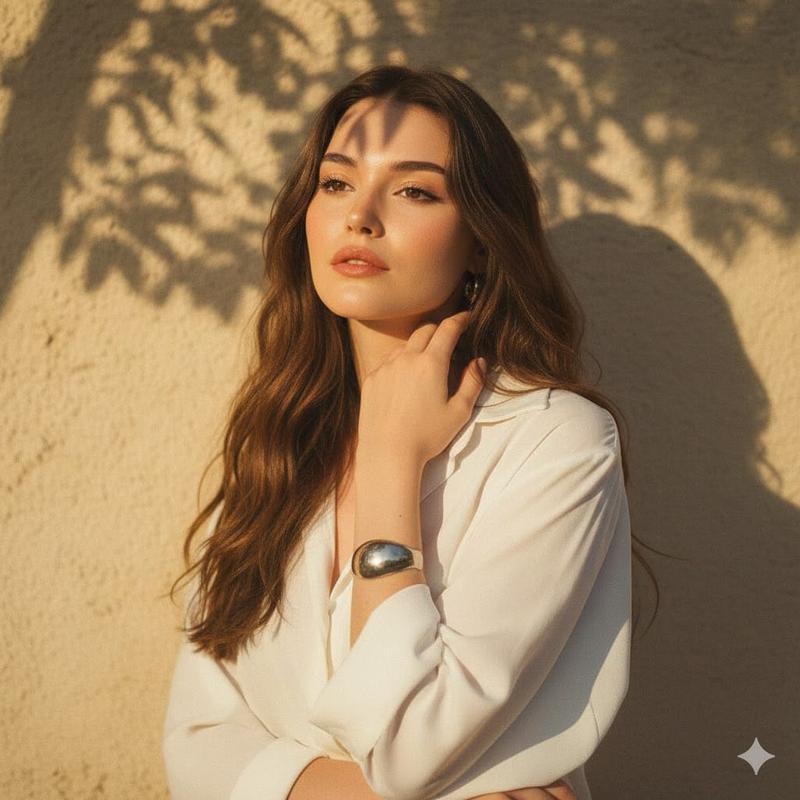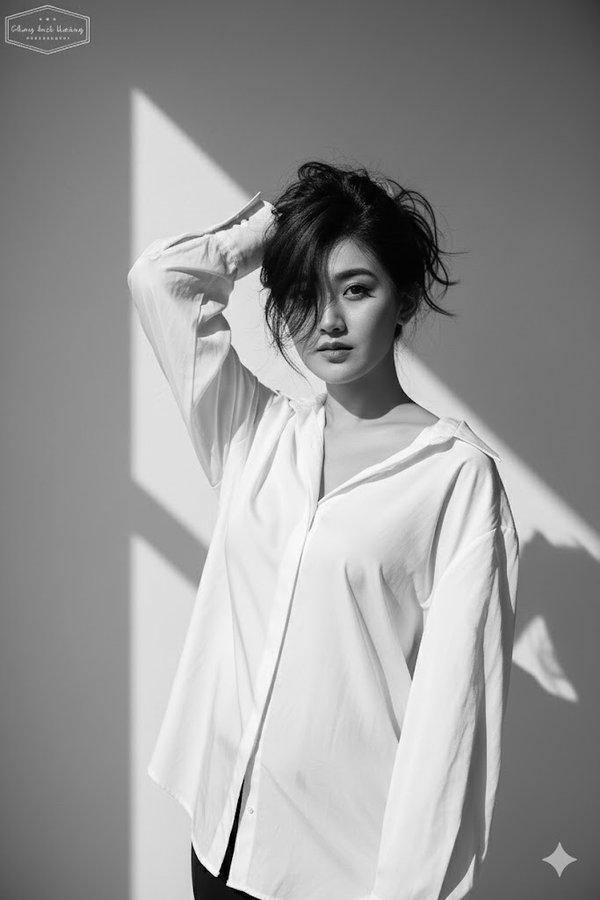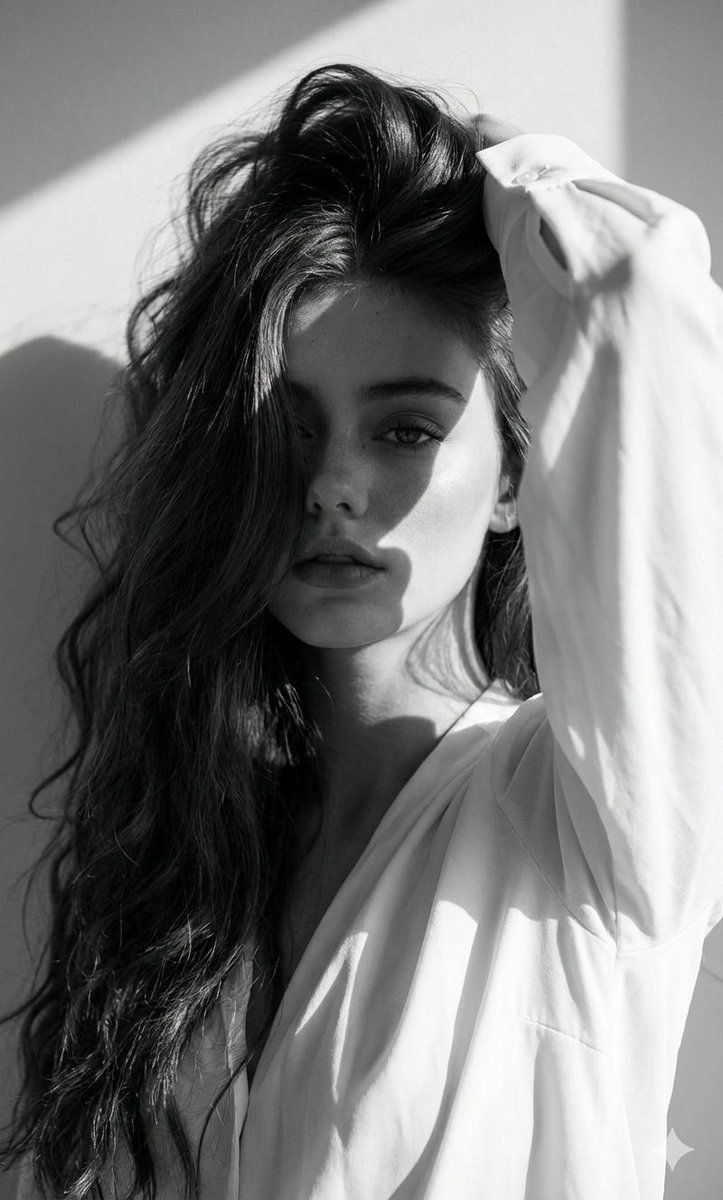
高端时尚黑白编辑肖像提示词(面部锁定)
提示词
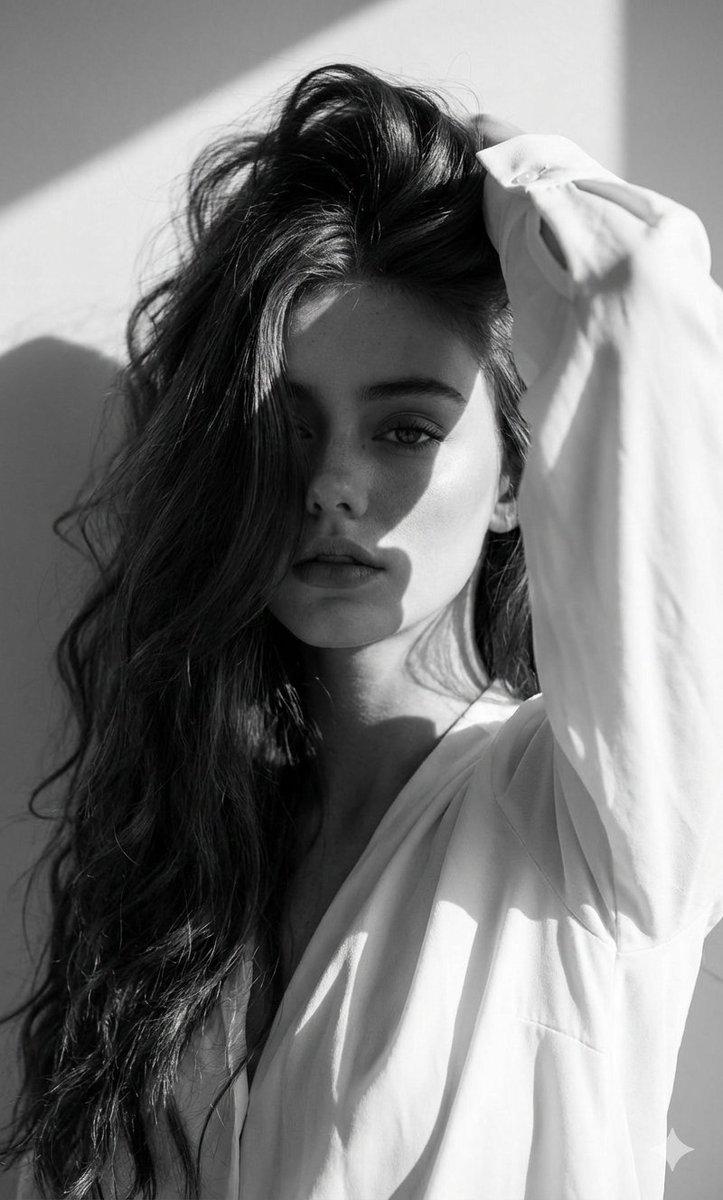
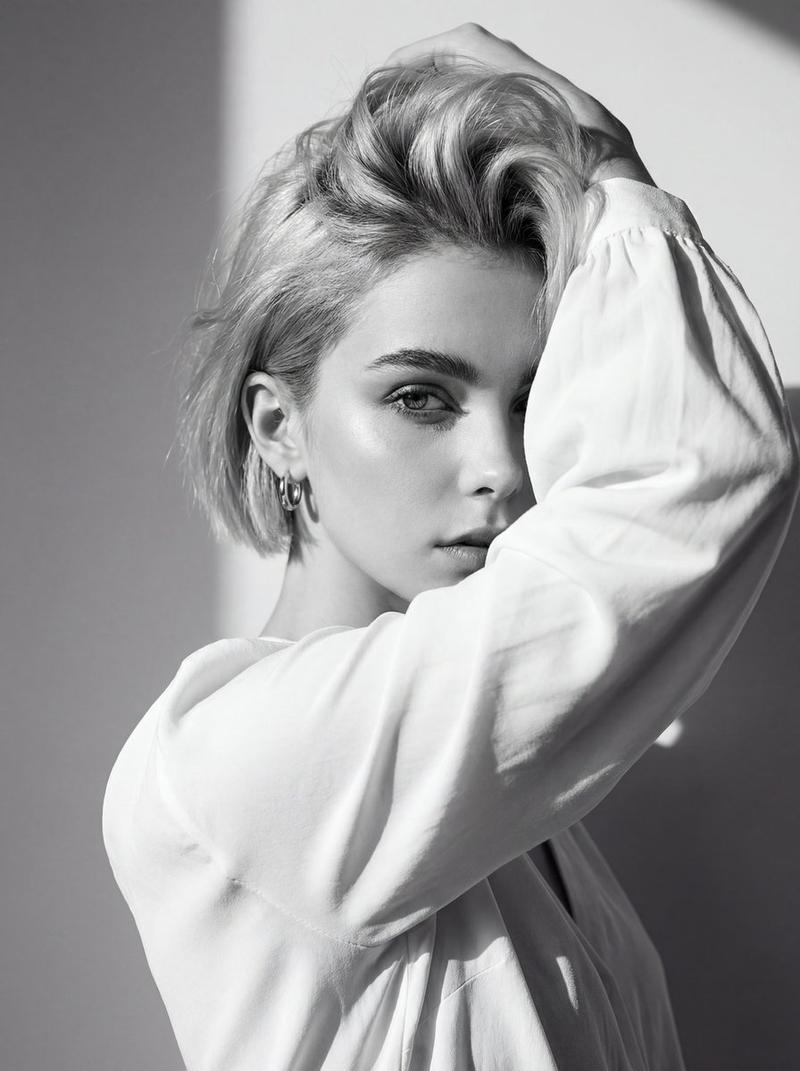
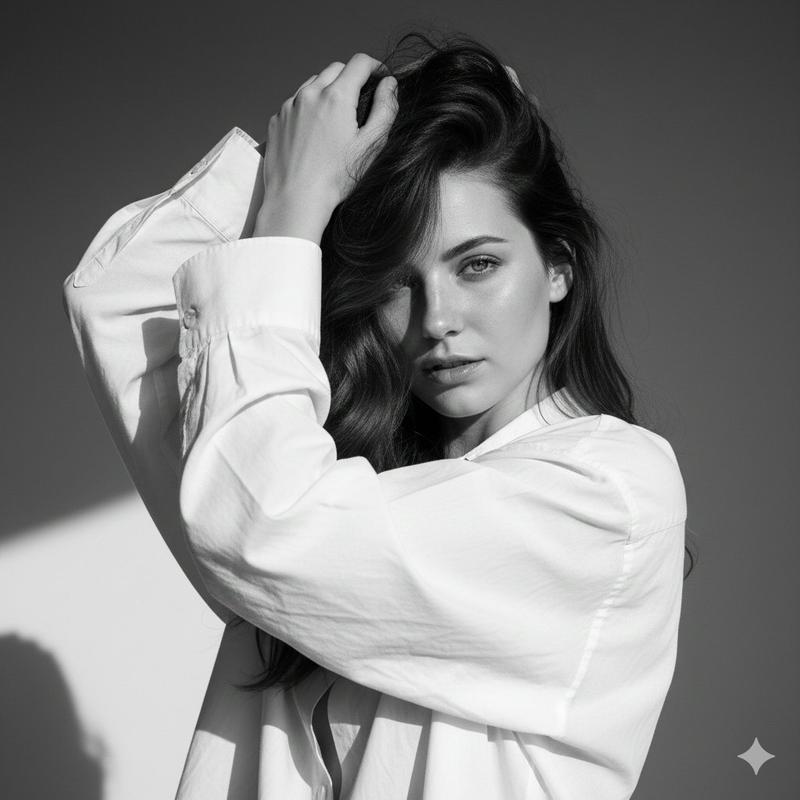
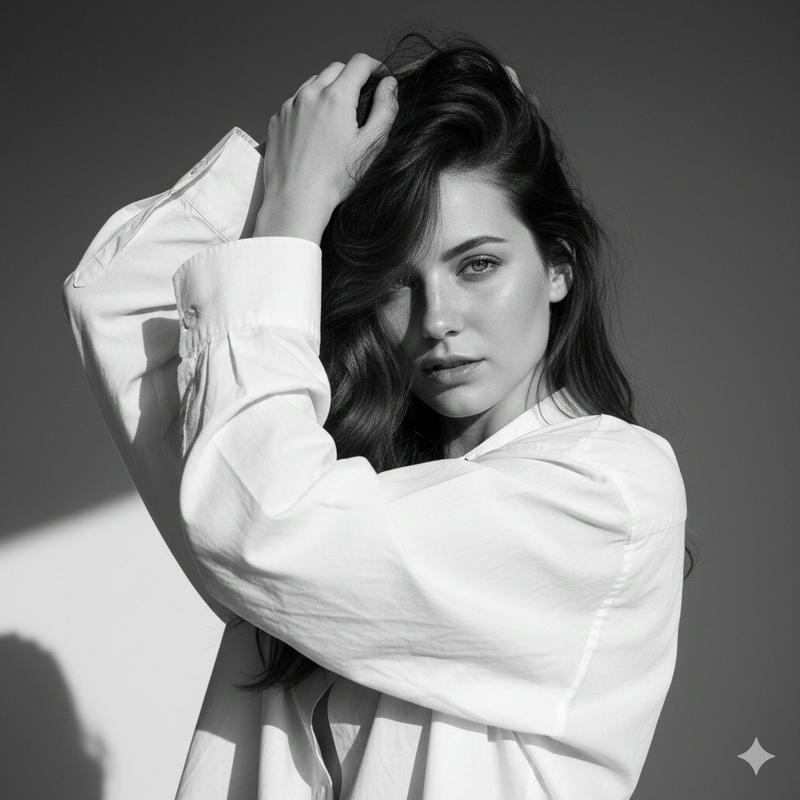
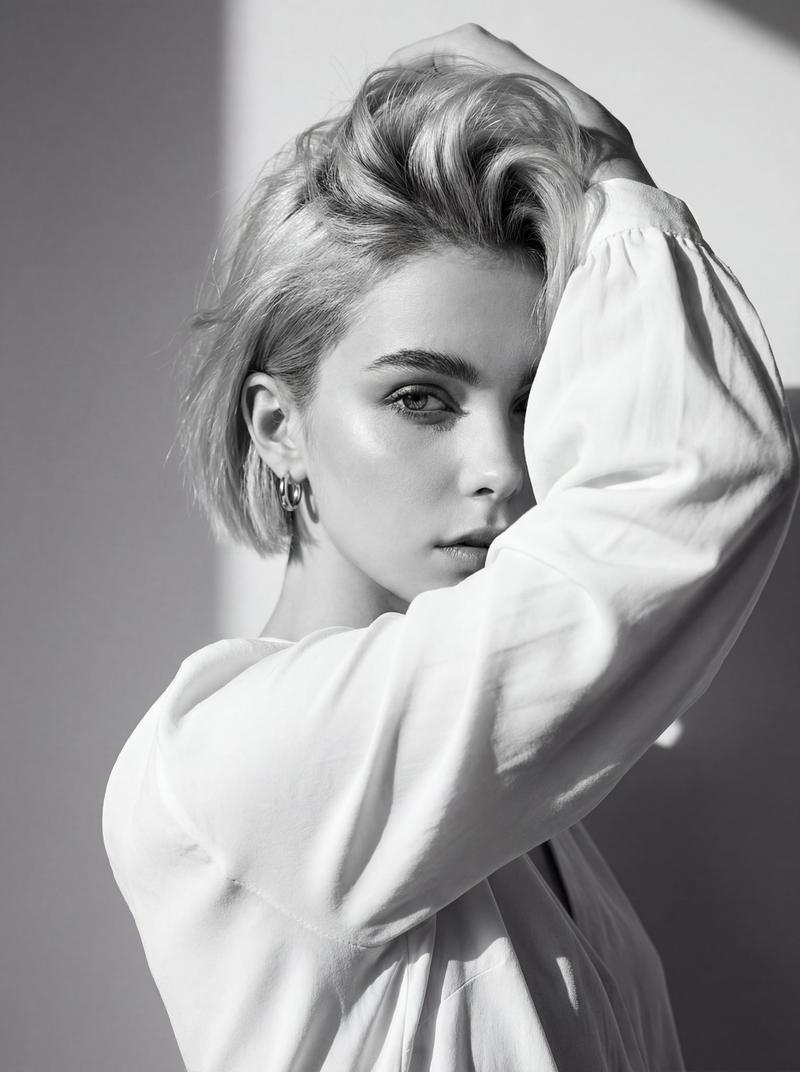
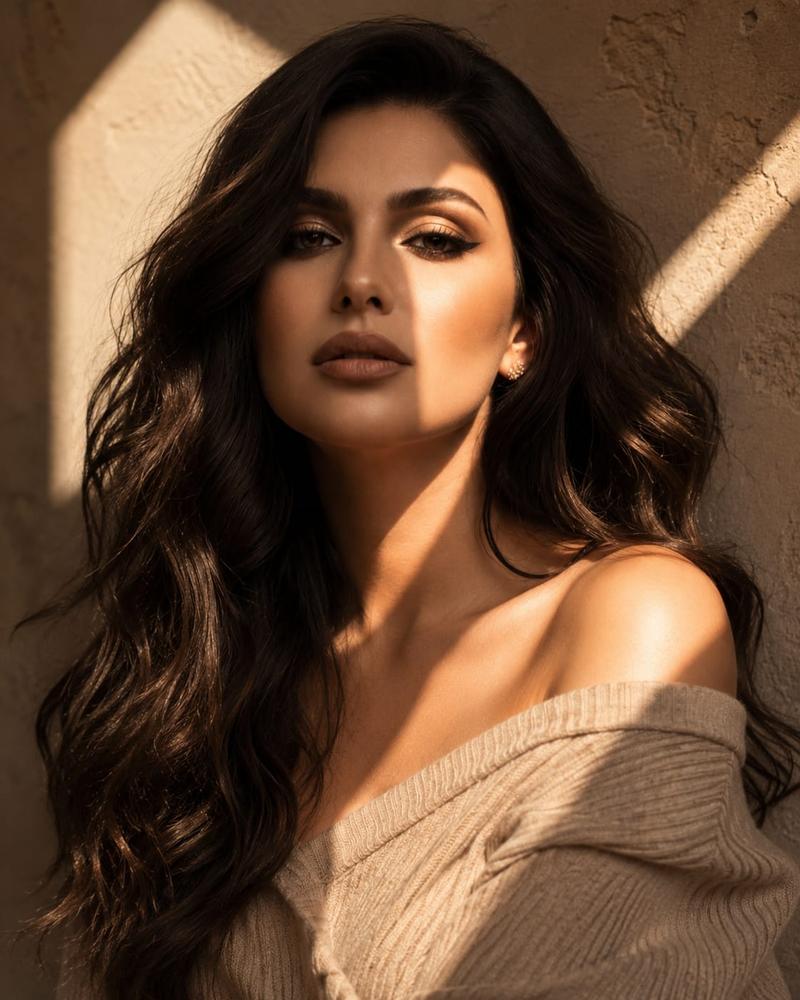
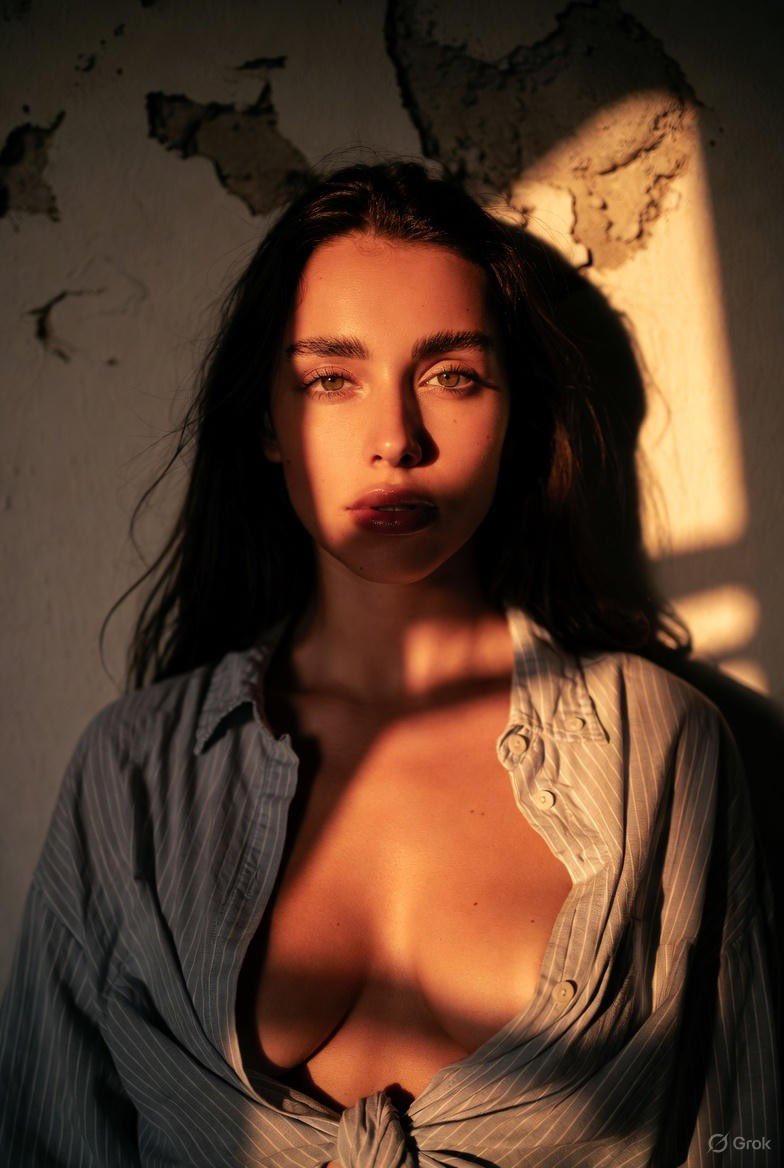
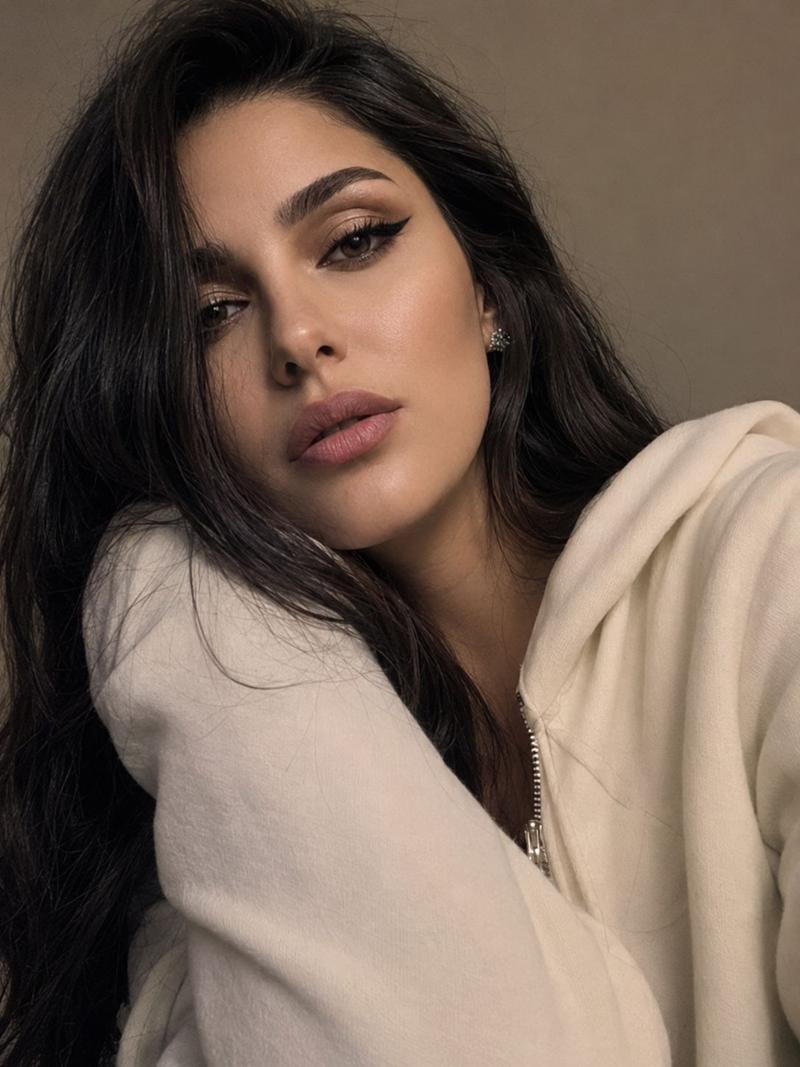
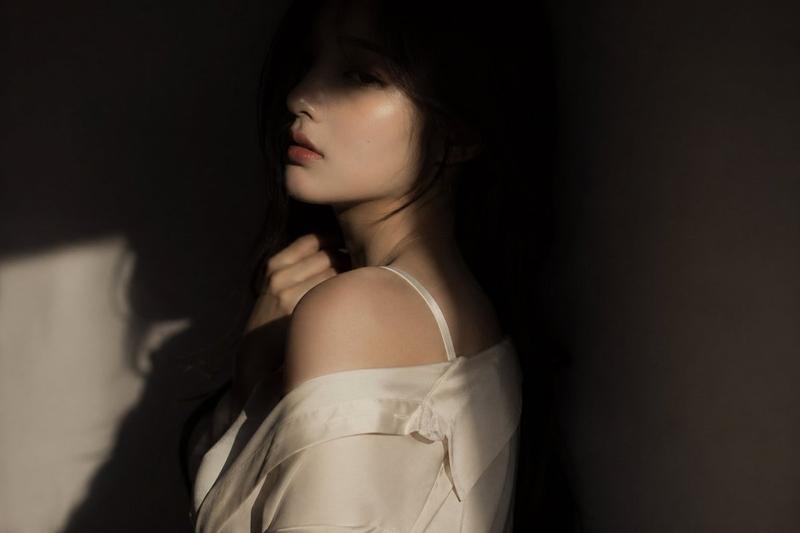
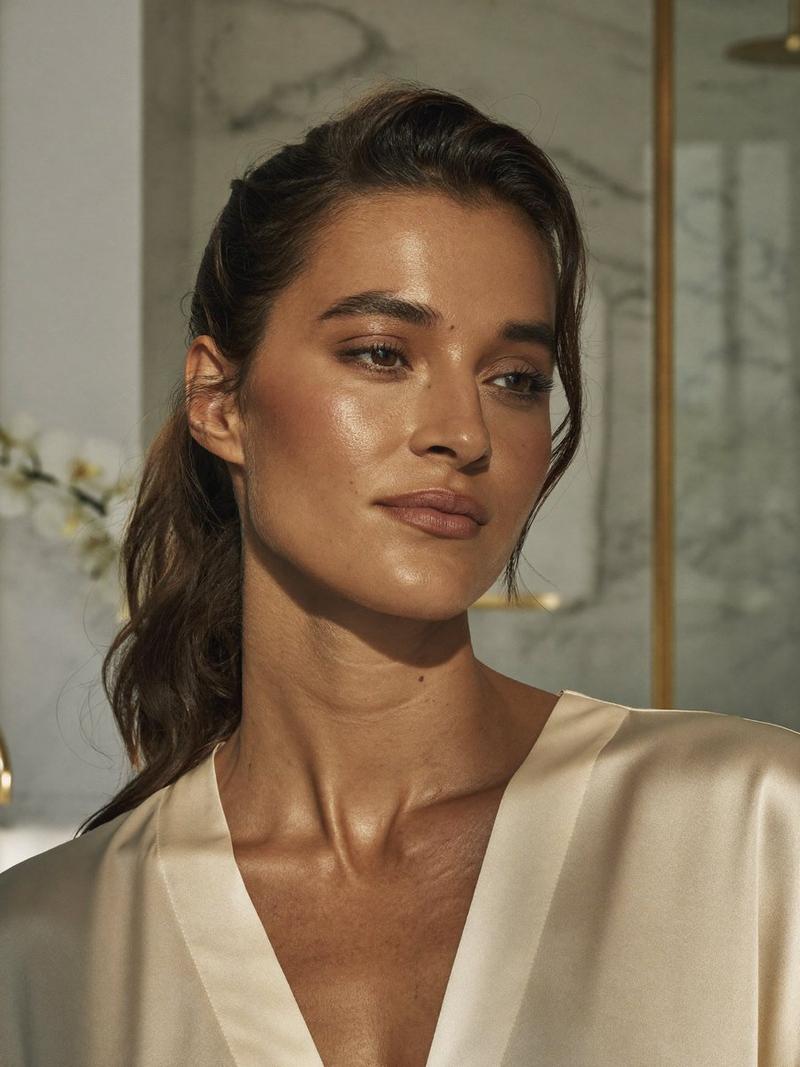
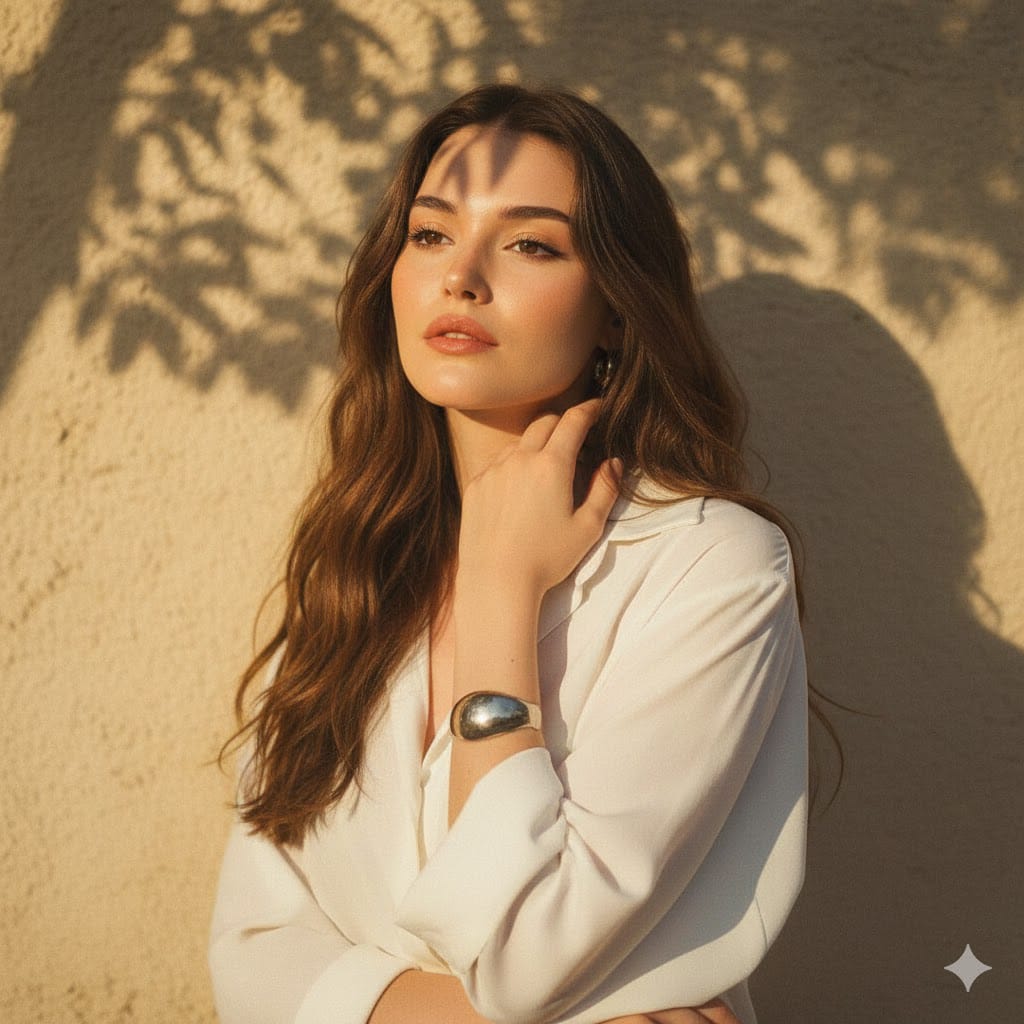
Use The Uploaded Image Of The Woman As Strict Facial Reference And Physical Features - Keep Her Real Face Exactly As Provided, Without Alterations Or Stylization. Ensure Seamless, Ultra-realistic Integration In The Final Render. Black And White High-fashion Editorial Portrait Of The Uploaded Person, Wearing A Loose White Blouse. She Poses With One Arm Raised, Partially Covering Her Face While Holding Her Hair Up, Creating A Dramatic And Artistic Composition. Her Gaze Is Intense And Captivating, Directly Toward The Camera, Exuding A Strong, Enigmatic Aura.
Background: Minimalist Plain Wall With Sharp Daylight Shadows
Adding Contrast And Depth.
Lighting: Harsh Natural
Sunlight, High-contrast, Emphasizing Facial Contours, Cheekbones, Hair Texture, And Fabric Detail. Pose: Bold And Expressive, Arm Lifted Framing The Face To Emphasize Raw Emotion And High-fashion Editorial Style.
Camera: Eye-level Close-up,
Focusing On Facial Expression, Texture, And Dramatic Shadow Play. Captured As If With Canon Eos R5, 85mm F/1.8 Lens - Crisp Detail, Tonal Depth, Fine Grain.
Style: Monochrome, Ultra-realistic, Cinematic, High-fashion
Editorial Photography.ashion editorial photography.
- 分类
- 创意图片
- 模型
- Nano Banana Pro
- 来源作者
- Harboriis
- 来源 ID
- 85777698-1120-4a81-a2cd-93a3a13e4e74
- 发布时间
- 2026年3月8日
浏览量0