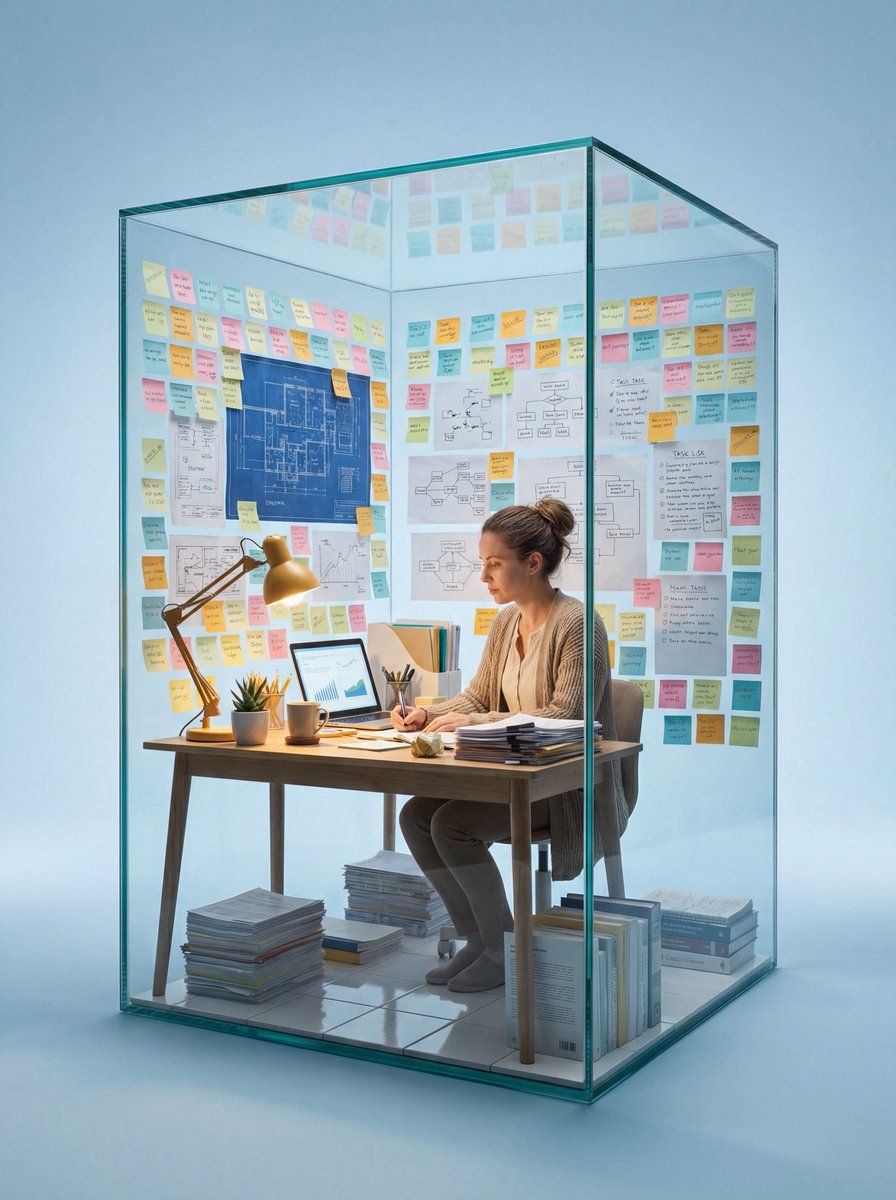
玻璃工作区中主体的微距摄影
提示词
Hyper-realistic macro photography of a real living {argument name="subject job title" default="[Subject/Job Title]"} working at a desk inside a tall vertical rectangular glass cube. Centered composition. The glass structure occupies approximately 80% of the vertical frame height, ensuring a perfect amount of minimalist soft blue negative space on all four sides. The camera distance is a stable medium-close shot.

The Composition: The two glass walls facing the camera are completely clear and empty to allow a perfect view of the interior. In contrast, the interior of the two back walls is cluttered and densely covered from the floor to the very top edge with hundreds of {argument name="specific items" default="[Specific Job-related Items: e.g., sticky notes, charts, blueprints, vibrant mood boards, tiny Pantone color swatches]"}, creating an intense "busy" workload atmosphere.

Interior Details: realistic [Specific Desk Items], and a warm incandescent desk lamp that casts a soft golden glow over the workspace. The interior floor is made of polished white ceramic tiles. The floor around the desk is cluttered with tall, messy stacks of organized papers, open reference books and [Specific  Items]

The Realism: The person is NOT a plastic figure; they have visible skin texture, natural hair, and realistic clothing folds. Every object inside has sharp, crisp, and high-contrast textures. Lighting & Style: Bright studio lighting, clean shadows, macro photography style, minimalist soft blue background. 8k resolution, extremely detailed and sharp focus.- 分类
- 创意图片
- 模型
- Nano Banana Pro
- 来源作者
- ΛRMIN | AI
- 来源 ID
- 92489768-cfc1-4ba9-ba6d-c4ace47acf18
- 发布时间
- 2026年3月8日
浏览量0

















