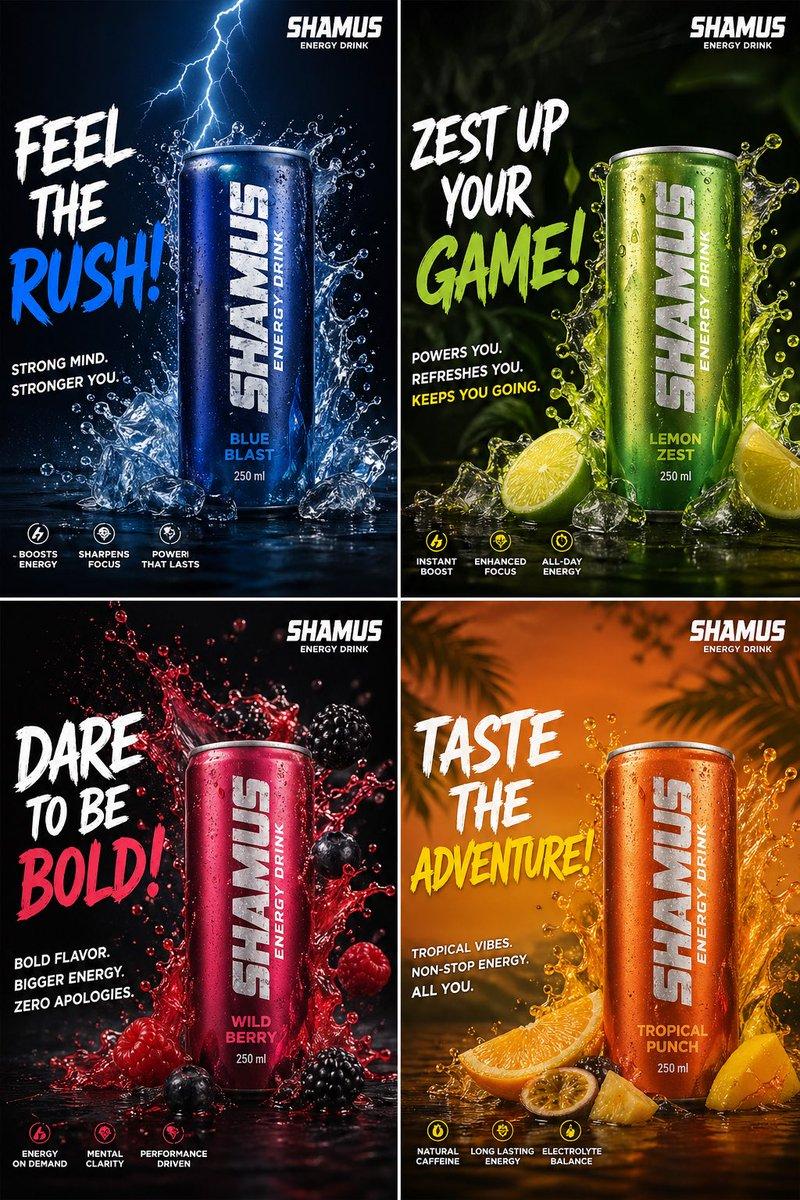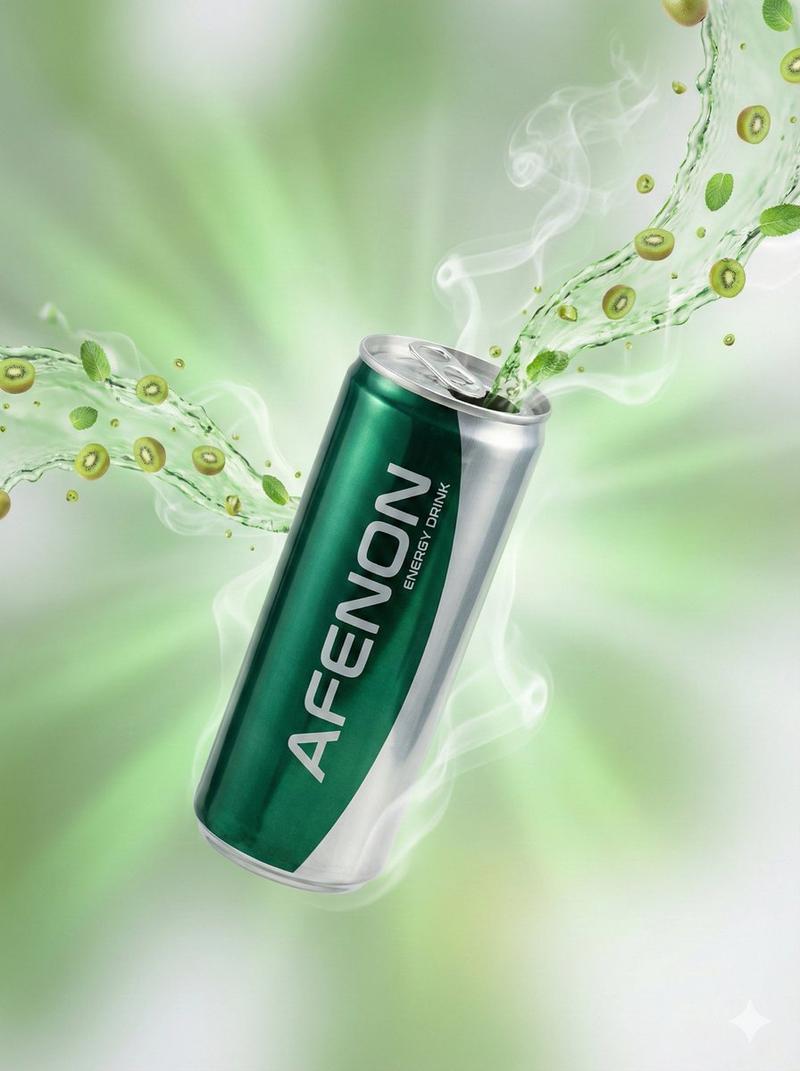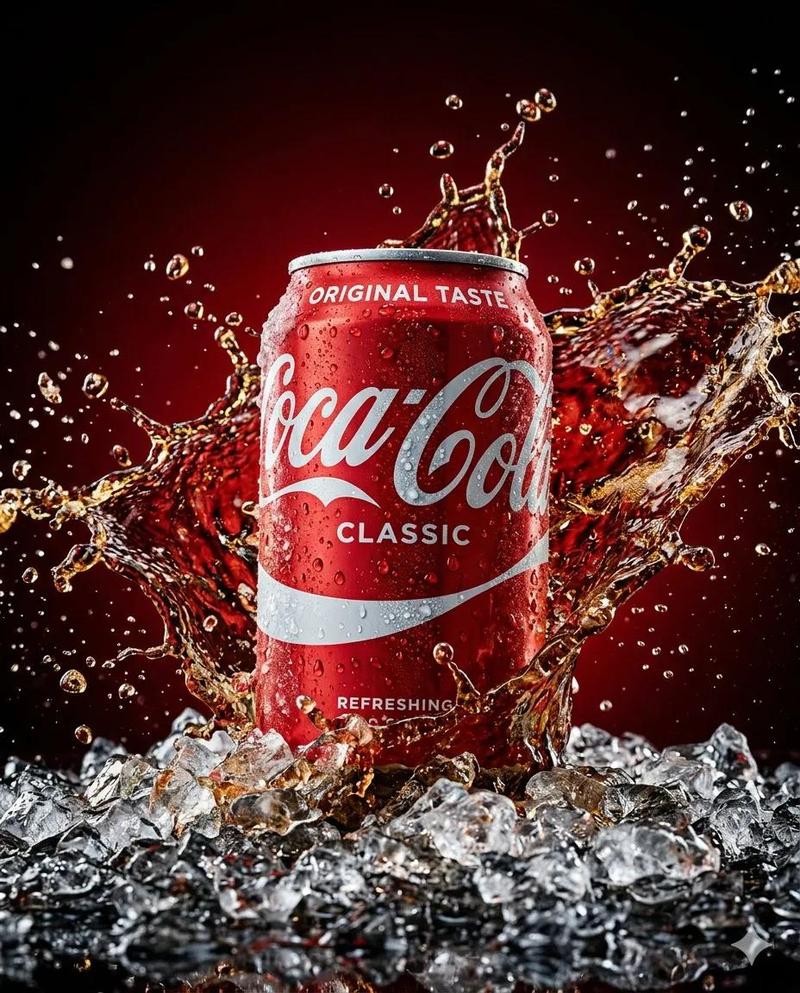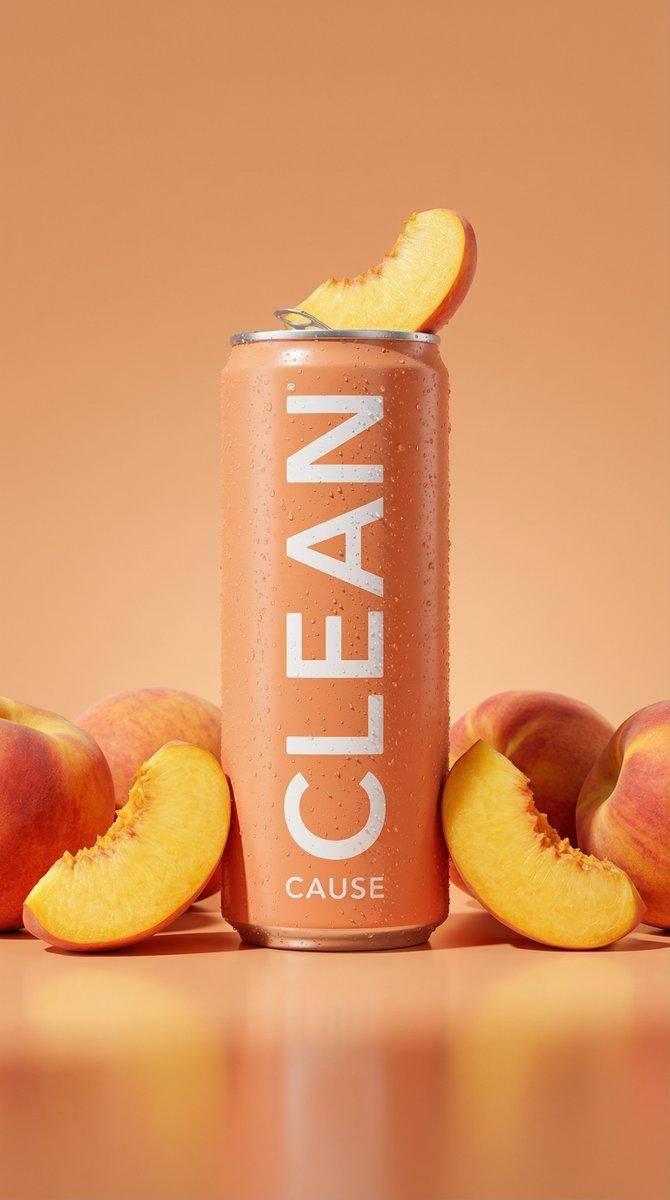
创意广告
提示词
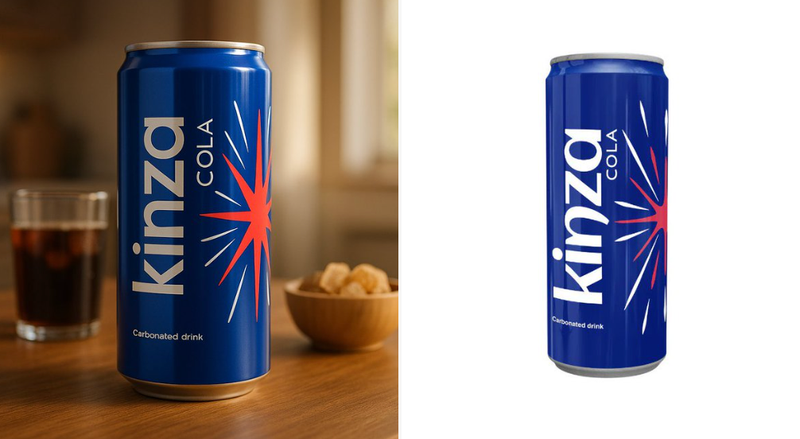
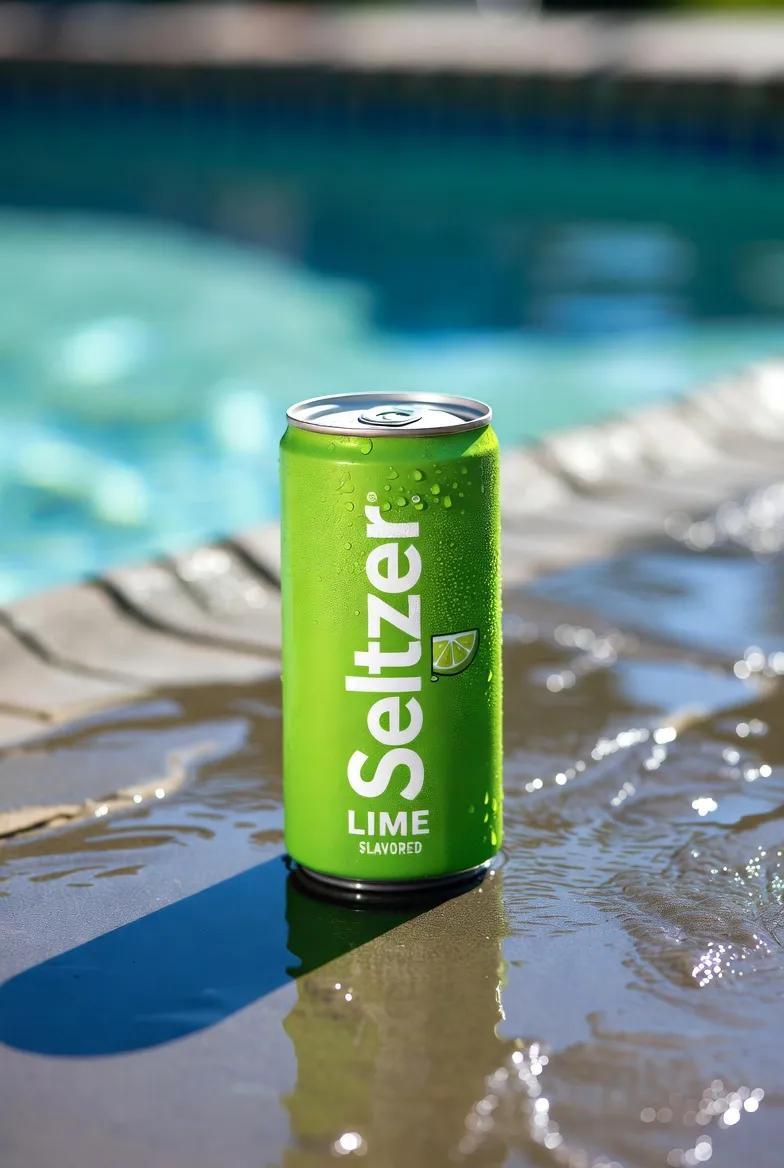
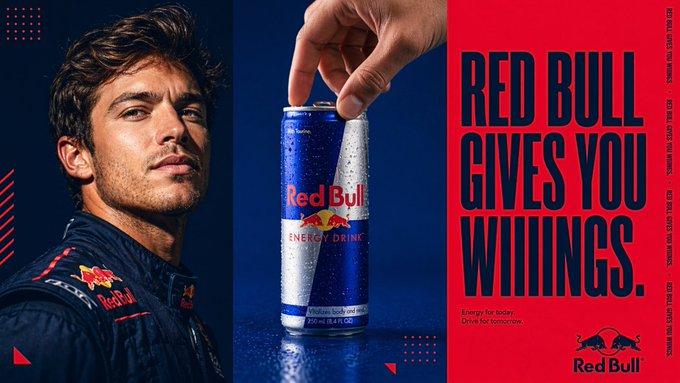
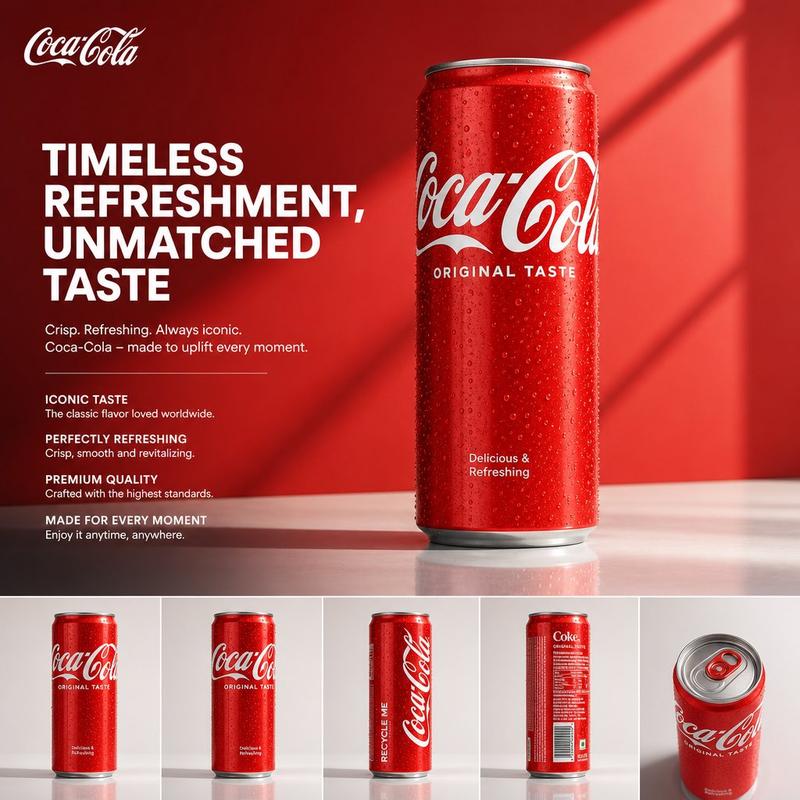
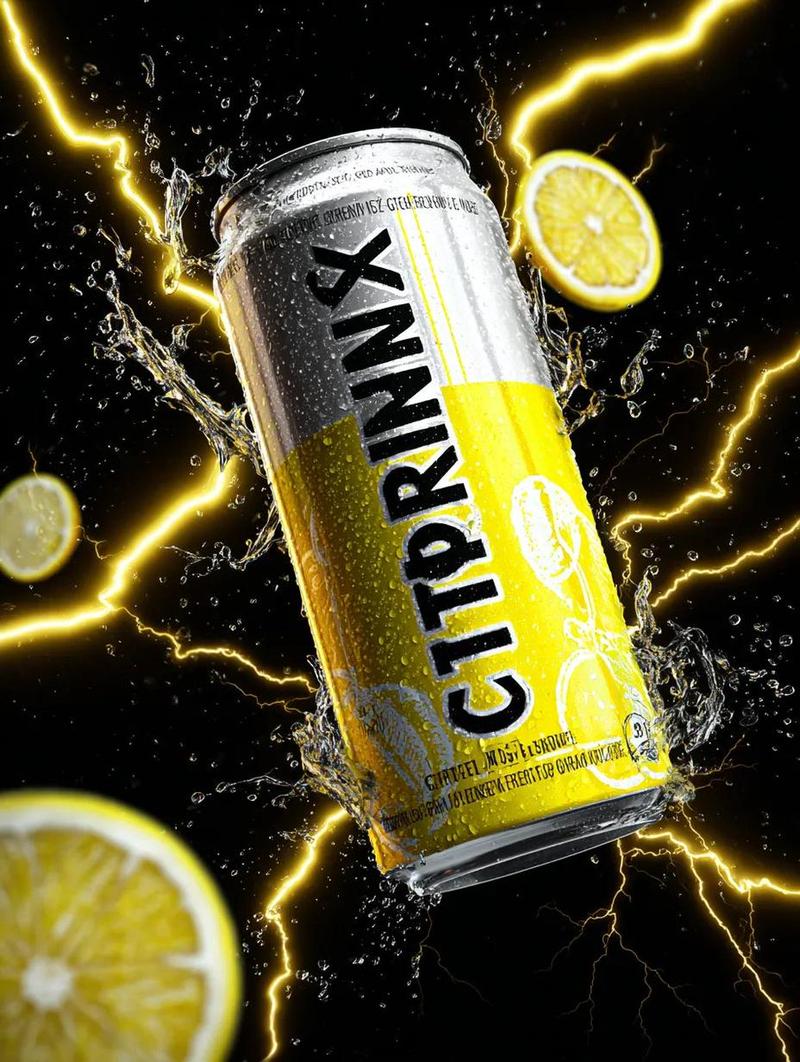
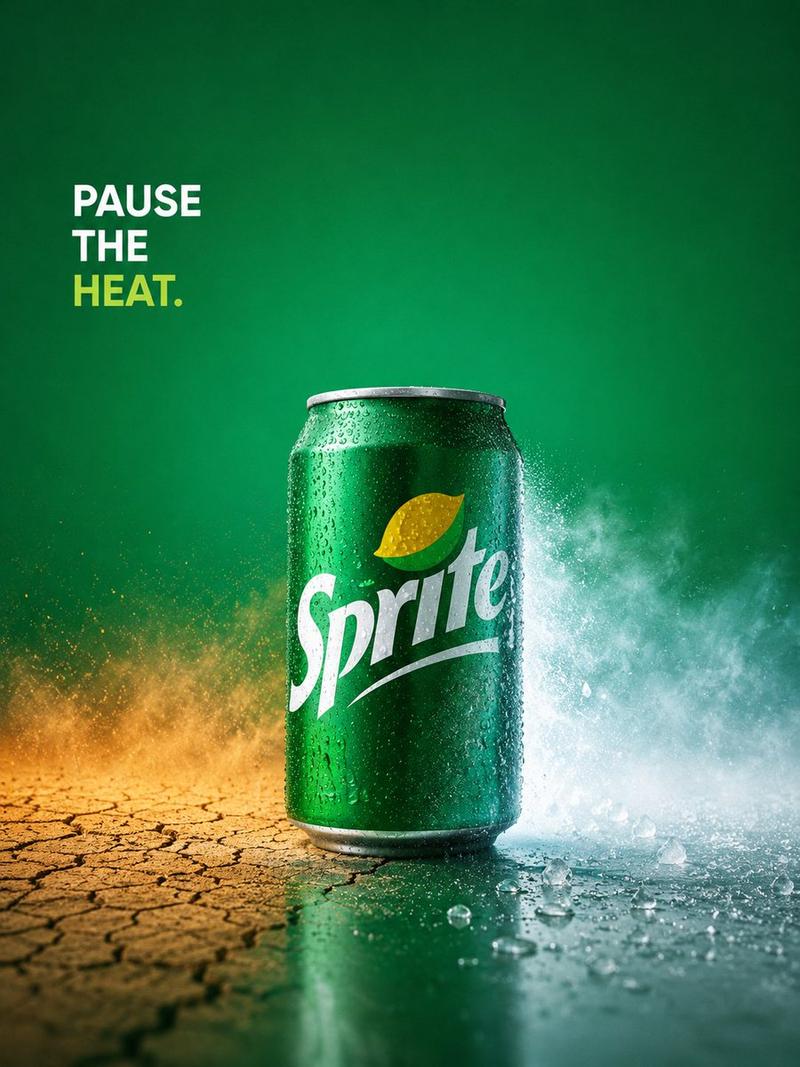
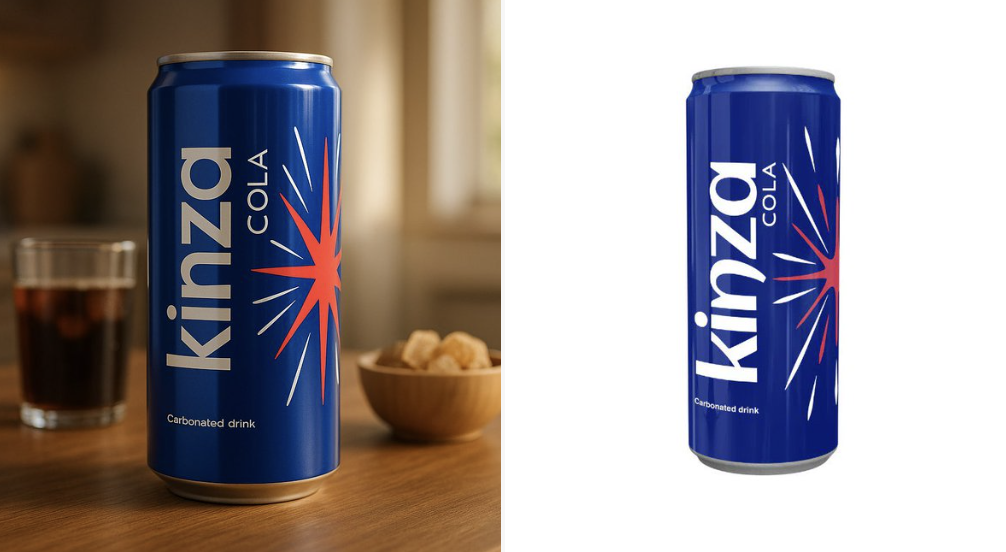
Use the uploaded product image exactly as it is — do not alter, redraw, or reinterpret any part of it. Follow the guidelines below to create a high-quality, cinematic product presentation:

• Keep the product fully intact — all text, labels, proportions, packaging, and colors must remain exactly the same.
• Use natural or cinematic lighting to enhance the product’s appeal.
• Place the product on a realistic surface that matches its category (e.g. wooden kitchen table for bread, bathroom shelf for skincare, desk for tech gadgets).
• Add complementary props if appropriate (e.g. toast and coffee for bread, leaves and water droplets for skincare) — but do not let them touch or cover the product.
• Use a softly blurred or ambient background (e.g. kitchen, morning window light, minimal interior).
• Include soft shadows and subtle reflections for a grounded, photo-realistic effect.
• Final result should feel premium, natural, and visually appealing — with 100% fidelity to the uploaded product image.
- 分类
- 创意图片
- 模型
- Nano Banana Pro
- 来源作者
- @aziz4ai
- 来源 ID
- 3543227f-2521-4b5d-b8f3-379725938d07
- 发布时间
- 2025年12月27日
浏览量15