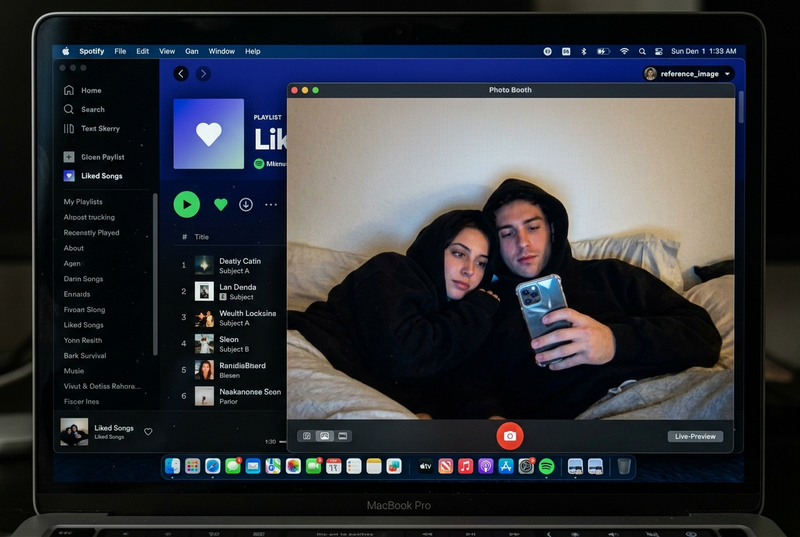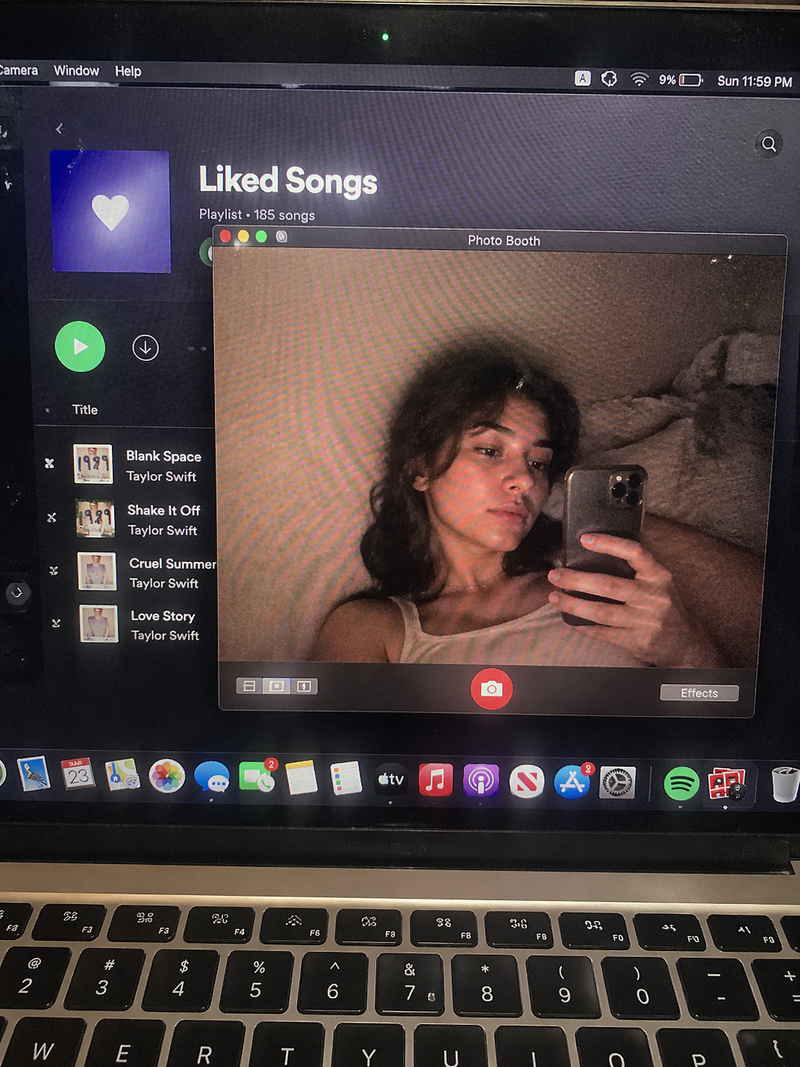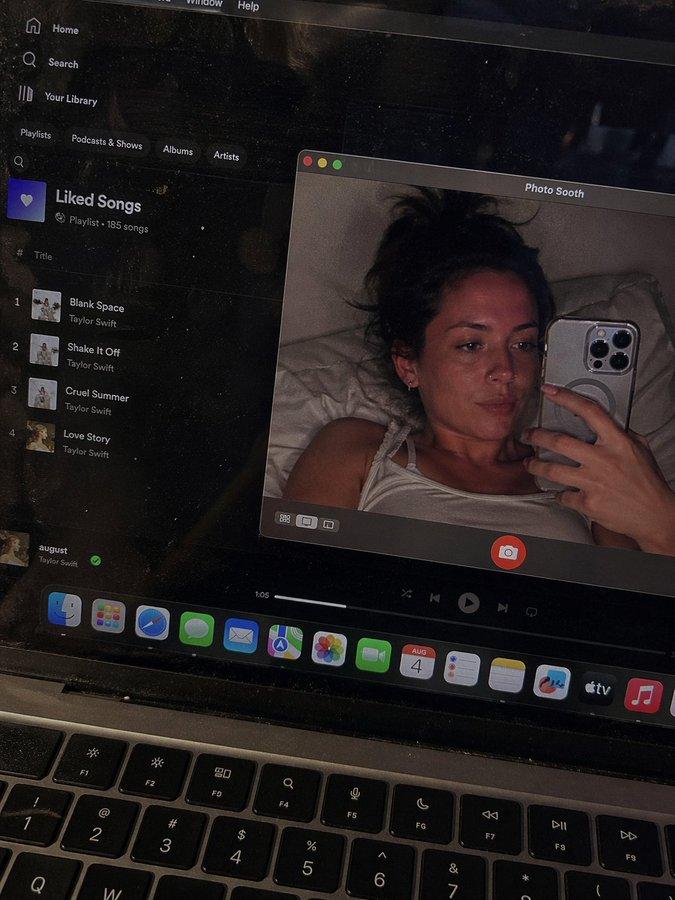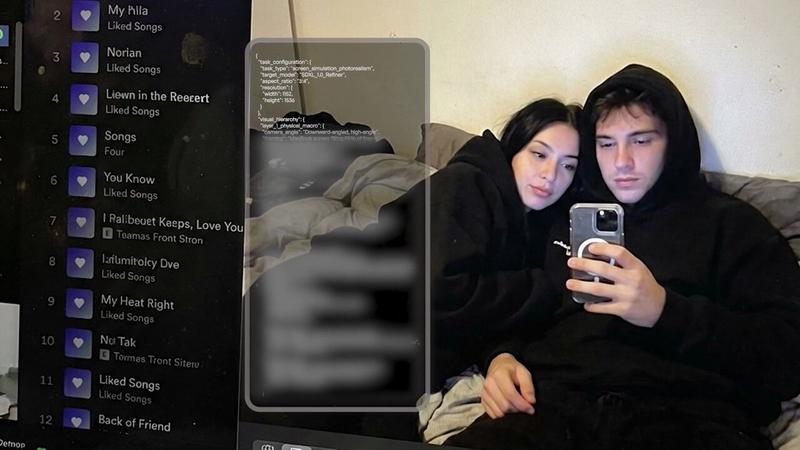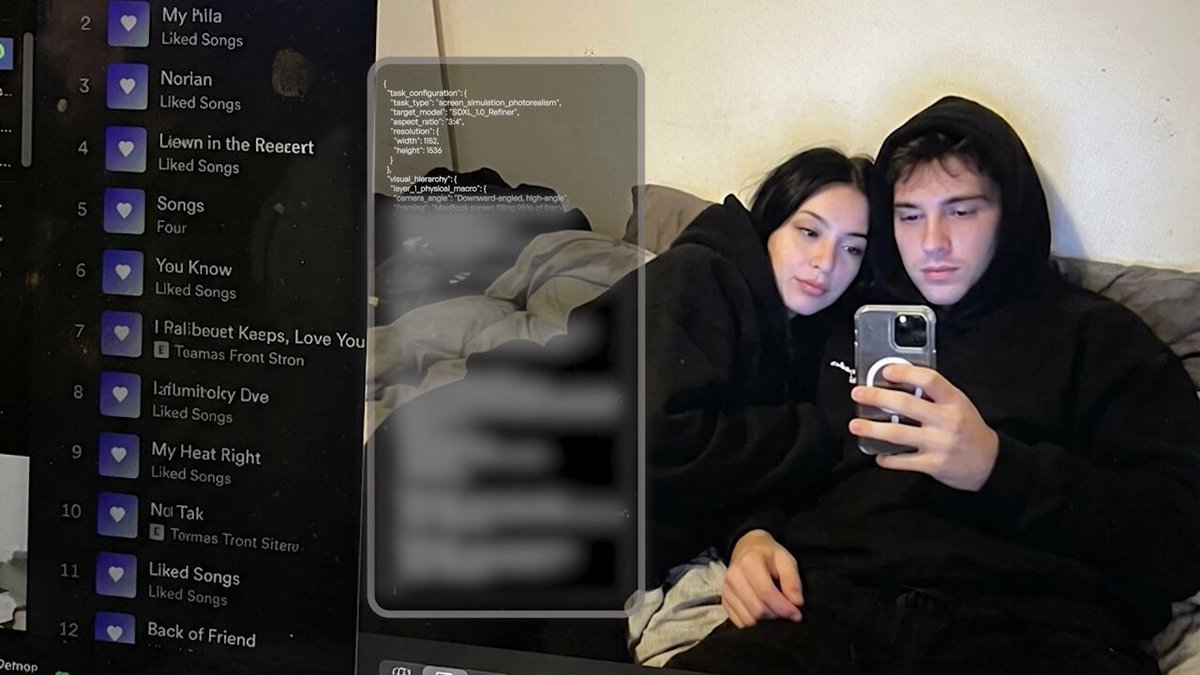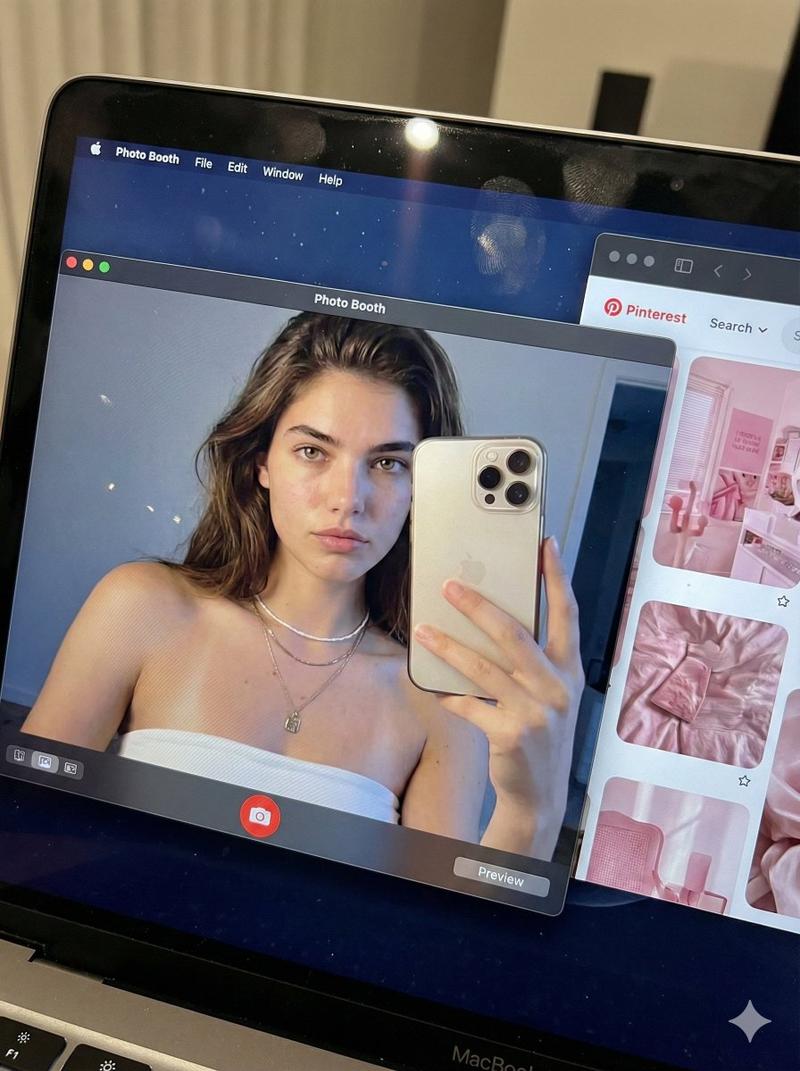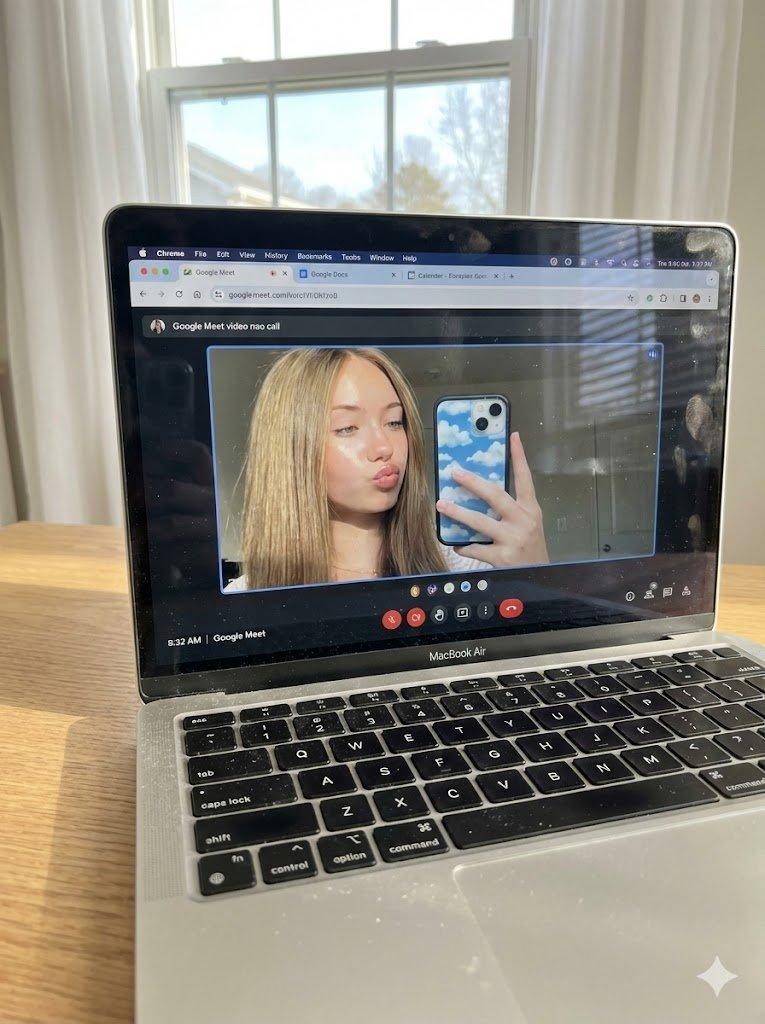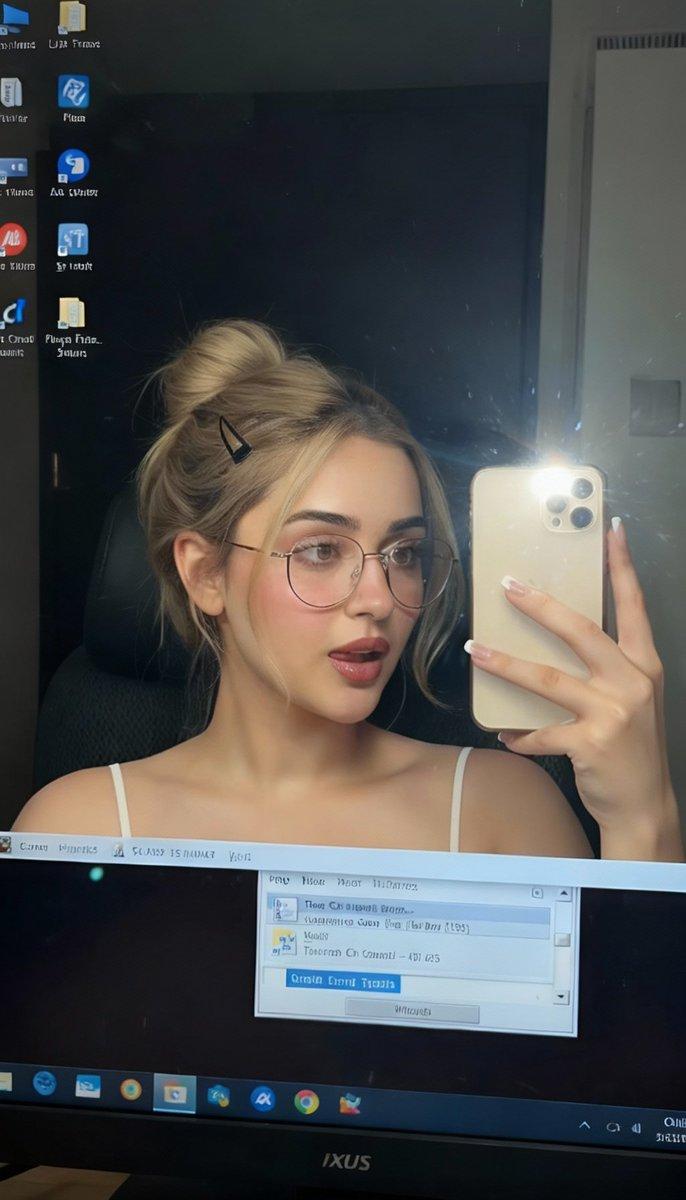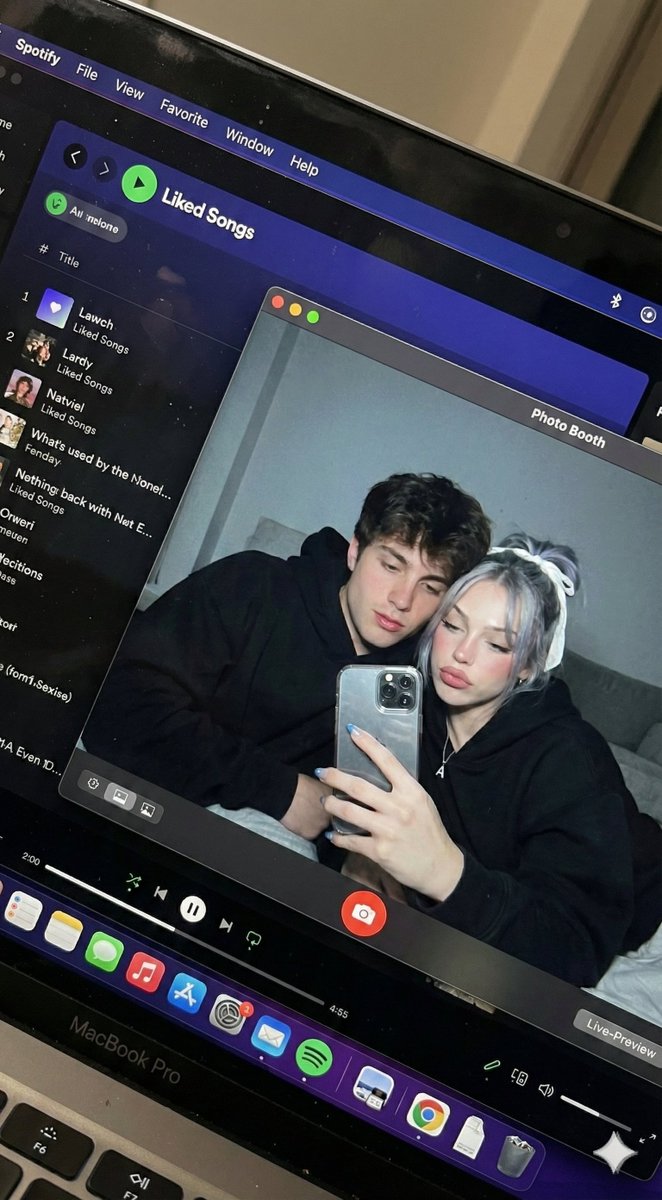
MacBook自拍(情侣款)
提示词
{
  "task_configuration": {
    "task_type": "screen_simulation_photorealism",
    "target_model": "SDXL_1.0_Refiner",
    "aspect_ratio": "3:4",
    "resolution": {
      "width": 1152,
      "height": 1536
    }
  },
  "visual_hierarchy": {
    "layer_1_physical_macro": {
      "camera_angle": "Downward-angled, high-angle",
      "framing": "MacBook screen filling 95% of frame",
      "surface_imperfections": [
        "subtle pixel-grid texture (moire)",
        "tiny dust particles on glass",
        "faint ambient light reflection on glossy screen",
        "fingerprint smudges"
      ],
      "foreground_anchor": "Thin strip of physical keyboard visible at lower edge"
    },
    "layer_2_digital_interface": {
      "theme": "Dark Mode (macOS)",
      "window_layout": {
        "left_panel": "Spotify 'Liked Songs' playlist (dimmed)",
        "right_panel": "Photo Booth live-preview window (dominant focus)"
      }
    },
    "layer_3_nested_subject_content": {
      "context": "Inside the Photo Booth window",
      "environment": "Dim bedroom, off-white wall, rumpled bedding",
      "lighting_simulation": "Cool screen glow mixed with warm skin tones, deep nocturnal shadows",
      "subjects": {
        "shared_attributes": [
          "Oversized black hoodies",
          "Hoods pushed back (faces fully visible)",
          "Reclining pose",
          "Looking at screen"
        ],
        "subject_a_guy": {
          "identity_target": "reference_image_male.jpg",
          "action": "Holding phone in right hand with clear reflective case",
          "position": "Right/Center"
        },
        "subject_b_girl": {
          "identity_target": "reference_image_female.jpg",
          "action": "Resting closely beside Subject A",
          "position": "Left/Center"
        }
      }
    }
  },
  "prompt_assembly": {
    "positive_prompt": "Hyper-realistic downward shot of a MacBook screen. The screen surface has visible dust, pixel grid, and reflection. The screen displays a Photo Booth window showing a couple in a dark room. [Subject Descriptions]. They are wearing black hoodies. The lighting is low-key, candid, nocturnal, blue-ish screen glow. High fidelity, raw photo, unedited.",
    "negative_prompt": "vector art, screenshot, flat digital image, clean glass, perfect screen, daylight, bright studio lights, cartoon, 3d render, painting, watermark"
  },
  "identity_preservation_settings": {
    "strictness_level": "CRITICAL",
    "methodology": {
      "face_restoration": false,
      "note": "Disable generic face restorers (CodeFormer) to avoid 'plastic' look. Use IP-Adapter.",
      "control_net_stack": [
        {
          "unit": "ControlNet_Tile",
          "weight": 0.4,
          "purpose": "To maintain the text/interface sharpness"
        },
        {
          "unit": "IP-Adapter_FaceID_Plus",
          "weight": 0.95,
          "region_mask": "Photo Booth Window Area Only",
          "purpose": "To force exact facial identity match for both subjects"
        }
      ]
    }
  },
  "rendering_parameters": {
    "sampler": "DPM++ 3M SDE Exponential",
    "steps": 40,
    "cfg_scale": 5.5,
    "denoising_strength": 0.35
  }
}- 分类
- portrait_photography
- 模型
- Nano Banana Pro
- 来源作者
- @YaseenK7212
- 来源 ID
- 4d9e8872-94d3-461b-b274-a1d919902bb5
- 发布时间
- 2025年12月27日
浏览量9