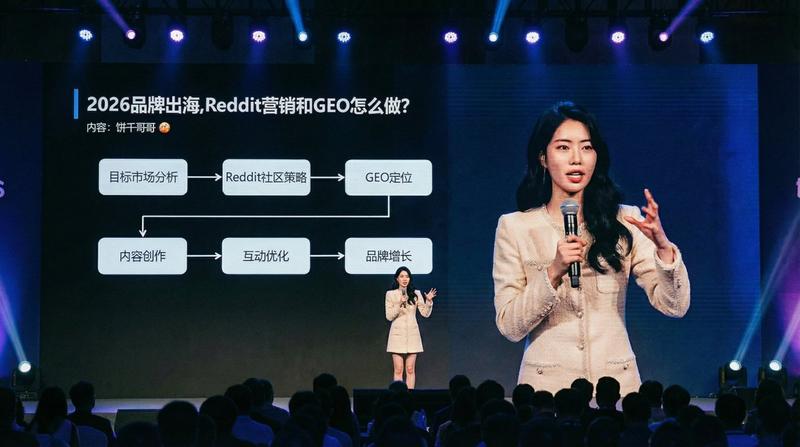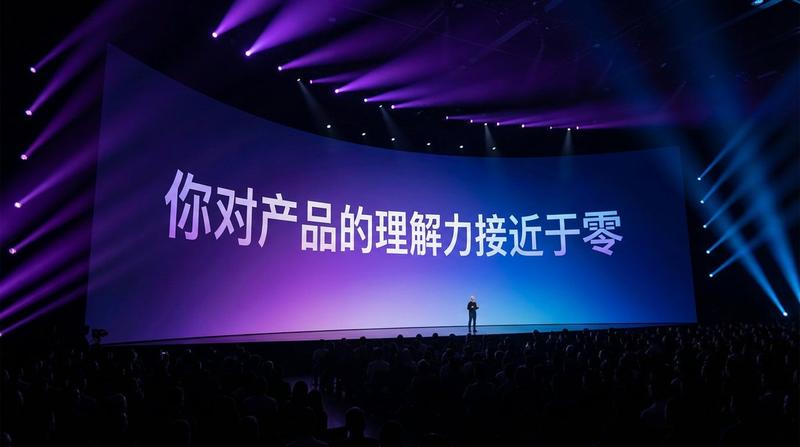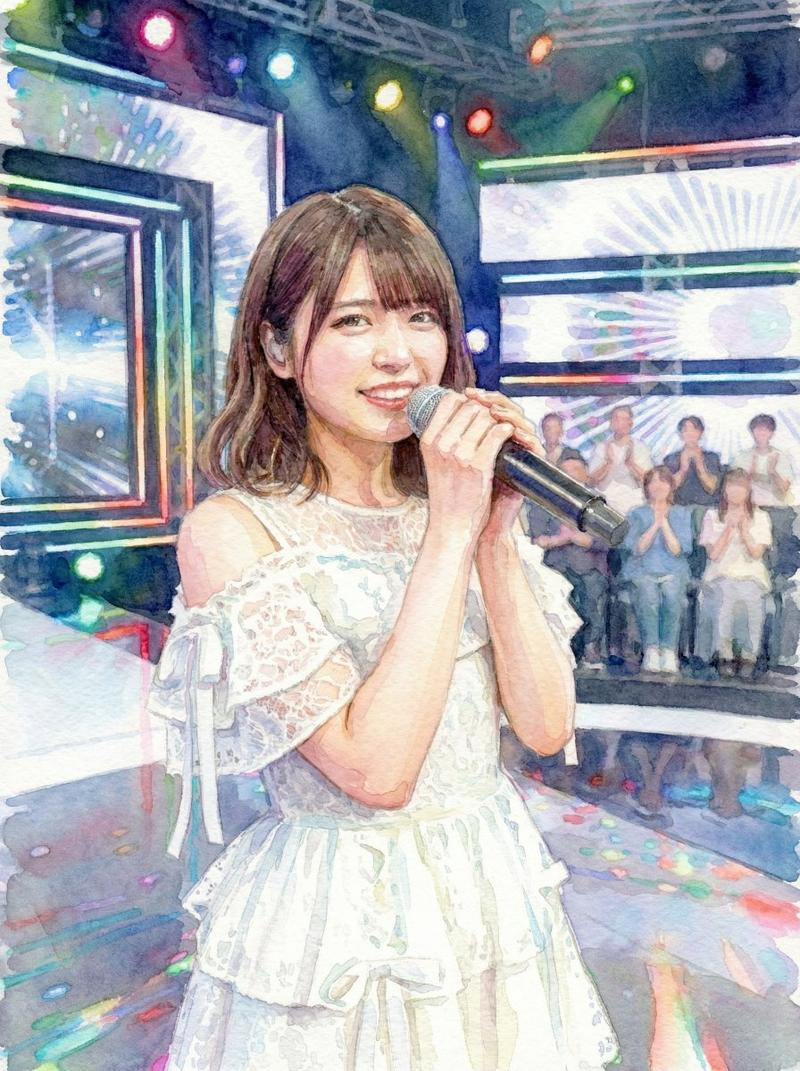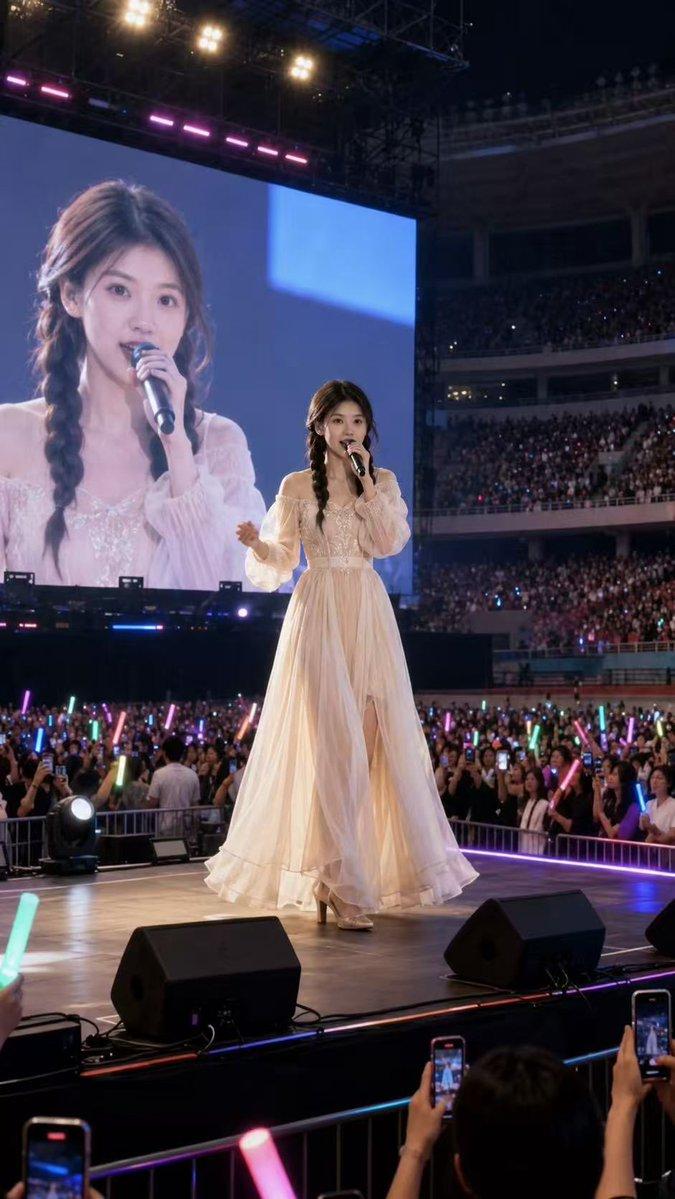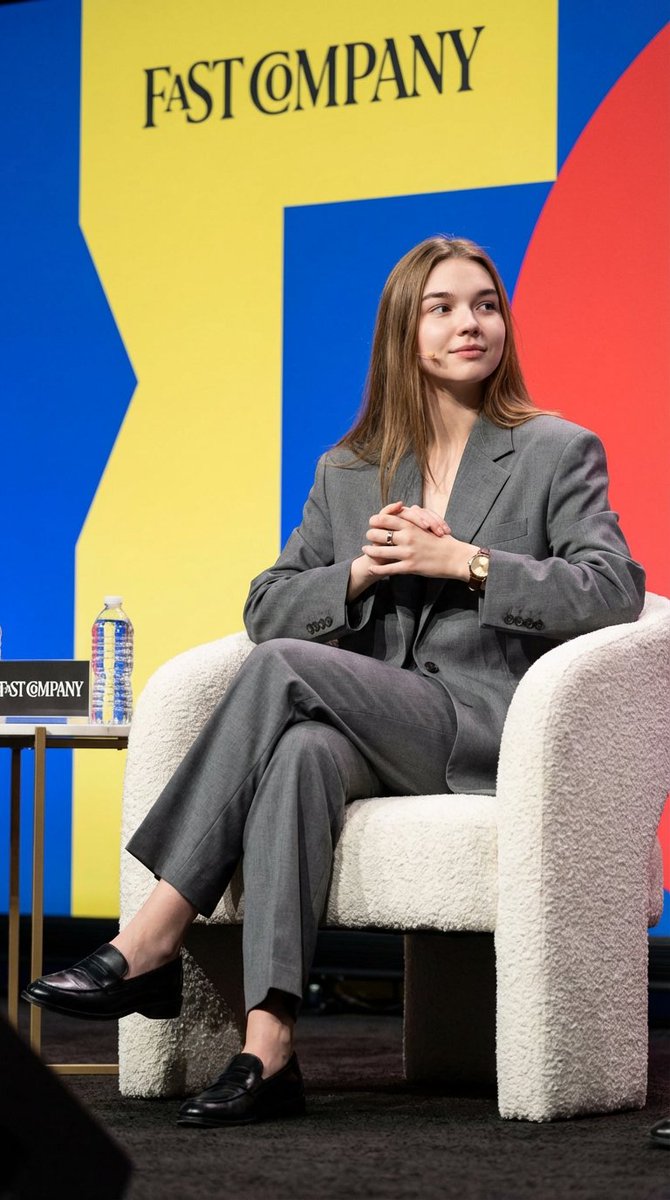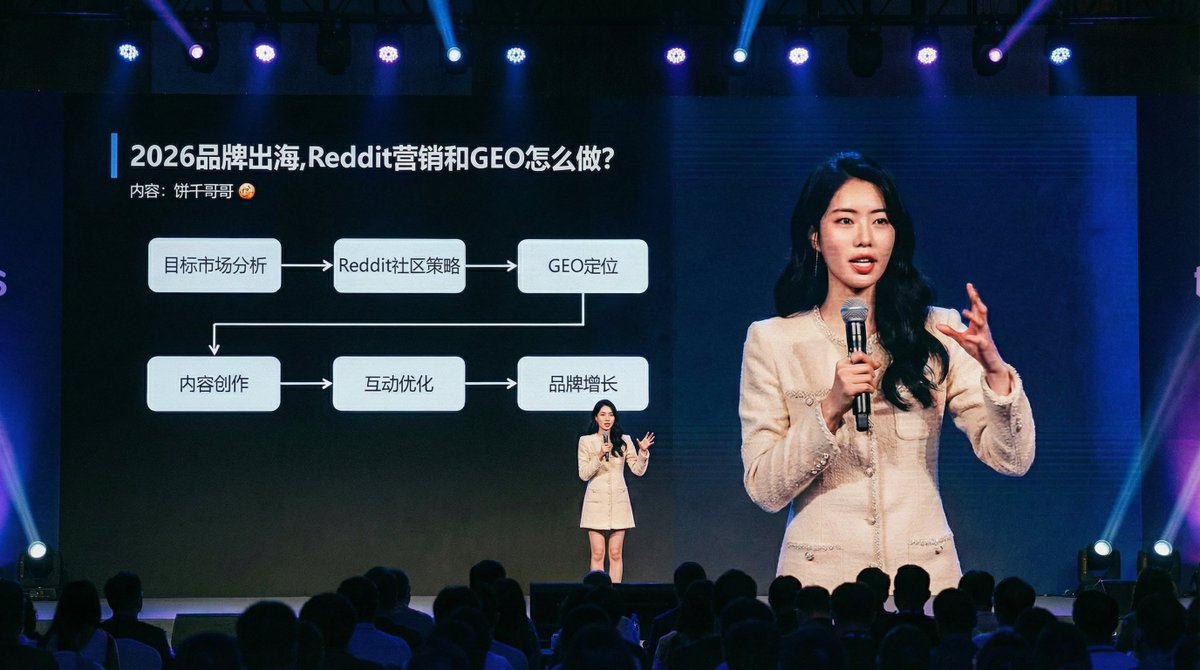
人物放到一个逼格拉满的大会现场
提示词
A wide-angle, candid documentary photograph capturing the person from {reference_image} mid-speech on a large, professionally lit stage at a major technology summit. They are holding a microphone and gesturing naturally toward the audience. Behind them, an immense, wall-sized LED screen is fully visible, displaying a crisp, **full-screen presentation slide (showing only the slide content, absolutely no PowerPoint software interface, toolbars, or window borders)**. The slide content is professionally designed based on the theme: '{speech_topic_or_outline}'. The heads and shoulders of a large audience are visible in the **very bottom foreground, low in the frame and blurred, completely ensuring an unobstructed view of the entire stage screen**. Professional stage lighting with blue and sharp spotlights on the speaker. Shot with a high-resolution camera, sharp focus on both the speaker and the screen content, realistic film grain.- 分类
- 创意图片
- 模型
- Nano Banana Pro
- 来源作者
- @bggg_ai
- 来源 ID
- 377ed5a1-f272-4f80-b865-d592706b5dc1
- 发布时间
- 2025年12月27日
浏览量3