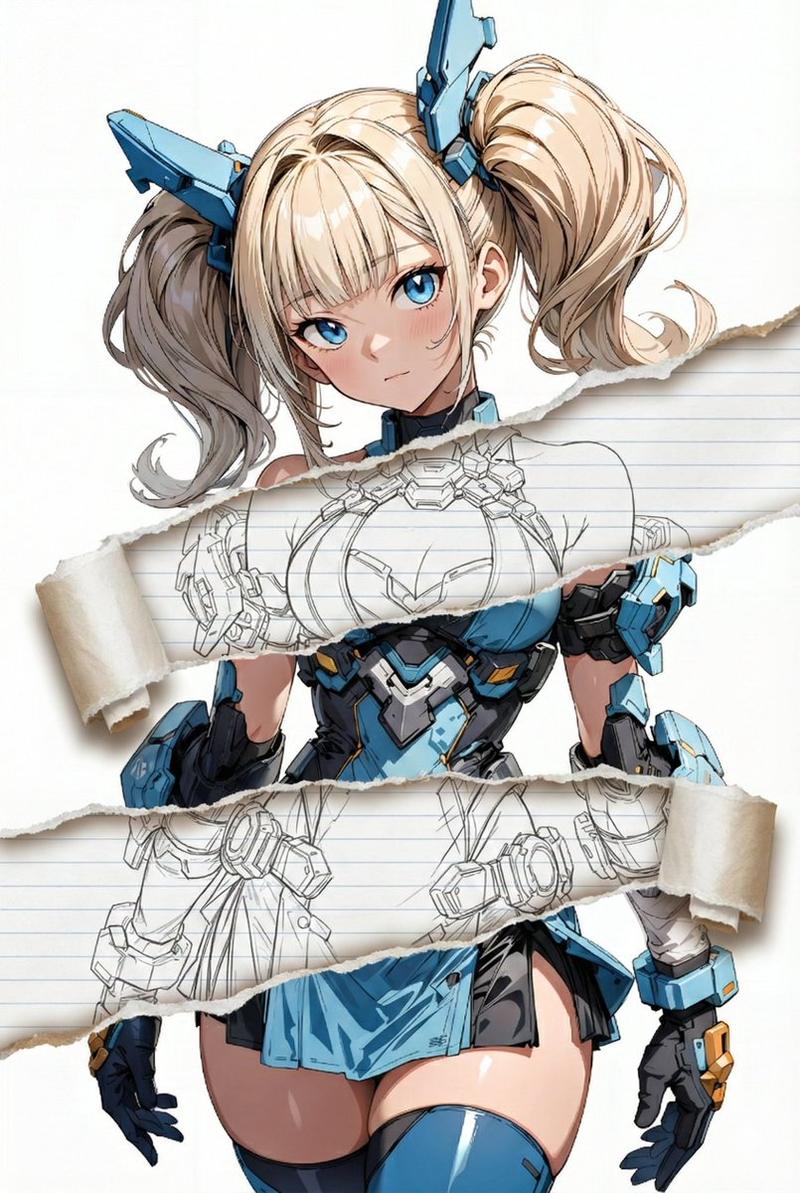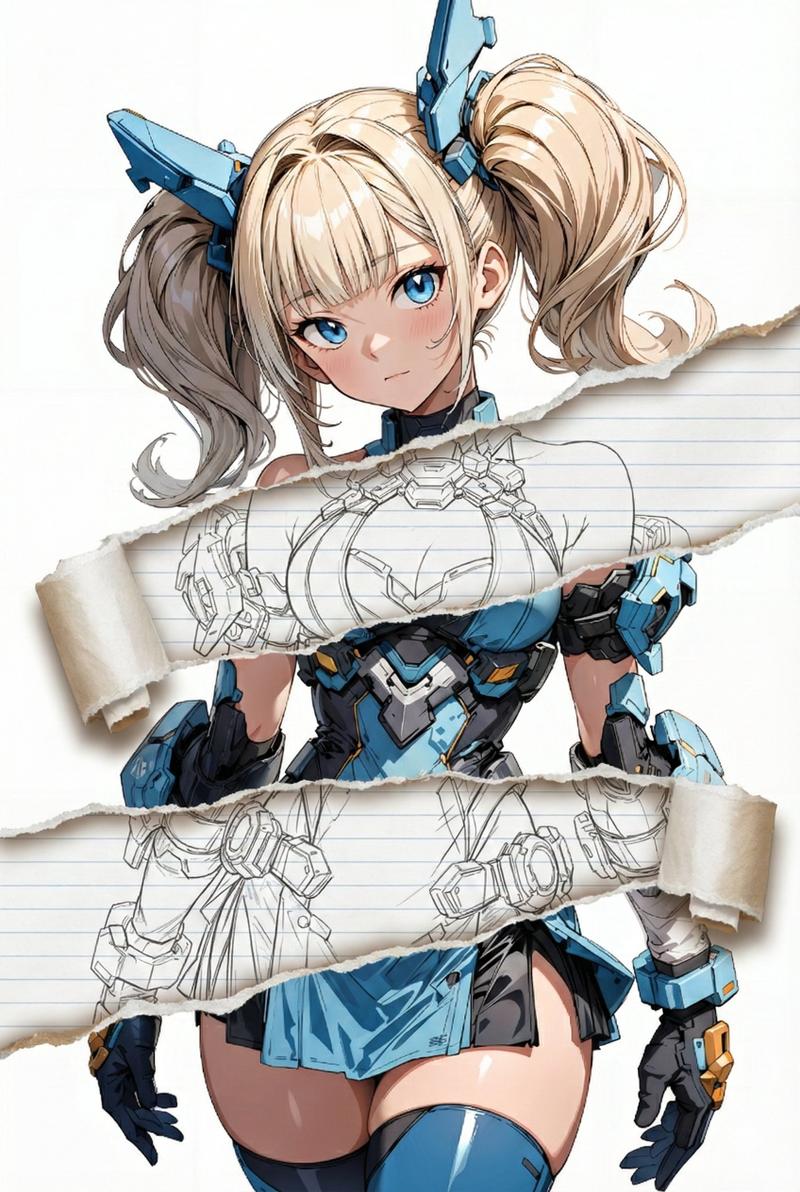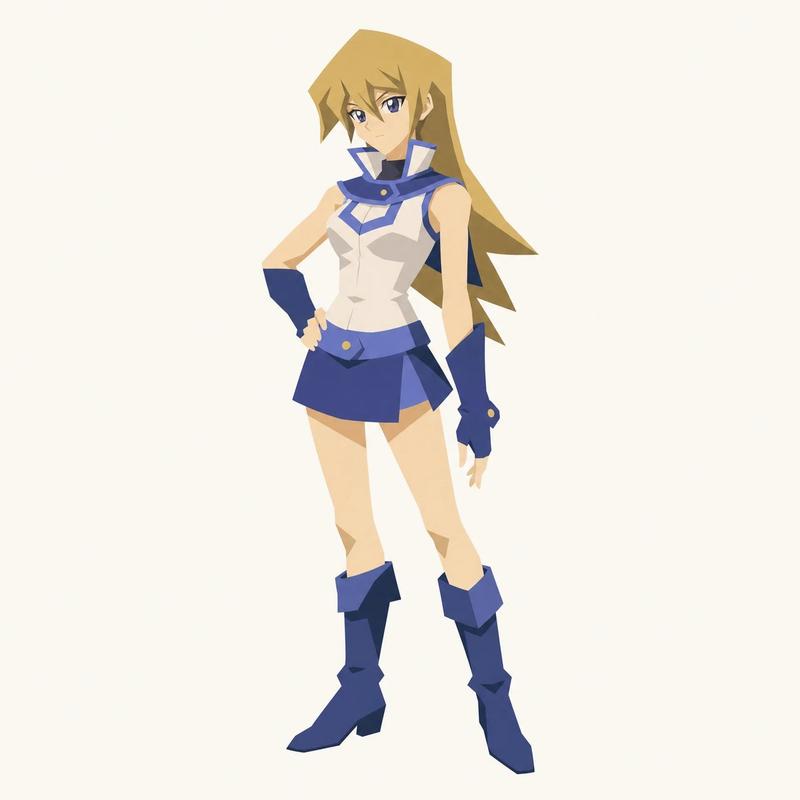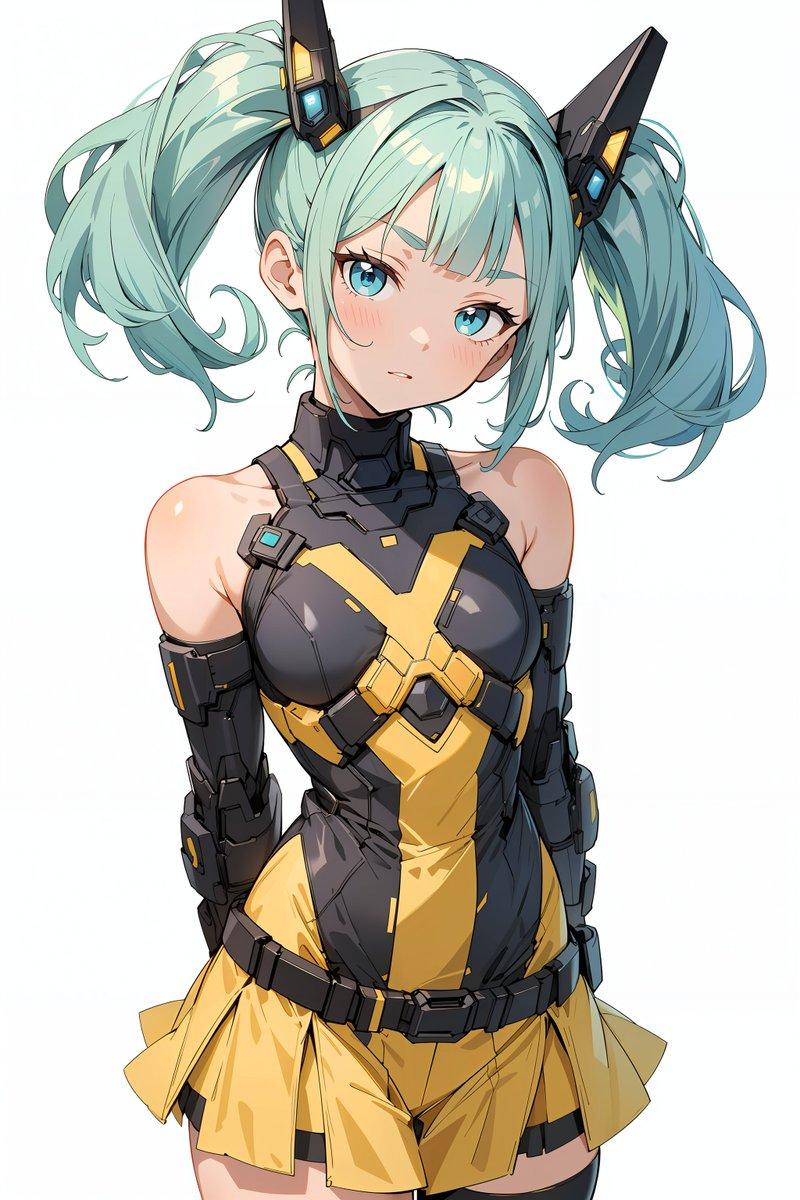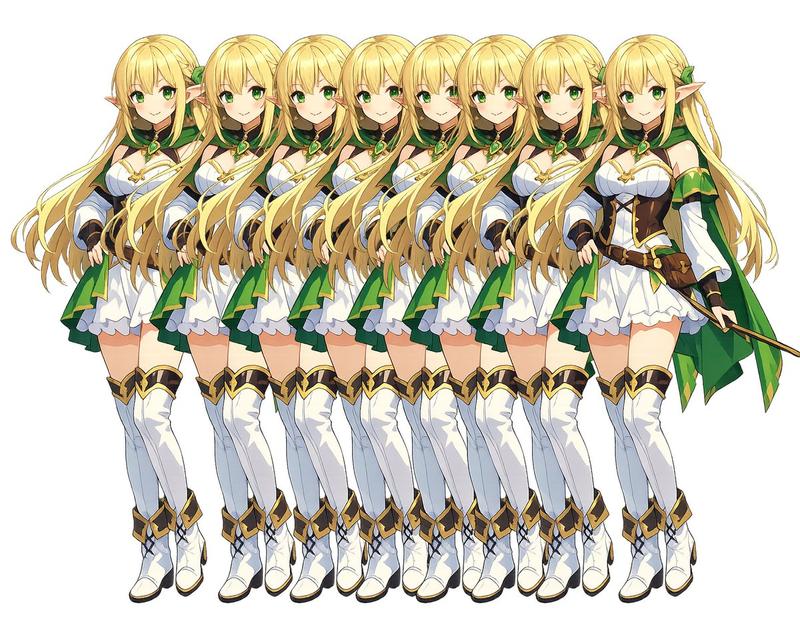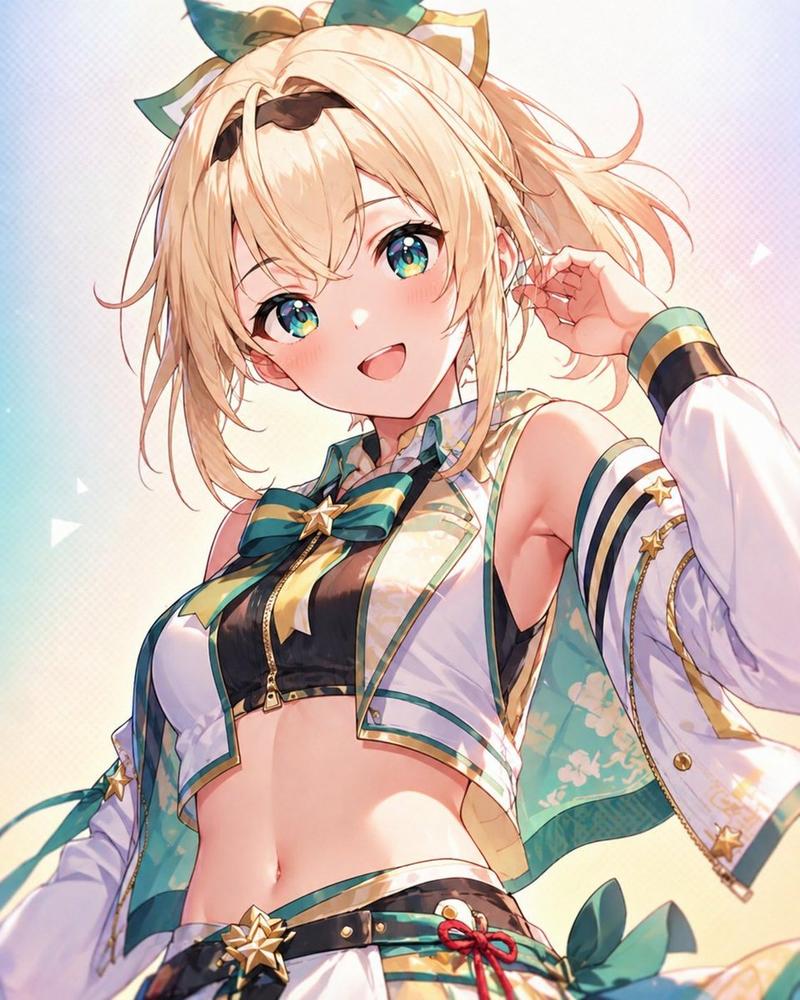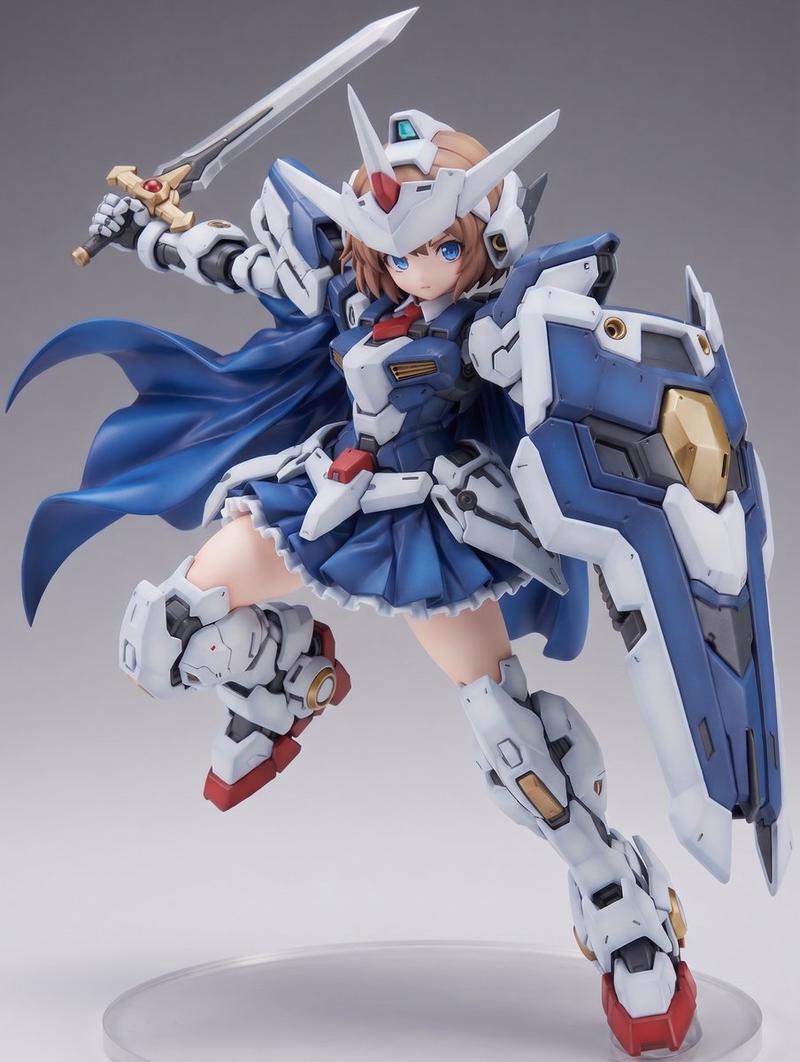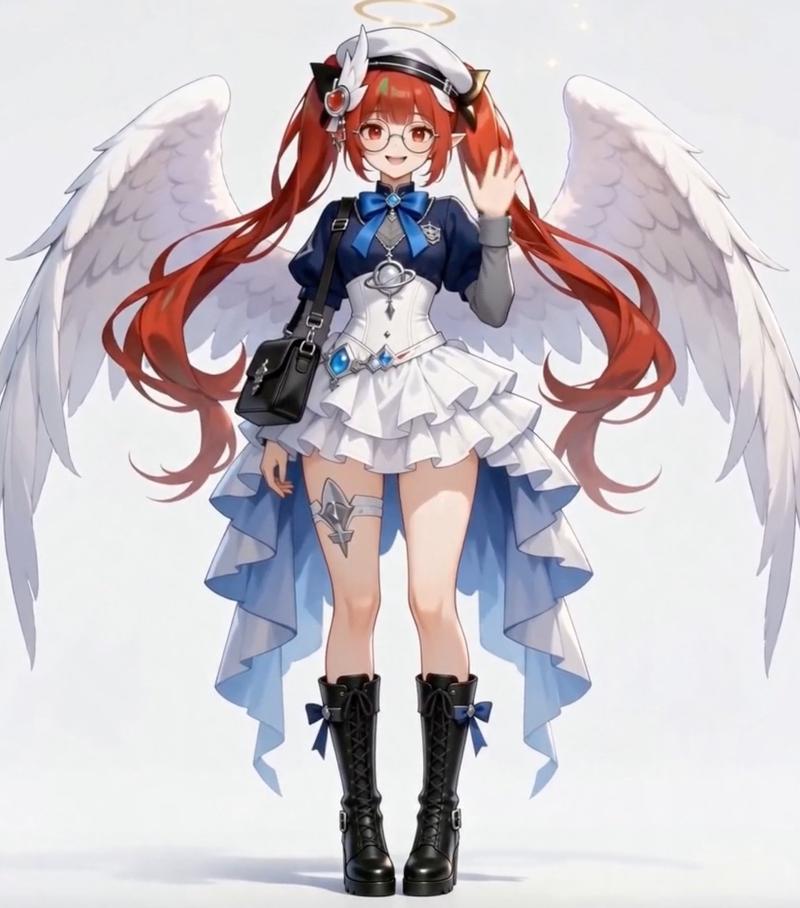
Nano Banana Proで遊ぼう 【破れたところだけ画風を変えるプロンプト】 ⠀ 参照画像そのものは一切変えず 破れ表現を追加し破れた部分だけを 線画・墨
提示词
Nano Banana Proで遊ぼう
【破れたところだけ画風を変えるプロンプト】
⠀
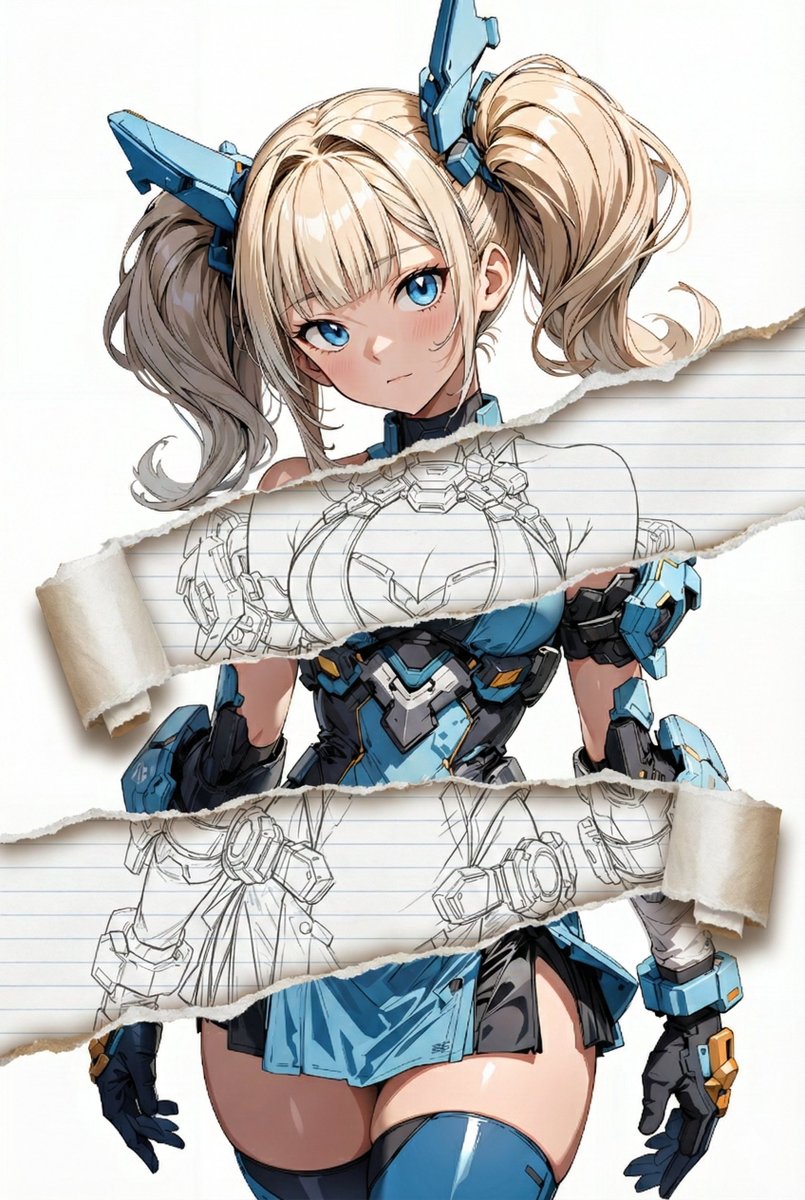
参照画像そのものは一切変えず
破れ表現を追加し破れた部分だけを
線画・墨絵・フィギュア風
色鉛筆・水彩・鉛筆画
など自由に画風を切り替えられます。
紙質も画風に合わせて変わります。
⠀
作例:
1枚目 line-art
2枚目 colored-pencil
3枚目 pencil-drawing
4枚目 figure-render
⠀
画風の切り替え方法と種類は
リプ欄で説明します。
⠀
AIイラストならではの表現だと思います。
色々試してみてください!
⠀
プロンプト:
task: "edit-image: add widened torn-paper layered effect"

base_image:
  use_reference_image: true
  preserve_everything:
    - character identity
    - facial features and expression
    - hairstyle and anatomy
    - outfit design and colors
    - background, lighting, composition
    - overall art style

rules:
  - Only modify the torn-paper interior areas.
  - Do not change pose, anatomy, proportions, clothing details, shading, or scene elements.

effects:
  - effect: "torn-paper-reveal"
    placement: "across chest height"
    description:
      - Add a wide, natural horizontal tear across the chest area.
      - The torn interior uses the style defined in `interior_style`.

  - effect: "torn-paper-reveal"
    placement: "lower abdomen height"
    description:
      - Add a wide horizontal tear across the lower abdomen.
      - The torn interior uses the style defined in `interior_style`.

interior_style:
  mode: "line-art"

  style_settings:
    line-art:
      palette: "monochrome"
      line_quality: "clean, crisp"
      paper: "notebook paper with subtle ruled lines"

    sumi-e:
      palette: "black ink tones"
      brush_texture: "soft bleeding edges"
      paper: "plain textured paper"

    figure-render:
      material: "PVC-like"
      shading: "semi-realistic highlights"
      paper: "plain smooth surface"

    colored-pencil:
      stroke_texture: "visible pencil grain"
      palette: "soft layered hues"
      paper: "rough sketchbook paper"

    watercolor:
      palette: "soft transparent pigments"
      blending: "smooth bleeding"
      edges: "soft contours"
      paper: "watercolor paper texture"

    pencil-drawing:
      graphite_texture: "visible pencil grain"
      shading: "smooth gradients"
      line_quality: "mixed sharp and soft"
      tone: "gray-scale"
paper: "notebook paper with faint ruled lines"- 分类
- 创意图片
- 模型
- Nano Banana Pro
- 来源作者
- Pixshop
- 来源 ID
- 3d94f7cf-6fe1-4b41-8fb9-1d9590351396
- 发布时间
- 2026年1月10日
浏览量5