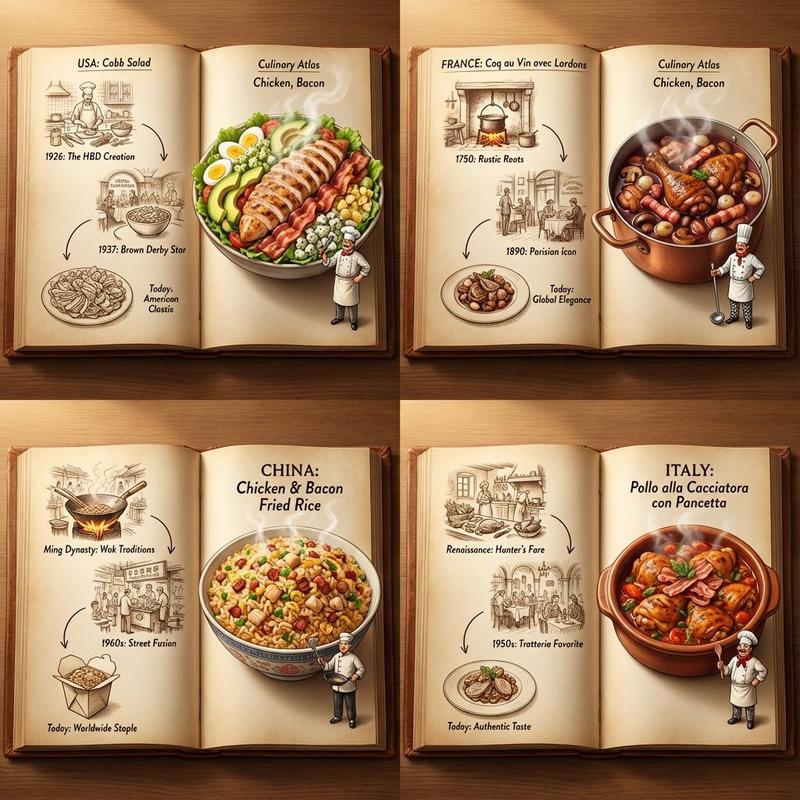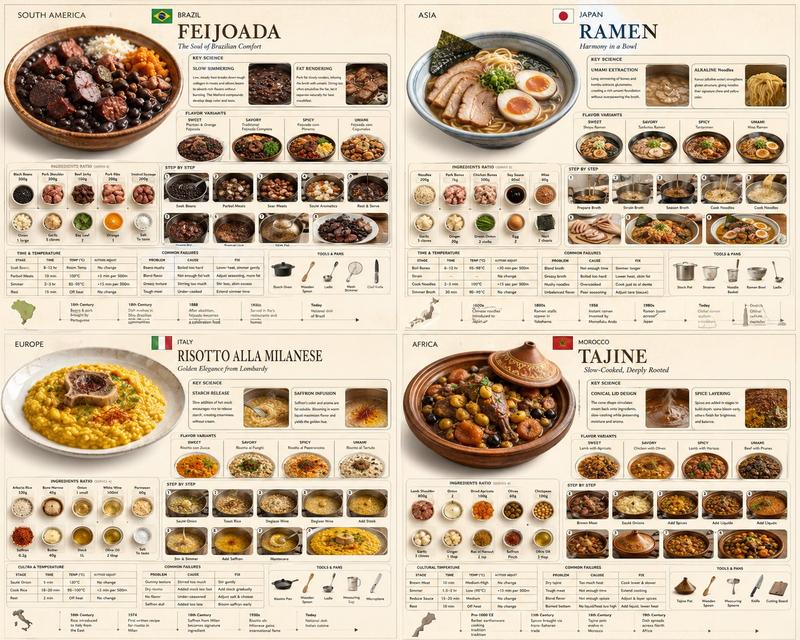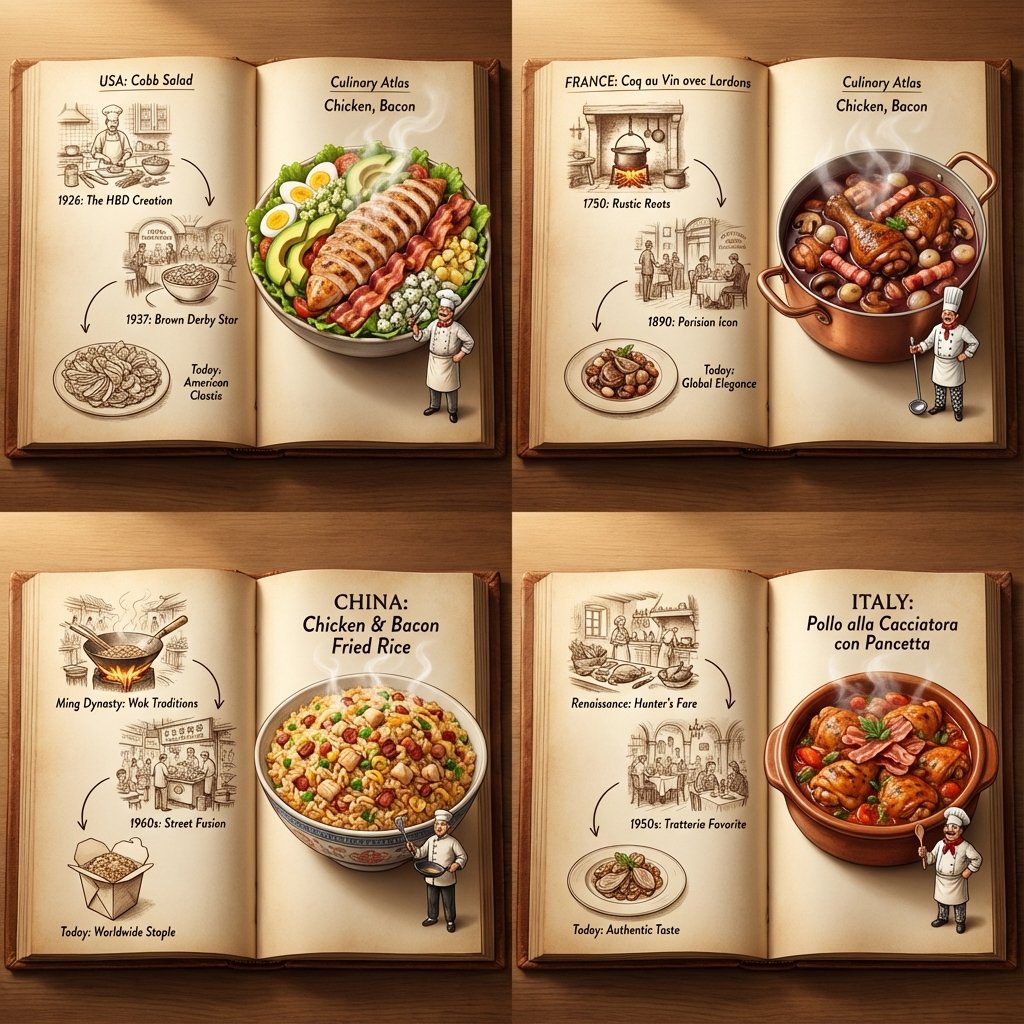
Nano Banana Pro vs. GPT Image 1.5 for my food recommendation prompt. Just give i
提示词
Nano Banana Pro vs. GPT Image 1.5 for my food recommendation prompt. Just give it a couple of ingredients.

<instruction>
Inputs: Ingredients = [User Choice, e.g., Chicken, Bacon]

Step 1: Global Analysis
Analyze the ingredients.
Select 4 Distinct Countries with a famous dish using these ingredients

Goal: A "Culinary Atlas" Grid showing 4 different cultural variations of the ingredients.

Layout Rule:
Output Format: A 2x2 Grid.
Content per Panel: Each of the 4 panels must show a Single Open Book Spread for that specific country.

Inside Each Panel (The Book Spread Rule):
Left Page (The History): 2D Vintage Sepia Sketches. A visual timeline or illustrated recipe of the dish (e.g., "1850 -> 1920 -> Today"). Flat, ink-drawn style.
Right Page (The Reality): 3D Pop-up Diorama. The finished, steaming meal emerges physically from the page. A tiny miniature chef from that country is standing on the page next to the massive food.
Consistency: All 4 books should look like part of the same series, but with different cultural contents.

Lighting: Cinematic top-down lighting, highlighting the depth difference between the flat left page and the 3D right page.
Output: 2x2 Grid, High Definition, Macro Detail.
</instruction>
- 分类
- creative_scene
- 模型
- Nano Banana Pro
- 来源作者
- Pixshop
- 来源 ID
- 06928e0c-4c6f-4663-b897-caa0a587b60c
- 发布时间
- 2026年1月12日
浏览量5