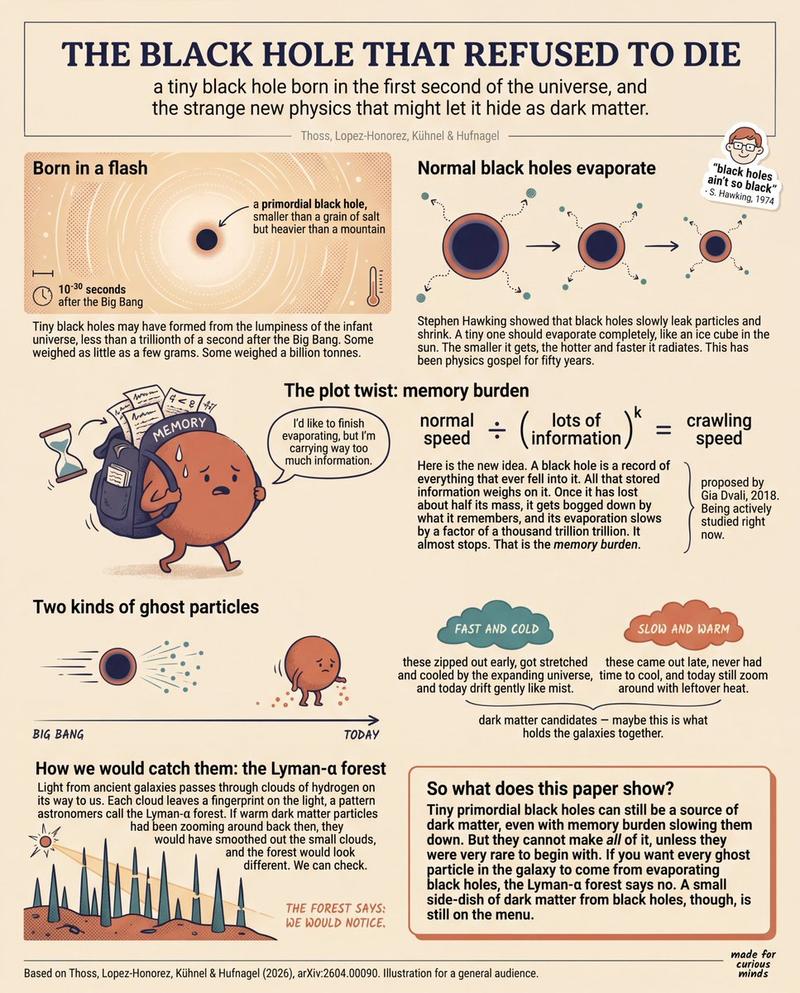
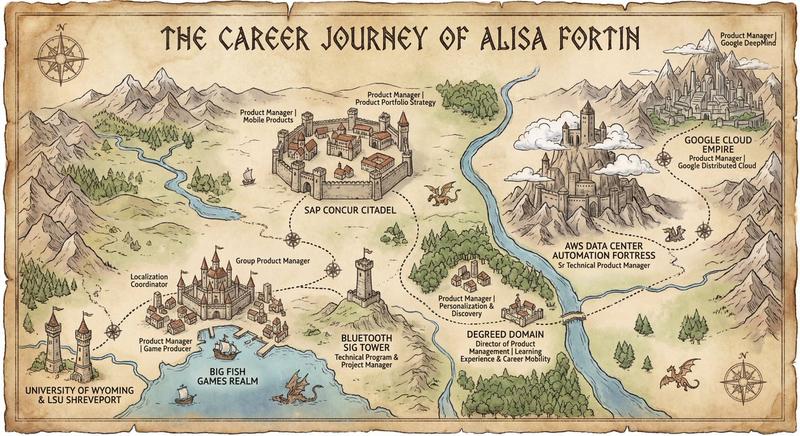
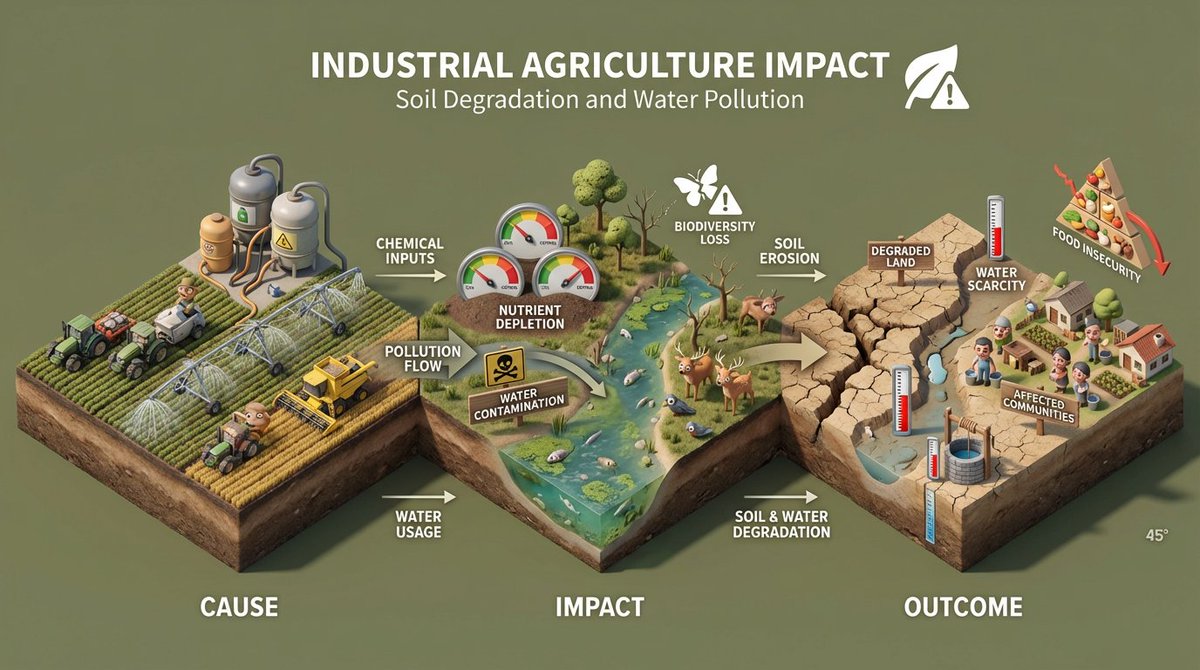
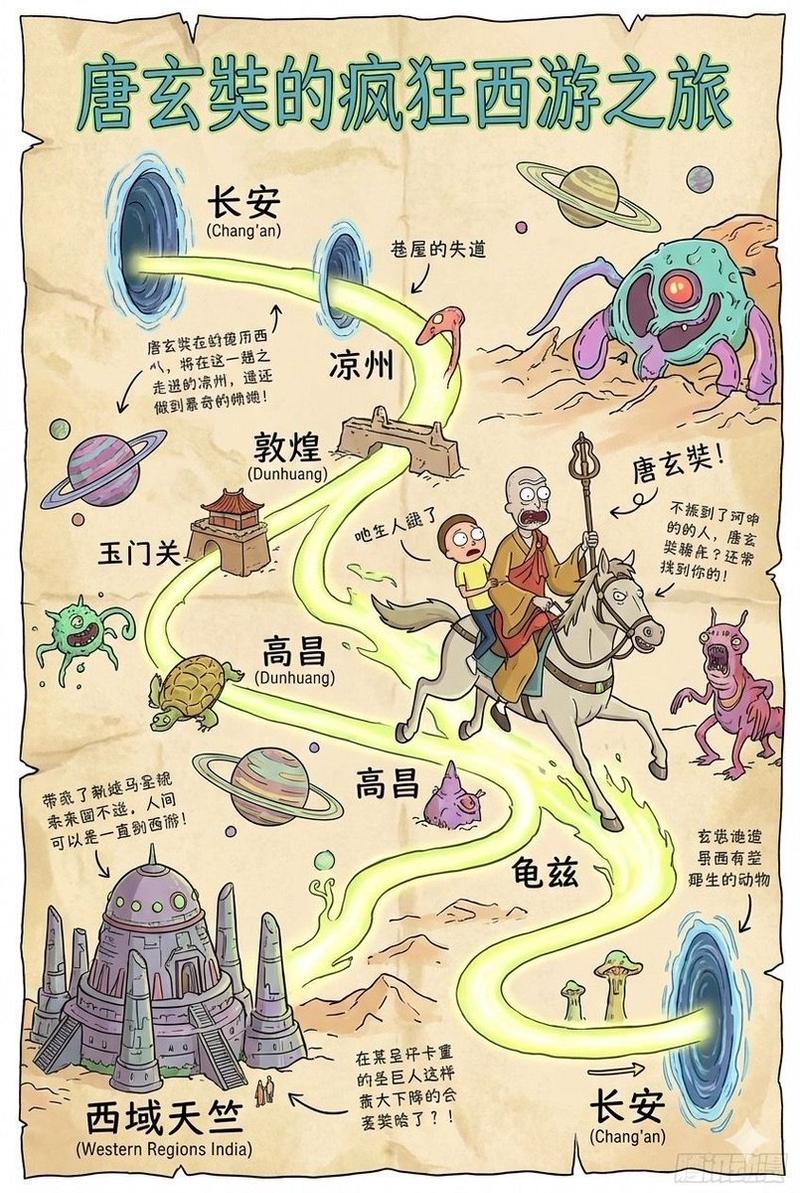
13

Create an infographic image of [LANDMARK], combining a real photograph of the la
放大

Create an infographic image of [LANDMARK], combining a real photograph of the la

提示词
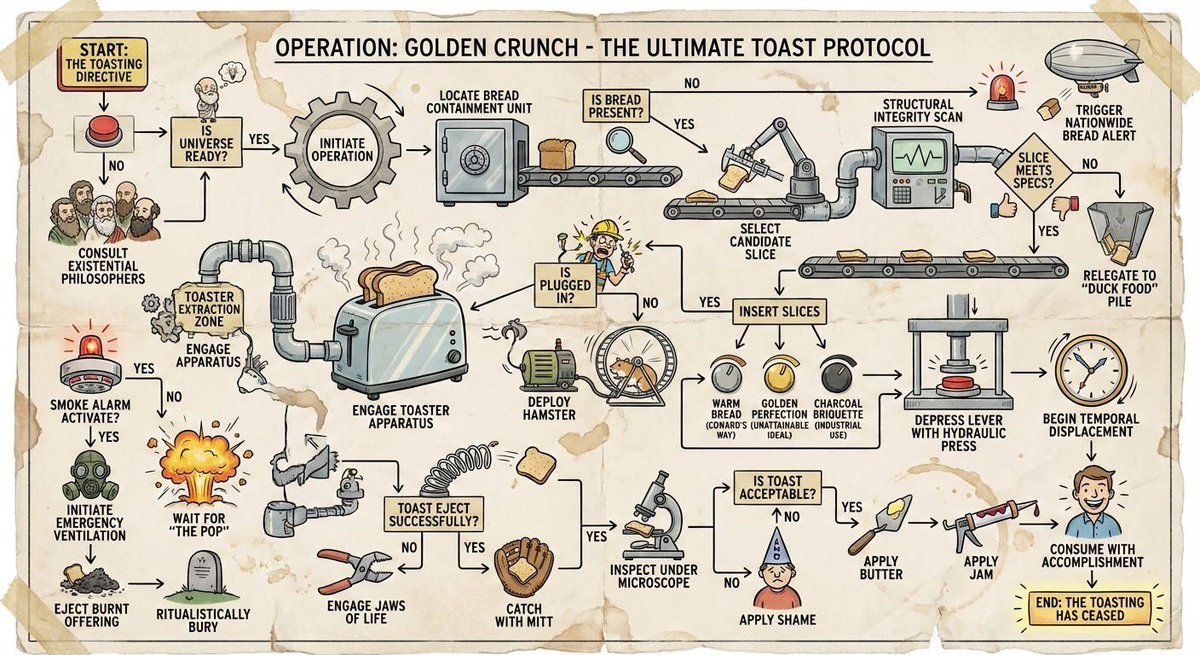
Create an infographic image of [LANDMARK], combining a real photograph of the landmark with blueprint-style technical annotations and diagrams overlaid on the image. Include the title “Bikini Bottom” in a hand-drawn box in the corner. Add white chalk-style sketches showing key
分类
图表信息图
模型
GPT Image 2
来源作者
xie underwood
浏览量121
来源 ID
2070
发布时间
2026年4月23日

使用说明

关于「Create an infographic image of [LANDMARK], combining a real photograph of the la」

这条提示词适合做什么?

「Create an infographic image of [LANDMARK], combining a real photograph of the la」AI 图片提示词,适用于 GPT Image 2,分类:图表信息图。Create an infographic image of [LANDMARK],…

页面上方提供可复制的完整提示词正文与示例效果图,适合直接用于 AI 图片生成或在 Picva 中一键同款。

如何使用这条提示词

  1. 步骤 1

    打开提示词详情

    查看「Create an infographic image of [LANDMARK], combining a real photograph of the la」的示例图、分类与完整 Prompt 文本。

  2. 步骤 2

    复制提示词

    一键复制页面中的提示词正文,或在 Studio 中直接带入。

  3. 步骤 3

    选择模型(GPT Image 2)

    优先使用 GPT Image 2;如切换其他模型,可保留主体与构图,微调风格词。

  4. 步骤 4

    生成并导出

    在 Picva 一键生成同款,或导出到你的工作流继续编辑发布。

常见问题

「Create an infographic image of [LANDMARK], combining a real photograph of the la」是什么提示词?
这是一条可用于 GPT Image 2 的图片生成提示词,属于「图表信息图」分类。页面提供完整 Prompt 文本、示例效果图,以及在 Picva 中一键生成同款的入口。
如何使用这条提示词生成图片?
复制页面中的提示词,或点击一键生成 / Studio。可直接粘贴到支持的图像模型,也可在 Picva 中结合参考图生成同款视觉效果。
这条提示词适合哪个模型?
页面标注模型为 GPT Image 2。多数描述型提示词也可迁移到 GPT Image、Flux、Midjourney 等相近图像模型,必要时微调风格与构图词。
可以商用吗?需要注意什么?
提示词文本通常可复制用于创作,但最终图片是否可商用取决于你使用的模型条款、参考图版权以及生成内容本身。请遵守来源作者与平台规则。