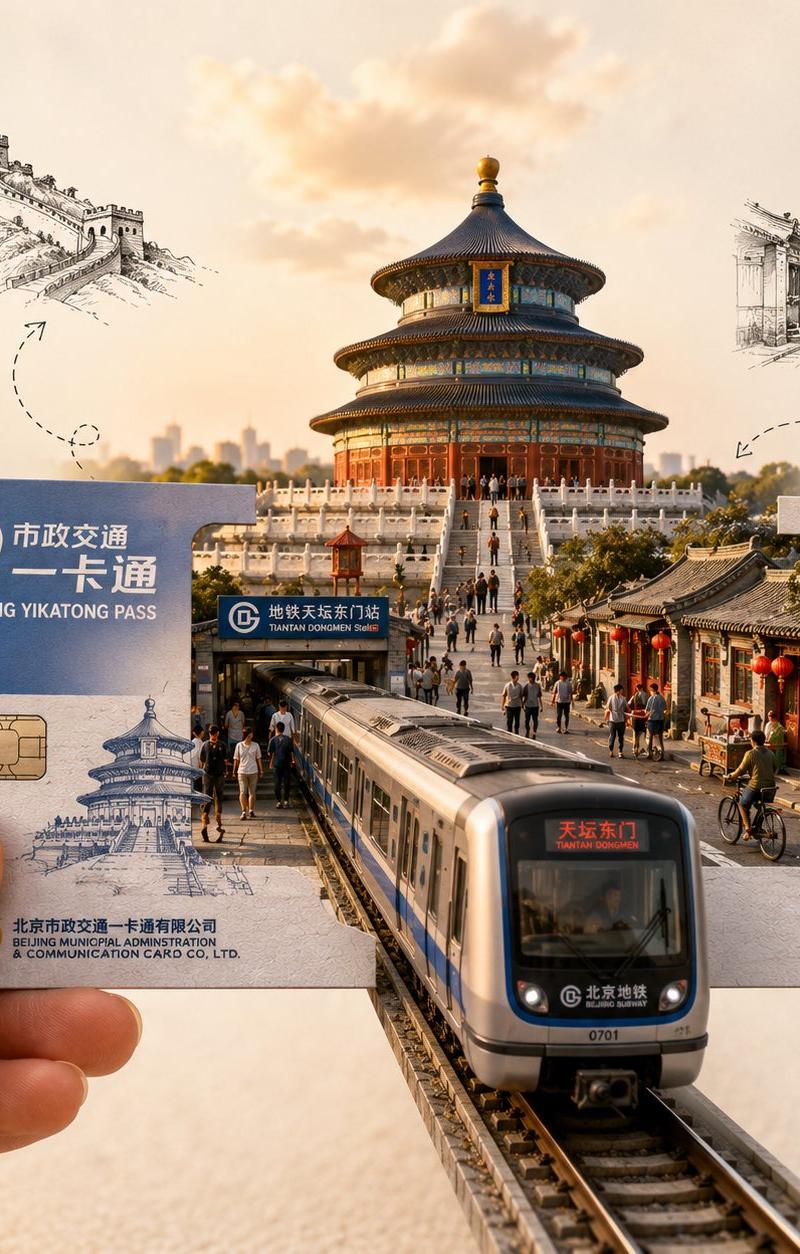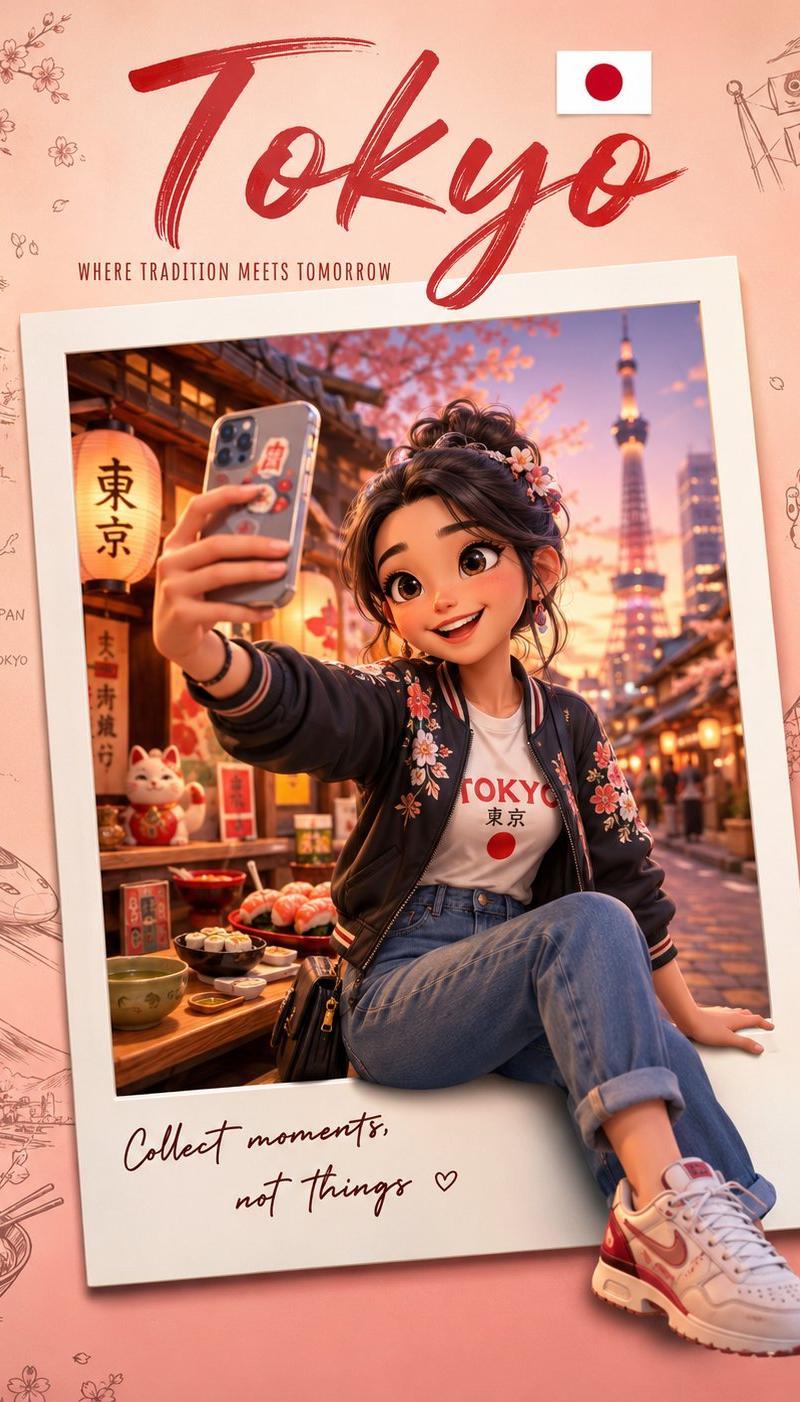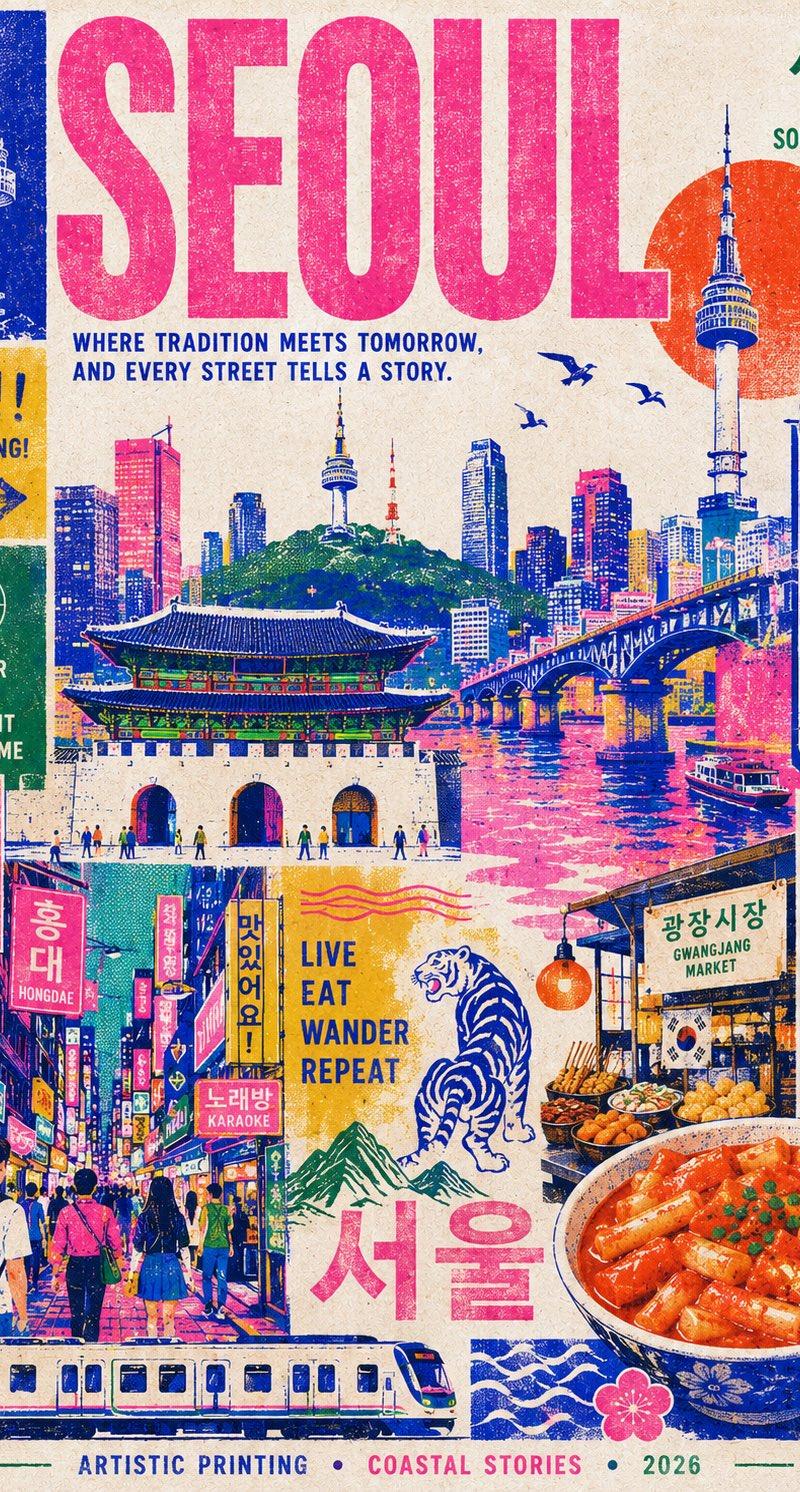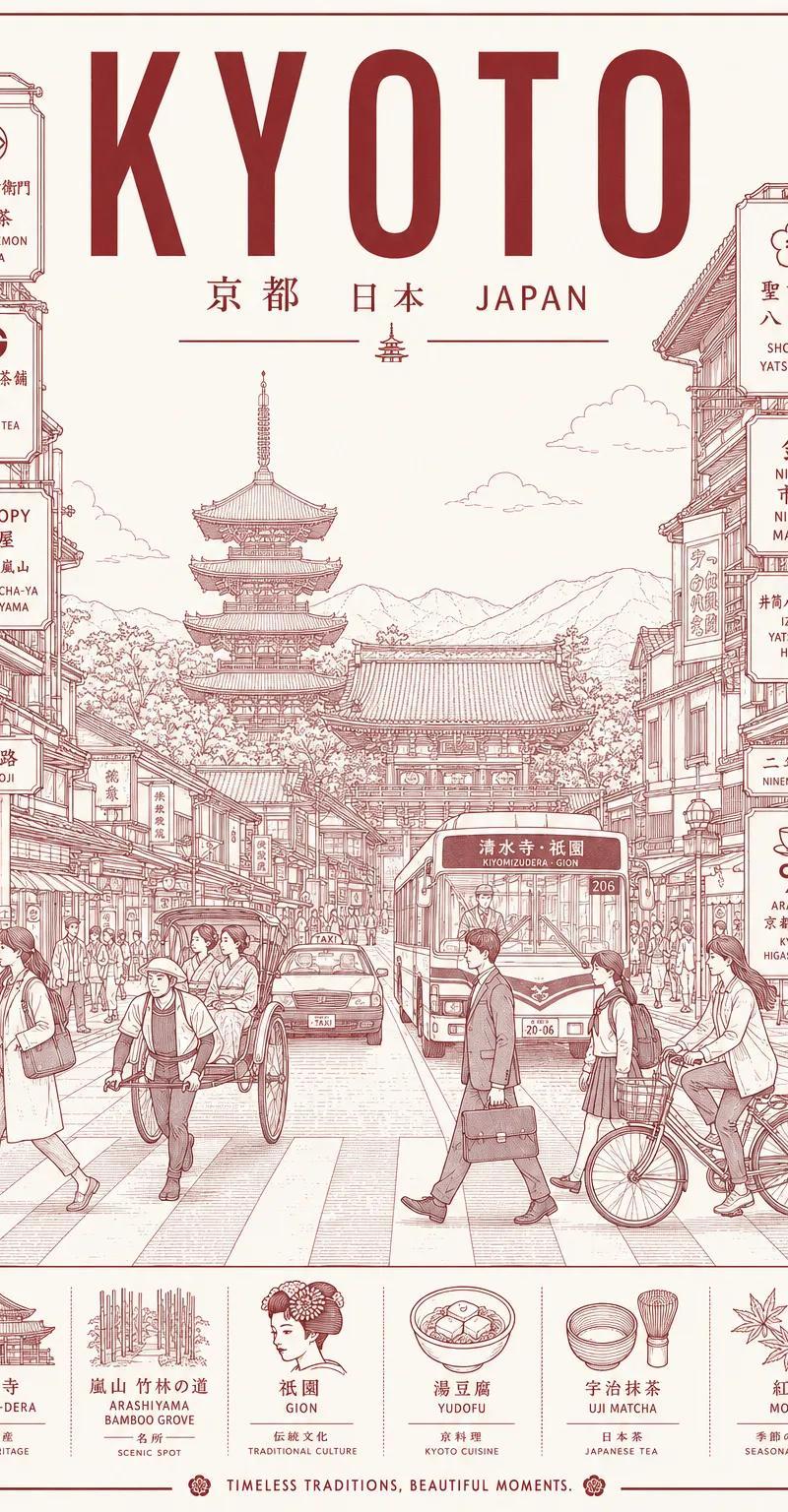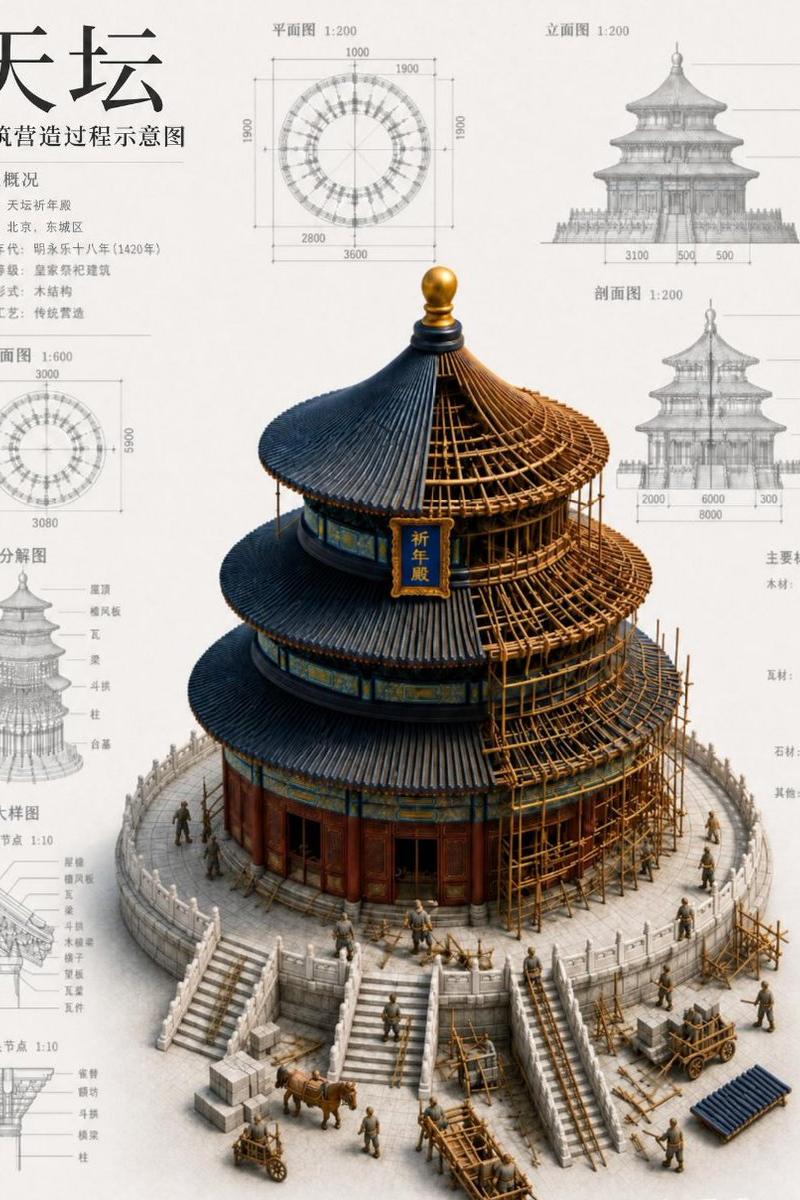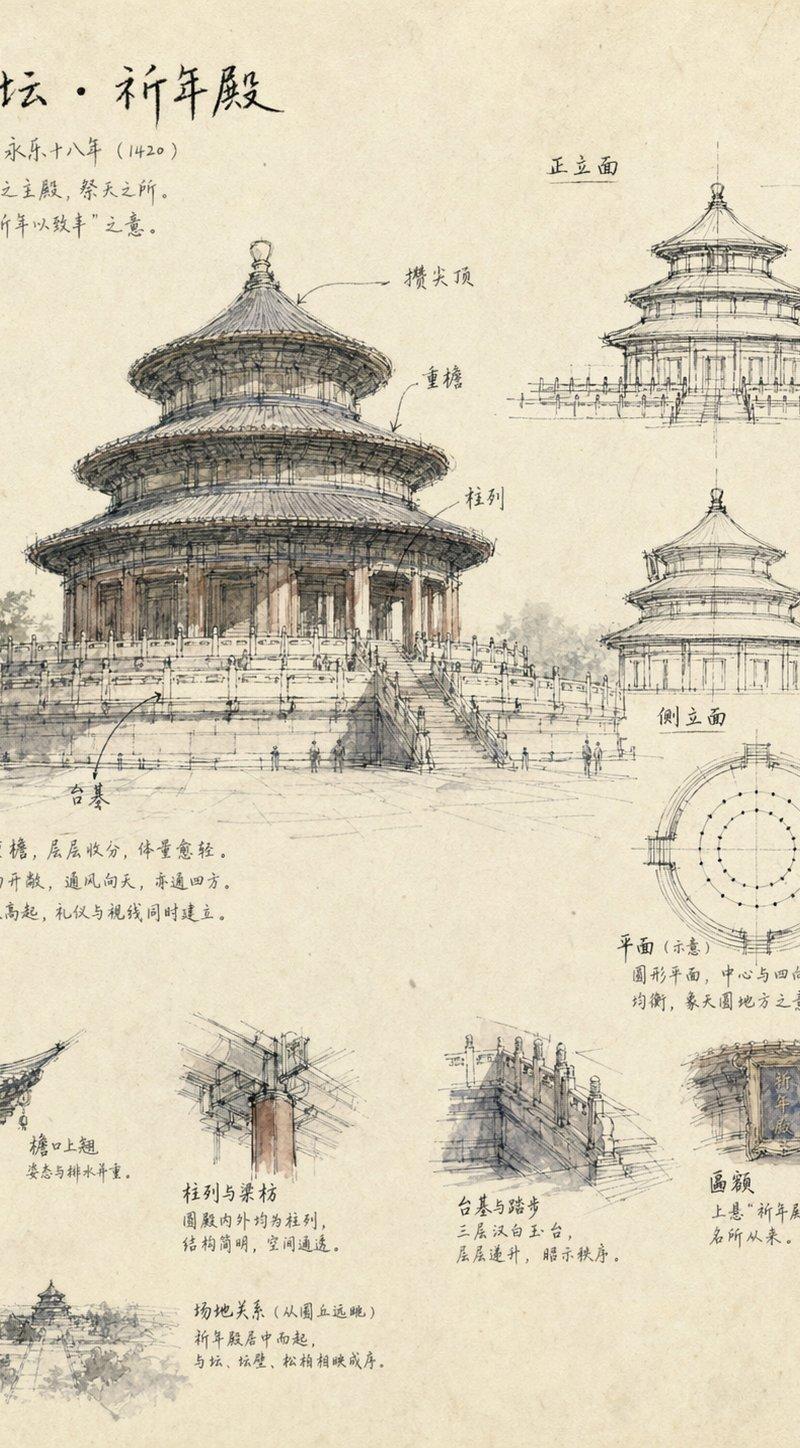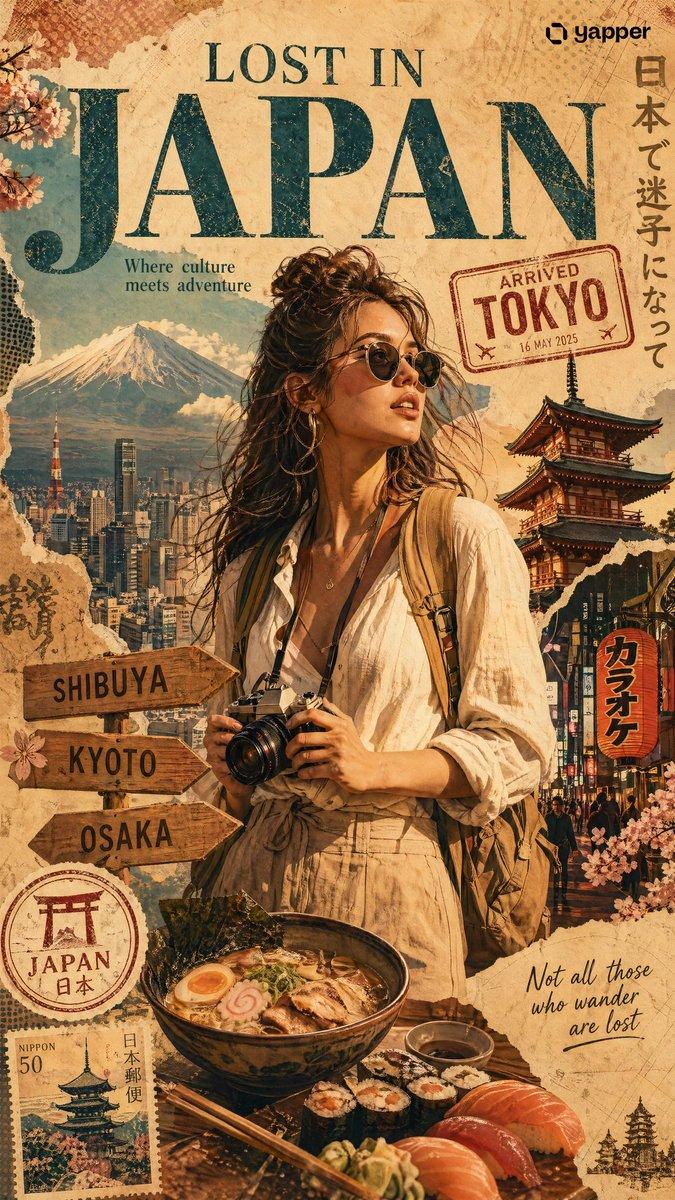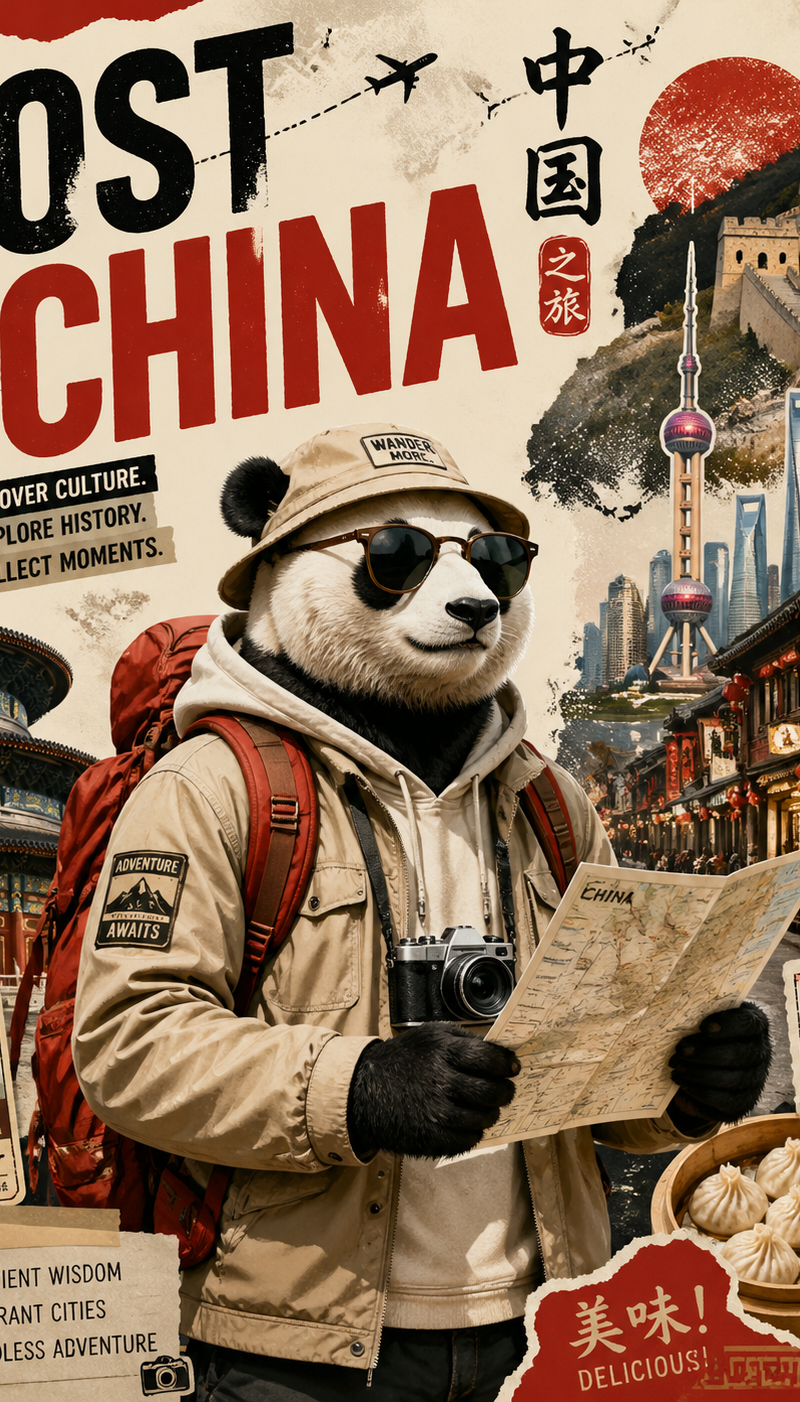
Create a stylized travel poster / graphic collage for China
提示词
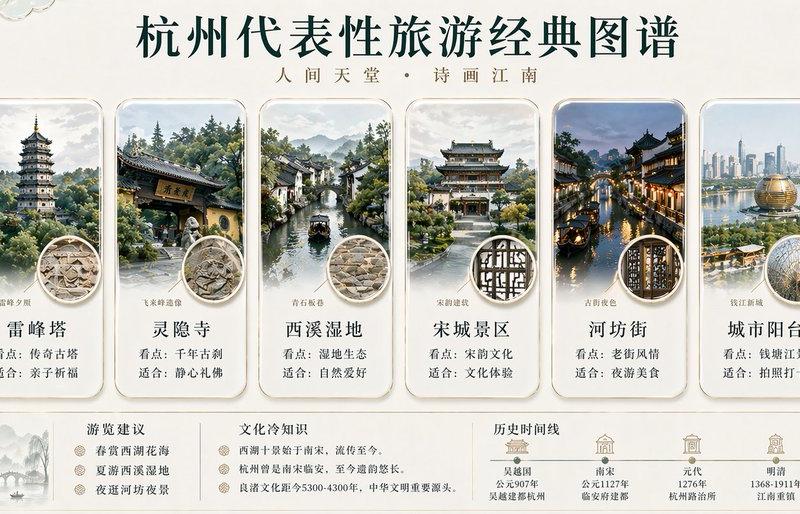
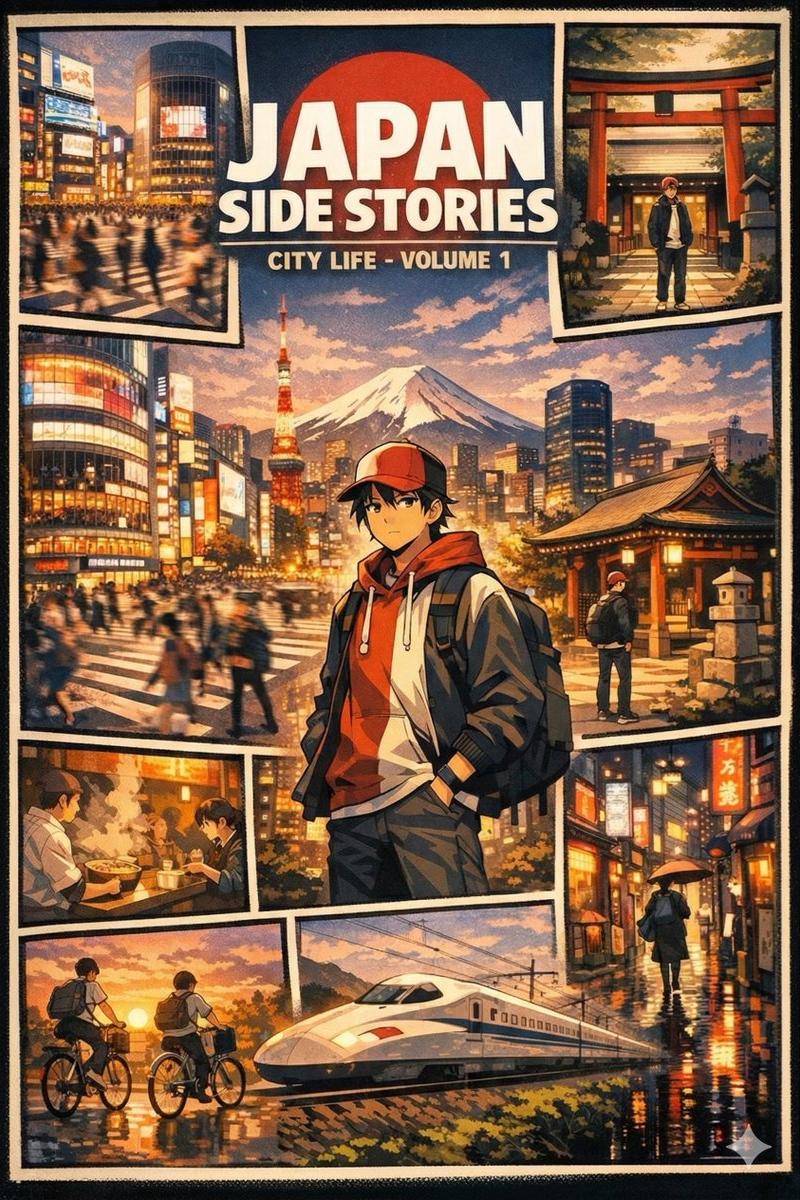
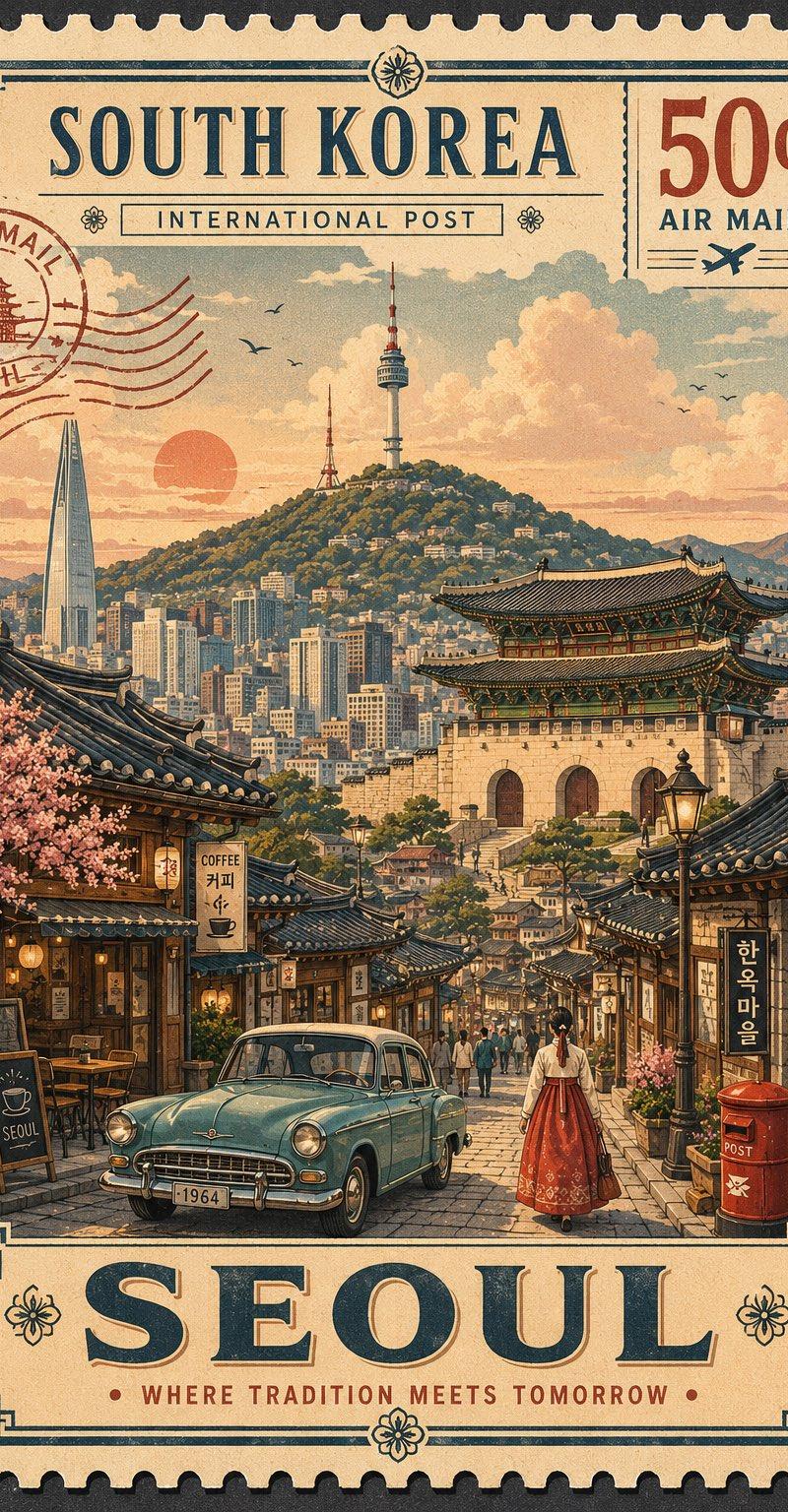
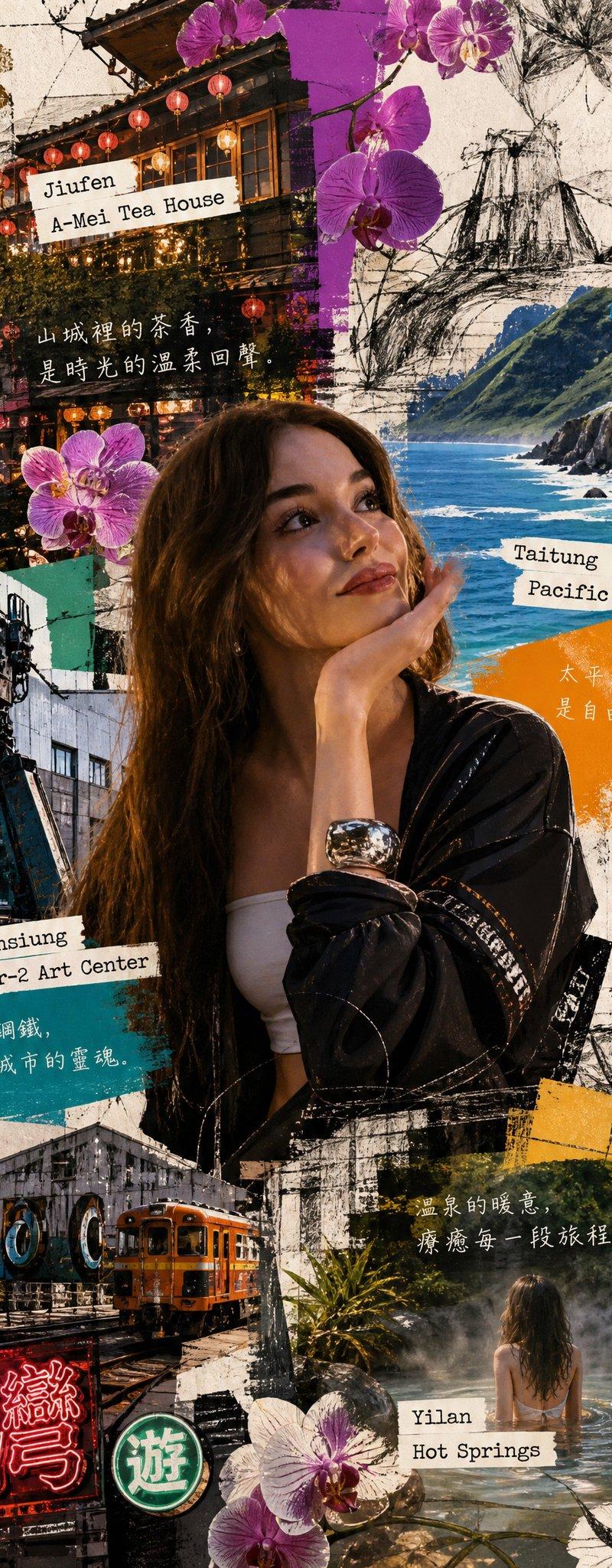
Create a stylized travel poster / graphic collage for China. The main subject should be a stylish international tourist visiting China, clearly presented as a traveler and not a local resident. Show a PANDA wearing modern travel fashion, with details such as a camera, backpack, sunglasses, map, or suitcase, exploring the culture and atmosphere of China. Place the tourist in a dynamic composition surrounded by iconic architecture, streets, landscapes, landmarks, transportation, food, signage, and cultural elements associated with China. Blend realistic character detail with a graphic collage background made of layered paper textures, torn poster edges, sticker elements, halftone dots, editorial typography, and bold geometric shapes. Include authentic visual motifs from China, but keep the tourist’s appearance and styling globally fashionable and clearly foreign to the setting. Add a large readable headline: “LOST IN CHINA”. Modern, artistic, premium editorial travel poster aesthetic, balanced layout, print-worthy composition.
- 分类
- 图表信息图
- 模型
- GPT Image 2
- 来源作者
- Mei Lai
- 原始语言
- en
- 来源 ID
- 2387
- 发布时间
- 2026年4月29日
浏览量153