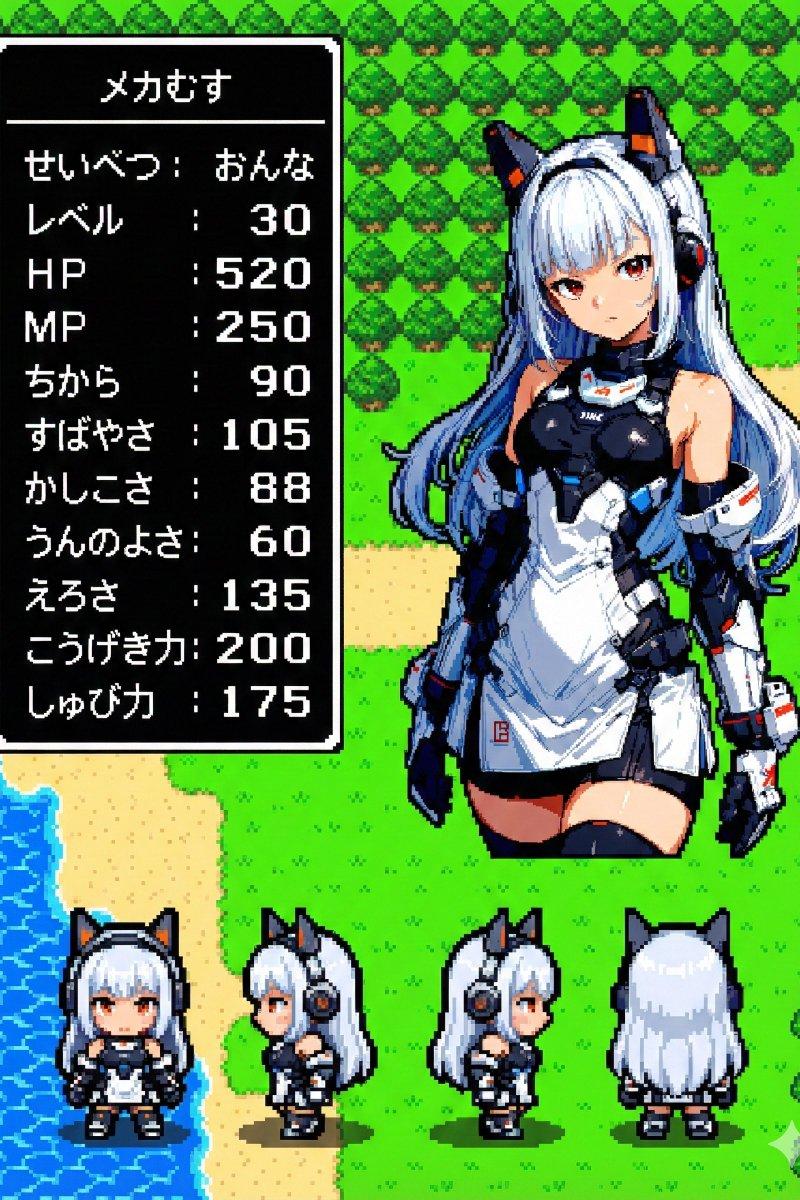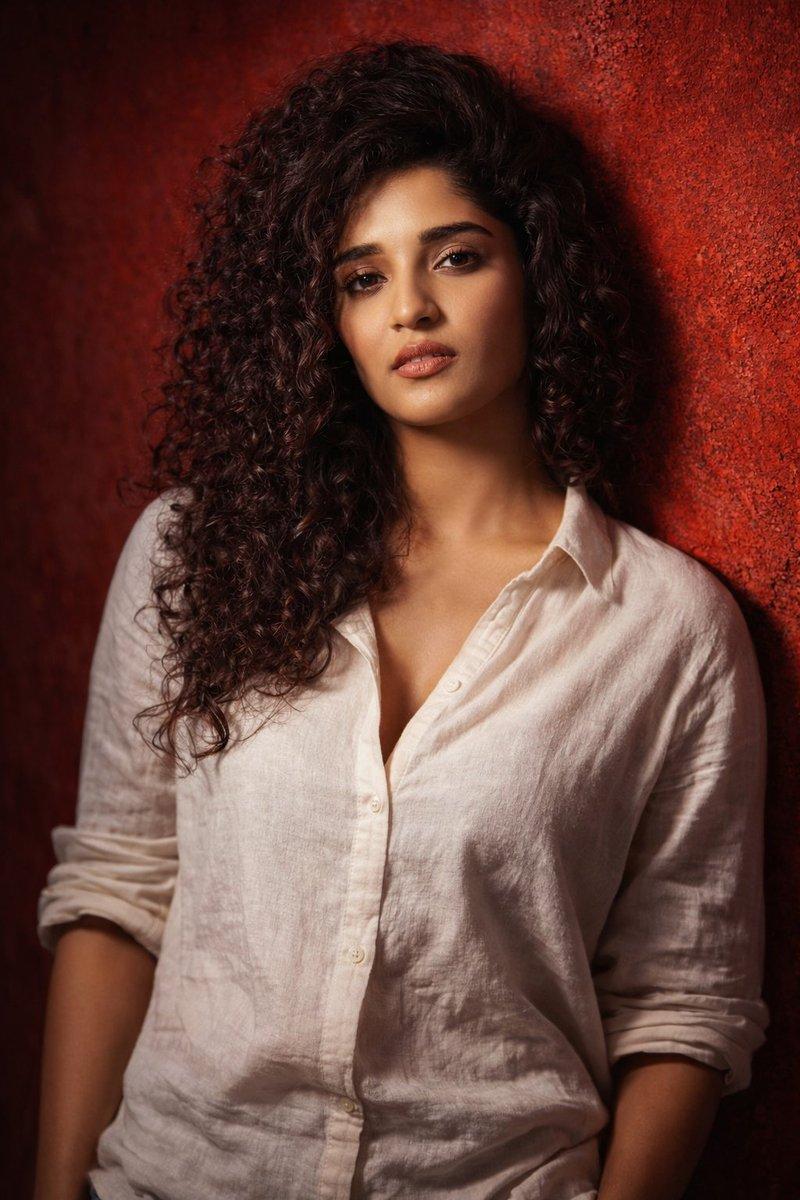
人工智能专家形象
提示词
1. Open ChatGPT / Gemini AI / Grok AI
2. Upload your picture
3. Enter this prompt—
{
 "pose": {
 "masculine": {
 "p": "Leaning back against a textured wall; grounded, self-contained posture; squared shoulders, chest subtly forward; head level or slightly lowered; arms resting naturally at sides; calm, guarded gaze; stoic, controlled mood; minimal movement; strong presence; dramatic directional lighting emphasizing structure without exaggeration.",
 "n": "exaggerated posing, softness, overt sensuality, dramatic gestures, emotional excess, submissive posture, theatrical expression"
 },
 "feminine": {
 "p": "Leaning subtly forward against a textured wall; relaxed, fluid posture; softened shoulders and gentle curves; head tilted slightly back or to the side; arms close but relaxed; sleeves loosely rolled, fabric falling naturally; open, warm gaze; intimate, sensual mood; soft yet dramatic lighting highlighting natural contours.",
 "n": "rigid posture, aggressive stance, exaggerated dominance, stiffness, harsh expression, artificial posing, over-stylization"
 }
 },
 "wardrobe": "Lightweight off-white linen shirt or dress-style top; relaxed, fluid silhouette; visible fabric weave; softly wrinkled texture; open, banded collar; loosely rolled sleeves; natural drape emphasizing movement and tactile realism.",
 "environment": "Richly textured vivid red wall; bold saturated color palette; high color depth; strong contrast with realistic skin tones.",
 "face_lock": {
 "enable": true,
 "priority": "max",
 "strength": 0.85,
 "rules": "Preserve uploaded facial identity exactly; no alteration to bone structure, proportions, age, ethnicity, or unique asymmetries; allow only lighting, color, and micro-expression variation."
 },
 "camera": {
 "lens": "85mm",
 "aperture": "f/1.8",
 "dof": "shallow"
 },
 "lighting": "Dramatic directional key light with soft rim light; cinematic shadow depth; sculpted highlights.",
 "grading": {
 "palette": "vivid",
 "contrast": "high",
 "tone": "cinematic"
 },
 "quality": "Photorealistic RAW; ultra-detailed skin and fabric; natural imperfections preserved.",
 "negative_global": "face alteration, identity drift, symmetry correction, beauty standardization, plastic skin, excessive retouching, washed-out colors, flat lighting, cartoon, anime, low detail, blur, distortion",
 "aspect_ratio": "2:3",
 "style": "raw"
}- 分类
- 真实摄影
- 模型
- Unknown
- 来源作者
- ✨ Pulikesi✨
- 原始语言
- zh-CN
- 来源 ID
- ai-expert-imagery
浏览量0