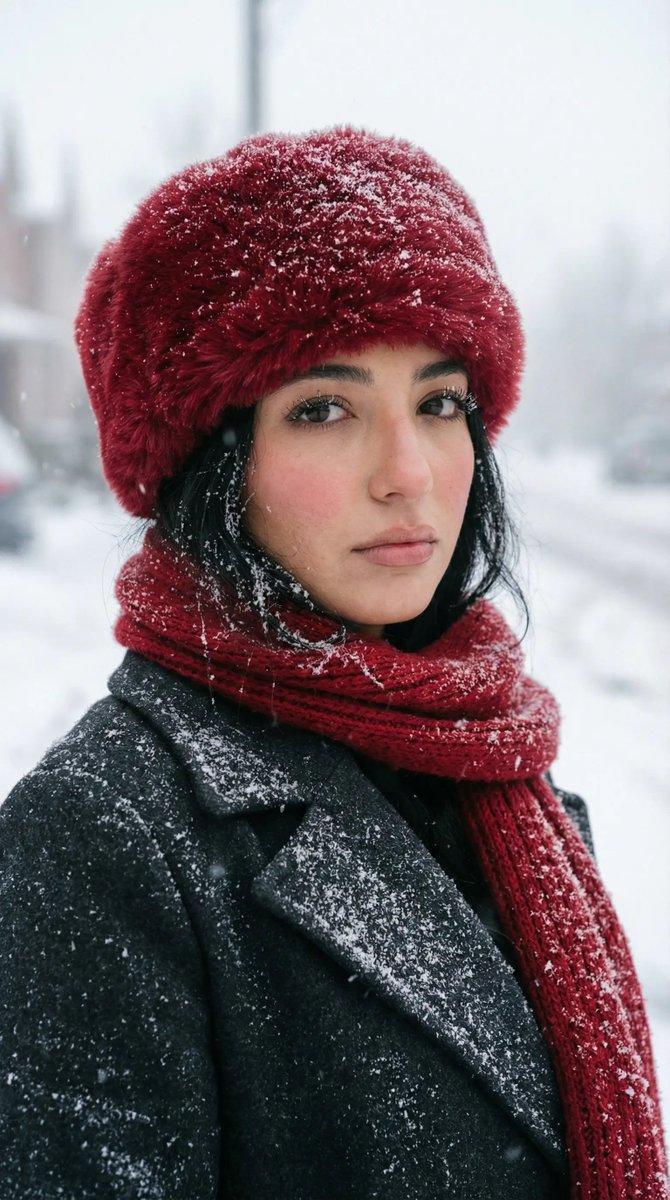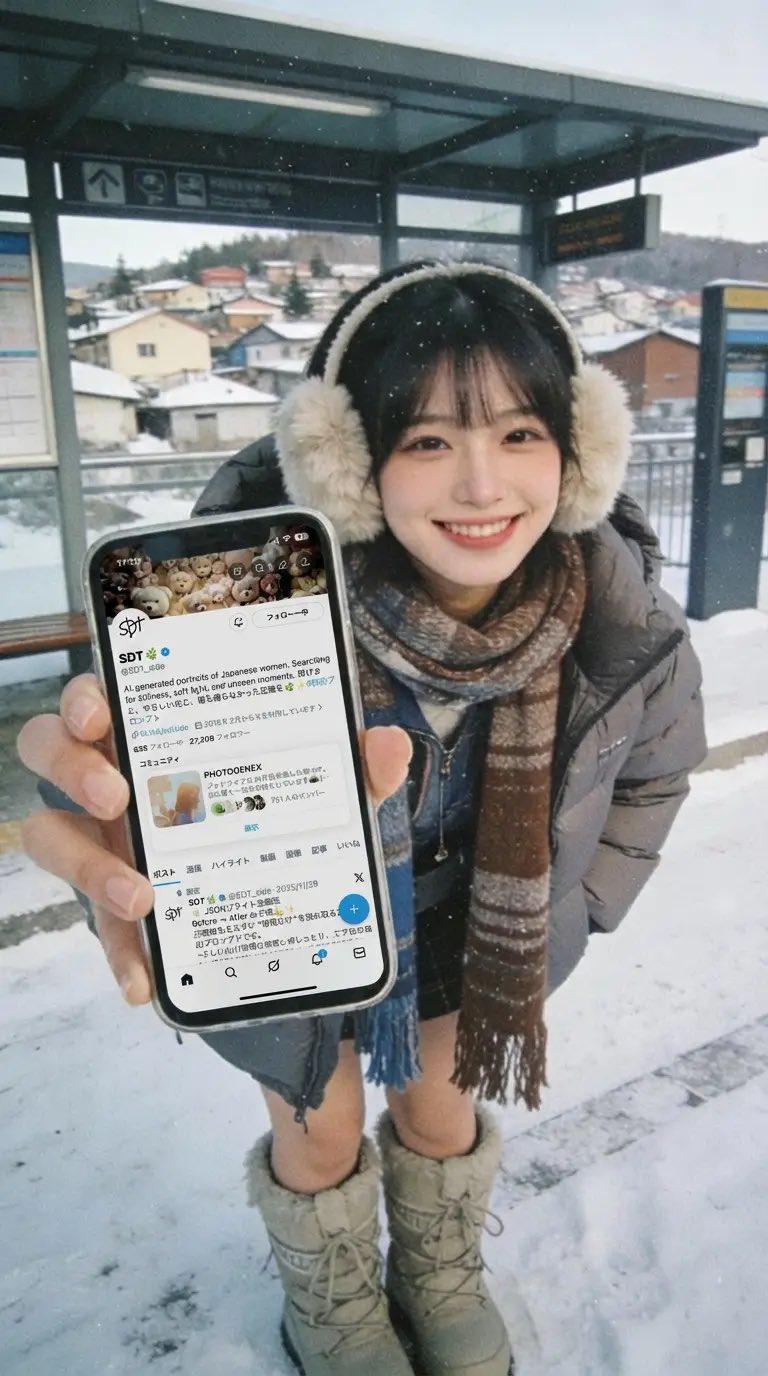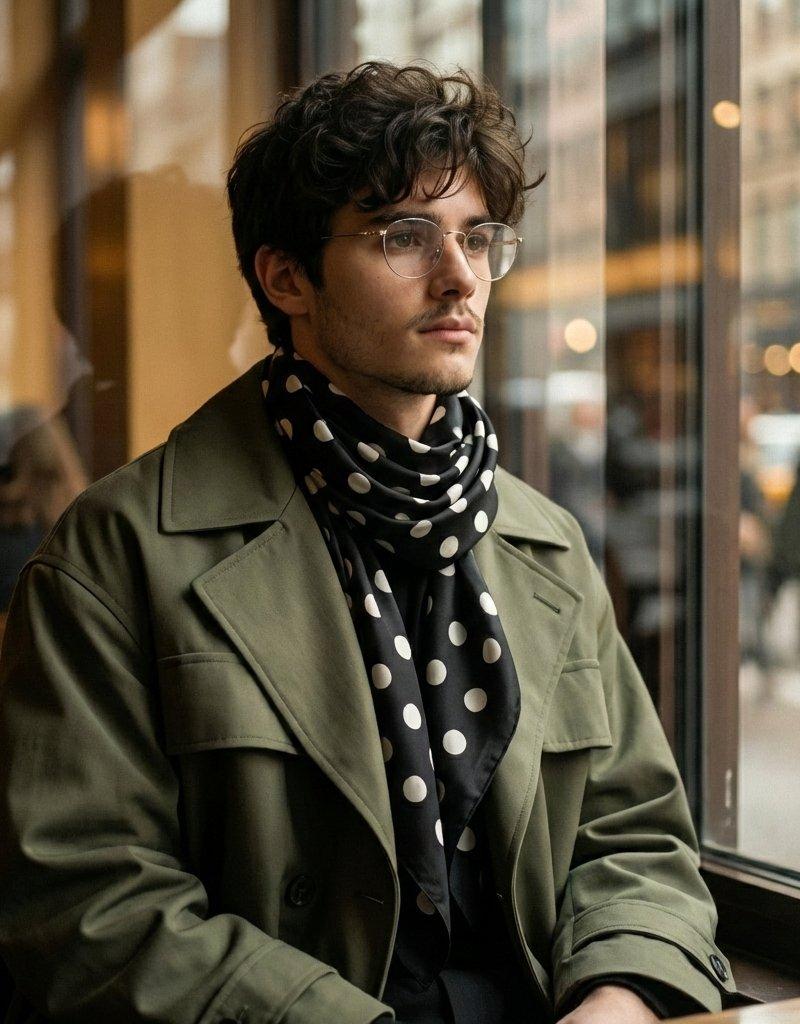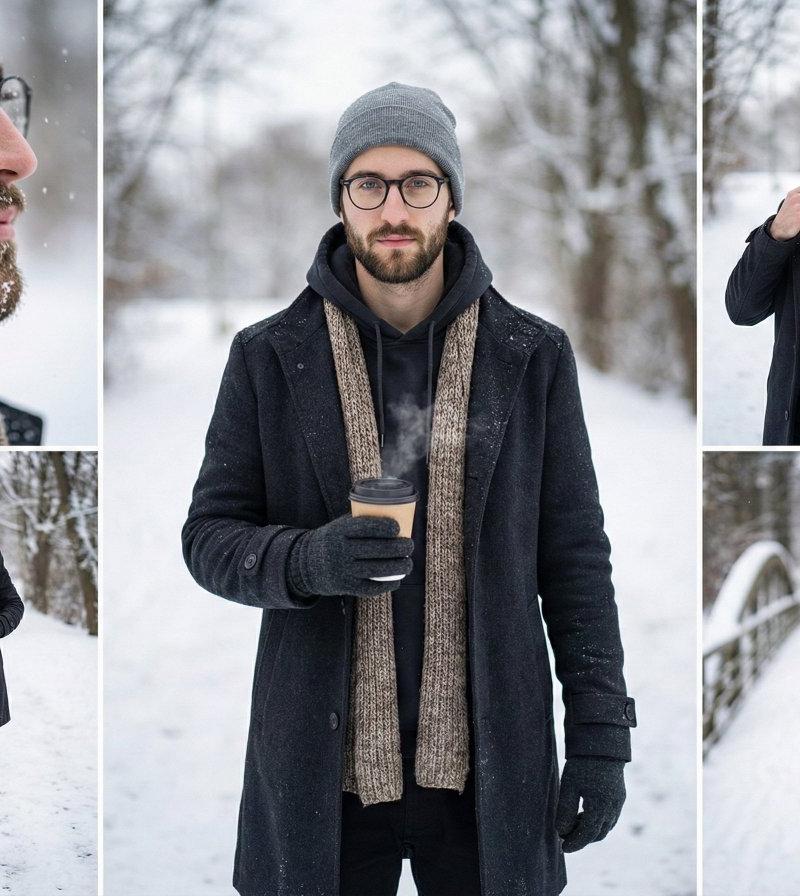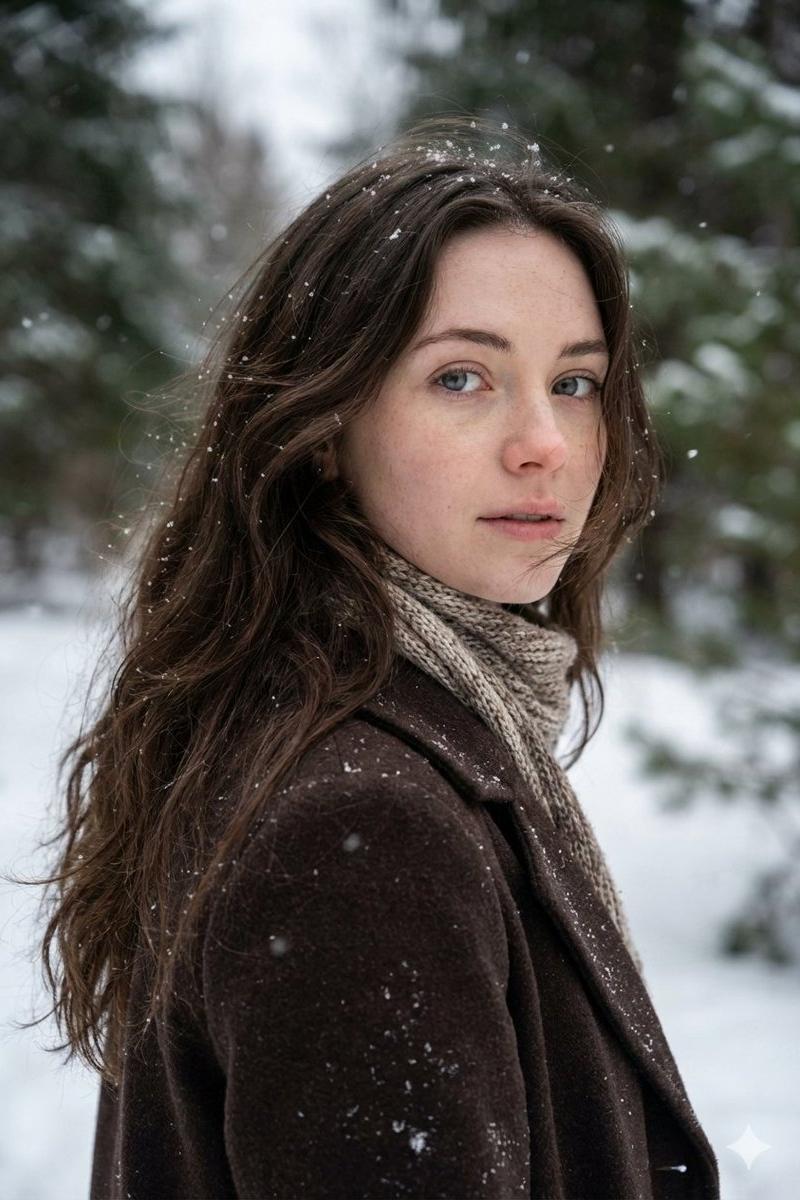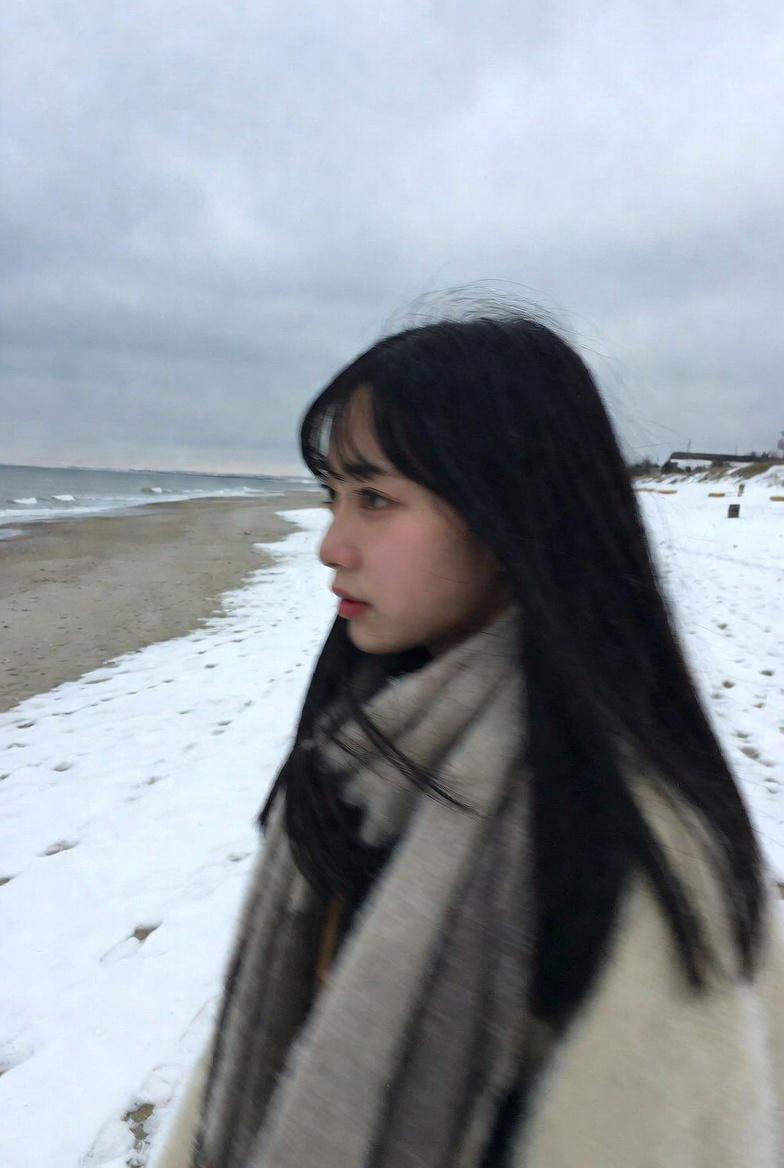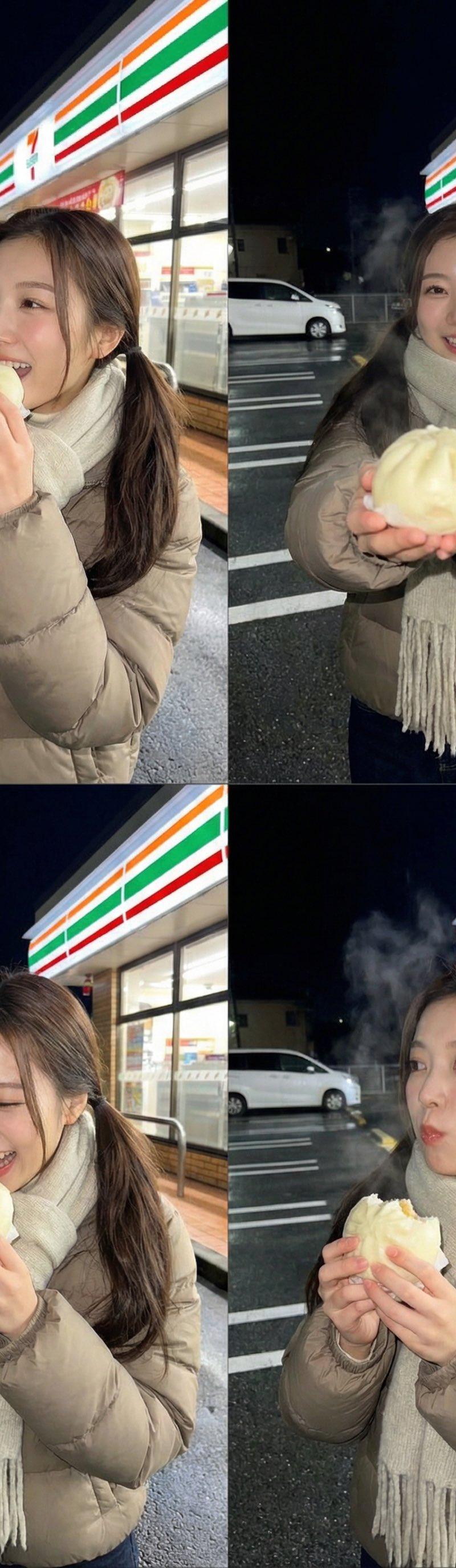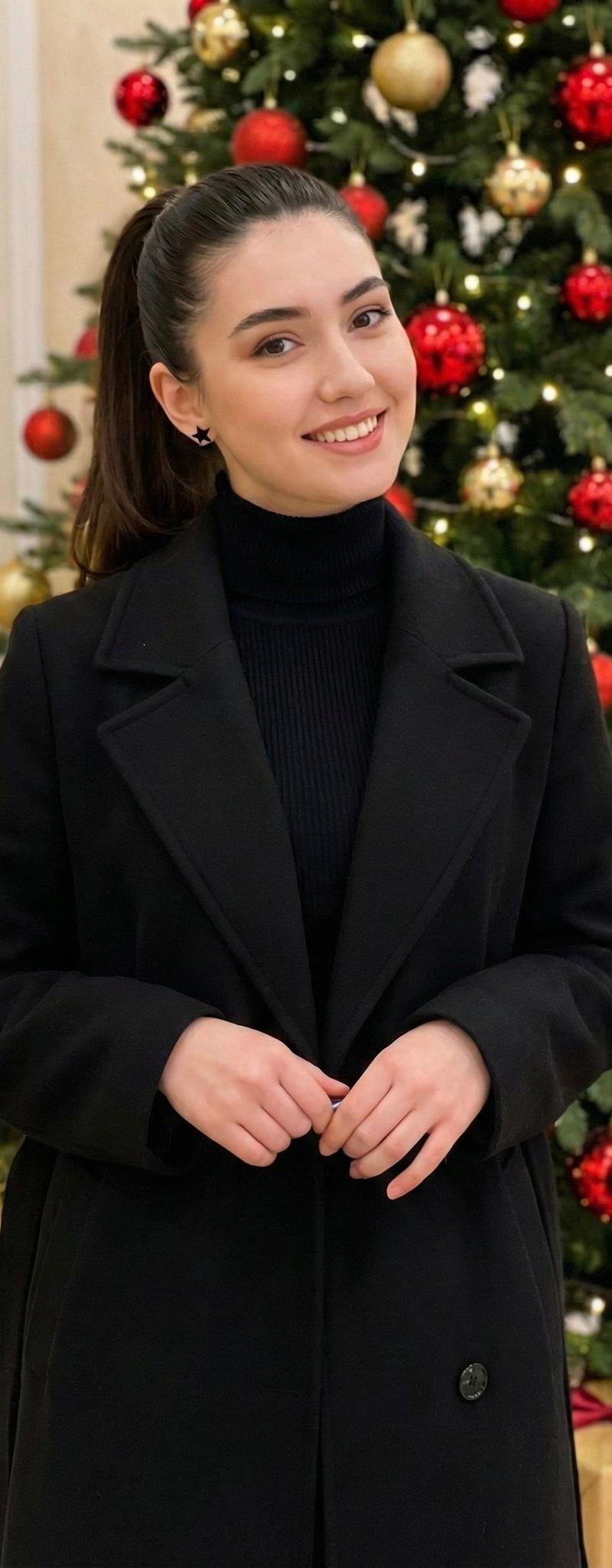
使用Nano Banana Pro制作AI个人照片的方法
提示词
【Nano Banana Proを使ってAIプロフ写真を作る方法】
<やり方>
①Gemini3.0を開く
②Nano Banana Proを起動
③以下のプロンプトをコピペ
④写真を投入
▼プロンプト
{
 "meta": {
 "description": "Fixed Posing and Composition Request based on Reference Images (Angled Shot Modification)",
 "target": "Replicate the specific pose from image_3.png and image_4.png, but from an angled perspective."
 },
 "settings": {
 "aspect_ratio": "3:4"
 },
 "composition": {
 "framing": "medium shot, capturing the subject from the mid-thigh or waist up",
 "angle": "angled shot, capturing the subject from a side perspective (approximately 45 degrees)",
 "background": "exterior of cafe with large glass windows, neon sign, and wooden elements, with falling snow visible"
 },
 "posing": {
 "body_orientation": "standing, turned slightly to the side but facing the camera",
 "left_hand": "holding a take-out coffee cup with a sleeve",
 "right_hand": "placed casually in the right coat pocket",
 "head": "turned to face the camera",
 "expression": "gentle"
 },
 "attire": {
 "outerwear": "black oversized wool coat",
 "accessory": "thick, multi-color plaid scarf (brown, beige, burgundy, cream) wrapped around the neck"
 },
 "environment_details": {
 "weather": "snow falling",
 "time_of_day": "daytime, natural light",
 "key_elements": [
 "glass window with cafe logo and text",
 "posters on the window/door",
 "wooden bench or stools visible",
 "wet pavement/snow on ground"
 ]
 }
}
でも、まだクオリティ上げられるんよね↓- 分类
- 真实摄影
- 模型
- Nano Banana Pro
- 来源作者
- みなと | 人間心理
- 原始语言
- zh-CN
- 来源 ID
- create-ai-profile-photos-nano-banana-pro
浏览量0