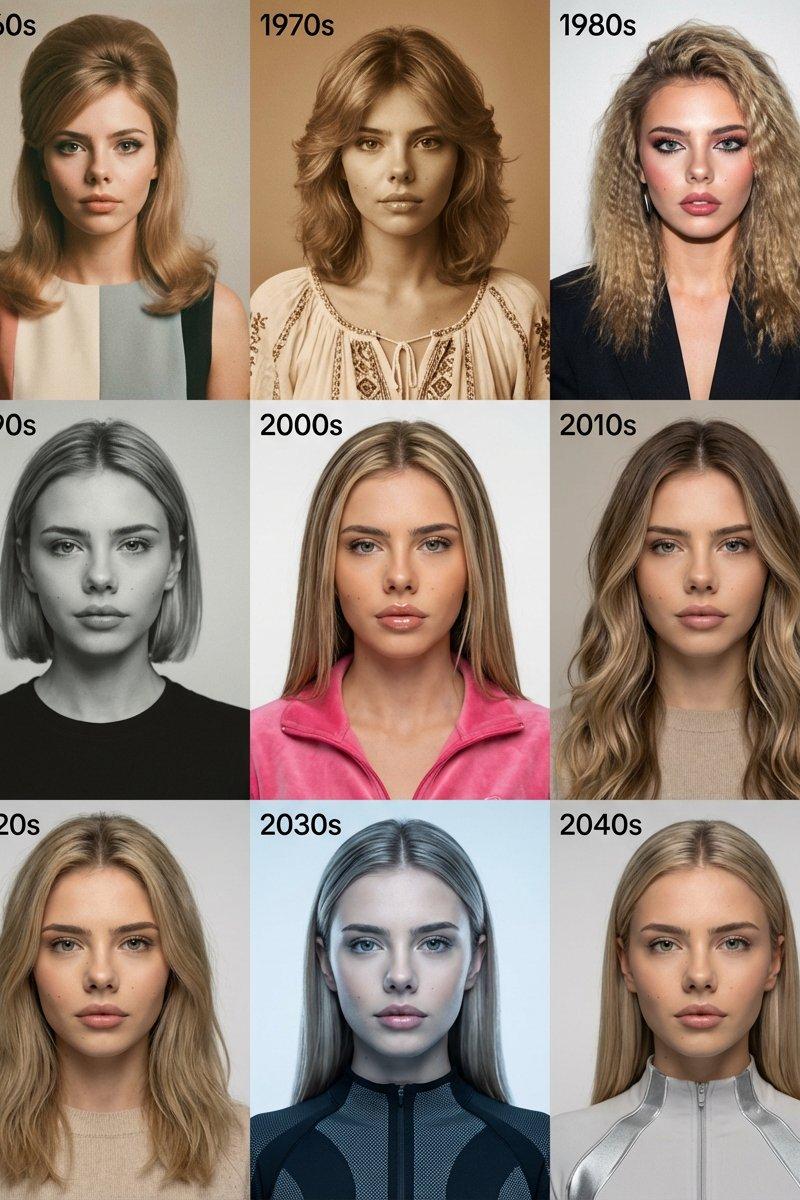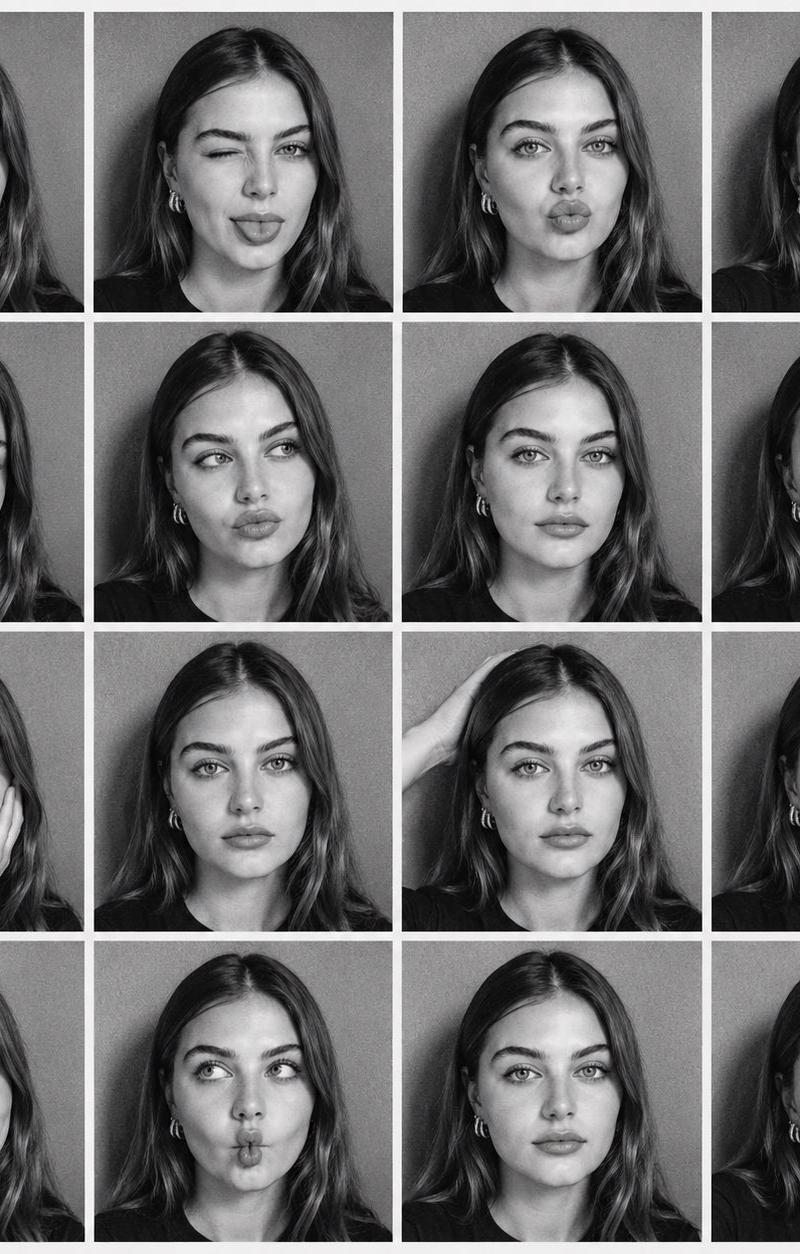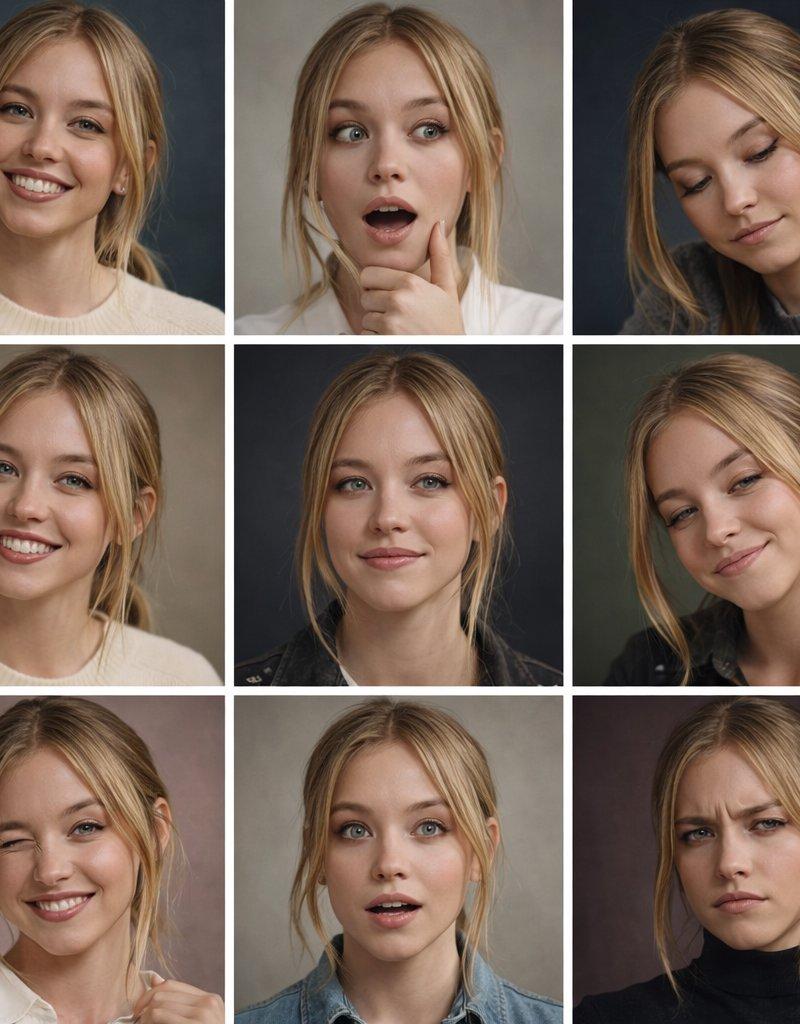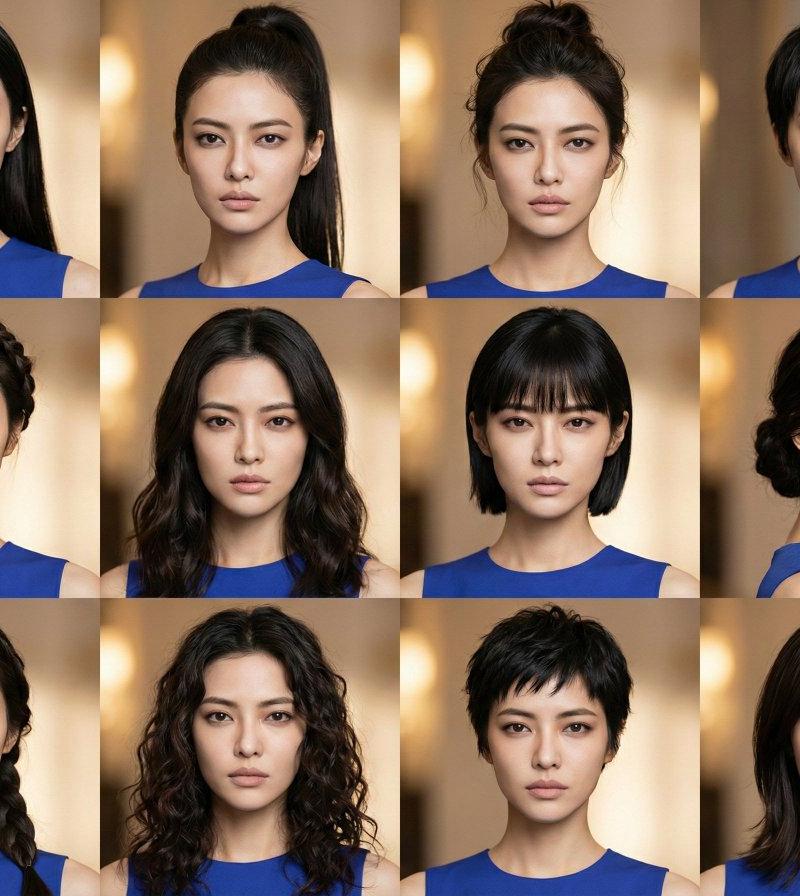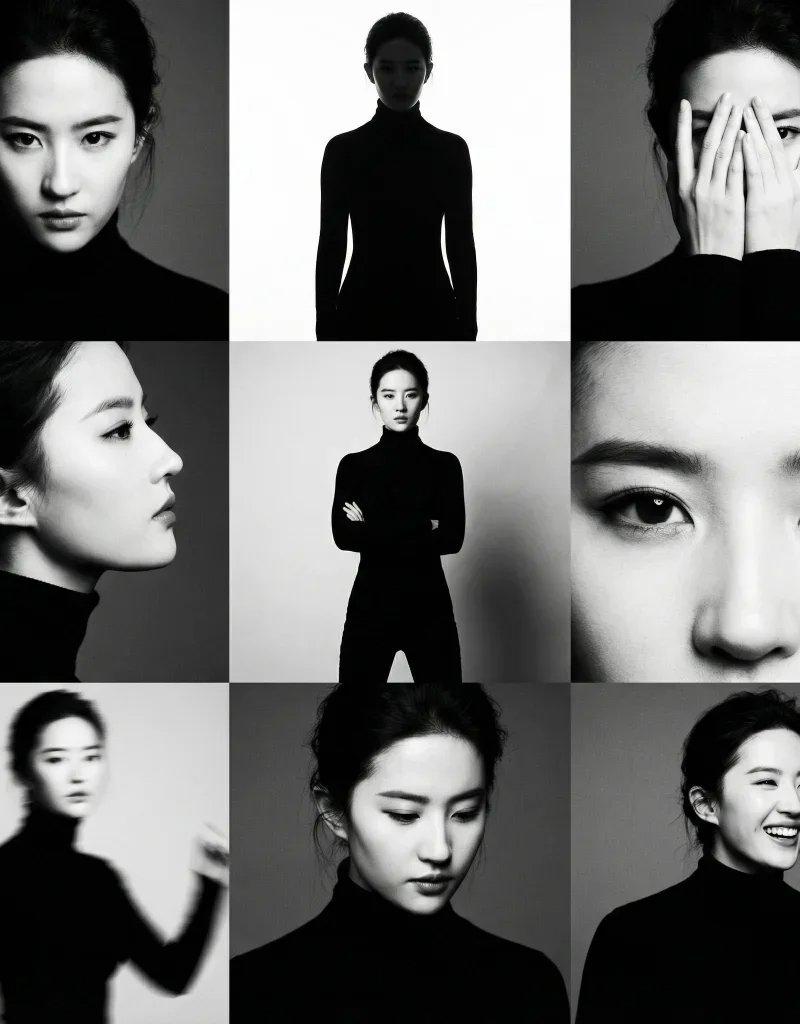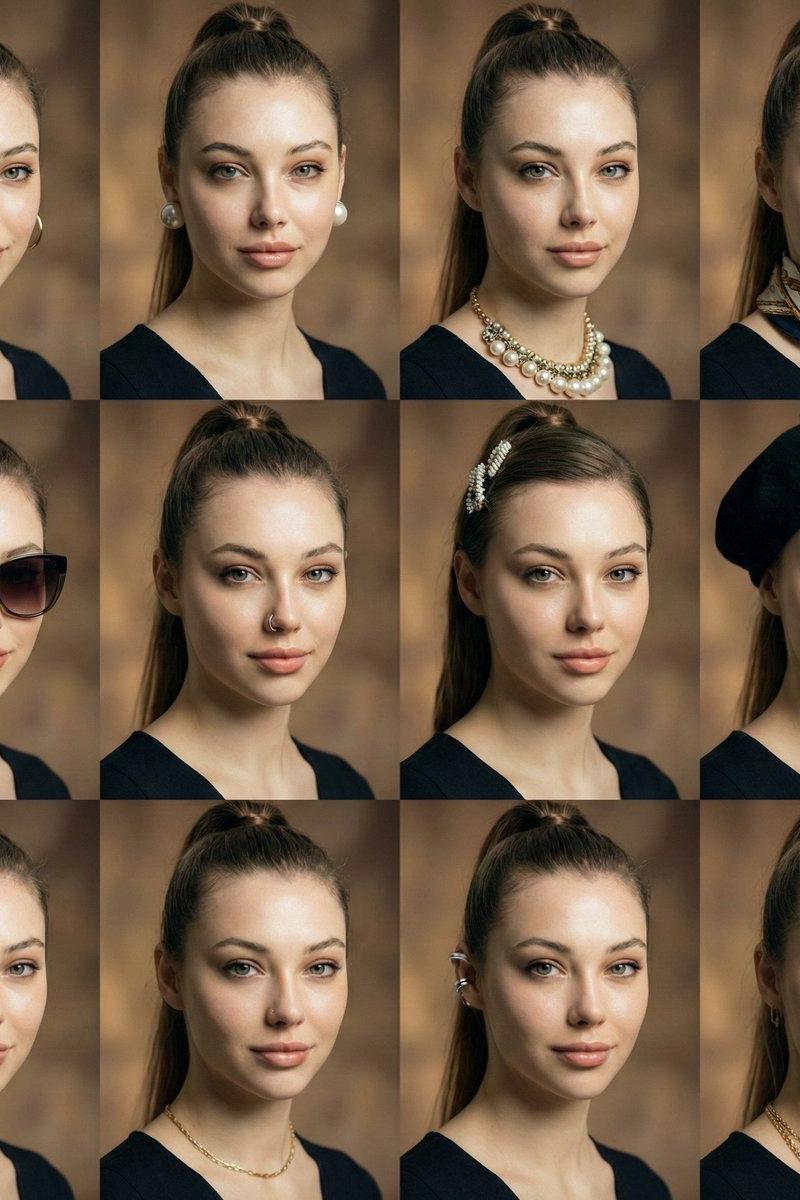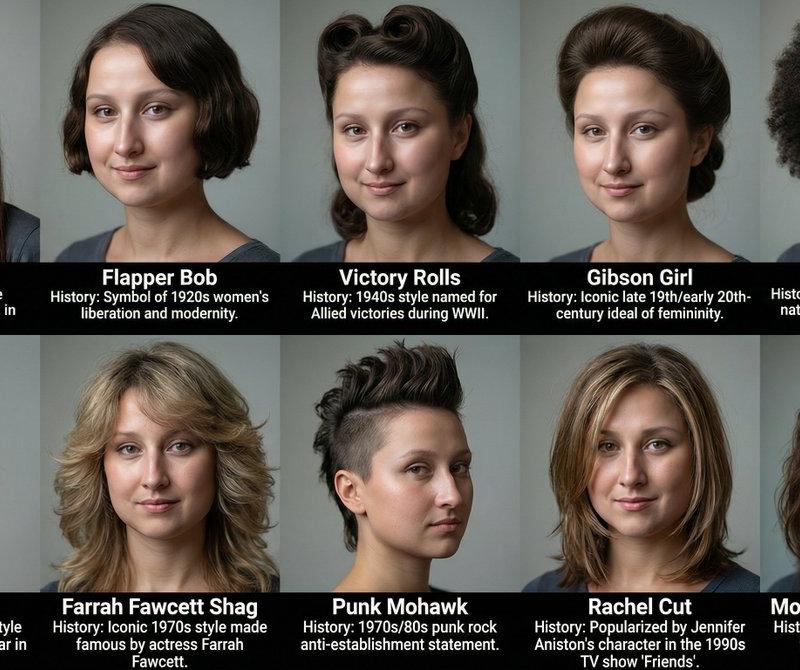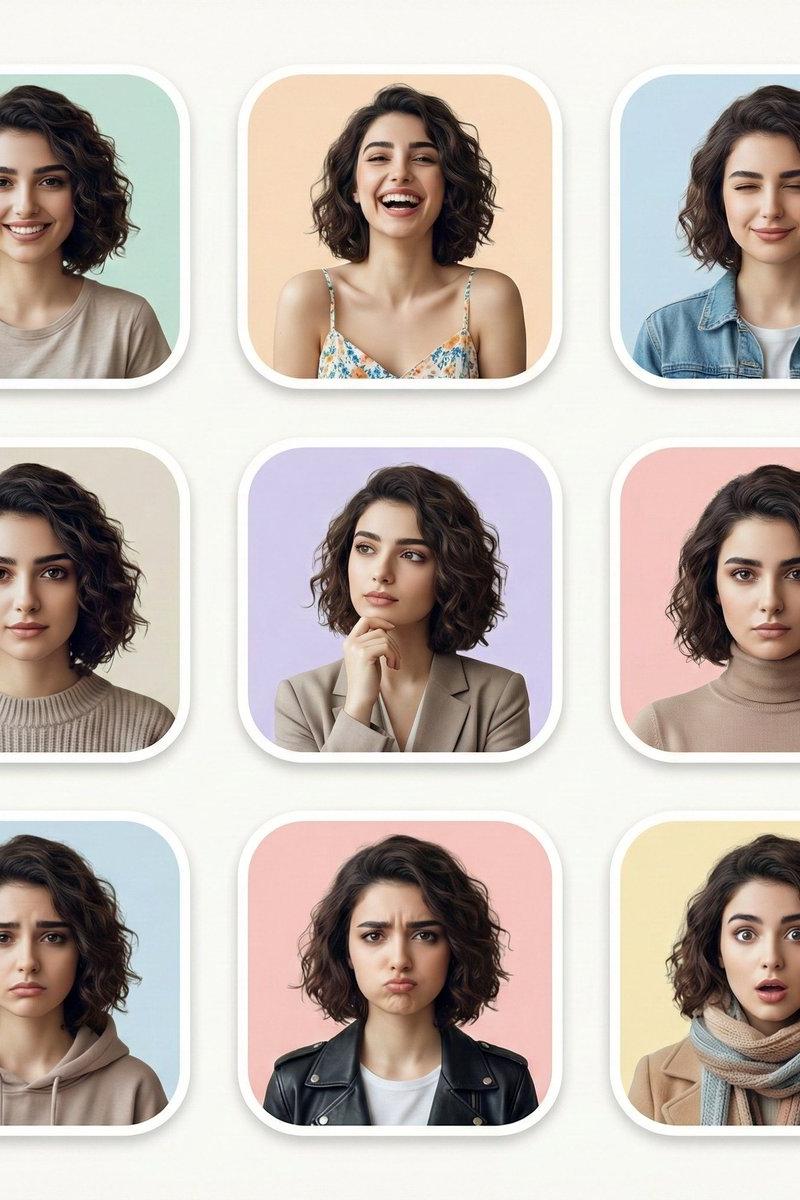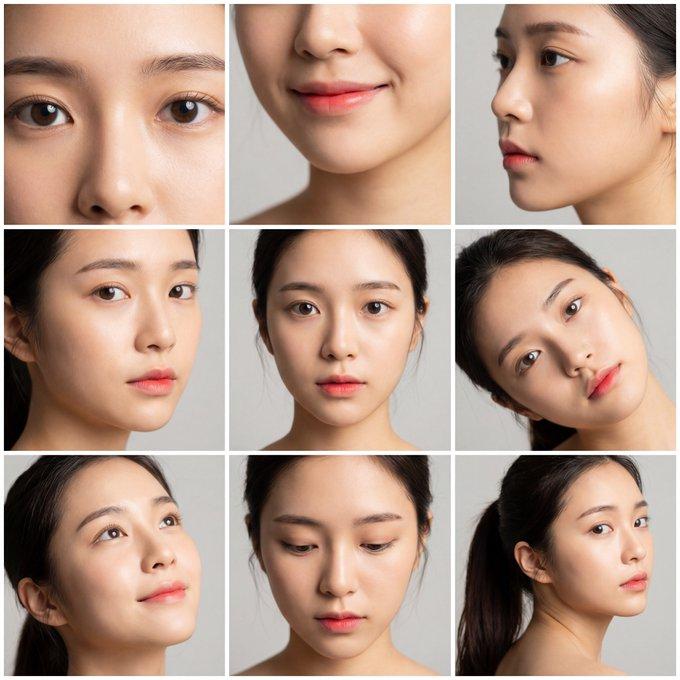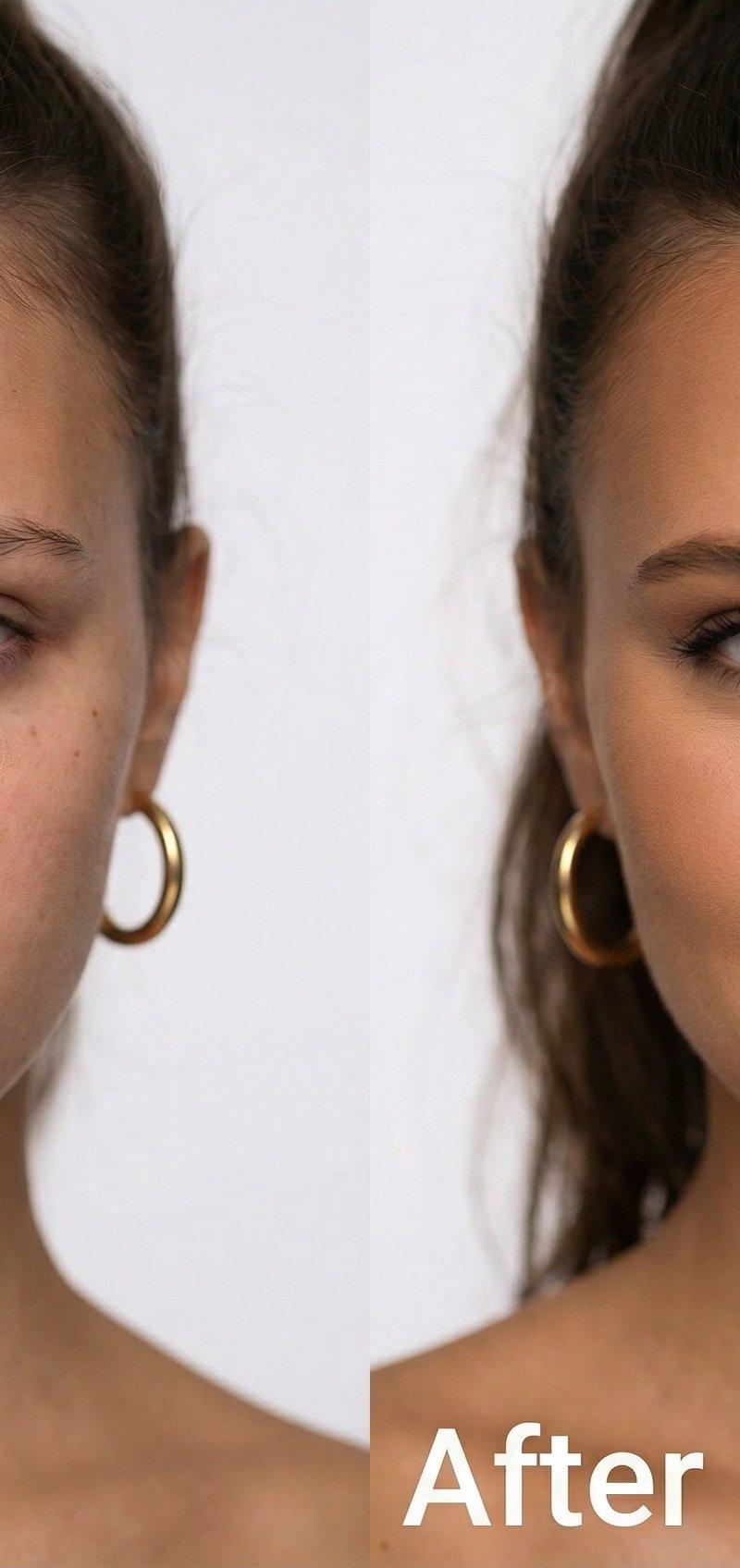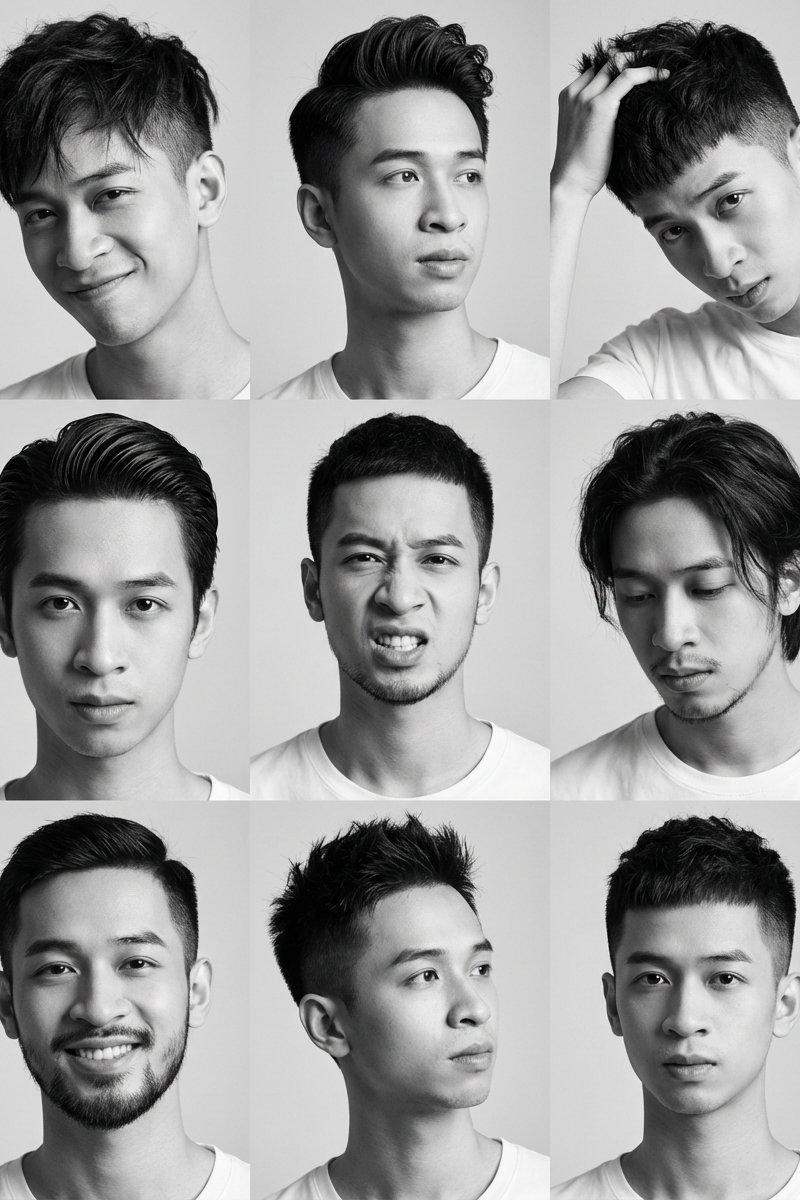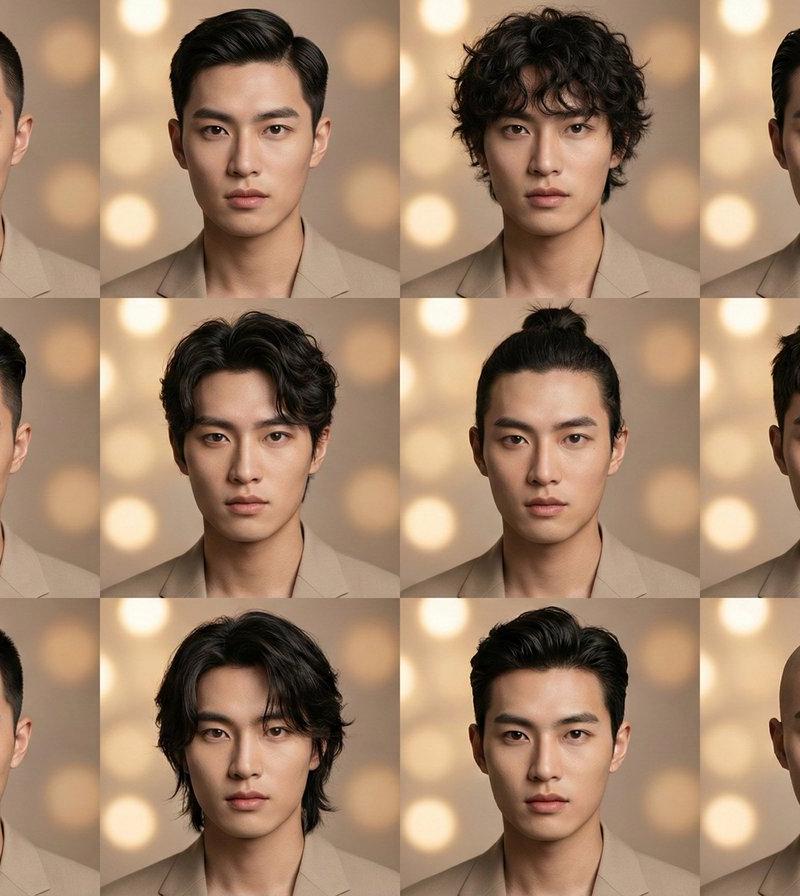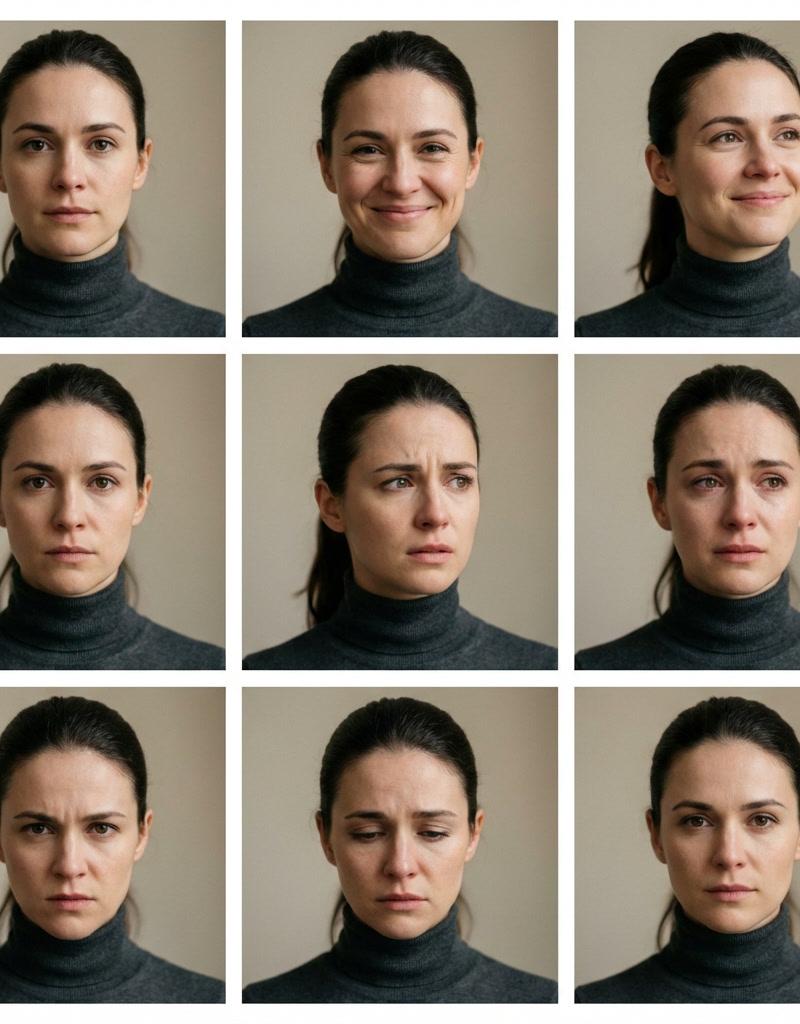
不同情绪的展示网格
提示词
grid for showing different emotions with one prompt @LeonardoAi
Create a 3×3 cinematic portrait grid in 16:9 featuring the same woman across all nine frames, identical identity, facial structure, skin texture, age, hairstyle, eye color, clothing, and makeup. Zero identity drift.
Each frame shows a different emotional state expressed only through facial expression and micro-expressions, not pose, styling, or lighting.
Emotions per grid cell (left to right, top to bottom):
calm, neutral, soft, genuine smile, quiet happiness, focused determination, concern and contemplation, emotional vulnerability, restrained anger, deep sadness, confident, calm strength
Camera & Style: cinematic realism, 85mm portrait lens, shallow depth of field, eye-level framing, natural skin pores, subtle imperfections, soft film grain
Lighting: consistent, controlled studio lighting, soft key light, gentle shadows, realistic catchlights, no lighting variation
Background: neutral, softly blurred, unchanged across all frames
Rules: same woman in all 9 frames, no hairstyle or outfit changes, no makeup changes, no camera movement, no background variation, no expression exaggeration, only facial muscles and emotional intensity vary
Output: clean 3×3 grid layout, perfectly aligned frames, professional editorial quality, high dynamic range, ultra-sharp focus
- 分类
- 真实摄影
- 模型
- Unknown
- 来源作者
- Amira Zairi
- 原始语言
- zh-CN
- 来源 ID
- emotion-display-grid
浏览量0