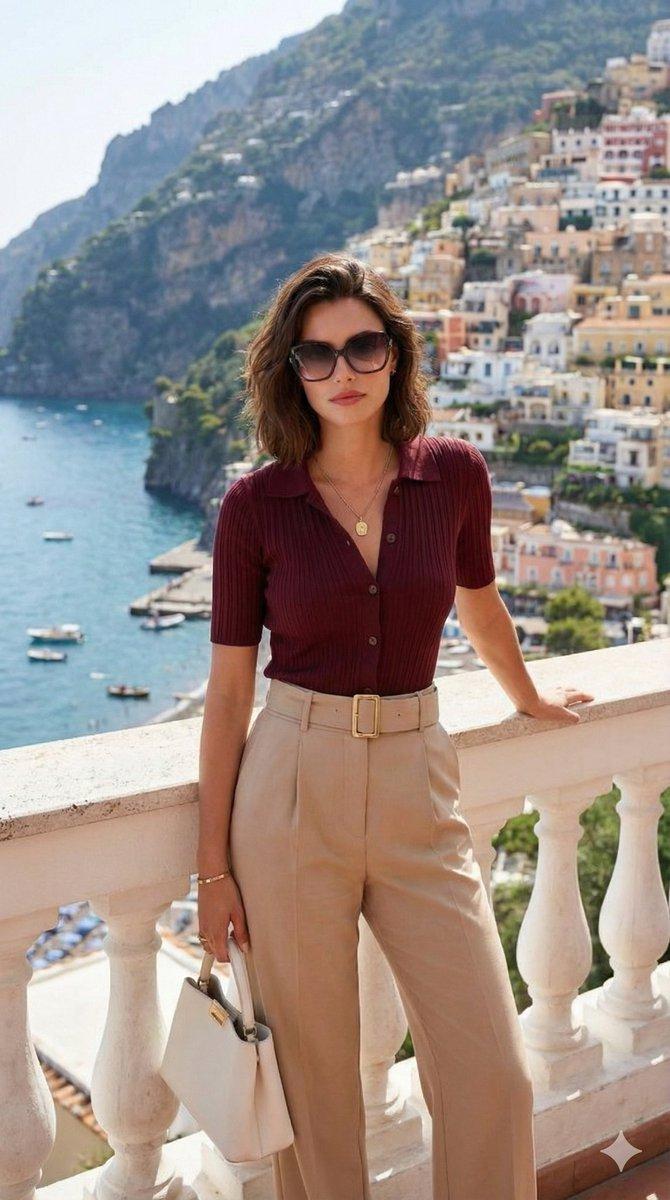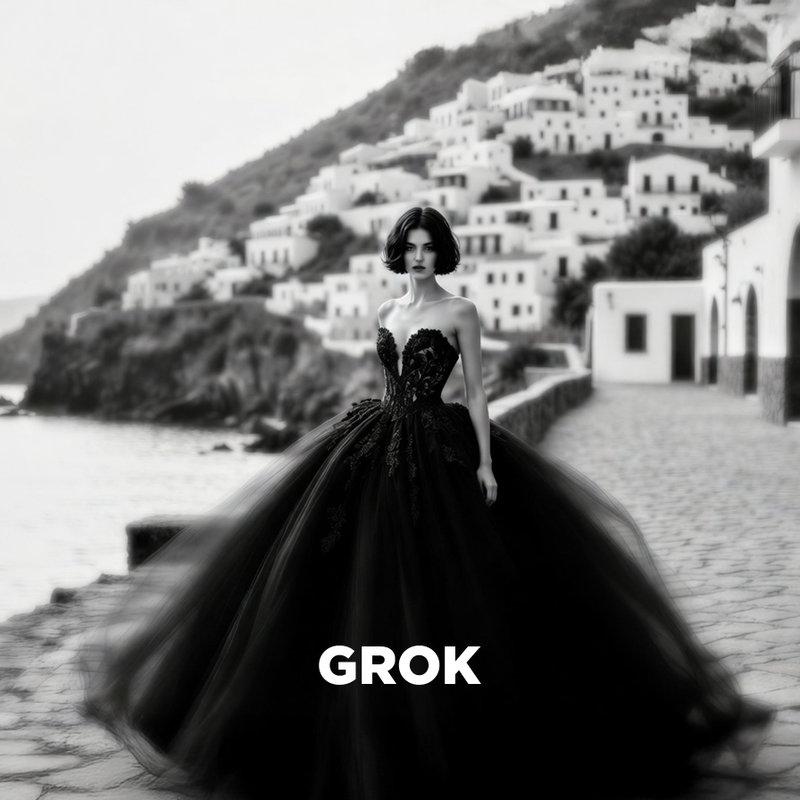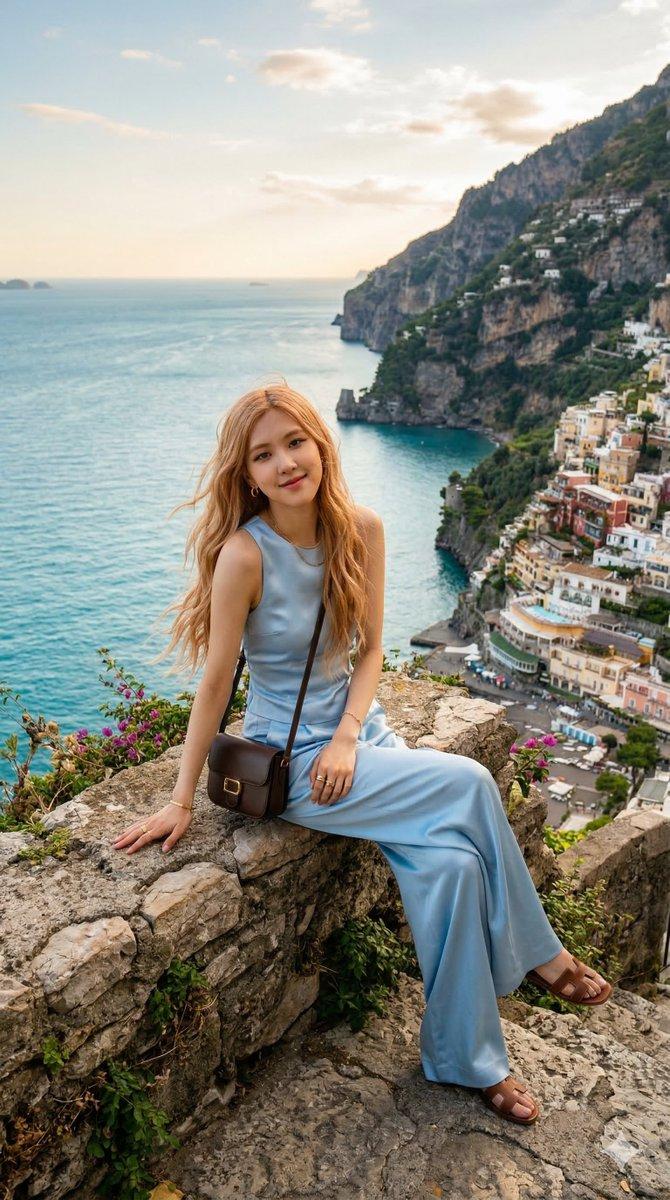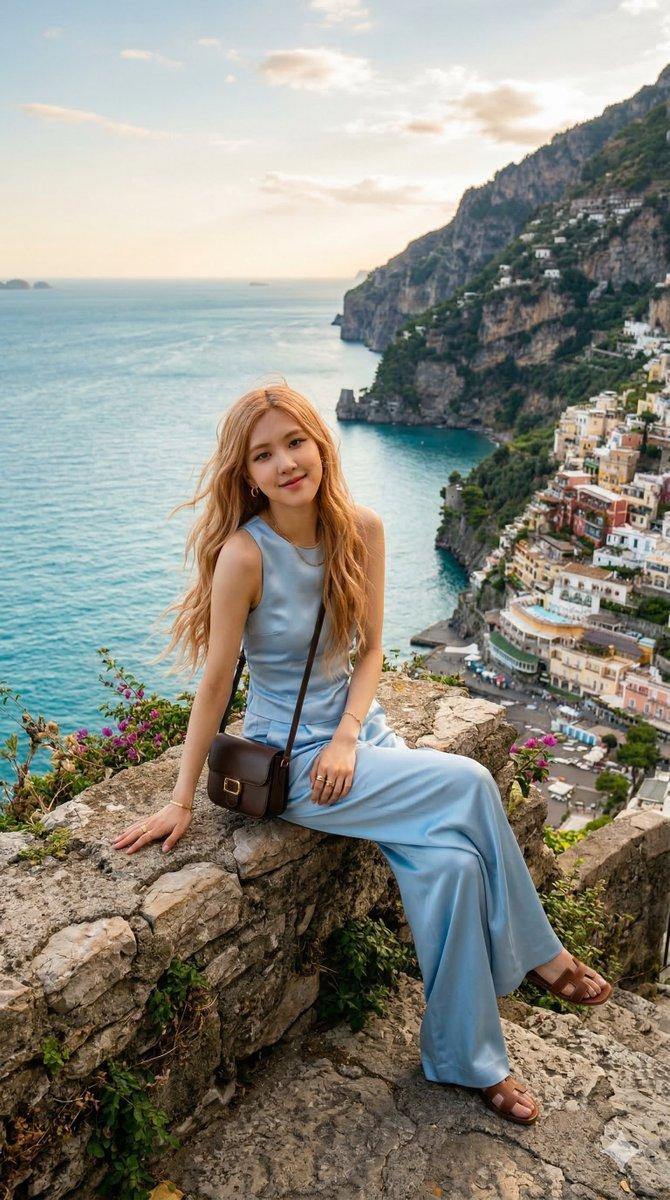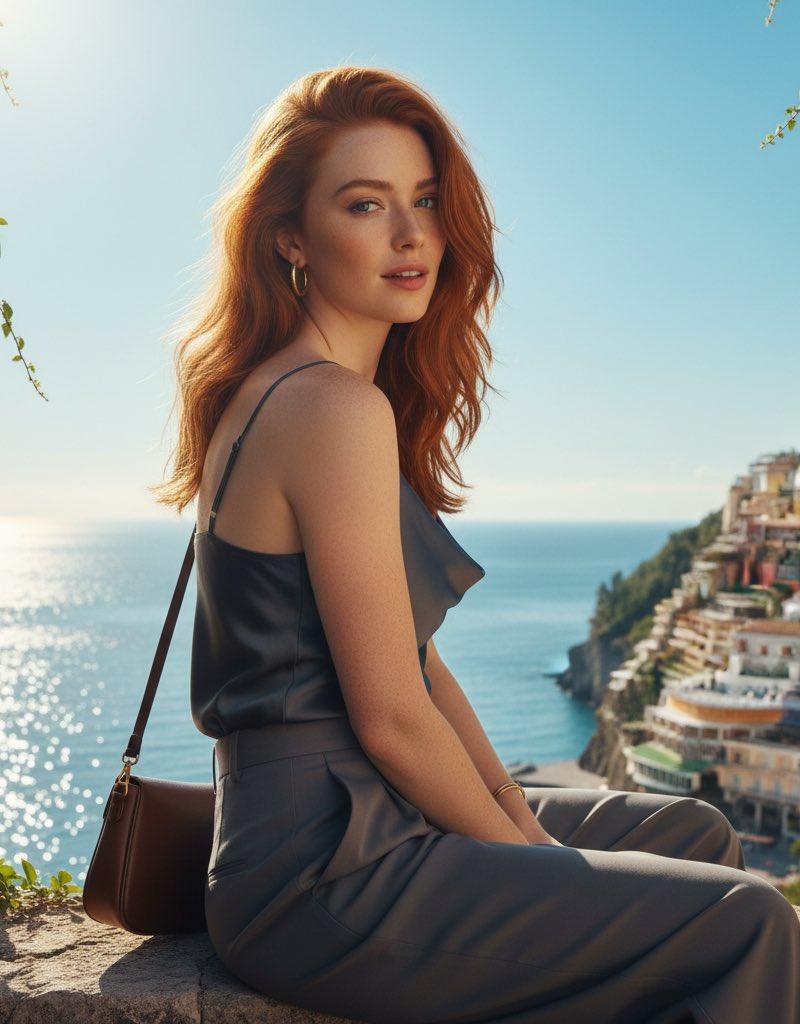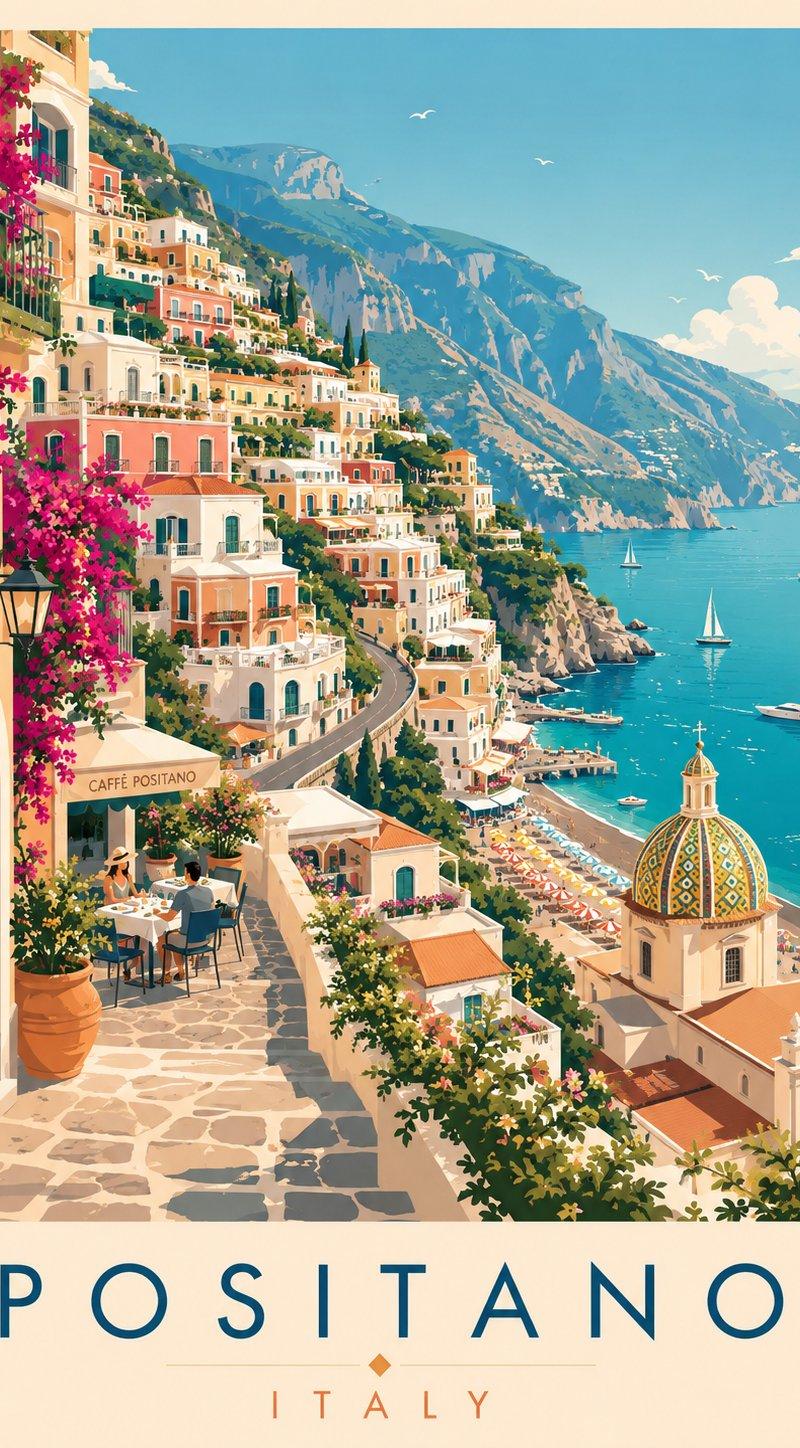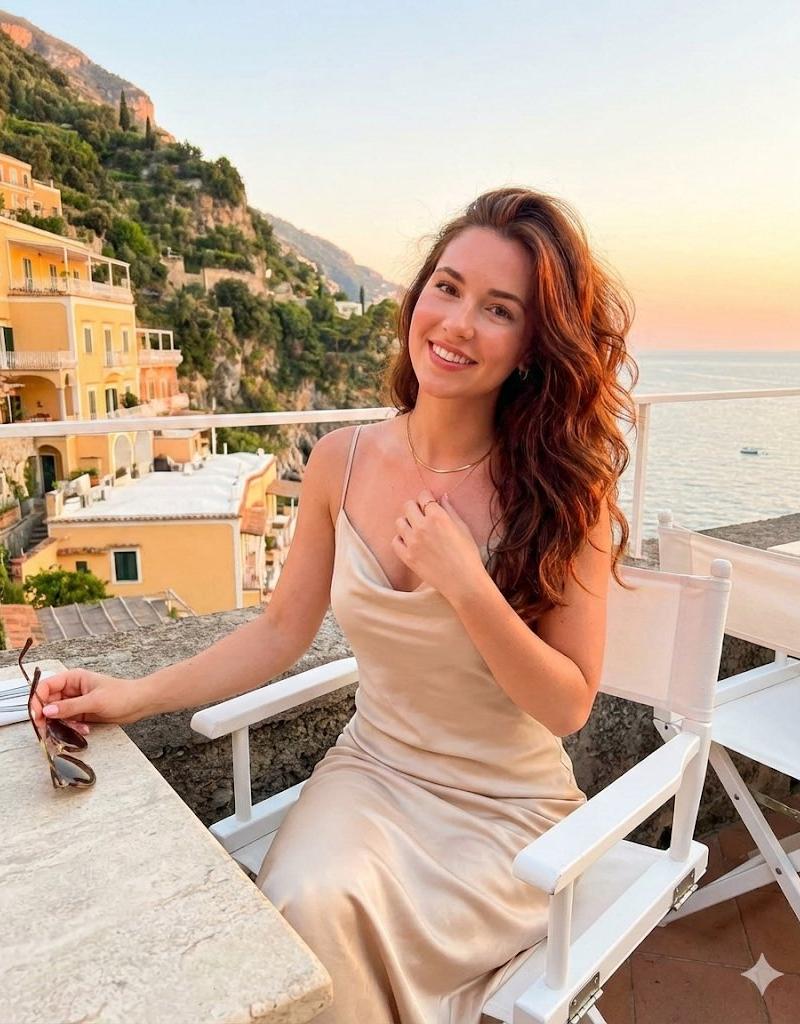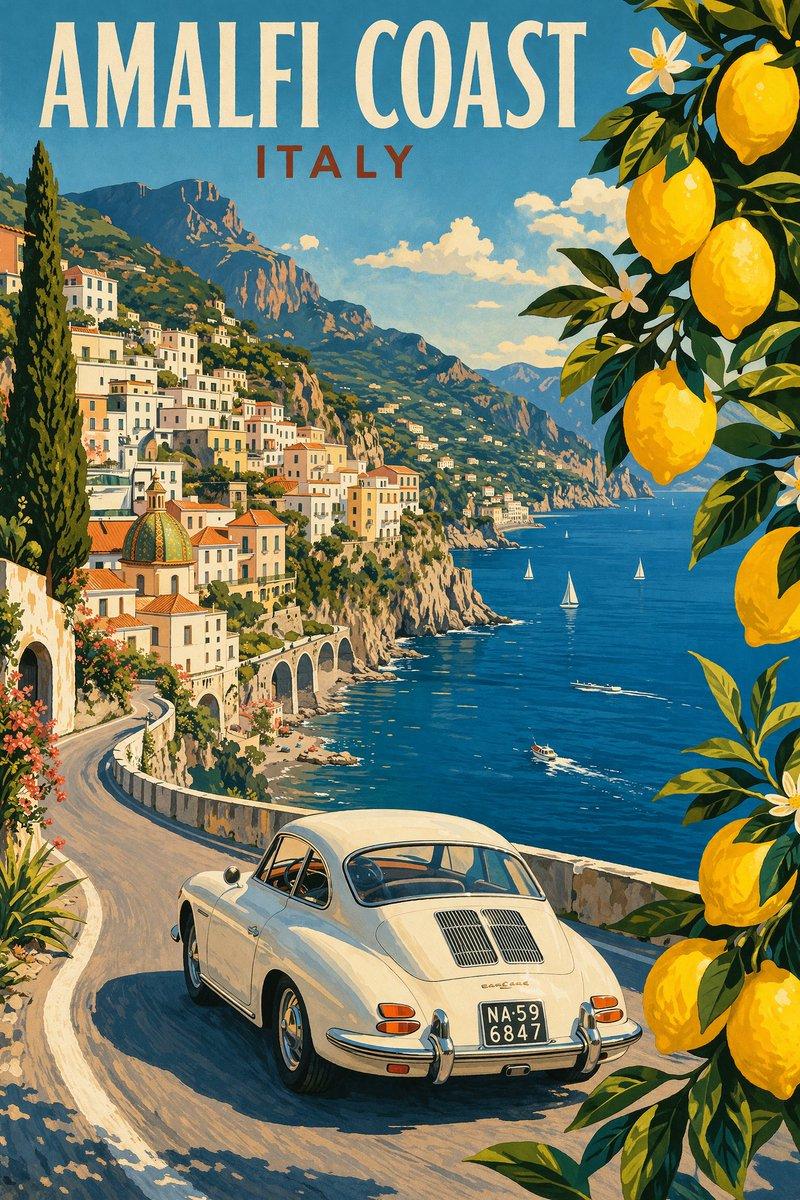
时尚旅行博主肖像
提示词
No caption needed 🔥
Created this magic by using ChatGPT image
Prompt :
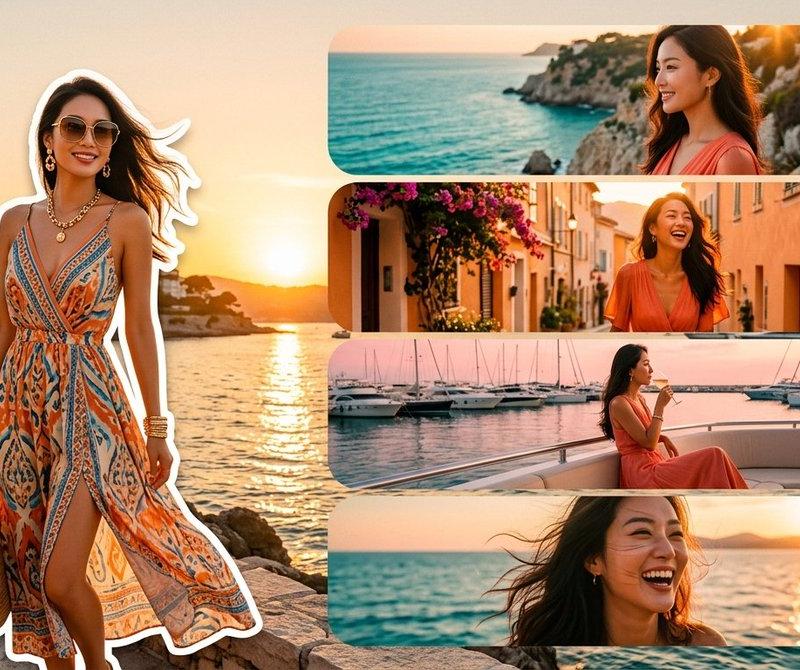
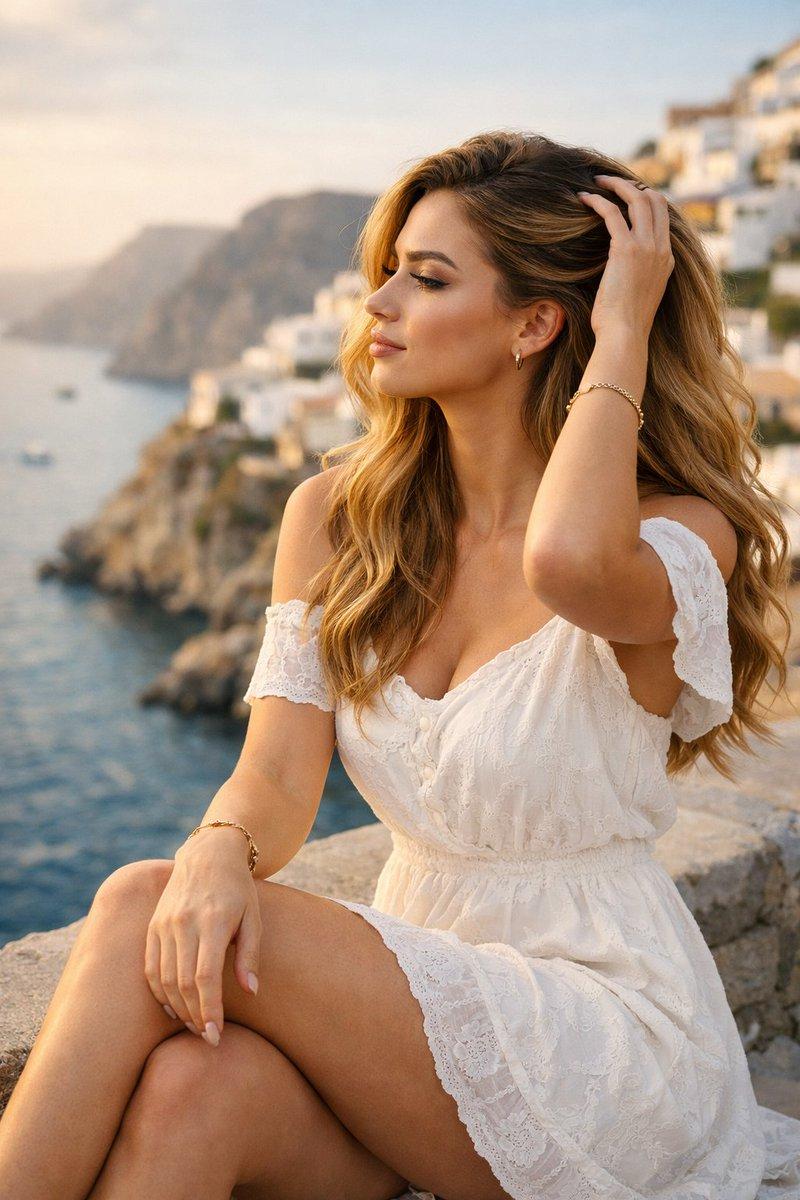
Photorealistic cinematic portrait of a stylish young adult woman, travel influencer glamour aesthetic, medium shot, eye-level camera angle, 3:4 aspect ratio.
Subject in elegant fashionable outfit (user-defined color and style), well-groomed appearance, soft glam makeup, natural skin texture, expressive eyes, confident yet dreamy expression.
Pose: (choose one – seated on ledge / standing confidently / walking naturally / leaning casually / hair-touch pose / editorial fashion pose).
Body language looks natural and relaxed, influencer-style composition.
Location: (insert famous landmark / city / travel destination).
Foreground includes realistic environmental elements the subject interacts with.
Background softly blurred with cinematic depth of field.
Lighting: cinematic mixed lighting setup – warm key light on face and hair, ambient fill light from environment, practical or architectural lights in background creating depth and atmosphere.
Time of day: (golden hour / blue hour / night / sunrise).
Mood: cinematic, luxurious, romantic, atmospheric, travel editorial.
Camera & render: high-end DSLR or mirrorless camera, portrait prime lens (50mm or 85mm), shallow depth of field (f/2.0–f/2.8), sharp focus on subject, realistic shadows and highlights.
Post-processing: ultra-realistic textures, subtle 35mm film grain, natural color grading, high dynamic range, professional photography look, 8K ultra-HD quality.
No text, no watermark, no logos, clean composition, social-media ready, premium aesthetic.
- 分类
- 真实摄影
- 模型
- GPT Image
- 来源作者
- ShaHid WaNii
- 原始语言
- zh-CN
- 来源 ID
- fashionable-travel-influencer-portrait
浏览量0