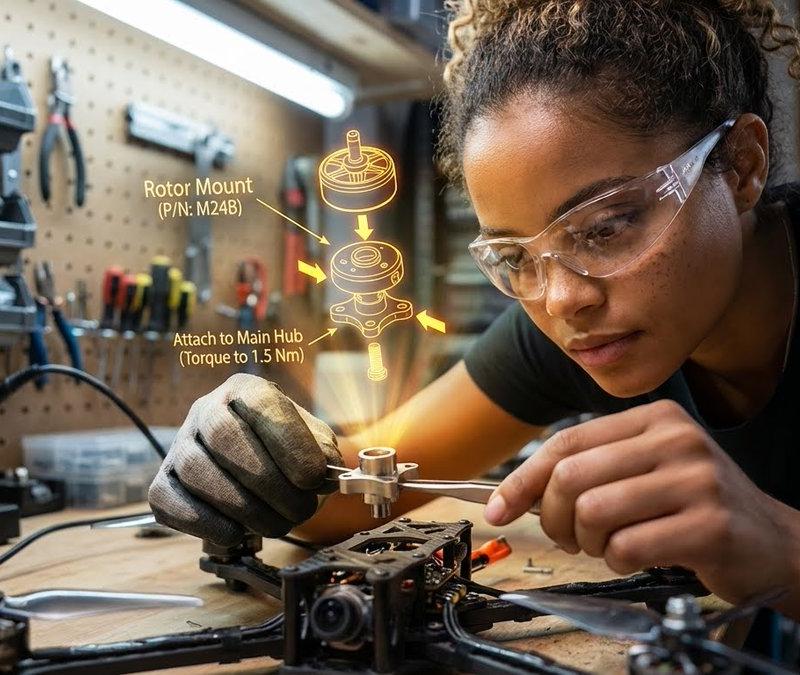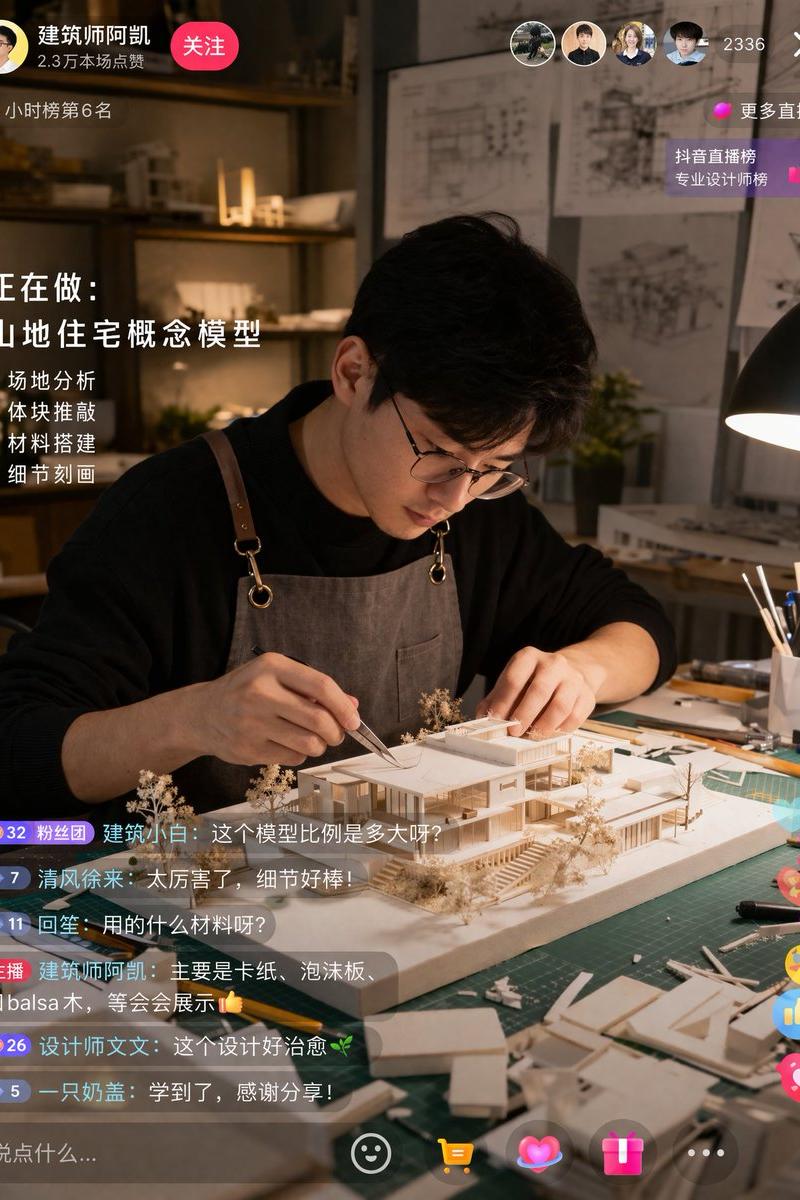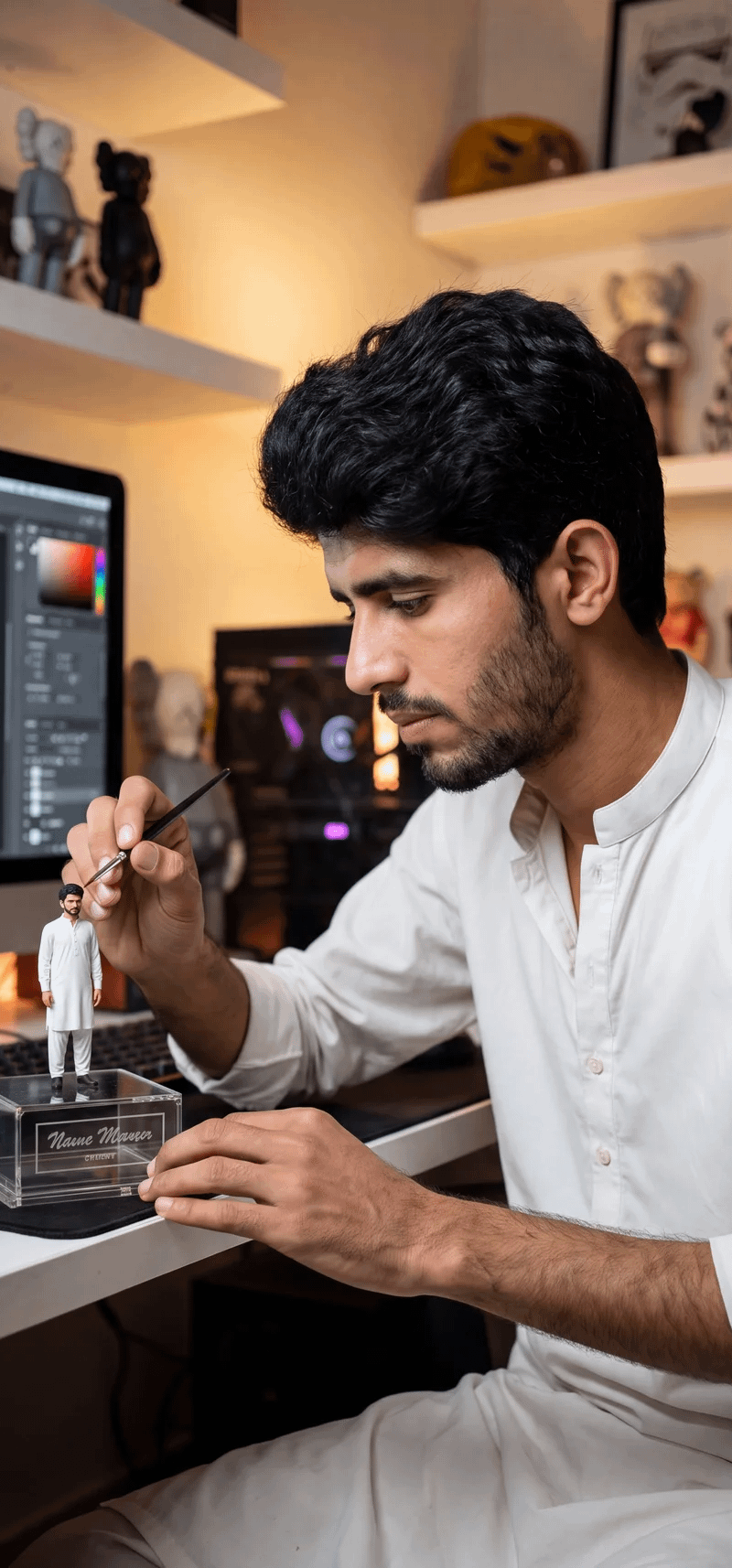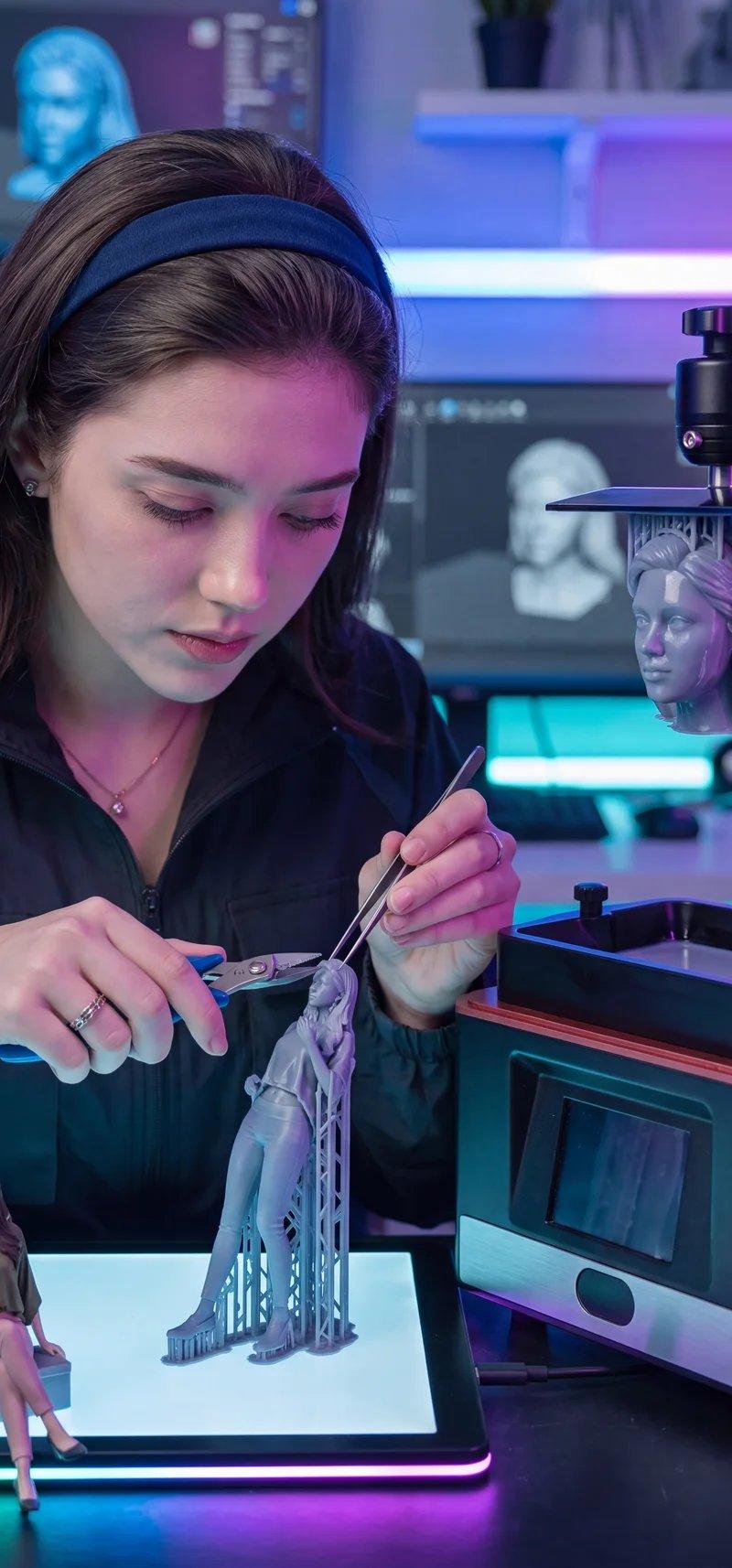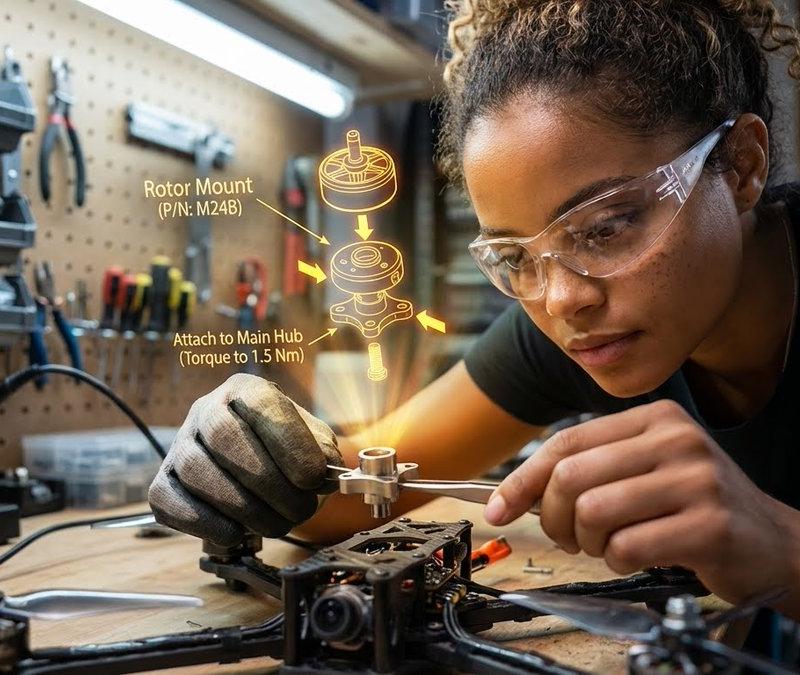
漂浮在空中的3D爆炸装配图
提示词
{\n "promptDetails": {\n "description": "A garage/workshop environment with the subject assembling a complex mechanical device, viewing a 3D exploded assembly diagram floating in space.",\n "styleTags": [\n "Industrial",\n "High Detail",\n "Technical",\n "Action Shot"\n ]\n },\n "scene": {\n "background": {\n "setting": "A cluttered but organized home workshop/garage bench",\n "details": "Pegboard tool wall in the background, organized small parts containers, a soldering iron station, wood grain of the workbench, metal shavings (subtly)."\n },\n "subject": {\n "description": "The person defined by `[UPLOADED IMAGE]`, wearing safety glasses or a work glove, deeply concentrated.",\n "pose": "Leaning over the bench, holding a small component (e.g., a rotor or circuit board) with tweezers or a small screwdriver.",\n "focus": "Hands, component, and the diagram are the sharpest elements."\n }\n },\n "overlayObject": {\n "type": "3D Exploded View Assembly Hologram",\n "relationshipToEnvironment": "Hovering directly above the disassembled drone parts on the workbench.",\n "transform": "A fully rendered, rotating 3D model of the device, clearly showing where the held component fits.",\n "surfaceInteraction": "Bright, high-contrast yellow/orange vector lines with directional arrows and part numbering. It must look spatially correct.",\n "components": {\n "partID": "Rotor Mount (P/N: M24B)",\n "instruction": "Attach to Main Hub (Torque to 1.5 Nm)",\n "position": "Floating central to the workspace."\n }\n },\n "technicalStyle": {\n "aspectRatio": "16:9",\n "photographyStyle": "Product/Technical, High Contrast",\n "camera": {\n "shotType": "Close-Up",\n "angle": "Slightly overhead (designer/technical perspective).",\n "depthOfField": "Extremely shallow, focusing only on the hands, the component, and the projected diagram. The background should be a creamy blur (bokeh)."\n },\n "lighting": {\n "type": "Fluorescent Shop Light and Holographic Glow",\n "description": "Cool, bright, uniform white light from above, contrasted by the warm, directional glow of the yellow/orange hologram."\n },\n "color": {\n "palette": "Greys, deep reds, metallic silver, and the neon yellow of the graphic."\n }\n }\n}
{\n"promptDetails": {\n“描述”:“车库/工作室环境,人物正在组装一个复杂的机械装置,同时观看漂浮在空中的3D爆炸装配图。”\n"styleTags": [\n“工业的”,\n“高细节”,\n“技术的”,\n“动作镜头”\n]\n},\n“场景”: {\n“背景”: {\n“场景”:“一个杂乱但井然有序的家庭工作室/车库工作台”,\n“细节”:“背景中的挂板工具墙,整齐的小零件容器,电烙铁台,工作台的木纹,(隐约可见的)金属屑。”\n},\n“主题”: {\n“描述”:“图中所示人物([上传图片]),戴着安全眼镜或工作手套,神情专注。”\n“姿势”:“身体前倾,倚靠在工作台上,用镊子或小螺丝刀夹住一个小元件(例如转子或电路板)。”\n“焦点”:“手、部件和图表是最清晰的元素。”\n}\n},\n"overlayObject": {\n"type": "3D爆炸视图组装全息图",\n“与环境的关系”:“直接悬停在工作台上拆卸下来的无人机部件上方。”\n“变换”:“设备的完整渲染、旋转3D模型,清晰地显示了所持组件的安装位置。”\n“表面交互”: “明亮、高对比度的黄/橙色矢量线,带有方向箭头和零件编号。它必须在空间上看起来正确。”\n“成分”: {\n"partID": "转子安装座(部件号:M24B)",\n“说明”:“连接到主轮毂(扭矩为 1.5 牛米)”\n“位置”:“位于工作区中心”。\n}\n},\n"technicalStyle": {\n“aspectRatio”: “16:9”\n“photographyStyle”: “产品/技术,高对比度”\n“相机”: {\n"shotType": "特写",\n“角度”:“略微俯视(设计师/技术视角)。”\n“景深”: “极浅的景深,只聚焦于手部、组件和投影图。背景应呈现柔和的虚化效果(散景)。”\n},\n“灯光”: {\n“类型”:“荧光商店照明灯和全息发光”,\n“描述”:“上方照射下来的冷色调、明亮、均匀的白光,与温暖的、定向的黄橙色全息光形成对比。”\n},\n“颜色”: {\n“调色板”:“灰色、深红色、金属银色和图形中的霓虹黄色。”\n}\n}\n}- 分类
- 真实摄影
- 模型
- Unknown
- 来源作者
- HBCoop_
- 原始语言
- zh-CN
- 来源 ID
- floating-3d-exploded-assembly-view
浏览量0