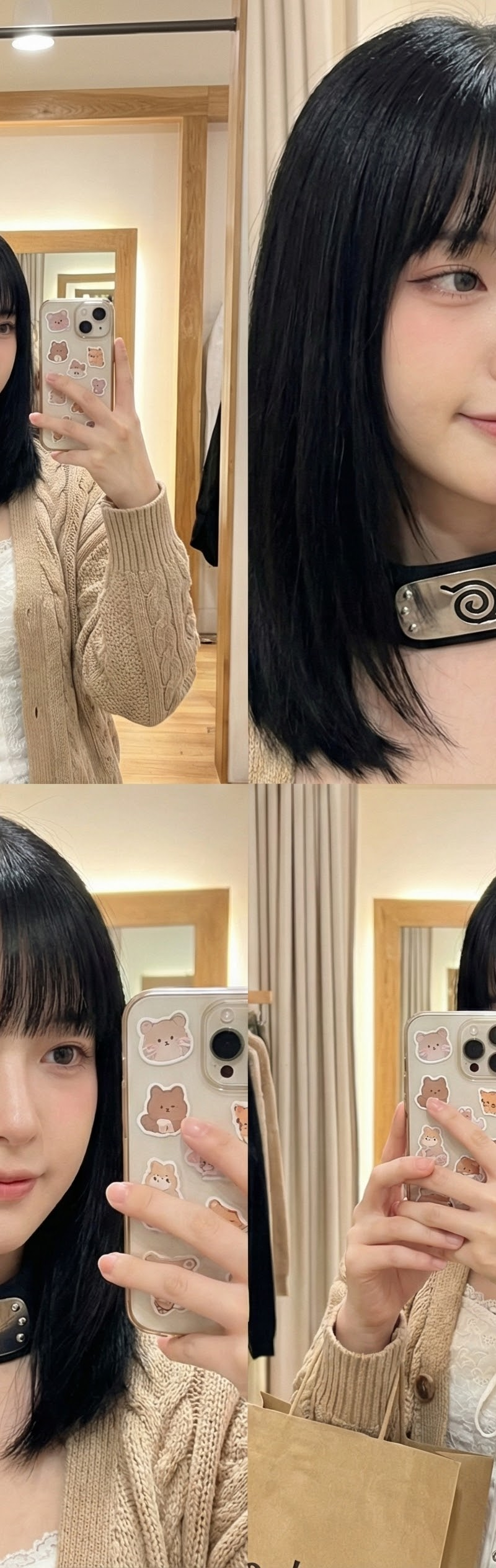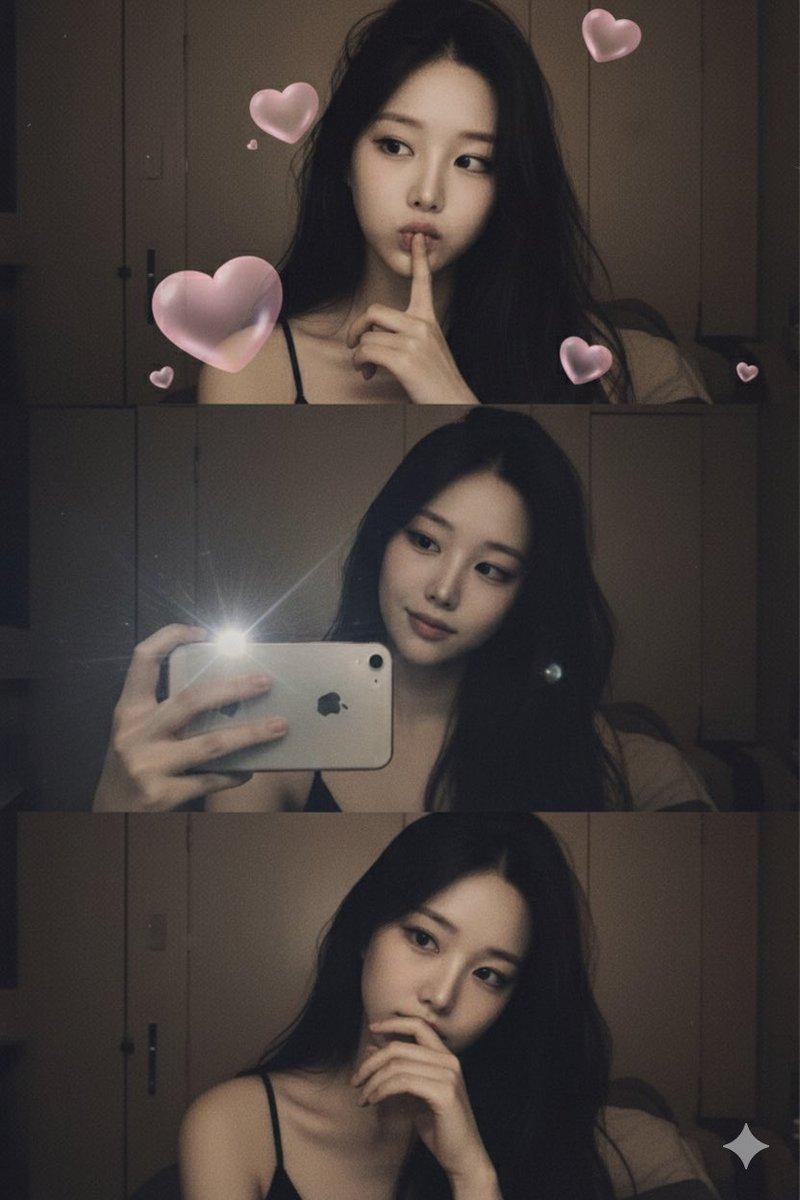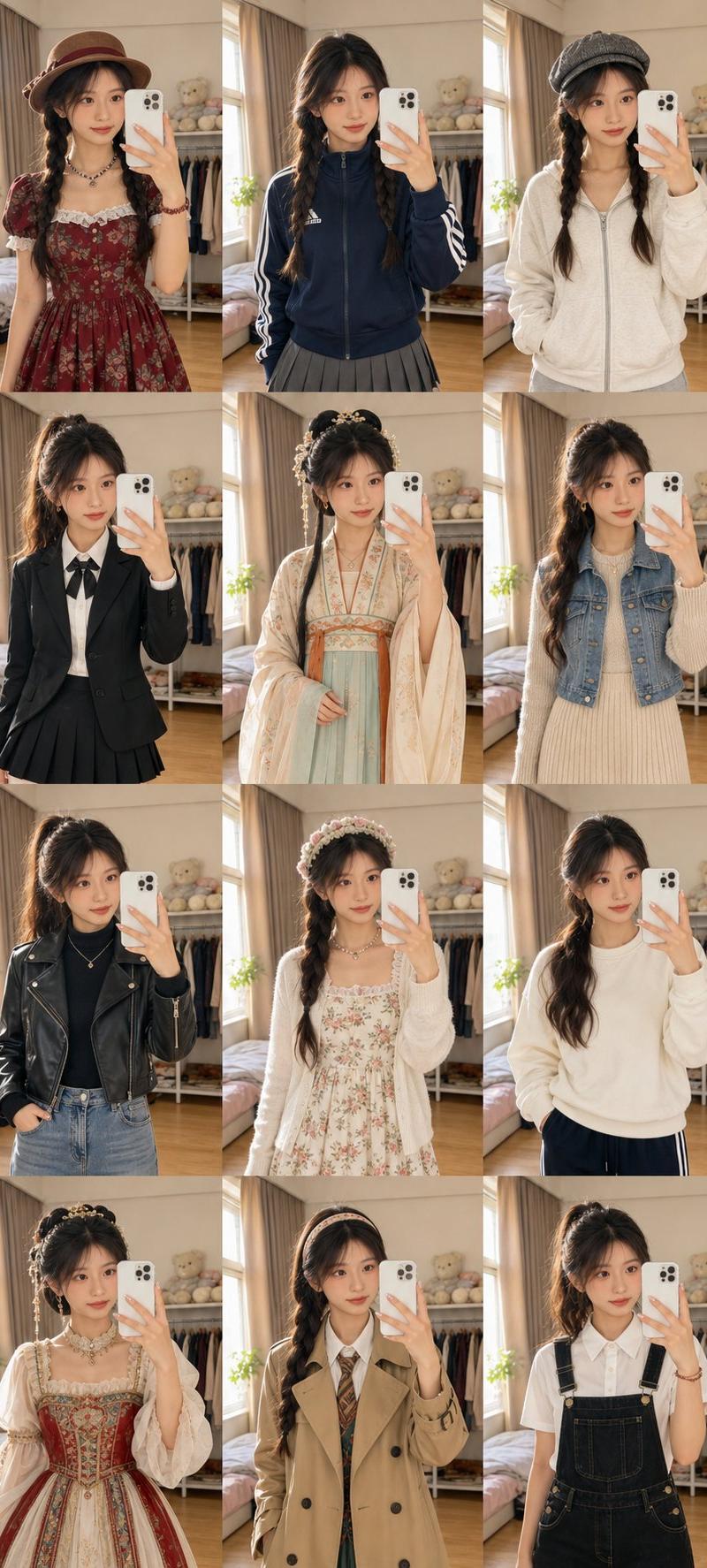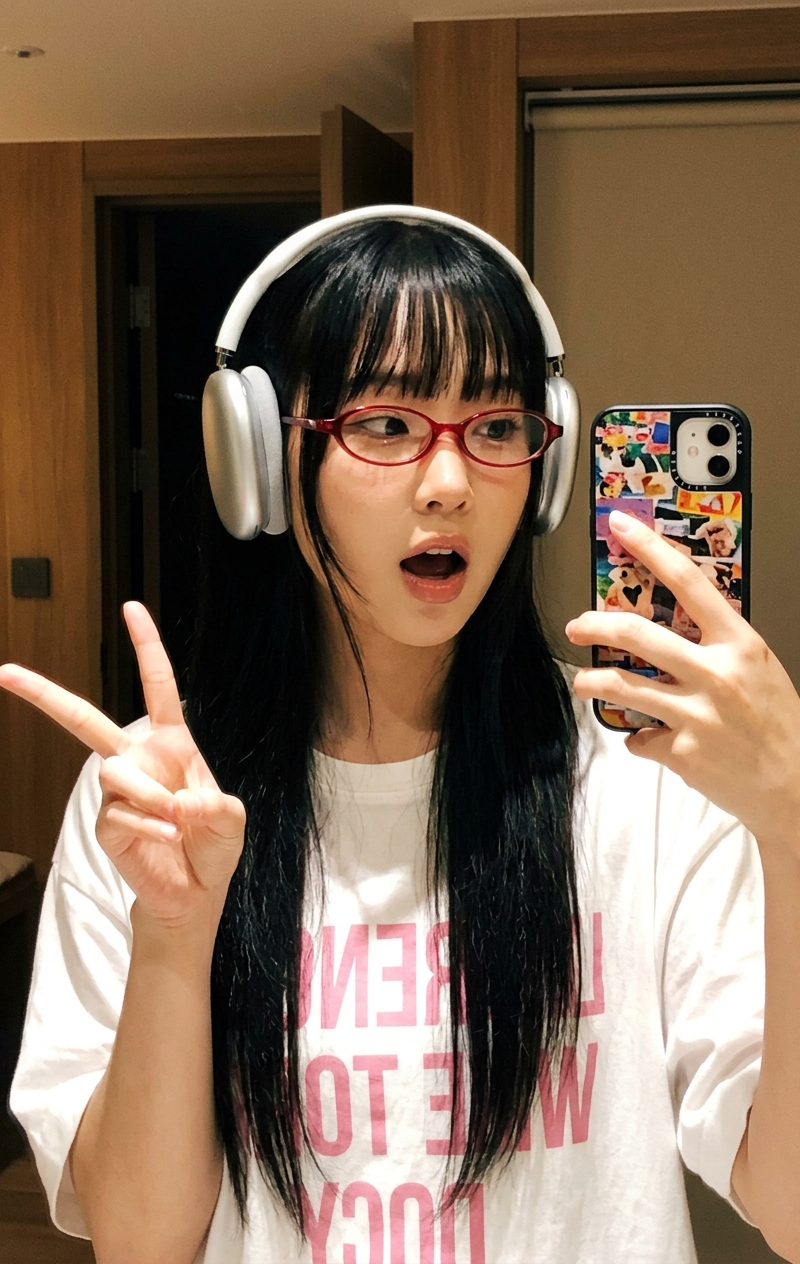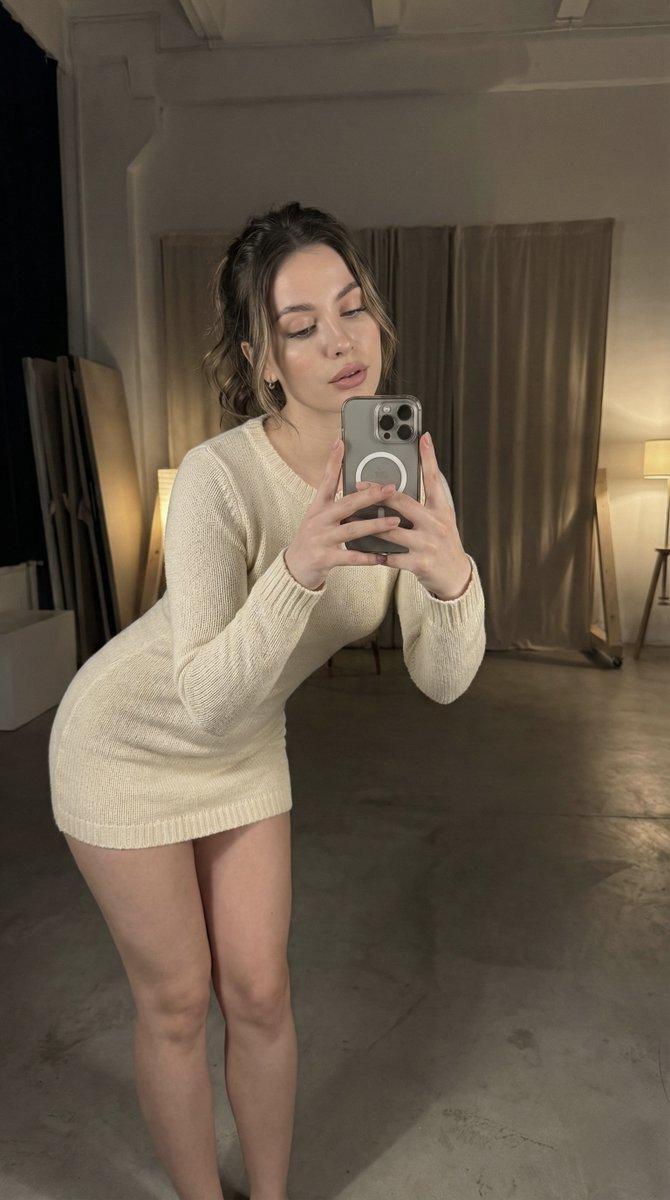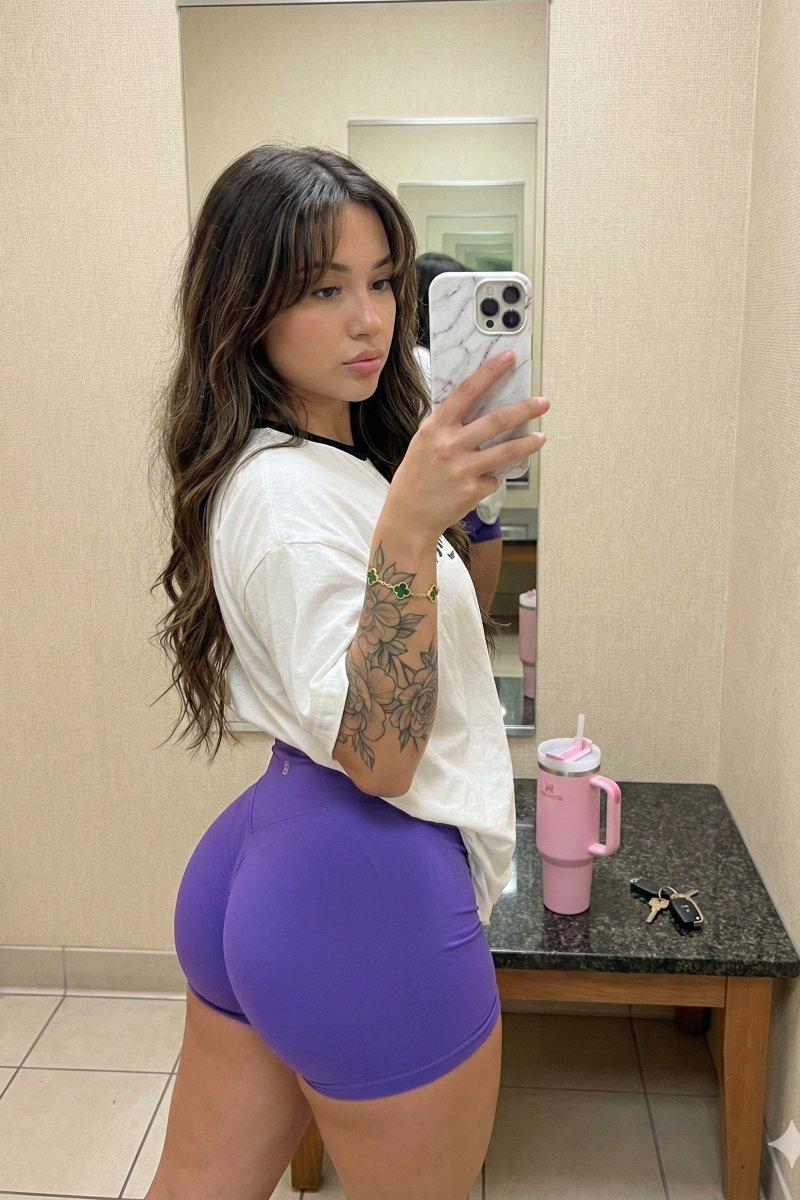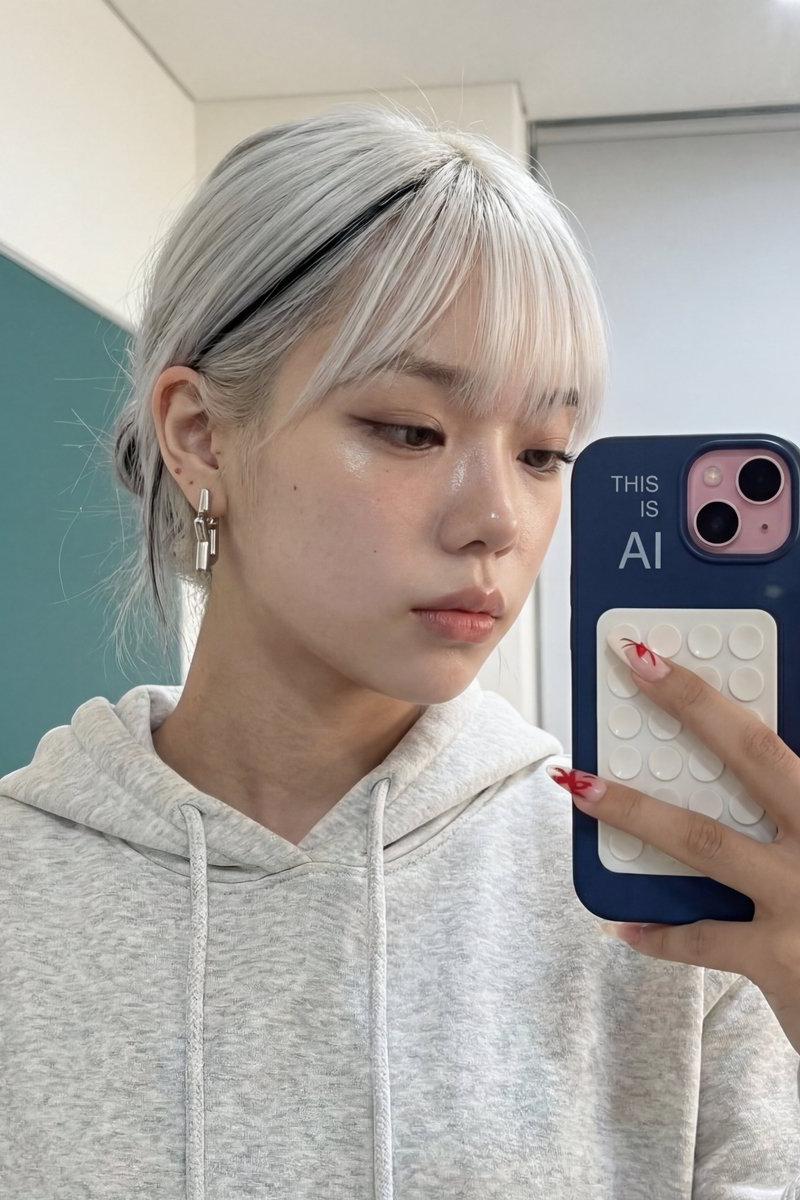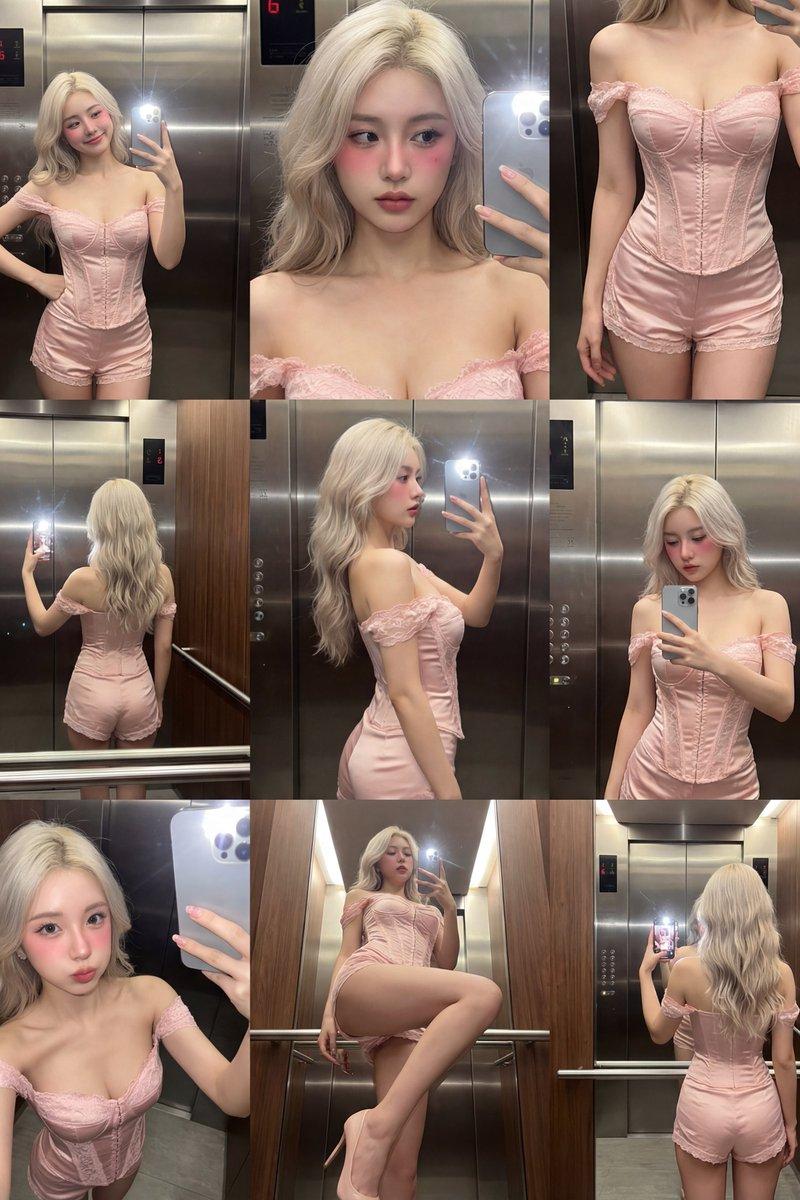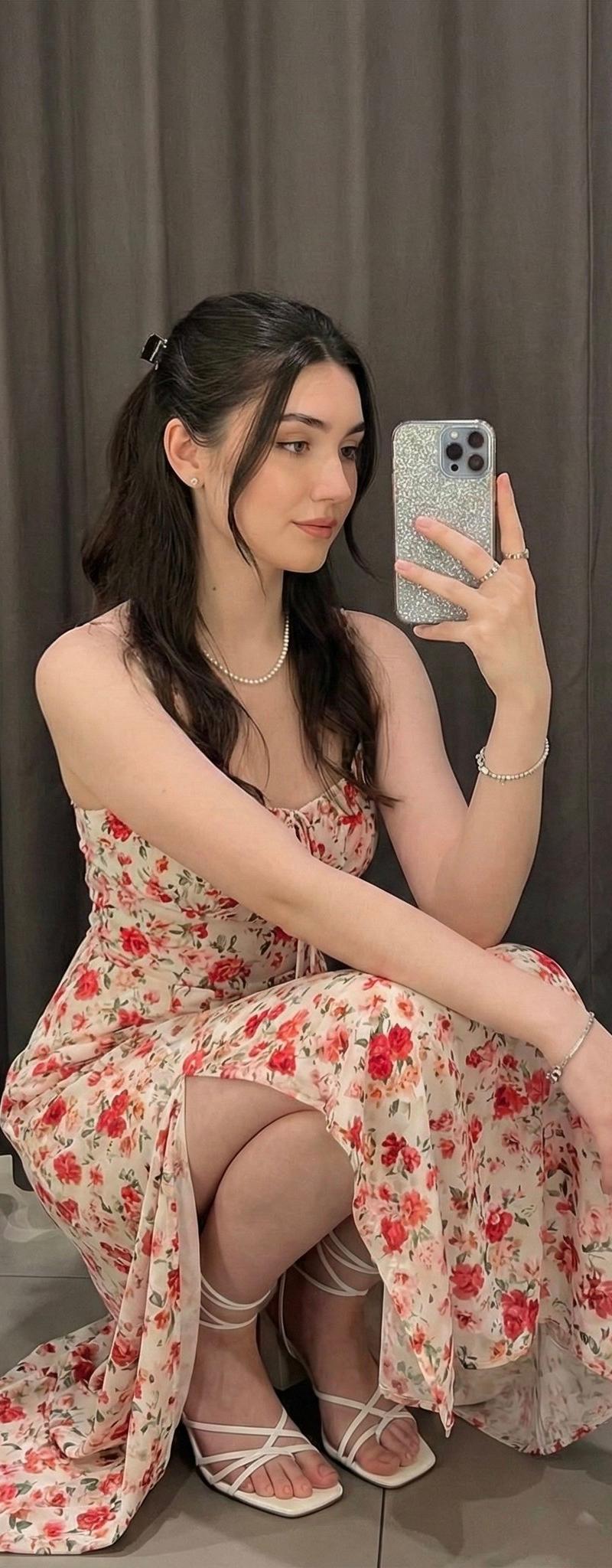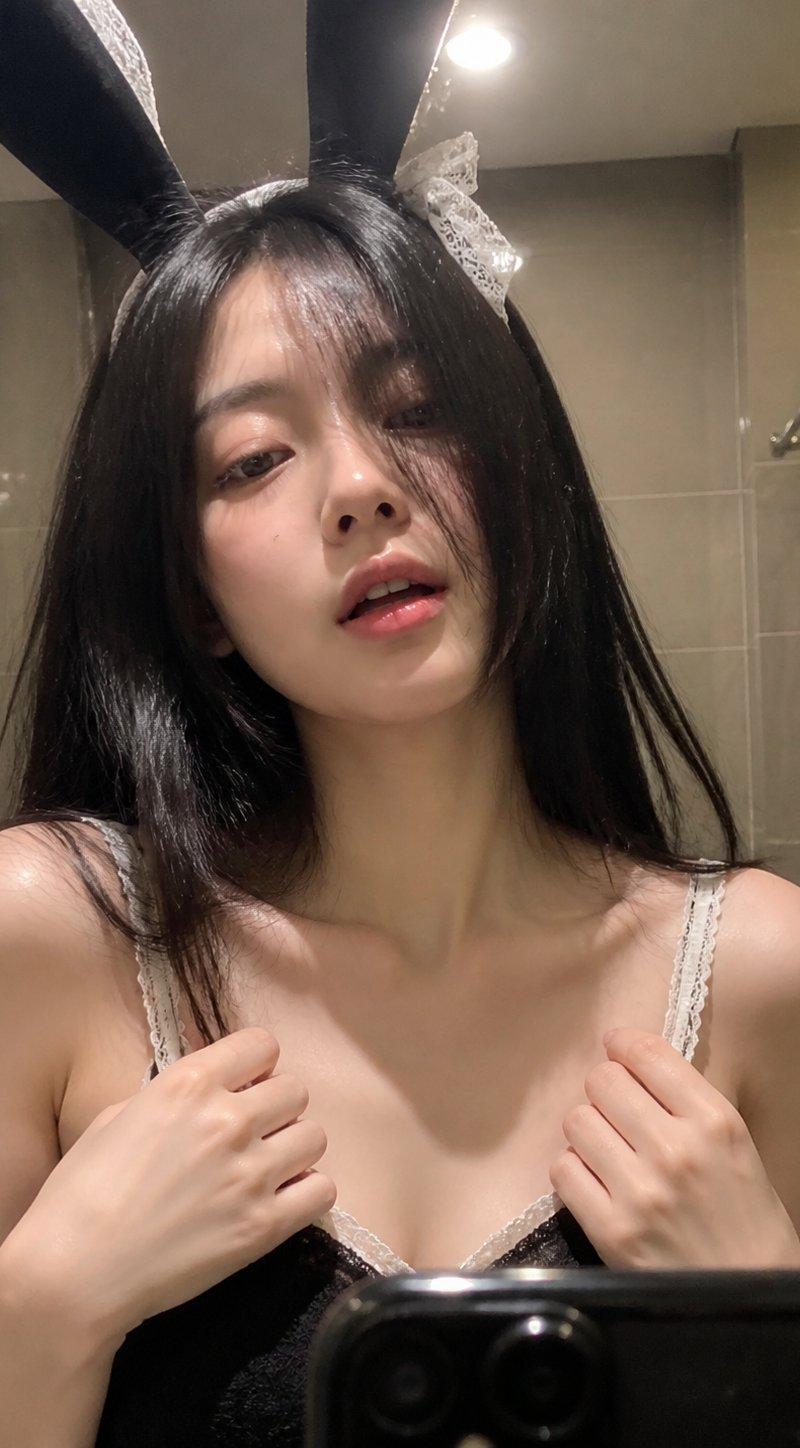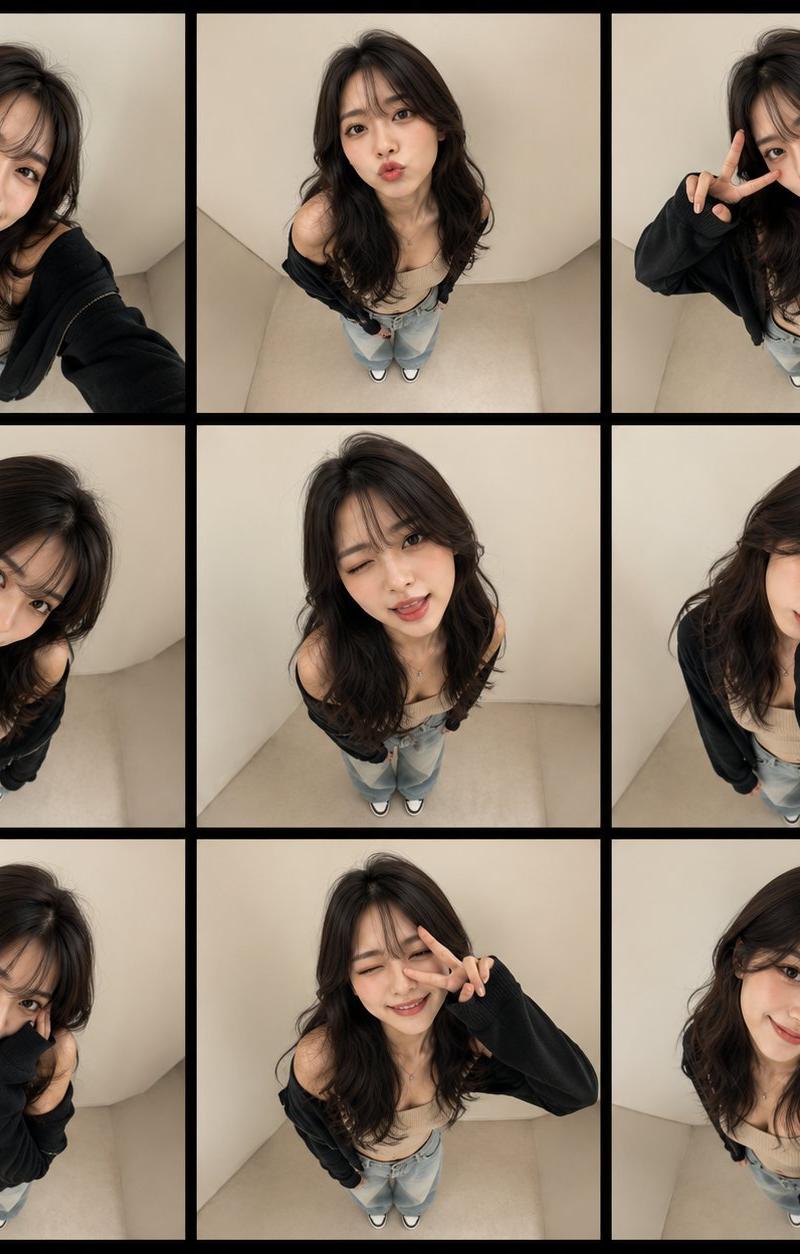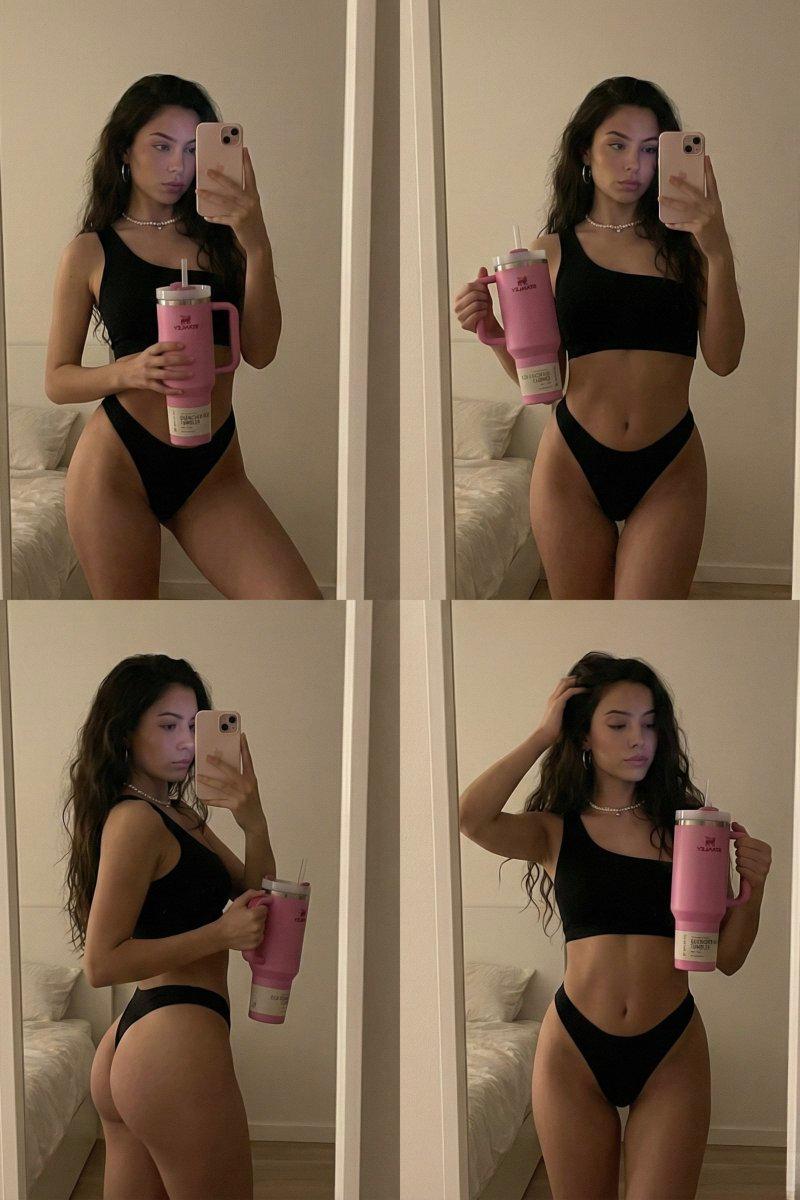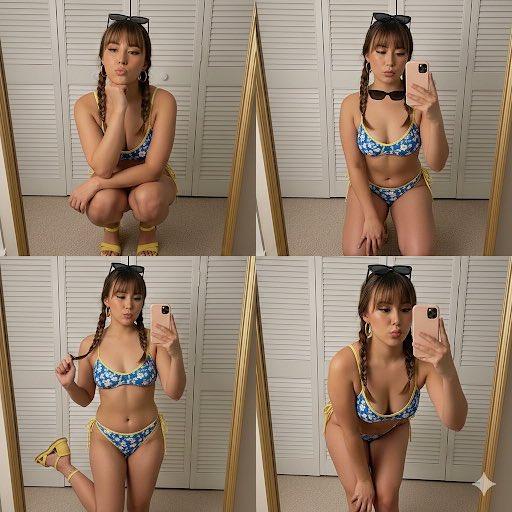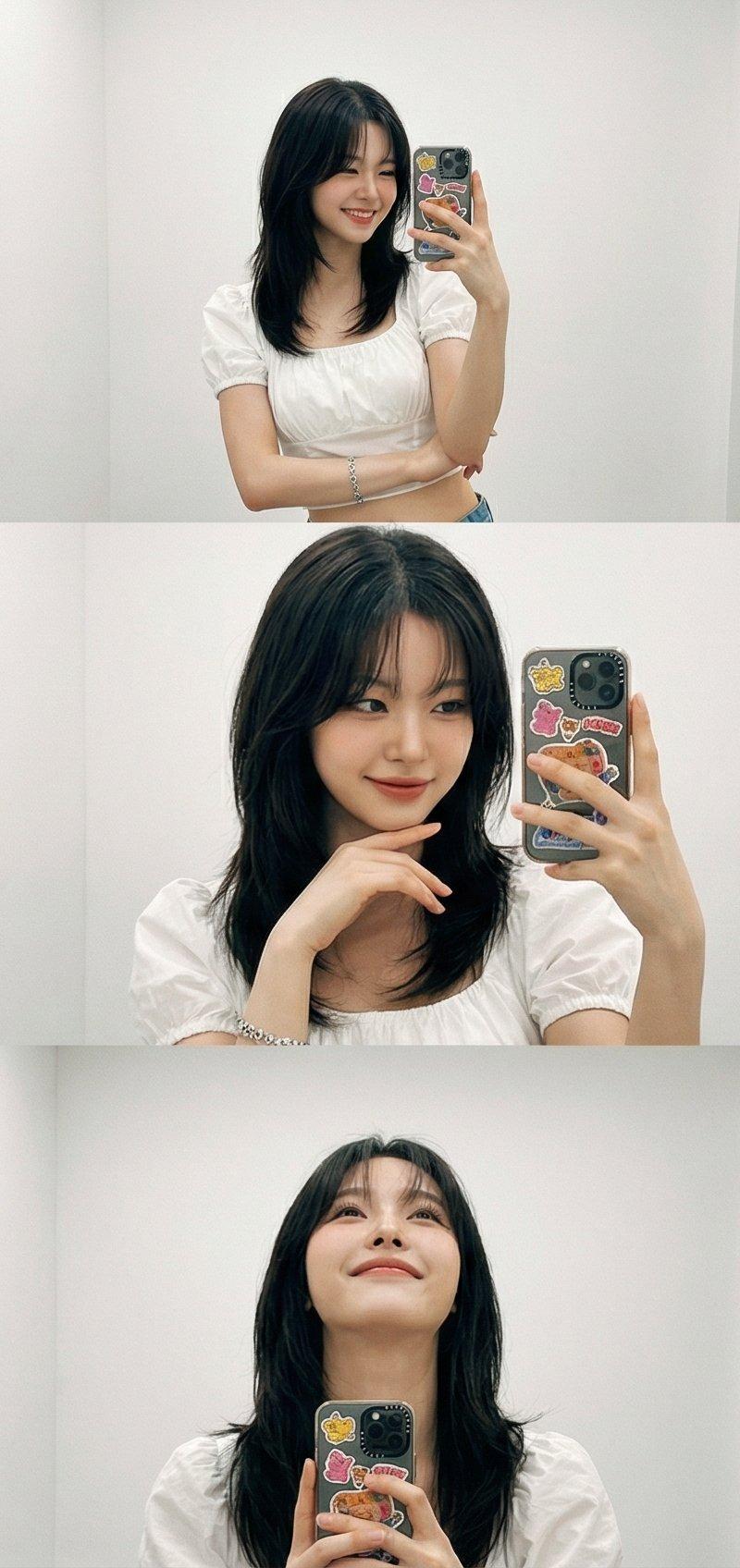
使用Grok生成9个摄影镜头的简单模式
提示词
Nano Banana ProやGrokでプロンプトだけで9つのカメラショットで生成するパターンもシンプルに使いやすいです✨
ちなみにこれGrokで使うととんでもない量の画像が一瞬で生成できて圧巻ですよ!リプ欄にスクリーンショットを貼っておきます。
【プロンプト】
Generate a cohesive 3x3 grid cinematic contact sheet featuring 9 distinct, photorealistic camera shots based entirely on the following textual description of the subject(s) and environment.
Subject(s) Description:
[ここに主題となる人物やオブジェクトの詳細を具体的に描写してください。]
Location & Setting:
[ここに場所と環境の詳細を具体的に描写してください。]
Emotional Theme:
The overall emotional theme for the 9 shots is: [楽しい / 嬉しい / 切ない / 穏やか / 好奇心旺盛 / 決意 etc. - ここに希望の感情を記入]. Each shot should subtly reinforce this theme.
Style & Emotion:
The 9 shots must maintain a consistent, dramatic, and emotionally profound mood. Subject's facial expressions must dynamically adapt to the narrative emphasis of each unique perspective, while strongly conveying the overall Emotional Theme.
9 Shot Coverage (Focus on Content & Angle):
1. Full Environment View: Subject small in a vast, atmospheric environment.
2. Full Body Shot: Entire subject visible, emphasizing presence against the backdrop.
3. Mid-Body Shot: Knees-up view, capturing an emotionally charged stance.
4. Upper Body Shot: Waist-up; focus on expressive posture and interaction.
5. Intimate Chest-Up Shot: Chest-up; intimate framing, highlighting the gaze and inner feeling.
6. Close-Up (CU): Tight framing on the face, clearly conveying a specific, unstated emotion.
7. Macro Detail Shot: Extreme close-up on hands, texture, or eyes, revealing a narrative element.
8. Upward Gaze Shot: Looking up from below (worm's eye view); emphasizing quiet power or resolve.
9. Downward Gaze Shot: Looking down from above (bird's eye view); suggesting reflection or vulnerability.
Strict Constraints:
Maintain strict consistency (same subject, clothes, lighting) across all 9 panels. Depth of field must shift realistically (bokeh in close-ups). Absolutely NO text, logos, labels, watermarks, symbols, numbers, letters, or typography should appear in any of the 9 generated images.
- 分类
- 真实摄影
- 模型
- Nano Banana Pro
- 来源作者
- 空想写真家
- 原始语言
- zh-CN
- 来源 ID
- generate-9-camera-shots-with-grok
浏览量0