高端街头时尚摄影:参考图像中的女性
提示词
{
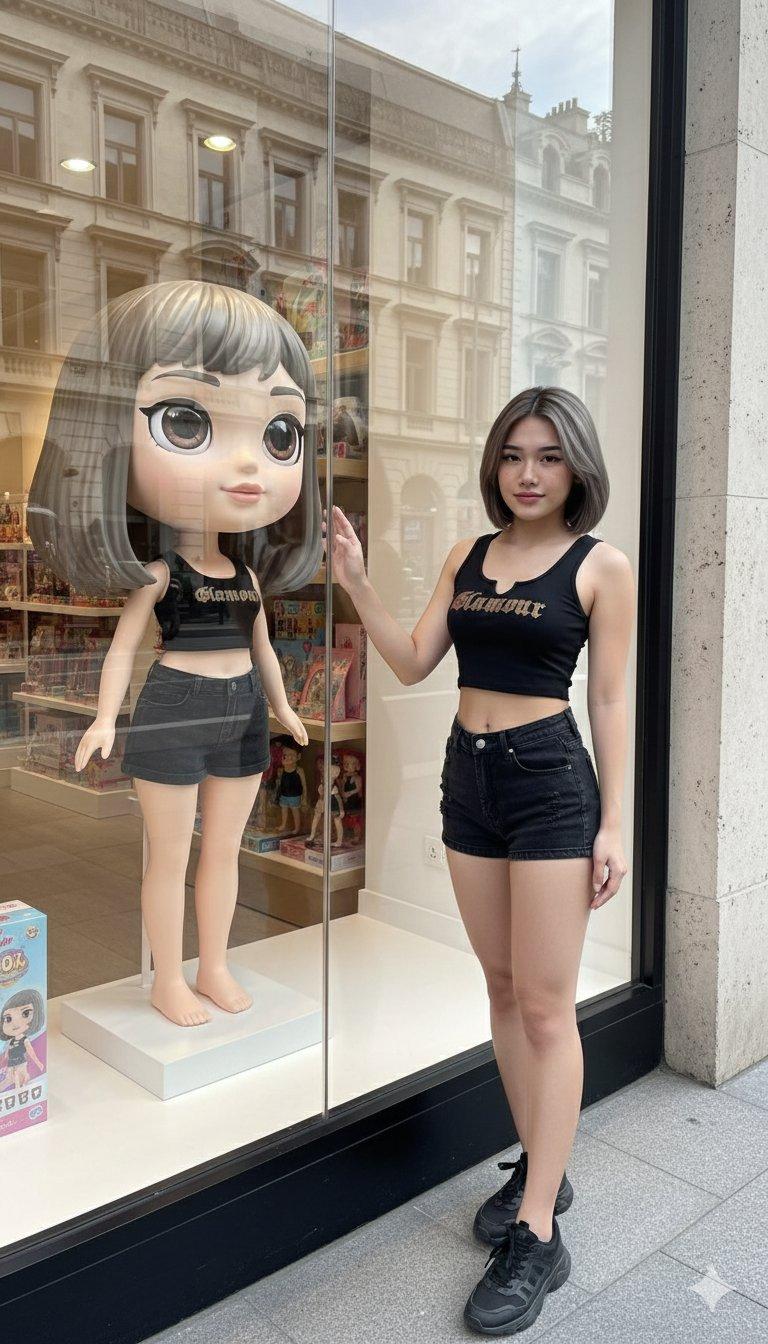
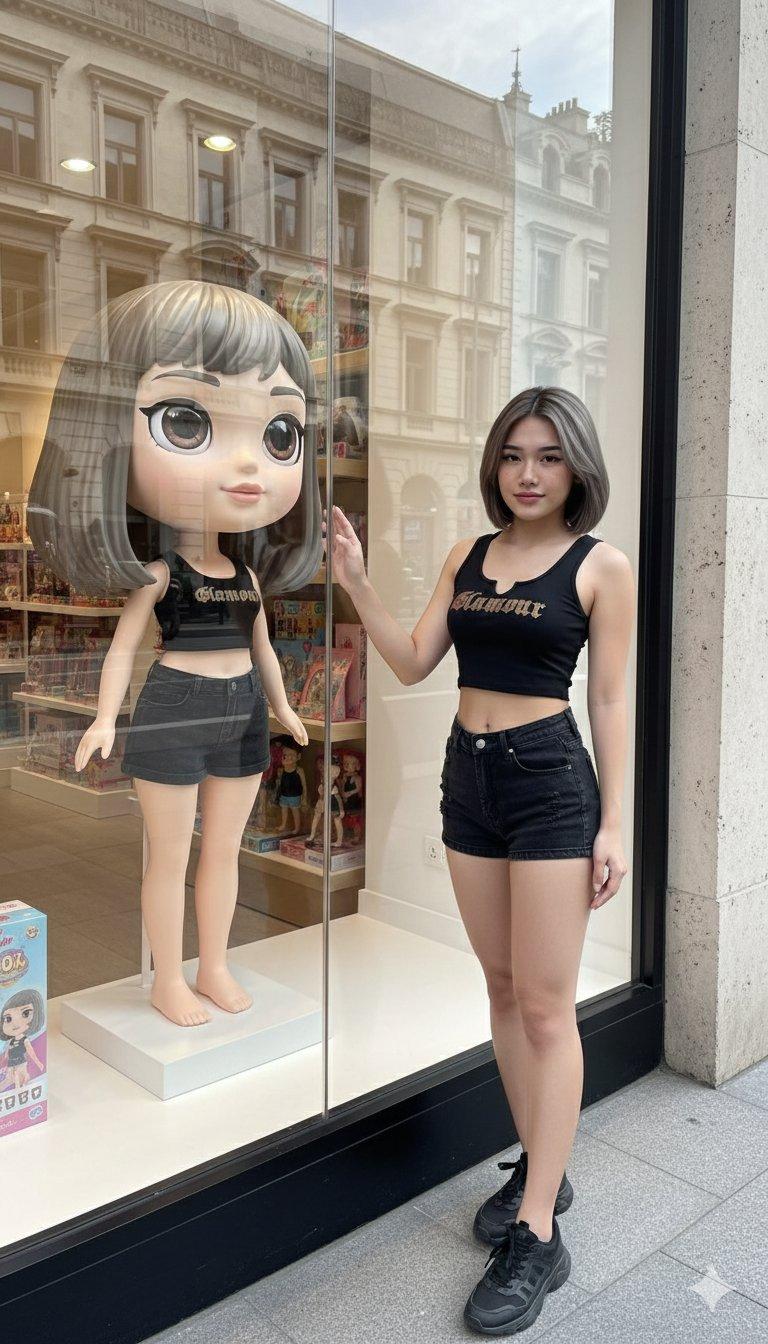
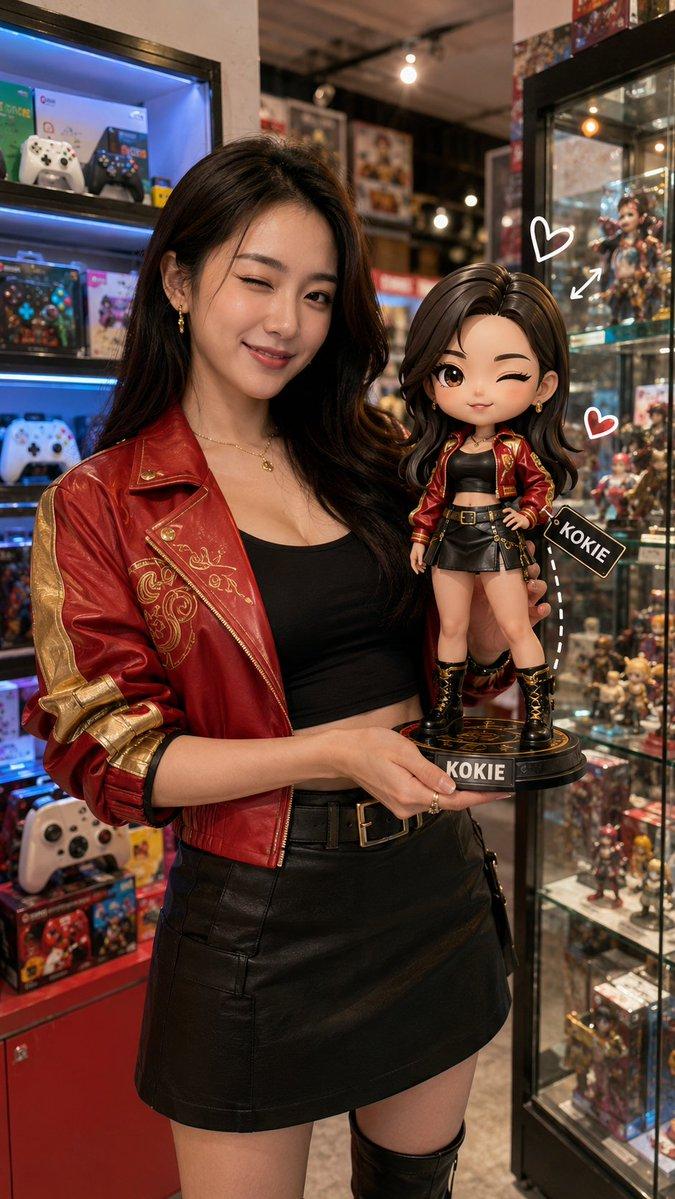
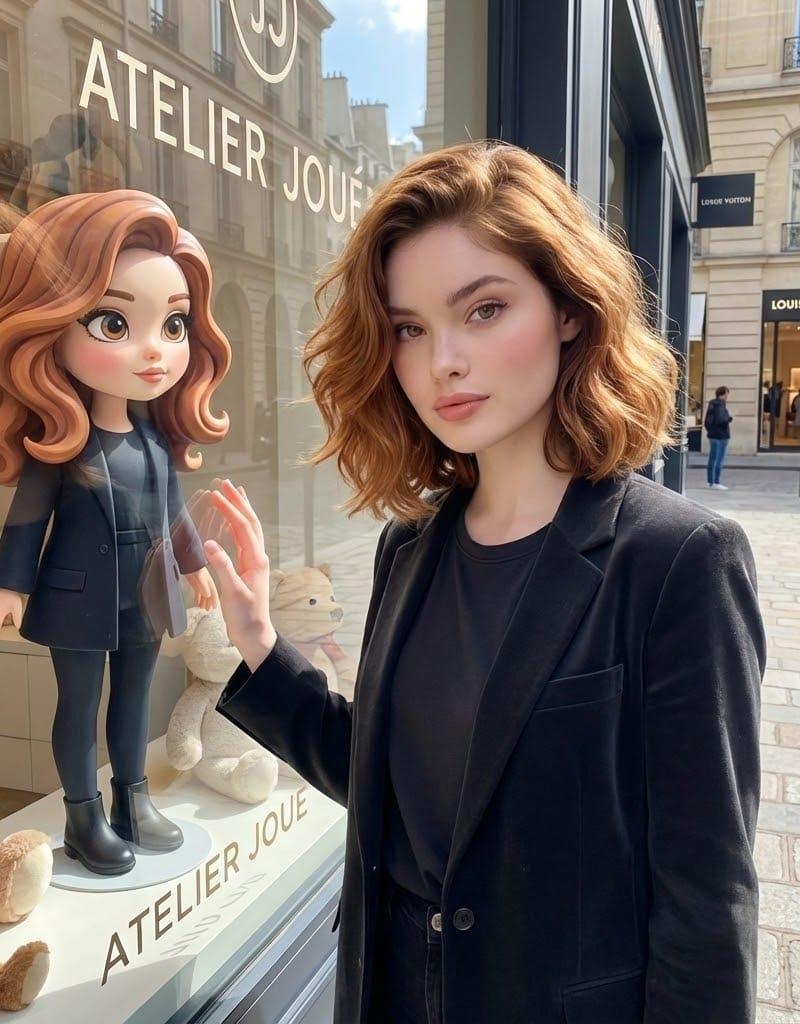
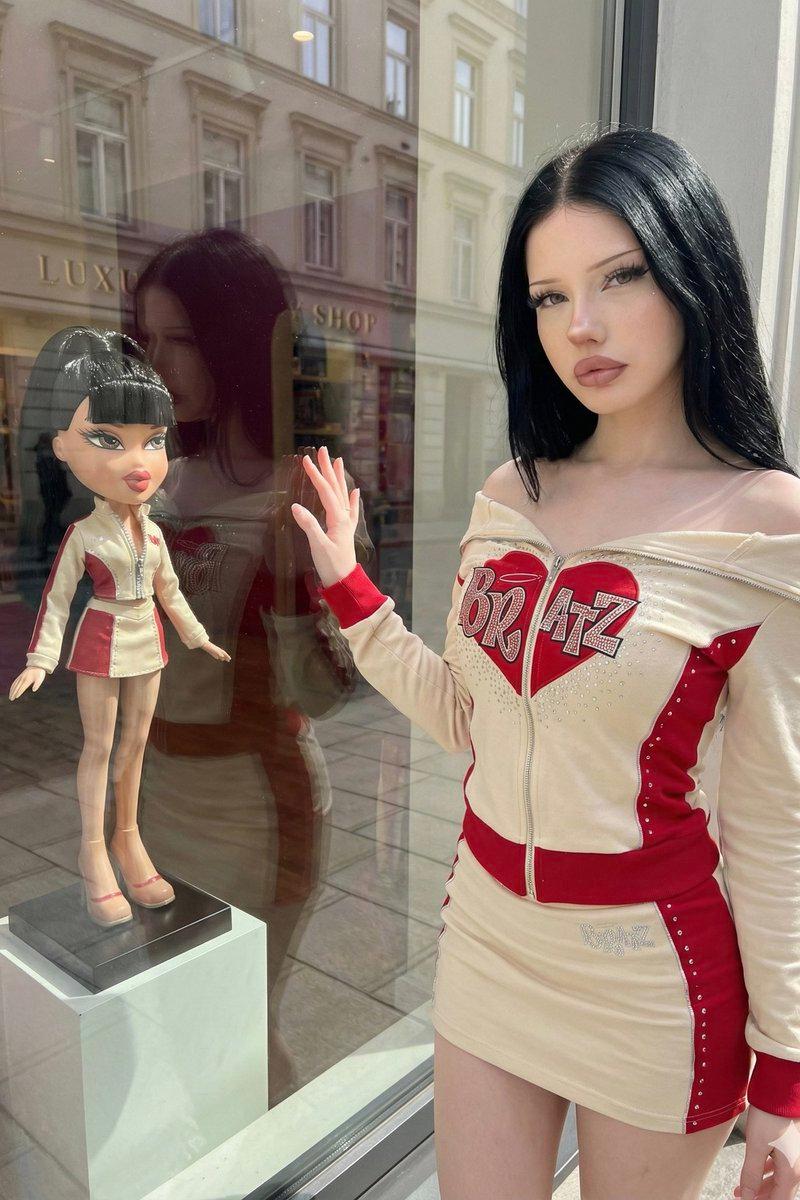
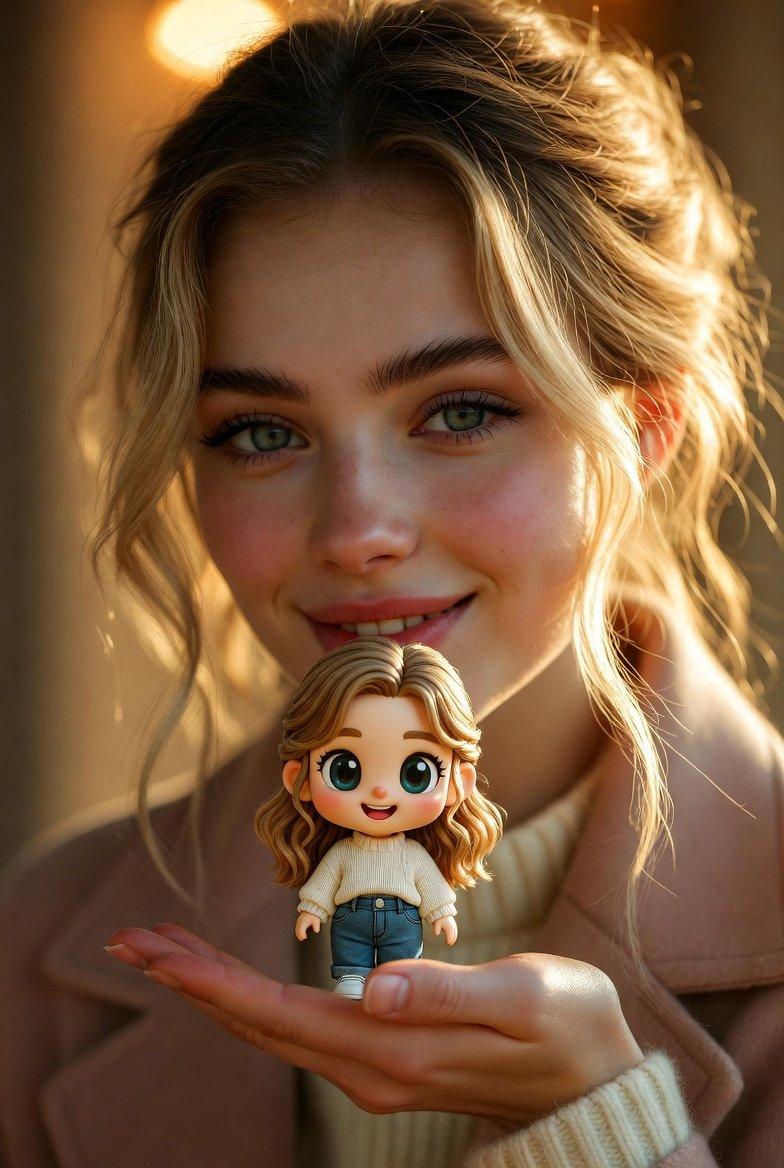
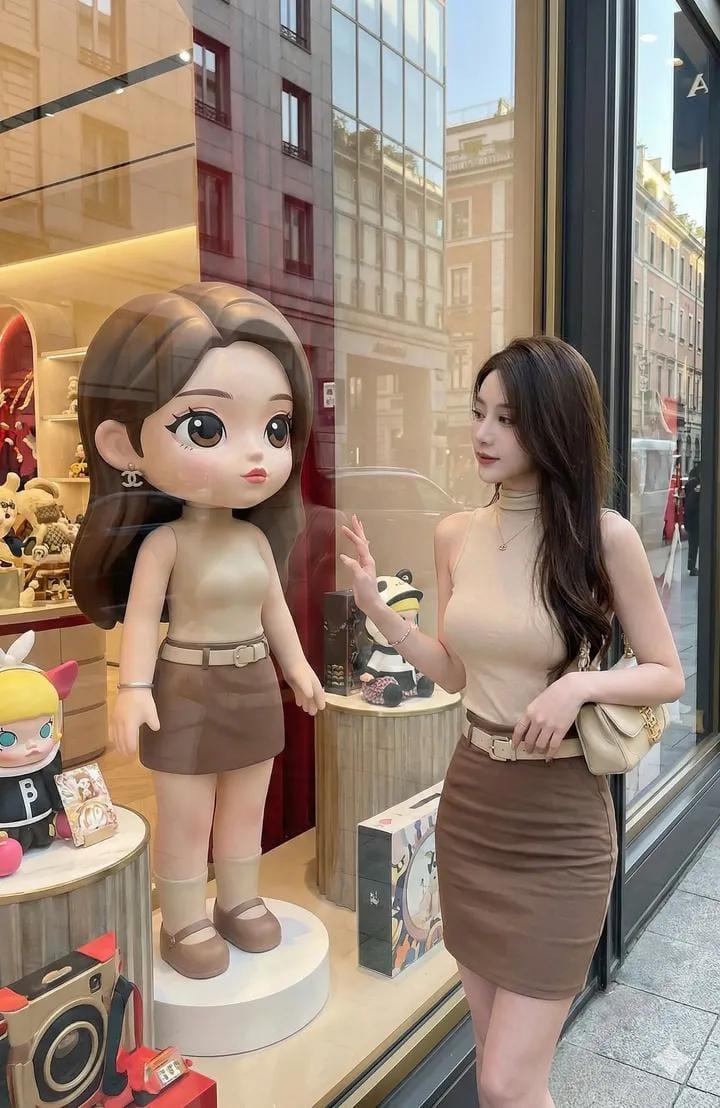
 "PROMPT": "Create a bright, high-end street-fashion photograph of the woman from the reference image, keeping her face, hair, body & outfit exactly the same. She stands outside a luxury toy-shop window, gently touching the glass. Inside the window display, place a full-height cartoon-style doll designed to resemble her—same features, hair, and outfit—transformed into a cute, big-eyed, stylized animated character. Crisp lighting, premium street-fashion look, realistic reflections, face unchanged.",
 "settings": {
 "style": "high-end street fashion",
 "lighting": "crisp and bright",
 "environment": "outside luxury toy-shop window",
 "subject": "woman from reference image",
 "focus": [
 "face",
 "hair",
 "body",
 "outfit"
 ],
 "additional_elements": [
 {
 "type": "doll",
 "style": "cartoon-style, big-eyed, stylized",
 "location": "inside window display",
 "resemblance": "exact features, hair, outfit of woman"
 }
 ],
 "reflections": "realistic",
 "photorealism": true
 }
}- 分类
- 真实摄影
- 模型
- Unknown
- 来源作者
- simply
- 原始语言
- zh-CN
- 来源 ID
- high-end-street-fashion-woman-from-reference-image
浏览量0