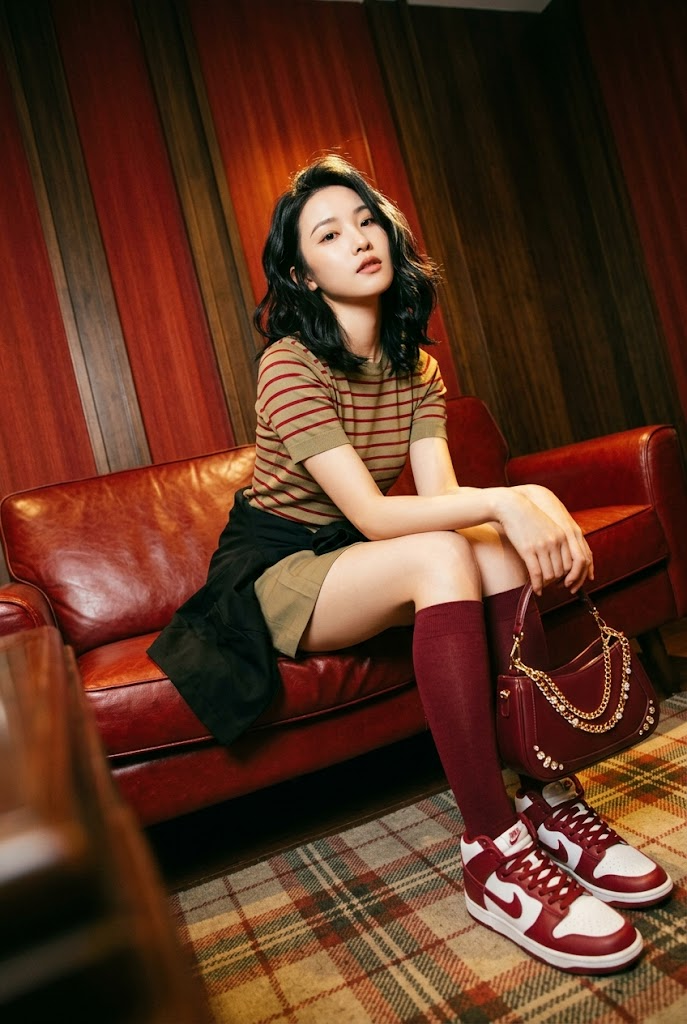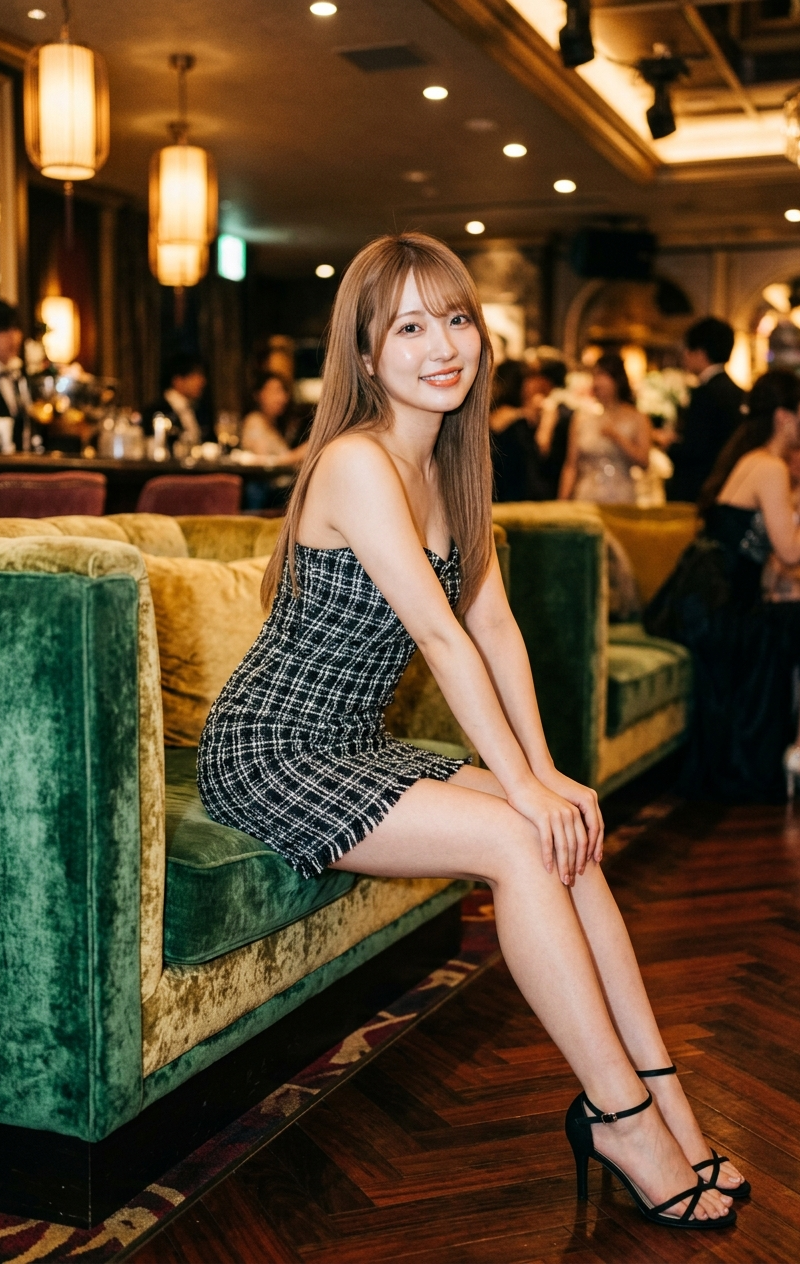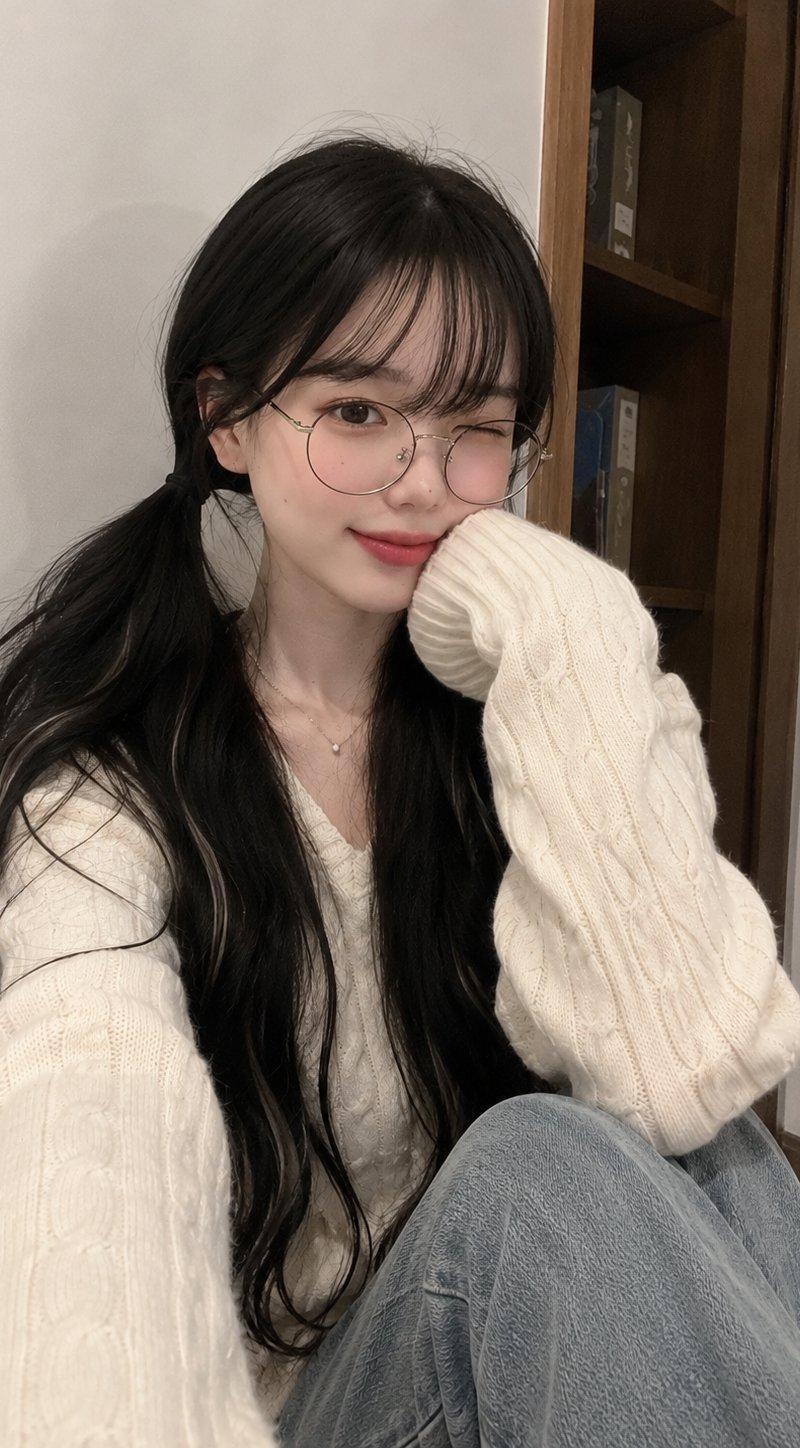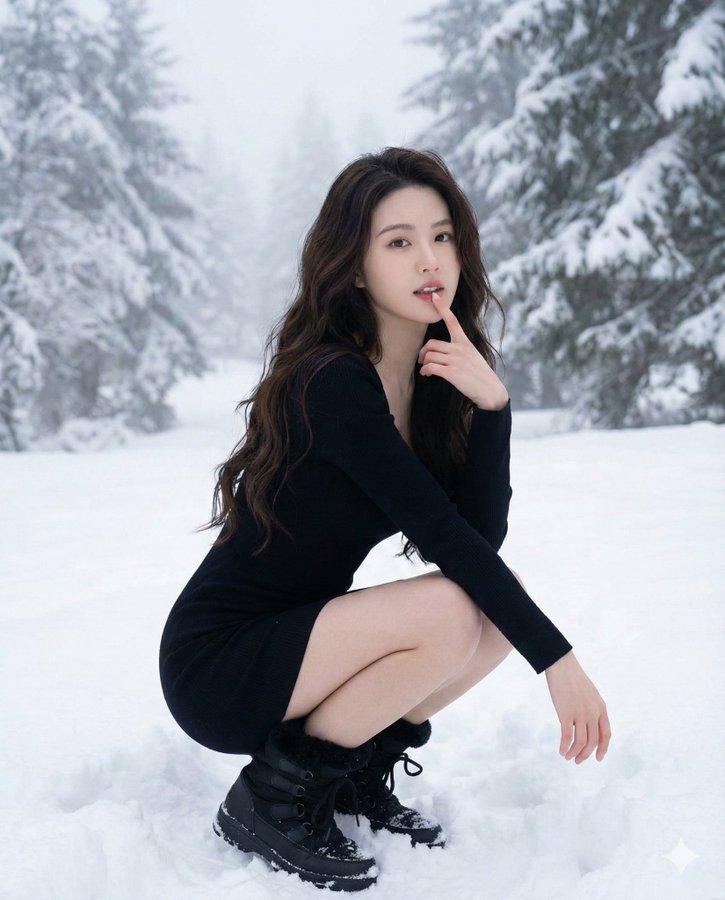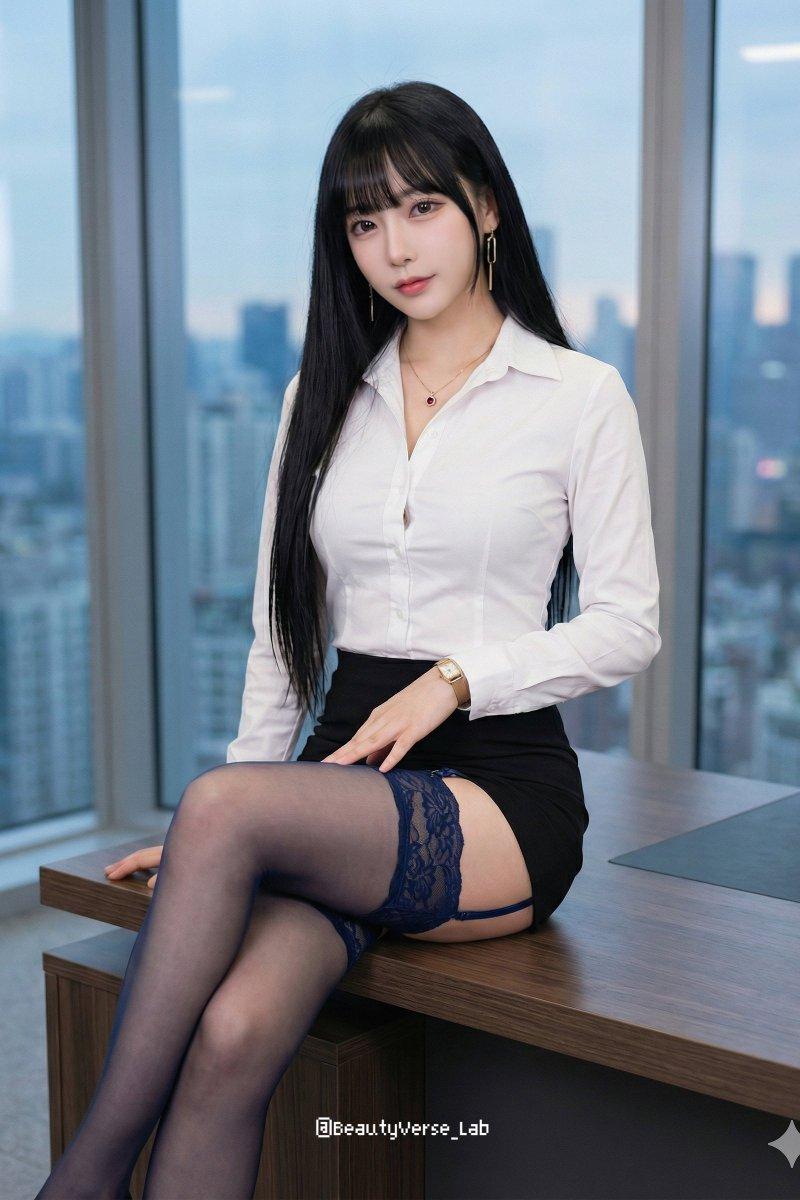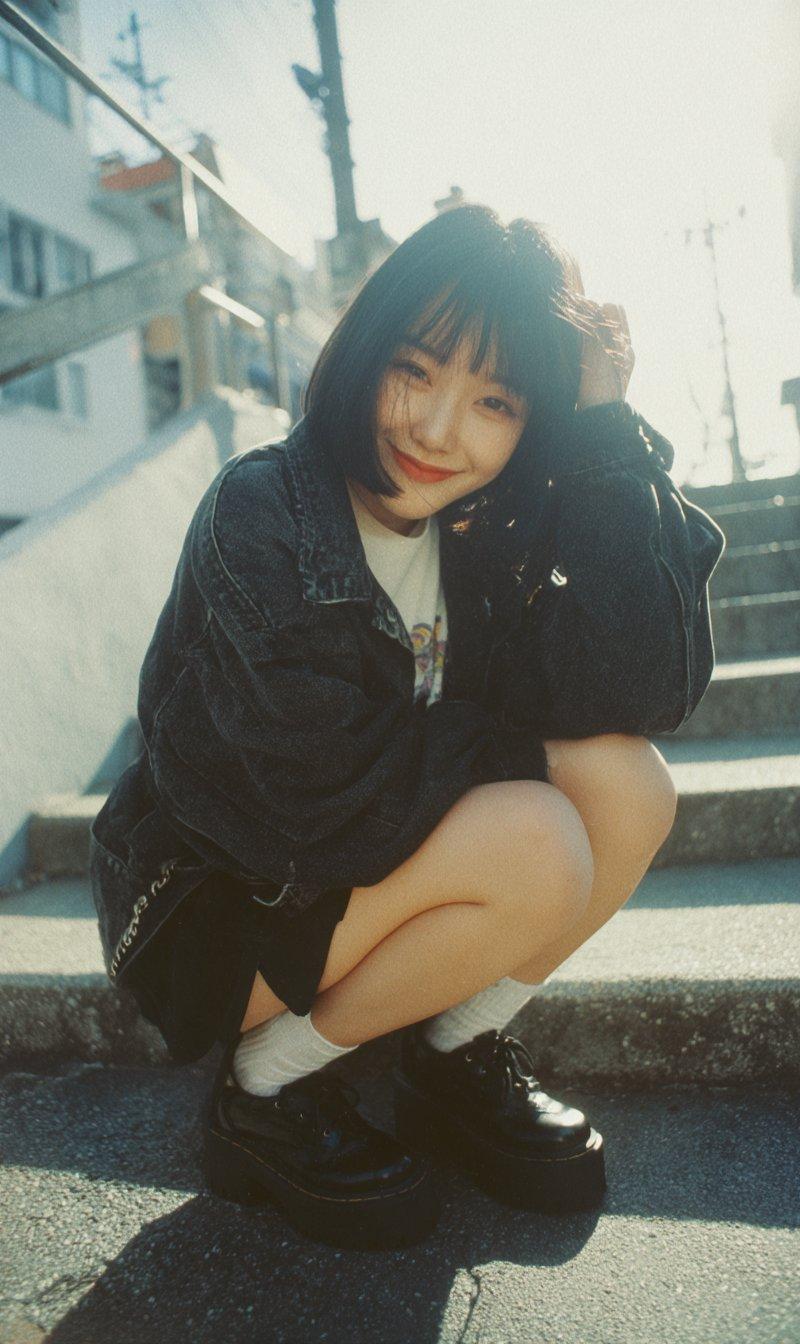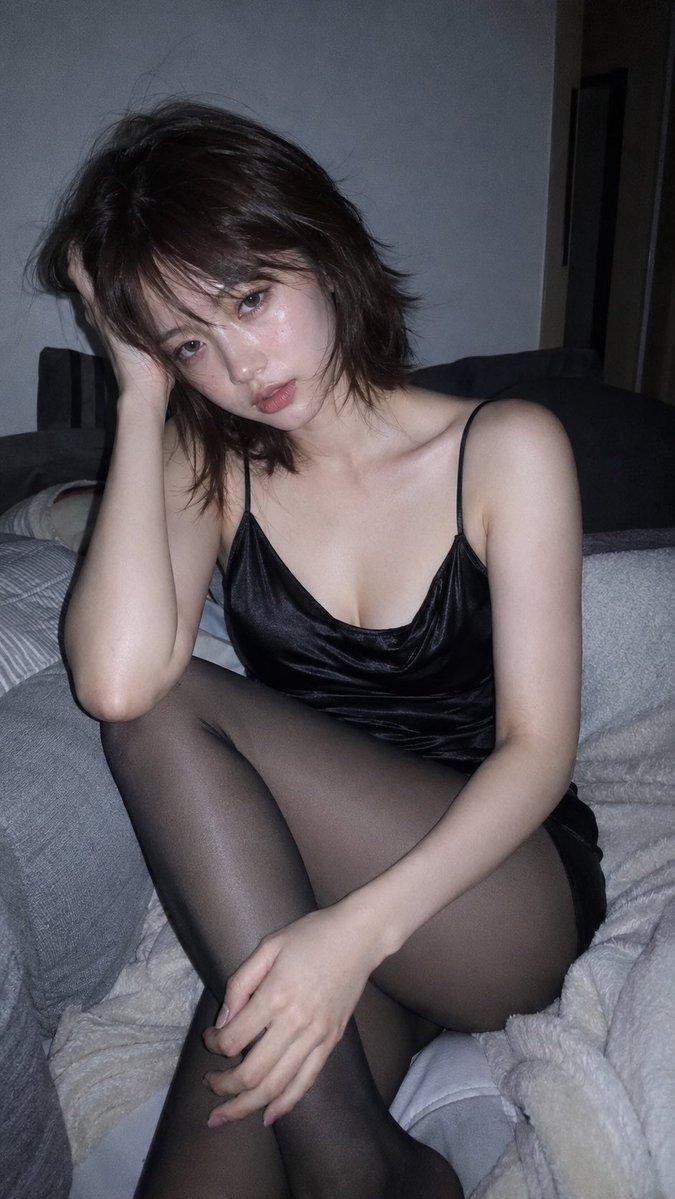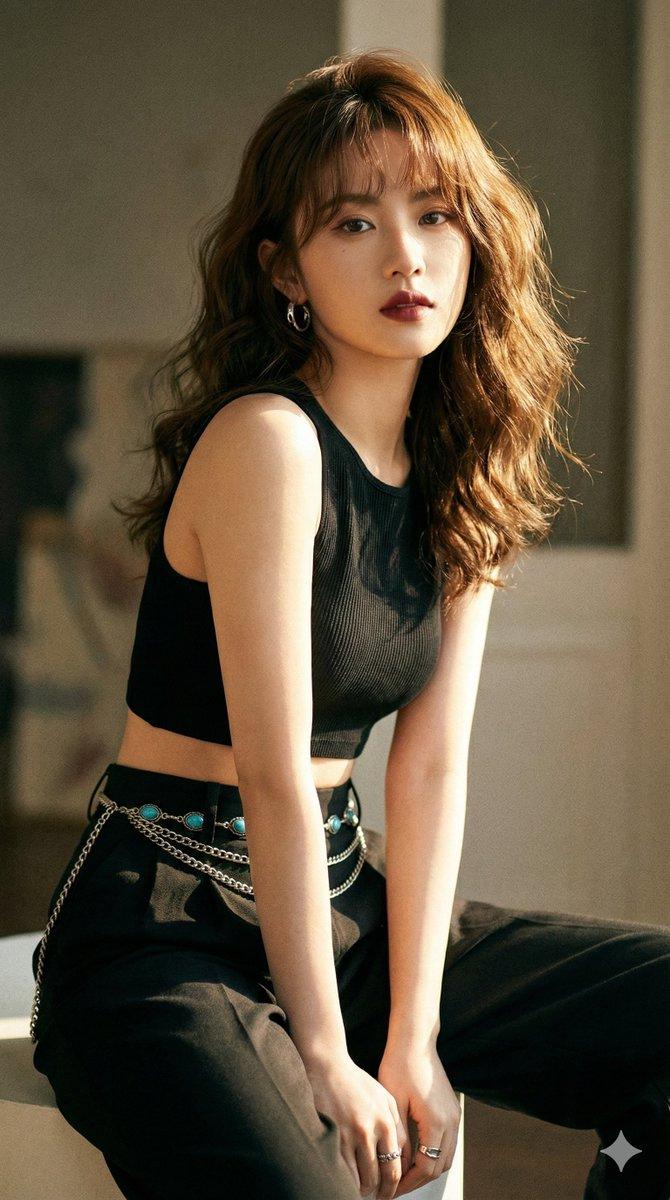
日本妖怪变身提示
提示词
Here's a Japanese Yokai transformation prompt adapted from the amazing prompt by AIGPS san.
Enter the name of your favorite yokai in <<YOKAI NAME>>.It seems like there's no problem whether you enter it in alphabets or kanji.
--------------------------------------------------------
{
"description": "Transform a real person in a photo into a character wearing photorealistic, high-quality Japanese Yokai special effects makeup and costume. Keep the person\'s facial features recognizable, maintain the original background\'s atmosphere while adding traditional Japanese elements and aggressive ink-brush SFX.",
"variables": {
"YOKAI_NAME": {
"type": "string",
"value": "<<YOKAI_NAME>>",
"description": "The name of the Japanese Yokai whose features should be applied as realistic costume and special effects makeup (e.g., Kitsune, Tengu, Yuki-onna, Kappa, Oni, etc.)."
}
},
"steps": [
{
"name": "YOKAI_COSPLAY_EDIT",
"goal": "Apply a dynamic pose, dramatic camera angle, aggressive traditional Japanese ink-brush SFX, and photorealistic Yokai costume/makeup while keeping the person\'s face recognizable and preserving the original background.",
"instructions": "Use the uploaded photo as the base.\n\n**CRITICAL: Keep the person\'s face, hair color, and core features recognizable.** Do NOT morph their face into a monster or replace their head entirely. The goal is high-quality special effects makeup (SFX makeup) and costume, like a professional cosplayer or actor.\n\n**CRITICAL: Preserve the original background.** Do not replace it. Add atmospheric elements into the existing scene layers.\n\n=====================================\nYOKAI COSTUME & SFX MAKEUP TRANSFORMATION\n=====================================\nInsert your Yokai name here: [YOKAI_NAME]\n\nInterpret the features of [YOKAI_NAME] as realistic costume and makeup applied to the person. It should look like practical effects, not CGI morphing.\n\nExamples of Cosplay/SFX Makeup Interpretation:\n- Kitsune: Realistic fox ear headpiece, high-quality tail accessory, fox-style makeup (not changing eye shape fundamentally), perhaps holding a prop kitsune mask. Foxfire is a practical light effect.\n- Tengu: Wearing an ornate Tengu mask (red face, long nose) pushed up on the head or held, realistic black feathered wings accessory attached to back, traditional monk (yamabushi) robes.\n- Yuki-onna: Pale makeup with frost effects on skin and hair tips, beautiful white kimono with ice crystal details. Breath vapor is a practical effect.\n- Kappa: Greenish body paint/makeup on visible skin, realistic shell accessory backpack, holding a prop cucumber or dish (sara).\n- Oni: Realistic attachable horns, wild wig, fanged dental appliance, theatrical makeup highlighting muscles, tiger-print loincloth over clothing, holding a prop iron club.\n\n=====================================\nDYNAMIC POSE & CAMERA\n=====================================\n- Pose: Repose the person into a dramatic, theatrical pose inspired by Kabuki \'Mie\' that suits the Yokai costume. Stretched limbs, powerful stance, or elegant gesture.\n- Camera: Choose a dramatic angle (low, high, or wide-angle) to enhance the presence of the character.\n\n=====================================\nAGGRESSIVE JAPANESE SFX (ROUGH INK BRUSH)\n=====================================\nAdd appropriate TRADITIONAL JAPANESE SFX (INK BRUSH ART)\n=====================================\nAutomatically choose the most appropriate SFX based on [YOKAI_NAME].\nUse ONLY traditional Japanese calligraphy/ink-brush style onomatopoeia (Kanji or Katakana).\n\nRules for SFX:\n- Pure black sumi-e ink style, brushed texture.\n- Placed behind or beside the character to enhance composition.\n- Must NOT cover the face.\n\n=== SFX SELECTION LOGIC ===\nIf [YOKAI_NAME] relates to:\n\n- Powerful/Intimidating (Oni, Tengu, etc.) → Use: 「カッ!!!」 (Kaa!), 「ドォォォン!!」 (Dōōn!), 「ゴゴゴゴ…」 (Gogogo...)\n- Cold/Ghostly (Yuki-onna, Yurei, etc.) → Use: 「ヒュ〜…」 (Hyū...), 「ゾクッ…」 (Zoku!), 「ス〜ッ…」 (Sū...)\n- Transformation/Magic/Illusion (Kitsune, Tanuki) → Use: 「ドロンッ」 (Doron!), 「パッ!!」 (Pa!), 「フワッ…」 (Fuwa...)\n- Water/Slimy (Kappa, Nure-onna) → Use: 「バシャッ!!」 (Basha!), 「ヌメヌメ…」 (Numenume...), 「ポチャン」 (Pochan)\n- Creepy/Crawling (Jorogumo, Rokurokubi) → Use: 「ズルル…」 (Zururu...), 「ギチギチ…」 (Gichigichi...), 「ニョキッ」 (Nyoki!)\n- otherwise (general Yokai presence) → Use: 「ドロドロ…」 (Dorodoro... - eerie atmosphere), 「ワォォォン!!」 (Waooon! - howl)\n\n=====================================\nBACKGROUND & ATMOSPHERE INTEGRATION\n=====================================\nKeep the original background visible and recognizable. Add traditional Japanese atmospheric elements *into* the scene to change the mood without replacing the location:\n- Add low-lying fog or mist around the floor/ground.\n- Add subtle glowing light sources (e.g., warm lantern light or eerie blue light) reflecting on the person and environment.\n- Scatter a few traditional elements like autumn leaves, cherry petals, or old paper talismans (ofuda) on the ground of the original scene.\n\n=====================================\nFINAL GOAL\n=====================================\nCreate a photorealistic photograph of the person from the input, now dressed in incredible Yokai special effects costume and makeup, posing dynamically. The original background is still present but enhanced with moody, traditional Japanese atmosphere and aggressive ink-brush SFX.\n"
}
],
"final_goal": "Produce a single photorealistic image where the person in the uploaded photo is wearing high-quality Yokai special effects costume and makeup based on [YOKAI_NAME], posed dynamically in the original background enhanced with traditional Japanese atmosphere and aggressive ink-brush SFX."
}- 分类
- 真实摄影
- 模型
- Unknown
- 来源作者
- karin.
- 原始语言
- zh-CN
- 来源 ID
- japanese-yokai-transformation-prompt
浏览量0