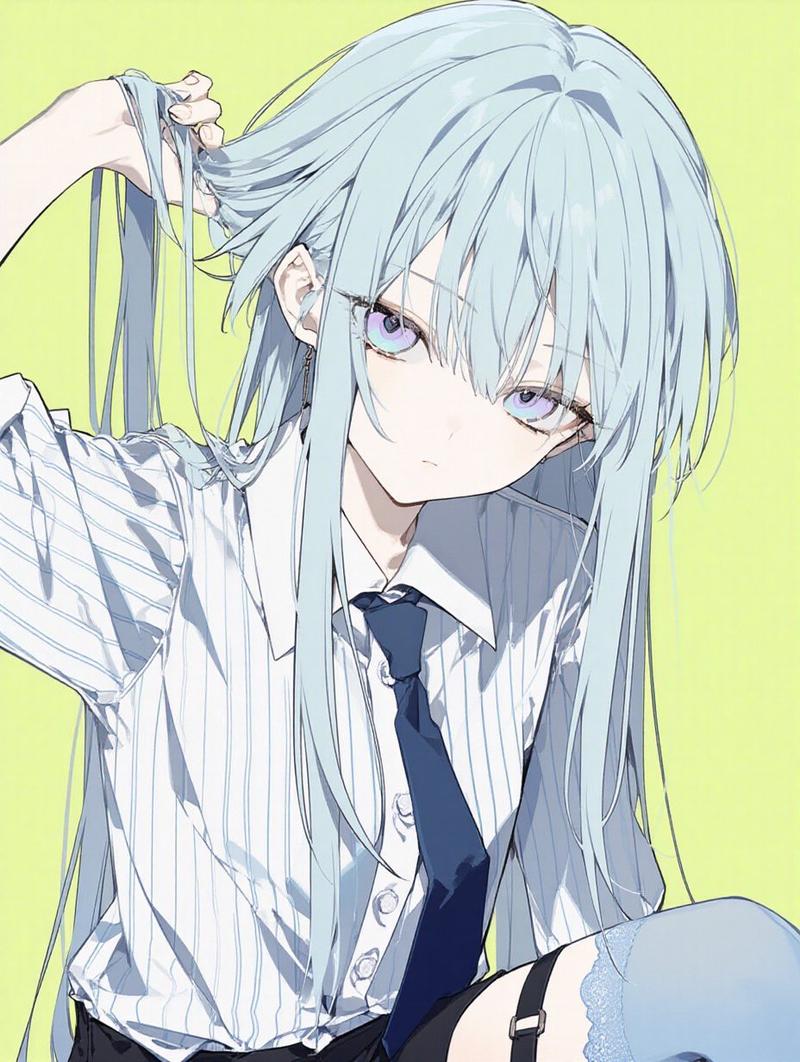
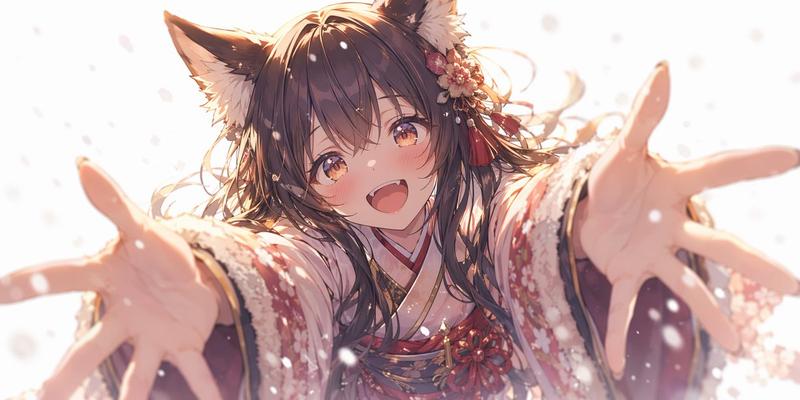
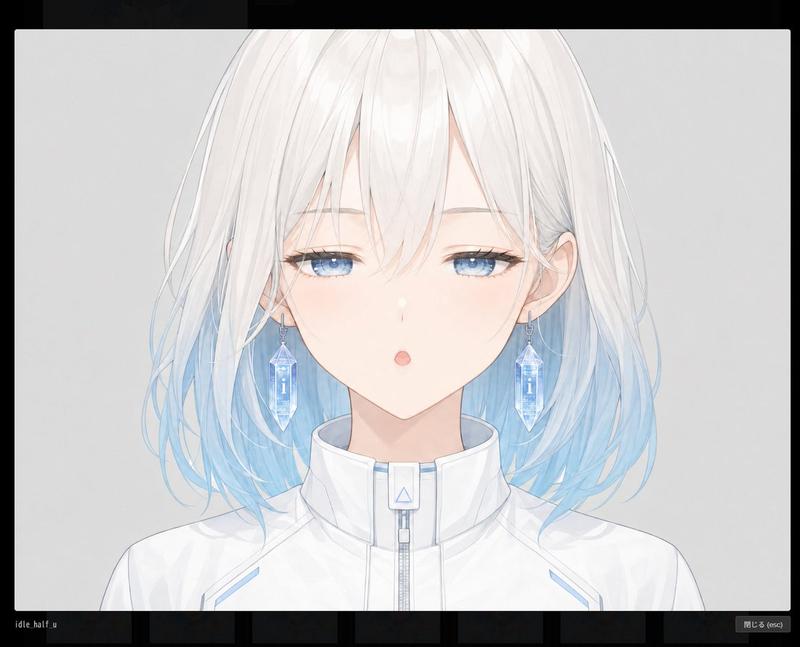
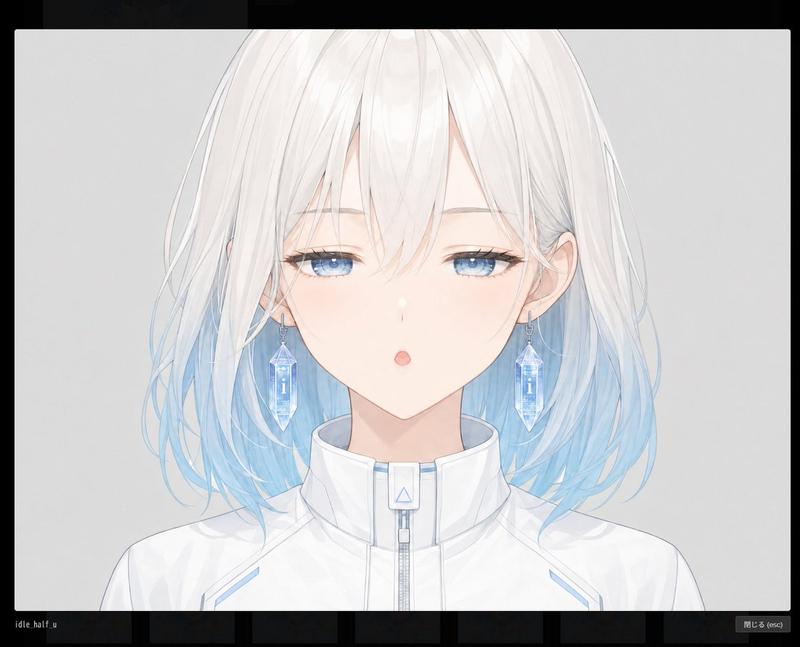
Nano Banana Proプロフィール画像生成プロンプト
提示词
Nano Banana Proで遊ぼう
【新しいプロフィール画像生成プロンプト】
⠀
先日公開しましたが、アドバイスをいただきプロンプトを一部変更したので改めて紹介します。ついでに名称も変更。
⠀
 ̄ ̄ ̄ ̄ ̄ ̄ ̄ ̄ ̄ ̄
参照画像をXのヘッダー画像として生成するプロンプトです。参照画像に加えて任意の文字列をロゴ風にデザインして配置します。
__________
⠀
⚠️必ず最後までお読みください。
・Nano Banana Pro専用のプロンプトです。
・プロンプトの無断転載は禁止します。
・ヘッダーとして使用する前提なので
signatureブロックを設けていませんが
公開時にはてんねんのプロンプトと
添えて頂けると嬉しいです。
⠀
◆概要
Xのヘッダー画像は「1500×500」ですが、Nano Banana Proではサイズを指定して生成することができません(よね?)。
⠀
そこで、近似アスペクト比の「3:1」で生成することとしました。プロフィール画像に設定する際に、位置やサイズを調整してください。
⠀
参照画像のキャラクターの「顔」を認識、推論して安全圏中央に配置するようにしています。「ズーム」の「on/off」を指定できるようにしているので、offの場合は参照画像の構図をできるだけ維持、onの場合は顔中心のバストアップにトリミングして配置します。
⠀
アイコン等の表示エリアにロゴがかぶってしまう場合は、生成ガチャをするか、その画像を参照画像としてNano Banana Proに「ロゴの位置を変えて」と指示して再生成すれば良いと思います。
⠀
ロゴの“形/書体/装飾”は、「文字列」と「プリセット」から推論します。プリセットには、例をプロンプト中にコメント表示していますが、これに限らず任意のワードを指定できます。
⠀
◆使い方
# ===== USER CONTROLS =====
ブロック内の下記項目を指定してください。
⠀
・表示文字列の指定
title_text: "<<YOUR_TEXT>>"
⠀
””内を任意の文字列に書き換えてください。
⠀
・ロゴデザインプリセットの指定
title_style_preset: "cool" # cool, cute, cool_cute, luxury, pop, cyber, minimal, retro, kawaii
⠀
""内を任意のワードに書き換えてください。
例をコメント表示していますが、限定しているわけではないので、これ以外の任意のワードを指定できます。
「文字列」とここで指定したワードからデザインを推論します。背景との調和のために参照画像の要素が含まれることがあります。
⠀
・ズームのon/off
face_zoom: "off" # off, on
⠀
""内を任意に書き換えてください。
off:参照画像の構図をできるだけ維持
on:顔中心のバストアップにトリミングして配置
⠀
◆作例
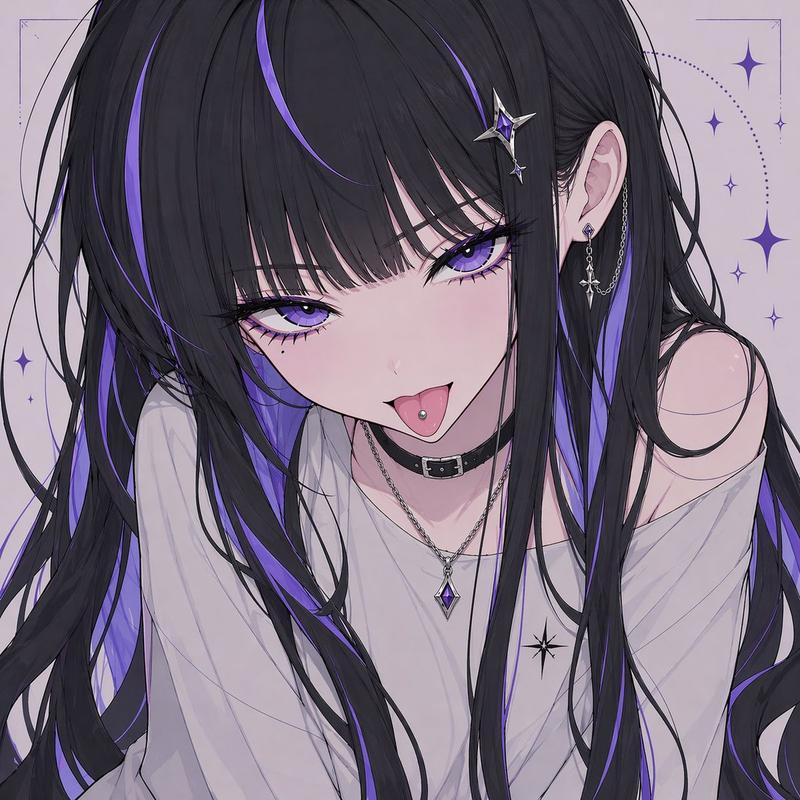
1枚目:プリセット「cute」ズーム「on」
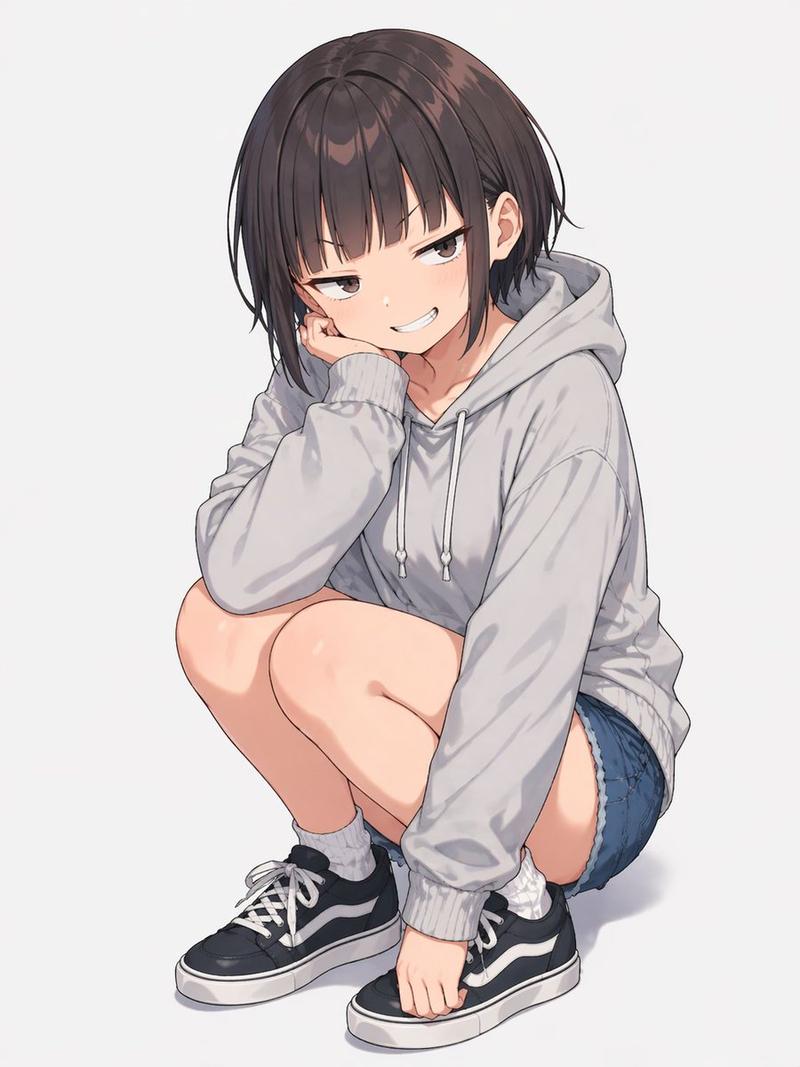
2枚目:ププリセット「cool」ズーム「on」
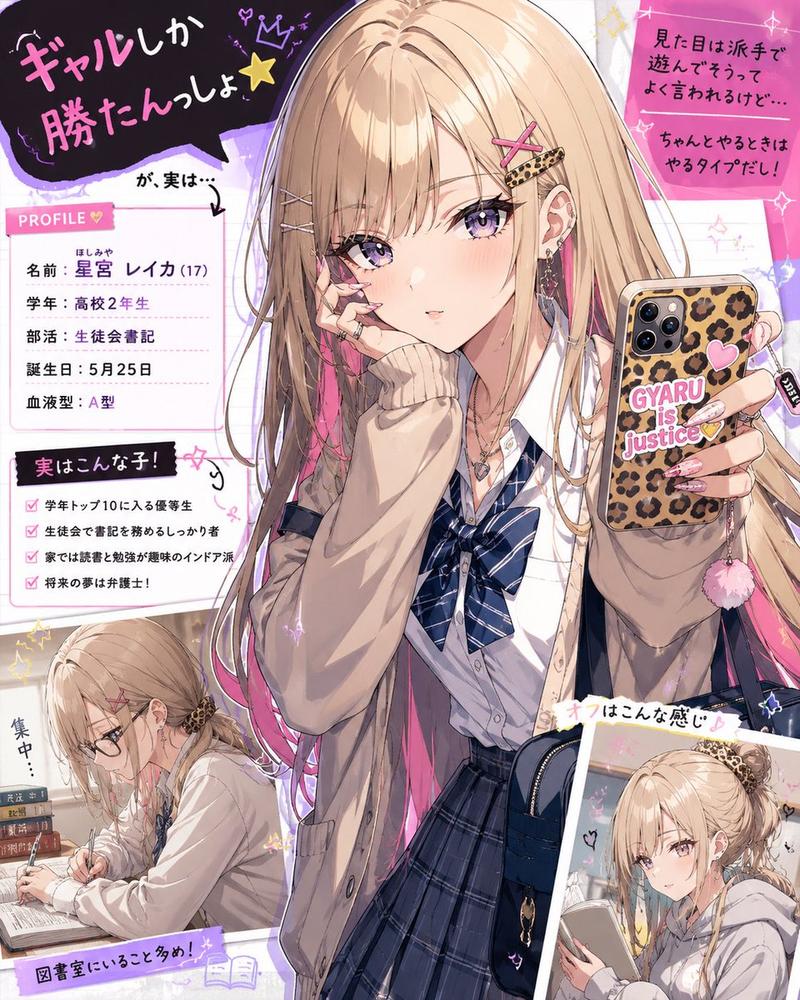
3枚目:ププリセット「kawaii」ズーム「off」
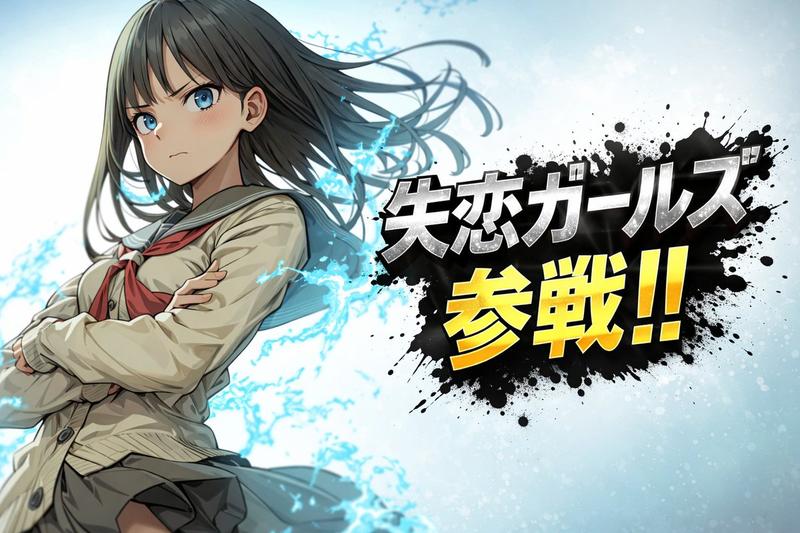
4枚目:プリセット「cyber」ズーム「off」
◆プロンプト
# ===== USER CONTROLS =====
title_text: "<<YOUR_TEXT>>"
title_style_preset: "cool" # cool, cute, cool_cute, luxury, pop, cyber, minimal, retro, kawaii
face_zoom: "off" # off, on
subject: >
Create a 3:1 wide banner using the provided reference image content.
The primary face must be centered inside an invisible safe zone (not drawn),
and a title logo (derived from title_text + title_style_preset) must be placed inside the same safe zone.
composition: >
Aspect ratio 3:1.
Invisible safe zone (DO NOT draw it):
- Left margin: 15% of width
- Right margin: 15% of width
- Top margin: 16% of height
- Bottom margin: 16% of height
Keep the entire face AND the entire title logo fully inside this safe zone.
Background may extend to the edges.
action: >
Place the reference image content with maximum fidelity.
Auto-crop/scale/reposition to fit a 3:1 banner with no stretching.
Detect the primary face (if multiple faces, pick the largest/most prominent).
Center the primary face within the safe zone both horizontally and vertically.
Never crop off the face/eyes; keep the full face comfortably inside the safe zone (not near edges).
Face zoom behavior:
- If face_zoom is OFF: keep the original framing as much as possible while still centering the face in the safe zone.
- If face_zoom is ON: zoom/crop to a bust-up portrait centered on the face
(head and shoulders visible; include upper chest; do not crop the top of the head or chin; keep facial features prominent).
Create negative space inside the safe zone for the title logo by adjusting crop/reposition/outpainting background.
Prevent clipping at all costs: if the title logo risks clipping, reduce size and reposition until fully visible.
Treat the logo as having an expanded bounding box due to styling (outline/shadow) and keep extra internal padding.
location: >
Natural full-bleed background derived from the reference image (continuation/outpaint/blur where needed).
No template overlays.
style: >
Preserve the reference image style (photo stays photo, illustration stays illustration).
Convert title_text into a logo-like wordmark by inference using ONLY:
- the characters in title_text
- the vibe indicated by title_style_preset
Do not infer the logo’s typography style from the reference image content.
Keep it readable and clearly representing title_text.
No frames, no borders, no rectangles, no guide overlays.
camera_lighting: >
Match reference lighting and grading across the banner.
Keep the title logo crisp and readable.
colors: >
Choose title logo colors for strong readability.
Colors may harmonize with the reference image palette, but the logo’s typography style
must be driven by title_style_preset (not by the image).
text: >
Source string for the logo: title_text.
Render it as a designed logo/wordmark (not plain typed text).
The logo design must be inferred from title_text + title_style_preset only.
Put the logo on the topmost layer.
Place the logo fully inside the safe zone.
Do not overlap the face/eyes.
Choose the best area inside the safe zone where negative space exists.
edit_instructions: >
Do NOT draw any safe-zone box, frame, border, line, overlay, UI, or bounding guides.
The safe zone is an invisible constraint only.
No extra text besides the title logo. No watermark.
references:
- B: "Reference image content for the banner."
quality: >
High fidelity placement of the reference image with no visible degradation.
Preserve fine details, textures, and sharp edges.
Avoid excessive denoise, smoothing, painterly re-interpretation, or artifacting.
Maintain clean micro-contrast and natural detail.
extras: >
Export-ready wide banner.
Ensure the title logo is fully visible and comfortably inside margins.
- 分类
- 真实摄影
- 模型
- Nano Banana Pro
- 来源作者
- てんねん
- 来源 ID
- nano-banana-pro-profile-image-generation-prompt
浏览量0