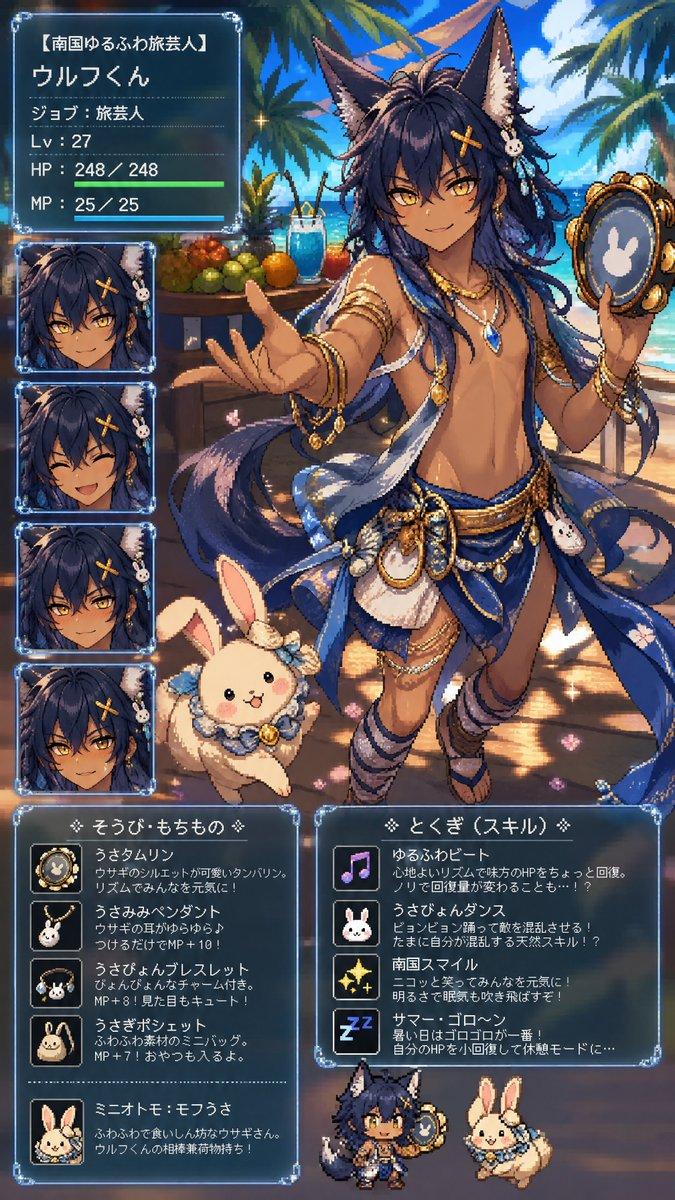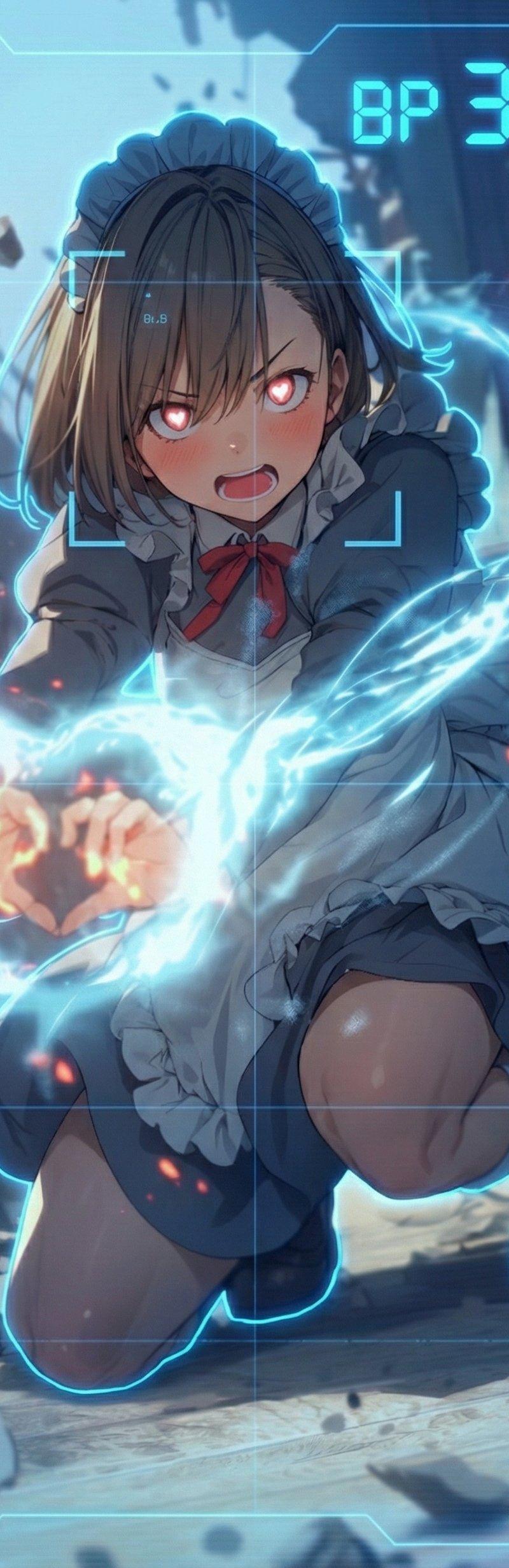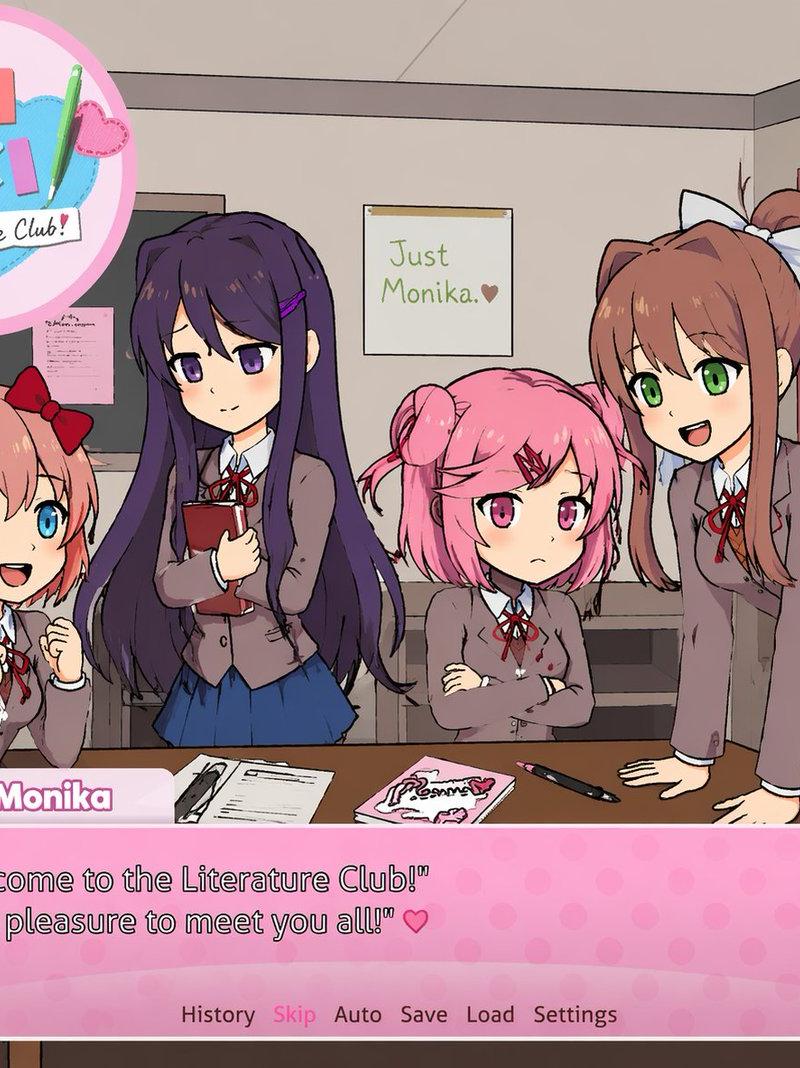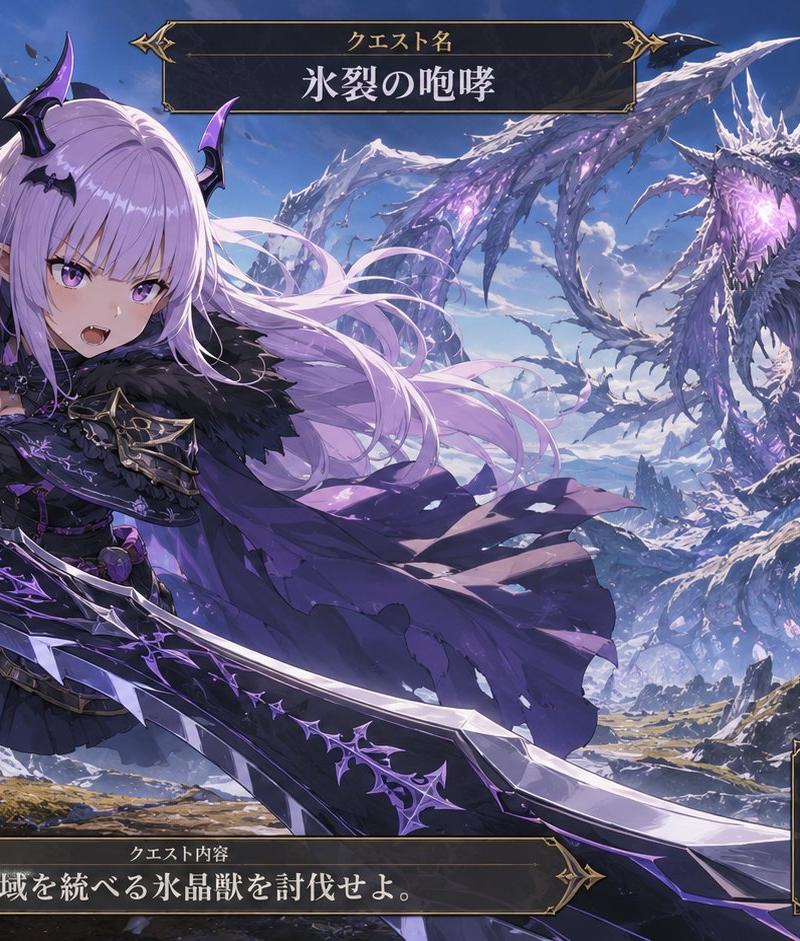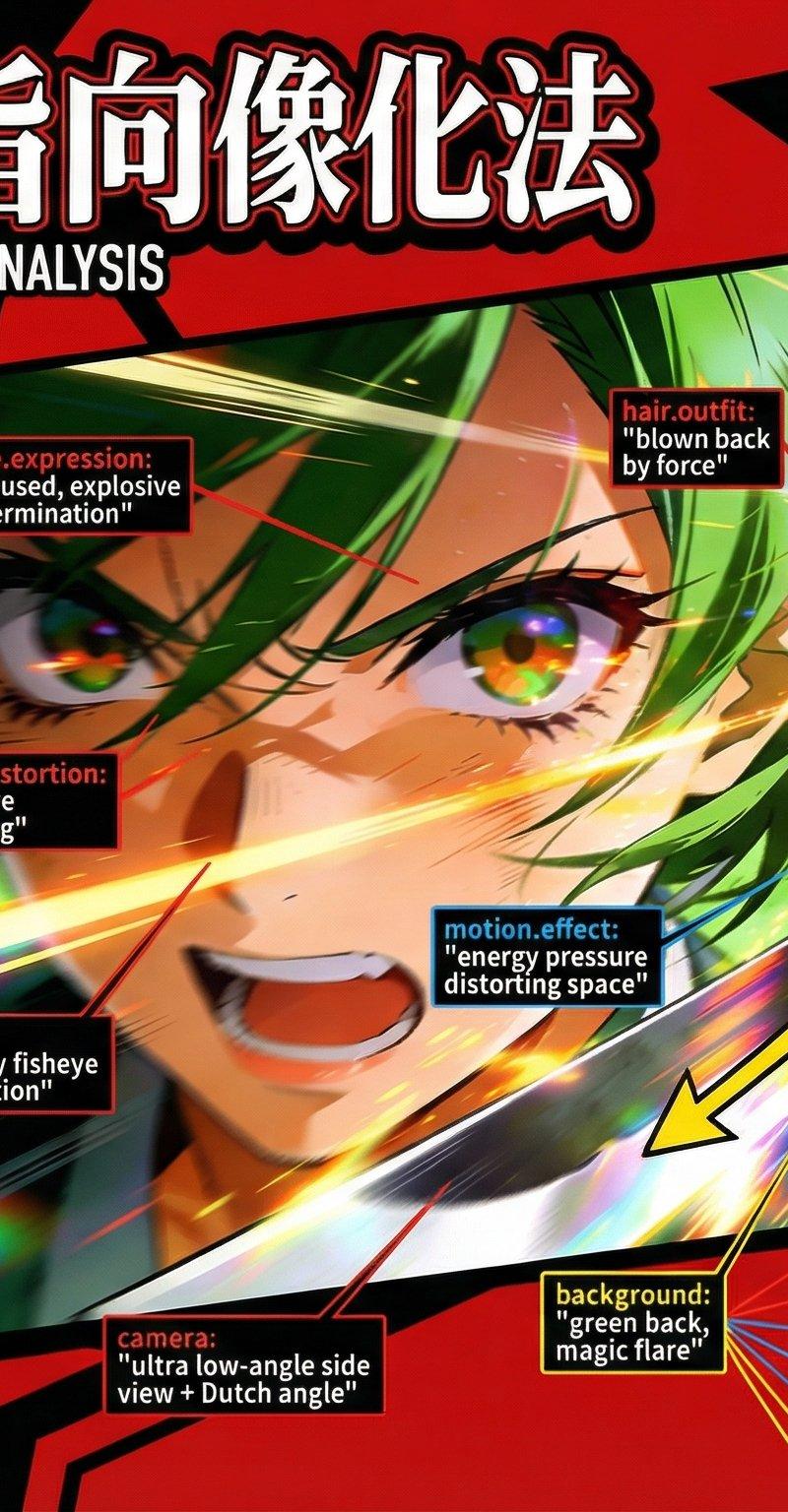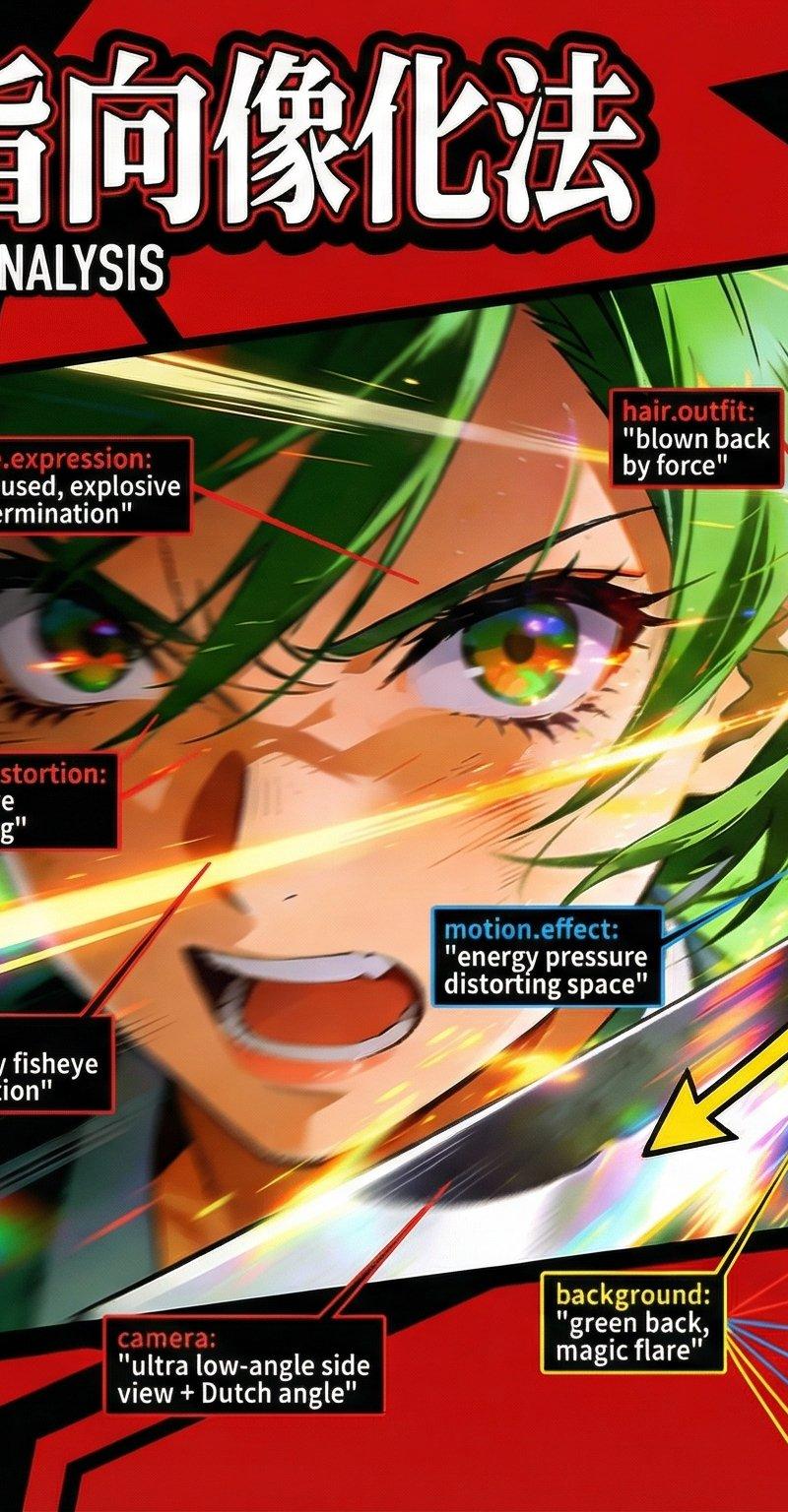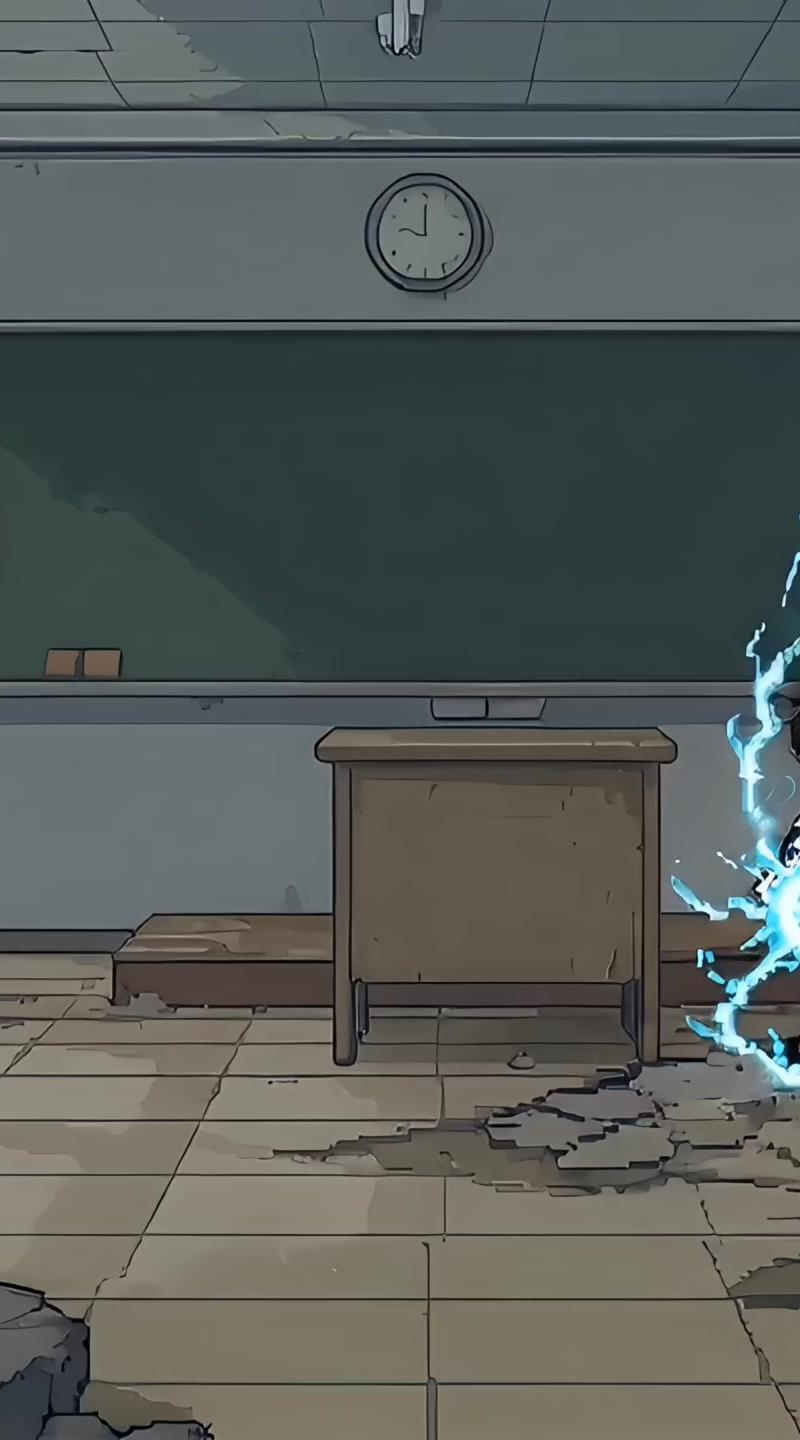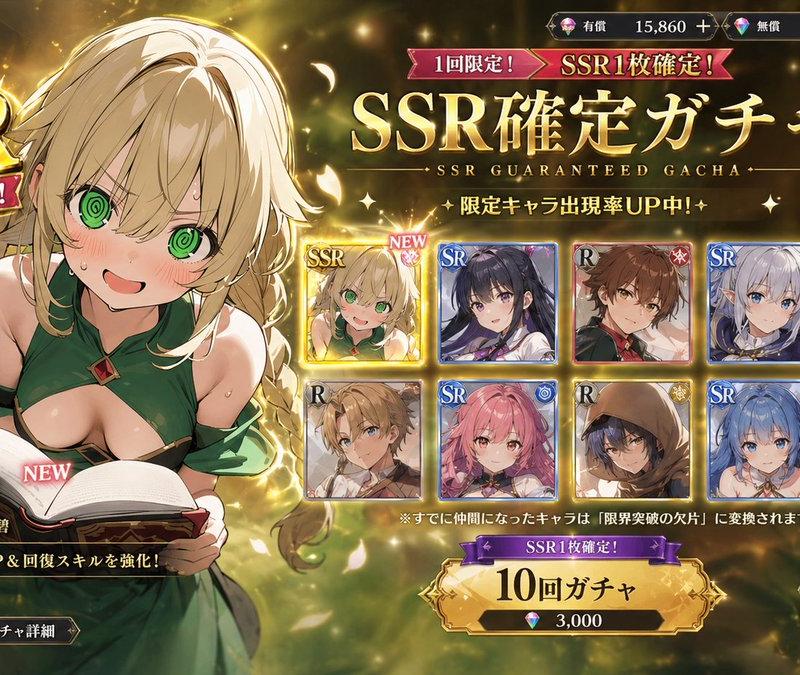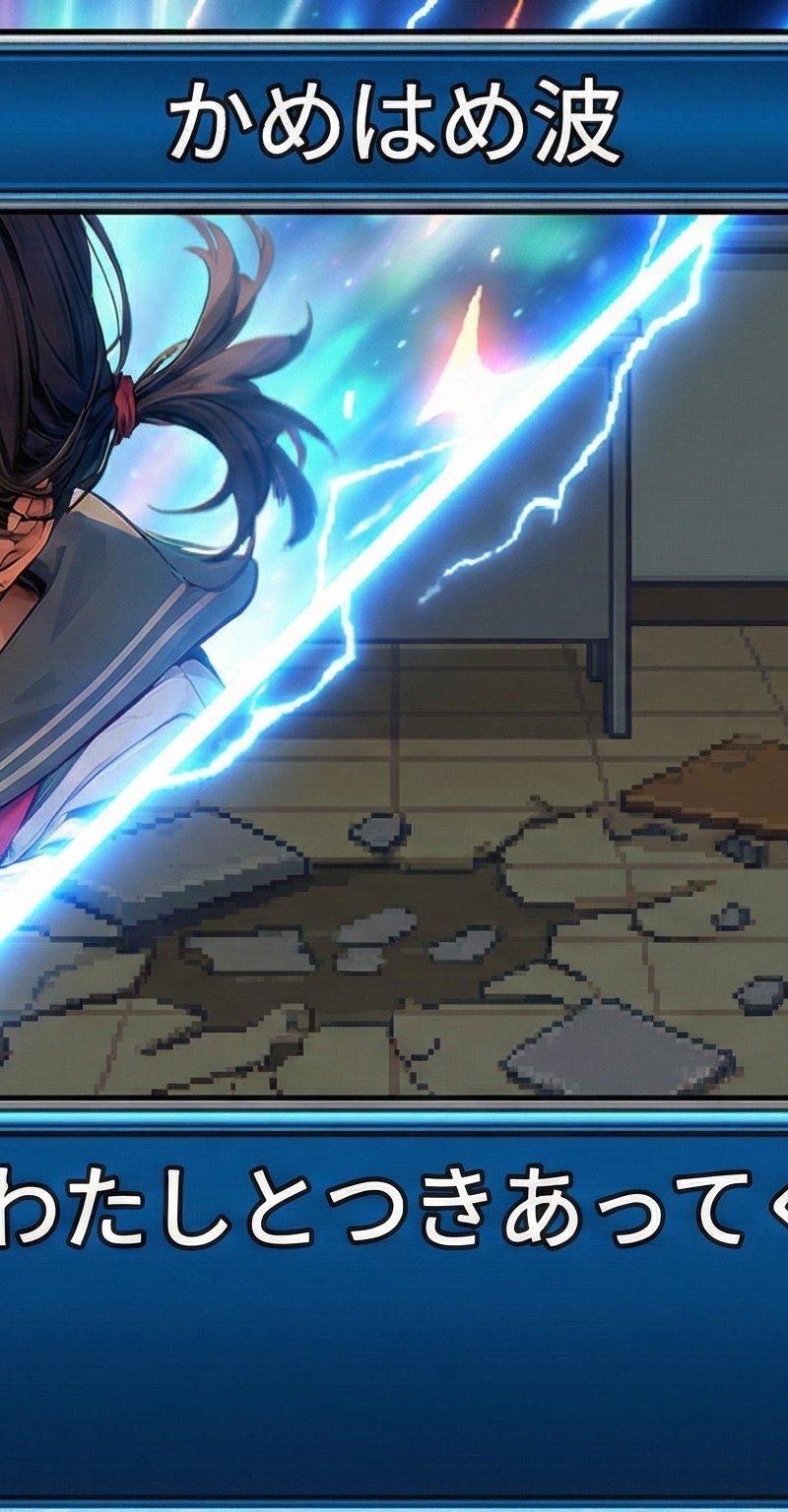
Nano Banana Proスーパーロボット大戦バトル演出生成プロンプト
提示词
Nano Banana Proで遊ぼう
【スーパーロボット大戦
バトル演出化プロンプト】
⠀
ゆる慕:
一緒に熱いバトル演出をしてくれる人
⠀
参照画像からスーパーロボット大戦のバトル演出風の画像を生成するプロンプトです。
⠀
※Nano Banana Pro専用のプロンプトです。
⠀
◆ルール
・スパロボ風のバトル演出画像であること
・自キャラの攻撃演出を想定しているので
キャラクターが左を向いていること
作例がプロンプトの意図を
100%再現しています。
⠀
◆説明
カットイン:
参照画像のキャラクターを
カットイン演出で配置します。
メイン:
キャラクターをチビキャラに
デフォルメしてスプライト化します。
技名ウィンドウ:
任意の技名を表示します。
セリフウィンドウ:
任意のセリフを表示します。
背景:
参照画像から推論して描写します。
⠀
下記のブロックで技名とセリフを指定できます。
⠀
text:
attack_name: "ここに技名を入力"
dialogue: "ここにセリフを入力"
⠀
開催期限は無いのでお気軽に!
⠀
みなさんの熱くカッコイイ
スパロボ風バトル演出を
お待ちしています!!
⠀
◆プロンプト
subject: >
Create a Super Robot Wars–style battle scene featuring:
(1) an SD 16-bit pixel-art battle sprite of the character from Reference A,
(2) a diagonal-panel cut-in using the character from Reference A exactly as-is,
cropped to a close-up of the face or face+shoulders,
(3) a pixel-art face icon for the dialogue window.
All representations must depict the same character.
composition: >
16:9 SRW-style layout consisting of:
- a diagonal cut-in panel on the left,
- an SD pixel sprite on the right,
- technique-name window on top,
- dialogue window with face icon at the bottom.
**Orientation (universal rule):**
• The SD pixel sprite must face left.
• The cut-in portrait must preserve the exact original facing direction
from Reference A (left or right).
• Absolutely no flipping, mirroring, rotating, or direction correction is allowed.
• Do NOT adjust the pose, gaze, or head to face the center or the SD sprite.
• The reference-facing direction has absolute priority over all SRW conventions.
**Diagonal panel construction (CRITICAL):**
• The diagonal effect is created by tilting the PANEL frame itself,
NOT by rotating the character portrait.
• The panel must be a slanted quadrilateral rotated 15–20 degrees.
• The character image from Reference A must remain upright exactly as-is.
Do NOT rotate, skew, or tilt the portrait.
• Place the upright reference portrait inside the tilted panel frame.
• Panel border emits glowing energy.
• Inside the panel, use an energy-effect-only background
(glow, lightning, beams, flares).
• No environmental scenery inside the panel.
**SD pixel sprite:**
• Positioned on the right side.
• 16-bit SFC-style pixel sprite facing left.
• Pixel-level energy effects allowed.
• Background behind SD sprite should be inferred from Reference A’s environment.
• No full-screen speed lines.
**Technique-name window:**
• Top-center, approx. 60% width / 10% height.
**Dialogue window:**
• Bottom area, approx. 90% width / 18% height.
• Pixel-art face icon (~12% width) on the left.
• Japanese text on the right.
No enemy unit appears.
action: >
SD sprite performs a left-facing pre-attack animation.
Diagonal-panel cut-in shows a close-up of the original Reference A character
with energy effects behind them.
location: >
SD-side background is inferred from Reference A.
Cut-in panel interior uses only abstract energy effects.
style: >
- SD sprite: 16-bit SFC pixel art.
- Cut-in: exact Reference A portrait without redrawing.
- Panel: glowing diagonal frame.
- UI windows: SRW-style blue, metallic, cyan.
- No global speed lines.
camera_lighting: >
Pixel shading for SD sprite.
Rim glow and highlights on the diagonal panel edges only.
Do not alter the lighting of the reference portrait.
colors: >
Preserve reference-image colors exactly for the cut-in.
Panel effects: blues, golds, whites, or matching energy color.
UI: SRW-style blue + metallic grey + cyan.
text:
attack_name: "ここに技名を入力"
dialogue: "ここにセリフを入力"
edit_instructions: >
Use the character image from Reference A exactly as provided.
Preserve the original facing direction, gaze, anatomy, and expression.
Do NOT flip, mirror, rotate, or reorient the portrait.
Do NOT adjust the face toward the center.
Crop to a close-up of the face (or face+shoulders).
Insert the upright portrait into a diagonal panel frame rotated 15–20 degrees.
Generate a pure energy-effect background inside the panel.
Create:
(1) an SD pixel sprite facing left,
(2) a diagonal-panel cut-in from Reference A (upright),
(3) a pixel-art face icon.
Compose with SRW-style UI windows.
No enemies, no full-screen speed lines.
references:
A: Character reference image
B: Optional SRW UI references
extras: >
Add glow along diagonal panel edges.
Maintain strict layering:
SD-side background → diagonal panel → SD sprite → UI → text.
- 分类
- 真实摄影
- 模型
- Nano Banana Pro
- 来源作者
- てんねん
- 原始语言
- zh-CN
- 来源 ID
- nano-banana-pro-super-robot-wars-battle-scene-creation-prompt
浏览量0