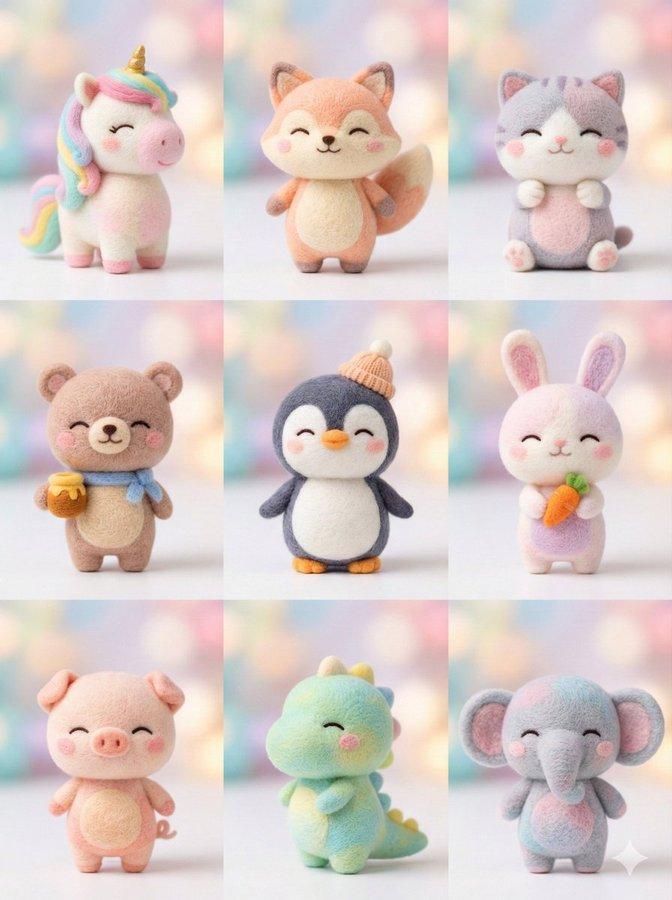
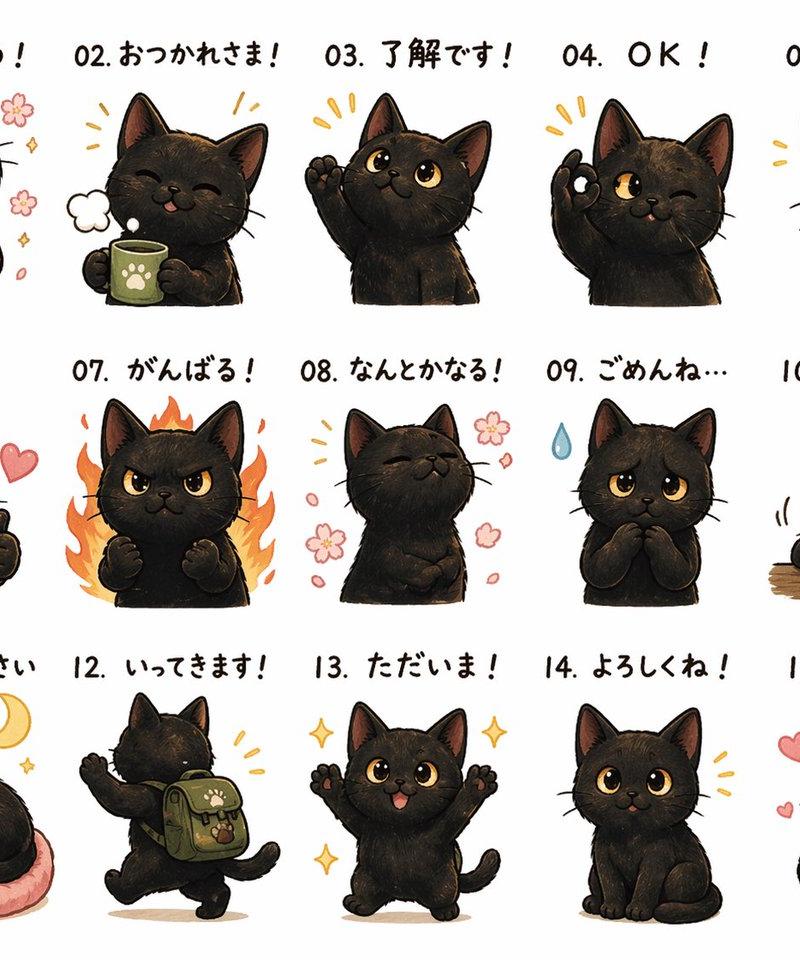
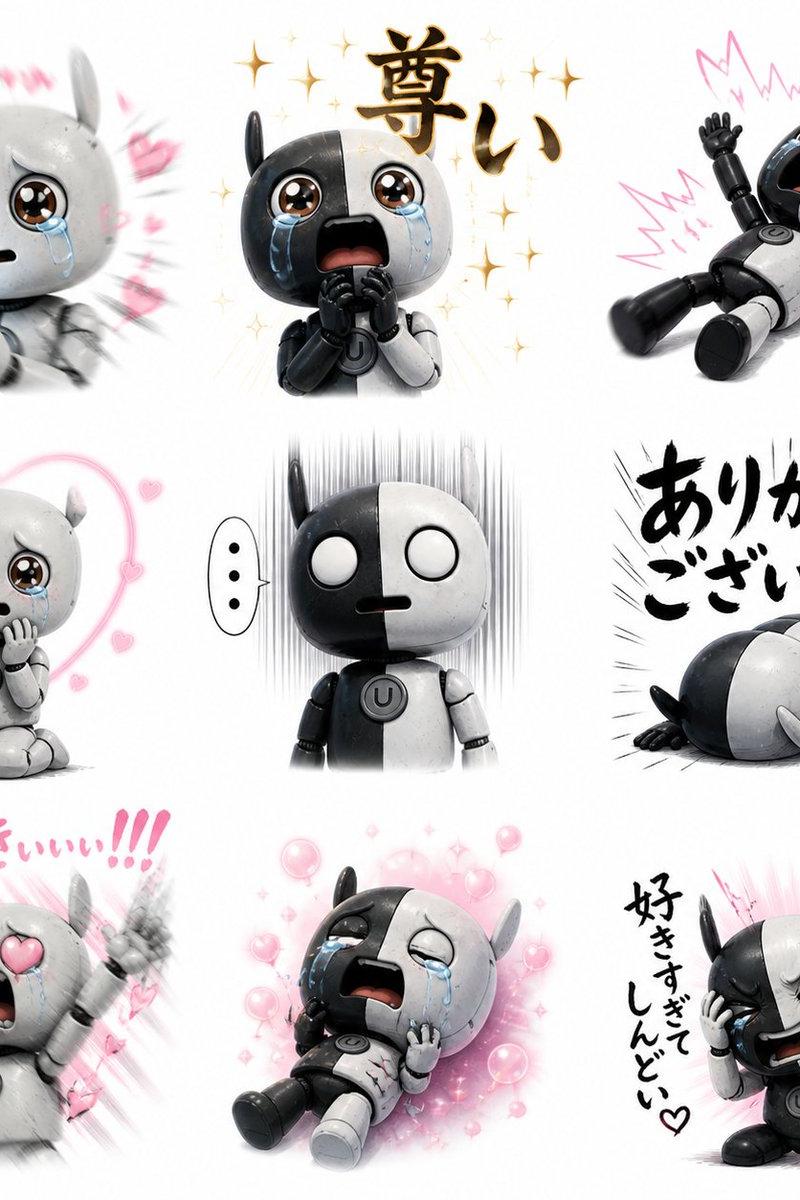
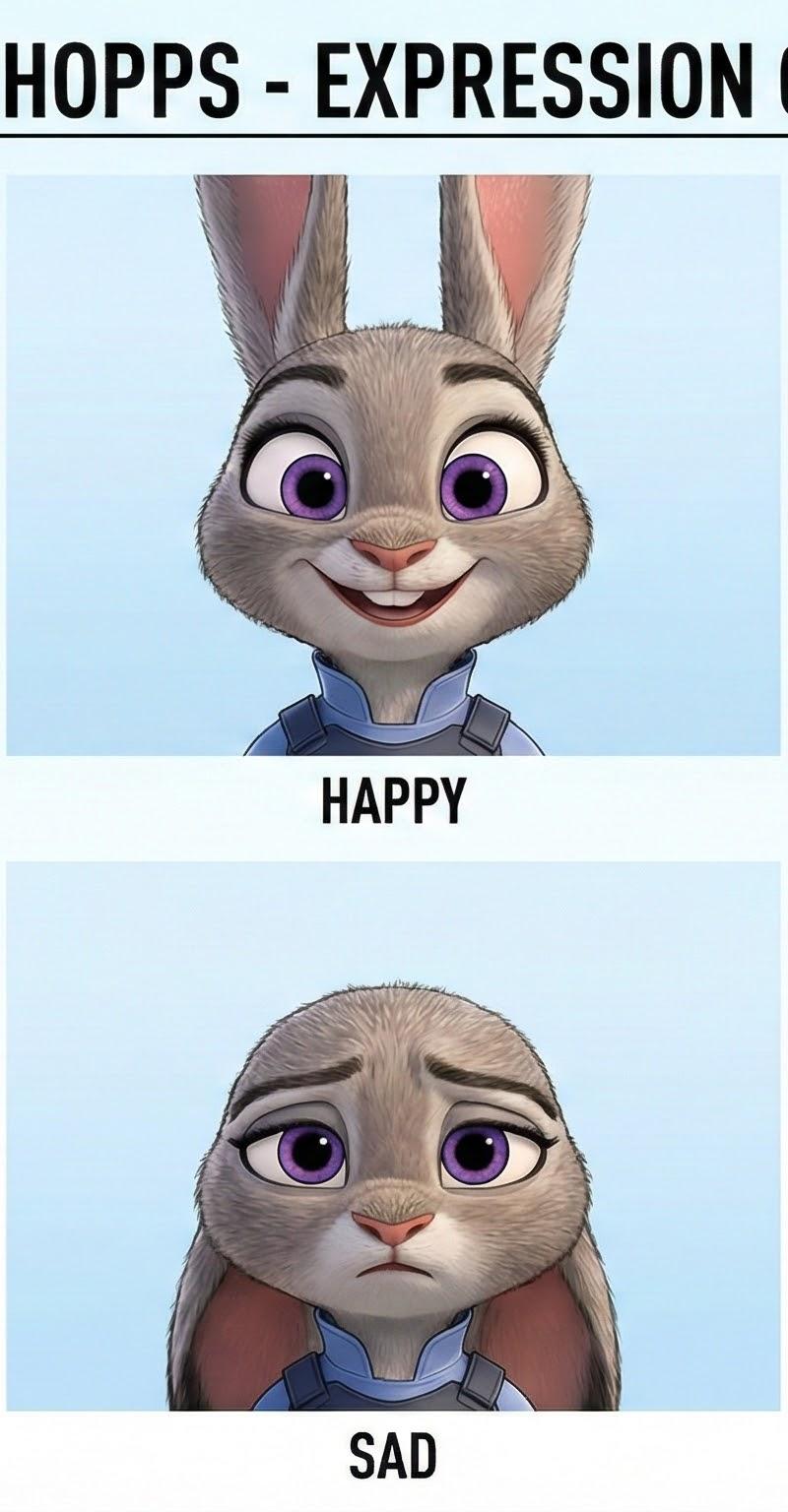
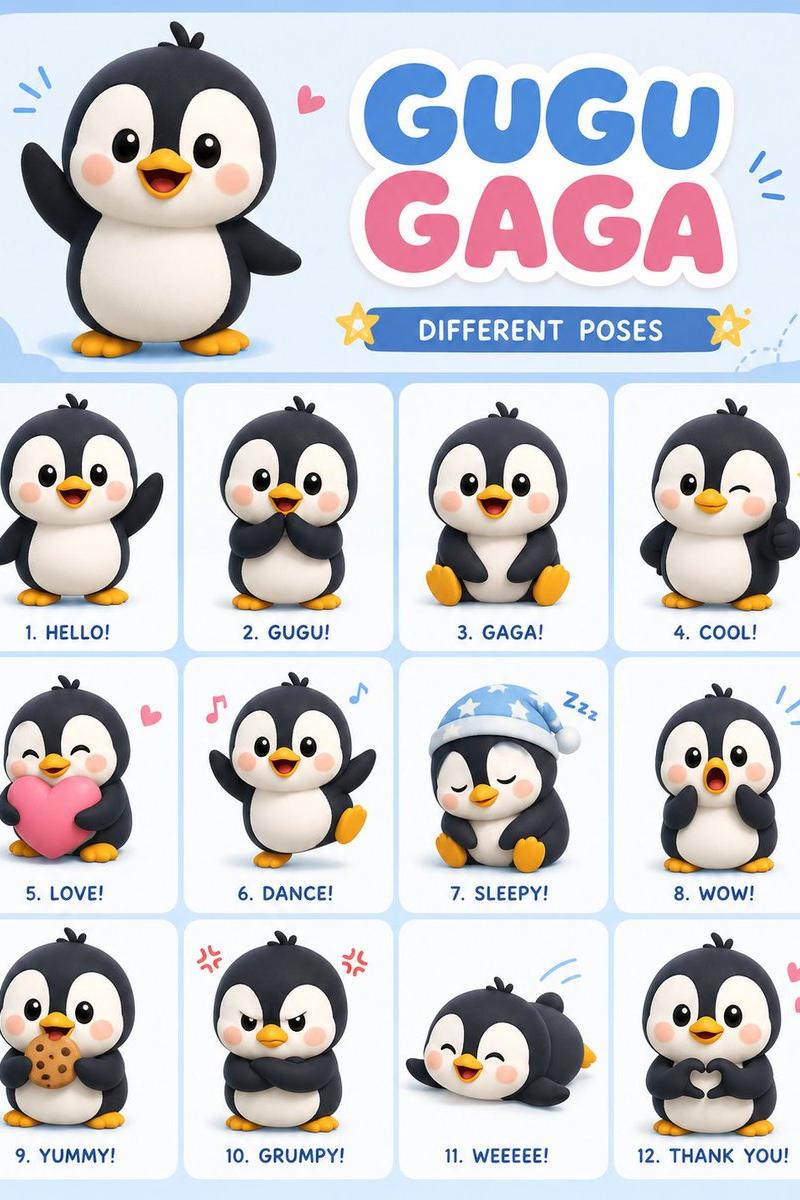
纳米香蕉Pro教程:角色表情表
提示词
1/8 Nano Banana Pro Tutorial: Character Expression Sheet.
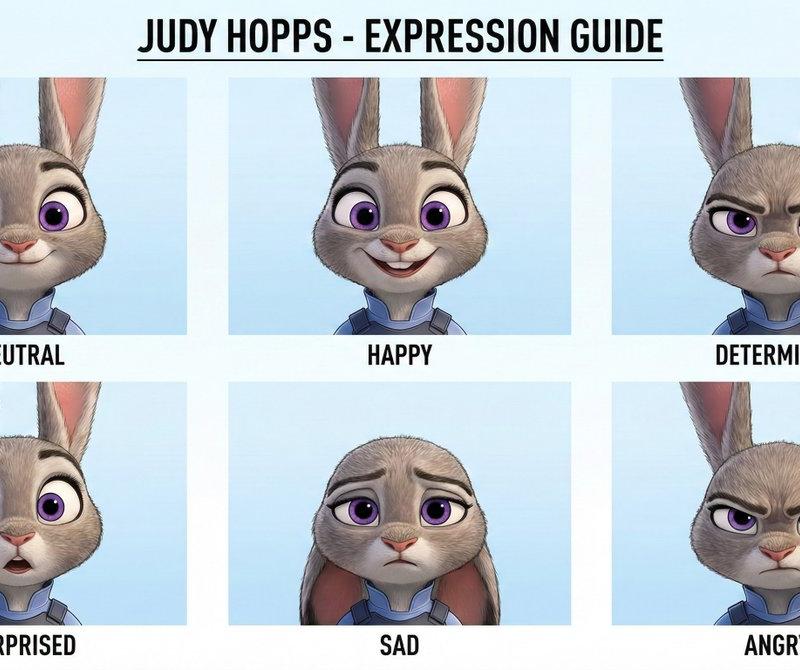
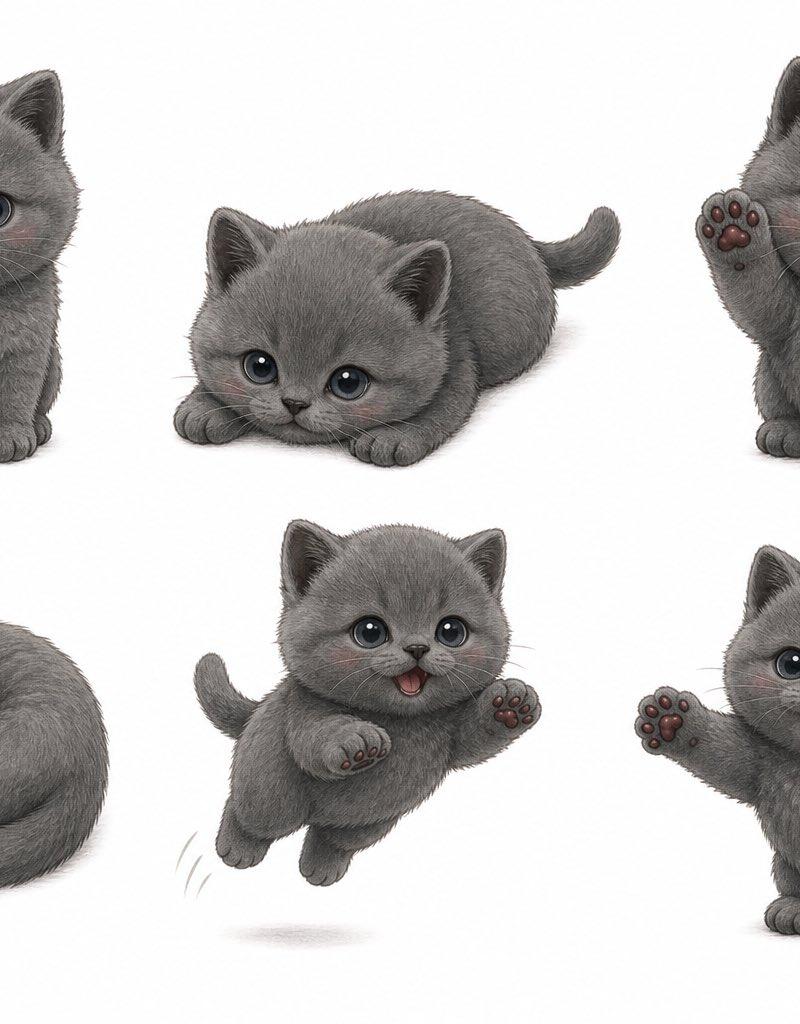
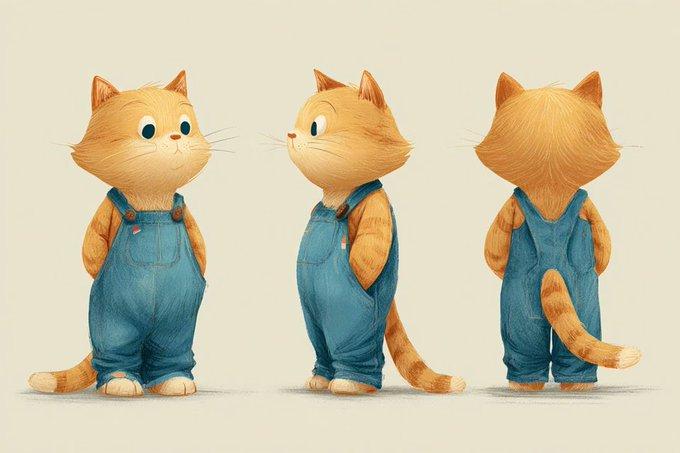
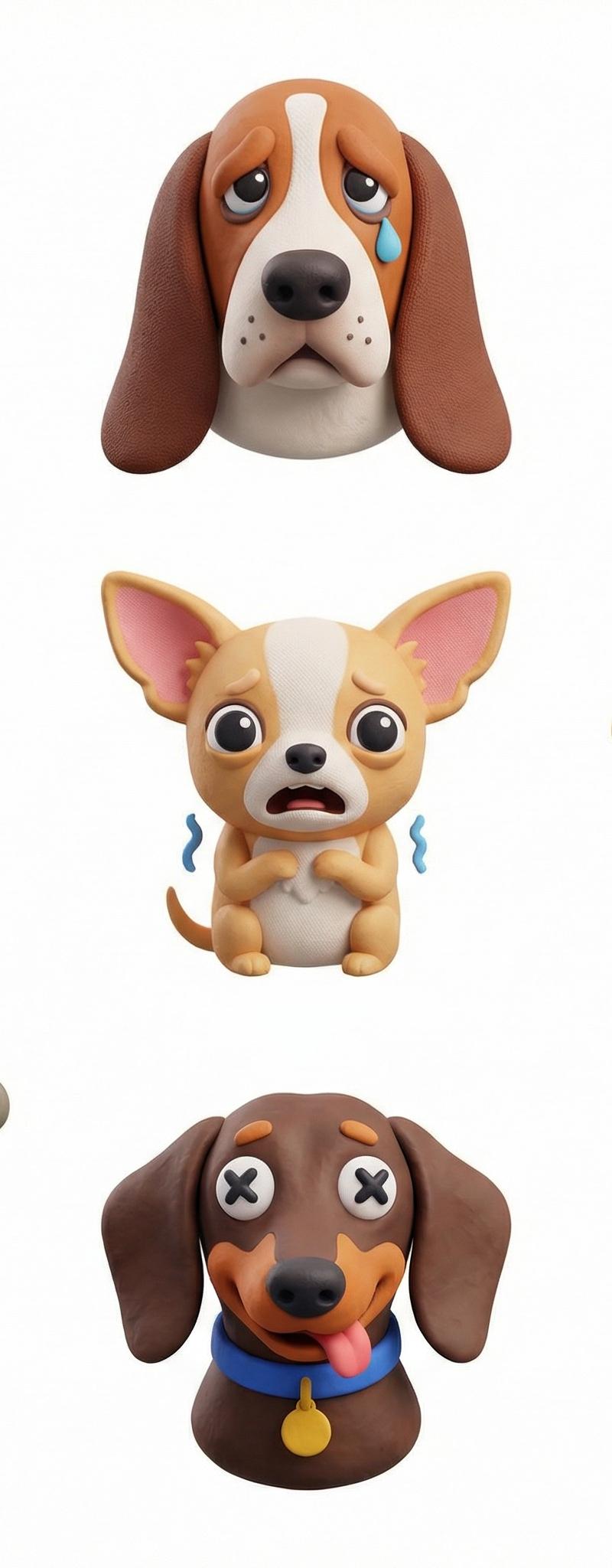
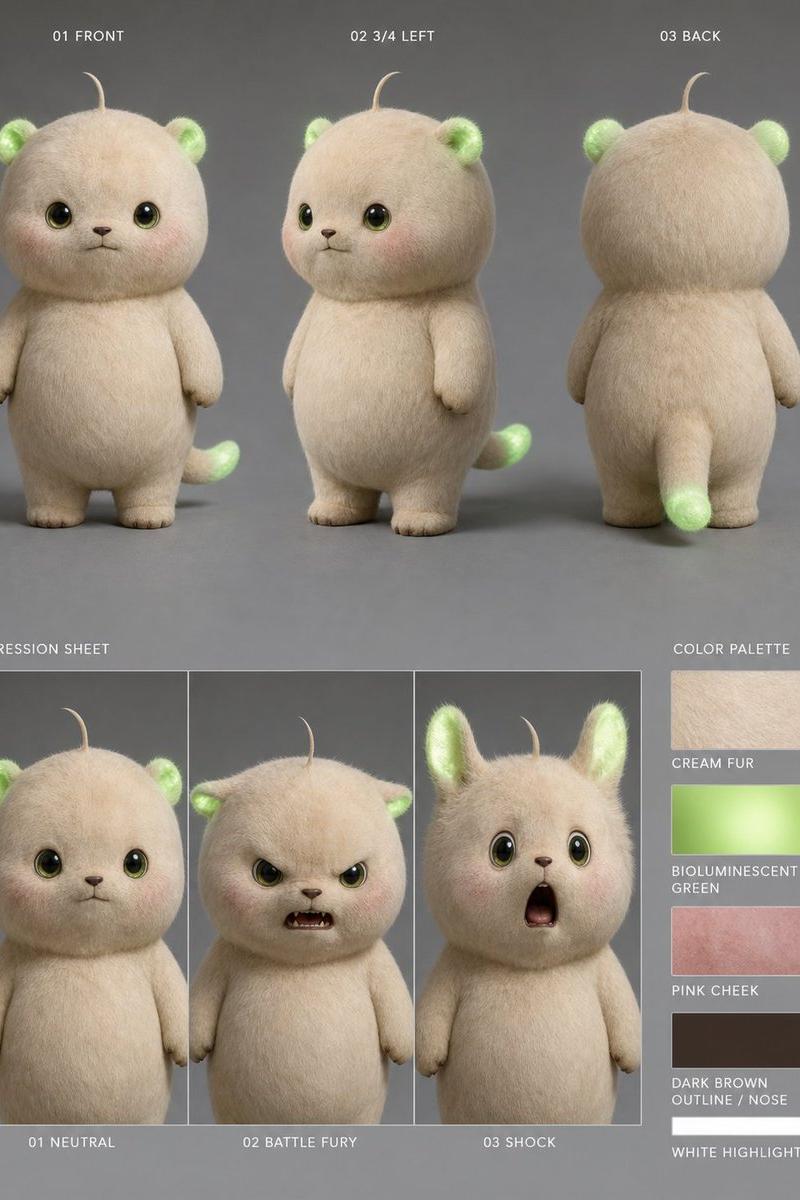
Sometime it's great to have a reference sheet with multiple expressions of your character, so you can use them in your comics or video.
First, we need character reference. See below👇 https://t.co/R6jm3CXplo
@NanoBanana @midjourney 2/8 All we need is... a character!
It can be a human, an animal, a robot, an alien, anything that you want to be expressive. I will be easier if the character is facing the camera but i works even if he is not.
Let's prompt!👇 https://t.co/1nWJdbB8XW
3/8 Prompt in Nano Banana Pro:
"Make a character design expression style guide of image"
And put the image of the character in reference.
Here is the result.
But there can be different style sheets... Look below👇 https://t.co/nL3q4GRDGY
@NanoBanana @midjourney 4/8 If you try with another character you may have a different style sheet like here, and for a design document you want consistency..
If you want the same design, you will find a new prompt below👇 https://t.co/Muued5hV5H
5/8 The new prompt:
"Make a character design expression style guide for @img1 using @img2 style as model."
Where @img1 is you character (the owl) and @img2 is your stylee sheet (the one with the lion in one of the previous post).
Now we have the same design sheet!
Next: Ideas to explore👇
@NanoBanana @midjourney 6/8 Now you can ask Nano Banana Pro to use a certain expression for a scene you generate.
You can even decide to build a style sheet with other expressions...
I let you think about this, if you need help to build it, ask in comments.
In conclusion👇 https://t.co/buaVCkfsbz
7/8 You can read the unrolled version of this thread here: https://t.co/02kv8xEycV
If you enjoyed this tutorial, dive into more exciting AI content by following me @nimentrix
I need your support to create more tutorials like those
For endless inspiration and insights, don't forget to like, repost, or bookmark the quote below! 👇 🙏
8/8 You can read the unrolled version of this thread here: https://t.co/6Fxp2pPIGP
- 分类
- 真实摄影
- 模型
- Nano Banana Pro
- 来源作者
- Nimentrix
- 原始语言
- zh-CN
- 来源 ID
- nano-banana-pro-tutorial-character-expression-sheet
浏览量0