分屏艺术肖像
提示词
Upload your own photo and create this image on Google Gemini Nano Banana pro
Prompt 👇
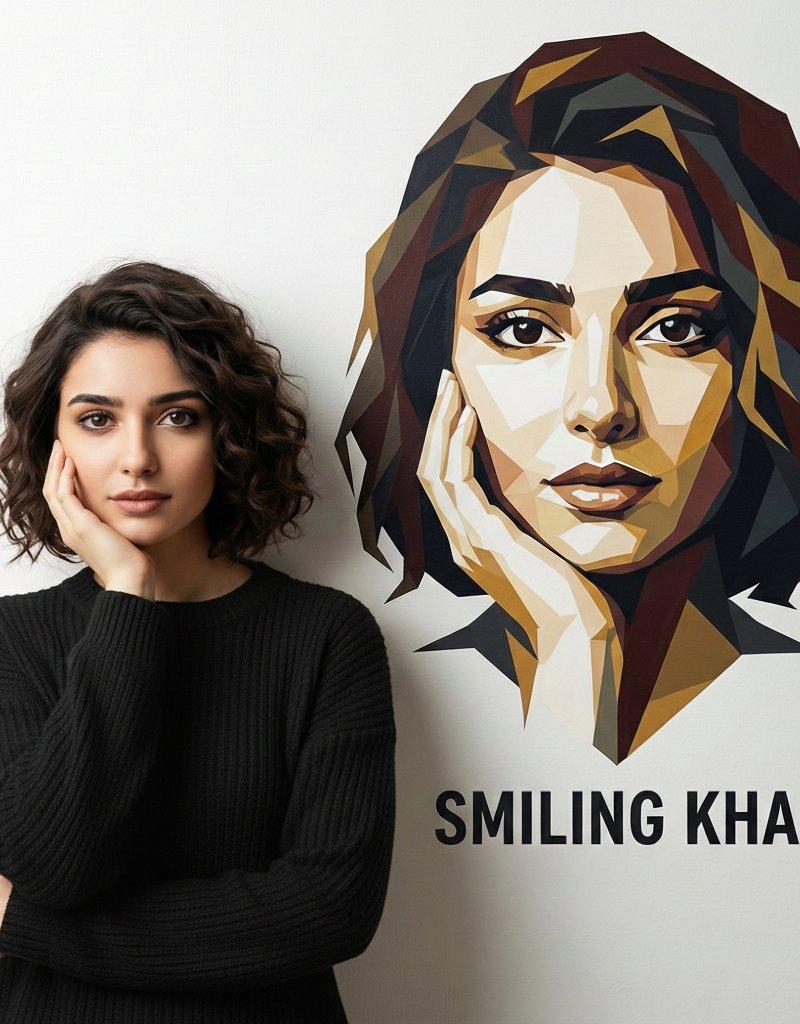
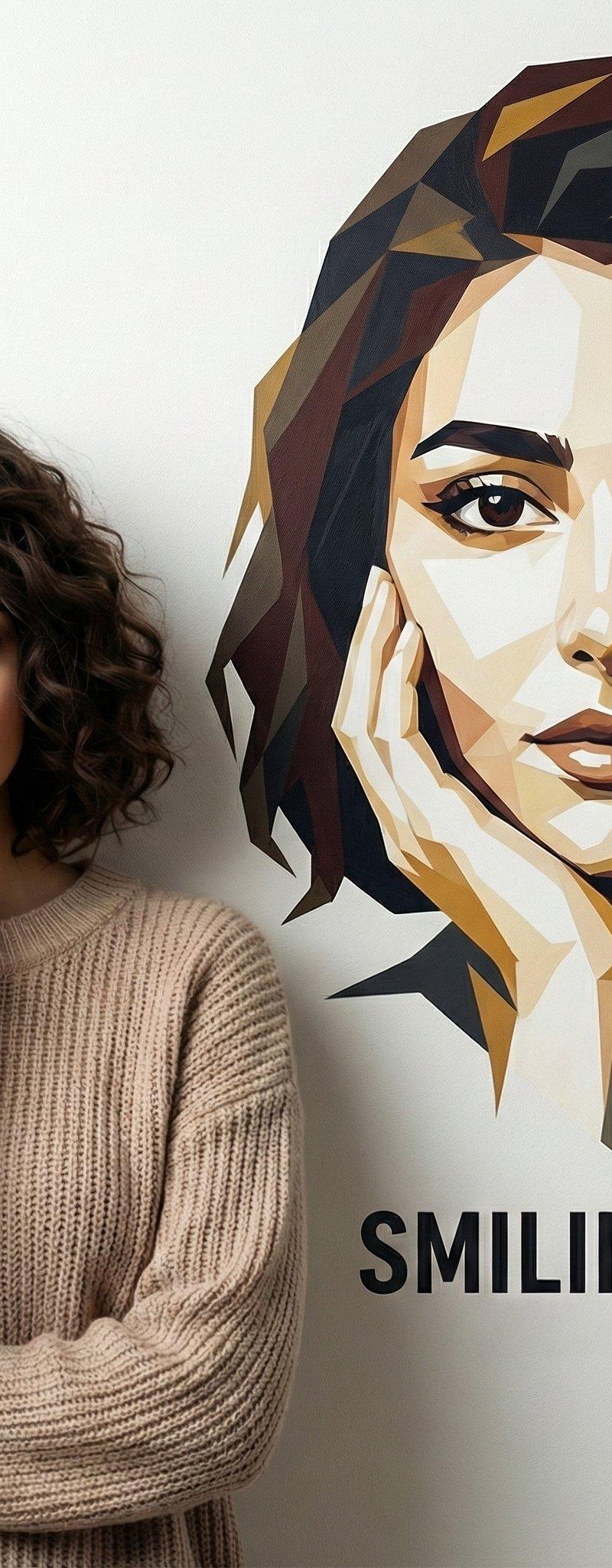
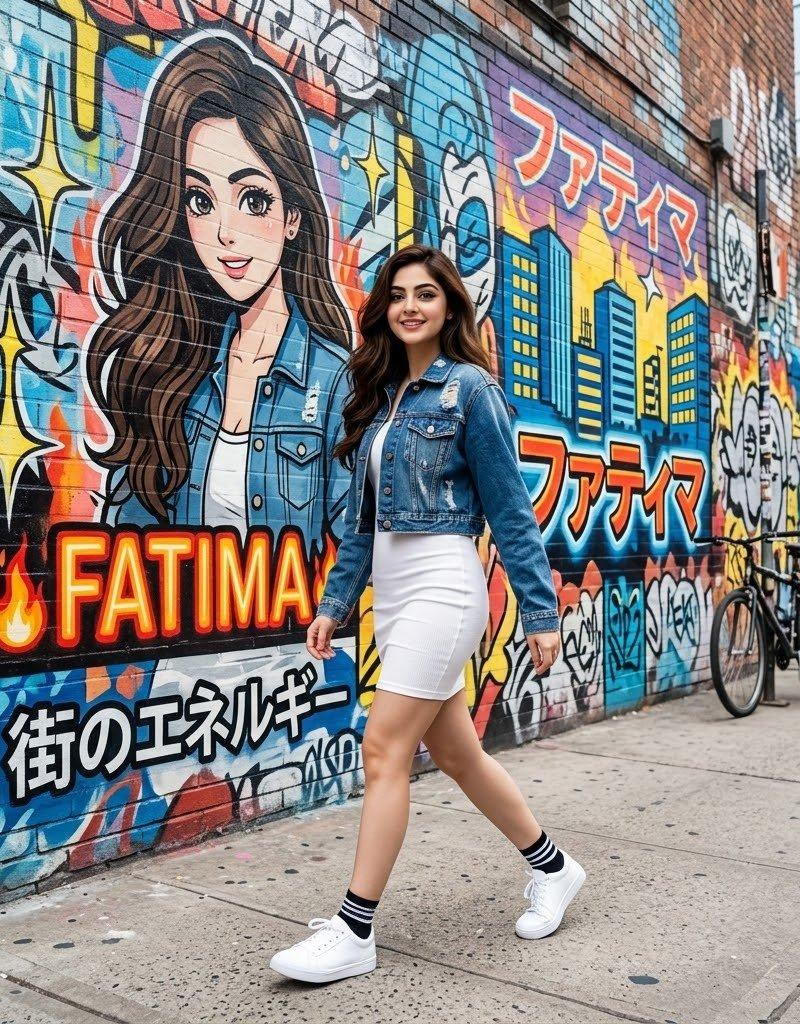
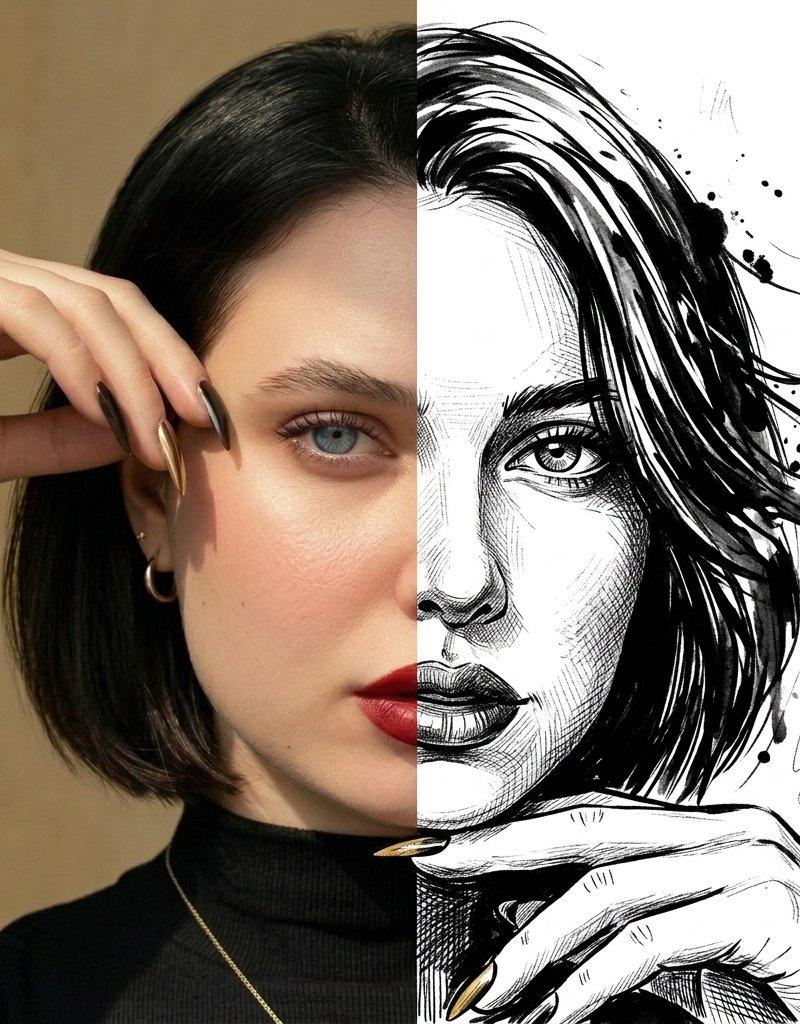
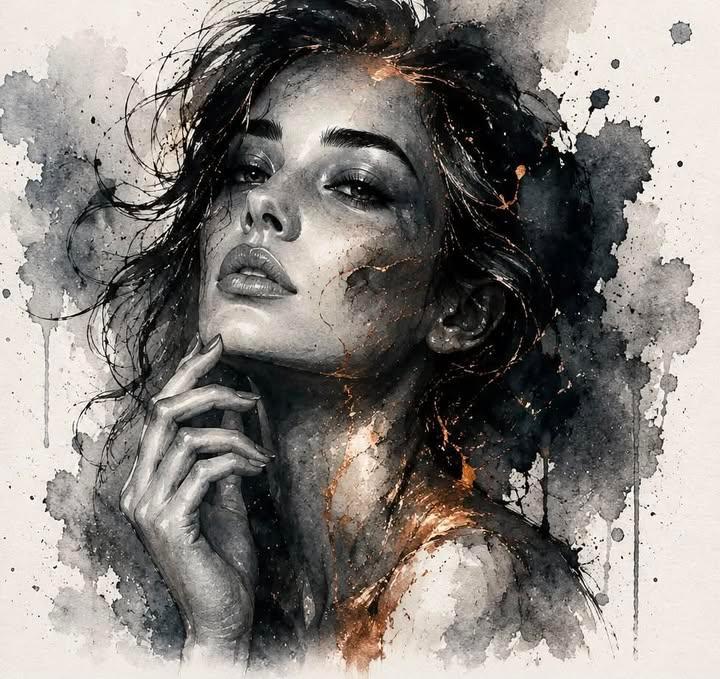
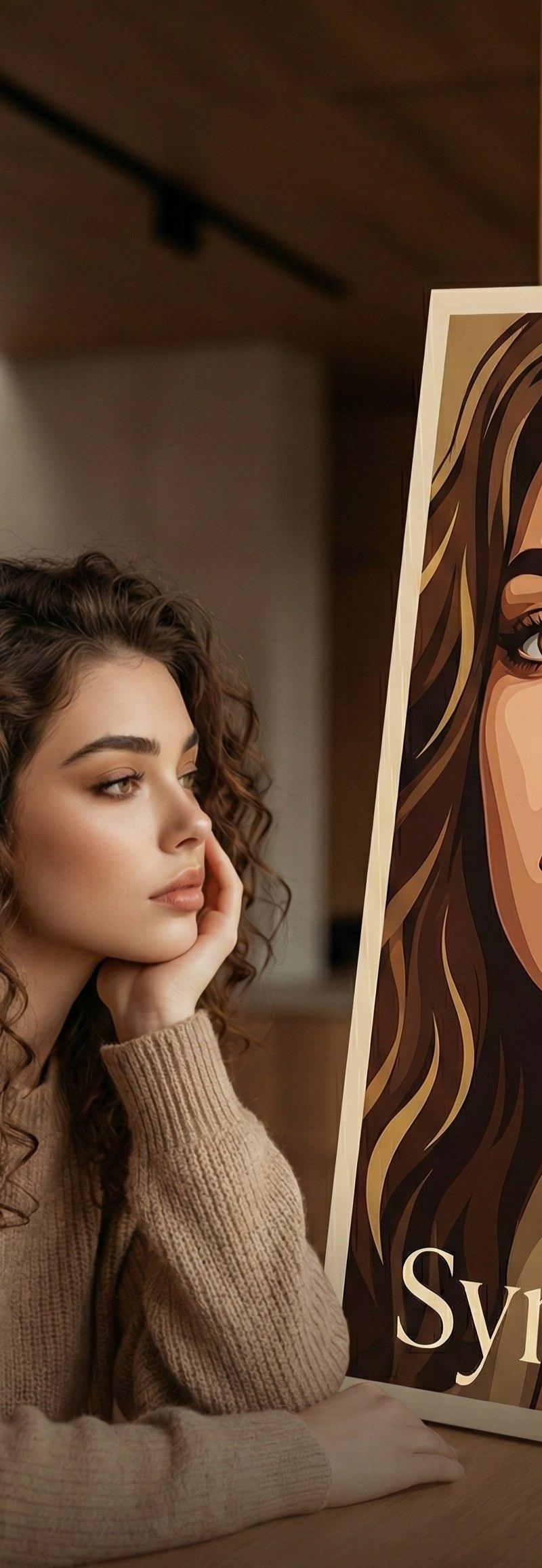
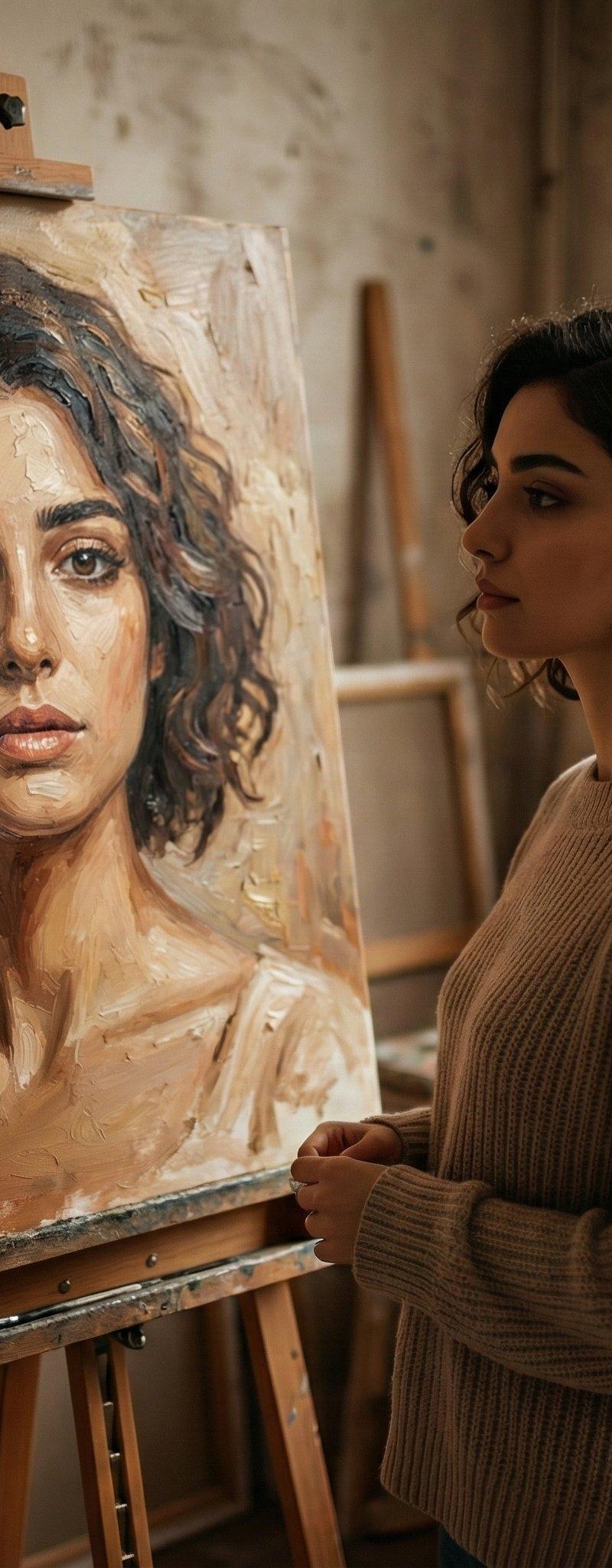
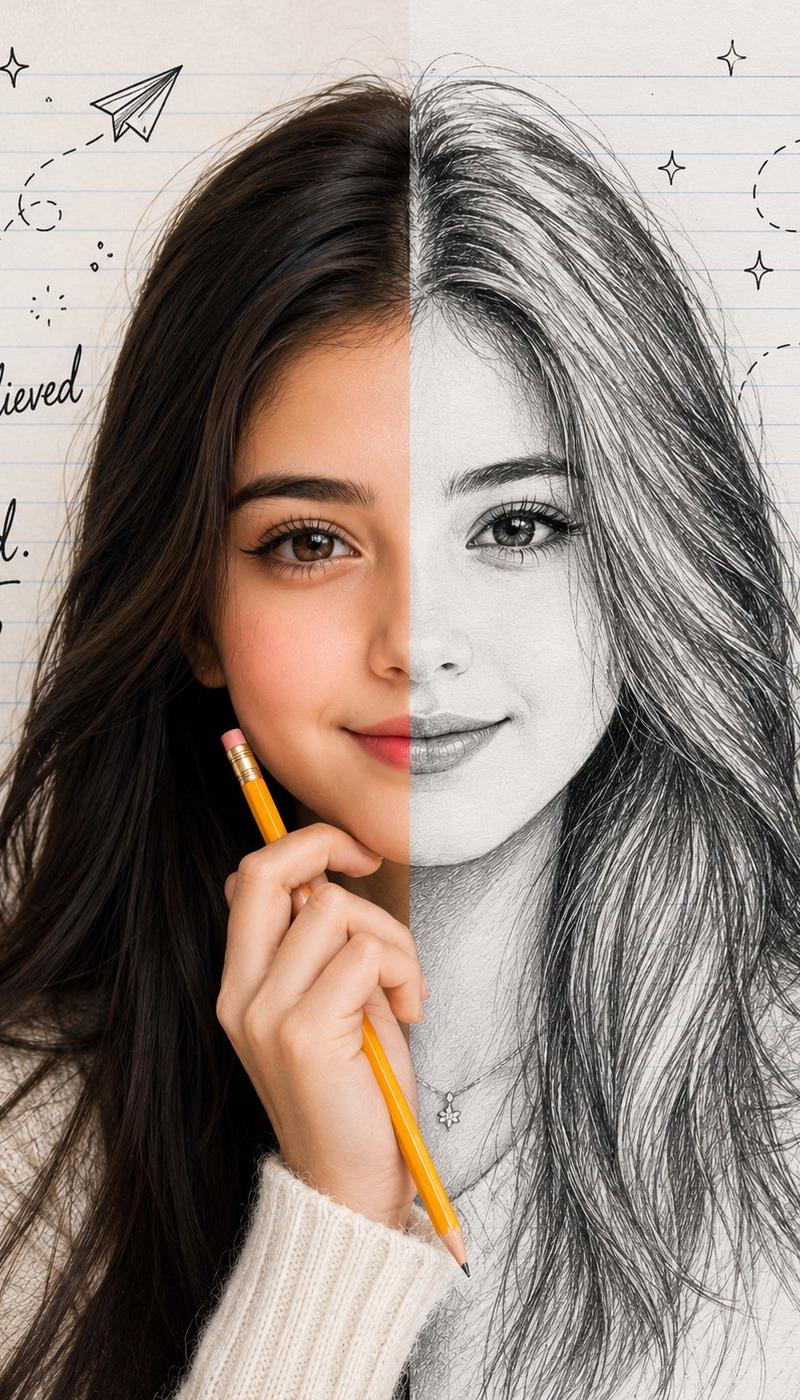
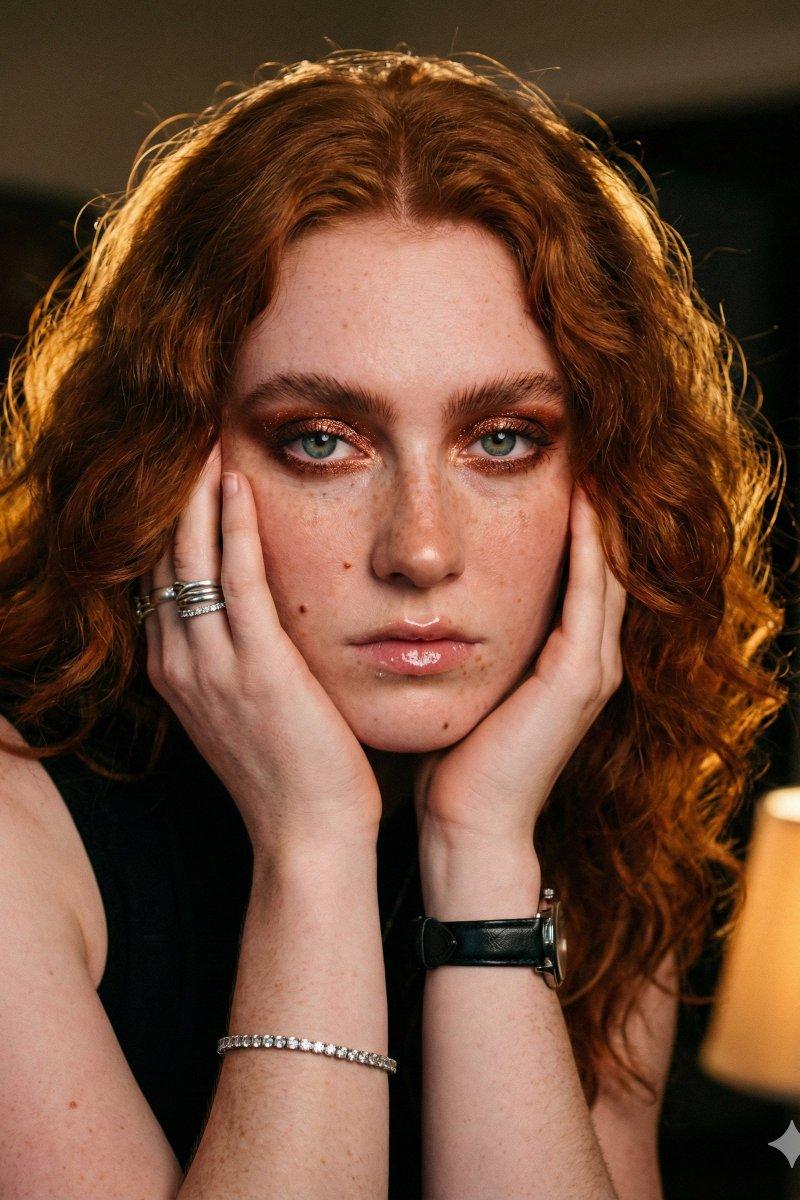
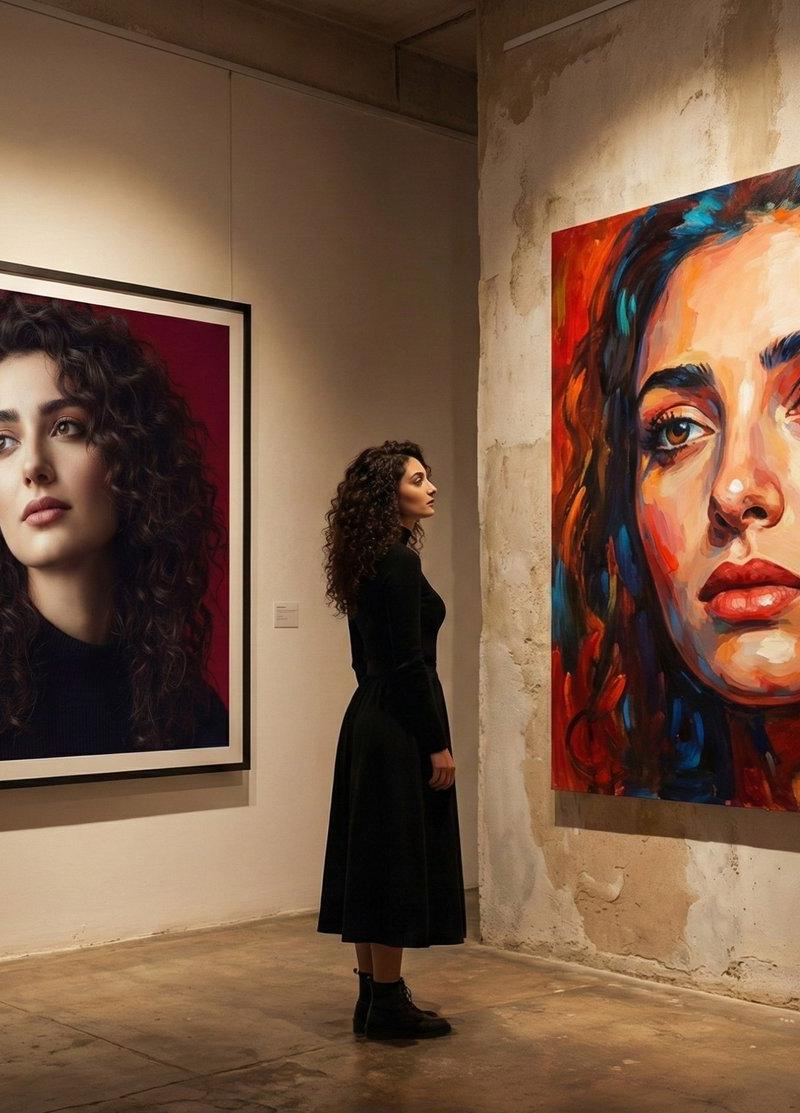
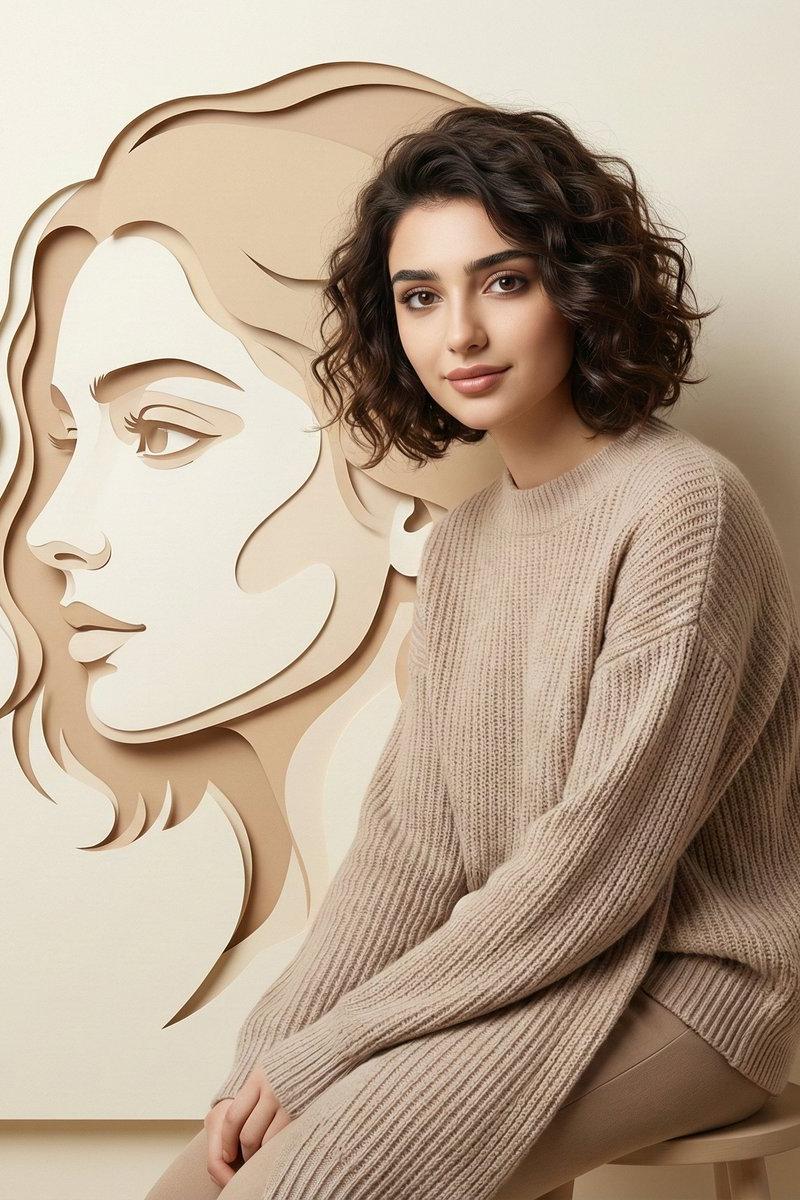
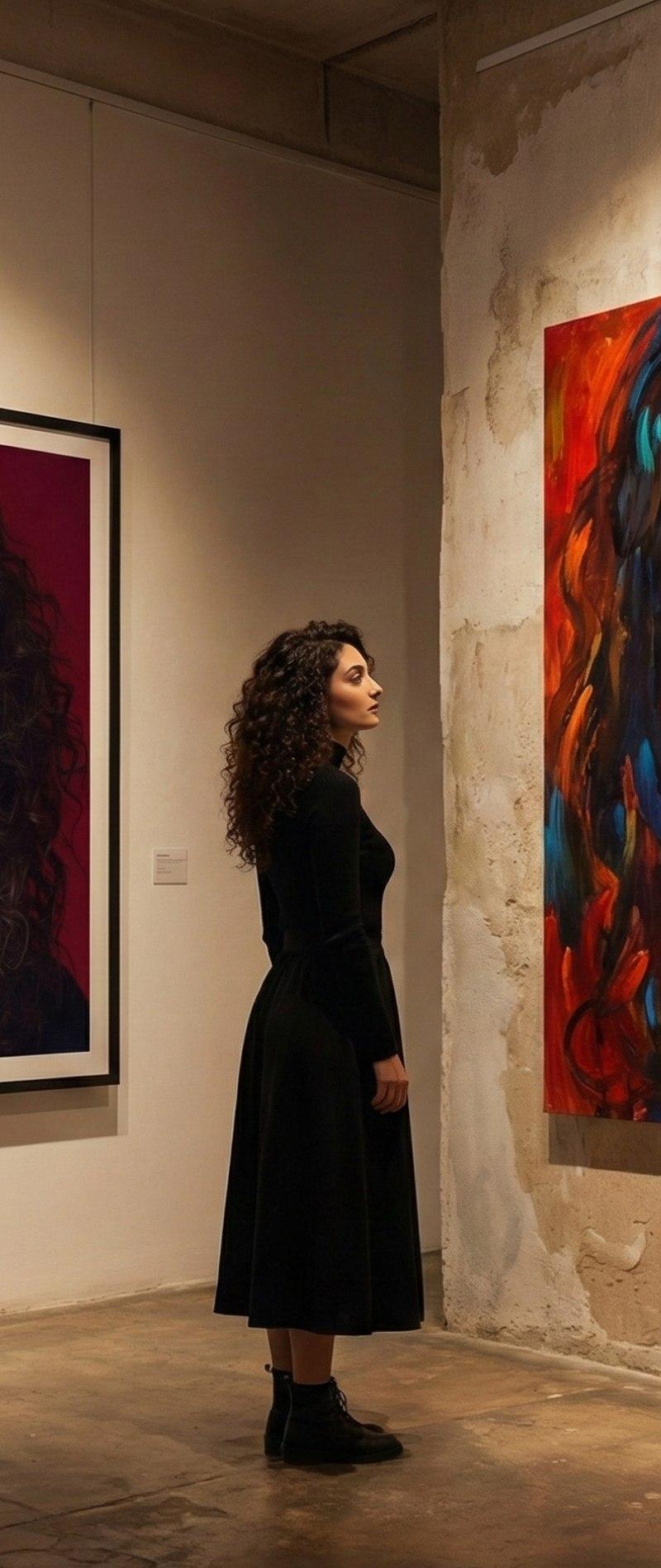
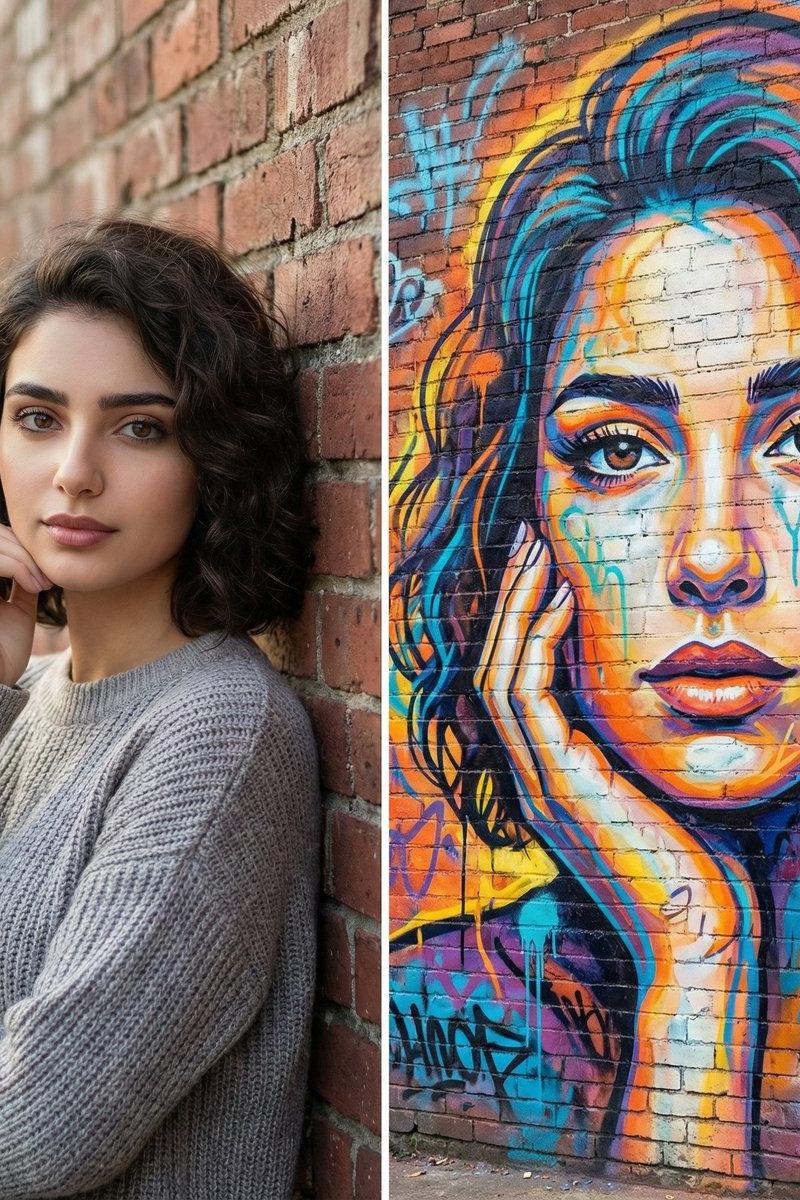
A split-frame artistic portrait composition. On the left: a realistic, high-quality photograph using the uploaded image as the main subject, natural skin tones, soft daylight, shallow depth of field, calm confident expression, standing against a brick wall. On the right: a large-scale textured paint artwork of the same person’s face, created using thick brush strokes, vibrant acrylic and spray-paint textures, bold expressive colors, visible paint drips and wall texture, street-art-meets-fine-art style. Both versions clearly resemble the same person. Cinematic lighting, high contrast between realism and painterly abstraction, modern editorial aesthetic, ultra-detailed, 4K resolution, balanced composition.
- 分类
- 真实摄影
- 模型
- Nano Banana Pro
- 来源作者
- Smiling Khan
- 原始语言
- zh-CN
- 来源 ID
- split-frame-artistic-portrait
浏览量0