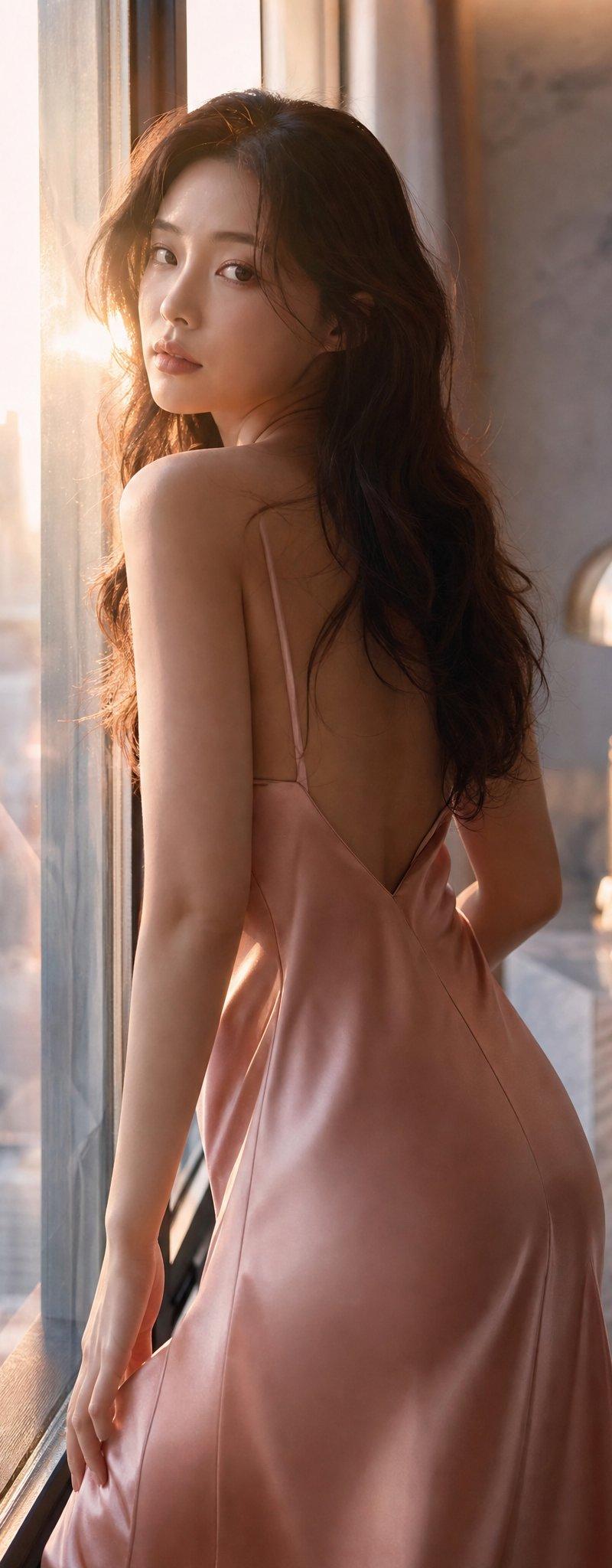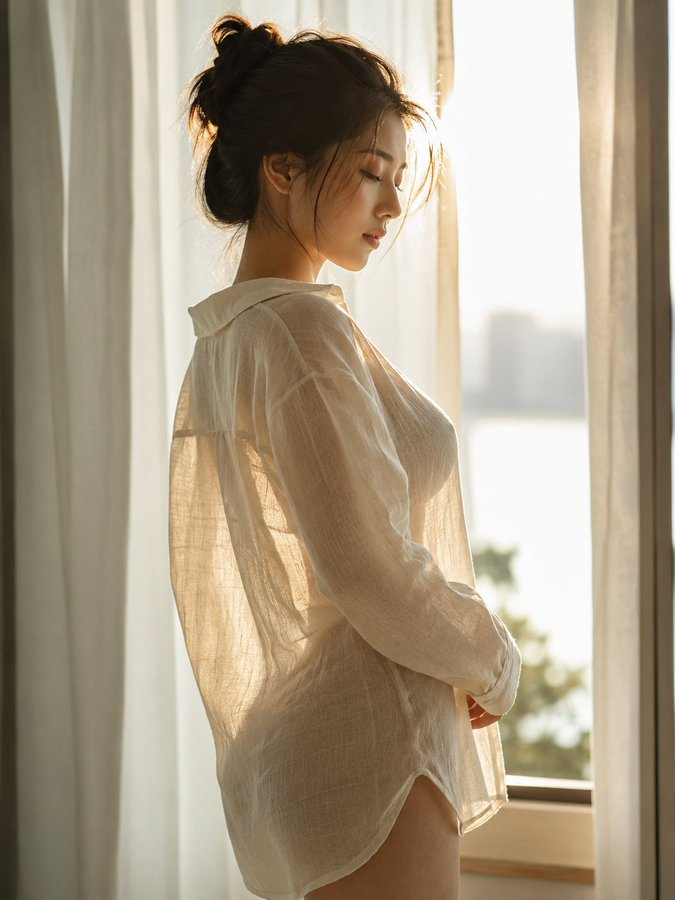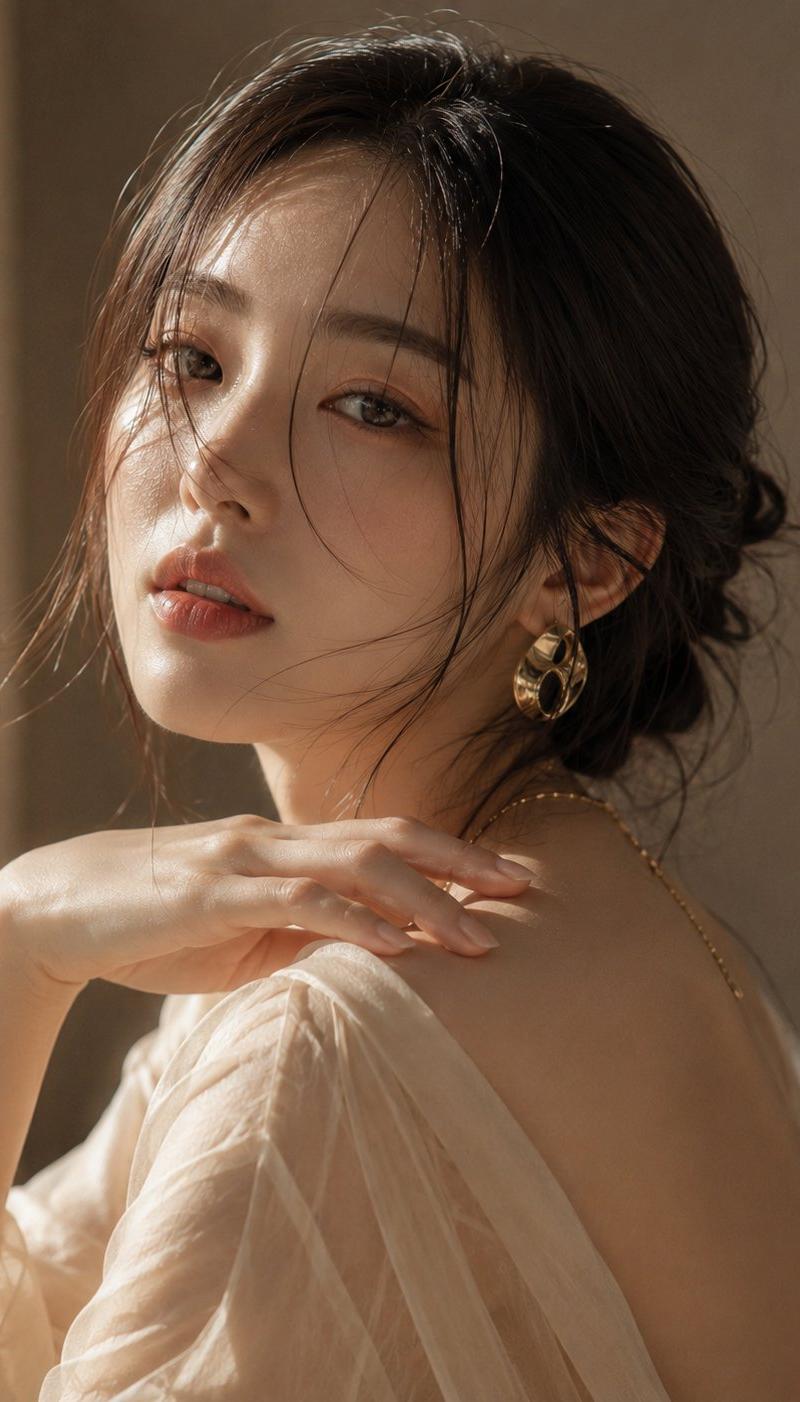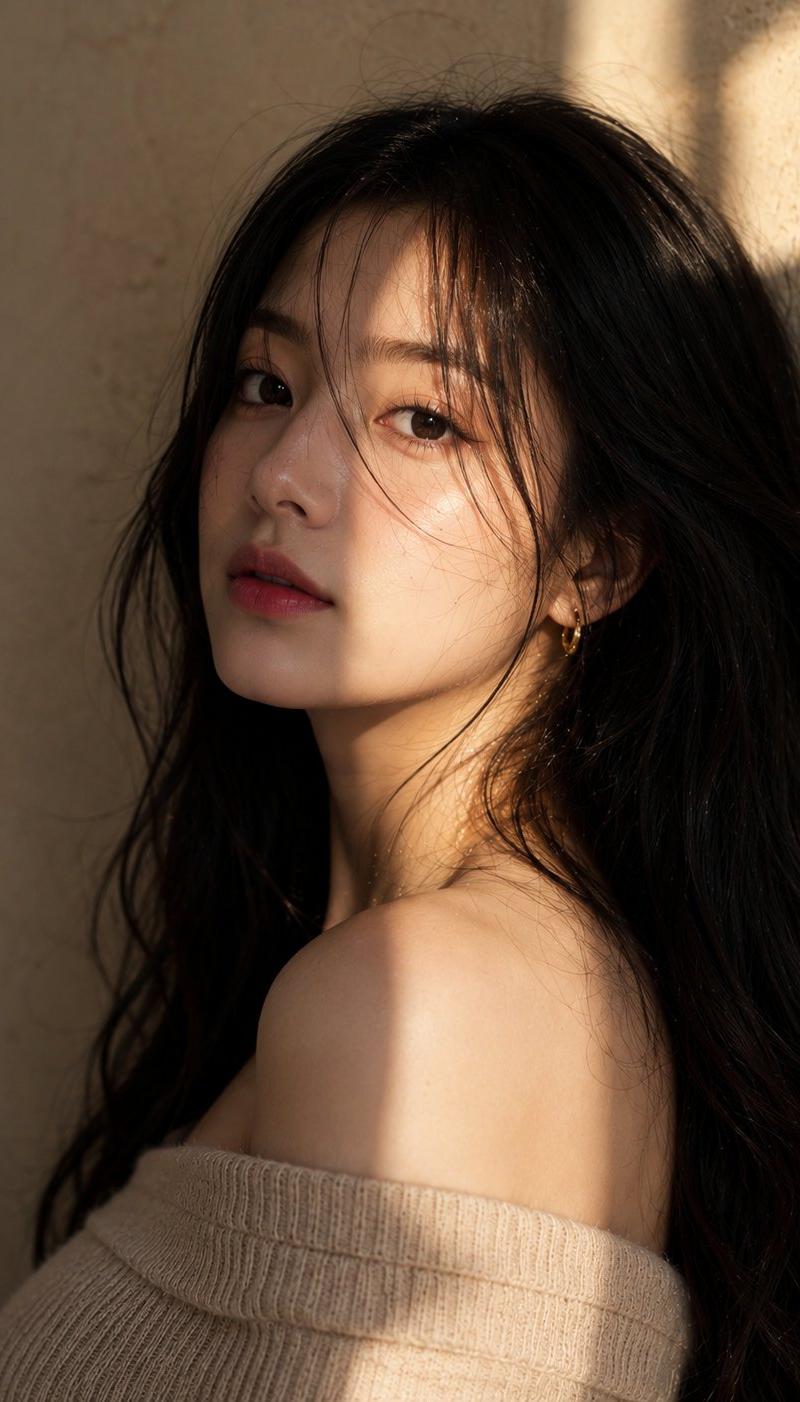
嵌入肌理的水印艺术
提示词
水印 ≠ 叠加层
将它们嵌入作品的肌理
如同真实的纹身。
无形,却不可逆转。
方法如下:
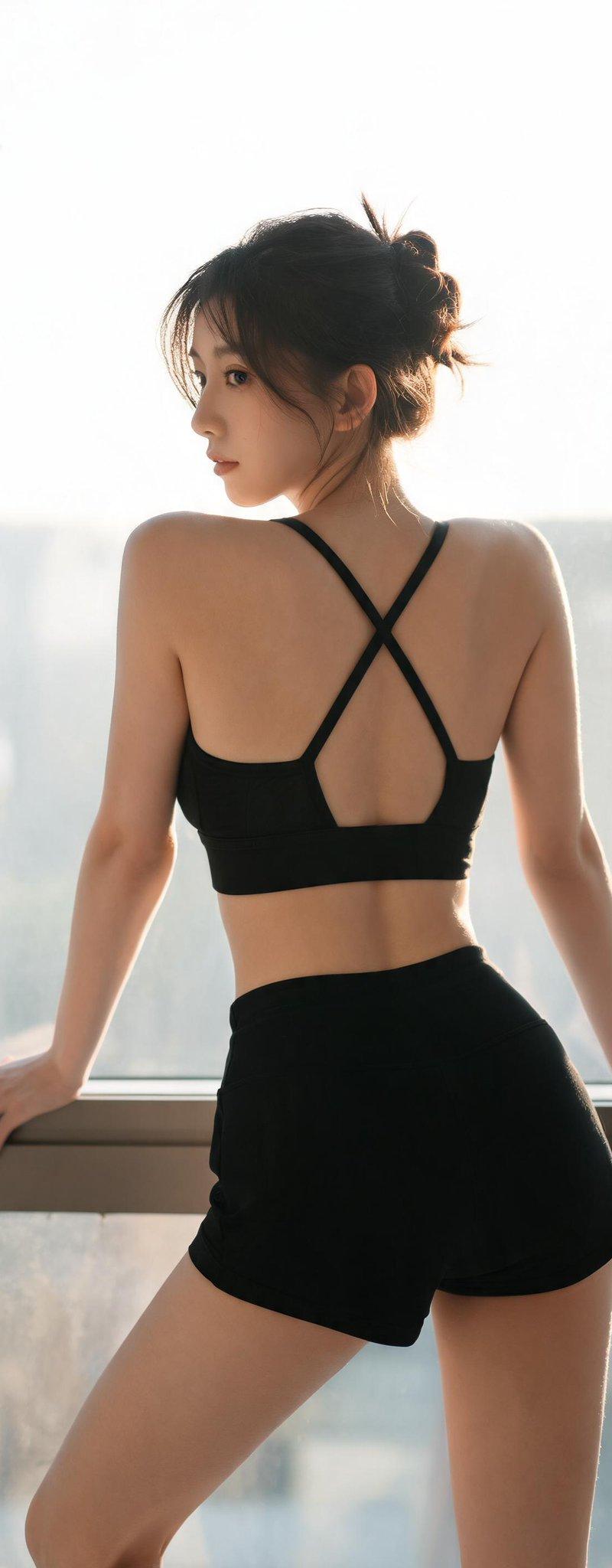
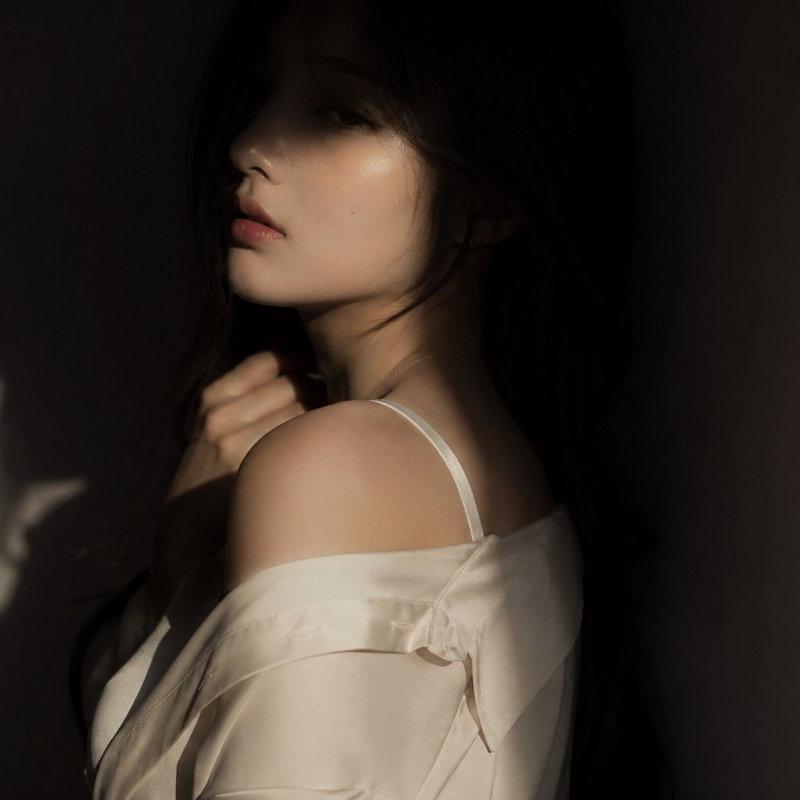
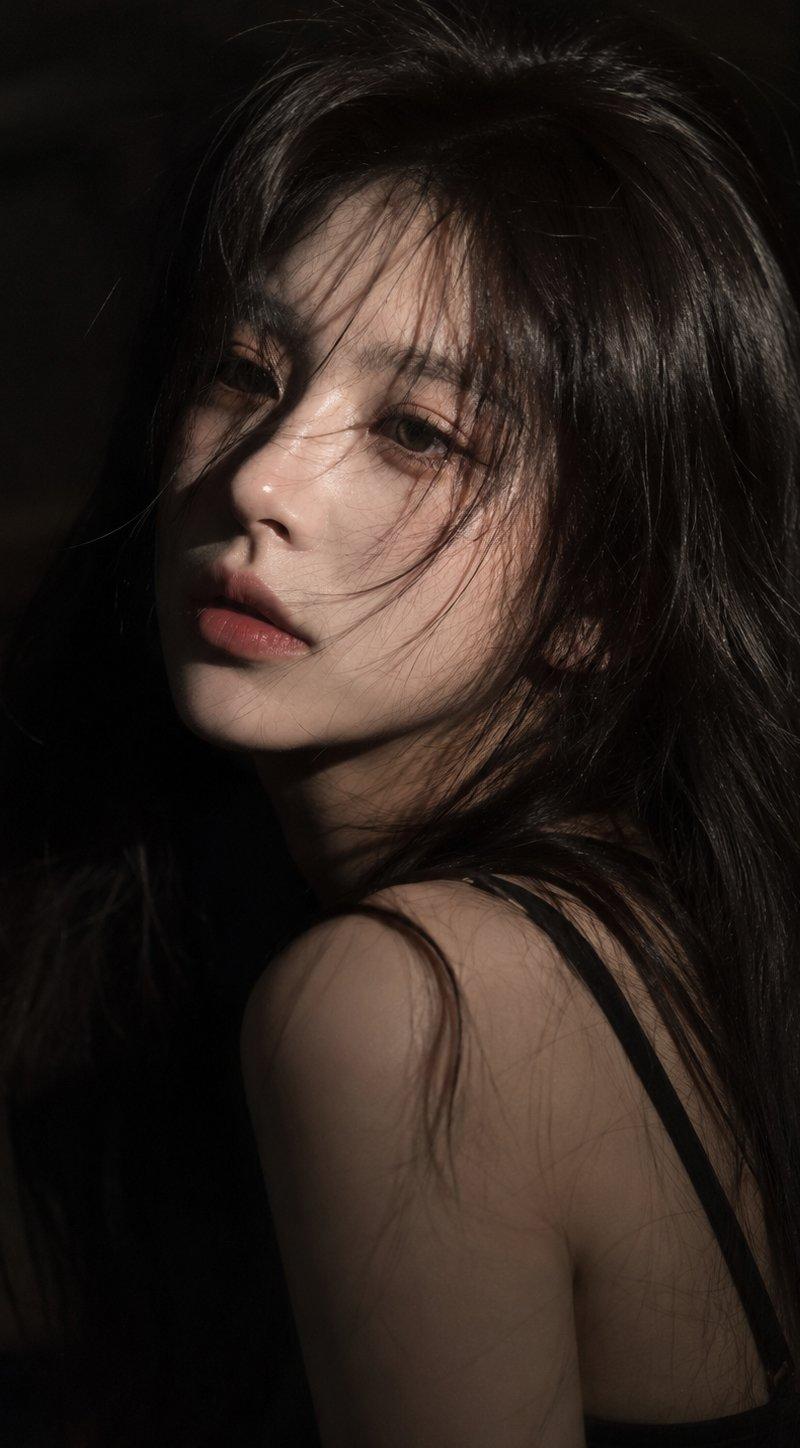
Perform a minimal local edit while preserving Image 1 entirely.
Image 1 is the ONLY output base. The following constraints have the highest priority:
[Aspect Ratio & Framing — TOP PRIORITY]
- The original aspect ratio and framing of Image 1 must be preserved exactly
- Image 1 is a 2:3 vertical composition
- Do NOT convert it to 1:1, 4:5, 16:9, or any other ratio
- The final output must retain the exact same aspect ratio, boundaries, and framing as Image 1
[Image Structure]
- Original composition and crop
- Camera angle, distance, perspective, and depth of field
- Subject pose, expression, and body proportions
- Lighting direction, contrast, color grading, and atmosphere
- Background and environment
- All pixels outside the designated tattoo area
This is NOT a redraw or a new image generation task.
It is a precise local edit performed on the original image.
The final output must be the FULL original image (Image 1),
with NO cropping, reframing, zooming, close-ups, or aspect ratio changes.
If the output does not preserve the original 2:3 vertical ratio, it is incorrect.
——
[The Only Allowed Modification]
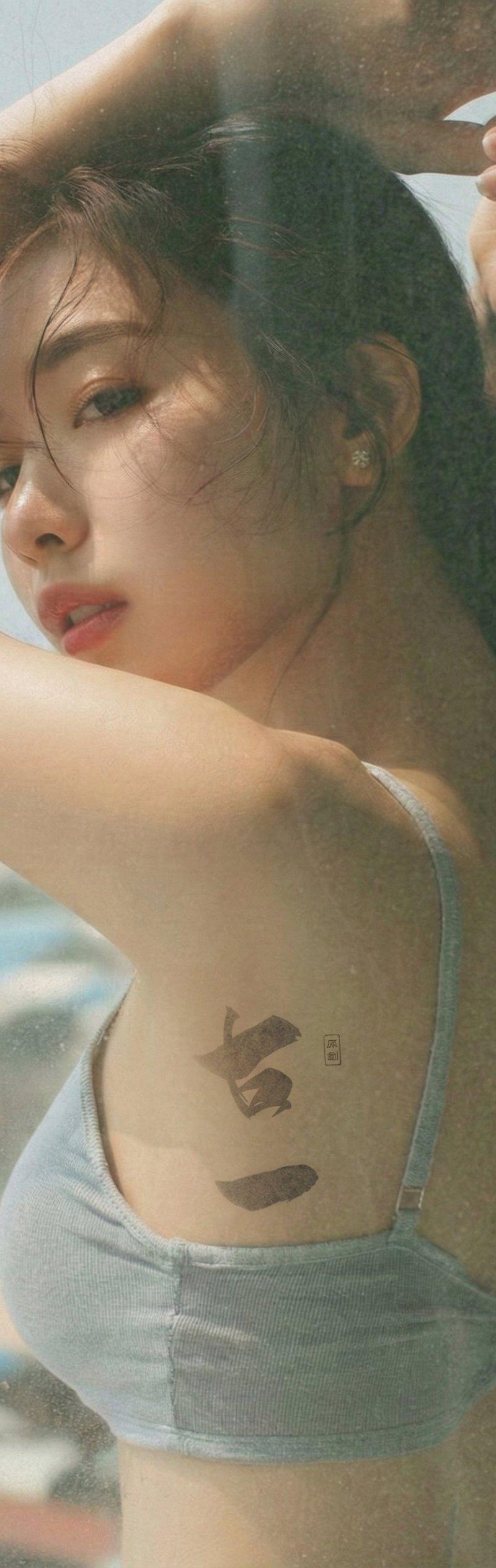
Add a single ultra-subtle, realistic tattoo to the designated skin area only:
- Tattoo placement:
On the upper lateral chest of the subject in Image 1,
near the anterior axillary line,
between the outer chest and the underarm, without entering the armpit.
This area naturally stretches due to the raised arm.
- Tattoo design:
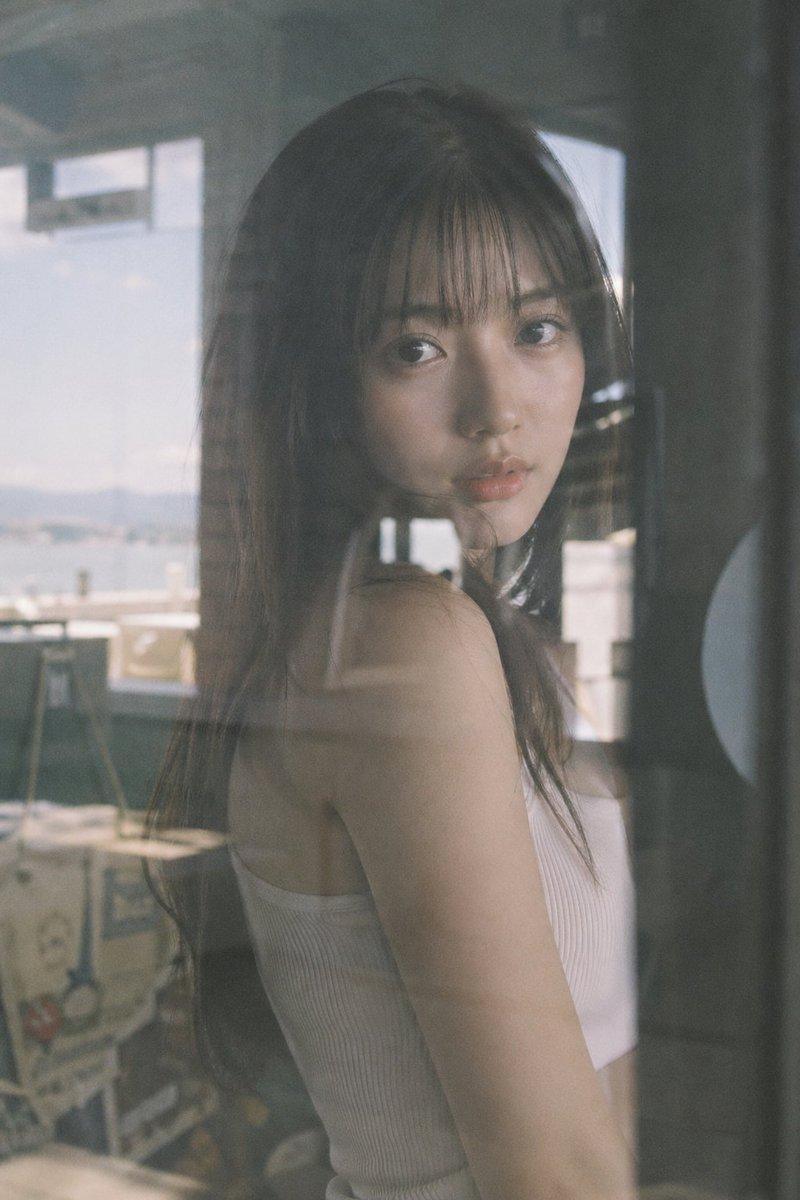
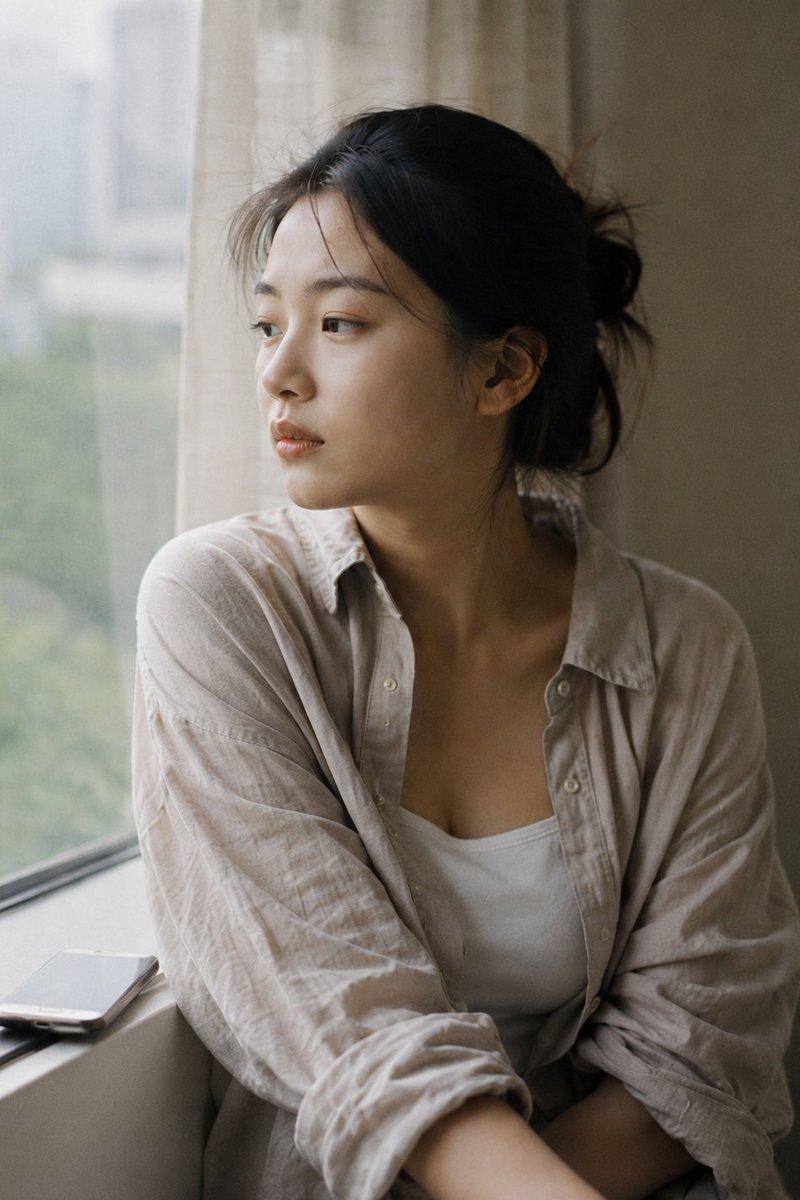
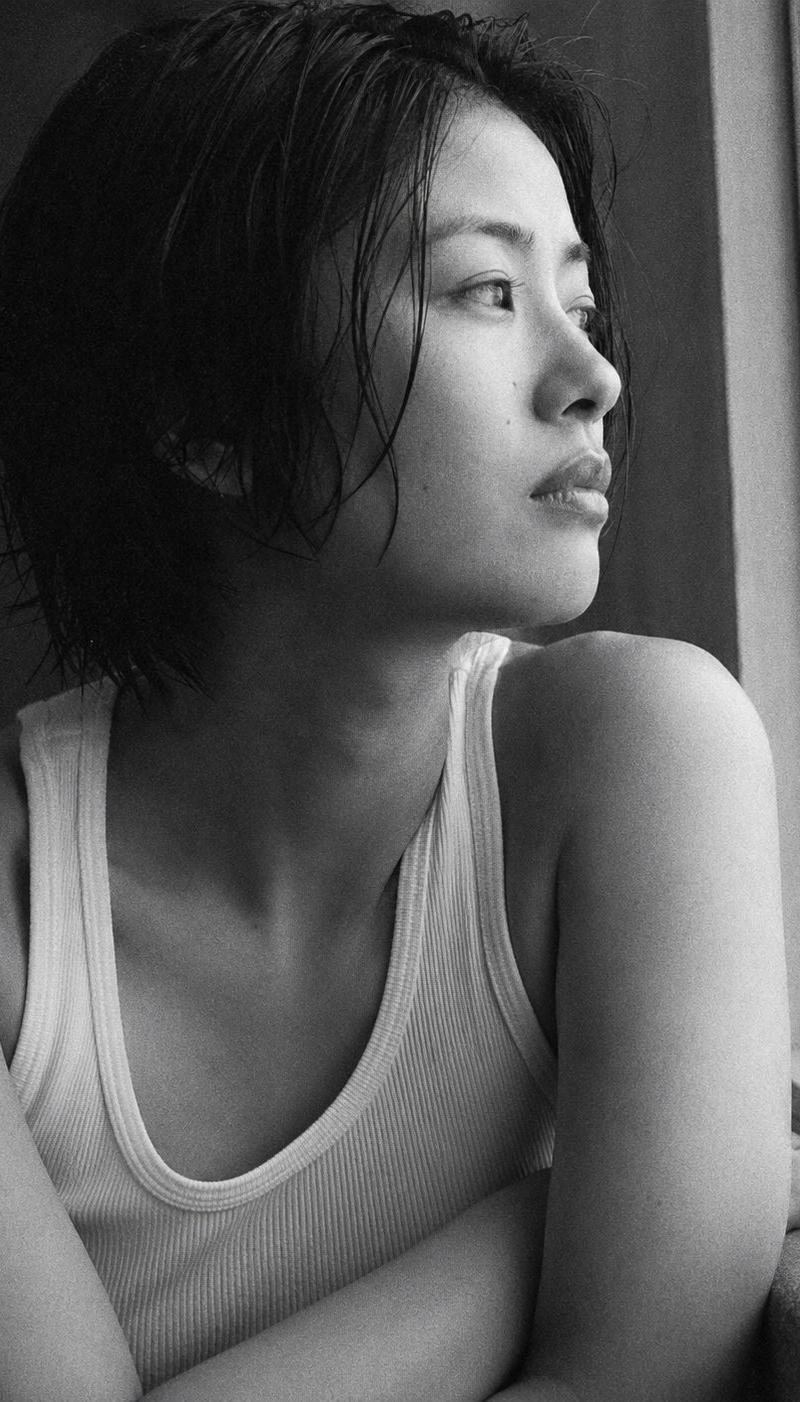
Strictly reference Image 2 for the tattoo design only.
Do not alter the subject, composition, lighting, or structure of Image 1.
——
[Tattoo Realism Requirements]
The tattoo must appear as a fine-line tattoo,
professionally inked into the skin.
It must look like true subdermal pigment, not a surface print:
- Ink softly diffuses beneath the skin
- Edges are uneven and naturally blurred
- Lines show subtle inconsistency and micro breaks
- No sharp outlines, uniform shapes, or sticker-like appearance
Due to skin tension from the raised arm,
the tattoo subtly elongates and deforms with the skin,
never remaining rigid or fixed in shape.
Ink color should be low-saturation dark gray or soft black,
extremely low contrast and non-distracting,
appearing as part of the skin at normal viewing distance.
[Skin Priority — Critical]
- Pores, skin grain, fine hairs, and noise must overlay the tattoo
- The tattoo is broken by skin texture, not sitting on top of it
- Ink appears beneath the skin texture, not above it
Tattoo contrast must respond naturally to lighting:
- Lighter and washed in highlights
- Softer and grayer in shadows
- Never uniform across different lighting areas
The result should resemble a real tattoo that has existed for months:
slightly faded, slightly diffused,
fully embedded into the skin.
[Final Output Confirmation]
- The output must be the full Image 1 with its original 2:3 vertical aspect ratio
- Only the tattoo is added in the specified area
- Nothing else in the image may change
- 分类
- 真实摄影
- 模型
- Unknown
- 来源作者
- 古一
- 原始语言
- zh-CN
- 来源 ID
- subtle-tattoo-integration-art
浏览量0