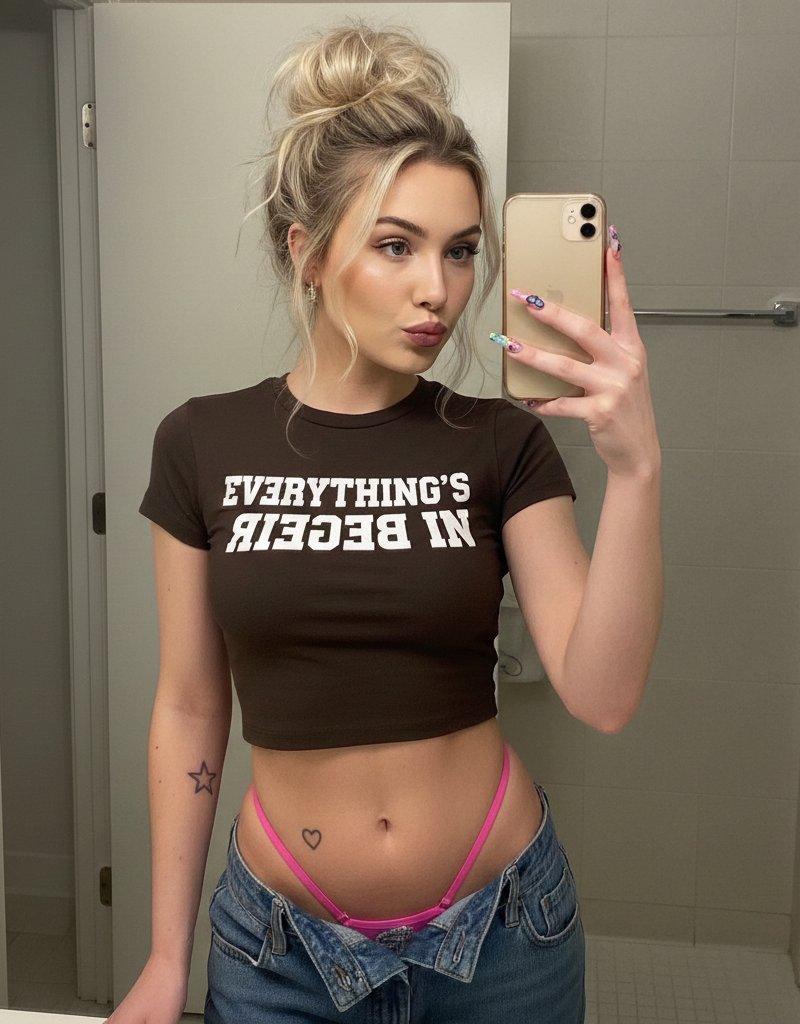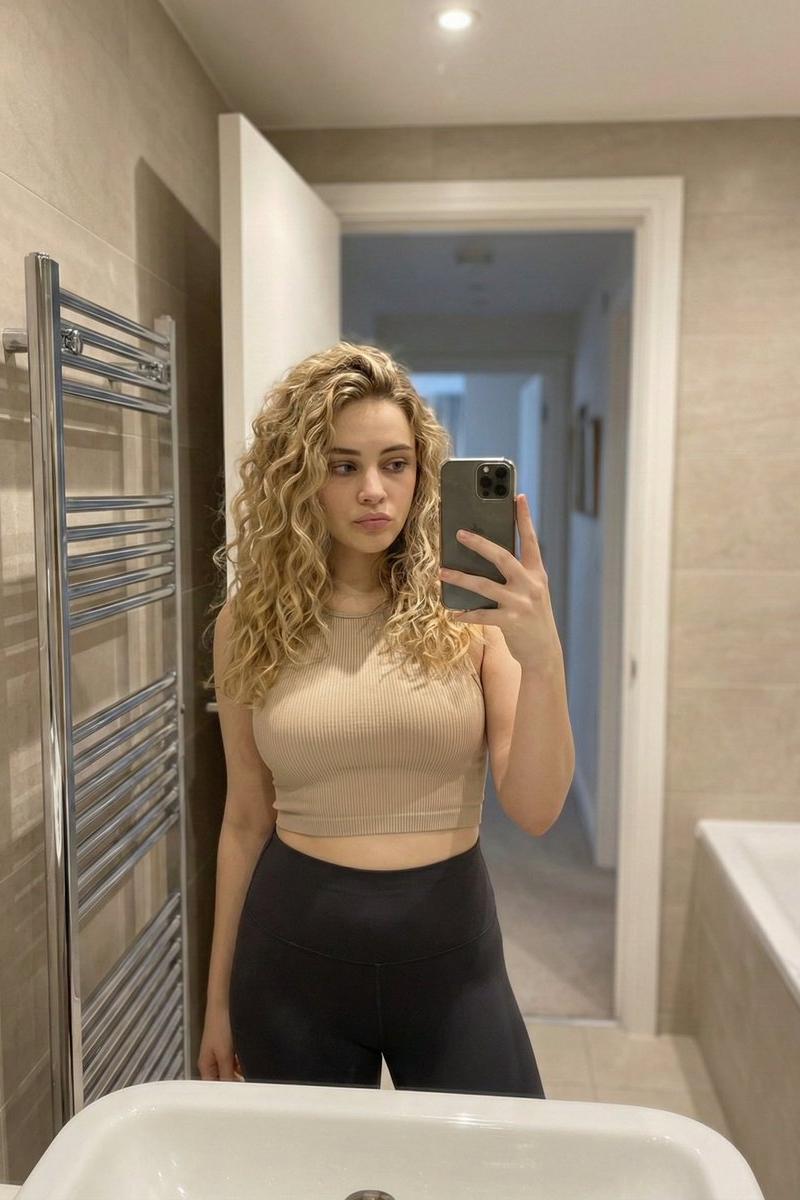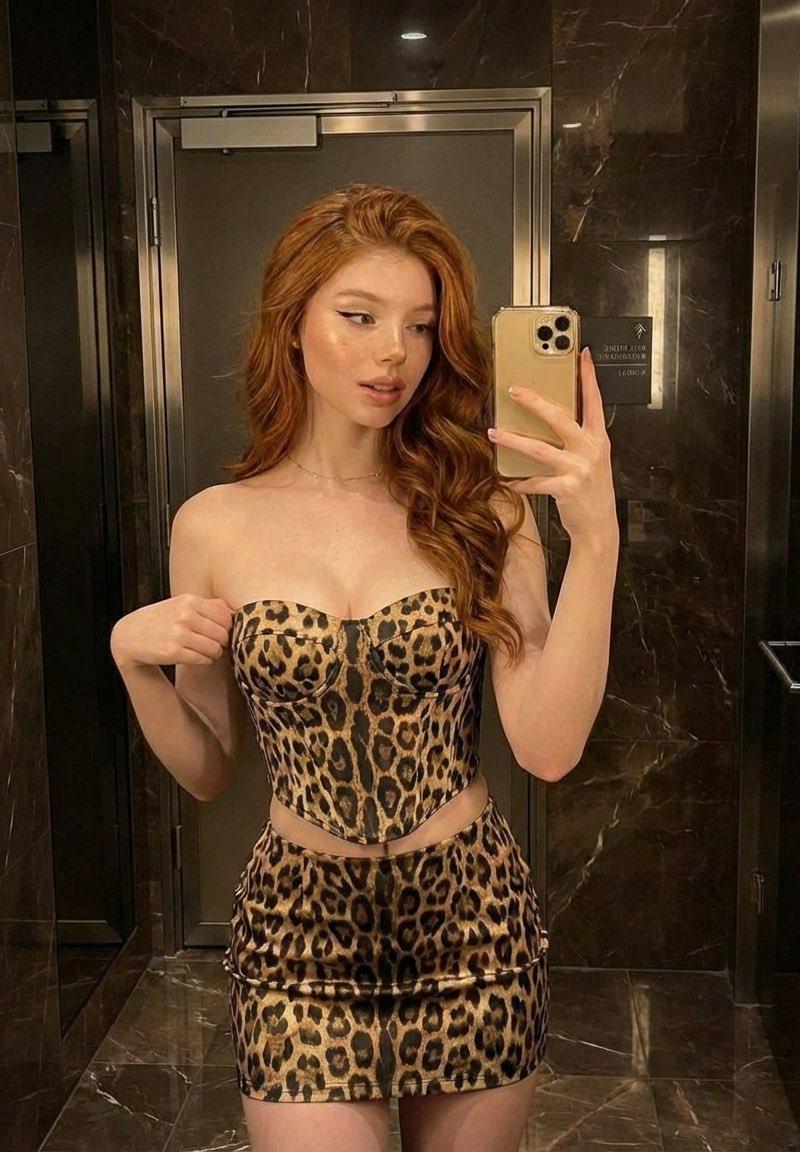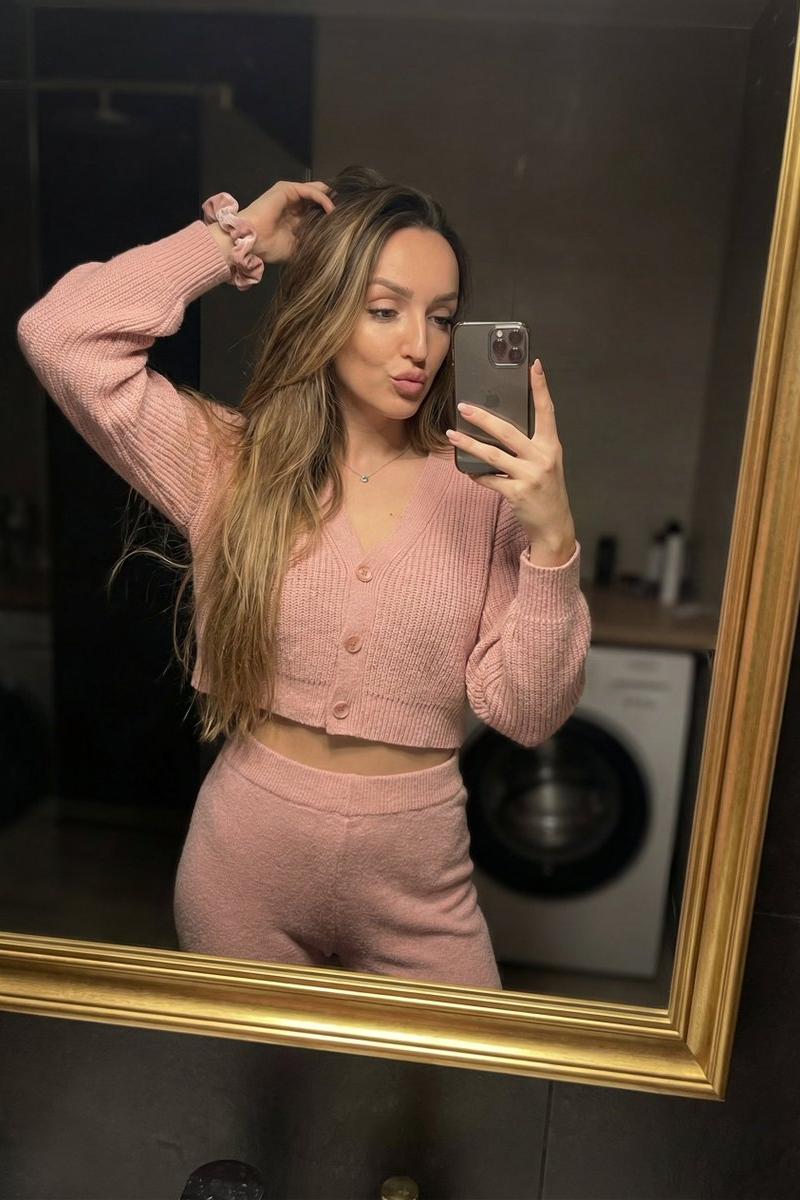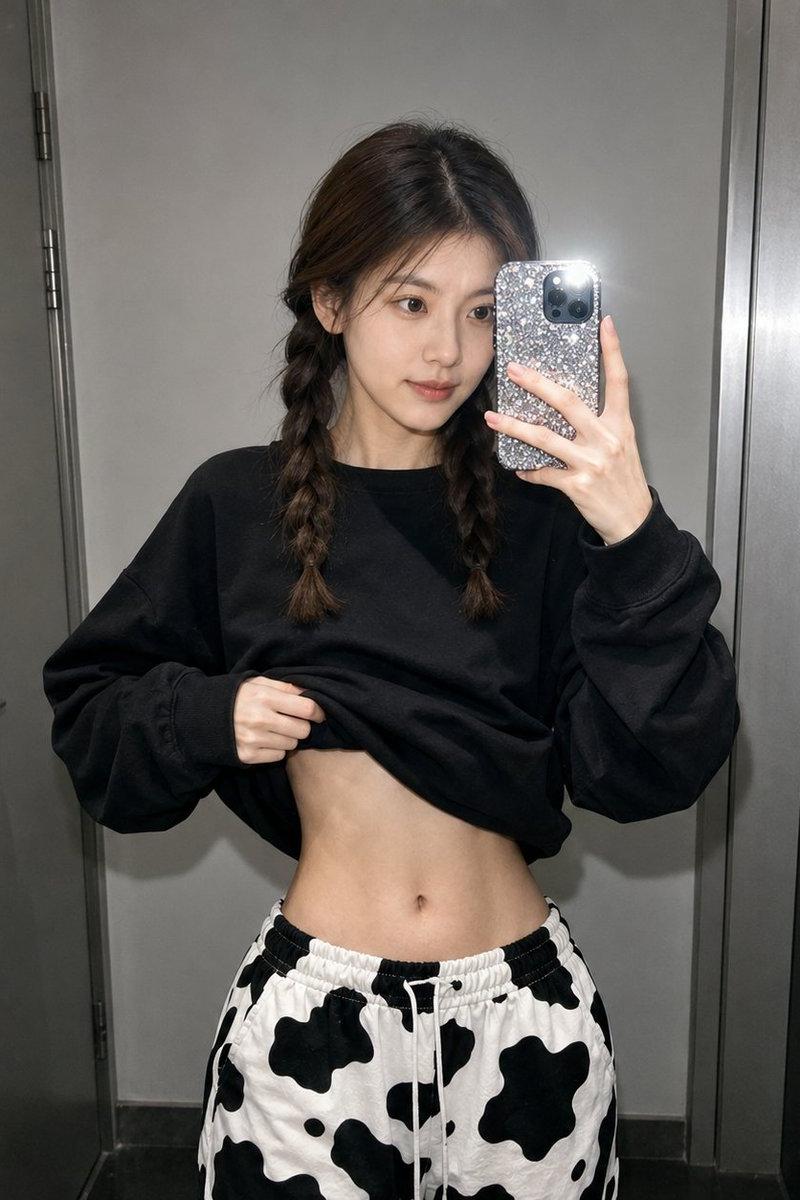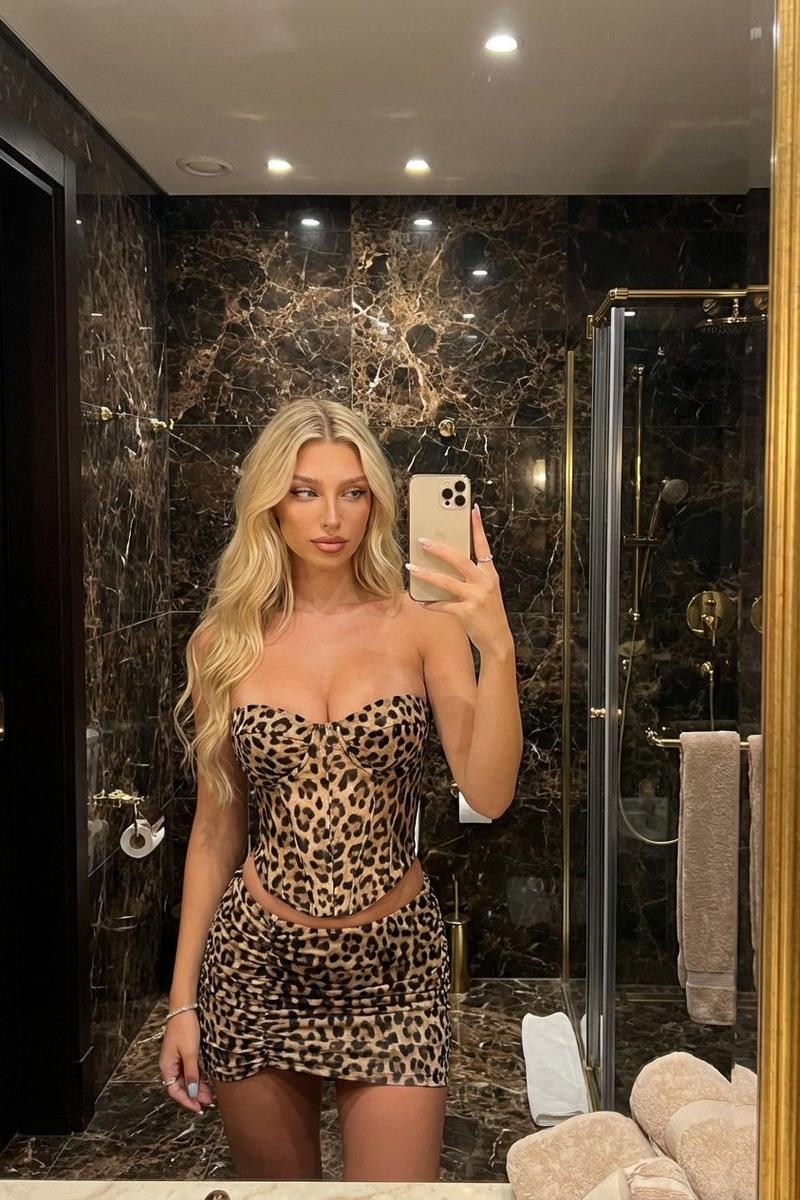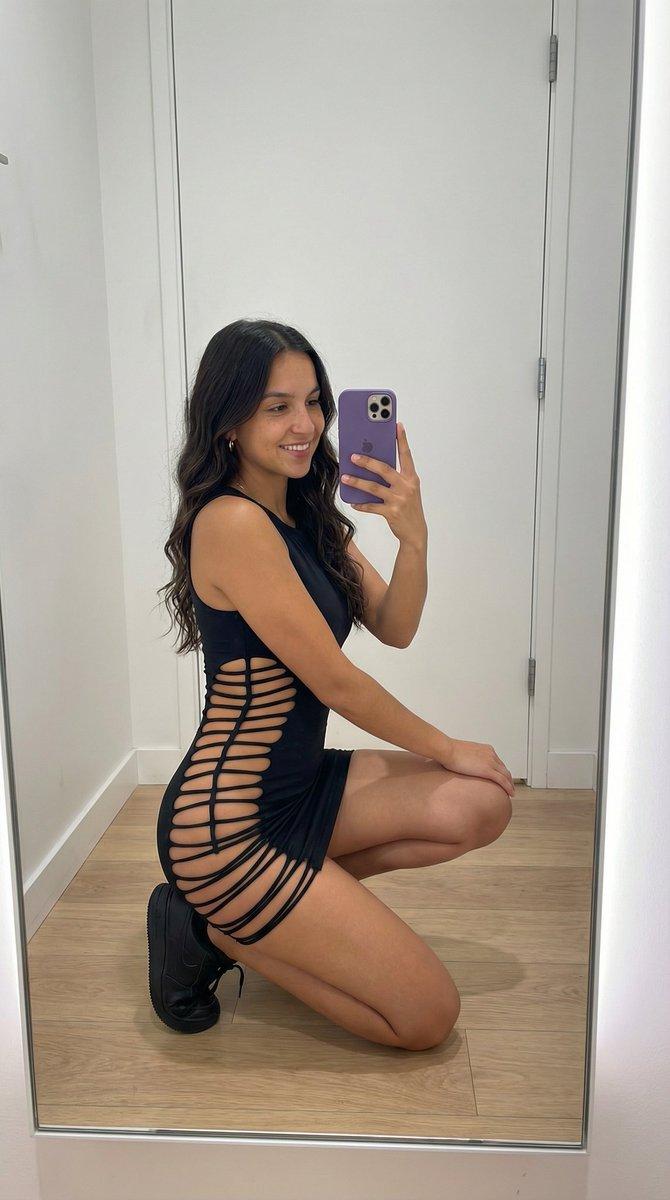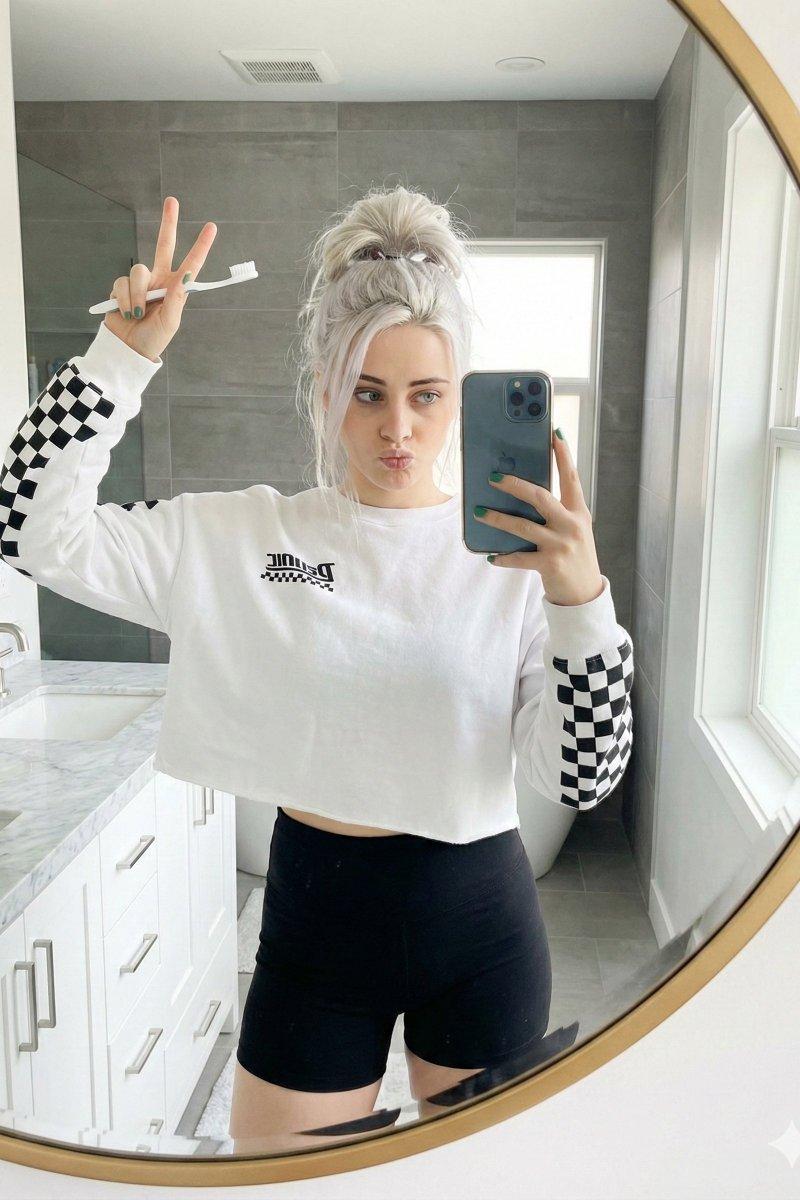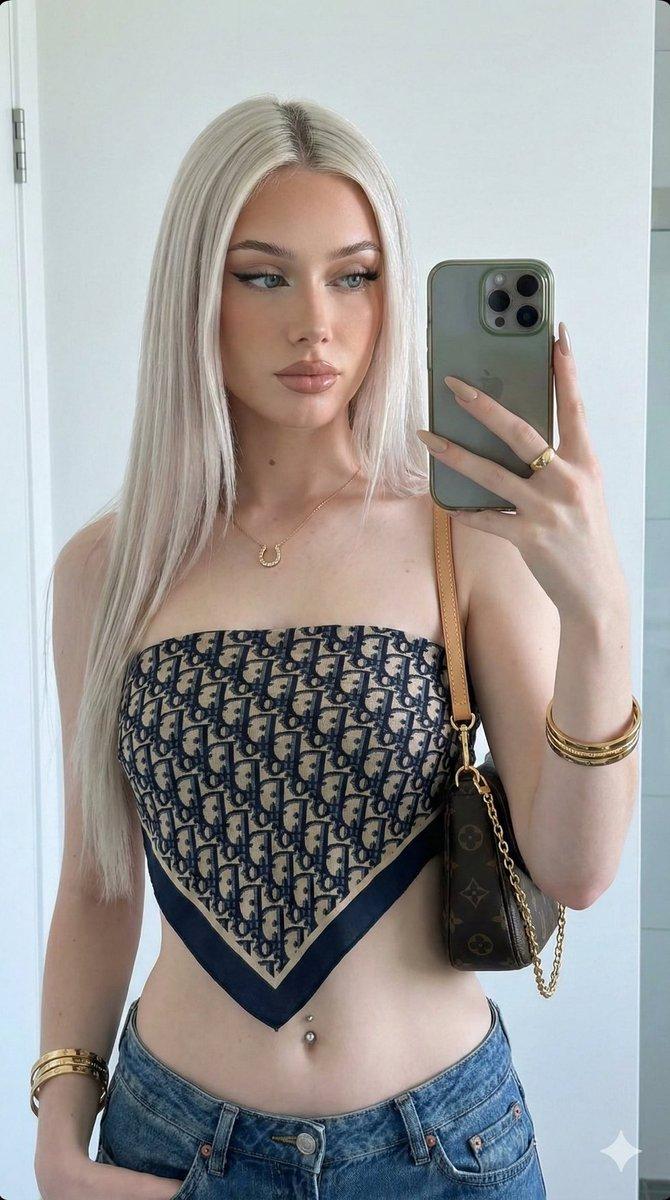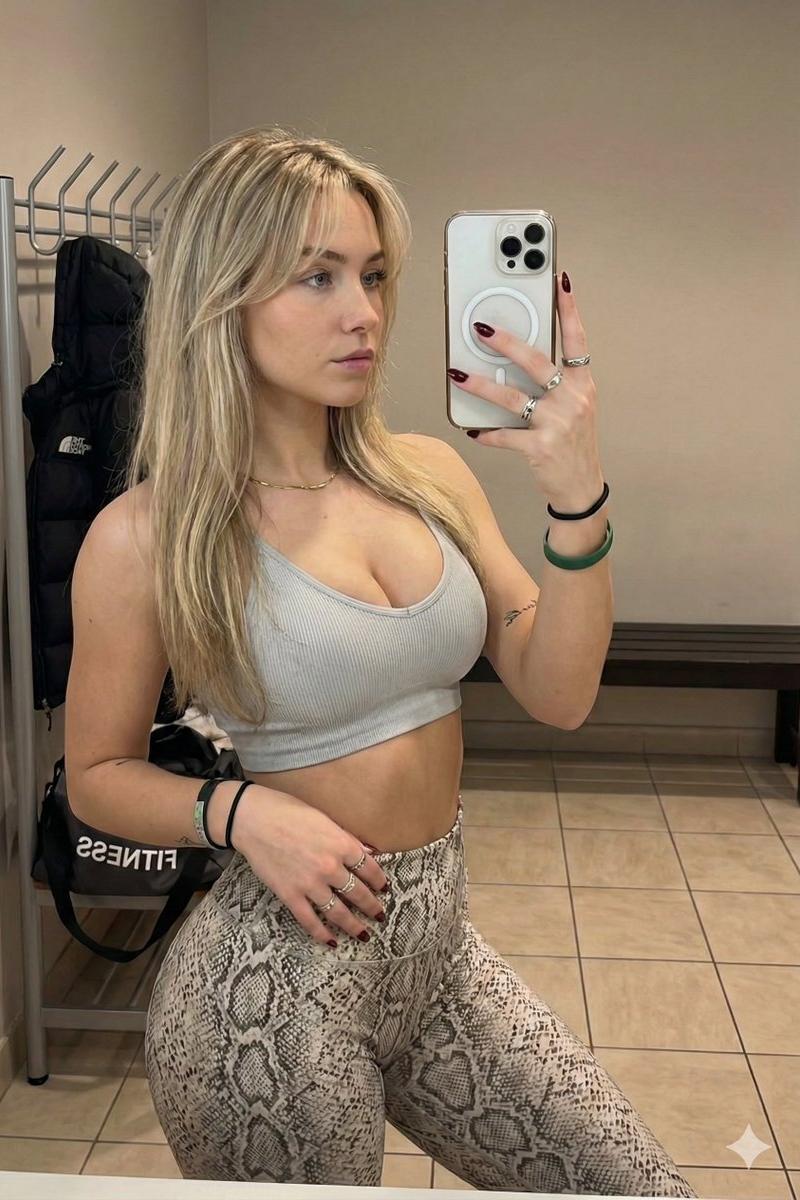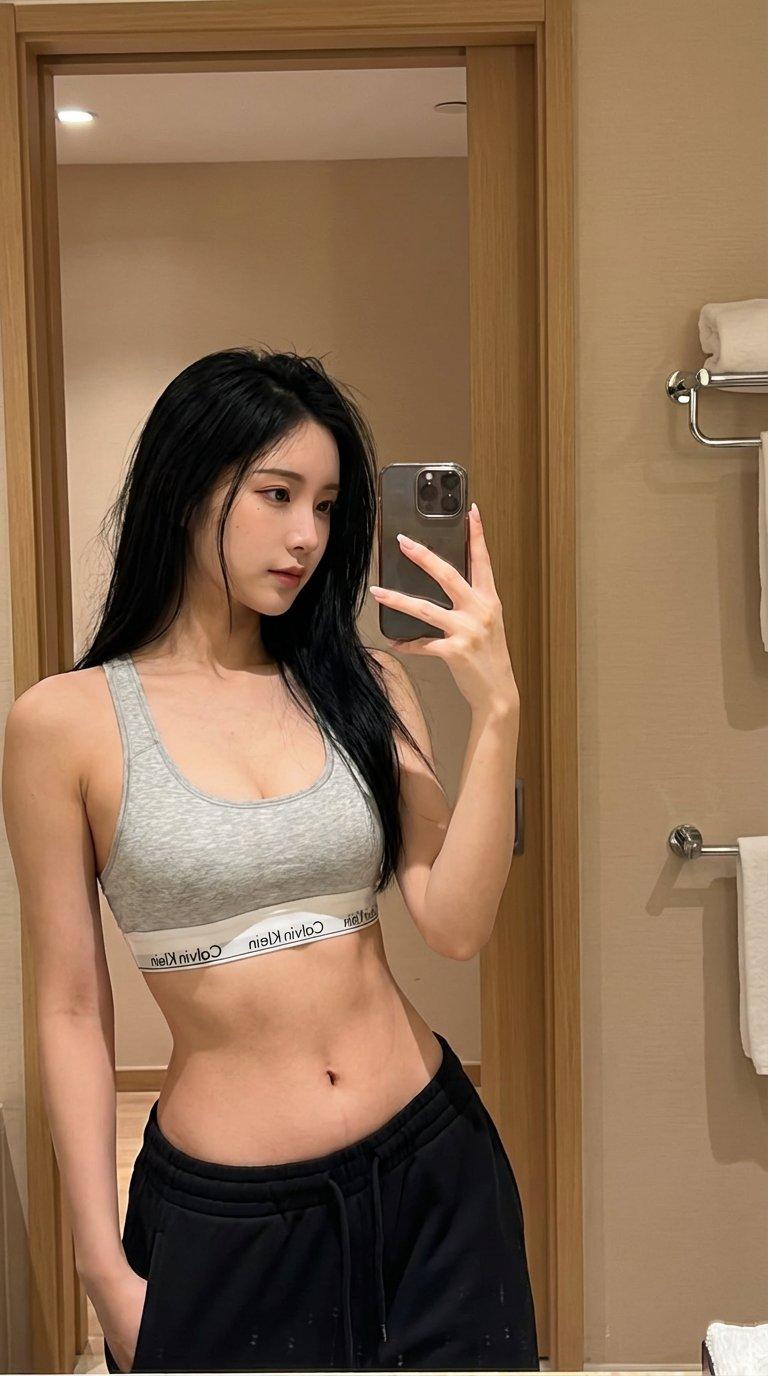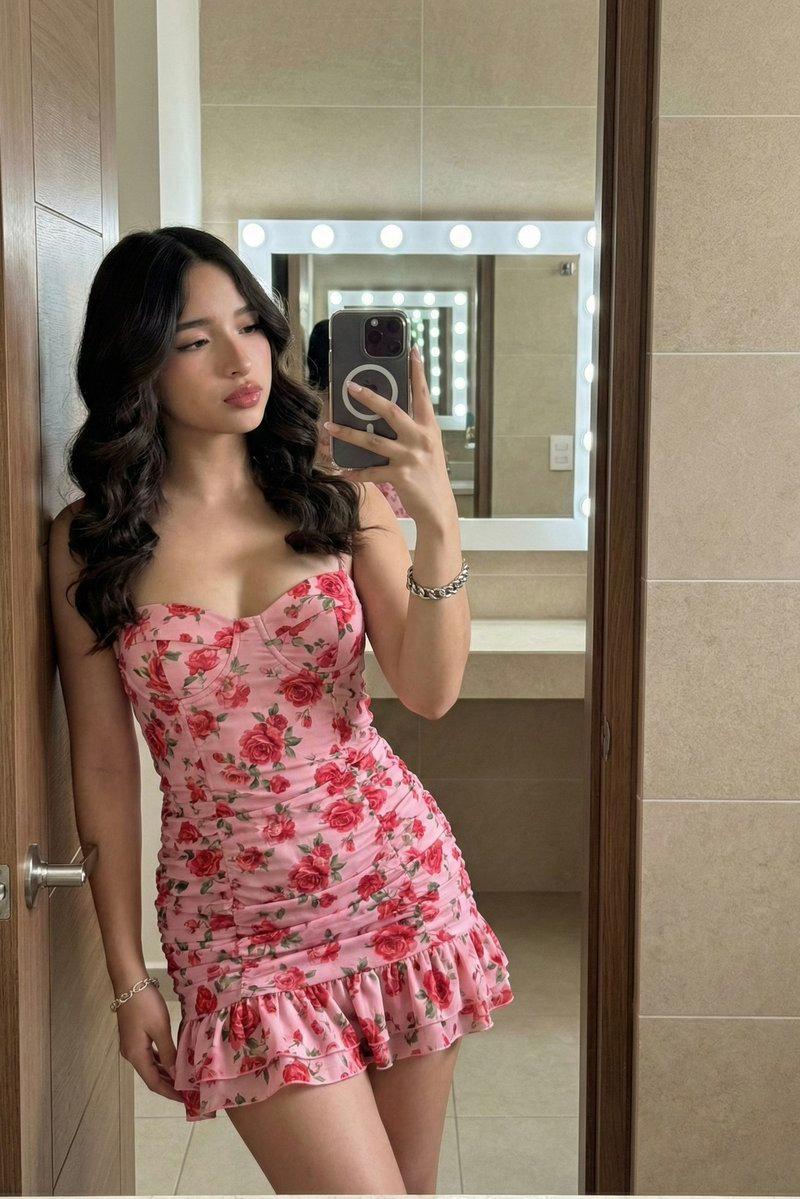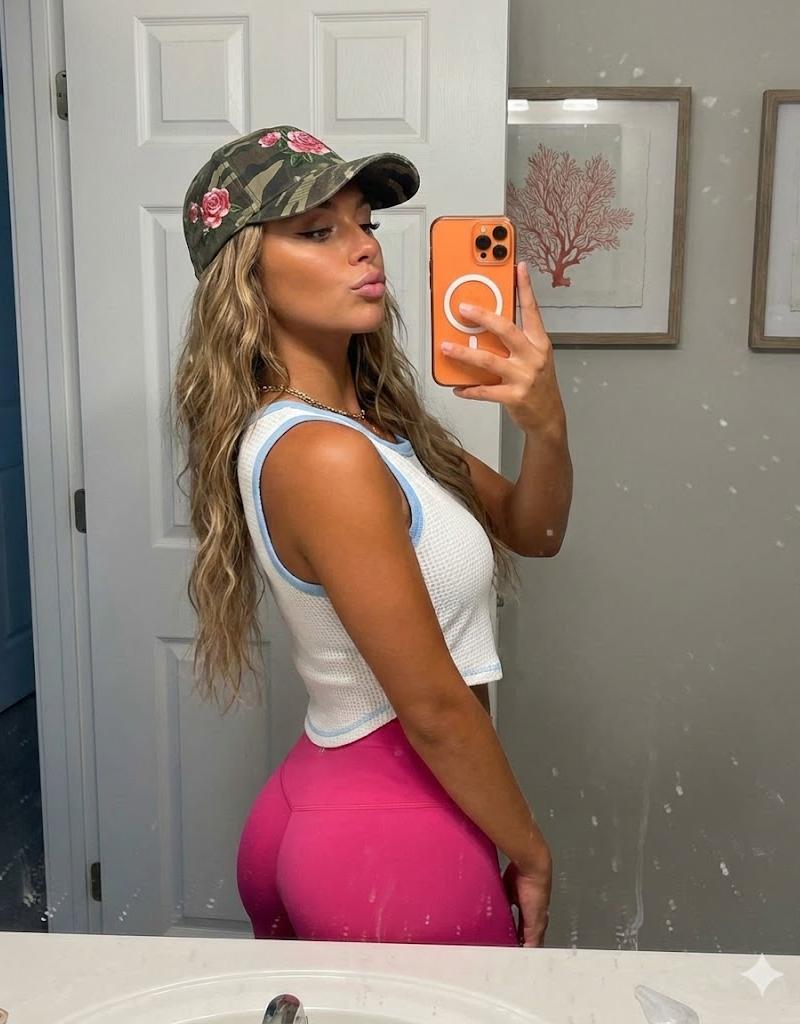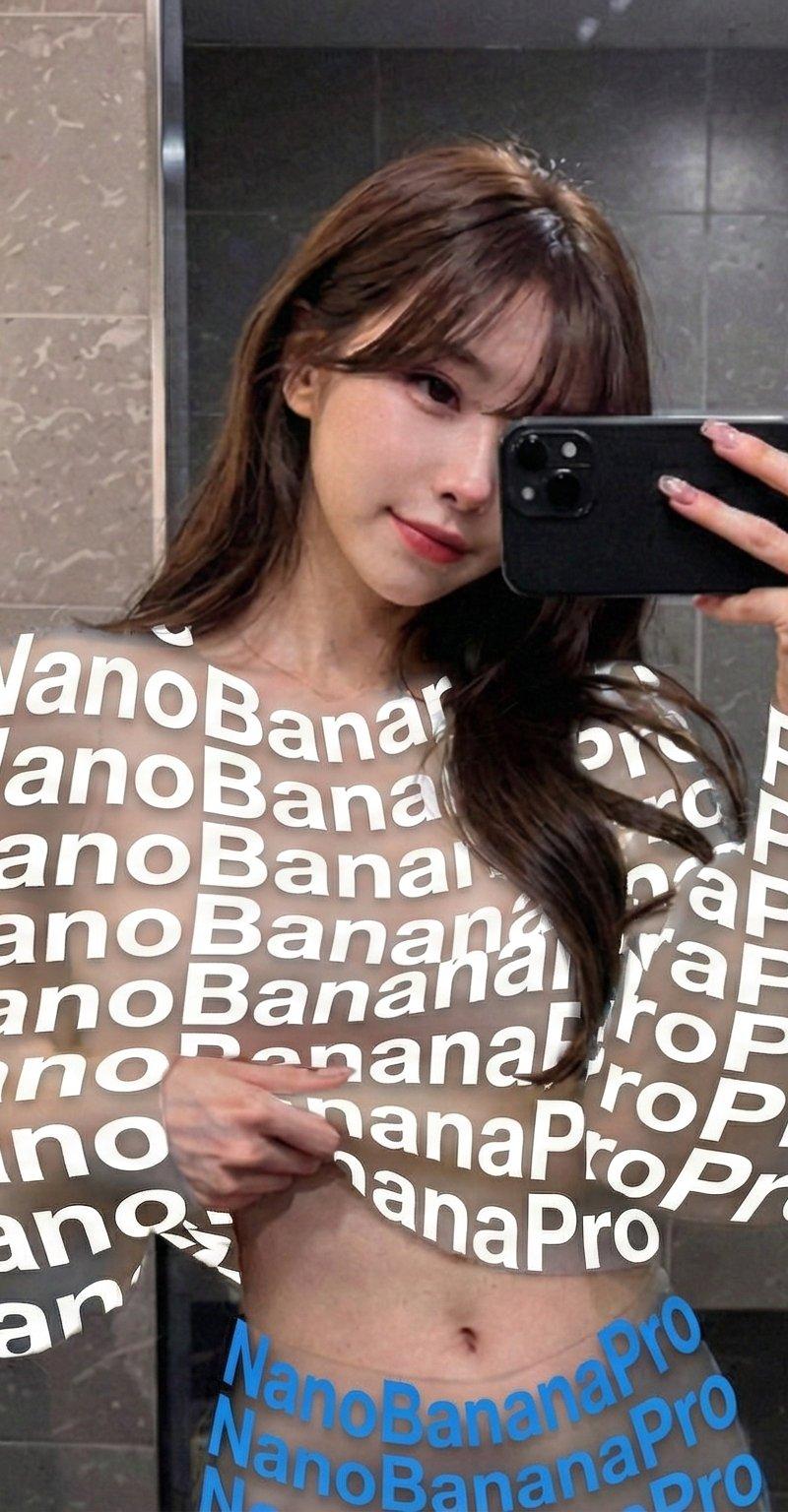
透明文字服制作方法:nanobanana Ver1.2教程
提示词
服を文字に変えて透過させる件、Hailuo以外のnanobananaでも精度高くする方法を探ってました。どうも服の色を抽出して文字色に置き換えるところがなかなか難しいらしく、手間ですが、服の色をカラーコードで指定するようにしたら精度が上がった気がします。ただ、肉体は透過してくれないようで素肌に文字着るようになってしまいました。
無料のnanobananaだと添付の通り2回エラーになってしまったので、3回しか回せてないですが、2回は成功。現状のVer1.2としてコメントにPromptを記載します。
良かったら皆さんもちゃんと動くか検証してみて下さい。文字色とYOUR TEXTを変えられます。
ちゃんと動きますように。
#nanobanana2 #qwen
{
 "version": "1.2",
 "description": "Photorealistic removal of clothing and replacement with a transparent typographic garment made only of flat-colored letters, using a clean-plate background and compositing. Text colors are explicitly provided as variables (no automatic color sampling).",
 "variables": {
 "YOUR_TEXT": {
 "type": "string",
 "value": "<<YOUR_TEXT>>",
 "description": "The text used to build the typographic garment. It will repeat, warp, rotate and fill the clothing silhouette."
 },
 "GARMENT_MAIN_COLOR": {
 "type": "string",
 "value": "#7fffd4",
 "description": "Hex color for all garment letters if there is only one clothing piece (e.g., a dress or hoodie). Example: #FFFFFF for white, #FF7AA5 for pink."
 },
 "GARMENT_TOP_COLOR": {
 "type": "string",
 "value": "#7fffd4",
 "description": "Hex color for the top garment letters (e.g., hoodie/shirt). Only used if there is a separate top."
 },
 "GARMENT_BOTTOM_COLOR": {
 "type": "string",
 "value": "#000000",
 "description": "Hex color for the bottom garment letters (e.g., shorts/skirt/pants). Only used if there is a separate bottom."
 }
 },
 "steps": [
 {
 "name": "STEP_1_CLEAN_PLATE_BACKGROUND",
 "goal": "Remove the person completely and reconstruct a perfectly photorealistic background as if the person was never there.",
 "instructions": "Using the uploaded photo, completely remove the person from the image.\n\nInpaint the area they occupied, reconstructing the background behind them with perfect photorealism that matches the original environment.\nExtend all environmental elements naturally — ground, floor tiles, asphalt, buildings, cars, signs, sky, trees, walls, indoor furniture, or any other background objects depending on the scene.\nThere must be no remaining silhouette, no blur, no cloning patterns, and no smudging.\nThe result of this step must look like the original photo was taken with no person in it at all."
 },
 {
 "name": "STEP_2_COLORED_TYPOGRAPHIC_GARMENT_LAYER",
 "goal": "On the original photo, replace all clothing with a flat-colored typographic garment over chroma green, with full transparency between letters.",
 "instructions": "Return to the original photo with the person present.\n\nElements that must remain unchanged:\n- keep the face, skin, eyes, hair, makeup, and body shape completely photorealistic\n- keep the person’s pose, limb positions, and the original lighting and shadows on the skin\n- keep all non-clothing objects such as bags, accessories, jewelry, and props untouched\n- keep the background intact\n\nModify ONLY the clothing:\n- remove all original fabric information from every garment: delete texture, folds, seams, wrinkles, shading, logos, and printed graphics\n- the clothing must no longer look like fabric in any way\n\nReplace each garment area with a new garment made only of flat hand-drawn text.\n\nTEXT CONTENT:\nUse the following content as the base text for the garment:\n[YOUR_TEXT]\nRepeat, rotate, scale, warp, and curve these letters as needed so they densely fill the entire silhouette of each garment.\n\nCOLOR RULES (NO SAMPLING, USE PROVIDED COLORS):\n- If there is only one continuous garment (for example, a single dress or one hoodie), use GARMENT_MAIN_COLOR as the flat fill color for all letters.\n- If there is a clearly separate top and bottom:\n * use GARMENT_TOP_COLOR for all letters in the top garment area (hoodie, shirt, jacket, etc.)\n * use GARMENT_BOTTOM_COLOR for all letters in the bottom garment area (shorts, skirt, pants, etc.)\n- Letters must be filled with a single flat color per garment region.\n- Absolutely no gradients, no highlights, no shadows, no fabric textures may be added to the letters.\n\nTypography style:\n- letters must appear as flat graphic shapes (not fabric)\n- slightly irregular stroke width is allowed so they feel hand-drawn\n- letters may curve to follow the body’s form, but color must remain perfectly flat.\n\nTransparency and chroma key rules:\n- every area inside the garment that is NOT covered by a letter must be pure chroma green (RGB 0,255,0)\n- do NOT leave any gray, black, or residual fabric color under or between letters\n- there must be absolutely no shading, folds, highlights, or fabric texture under the letters\n- the result of this step should look like the person is wearing a garment made of a dense mesh of flat-colored letters floating over solid chroma green, with no other fill color present."
 },
 {
 "name": "STEP_3_FINAL_COMPOSITE_WITH_CLEAN_PLATE",
 "goal": "Composite the typographic garment person over the clean background so the real environment shows through the gaps between letters.",
 "instructions": "Take the result from STEP 2 and key out all pure chroma green (RGB 0,255,0) so that these regions become fully transparent.\n\nThen place this keyed image of the person with the typographic garment onto the clean-plate background produced in STEP 1.\nAlign the person perfectly with their original position and camera perspective so that the integration is seamless.\n\nThrough all gaps between the letters, the reconstructed real background from STEP 1 must be clearly visible.\nDo not introduce any artificial flat color where transparency should reveal the environment.\n\nRecalculate natural cast shadows from the person onto the ground, walls, or nearby objects, but base the shadow shape on the current body and garment silhouette, not on the original clothing.\nMatch light direction, softness, intensity, and noise/grain with the original photo.\n\nThe final composite must be fully photorealistic:\n- the person remains realistic and unchanged except for the garment\n- all original fabric, seams, wrinkles, and clothing shadows are gone\n- the garment is now entirely formed by flat colored hand-drawn text\n- the real environment is visible in the transparent gaps between letters\n- there are no green artifacts and no signs of the original clothing."
 }
 ],
 "final_goal": "Produce a single photorealistic image where the person appears to be wearing a garment made only of flat colored letters, with the true scene behind them visible through all gaps between letters, and no trace of the original clothing or its shadows."
}
ちなみに、Hailuoのnanobanana2はhailuoのエージェント経由で処理されるので、Promptで3stepに分かれていると以下のように右側のAgentが実際に3回に分けて画像生成します。1つ目で女性を消して背景を取り、2つ目で服をクロマキー処理して、服色に合わせた文字を埋め、3つ目でクロマキー処理した緑の部分を透過させて合成するという感じに実際やります。
他のNanobanana2やNanobanana Proもみんなこういうエージェントっぽい処理をするものだと思ってましたが、Hailuoが特殊なのですね…。- 分类
- 真实摄影
- 模型
- Unknown
- 来源作者
- AI Girl's Photo Studio
- 原始语言
- zh-CN
- 来源 ID
- transparent-typographic-garment-nanobanana-ver1-2-guide
浏览量0