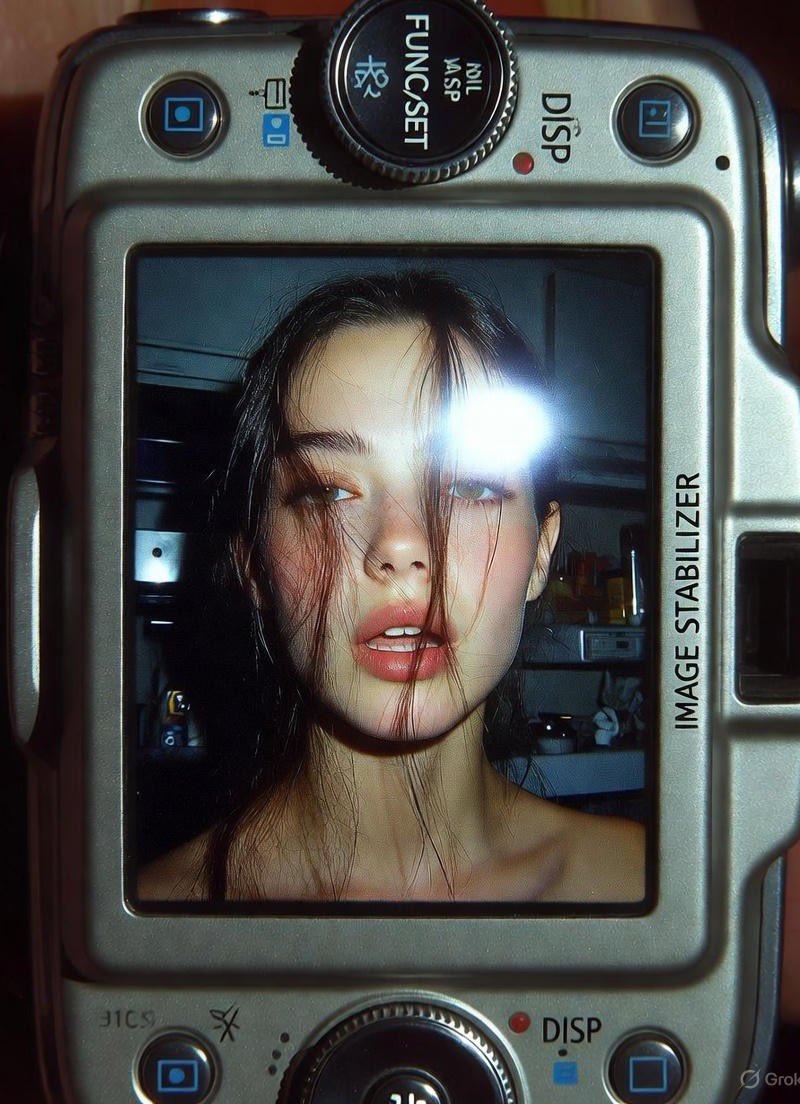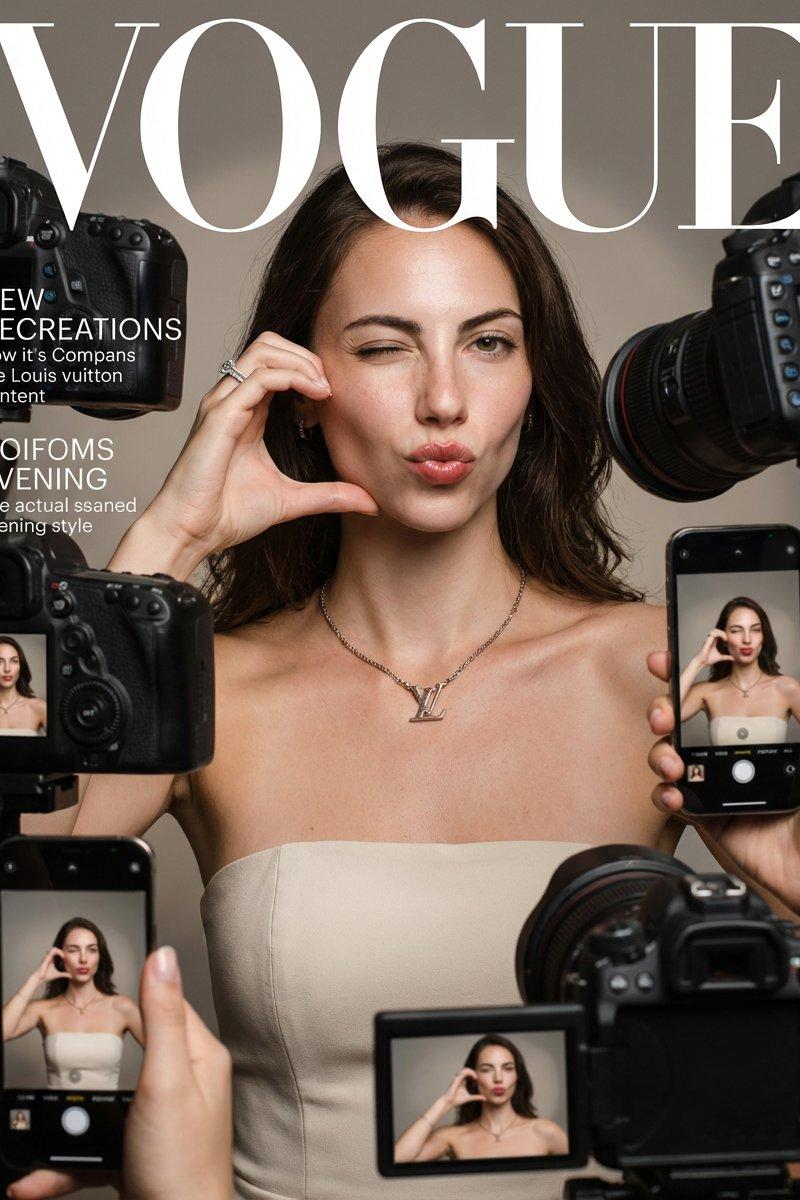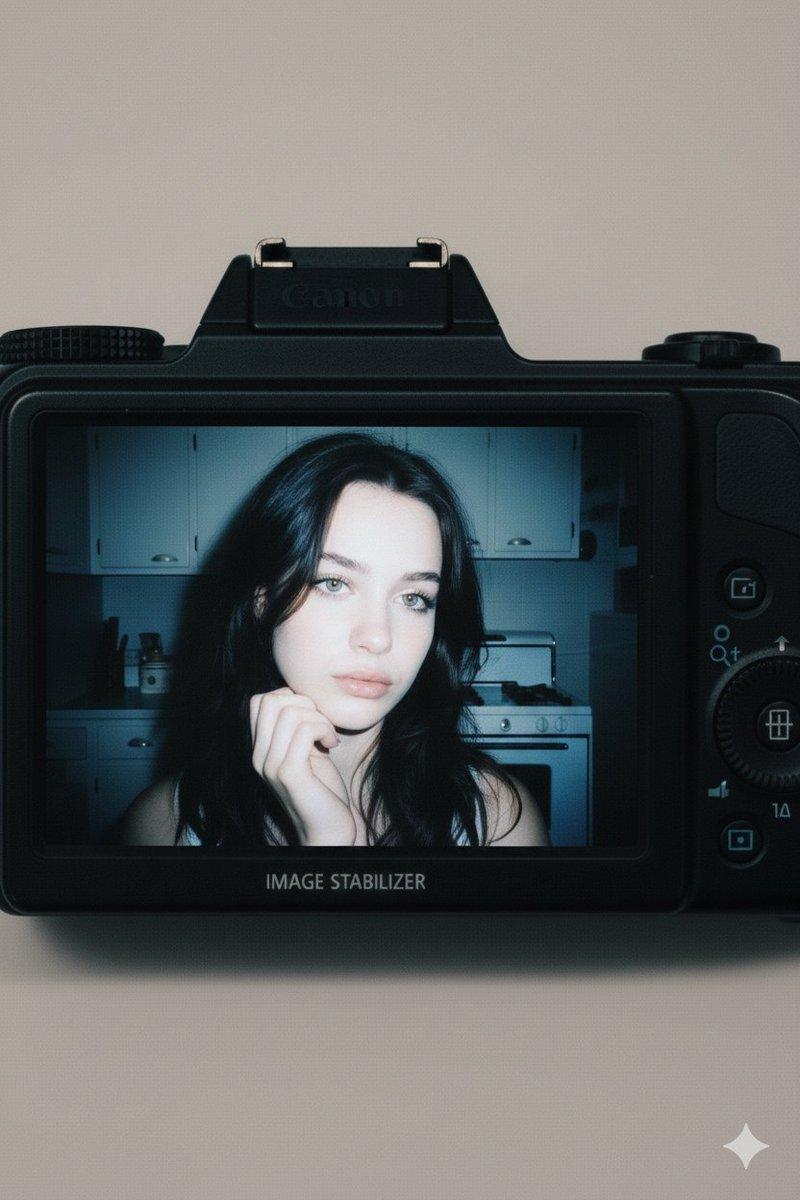
复古数码相机特写
提示词
Google Gemini Nano Banana pro 3.0 and Grok imagine
Use the same face from the reference image without changing facial features
{
"subject": {
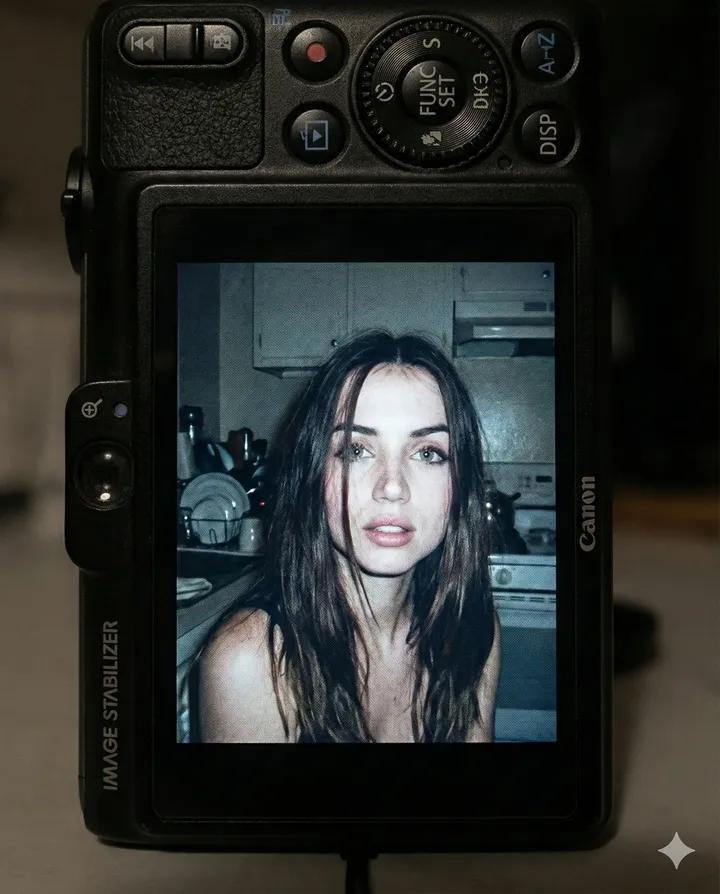
"person": "A young woman with dark, slightly messy brunette hair and light green eyes",
"expression": "Soft, melancholic, and candid",
"setting": "A dimly lit, vintage-style kitchen background with white cabinetry and a stove",
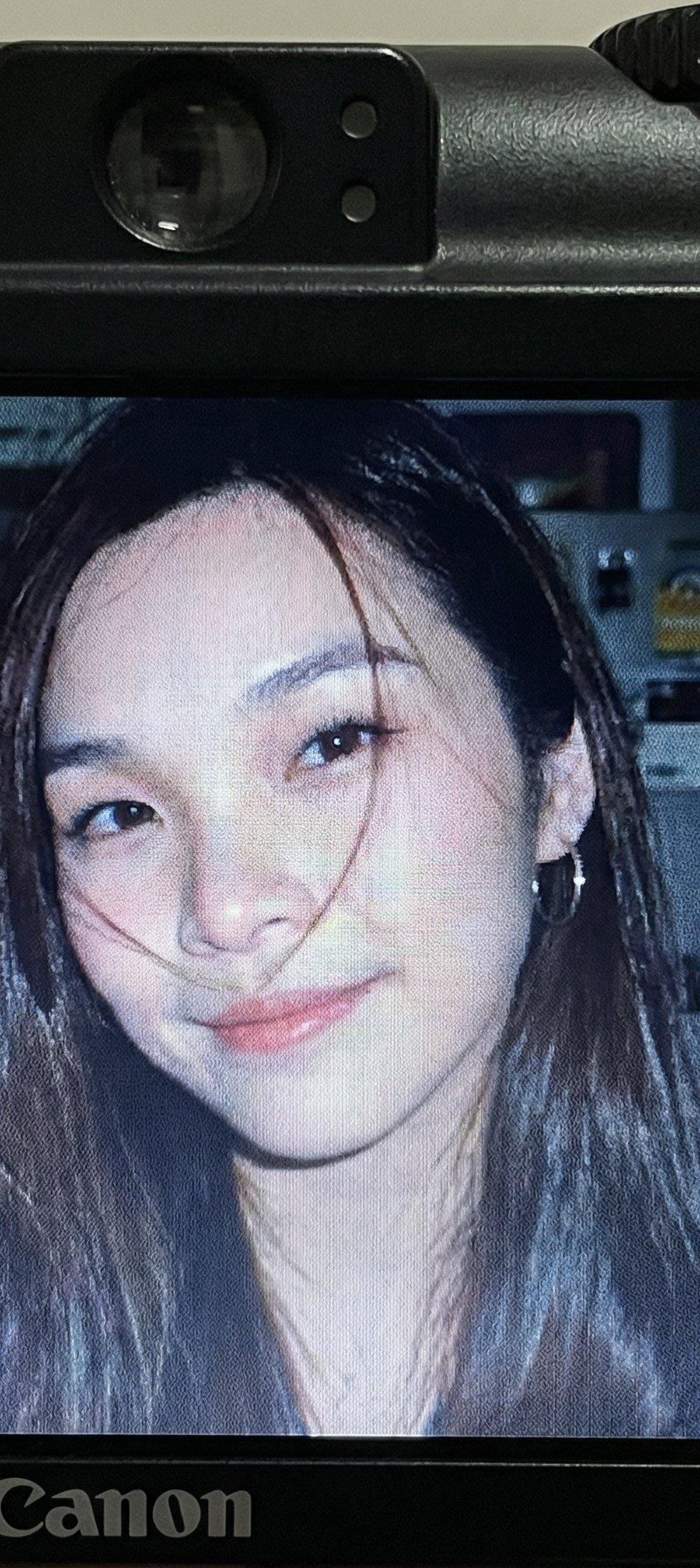
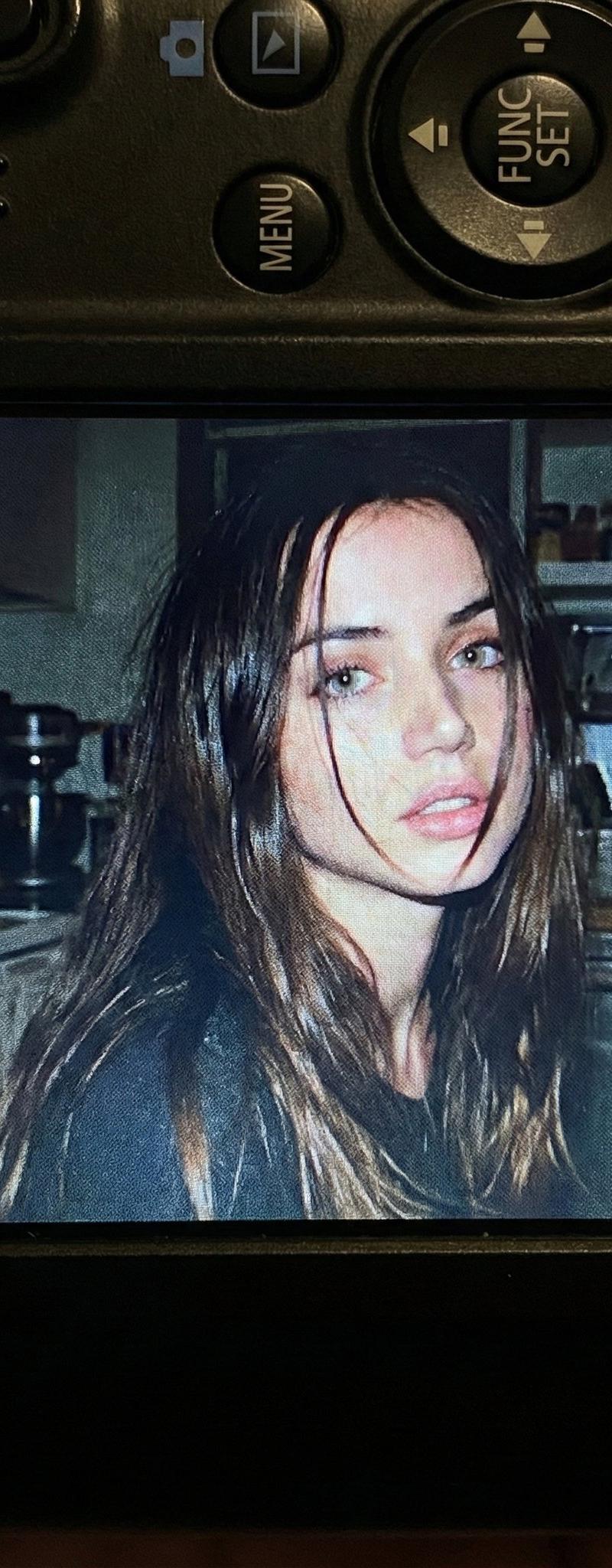
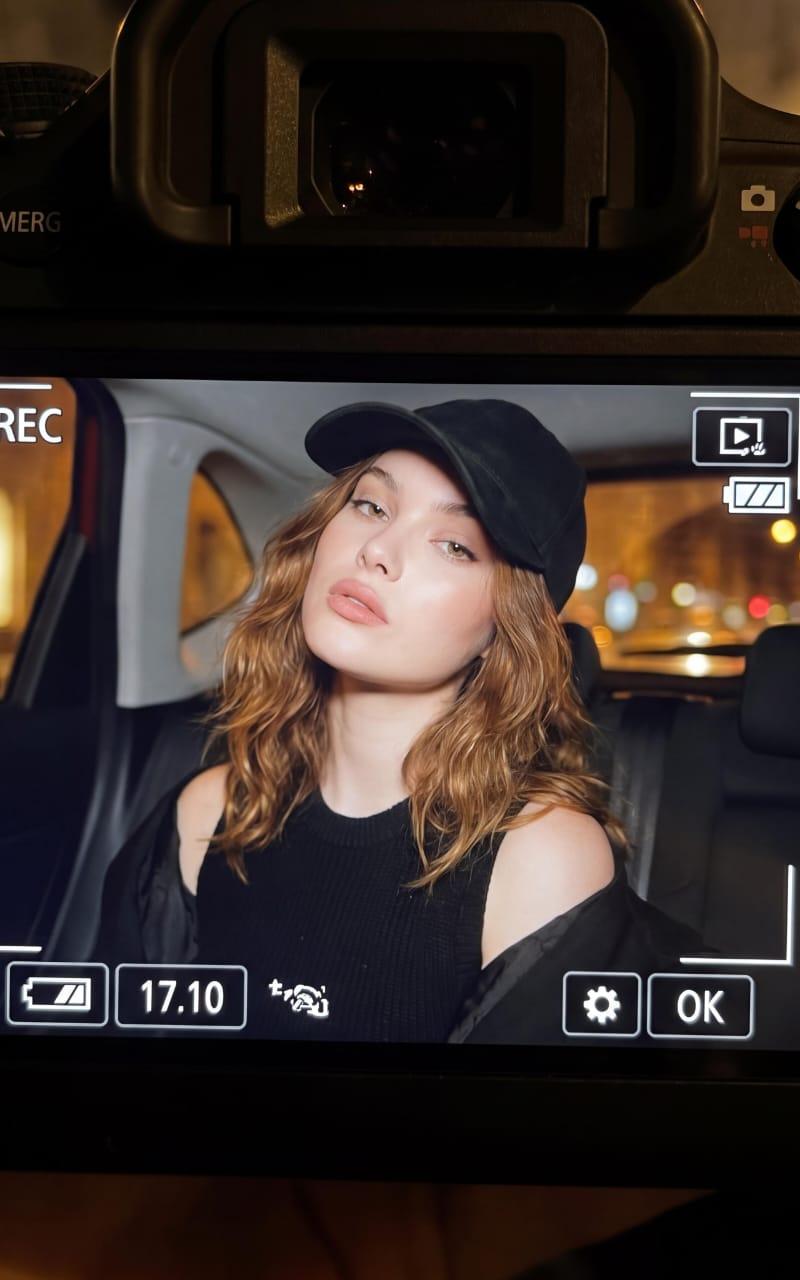
"framing": "A photo displayed on the LCD screen of a black Canon compact digital camera"
},
"aesthetic_style": {
"film_stock": "Early 2000s digital point-and-shoot aesthetic",
"lighting": "Harsh on-camera flash, high contrast, deep shadows in the background",
"color_palette": ["Cool blues", "Muted greys", "Pale skin tones", "Deep blacks"],
"texture": "Visible digital grain, slight motion blur, lo-fi resolution"
},
"camera_details": {
"device": "Black Canon PowerShot series compact camera",
"visible_elements": ["LCD screen", "Control wheel", "Function buttons", "Image Stabilizer text"],
"composition": "Close-up top-down view of the back of the camera device"
},
"mood": "Nostalgic, intimate, cinematic, \'digicam\' aesthetic",
"technical_parameters": {
"aspect_ratio": "4:5",
"focal_length": "Close-up macro of the device",
"depth_of_field": "Shallow, focusing on the LCD screen"
}
}- 分类
- 真实摄影
- 模型
- Nano Banana Pro
- 来源作者
- Sharon Riley
- 原始语言
- zh-CN
- 来源 ID
- vintage-digital-camera-close-up
浏览量0