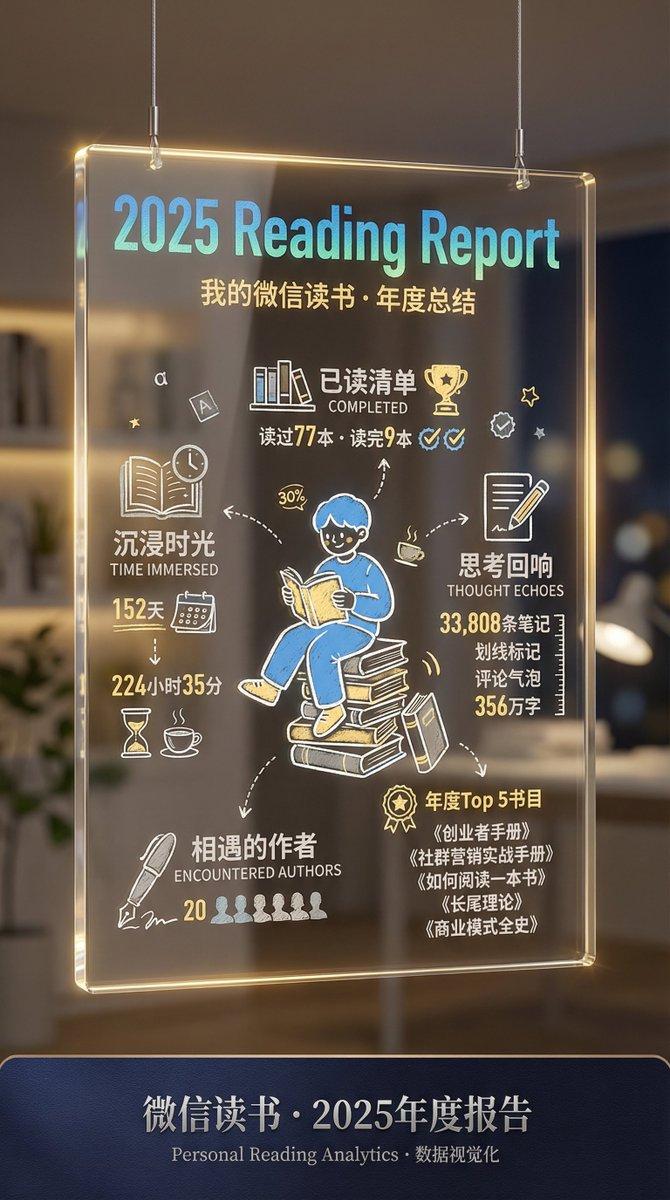
微信读书年终总结图生成过程
提示词
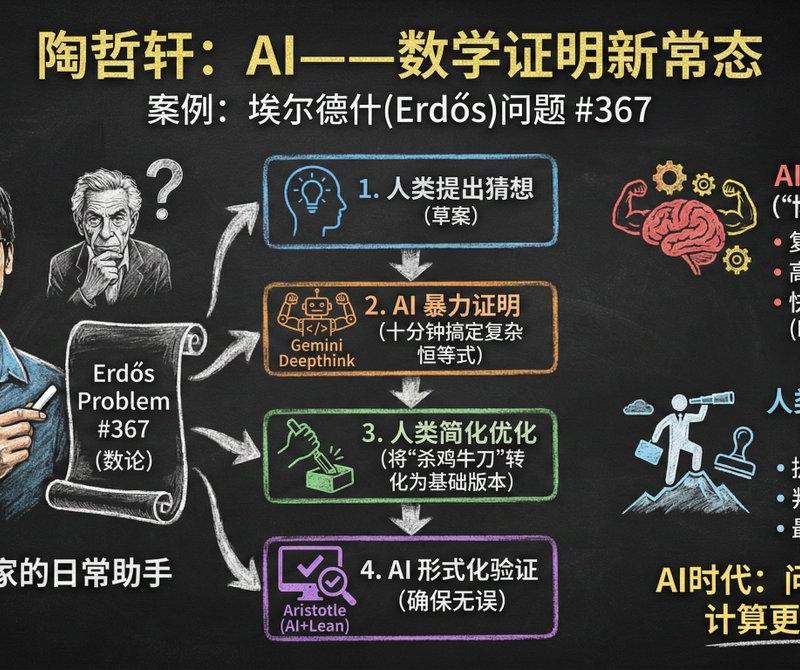
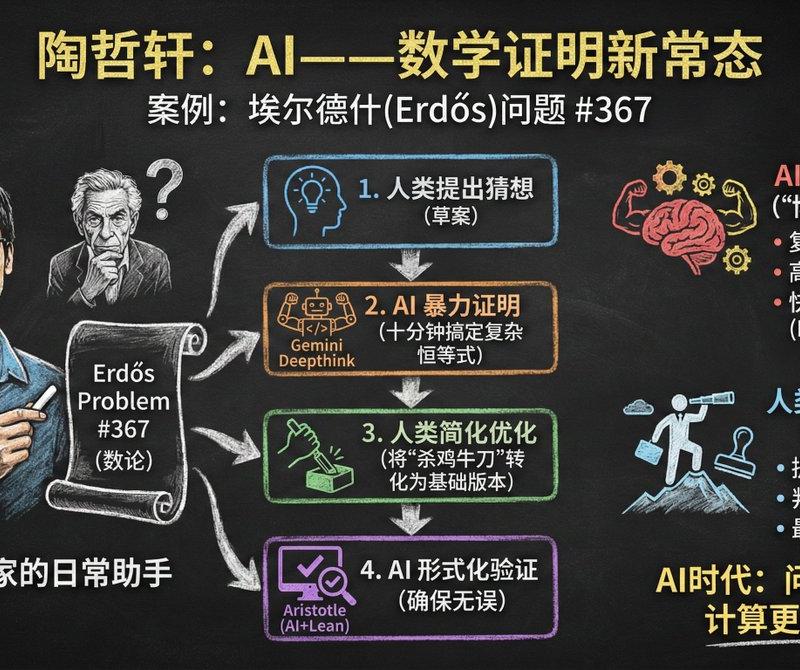
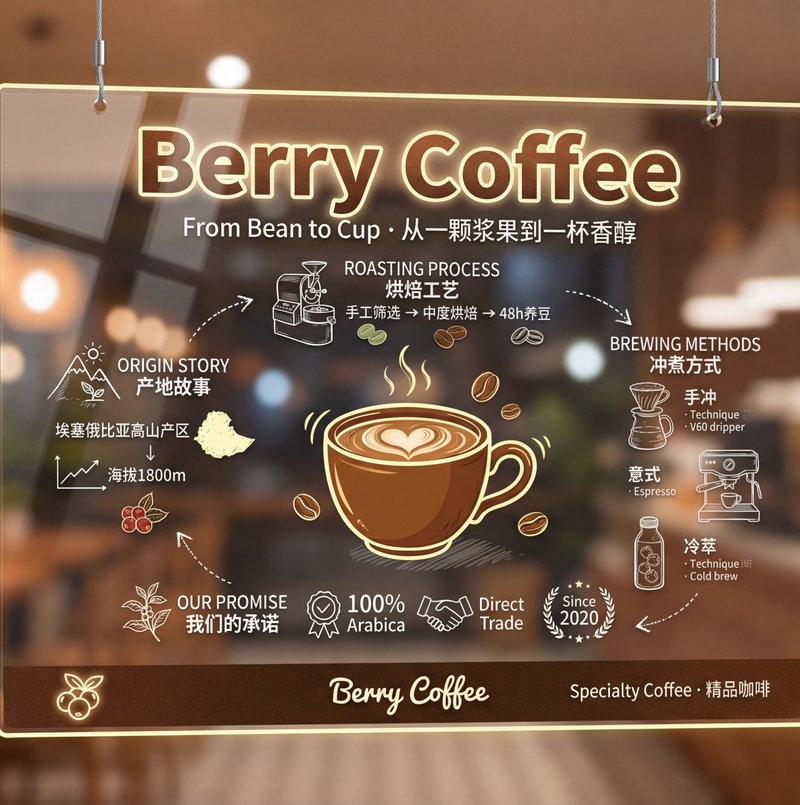
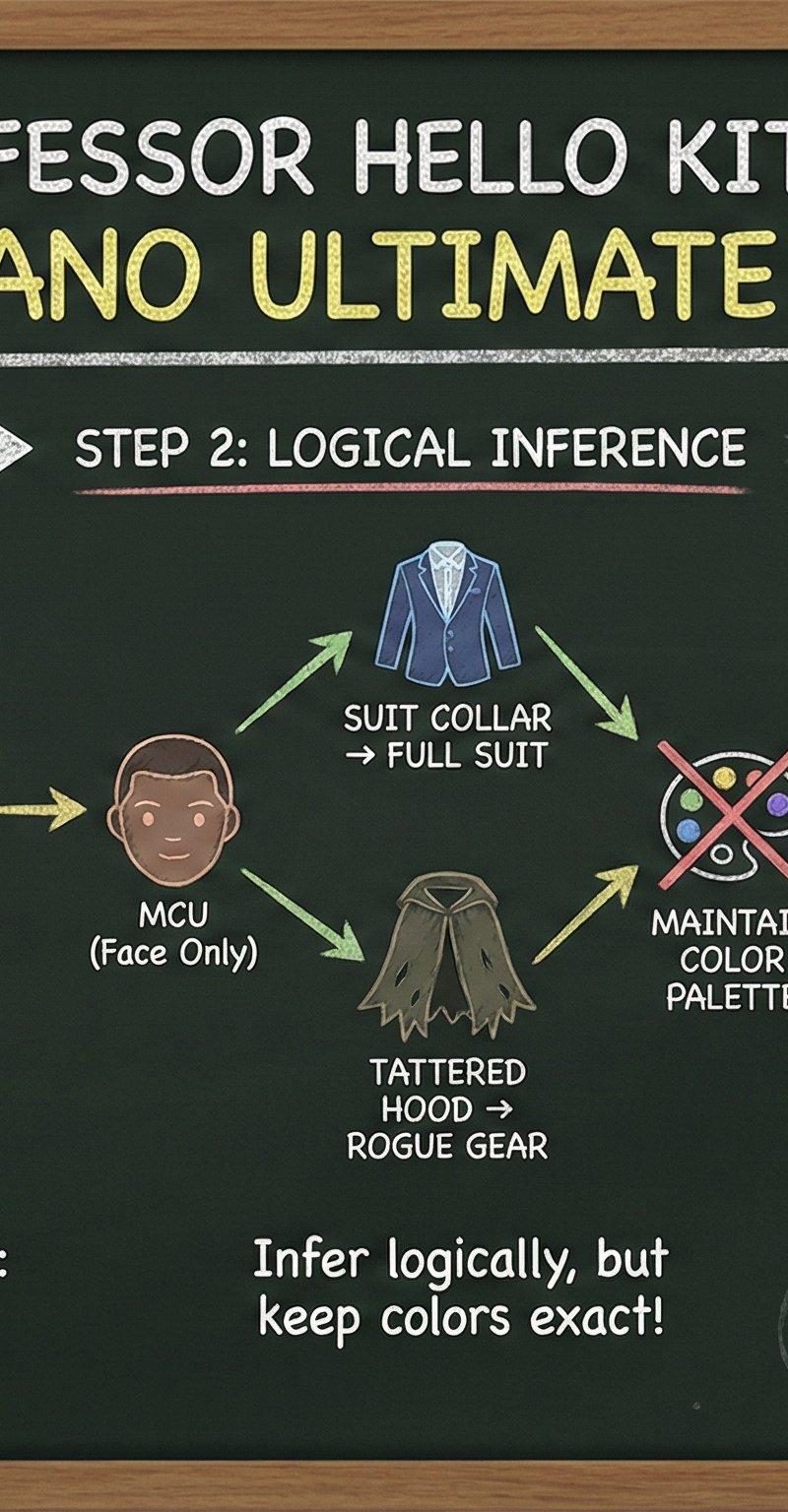
我今年没有用微信读书,由@LufzzLiz 的灵感结合@berryxia 的提示词用jason老师的图练手生成了微信年终总结
生成了9:16和16:9的版本,教程如下:
1、用微信读书的图,加上以下提示词
让GPT或Deepseek生成生图提示词
自己看情况做轻微修改
2、用生图提示词,使用Nano Banana Pro设定9:16和2k生图即可
提示词如下:
这些图片是我的微信读书的年终总结,我想把它们融合在一起参考下面的提示词生成一张图片,帮我填充下面提示词中方括号里面的内容,可以让我用Nano Banana pro生成图片,最终生成中文版本:
Ultra-realistic professional photography of a premium transparent acrylic signage panel.
The panel is suspended in mid-air by two thin metal cables from above, displayed in a
[环境类型] environment.
Main Subject - Transparent Signage Panel:
- Material: Crystal-clear transparent acrylic/glass with realistic reflections, edge
lighting glow, and refraction effects
- Content style: Hand-drawn chalk sketch aesthetic with slightly rough, imperfect lines
(not perfect vectors)
- Minimalist mounting: Two thin cables only, no corner screws
Content Layout:
TOP SECTION:
- Huge hand-written title: "[品牌名称]" in bold chalk-style lettering with [颜色] gradient
and [强调色] edge glow
- Subtitle: "[英文标语] · [中文标语]" in smaller elegant chalk text
CENTER SECTION - Illustrated [主题] & Information Diagram:
**CENTRAL ILLUSTRATION** (占30%中心区域):
- Hand-drawn cartoon-style [主体对象] in [视角描述] with charming, simplified proportions
- Artistic style: Clean line art with slight imperfections, [风格特征描述]
- Color: [主色填充色值] fill with white chalk outline and [强调色色值] accent highlights
- The [主体] has personality - slightly playful but still recognizable
- Subtle hand-drawn shadow beneath giving floating effect
**SURROUNDING INFORMATION SHOWCASE** (环绕式信息展示):
LEFT SIDE - [主题1]:
- Icon: [图标描述]
- "[英文标题]" / [中文标题]
- Hand-drawn details: "[关键信息1]" with [配图元素]
- "[关键信息2]" with [视觉元素]
TOP - [主题2]:
- Icon: [图标描述]
- "[英文标题]" with [示意图描述]
- "[关键信息]" with [技术插图]
- Connecting arrows to [主体对象相关部位]
RIGHT SIDE - [主题3]:
- Icon: [图标描述]
- "[英文标题]"
- Hand-drawn: [细节1], [细节2], [细节3]
- "[关键参数]" with measurement lines
BOTTOM - [主题4]:
- Icon: [图标描述]
- "[英文标题]" with [历史/补充信息]
- "[副标题]" badge with decorative elements
**CONNECTING ELEMENTS**:
- Hand-drawn arrows and dotted lines connecting all sections to the central [主体]
- Small decorative elements: [装饰元素1], [装饰元素2], [装饰元素3] scattered around
- All text in bilingual Chinese/English with organic hand-written style
Color Scheme:
- Base lines: Creamy white chalk texture (#F5F5DC)
- Main illustration: [主色色值] with white outlines
- Accent highlights: [强调色色值] for emphasis and decorative elements
- Icons and diagrams: Light gray (#B0B0B0) chalk sketches
- Brand color: [品牌色色值] for key text
BOTTOM SECTION - Brand Strip:
- [背景色色值] horizontal bar background with subtle texture
- Left: [品牌Logo描述] (silver metallic, glowing)
- Center: "[品牌标准字]" wordmark in elegant font
- Right: "[产品型号/规格信息]"
Environment & Photography:
- Background: [具体环境描述] with EXTREMELY HEAVY BLUR
- Depth of field: f/1.4 aperture simulation - background is almost completely abstract
- Only soft [色调1] bokeh balls and [色调2] light orbs visible, no recognizable shapes
- Hints of [环境元素] silhouettes dissolved into blur
- Viewing angle: Absolute straight-on frontal view, panel perfectly centered at eye level
- Lighting: Professional spotlight creating strong reflections on acrylic surface,
dramatic AR-like glowing edges in [强调色]
- Atmosphere: [时间段/氛围描述], the transparent panel glows against the heavily blurred background
- Cable suspension clearly visible at top edge catching light
Technical specs: 8K ultra-high resolution, cinematic color grading with high contrast,
photorealistic transparent acrylic material physics (edge glow, reflections, refractions),
delicate hand-drawn chalk texture details, premium [行业] photography quality, EXTREME
background bokeh making the panel content the absolute focus
CRITICAL: The background must be HEAVILY BLURRED (almost abstract bokeh), the hand-drawn
[主体] should be charming and cartoon-style (NOT photorealistic), occupying only 30% of
center space, with comprehensive information display surrounding it in organized layout.
- 分类
- 真实摄影
- 模型
- Nano Banana Pro
- 来源作者
- 小洲洲的AI日常
- 原始语言
- zh-CN
- 来源 ID
- wechat-reading-year-end-summary-image-generation-process
浏览量0