图表信息图YouMindgpt-image-2charts-infographics
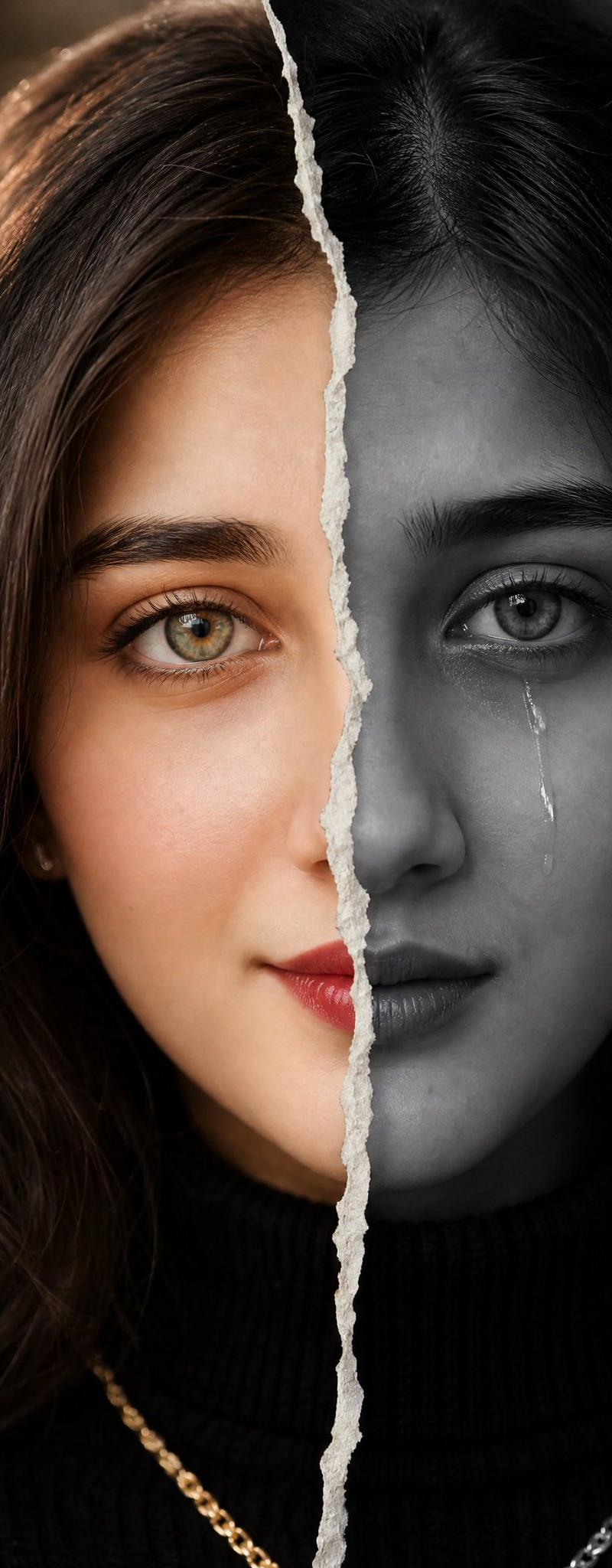
撕纸分割人像
提示词
Create a high-resolution hyper-realistic cinematic close-up portrait of {argument name="character description" default="a woman with long wavy hair wearing a black ribbed turtleneck"}, centered and facing forward, with the entire image split exactly down the vertical middle by a jagged torn white paper seam running from the top edge through the hair and down to the bottom edge. The left half is vibrant warm color with chestnut-brown hair, golden rim lighting, warm skin tones mostly hidden, a soft brown studio background, and a visible gold chain necklace at the lower left. The right half is dark desaturated near-black monochrome with black hair, deep shadows, a charcoal background, and a visible silver chain necklace at the lower right. Place one large opaque square censor block over the center of the portrait, covering the face from just below the top hairline to the upper chest; the block should have a subtle horizontal gradient from warm brown on the left to dark charcoal on the right, aligned with the split. Use dramatic low-key lighting, shallow depth of field, realistic hair texture, moody editorial fashion photography, 4:5 vertical composition, no text, no watermark, no extra objects.- 分类
- 图表信息图
- 模型
- GPT Image 2
- 来源作者
- Ruqaiya Ai
- 原始语言
- en
- 来源 ID
- 24316
- 发布时间
- 2026年6月5日
浏览量1112