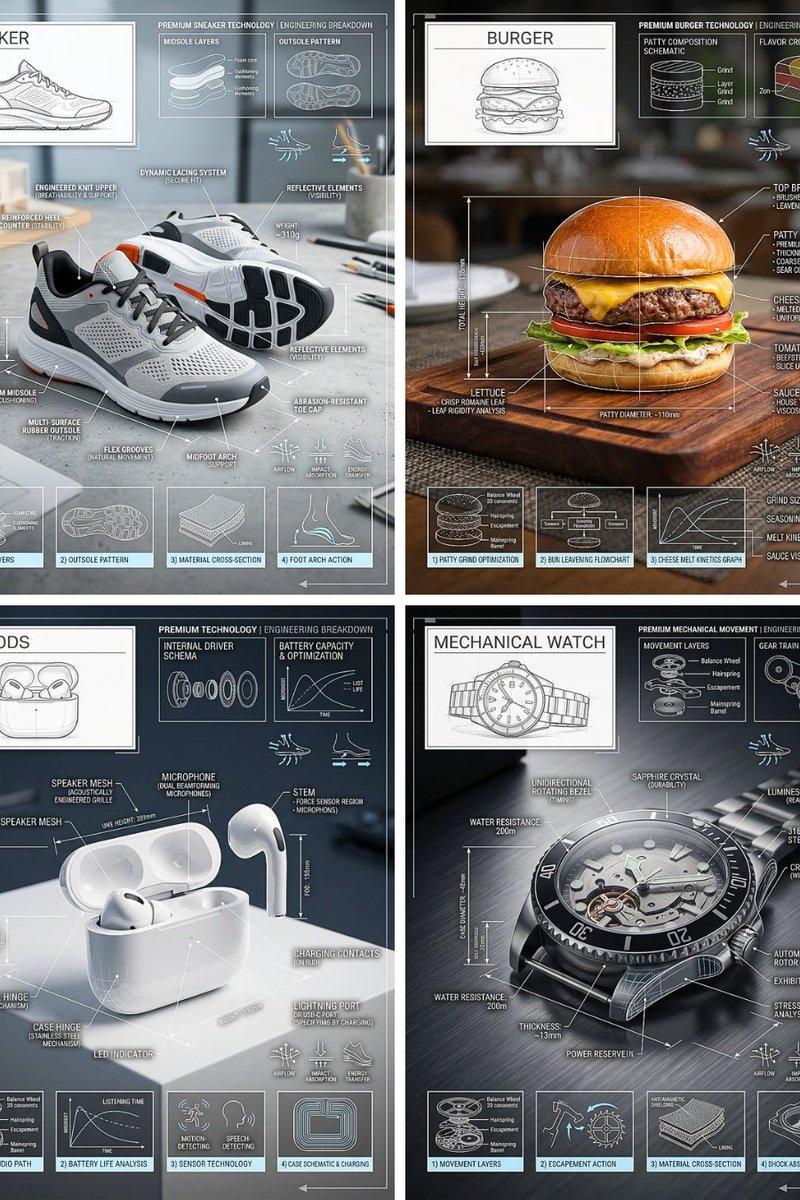
技术拆解信息图
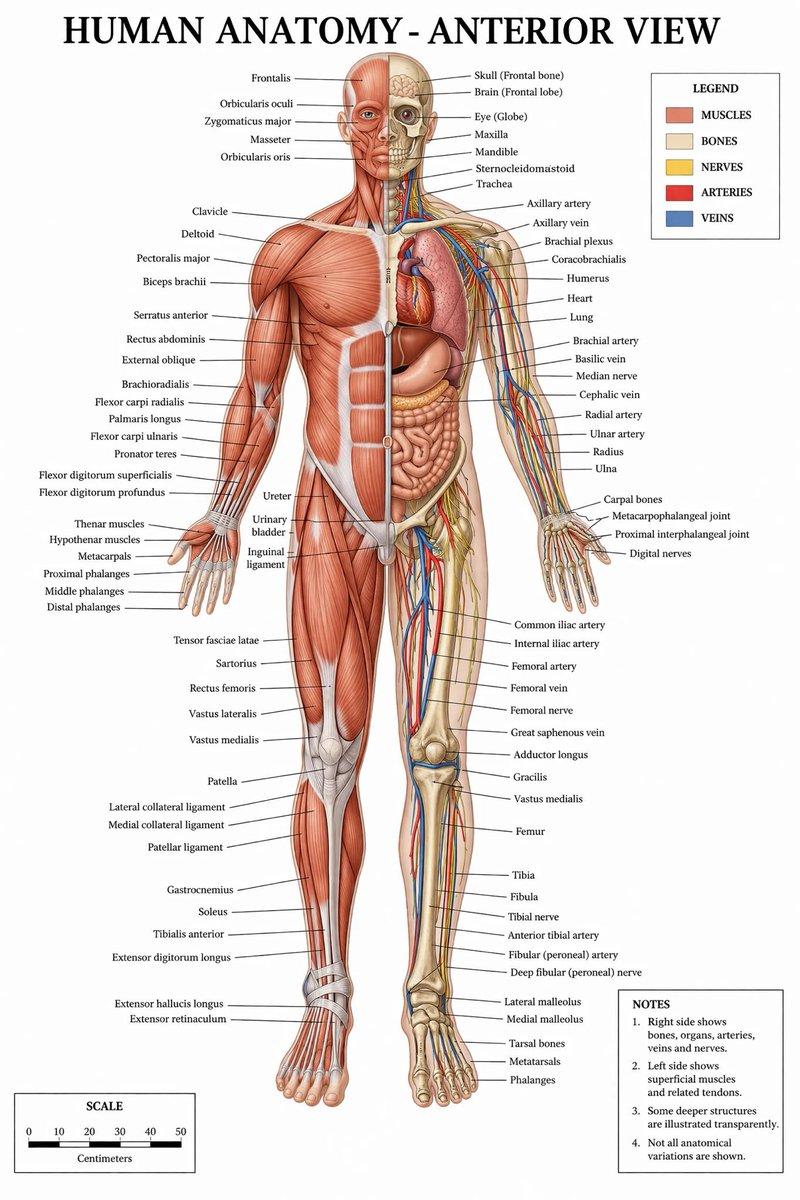
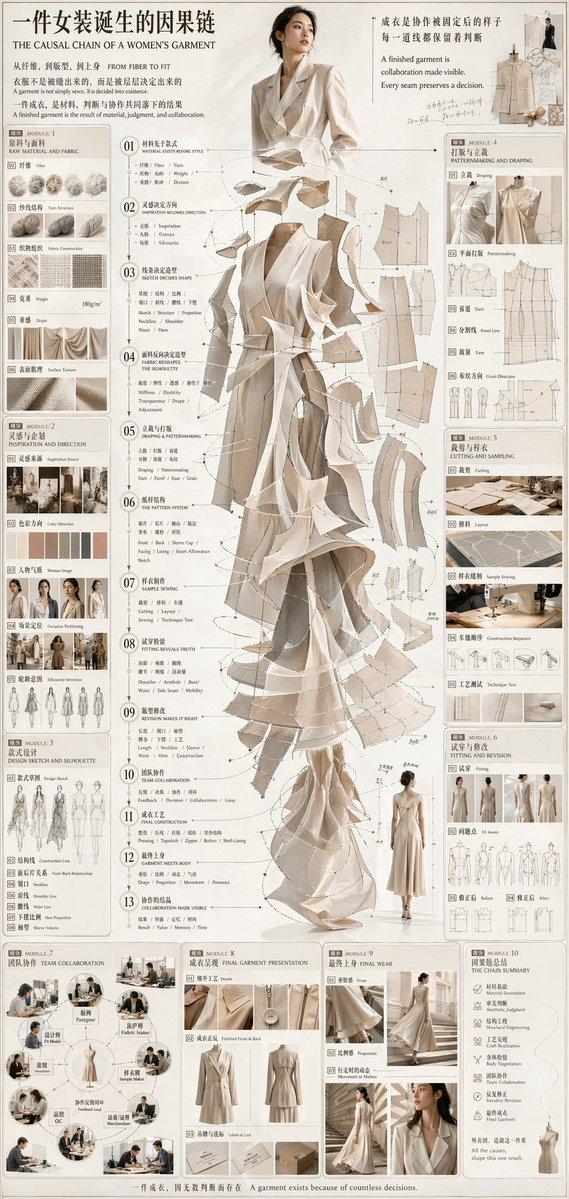
一个技术信息图提示词,用于获取物体的形态,并叠加专业的蓝图风格细节、标签和图表。
- 分类
- 图表信息图
- 模型
- GPT Image 2
- 来源作者
- PromptLab
- 原始语言
- en
- 来源 ID
- 24451
- 发布时间
- 2026年6月6日
完整提示词
Create a high-quality technical infographic of {argument name="target object" default="[OBJECT]"}. Use the provided reference image only to understand the shape and form of the object — do not replicate the original photo, angle, composition, or background. Reimagine the subject as a fresh, professional, and realistic photograph with a clean, well-lit setup and a more aesthetic background. The object itself should look like a real photo, not an illustration. Layer a {argument name="overlay style" default="technical blueprint-style overlay"} on top, featuring white lines, arrows, dimension callouts, part labels, material notes, measurements, and small functional diagrams. The overall composition should feel clear, elegant, and informative. Include a sketch inset box in the upper left corner labeled "OBJECT". 4:5 ratio.多语言2
技术拆解信息图
zh-CNCreate a high-quality technical infographic of {argument name="target object" default="[OBJECT]"}. Use the provided reference image only to understand the shape and form of the object — do not replicate the original photo, angle, composition, or background. Reimagine the subject as a fresh, professional, and realistic photograph with a clean, well-lit setup and a more aesthetic background. The object itself should look like a real photo, not an illustration. Layer a {argument name="overlay style" default="technical blueprint-style overlay"} on top, featuring white lines, arrows, dimension callouts, part labels, material notes, measurements, and small functional diagrams. The overall composition should feel clear, elegant, and informative. Include a sketch inset box in the upper left corner labeled "OBJECT". 4:5 ratio.
Technical Breakdown Infographic
enCreate a high-quality technical infographic of {argument name="target object" default="[OBJECT]"}. Use the provided reference image only to understand the shape and form of the object — do not replicate the original photo, angle, composition, or background. Reimagine the subject as a fresh, professional, and realistic photograph with a clean, well-lit setup and a more aesthetic background. The object itself should look like a real photo, not an illustration. Layer a {argument name="overlay style" default="technical blueprint-style overlay"} on top, featuring white lines, arrows, dimension callouts, part labels, material notes, measurements, and small functional diagrams. The overall composition should feel clear, elegant, and informative. Include a sketch inset box in the upper left corner labeled "OBJECT". 4:5 ratio.