16

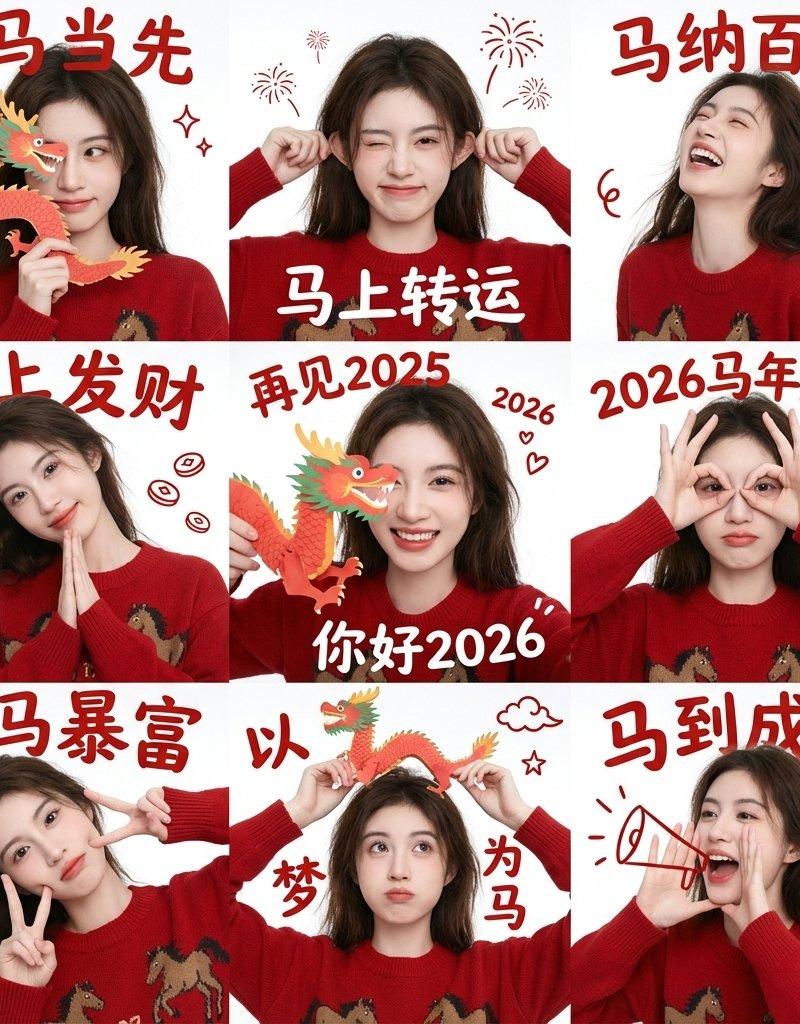
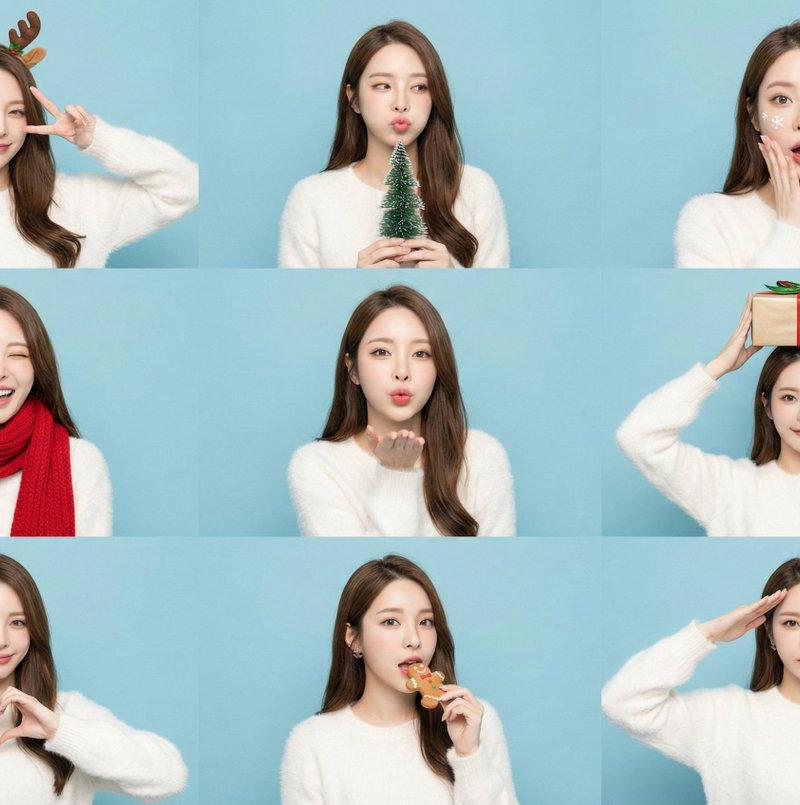
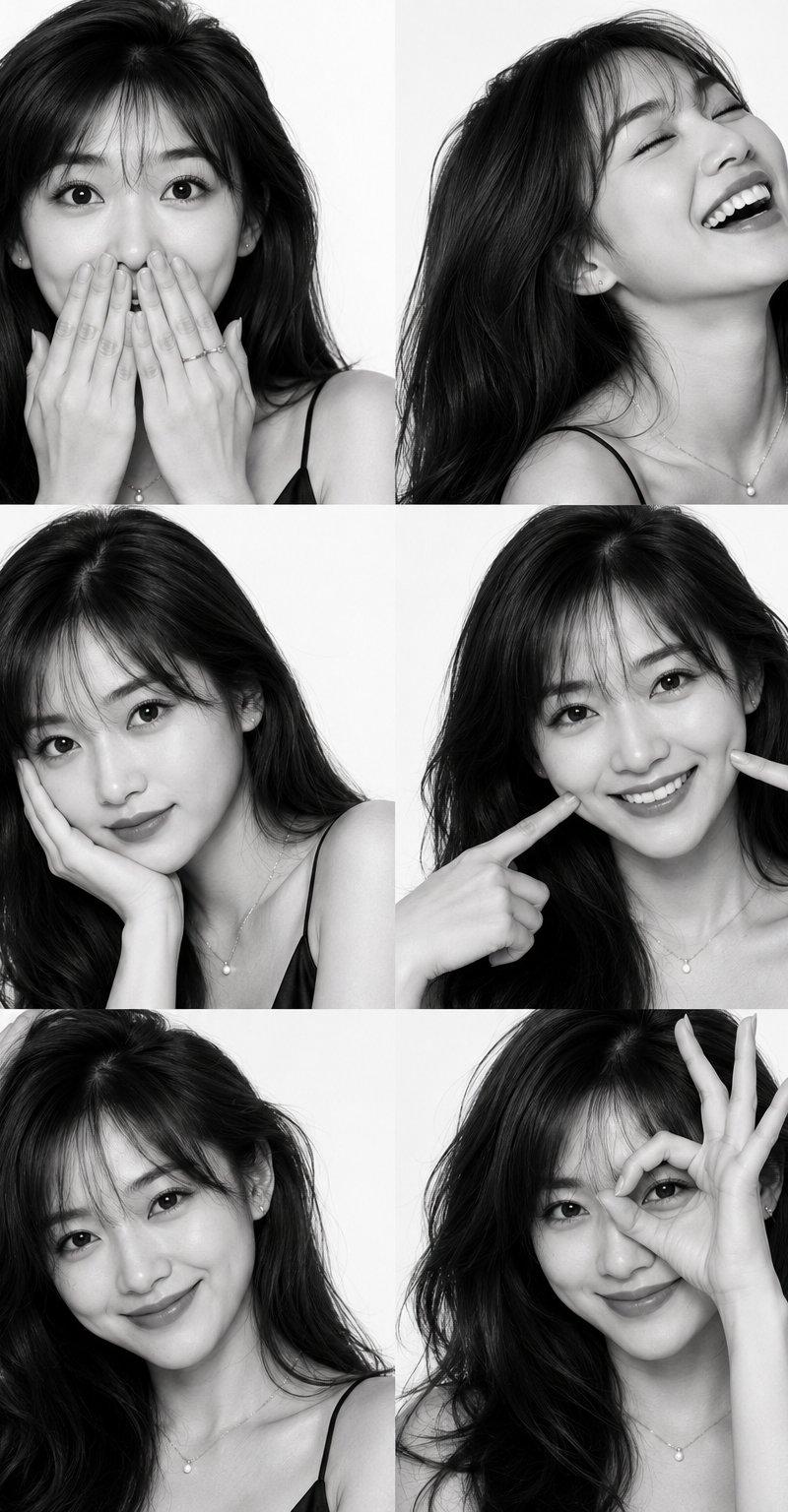
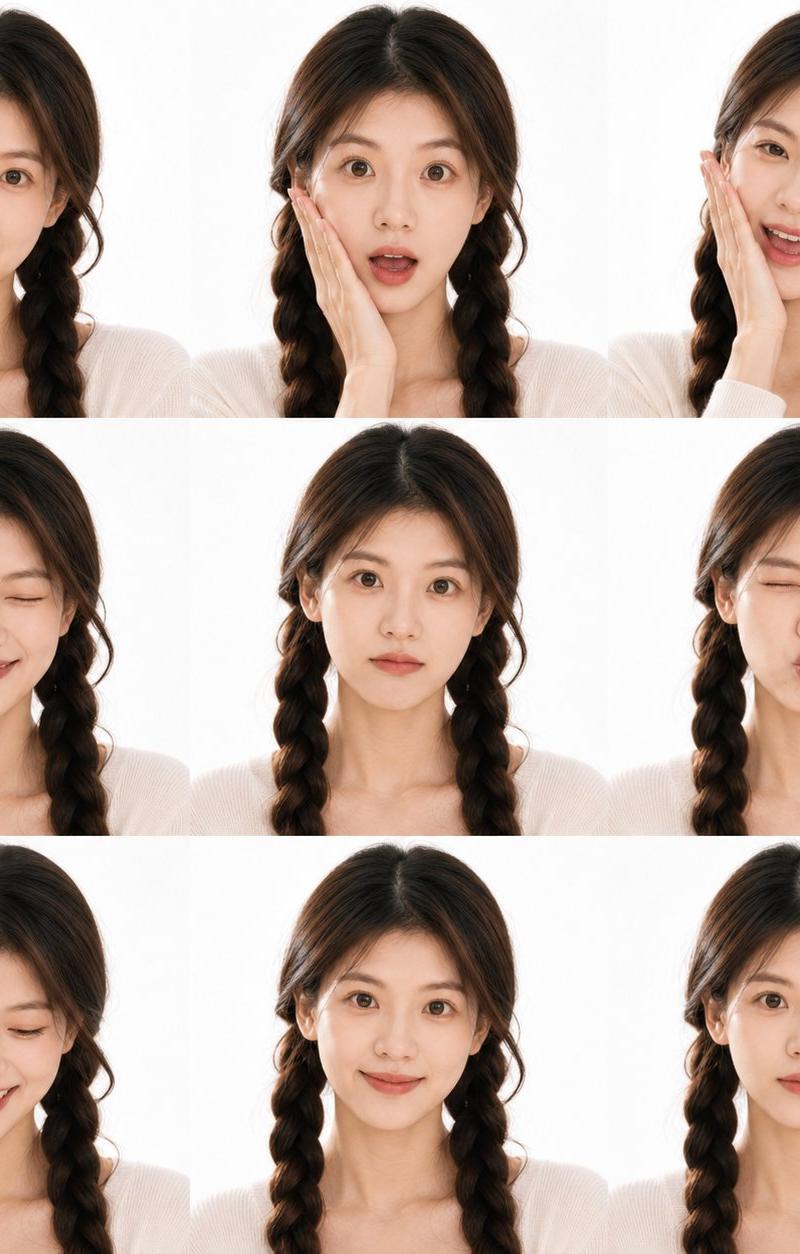
Chinese New Year 3x3 male grid: GPT Image 2 prompt
Enlarge

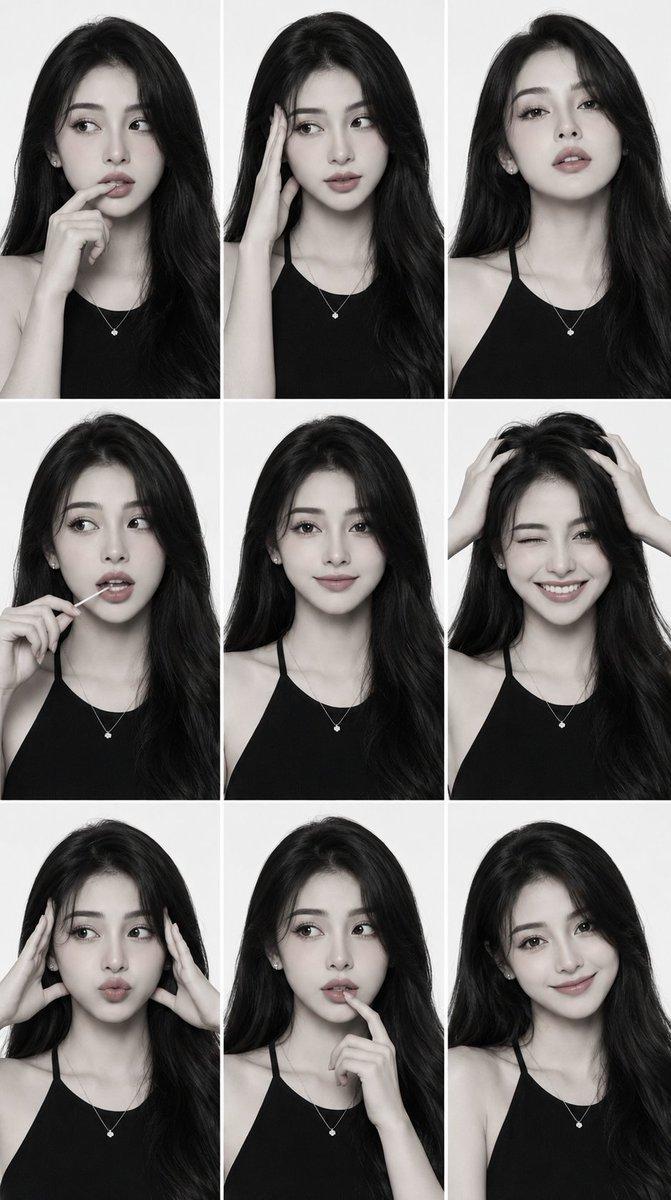
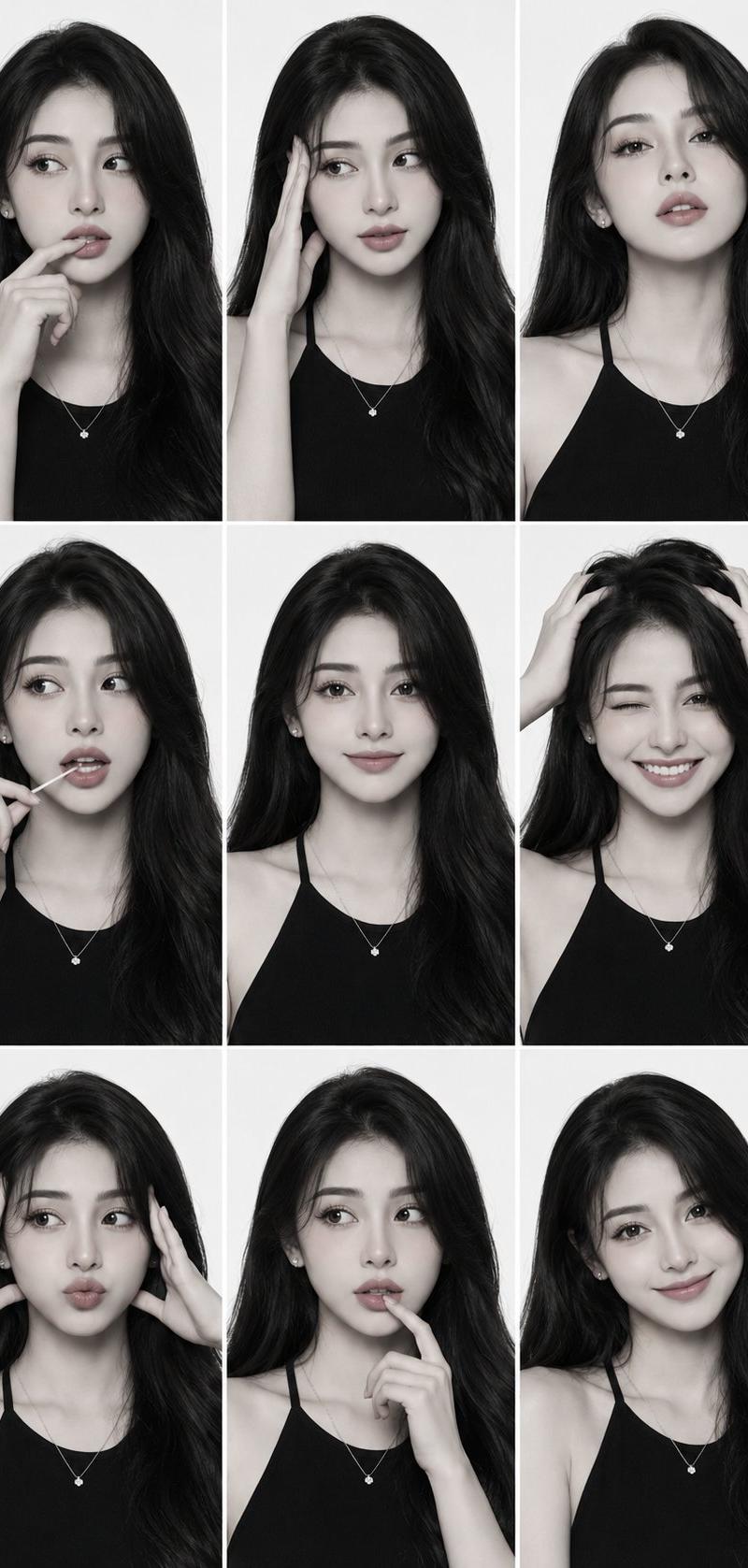
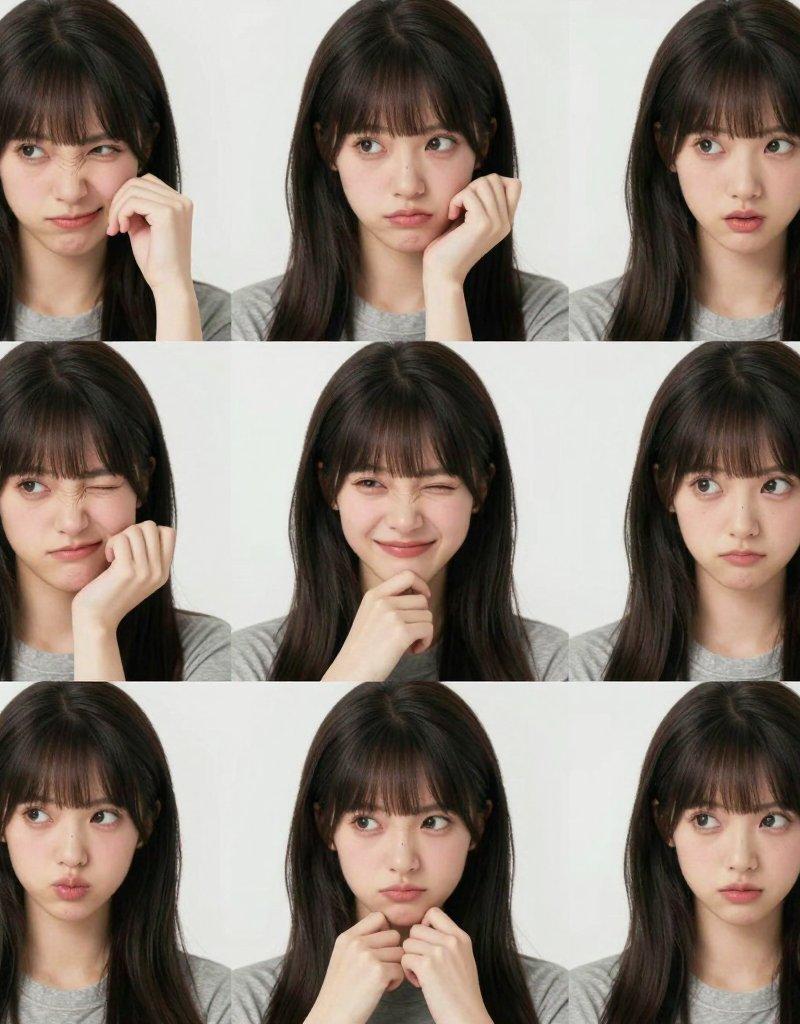
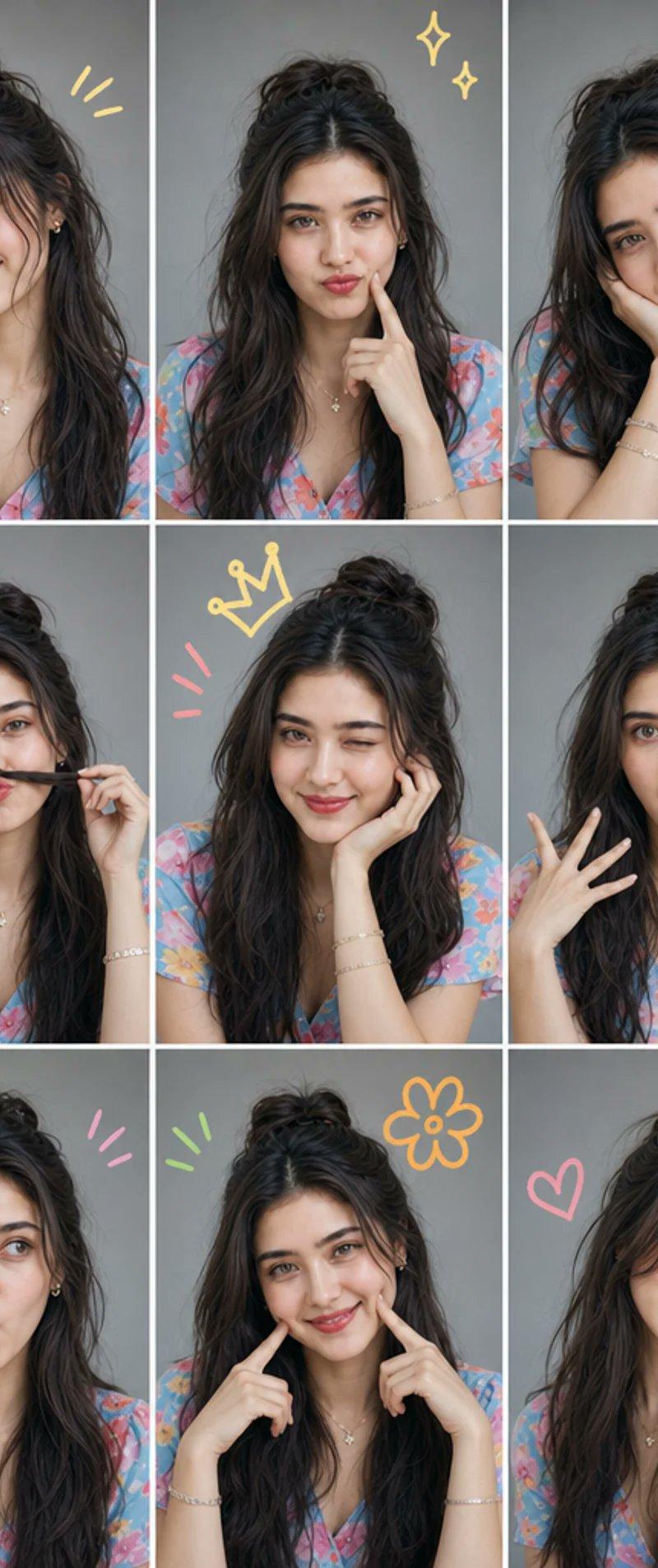
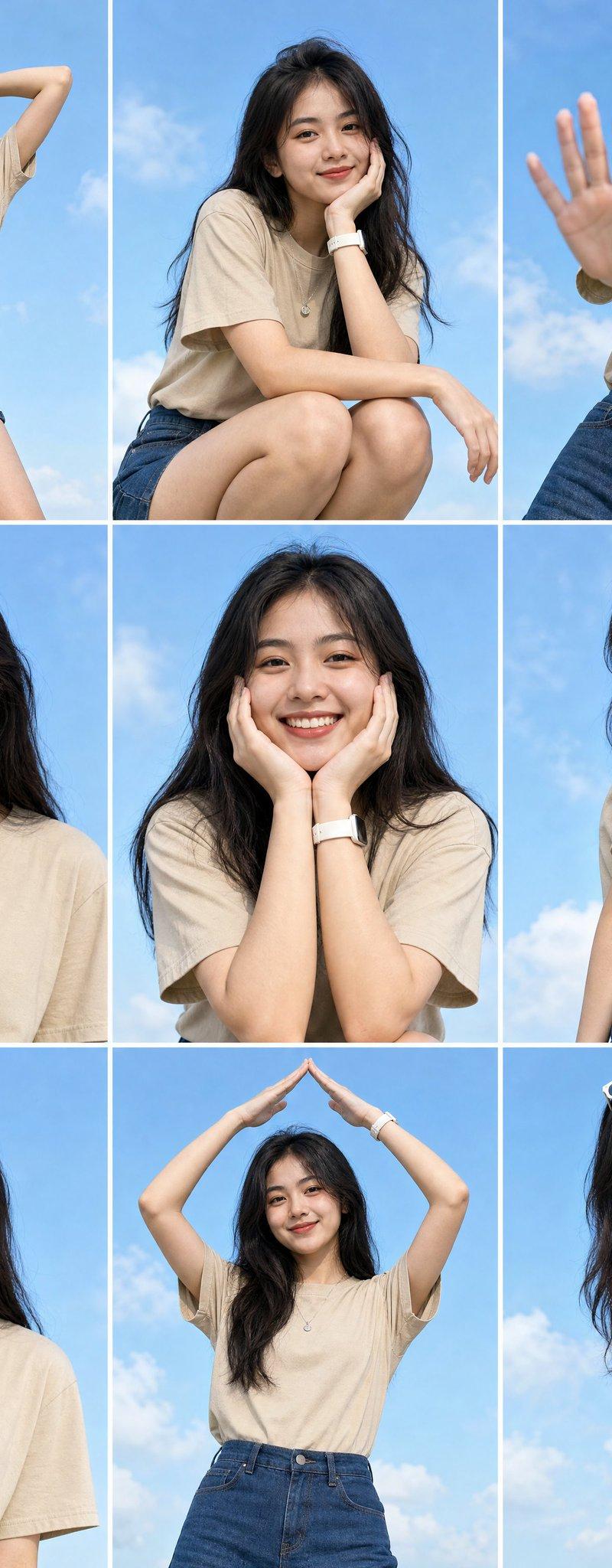
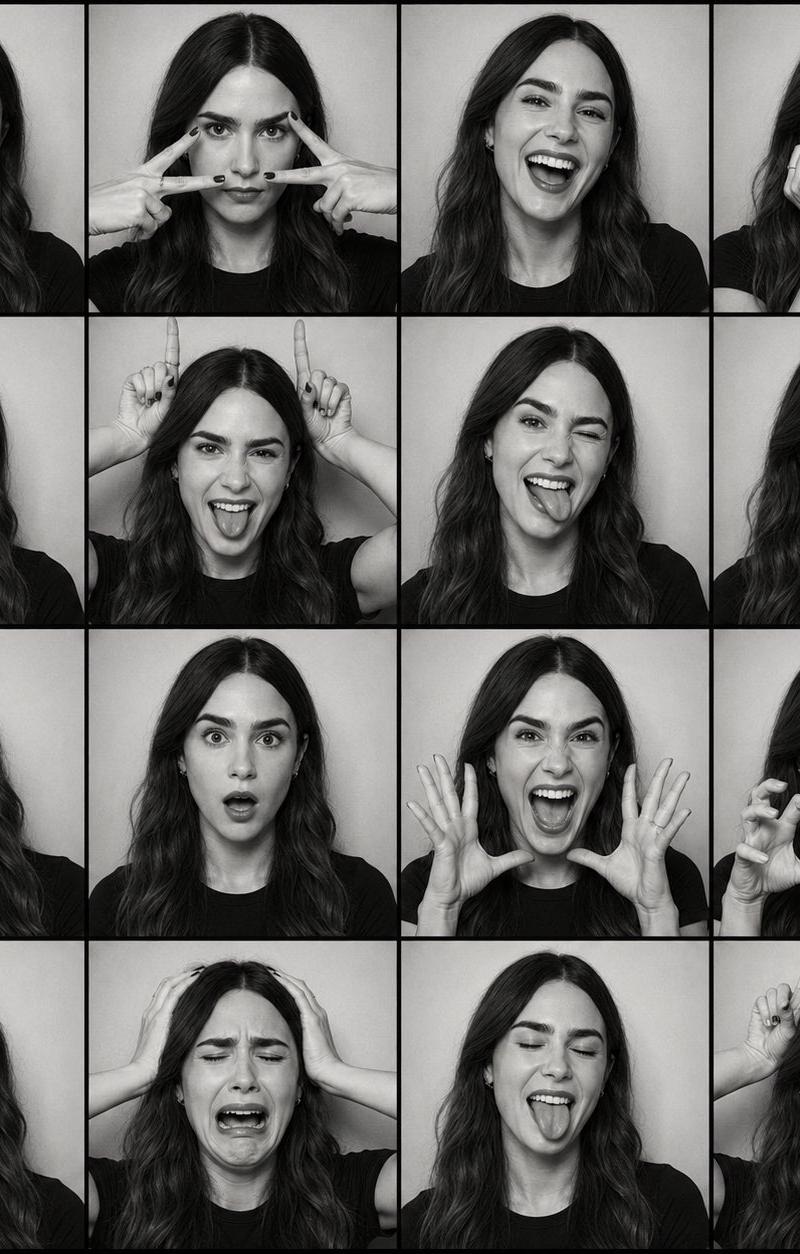
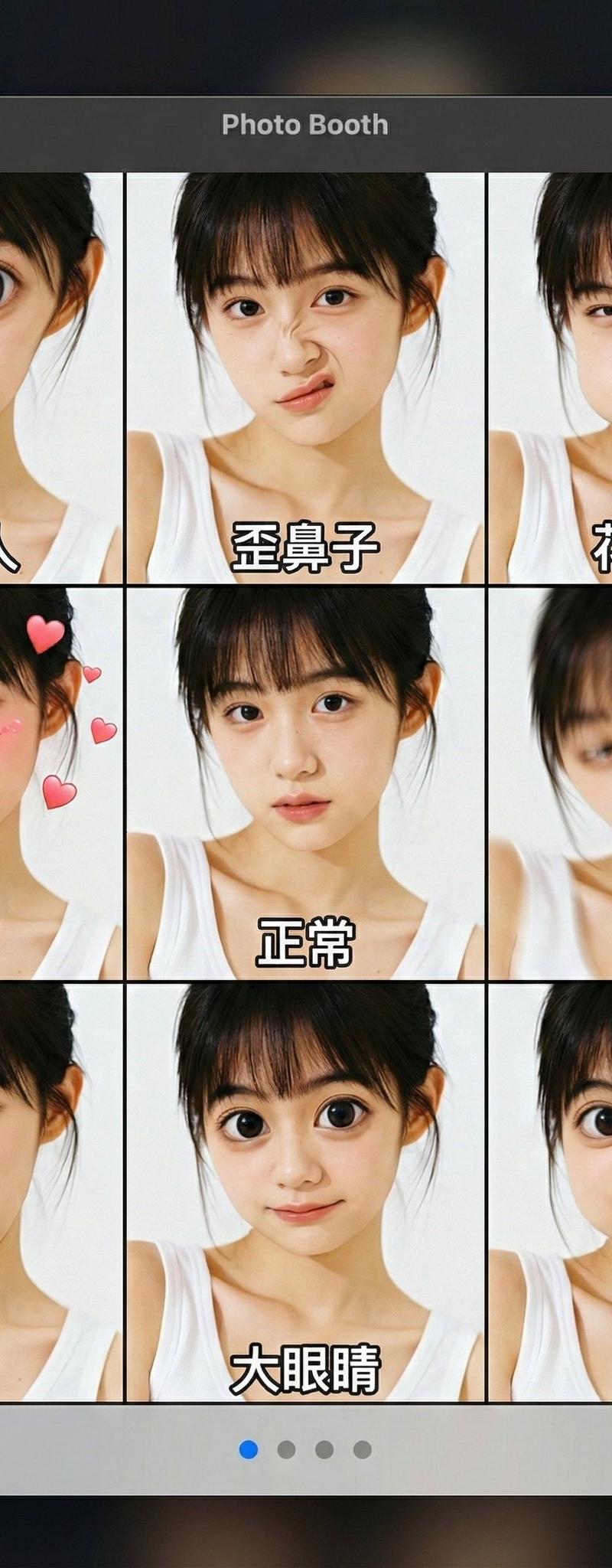
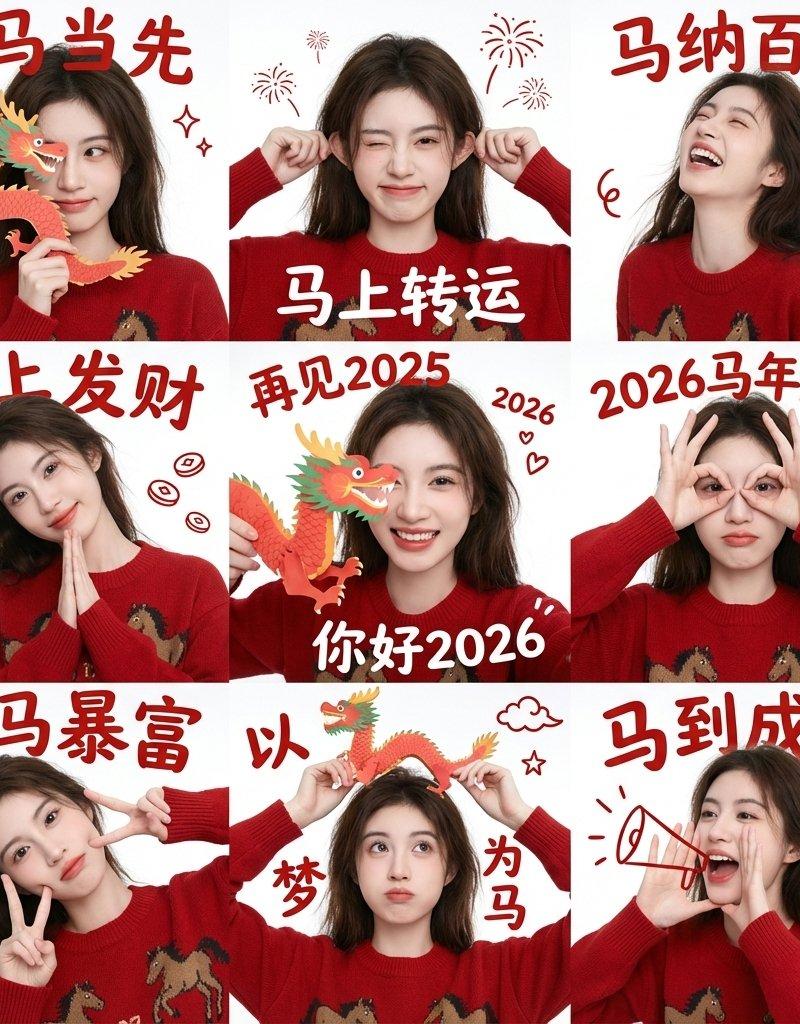
Example images

Chinese New Year 3x3 male grid: GPT Image 2 prompt

Prompt
{
 "project_settings": {
 "task_type": "九宫格新年祝福肖像(男生版)",
 "aspect_ratio": "1:1",
 "grid_layout": "3x3",
 "batch_size": 1
 },

 "overall_style": {
 "整体风格": "极简新年祝福风",
 "视觉基调": "干净、温和、克制的节日感",
 "背景": "纯色白墙面,无装饰",
 "光线": "自然柔光,均匀无强阴影",
 "色彩重点": "中国红(服装 + 文字)"
 },

 "subject_base": {
 "人物一致性": "九宫格内为同一位人物",
 "人物类型": "亚洲男性",
 "性别气质": "干净、阳光、自然,不油腻",
 "发型": "黑色短发,自然蓬松,简洁利落",
 "服装": "红色针织毛衣或卫衣,简洁无图案",
 "妆容": "无明显妆感,真实自然肤质",
 "表情气质": "开心,克制的微笑,不夸张"
 },

 "pose_variations": {
 "grid_1": "食指竖于嘴前,轻松安静手势",
 "grid_2": "单手比 V 手势靠近脸部",
 "grid_3": "单手做 OK 或三指手势",
 "grid_4": "双手举起做轻松俏皮手势(不过度卖萌)",
 "grid_5": "单手张开遮住半边脸",
 "grid_6": "单手做电话手势靠近脸侧",
 "grid_7": "单手轻点脸颊或下巴",
 "grid_8": "单手托下巴,轻微思考姿势",
 "grid_9": "双手指向脸部或克制比心变体"
 },

 "text_overlays": {
 "字体风格": "传统中文新年书法字体",
 "文字颜色": "中国红",
 "年份颜色": "深蓝色",
 "文字位置": "每一格顶部居中",
 "文字结构": "四字祝福语 + 年份"
 },

 "text_content": [
 { "position": "grid_1", "text": "一帆风顺", "year": "2026" },
 { "position": "grid_2", "text": "双喜临门", "year": "2026" },
 { "position": "grid_3", "text": "三阳开泰", "year": "2026" },
 { "position": "grid_4", "text": "四季发财", "year": "2026" },
 { "position": "grid_5", "text": "五福临门", "year": "2026" },
 { "position": "grid_6", "text": "六六大顺", "year": "2026" },
 { "position": "grid_7", "text": "七星高照", "year": "2026" },
 { "position": "grid_8", "text": "八方来财", "year": "2026" },
 { "position": "grid_9", "text": "九九同心", "year": "2026" }
 ],

 "constraints": {
 "禁止项": [
 "不改变人物身份",
 "不夸张表情",
 "不女性化姿态",
 "不使用复杂背景",
 "不添加节日道具",
 "不风格化面部"
 ],
 "一致性要求": [
 "人物脸型五官保持完全一致",
 "服装颜色与材质一致",
 "拍摄角度与距离基本一致"
 ]
 },

 "use_cases": [
 "男生新年纪念照",
 "个人春节祝福九宫格",
 "社交平台头像矩阵",
 "品牌新年男生模板"
 ]
}
Category
Photography & Realism
Model
GPT Image 2
Creator
摆烂程序媛
Source language
zh-CN
Views0
Source ID
2008421241091154115
Published
Jan 6, 2026
Studio

Guide

About "Chinese New Year 3x3 male grid: GPT Image 2 prompt"

What is this prompt for?

"Chinese New Year 3x3 male grid: GPT Image 2 prompt" AI image prompt for GPT Image 2 (Photography & Realism). { "project_settings": { "task_type": "九宫格新年祝福肖像(男…

The full copyable prompt and example visuals above are ready for AI image generation or one-click recreate in Picva.

How to use this prompt

  1. Step 1

    Open the prompt detail

    Review the example visuals, category, and full prompt text for "Chinese New Year 3x3 male grid: GPT Image 2 prompt".

  2. Step 2

    Copy the prompt

    Copy the prompt body from this page, or load it directly in Studio.

  3. Step 3

    Pick a model (GPT Image 2)

    Prefer GPT Image 2. If you switch models, keep subject and composition and tweak style terms.

  4. Step 4

    Generate and export

    Recreate the look in Picva, or export into your workflow for editing and publishing.

FAQ

What is the "Chinese New Year 3x3 male grid: GPT Image 2 prompt" prompt?
It is an AI image-generation prompt for GPT Image 2 in the Photography & Realism category. This page includes the full prompt text, example visuals, and a one-click recreate path in Picva.
How do I use this prompt to generate an image?
Copy the prompt from this page, or use Generate / Studio. Paste it into a compatible image model, or recreate the look in Picva with optional reference images.
Which model is this prompt for?
This page lists GPT Image 2. Most descriptive prompts also transfer to nearby image models such as GPT Image, Flux, or Midjourney with light style tweaks.
Can I use the result commercially?
You can usually copy the prompt for creation, but commercial use of the final image depends on the model terms, reference-image rights, and the generated content. Follow the source author and platform rules.