18

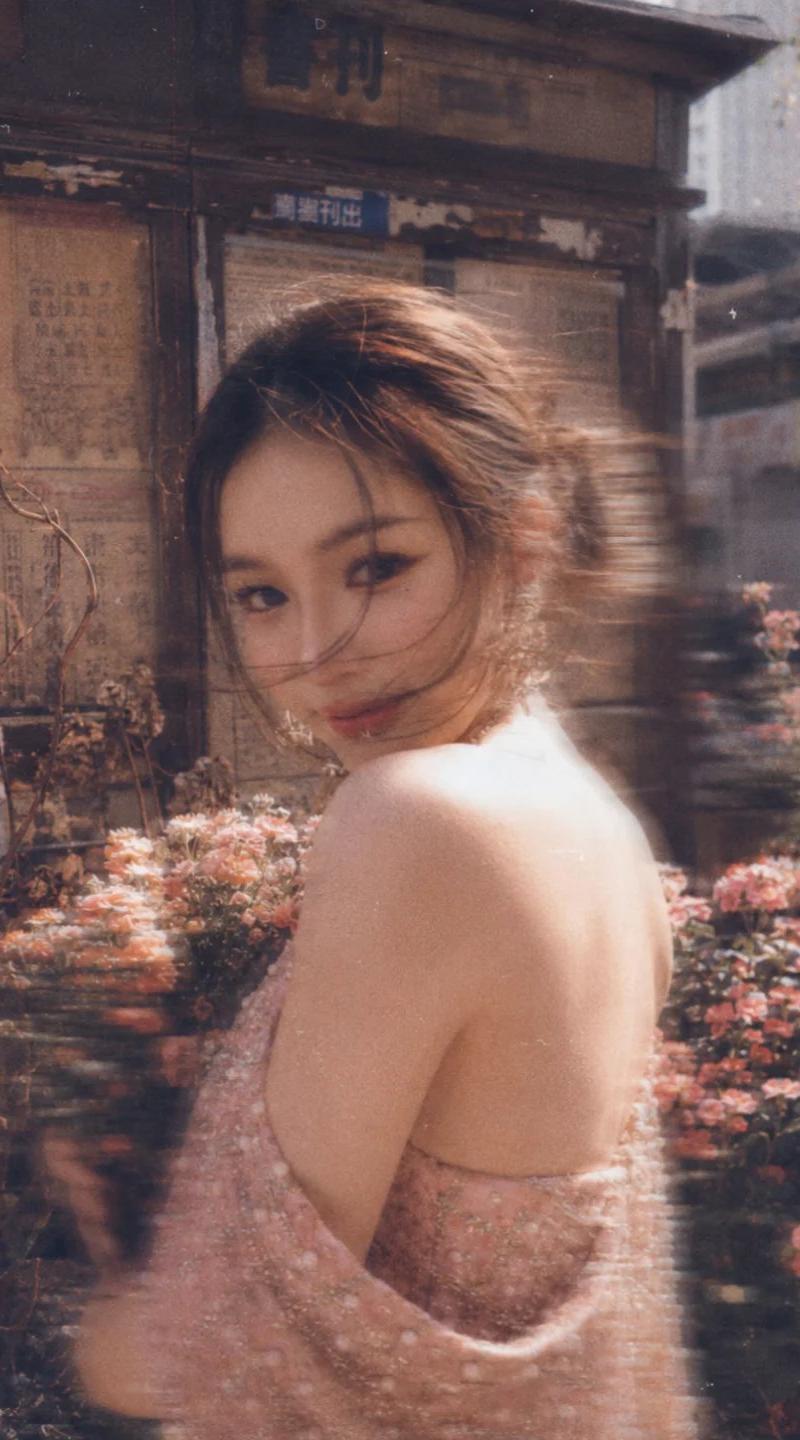
Vintage film newsstand portrait: GPT Image 2 prompt
Enlarge

Example images

Vintage film newsstand portrait: GPT Image 2 prompt

Prompt
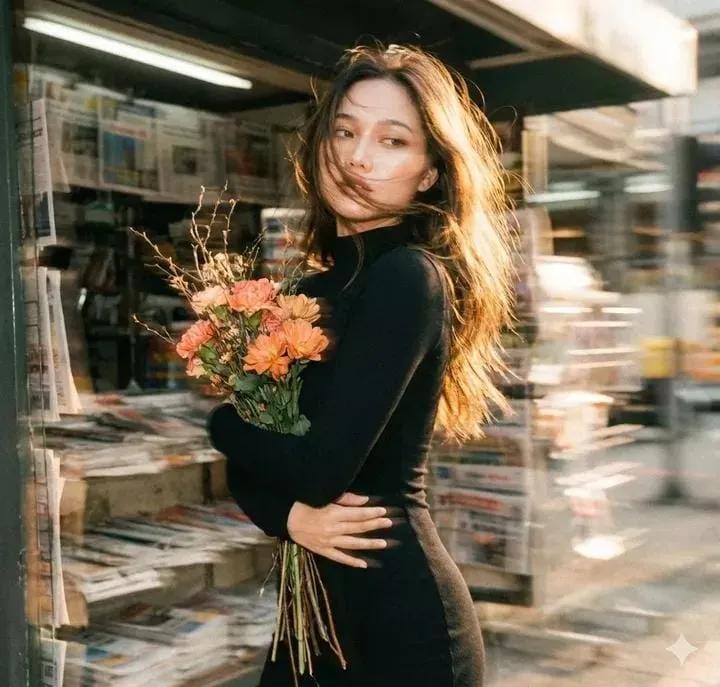
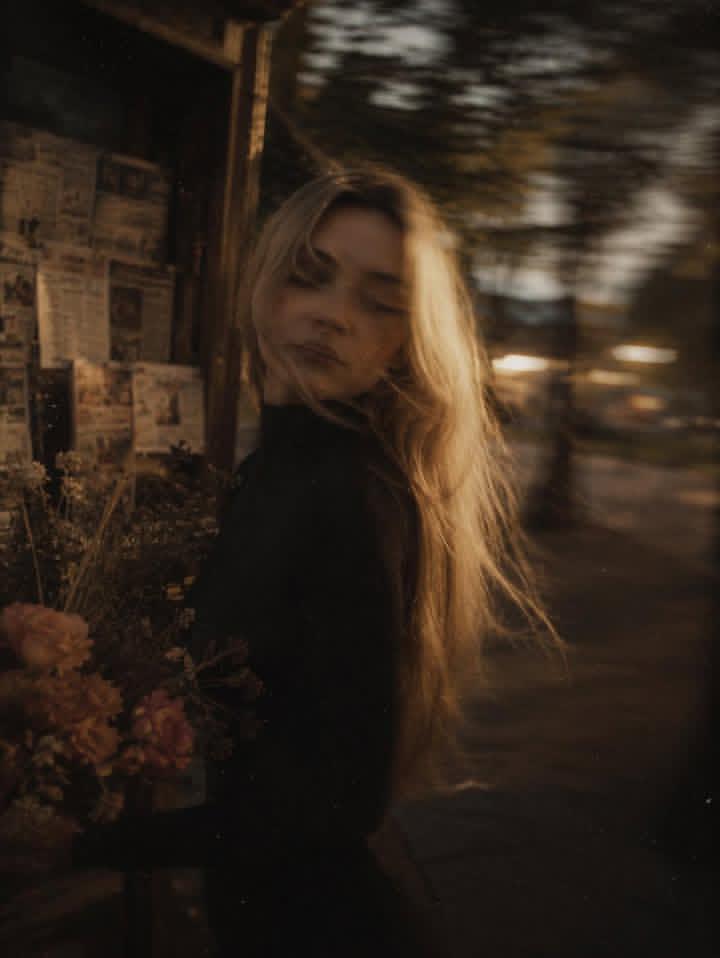
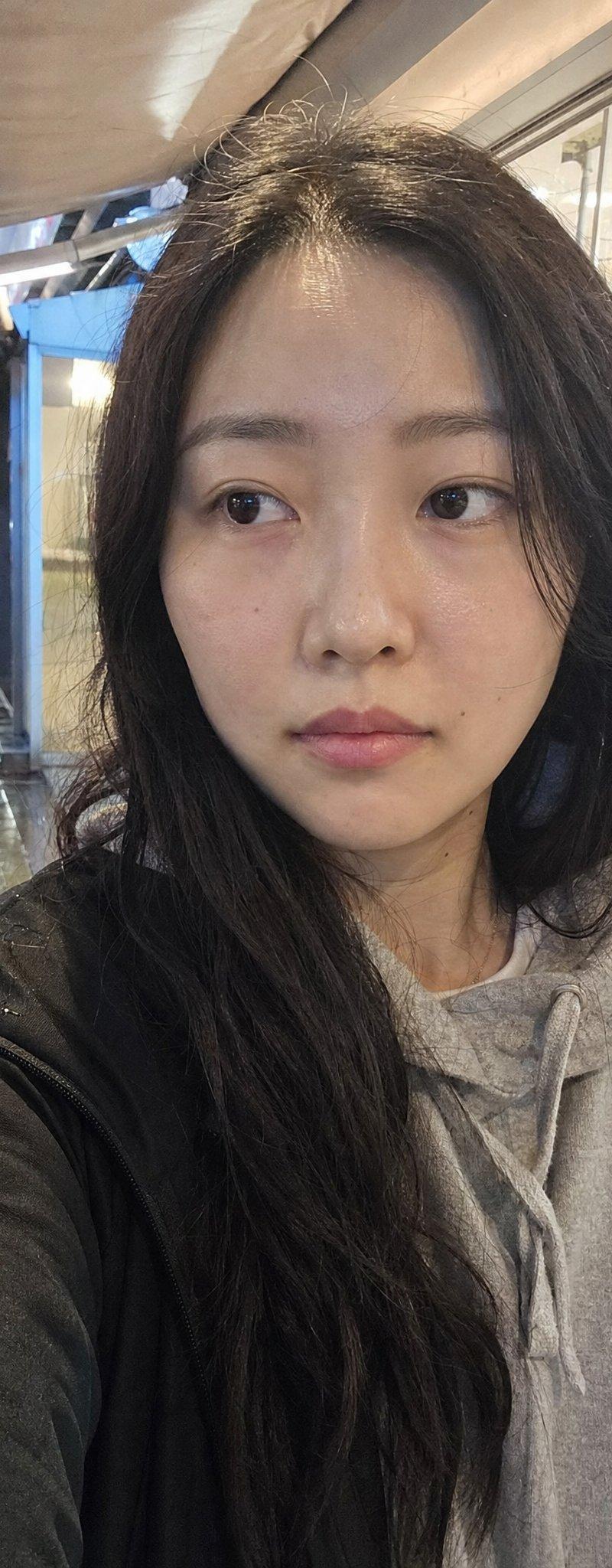
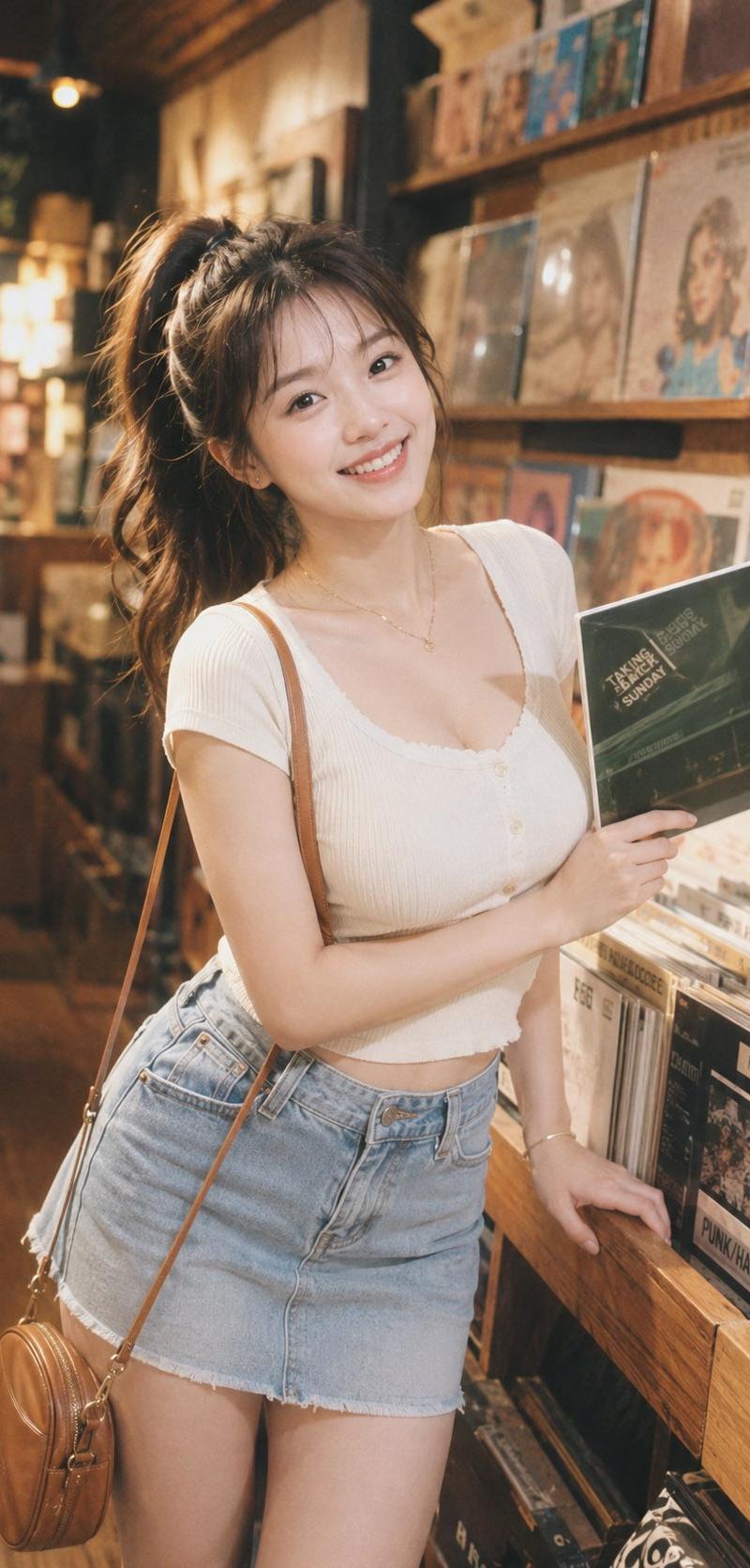
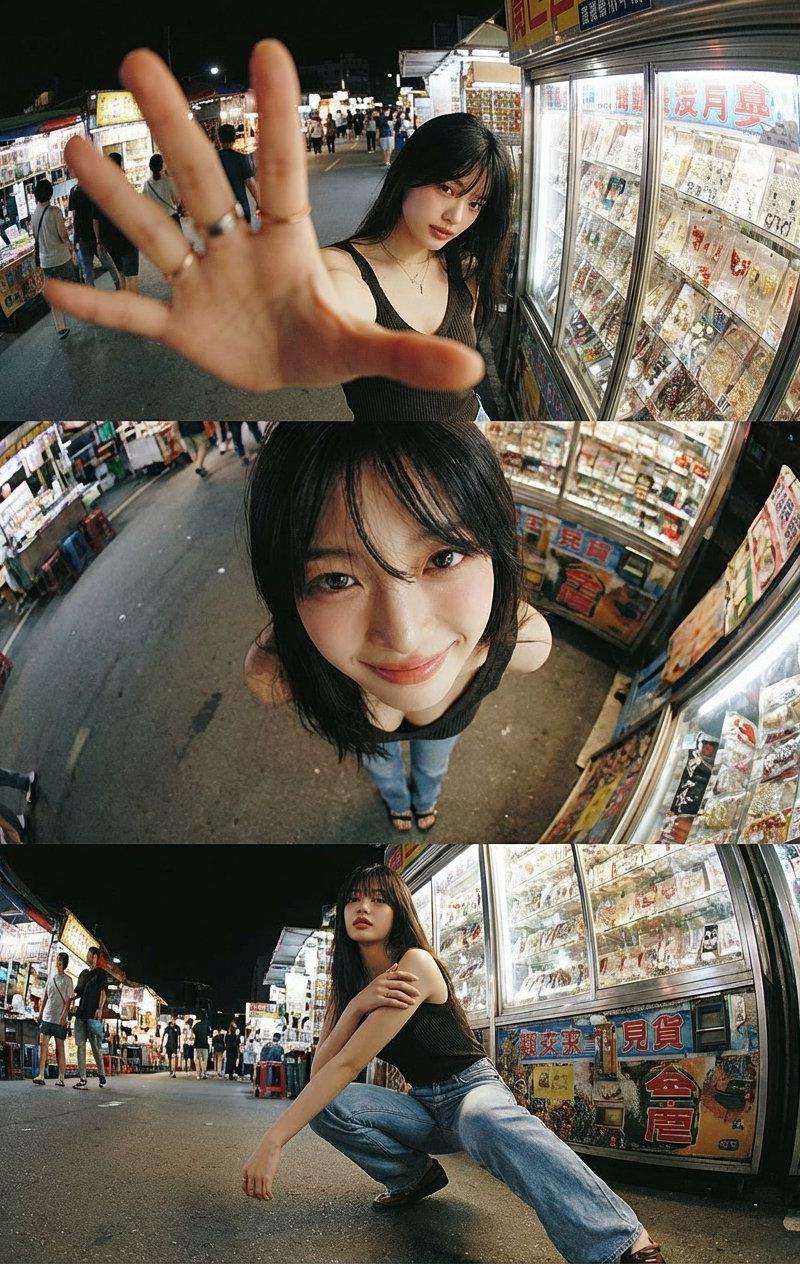
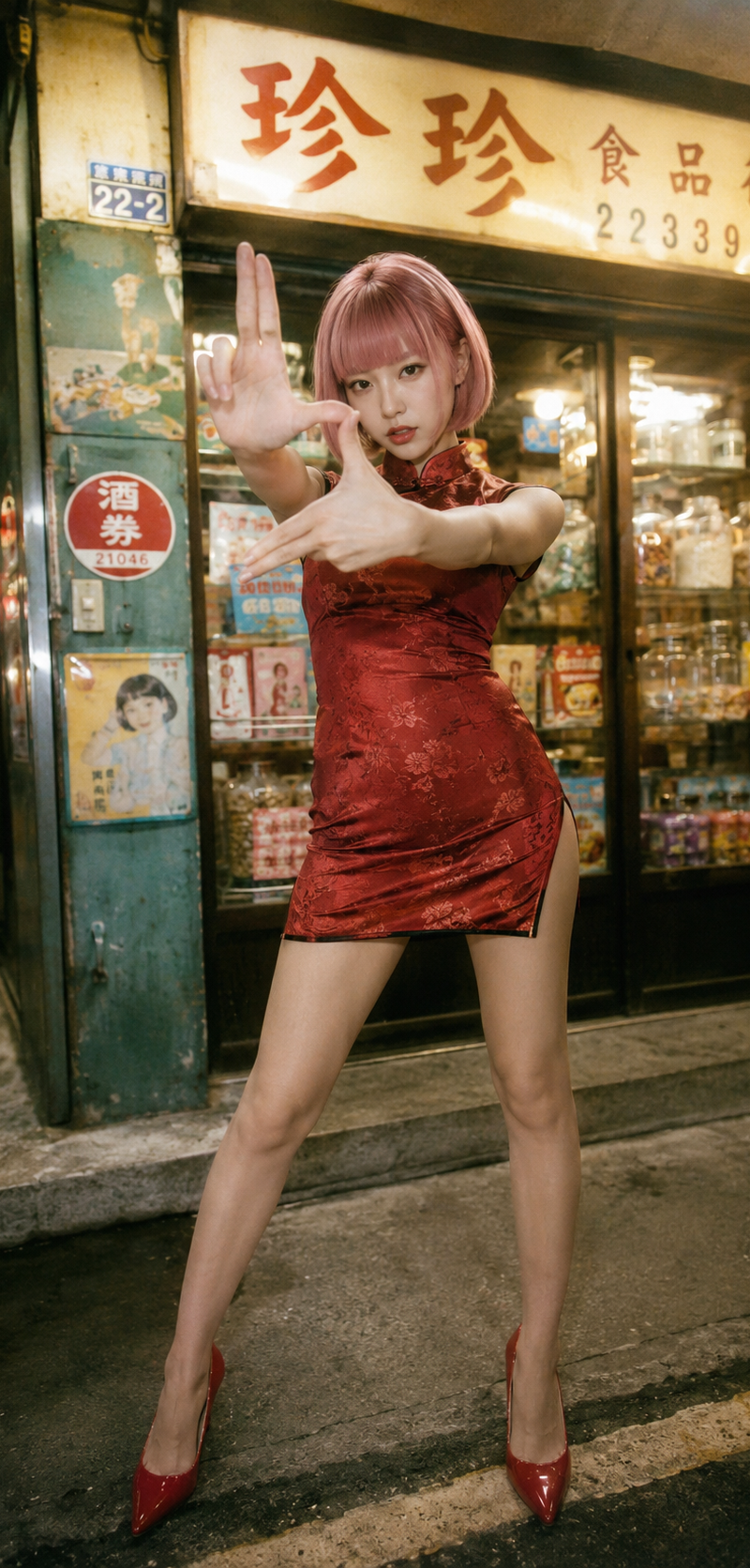
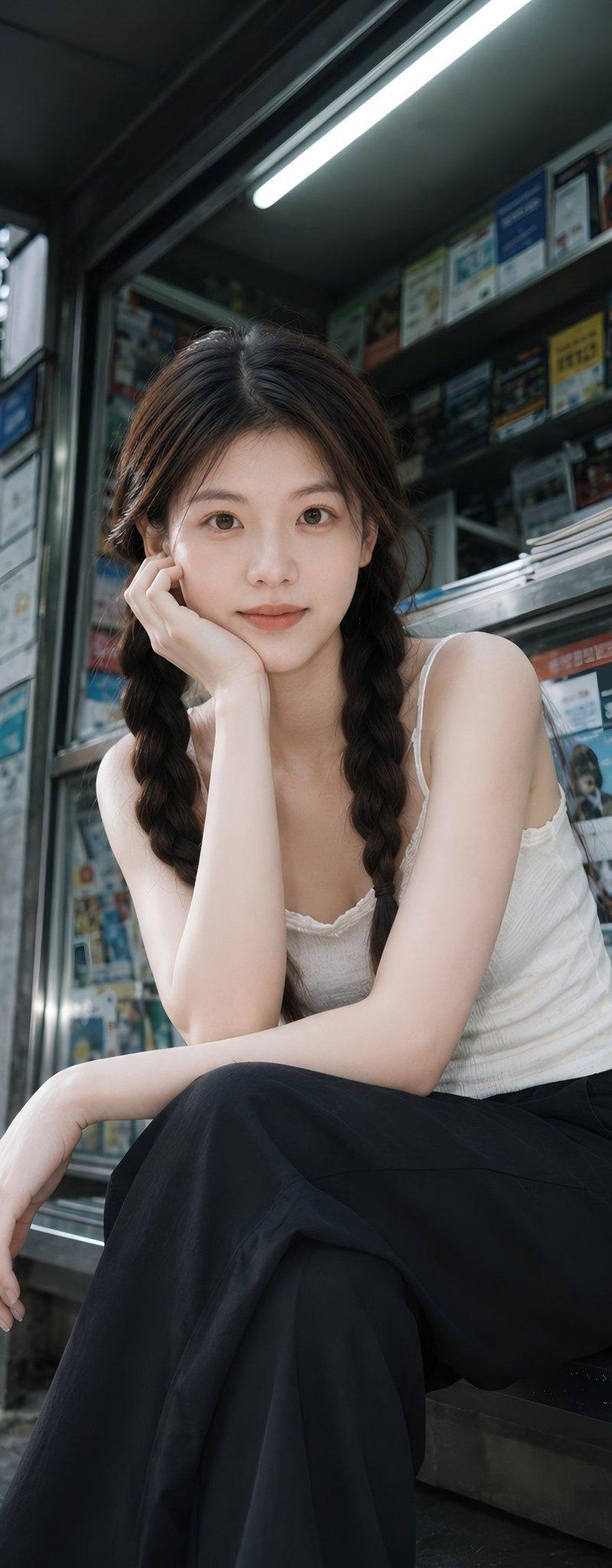
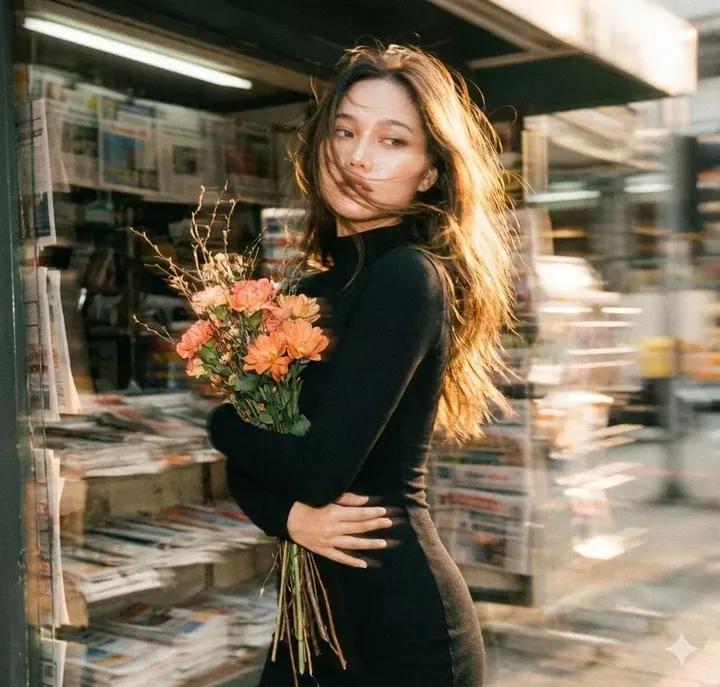
The generated image uses the uploaded image as a reference for the character, wearing a high-necked, tight-fitting black long-sleeved dress. A cluster of withered wood and orange-pink flowers lies beside an old newsstand, the grainy texture of vintage film interwoven, the blurred background with noticeable trailing shadows, and the double-image effect creating a fantastical atmosphere. A bewitchingly beautiful girl, carrying flowers, is shown in profile, her fair skin delicate and translucent. Her exquisite face is blurred with motion, the outline of her figure slightly swaying with the panning camera, the soft focus making the image even more hazy and languid. A warm-toned, low-saturation filter enhances the effect, her long, backlit hair glowing with a soft glow, the messy strands sweeping wildly across her jawline, the details concealing a captivating yet dangerous allure. Cute movements add dynamism, the motion blur blending with the film grain, creating a trendy, Instagram-worthy image while the blurred image outlines a dynamic scene full of story, cleverly balancing bewitching and sweetness.
Category
Photography & Realism
Model
GPT Image 2
Creator
zayan
Source language
en
Views0
Source ID
2009214441083019511
Published
Jan 8, 2026
Studio

Guide

About "Vintage film newsstand portrait: GPT Image 2 prompt"

What is this prompt for?

"Vintage film newsstand portrait: GPT Image 2 prompt" AI image prompt for GPT Image 2 (Photography & Realism). The generated image uses the uploaded image as a…

The full copyable prompt and example visuals above are ready for AI image generation or one-click recreate in Picva.

How to use this prompt

  1. Step 1

    Open the prompt detail

    Review the example visuals, category, and full prompt text for "Vintage film newsstand portrait: GPT Image 2 prompt".

  2. Step 2

    Copy the prompt

    Copy the prompt body from this page, or load it directly in Studio.

  3. Step 3

    Pick a model (GPT Image 2)

    Prefer GPT Image 2. If you switch models, keep subject and composition and tweak style terms.

  4. Step 4

    Generate and export

    Recreate the look in Picva, or export into your workflow for editing and publishing.

FAQ

What is the "Vintage film newsstand portrait: GPT Image 2 prompt" prompt?
It is an AI image-generation prompt for GPT Image 2 in the Photography & Realism category. This page includes the full prompt text, example visuals, and a one-click recreate path in Picva.
How do I use this prompt to generate an image?
Copy the prompt from this page, or use Generate / Studio. Paste it into a compatible image model, or recreate the look in Picva with optional reference images.
Which model is this prompt for?
This page lists GPT Image 2. Most descriptive prompts also transfer to nearby image models such as GPT Image, Flux, or Midjourney with light style tweaks.
Can I use the result commercially?
You can usually copy the prompt for creation, but commercial use of the final image depends on the model terms, reference-image rights, and the generated content. Follow the source author and platform rules.