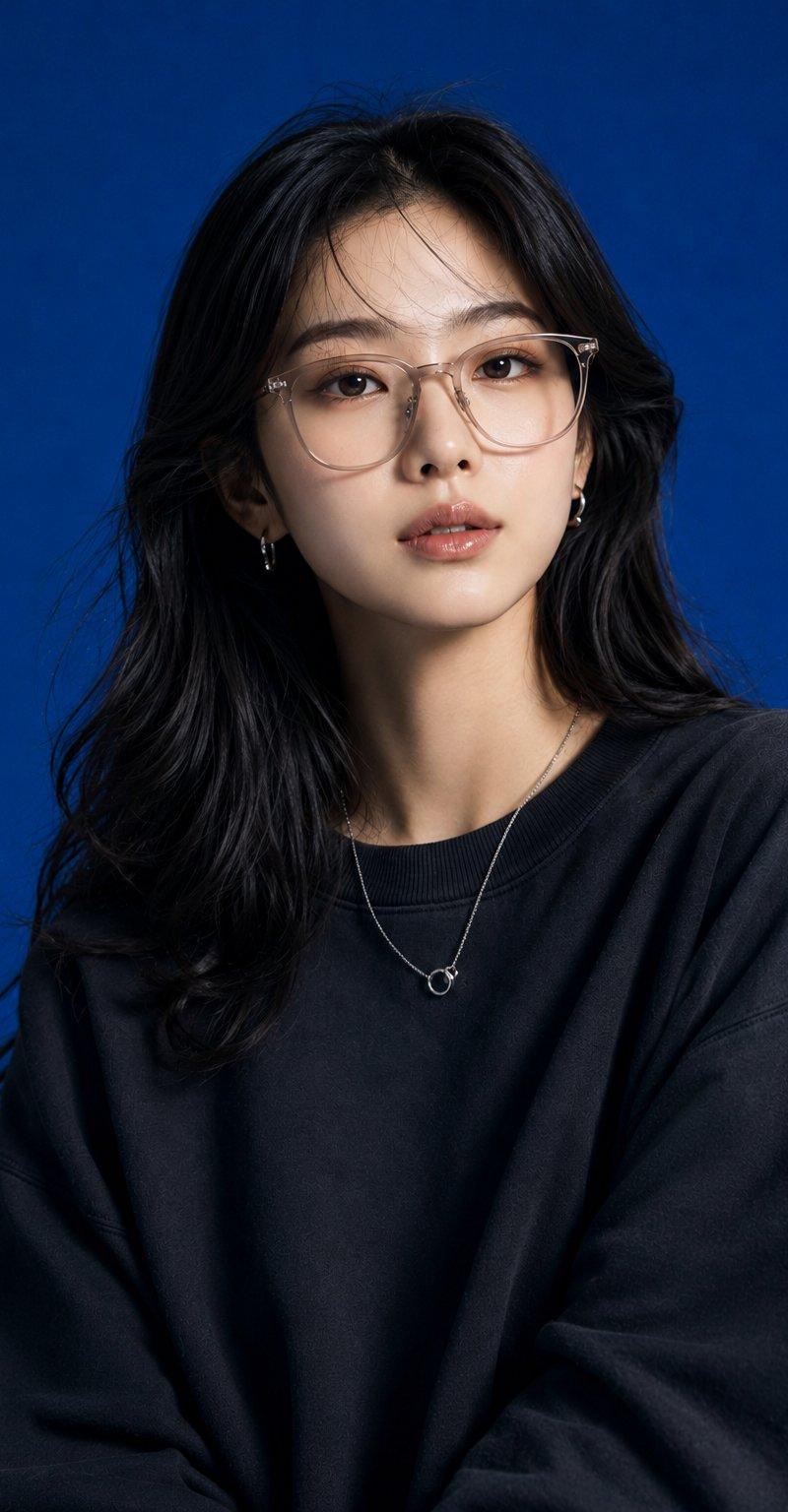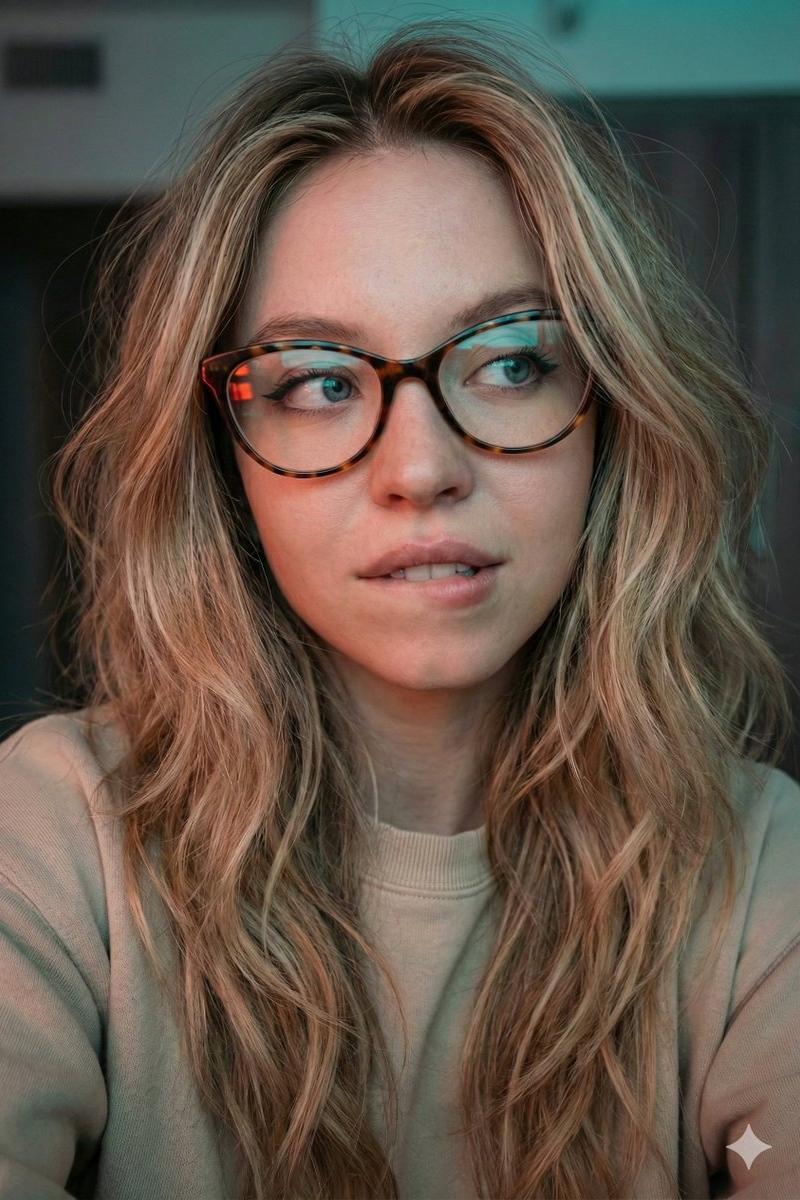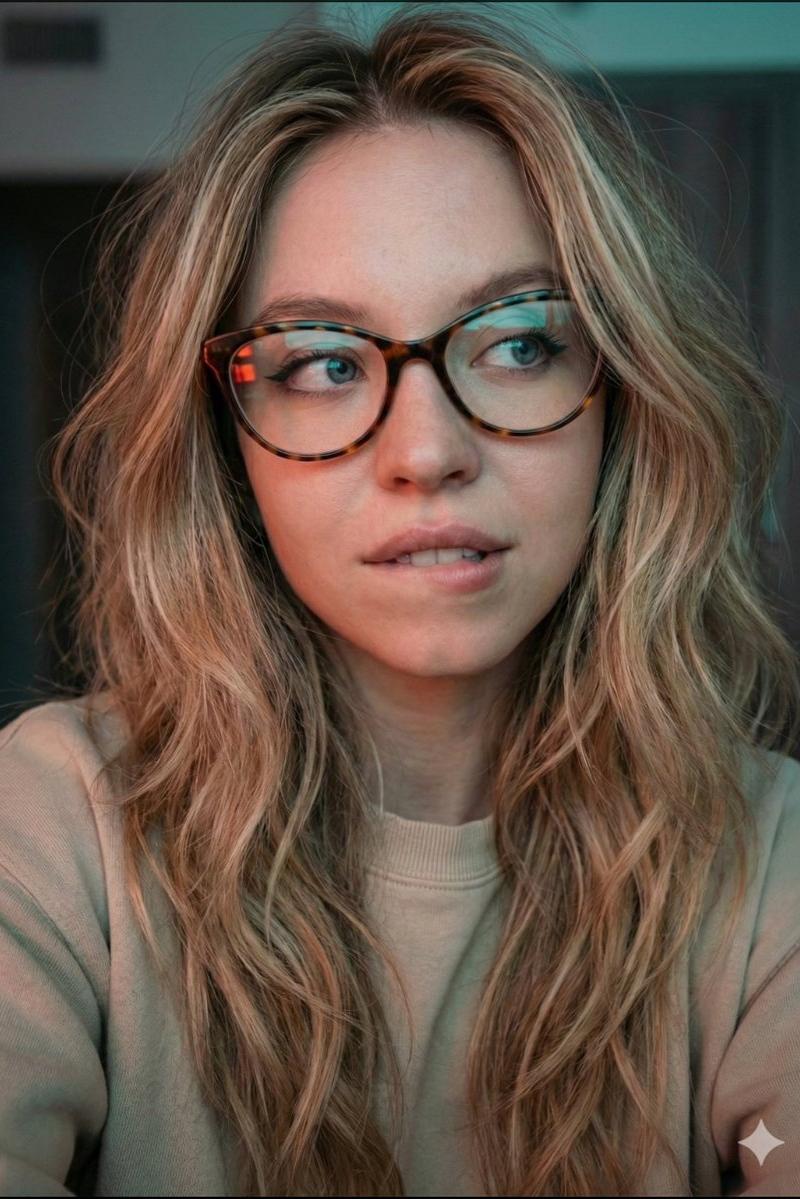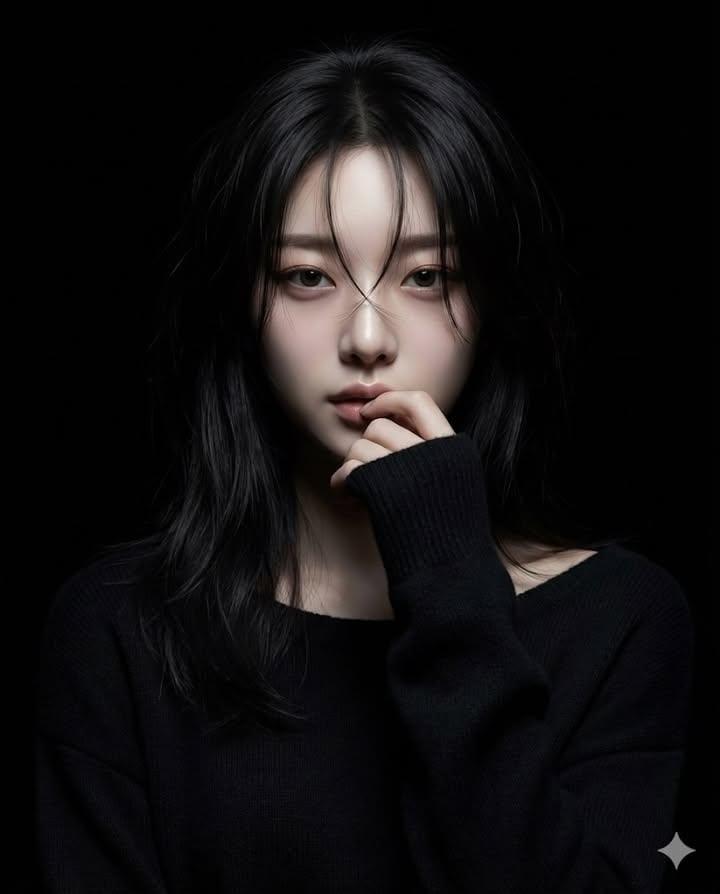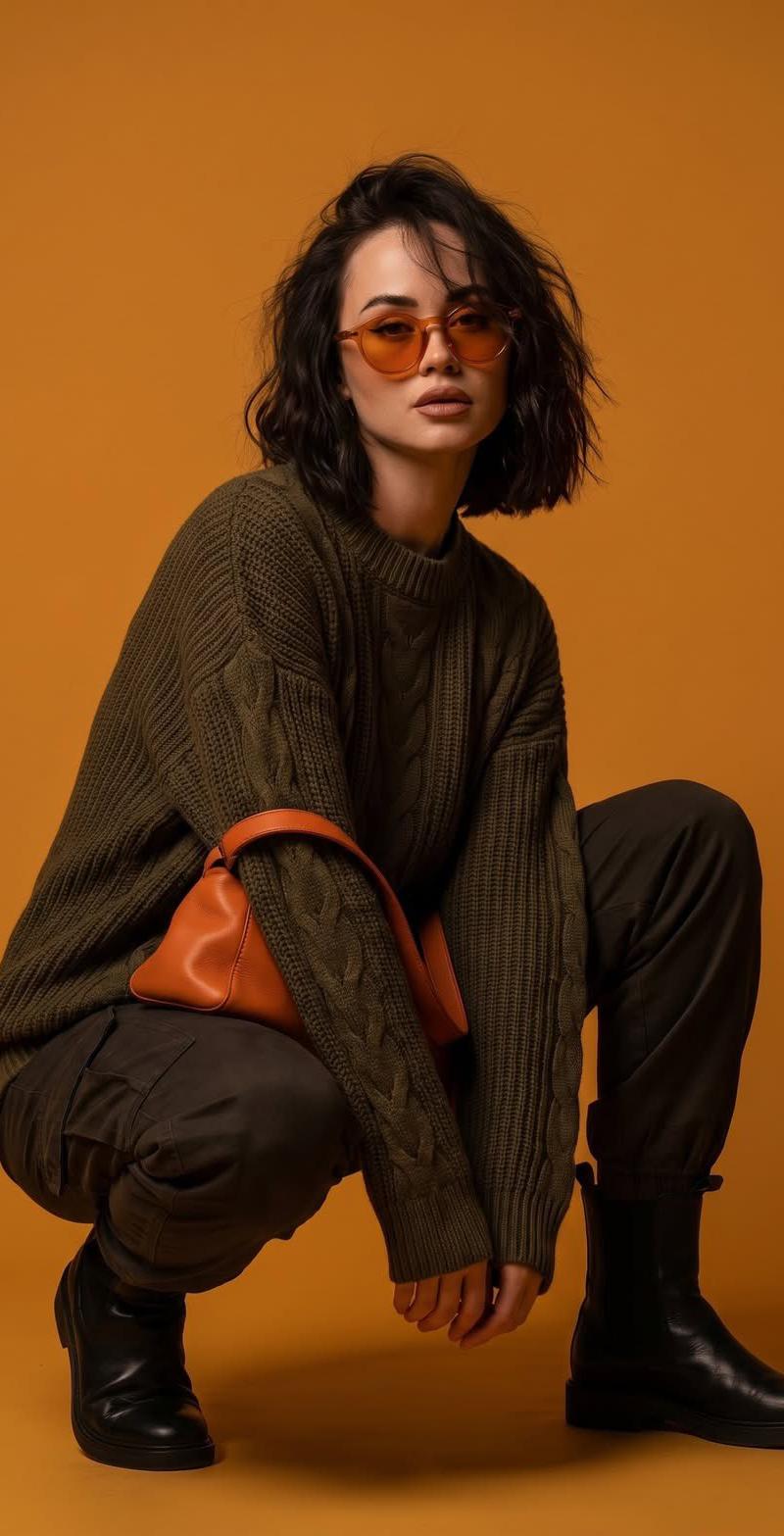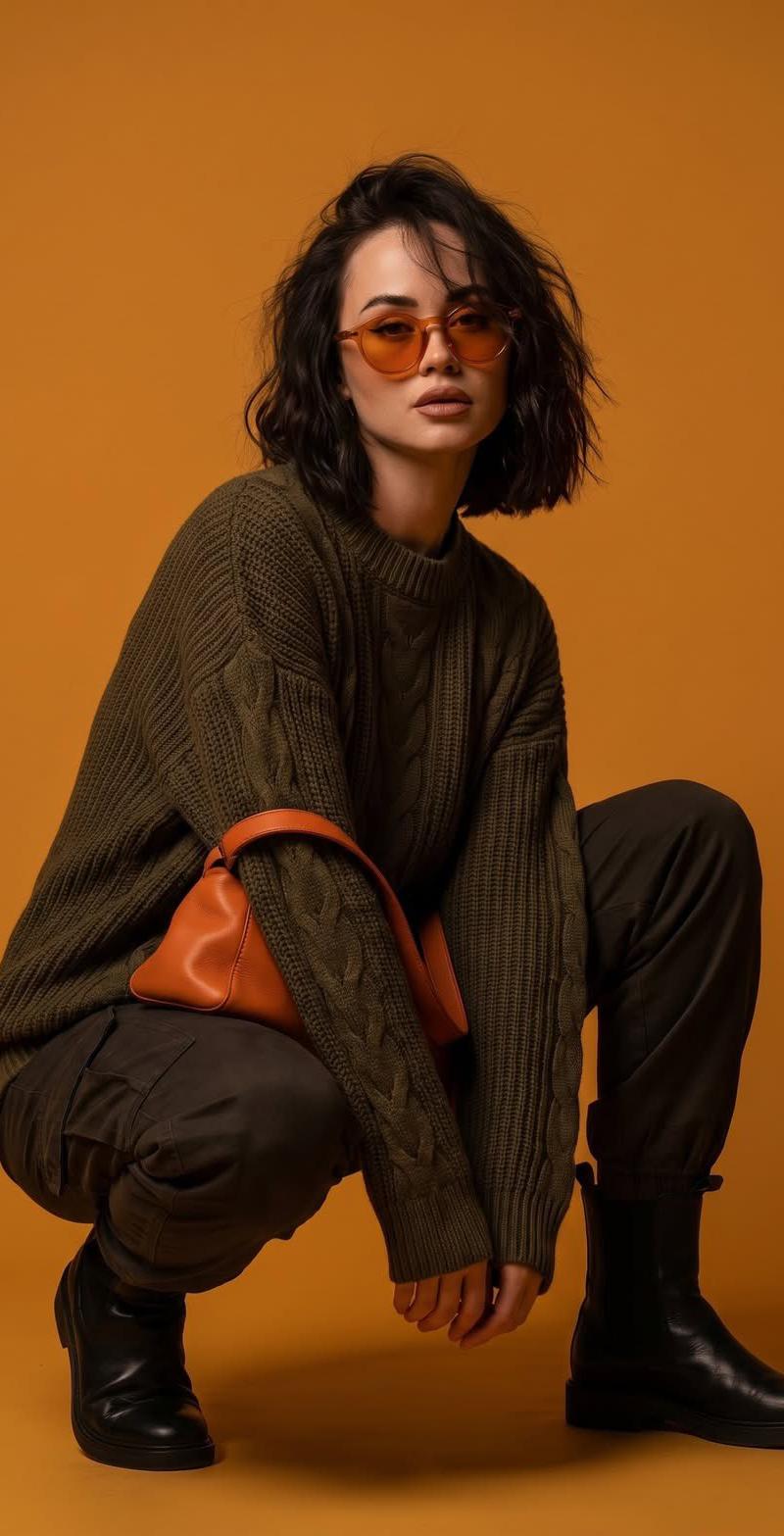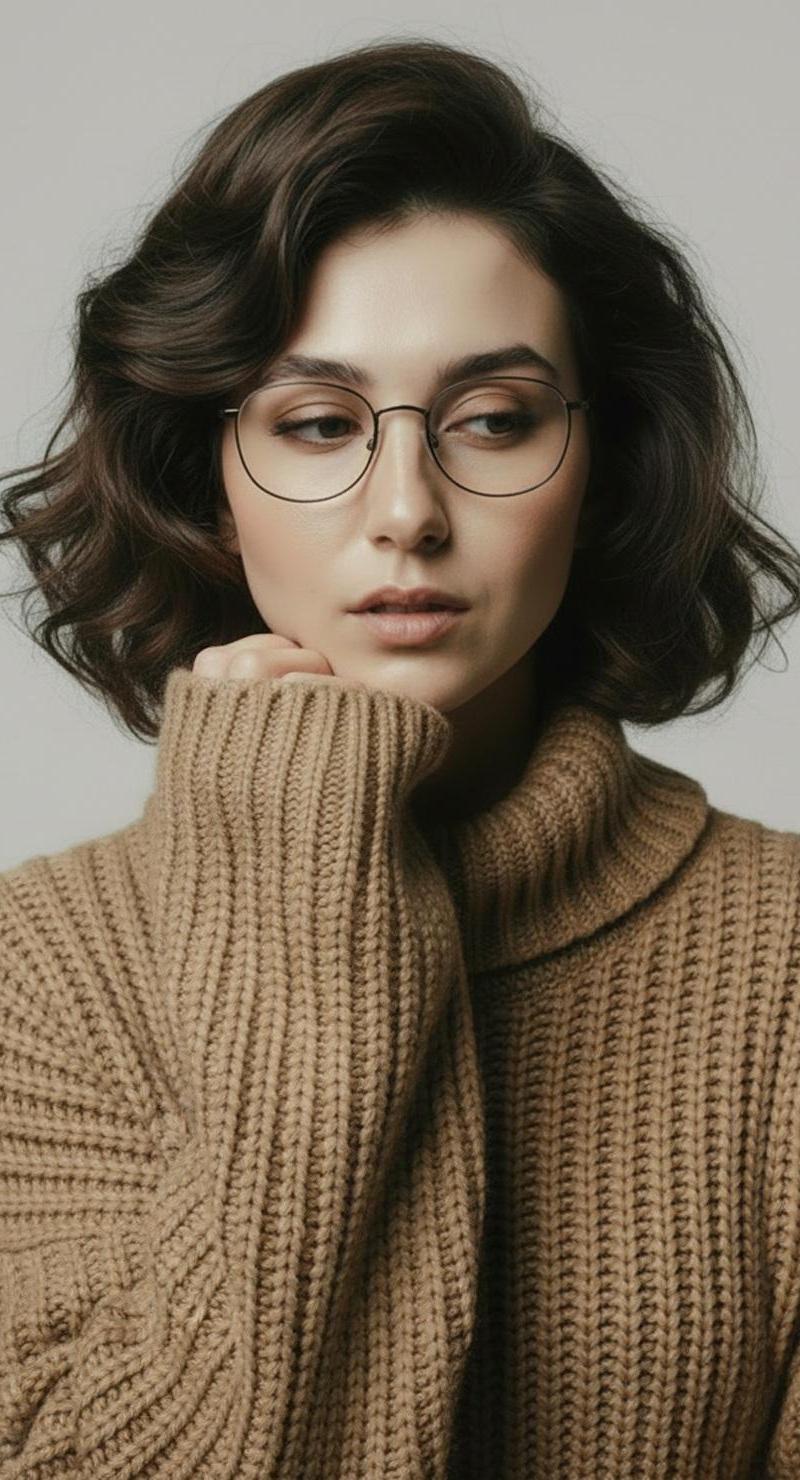
Scandinavian camel knit portrait: GPT Image 2 prompt
Prompt
{
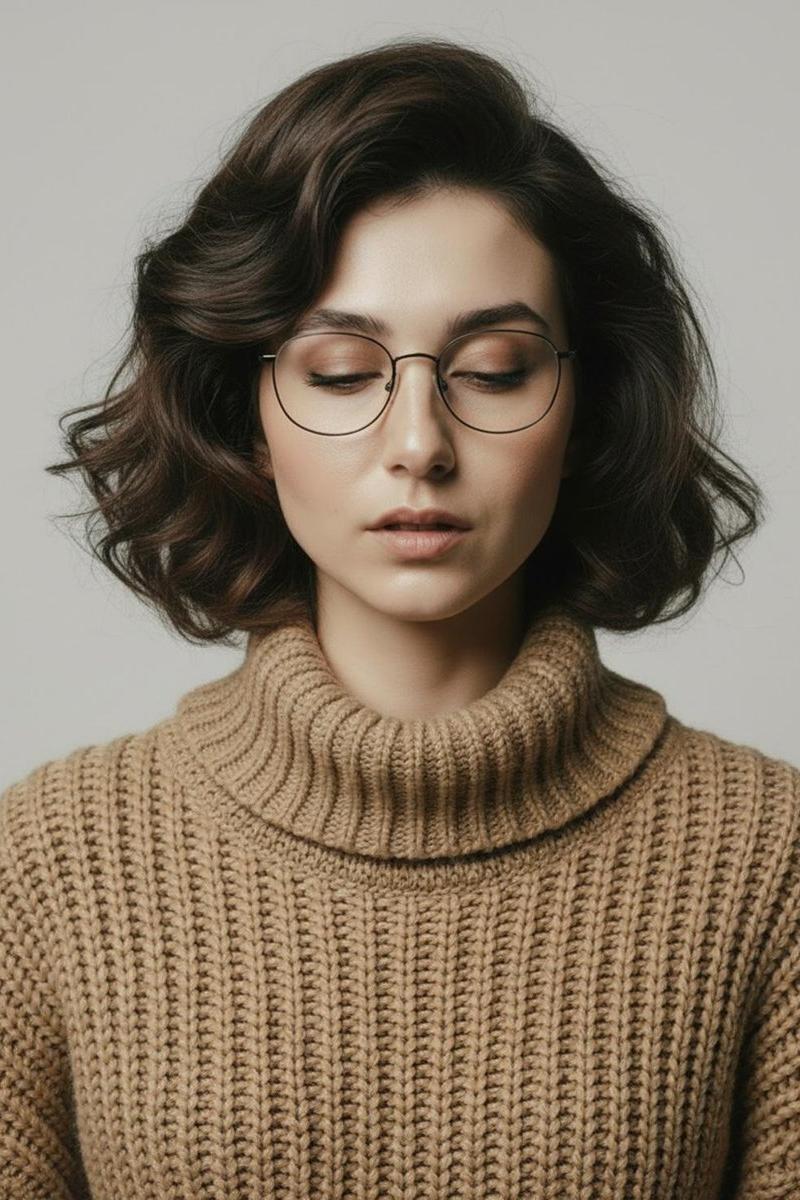
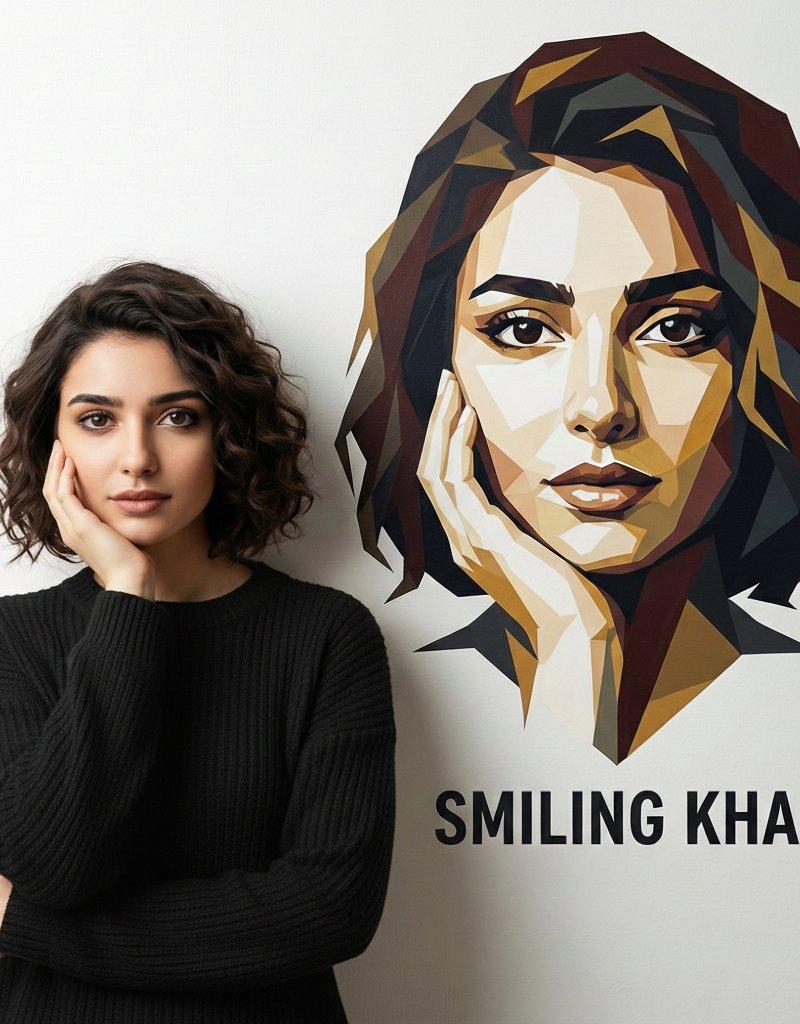
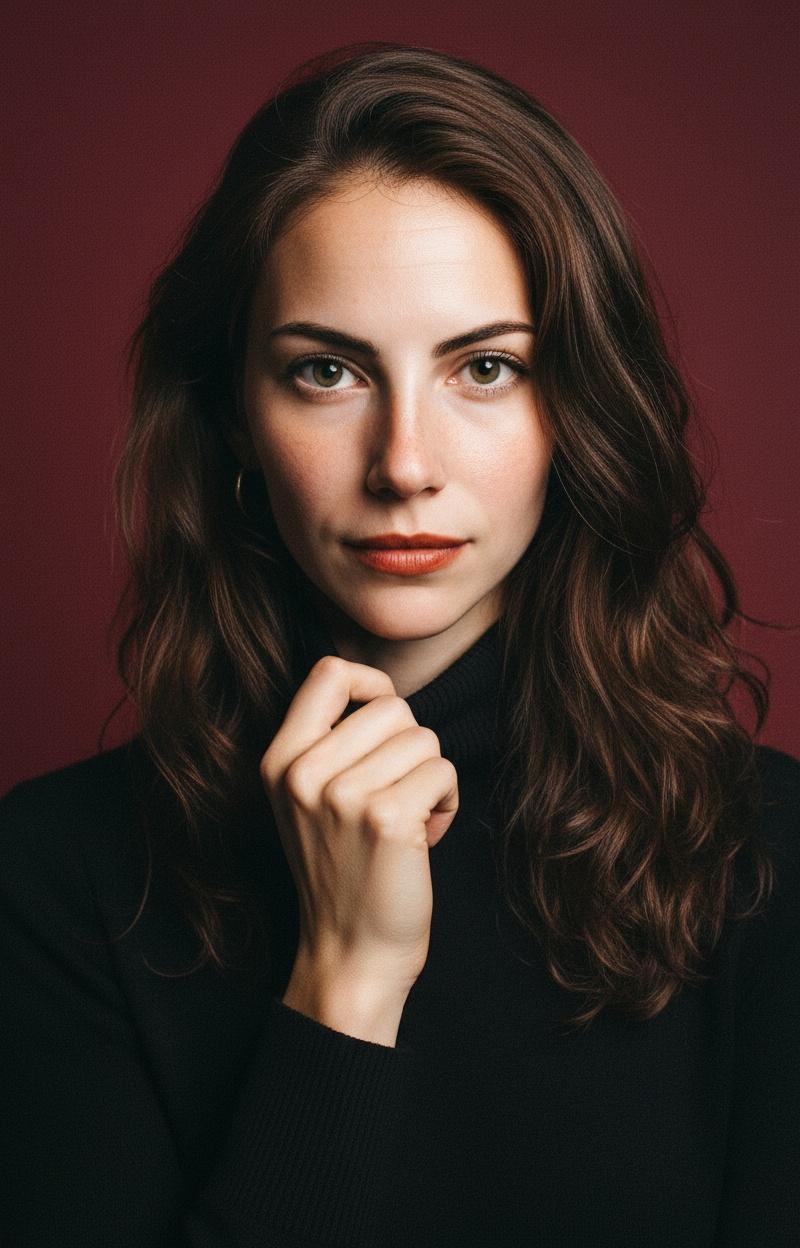
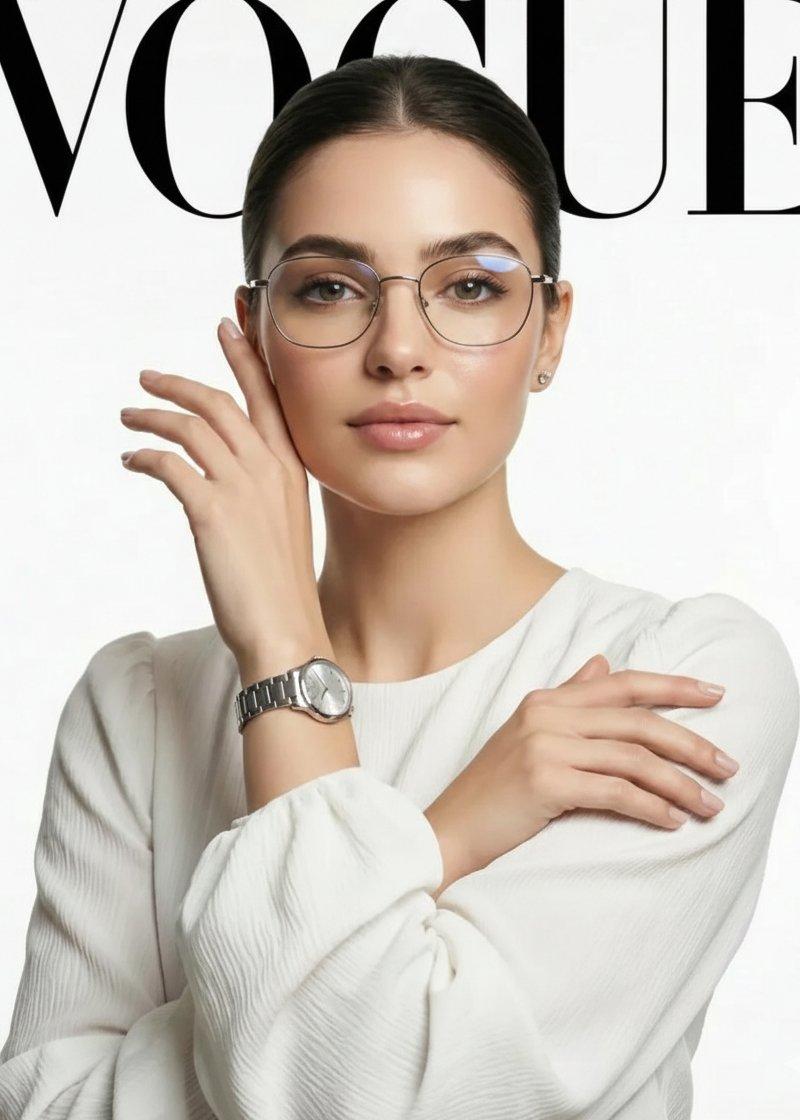
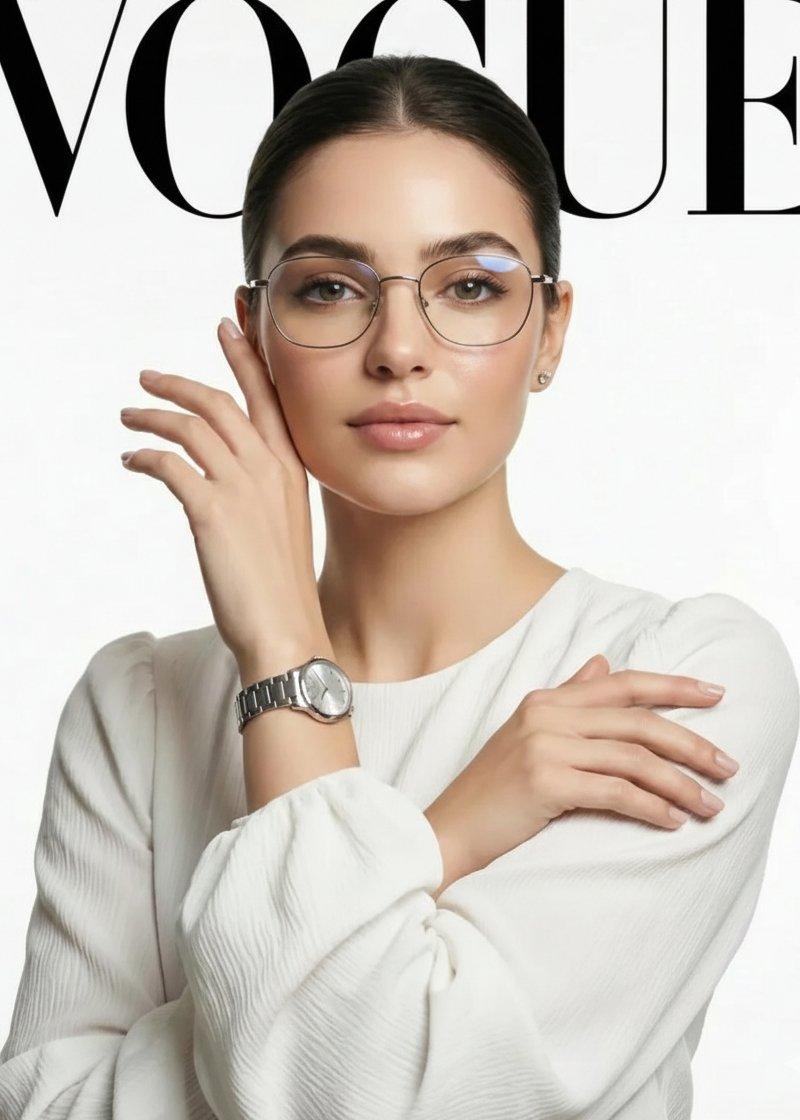
 "Objective": "Create a minimalist fashion studio portrait series with a calm, Scandinavian editorial mood",
 "PersonaDetails": {
 "Subject": {
 "Type": "Young woman",
 "Hair": "Short, softly waved dark-brown hair",
 "Accessories": "Thin round eyeglasses",
 "Expression": "Calm, introspective",
 "Skin": "Natural skin texture with minimal retouching"
 }
 },
 "Wardrobe": {
 "Top": "Chunky camel-colored knit turtleneck sweater",
 "Bottom": "Beige trousers",
 "Style": "Timeless autumn fashion"
 },
 "SceneDescription": {
 "Environment": "Minimalist studio",
 "Background": "Neutral off-white backdrop",
 "OverallFeel": "Clean, airy, understated"
 },
 "PortraitSeries": {
 "SeriesType": "Four-image set",
 "Poses": [
 {
 "Description": "Seated pose with hands gently clasped under the chin",
 "Mood": "Quiet, reflective"
 },
 {
 "Description": "Front-facing portrait with eyes lowered",
 "Mood": "Soft, contemplative"
 },
 {
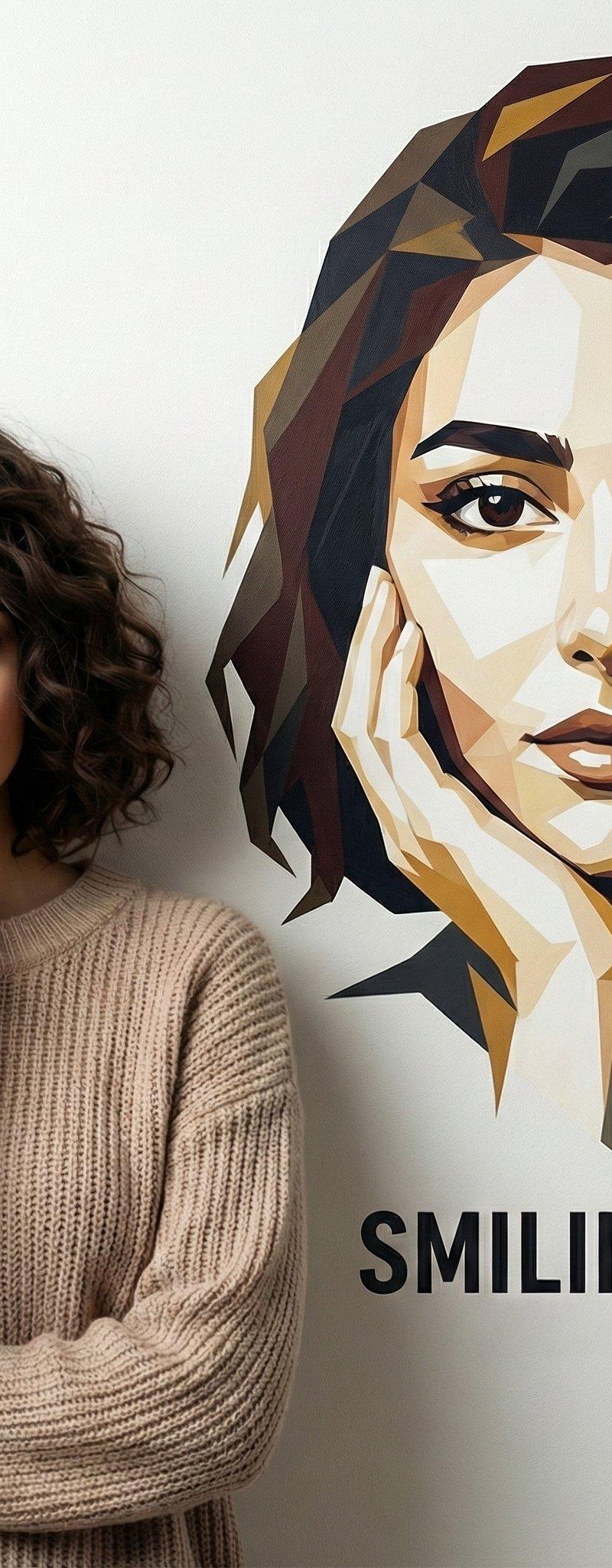
 "Description": "Three-quarter side profile with arms crossed",
 "Mood": "Poised, thoughtful"
 },
 {
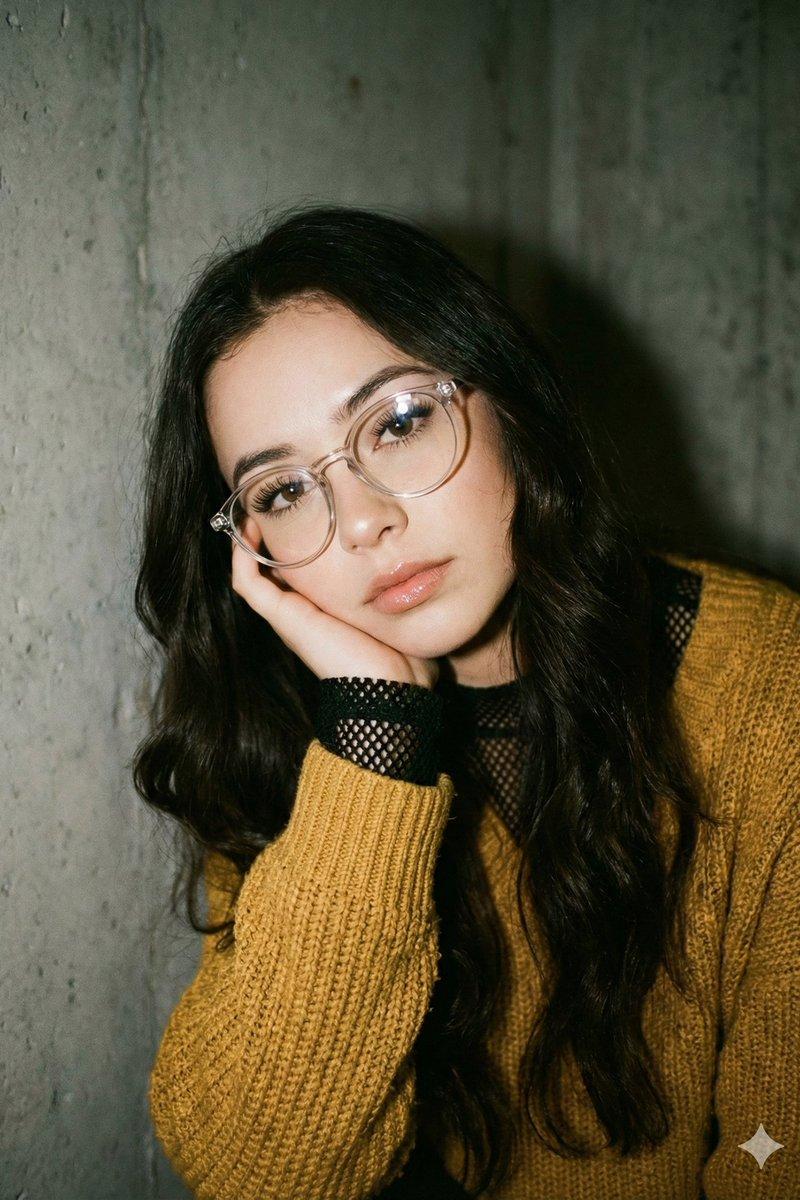
 "Description": "Close-up portrait with sweater sleeve raised near the face",
 "Mood": "Intimate, tactile"
 }
 ]
 },
 "Composition": {
 "Framing": "Varied framing from close-up to mid-length",
 "NegativeSpace": "Generous, balanced negative space",
 "DepthOfField": "Shallow depth of field for gentle separation"
 },
 "LightingAndColor": {
 "Lighting": "Soft, diffused studio lighting",
 "Highlights": "Subtle, natural highlights",
 "ColorPalette": "Muted warm neutrals (camel, beige, off-white)"
 },
 "ArtDirection": {
 "Style": "Scandinavian editorial photography",
 "Aesthetic": "Minimalist, timeless, understated luxury",
 "TextureEmphasis": "Knit fabric and natural skin detail"
 },
 "PhotographyStyle": {
 "Genre": "Professional fashion studio photography",
 "RealismLevel": "High realism with restrained processing",
 "Finish": "Clean, modern, magazine-ready"
 },
 "Mood": {
 "Tone": "Calm, introspective, serene",
 "SeasonalFeel": "Autumn warmth and quiet elegance"
 },
 "NegativePrompt": [
 "busy background",
 "harsh lighting",
 "bold colors",
 "heavy makeup",
 "over-retouching",
 "glossy fashion look",
 "street photography"
 ],
 "ResponseFormat": {
 "Type": "Portrait series",
 "ImageCount": 4,
 "Orientation": "Portrait",
 "AspectRatio": "2:3"
 }
}- Category
- Photography & Realism
- Model
- GPT Image 2
- Creator
- Taaruk
- Source language
- en
- Source ID
- 2009911679728206114
- Published
- Jan 10, 2026
Views0