20

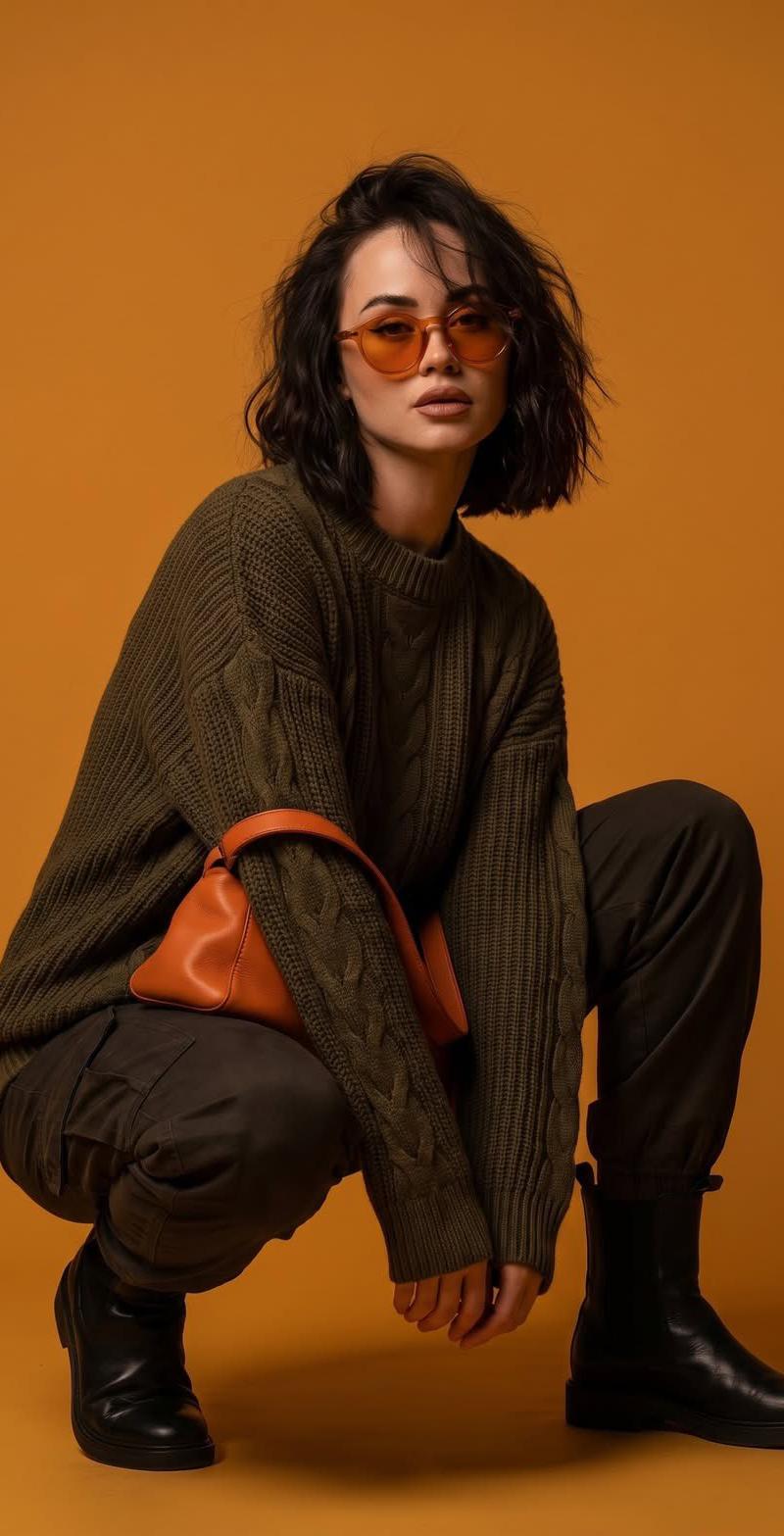
橙色调高端时尚编辑影棚街头大片
Enlarge

Example images

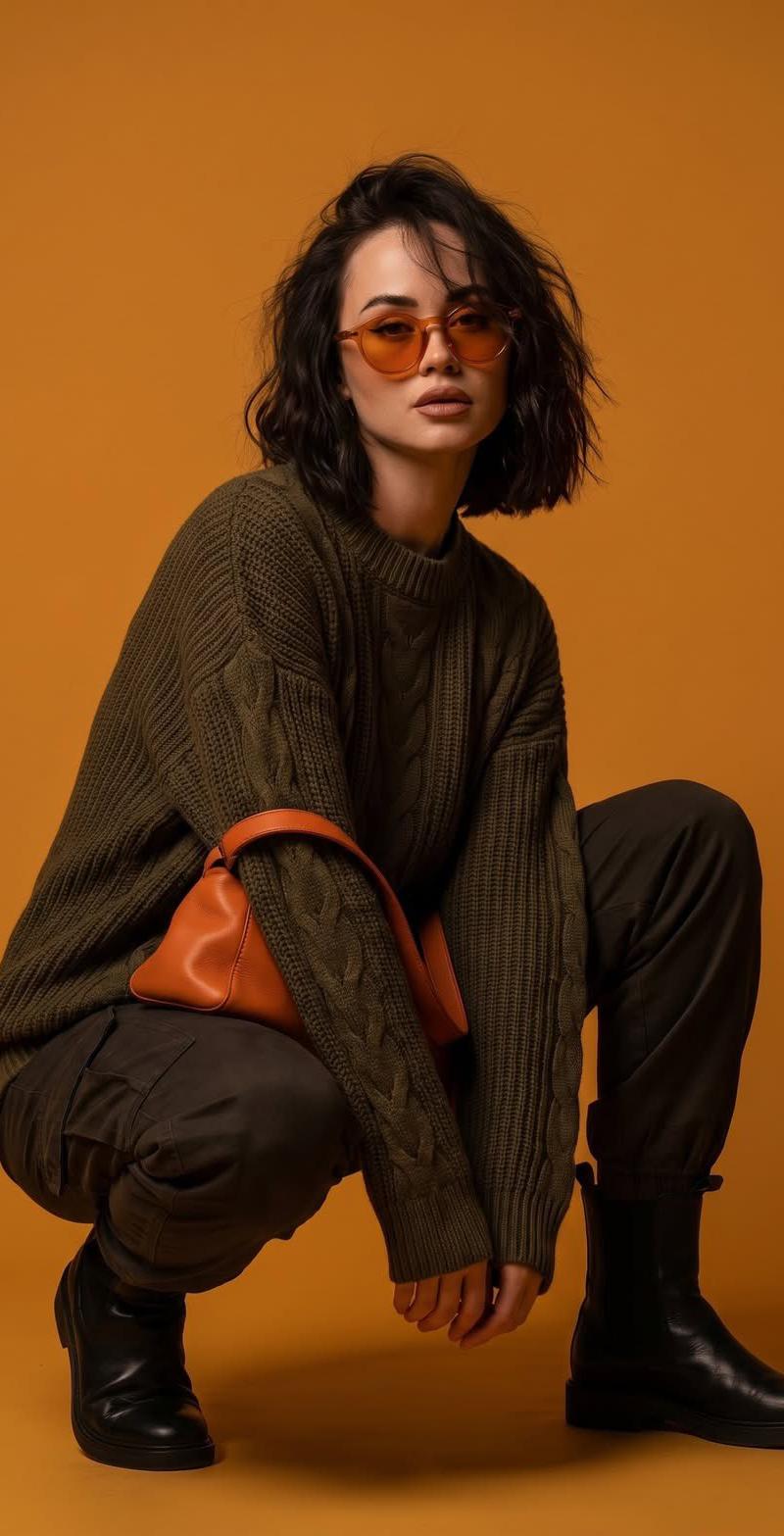
橙色调高端时尚编辑影棚街头大片

Prompt
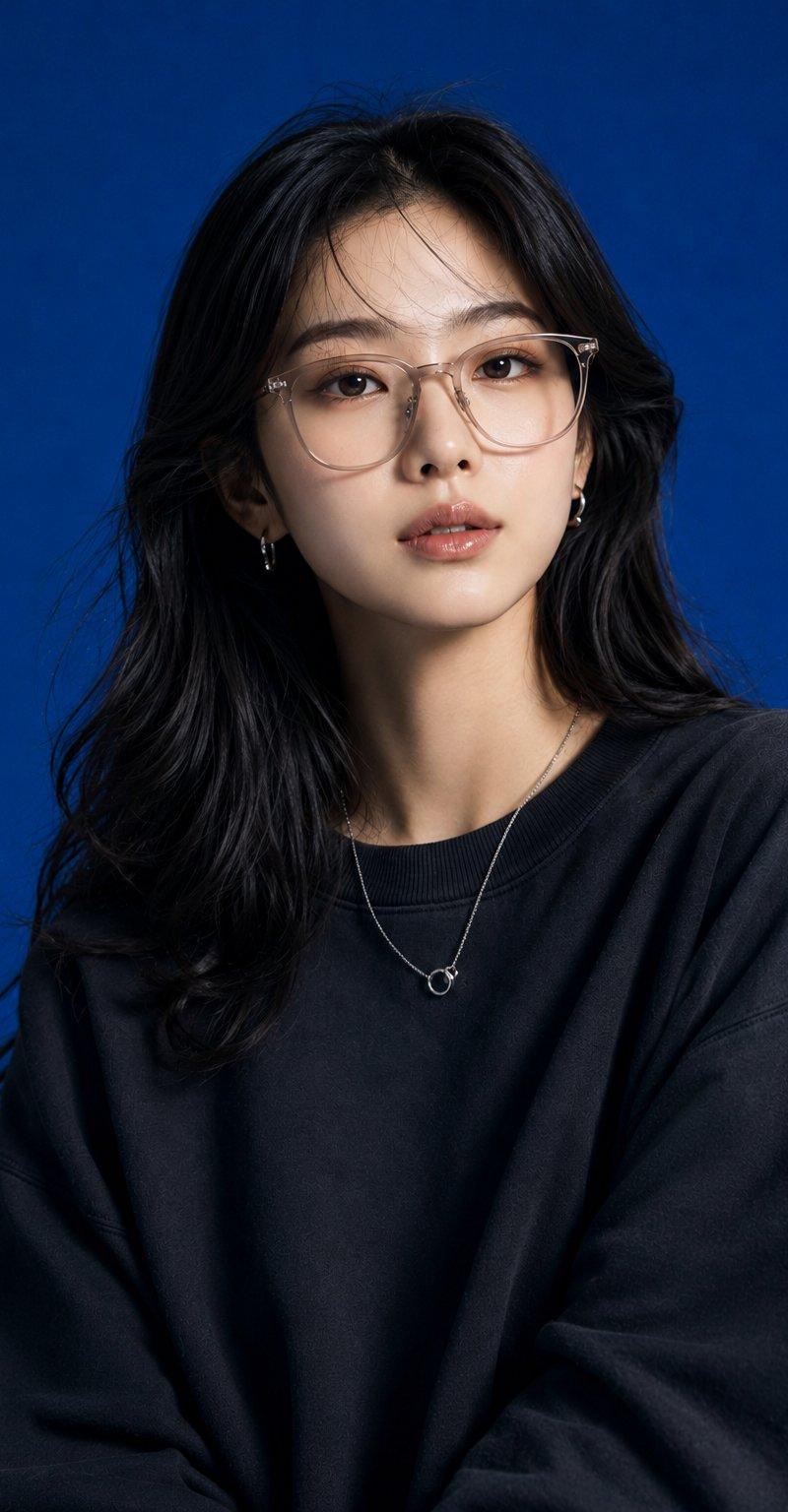
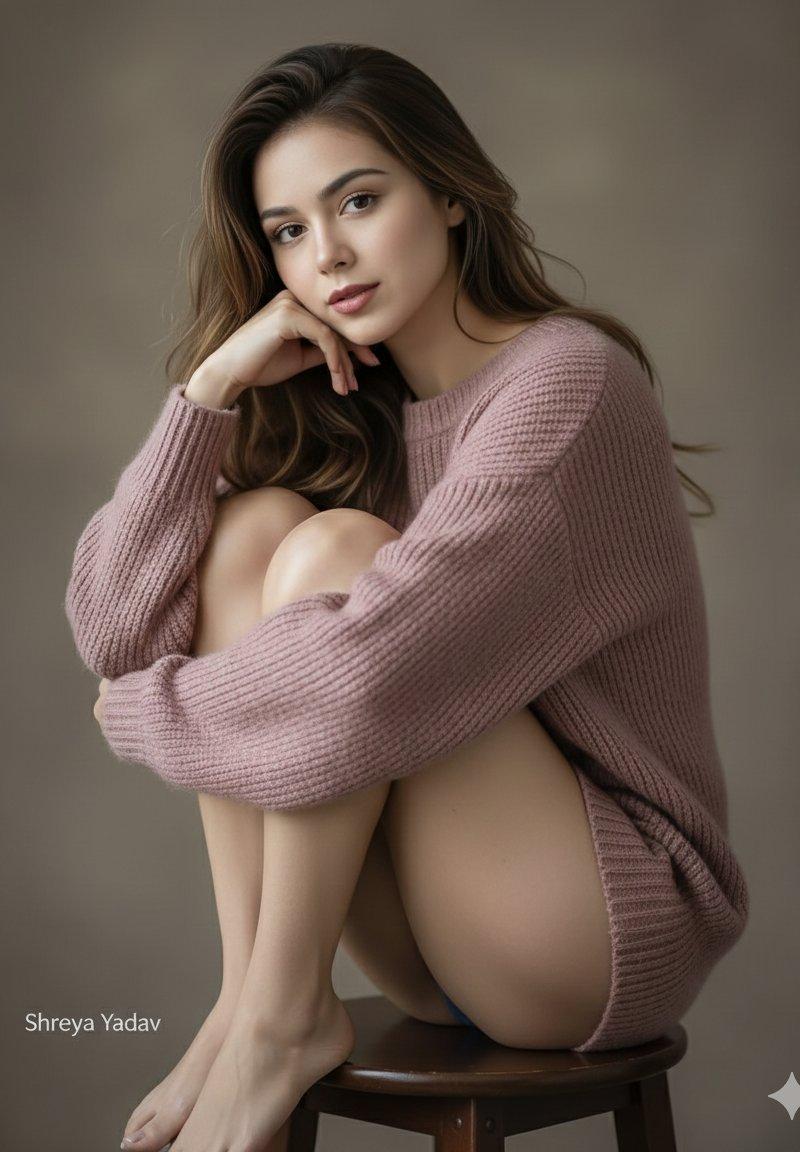
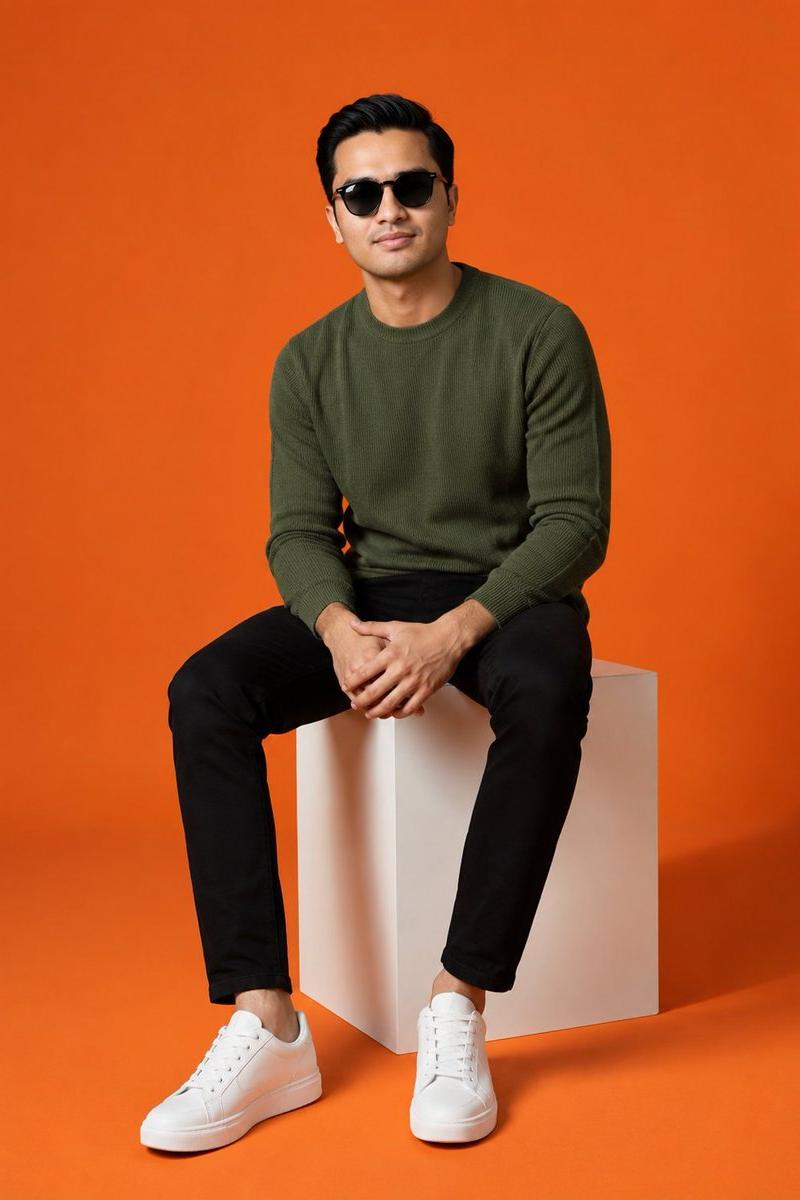
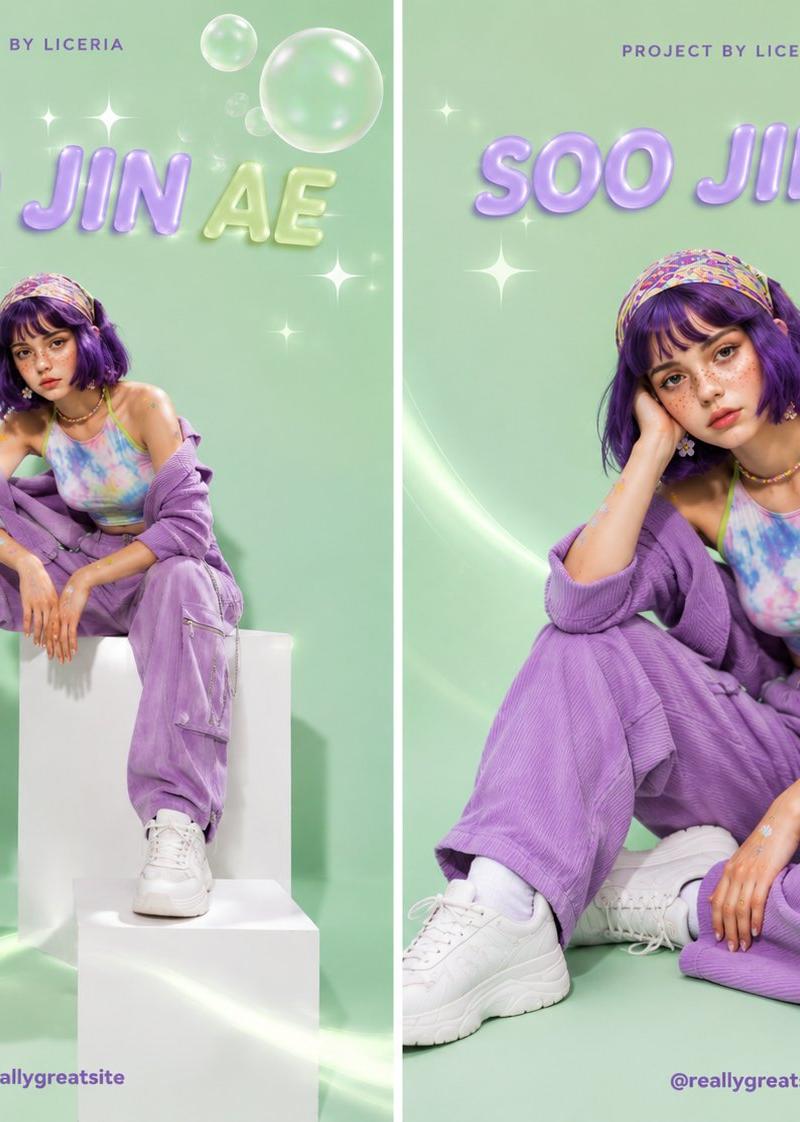
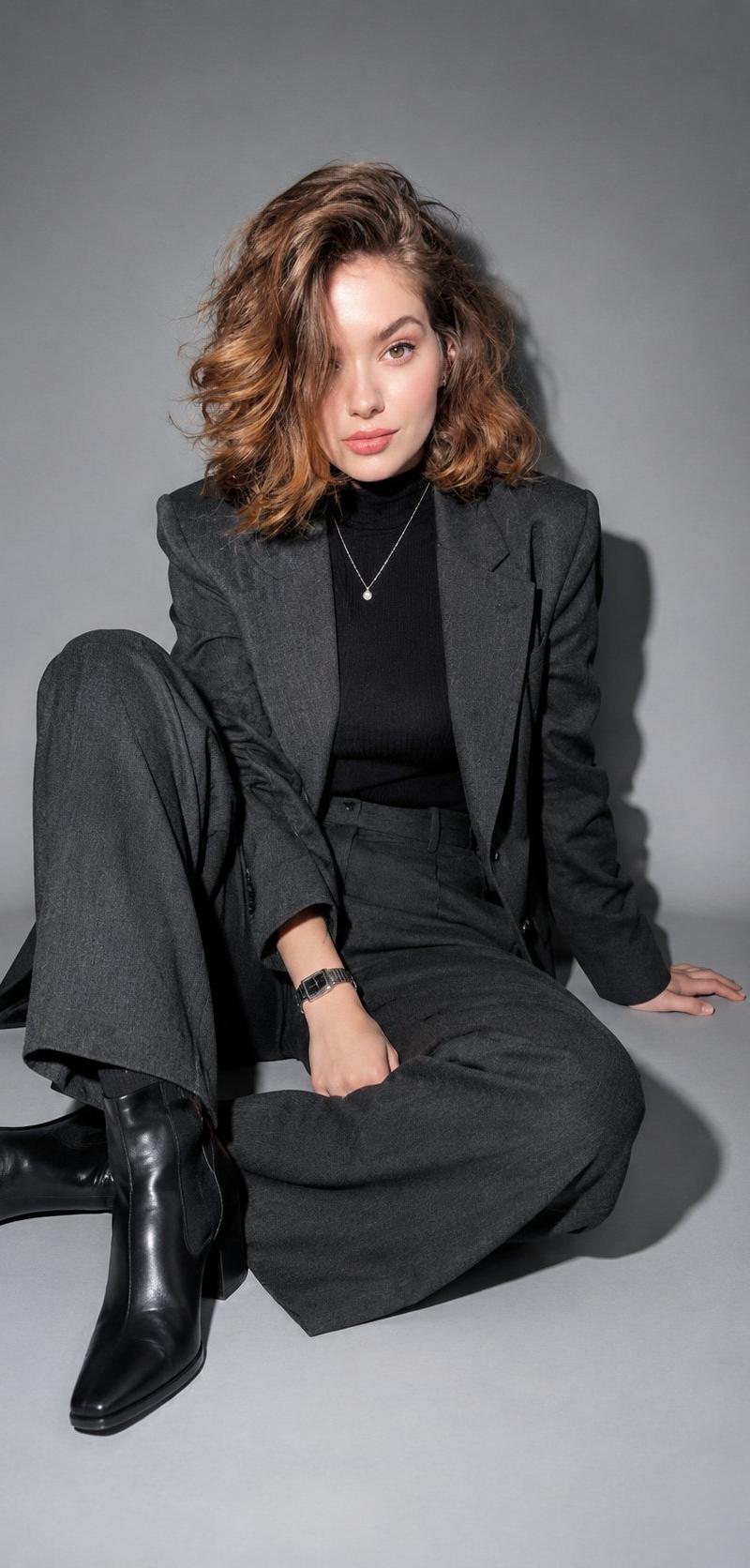
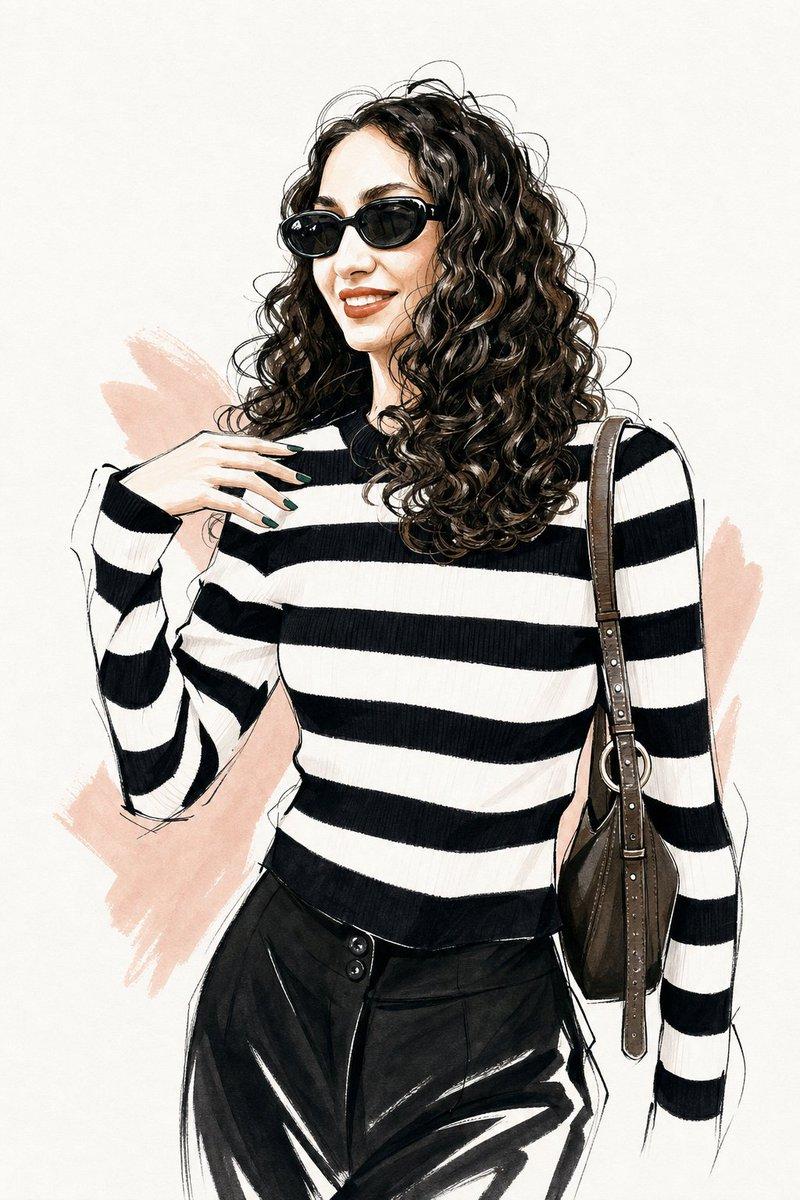
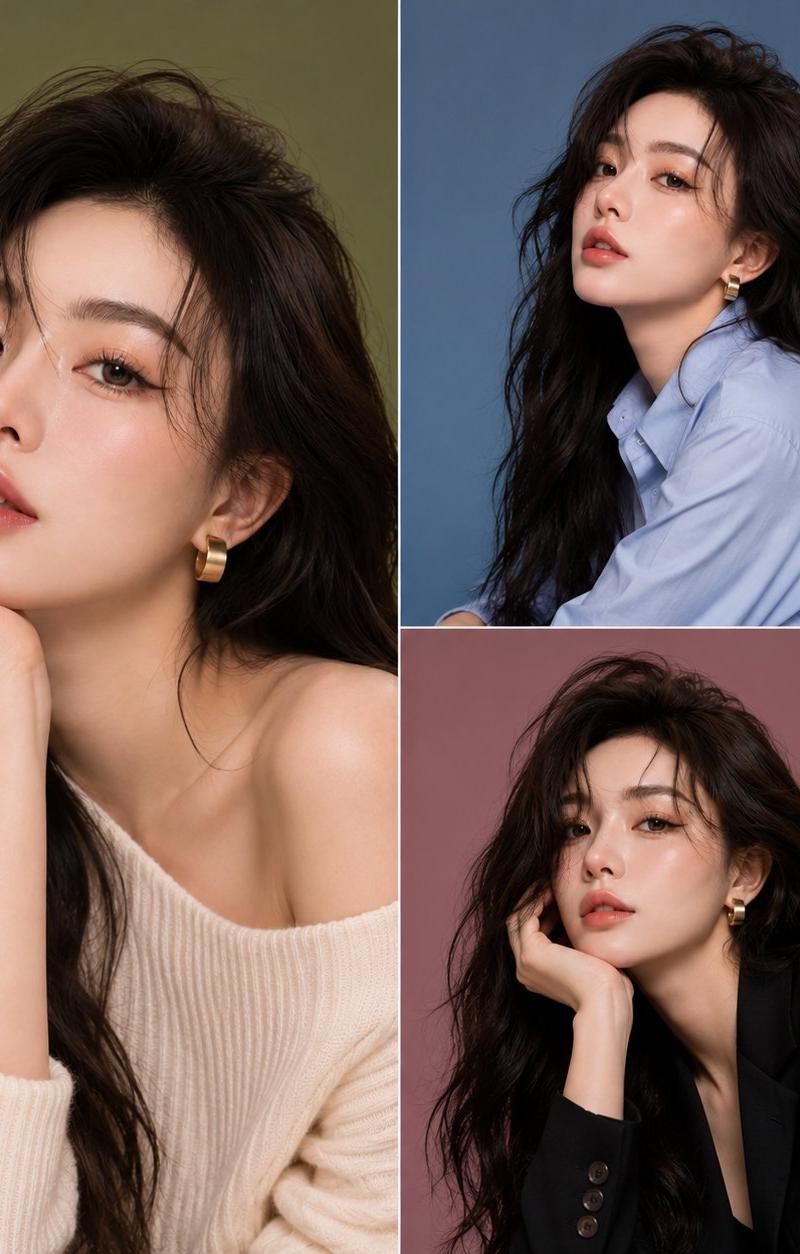
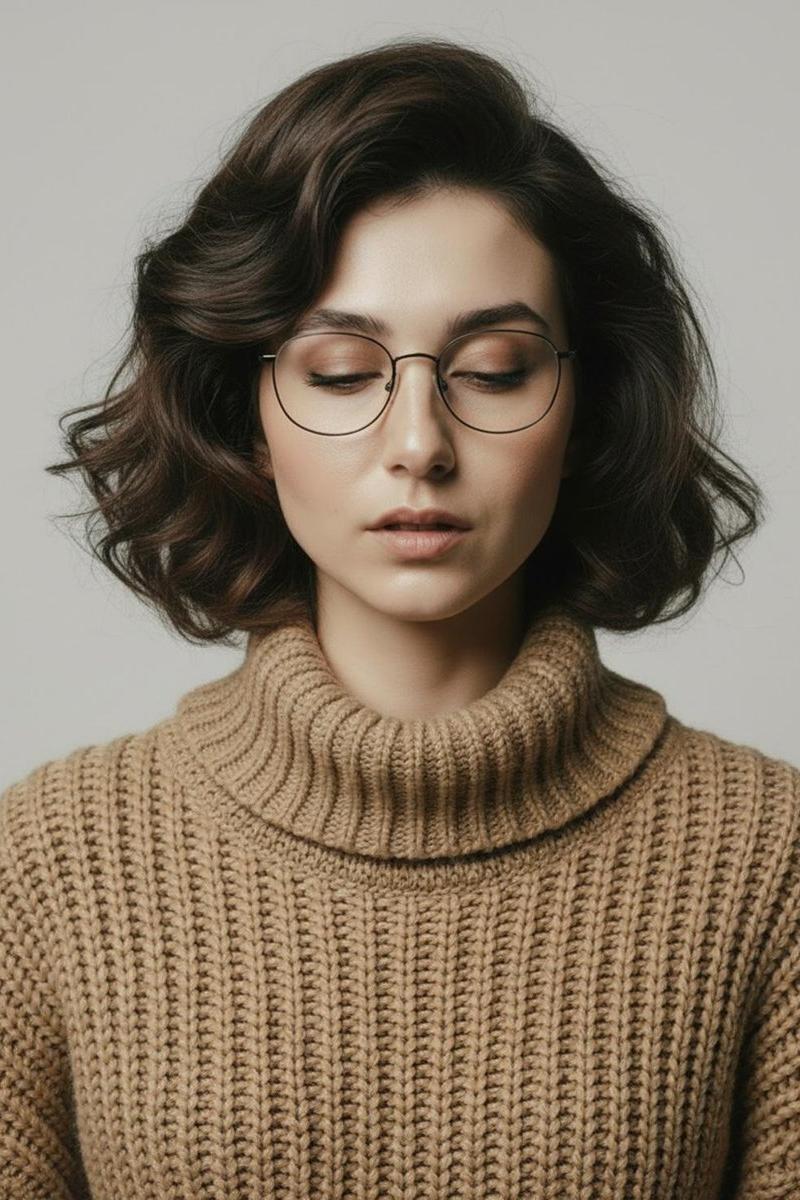
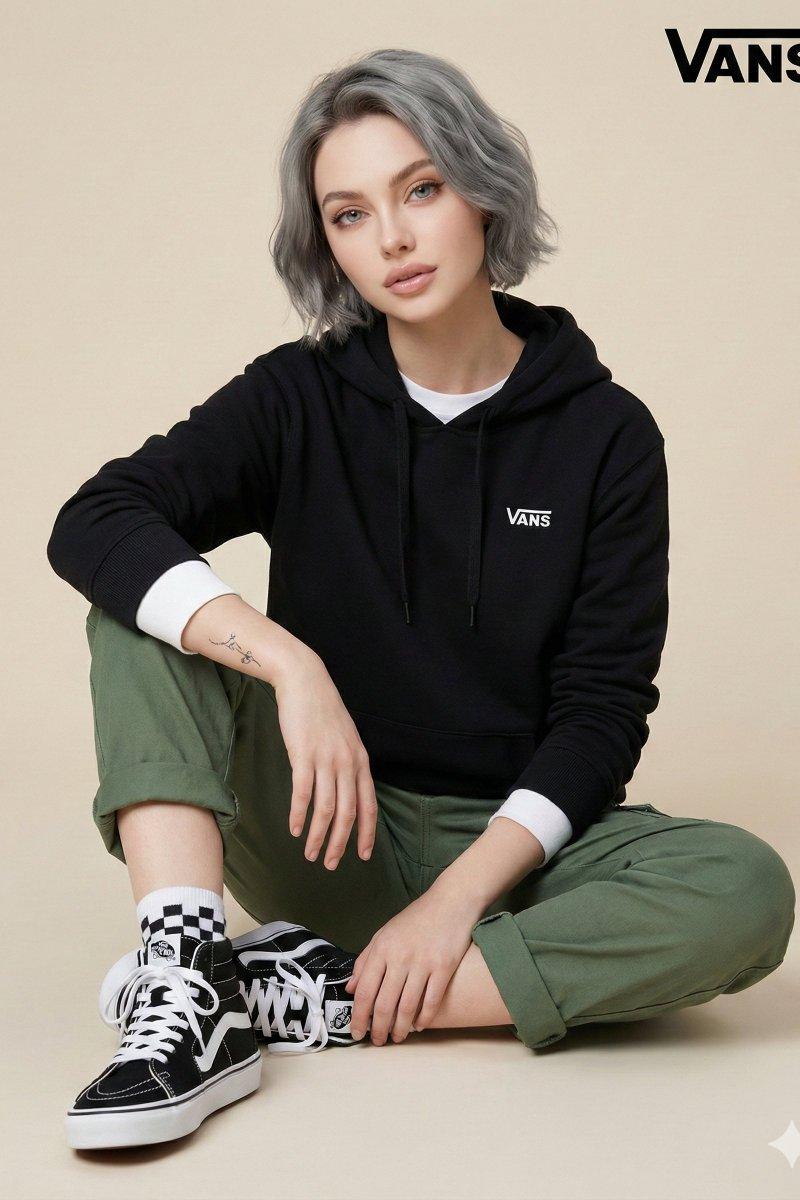
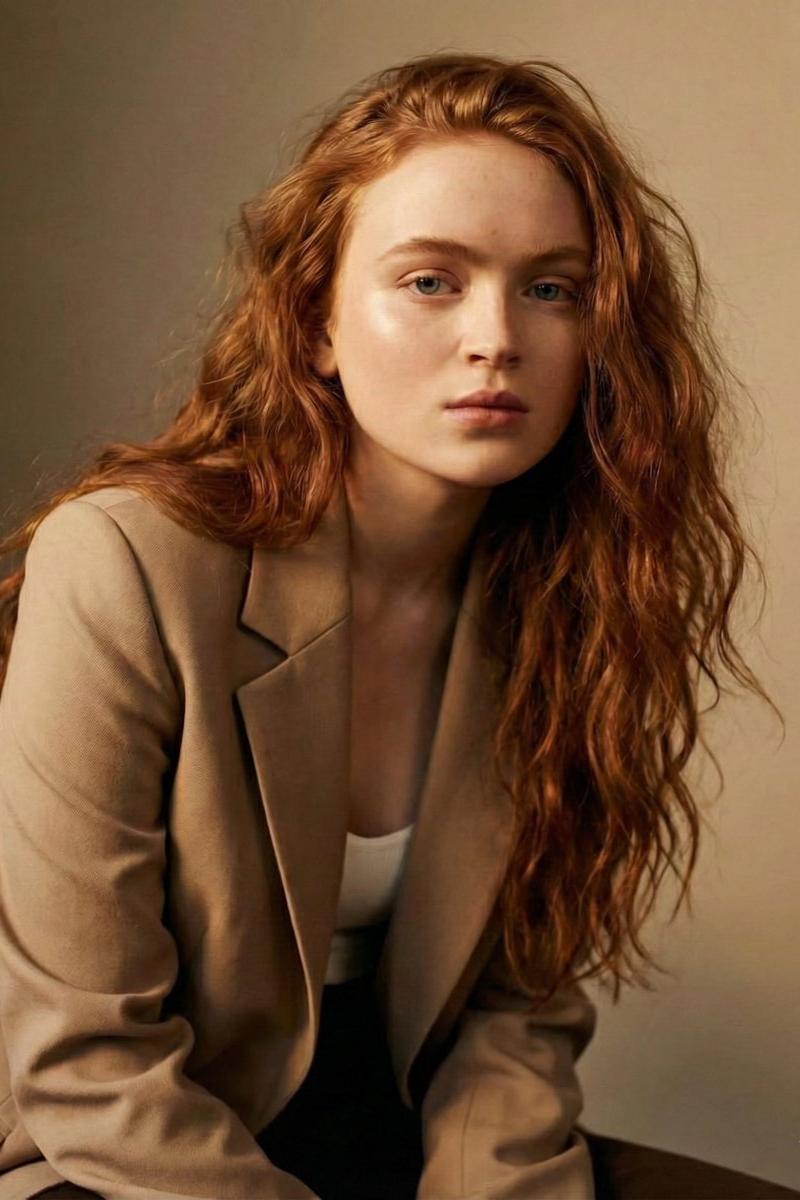
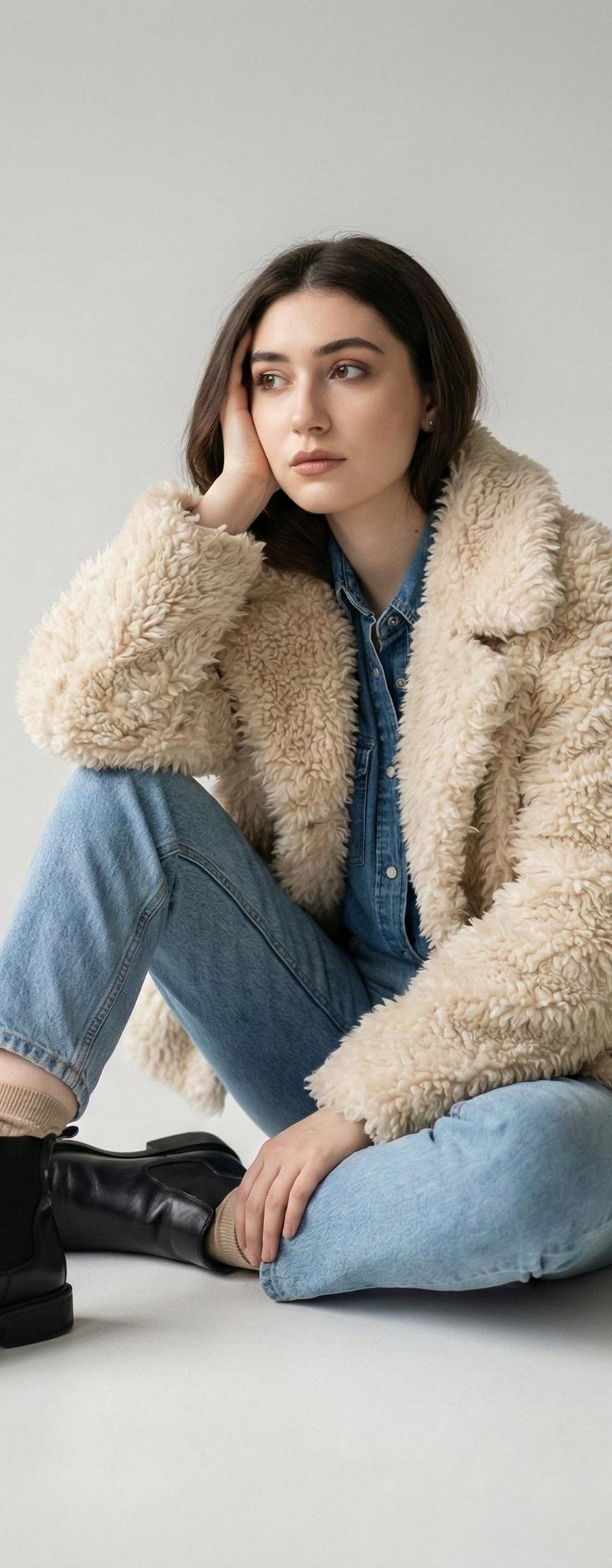
High-fashion editorial studio photoshoot of a stylish young woman with short wavy black hair, wearing oversized dark olive cable-knit sweater, black cargo pants, chunky black leather combat boots, and orange-tinted sunglasses. She is posing in a deep squat/crouching position, holding a structured burnt-orange leather handbag. Minimalist monochromatic orange seamless backdrop and floor, warm color palette, luxury fashion campaign aesthetic, confident expression, soft cinematic studio lighting, sharp focus, premium fashion magazine photography, ultra-detailed textures, natural skin, modern streetwear meets luxury style, full-body composition, front view and side profile angles, shallow depth of field, high-end commercial photography, 85mm lens, photorealistic, 8K quality.
Category
Charts & Infographics
Model
ChatGPT
Creator
@Sairah_0
Source language
zh-CN
Views14
Source ID
16449
Published
Jun 20, 2026
Studio

Guide

About "橙色调高端时尚编辑影棚街头大片"

What is this prompt for?

"橙色调高端时尚编辑影棚街头大片" AI image prompt for ChatGPT (Charts & Infographics). 高端时尚编辑影棚拍摄,一位留着黑色短卷发的时尚年轻女性,穿着超大号深橄榄色粗针织毛衣、黑色工装裤、厚实黑色皮革战斗靴和橙色色调太阳镜。她正以深蹲/下蹲的姿势摆造型,手提一个挺括…

The full copyable prompt and example visuals above are ready for AI image generation or one-click recreate in Picva.

How to use this prompt

  1. Step 1

    Open the prompt detail

    Review the example visuals, category, and full prompt text for "橙色调高端时尚编辑影棚街头大片".

  2. Step 2

    Copy the prompt

    Copy the prompt body from this page, or load it directly in Studio.

  3. Step 3

    Pick a model (ChatGPT)

    Prefer ChatGPT. If you switch models, keep subject and composition and tweak style terms.

  4. Step 4

    Generate and export

    Recreate the look in Picva, or export into your workflow for editing and publishing.

FAQ

What is the "橙色调高端时尚编辑影棚街头大片" prompt?
It is an AI image-generation prompt for ChatGPT in the Charts & Infographics category. This page includes the full prompt text, example visuals, and a one-click recreate path in Picva.
How do I use this prompt to generate an image?
Copy the prompt from this page, or use Generate / Studio. Paste it into a compatible image model, or recreate the look in Picva with optional reference images.
Which model is this prompt for?
This page lists ChatGPT. Most descriptive prompts also transfer to nearby image models such as GPT Image, Flux, or Midjourney with light style tweaks.
Can I use the result commercially?
You can usually copy the prompt for creation, but commercial use of the final image depends on the model terms, reference-image rights, and the generated content. Follow the source author and platform rules.