15

Beige studio 3x3 grid: GPT Image 2 prompt
Enlarge

Example images

Beige studio 3x3 grid: GPT Image 2 prompt

Prompt
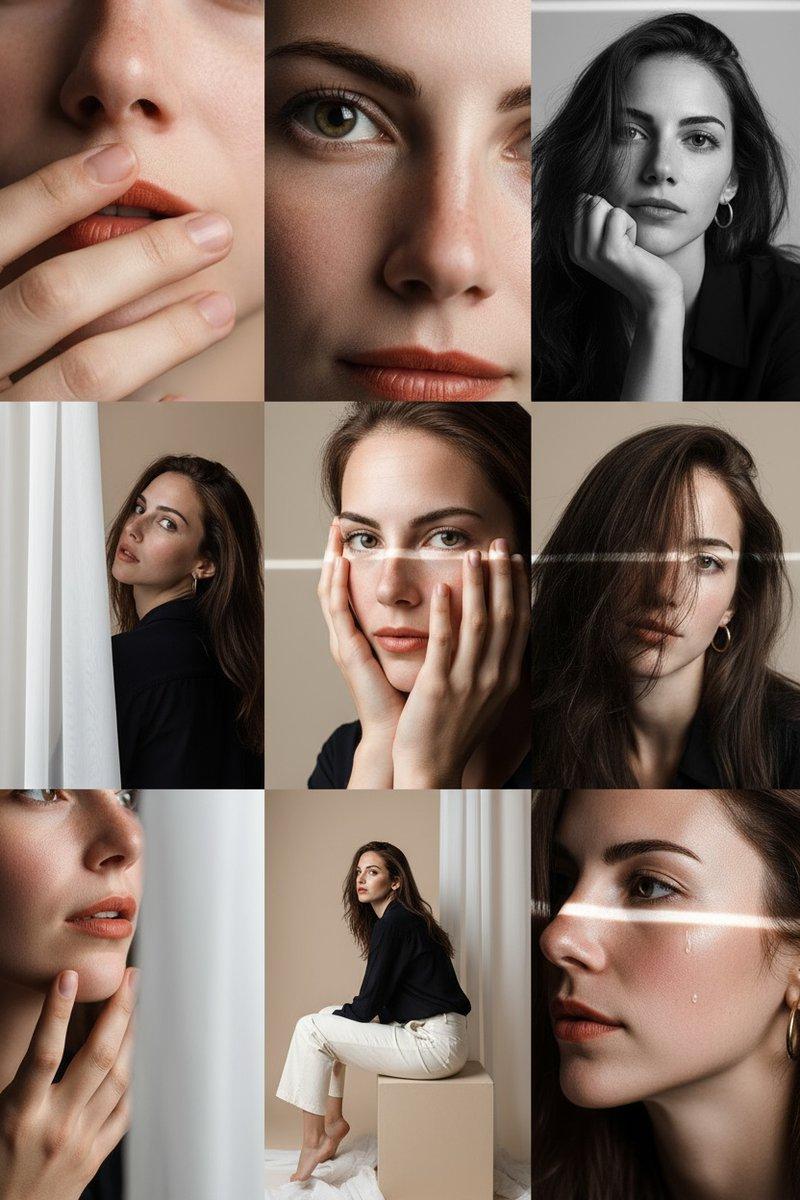
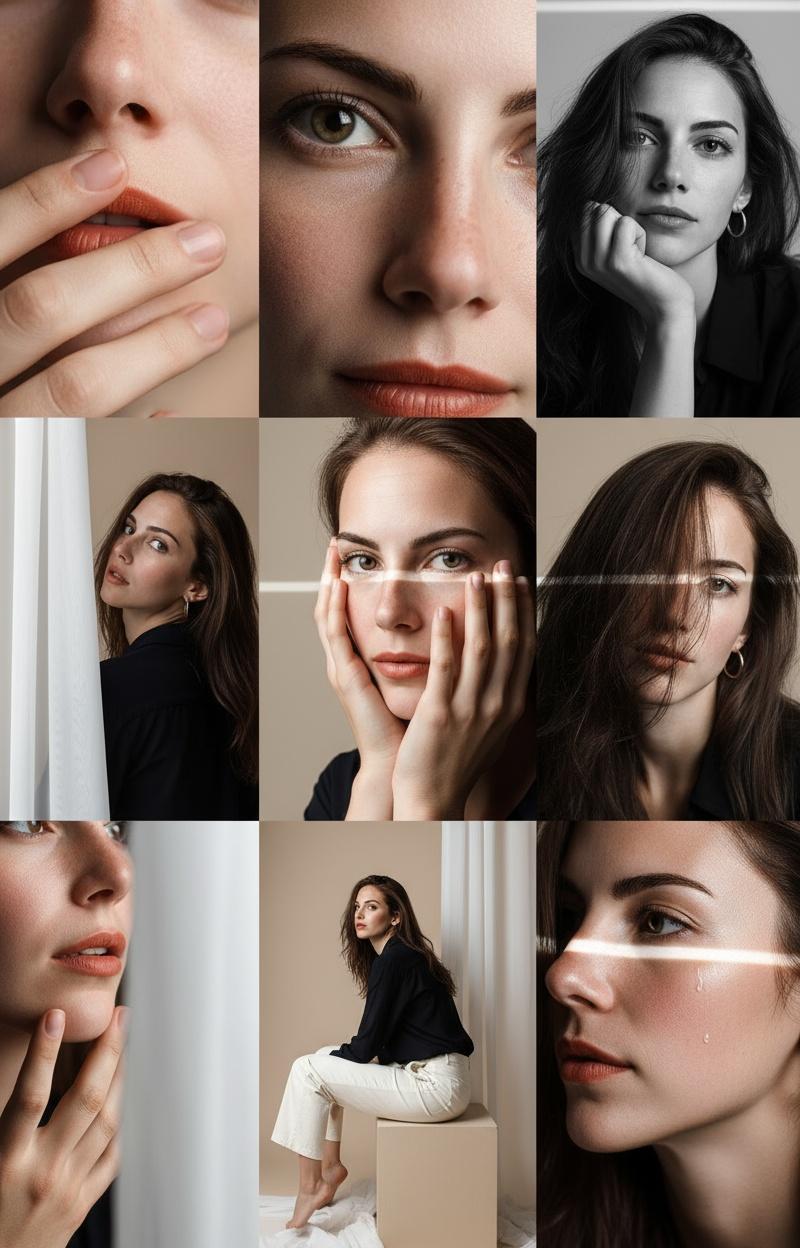
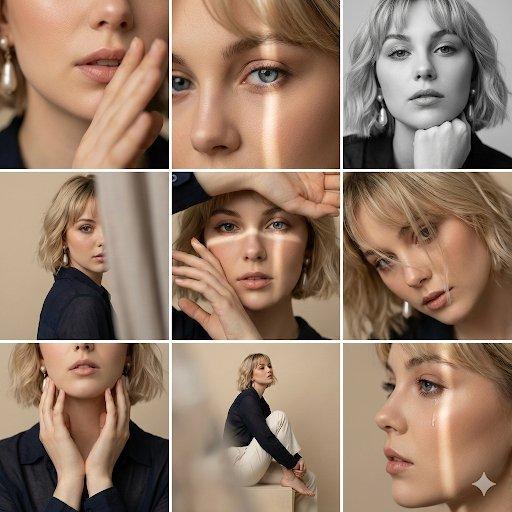
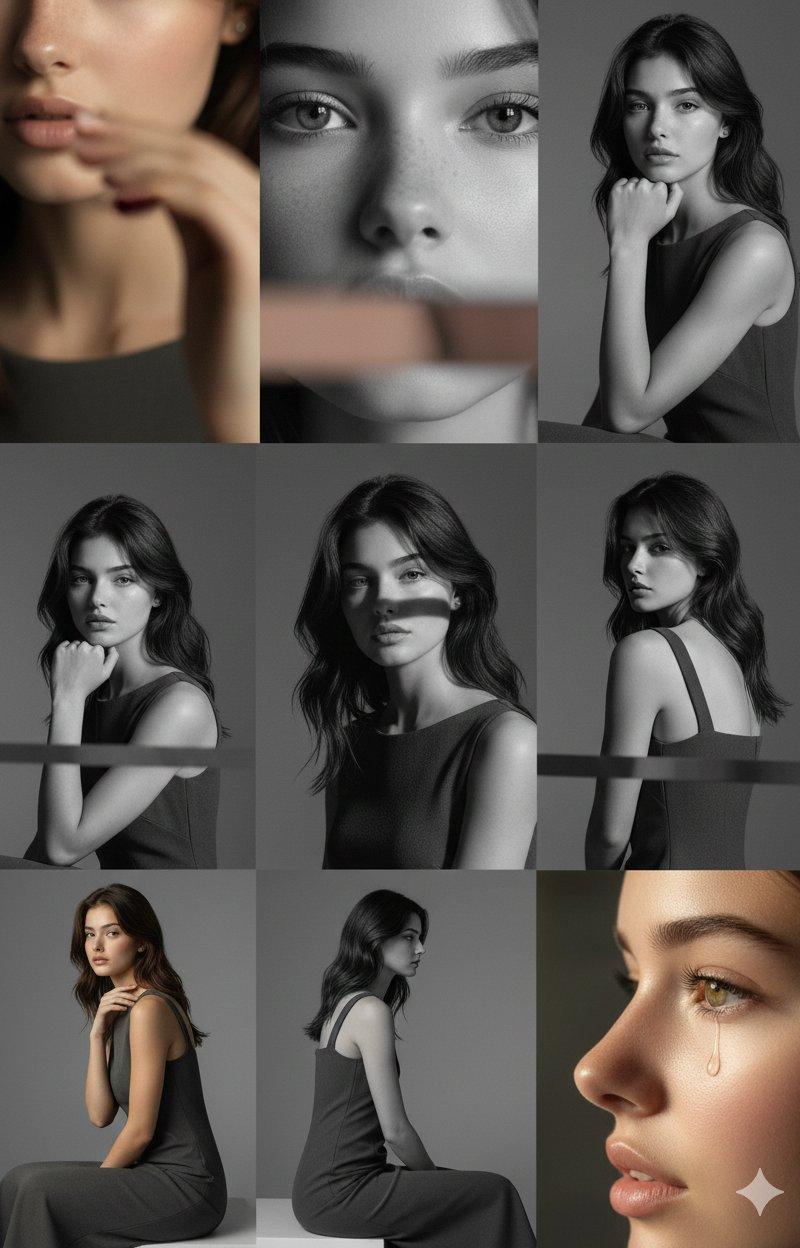
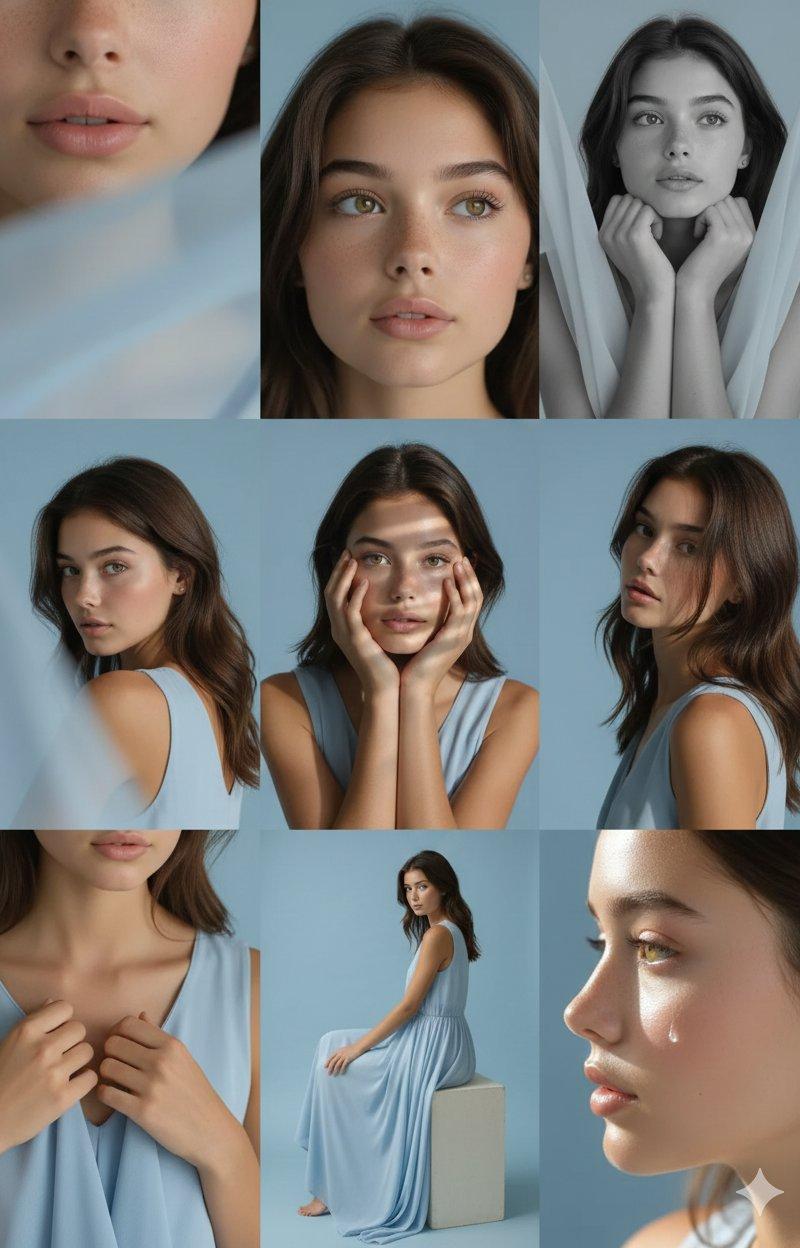
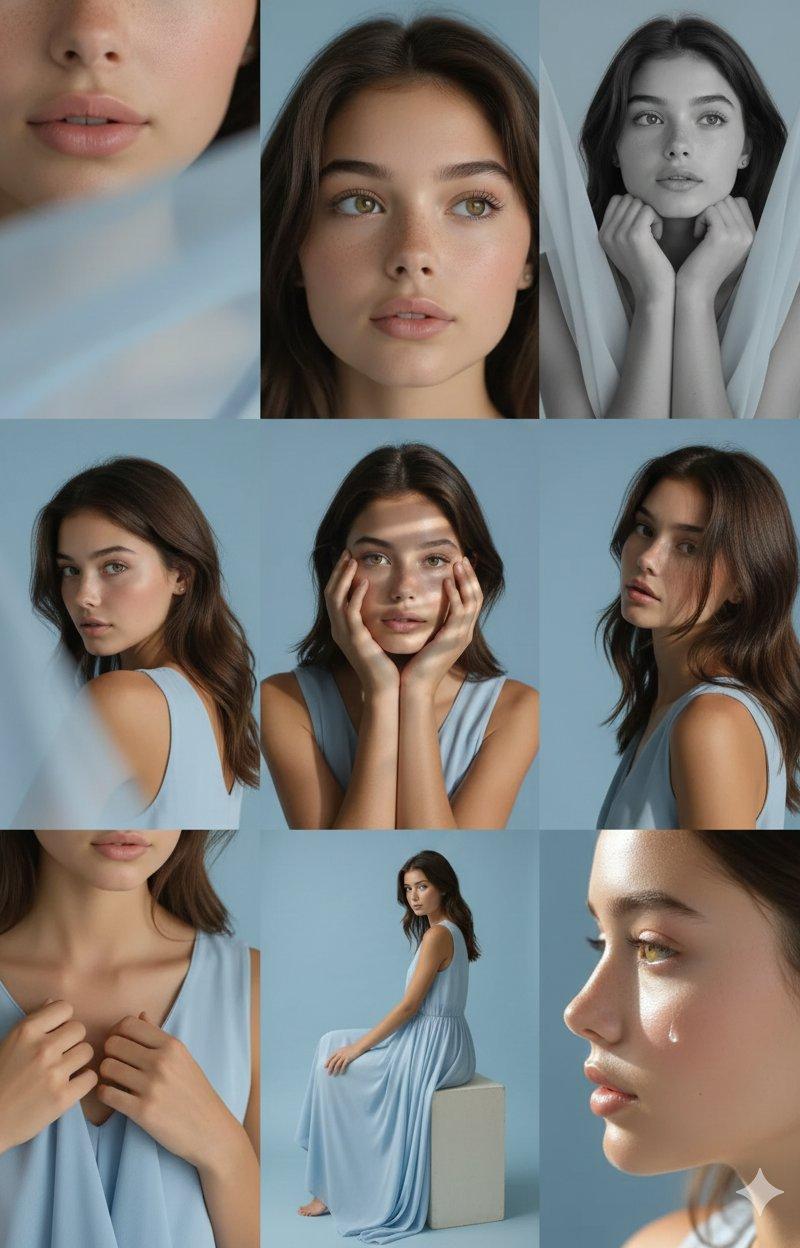
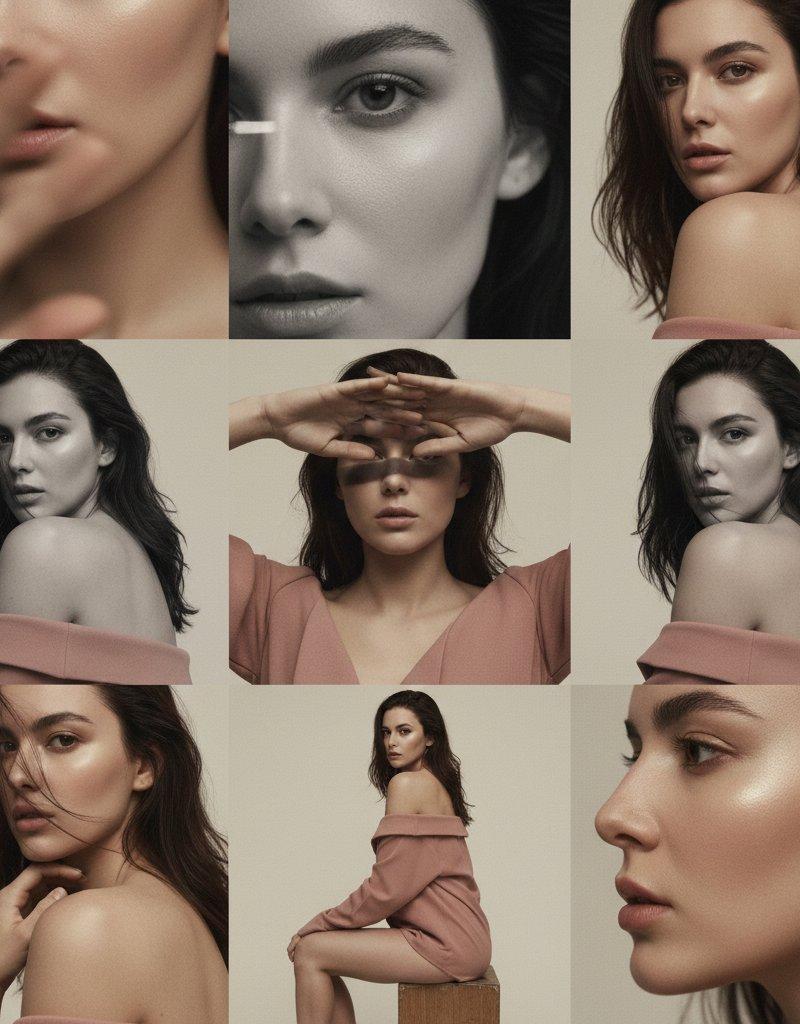
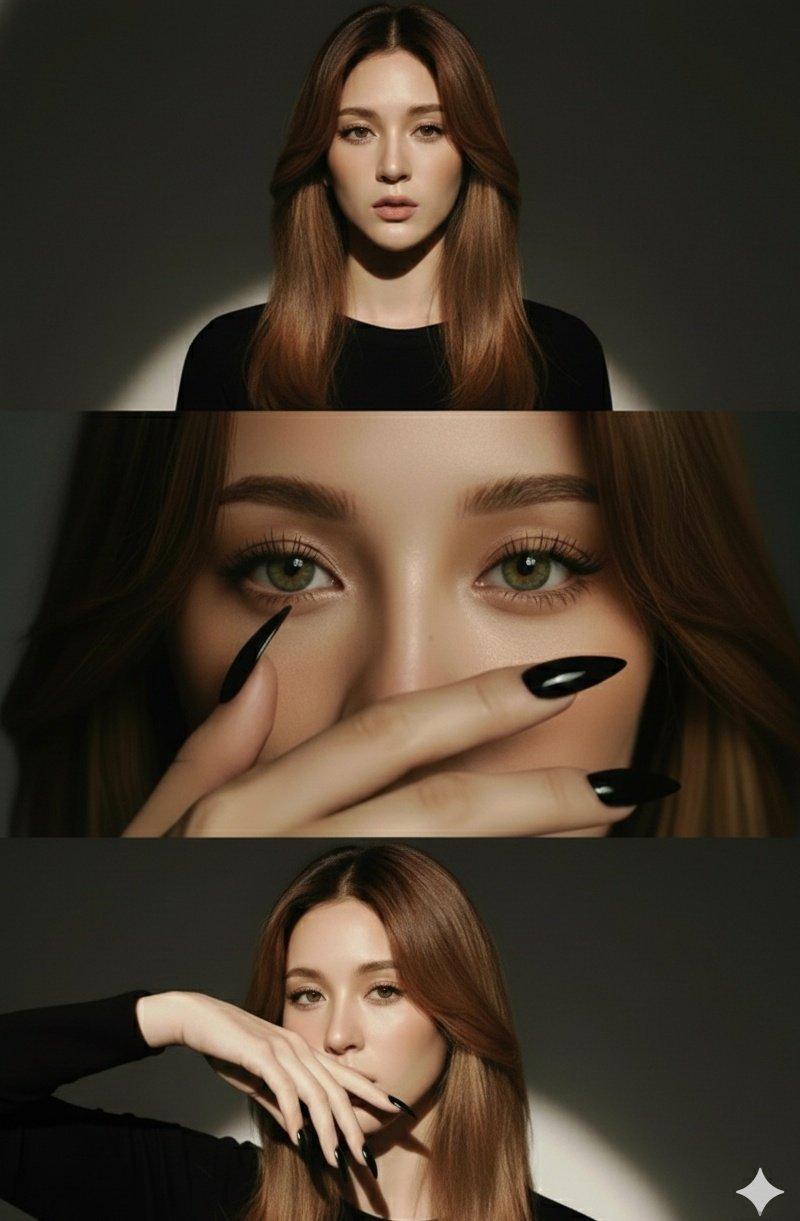
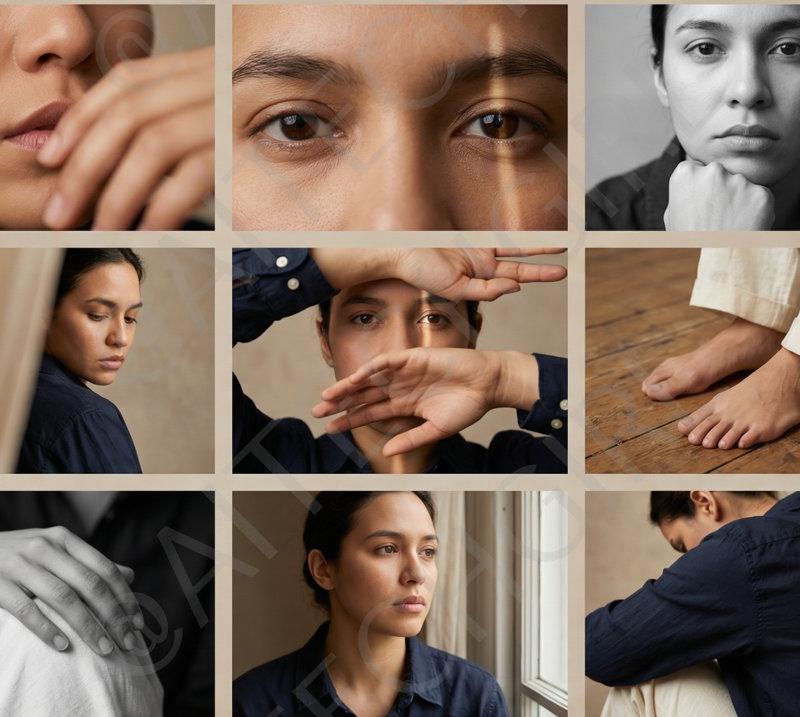
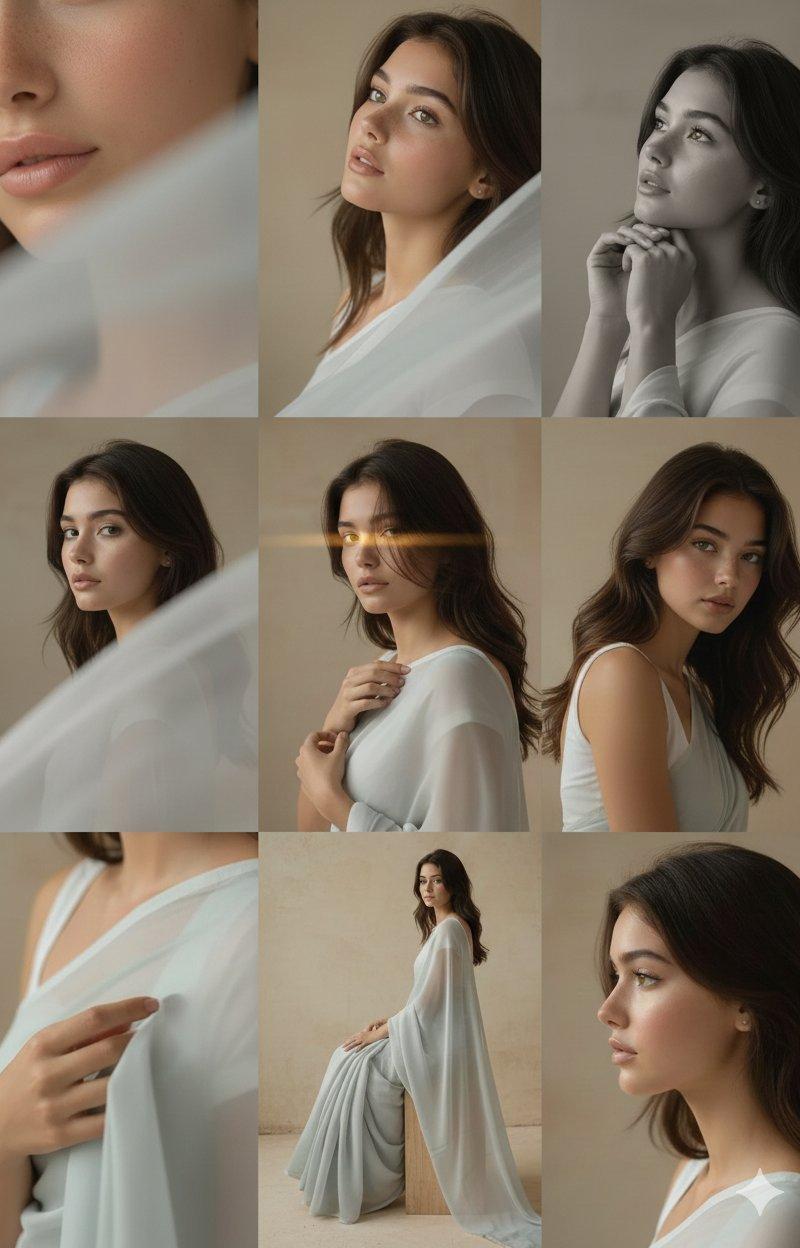
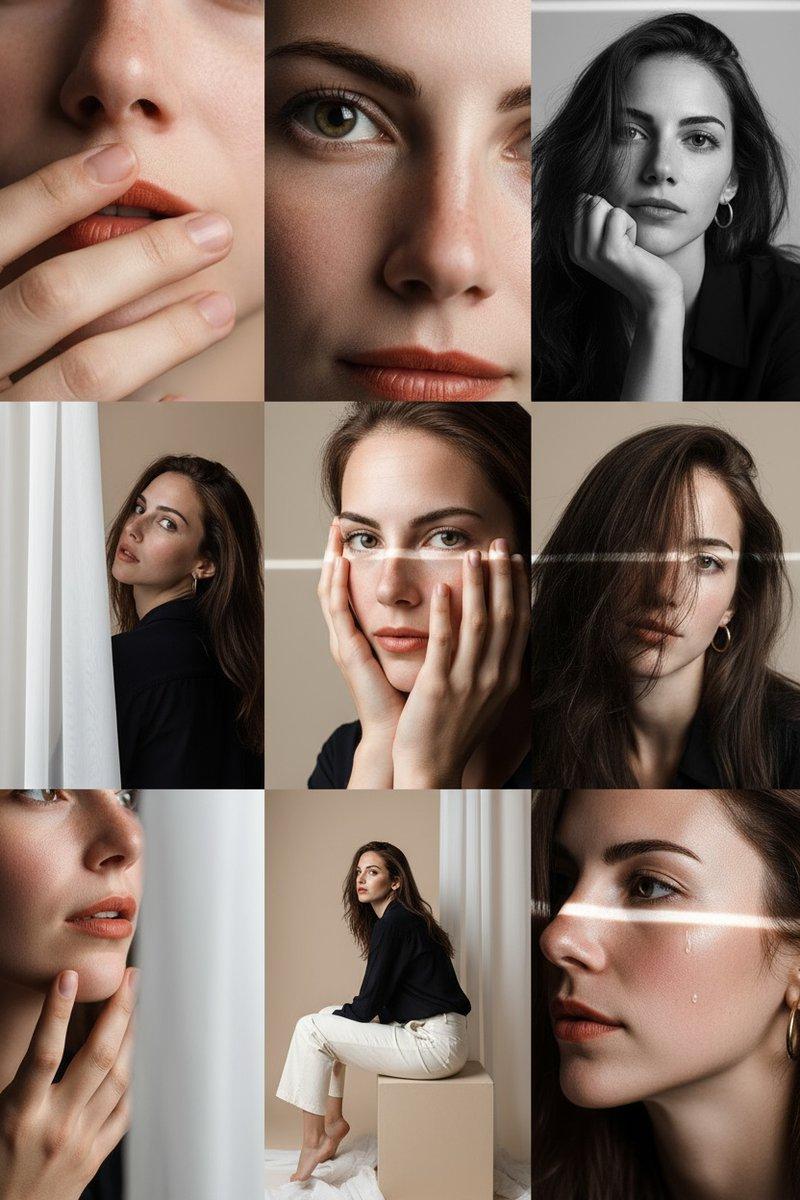
在柔和米色的工作室内,构建3x3精细编辑照片网格

角色穿深蓝轻薄衬衫,米白长裤,赤脚展现原始质感

灯光设计:
前右大面积柔光,左侧银反光板,顶部微弱轮廓光。

9组精细镜头构图:
1.85mm f/1.8极致唇部特写
2.眼睛对镜特写
3.黑白下巴支撑肖像
4.半遮半露肖像
5.手覆面部特写
6.发丝遮眼构图
7.手部触下巴细节
8.半身侧坐姿势
9.带泪水的侧脸电影感
Category
Photography & Realism
Model
GPT Image 2
Creator
摆烂程序媛
Source language
zh-CN
Views0
Source ID
2017116581164454309
Published
Jan 30, 2026
Studio

Guide

About "Beige studio 3x3 grid: GPT Image 2 prompt"

What is this prompt for?

"Beige studio 3x3 grid: GPT Image 2 prompt" AI image prompt for GPT Image 2 (Photography & Realism). 在柔和米色的工作室内,构建3x3精细编辑照片网格 角色穿深蓝轻薄衬衫,米白长裤,赤脚展现原始质感 灯光设计: 前右大…

The full copyable prompt and example visuals above are ready for AI image generation or one-click recreate in Picva.

How to use this prompt

  1. Step 1

    Open the prompt detail

    Review the example visuals, category, and full prompt text for "Beige studio 3x3 grid: GPT Image 2 prompt".

  2. Step 2

    Copy the prompt

    Copy the prompt body from this page, or load it directly in Studio.

  3. Step 3

    Pick a model (GPT Image 2)

    Prefer GPT Image 2. If you switch models, keep subject and composition and tweak style terms.

  4. Step 4

    Generate and export

    Recreate the look in Picva, or export into your workflow for editing and publishing.

FAQ

What is the "Beige studio 3x3 grid: GPT Image 2 prompt" prompt?
It is an AI image-generation prompt for GPT Image 2 in the Photography & Realism category. This page includes the full prompt text, example visuals, and a one-click recreate path in Picva.
How do I use this prompt to generate an image?
Copy the prompt from this page, or use Generate / Studio. Paste it into a compatible image model, or recreate the look in Picva with optional reference images.
Which model is this prompt for?
This page lists GPT Image 2. Most descriptive prompts also transfer to nearby image models such as GPT Image, Flux, or Midjourney with light style tweaks.
Can I use the result commercially?
You can usually copy the prompt for creation, but commercial use of the final image depends on the model terms, reference-image rights, and the generated content. Follow the source author and platform rules.