17

自拍升级指南:Gemini编辑器打造3x3创意矩阵
Enlarge

Example images

自拍升级指南:Gemini编辑器打造3x3创意矩阵

Prompt
Your selfie just called. It wants an editorial upgrade 😌⚡
1️⃣ Open Gemini
2️⃣ Upload selfie
3️⃣ Add your prompt
4️⃣ Generate
Prompt
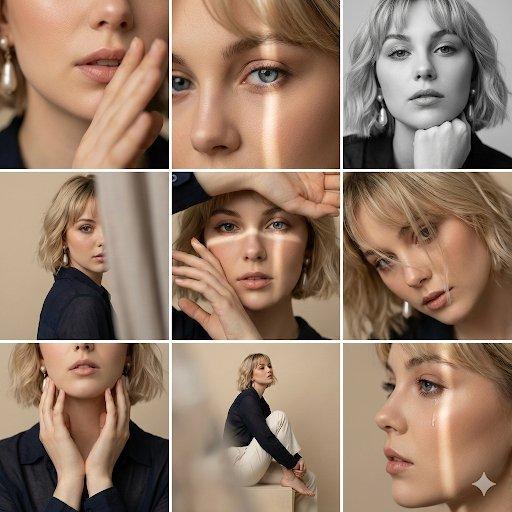
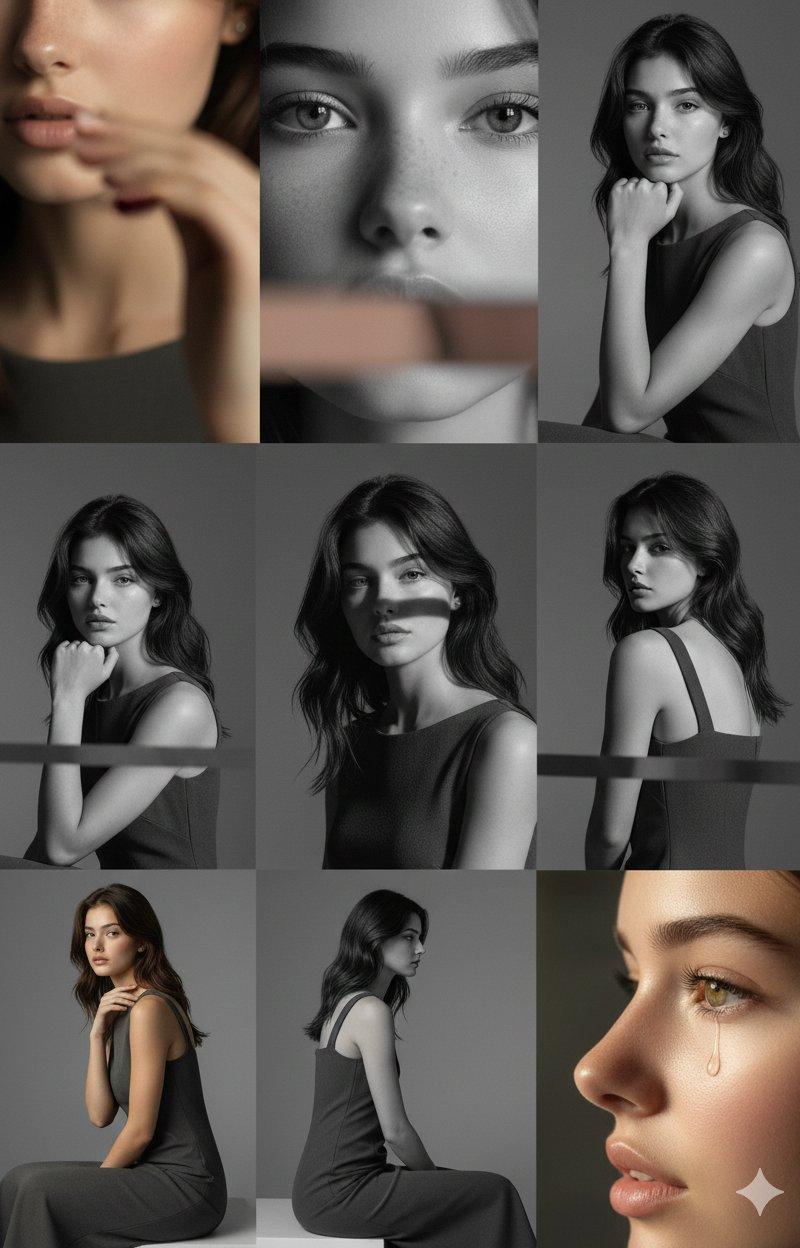
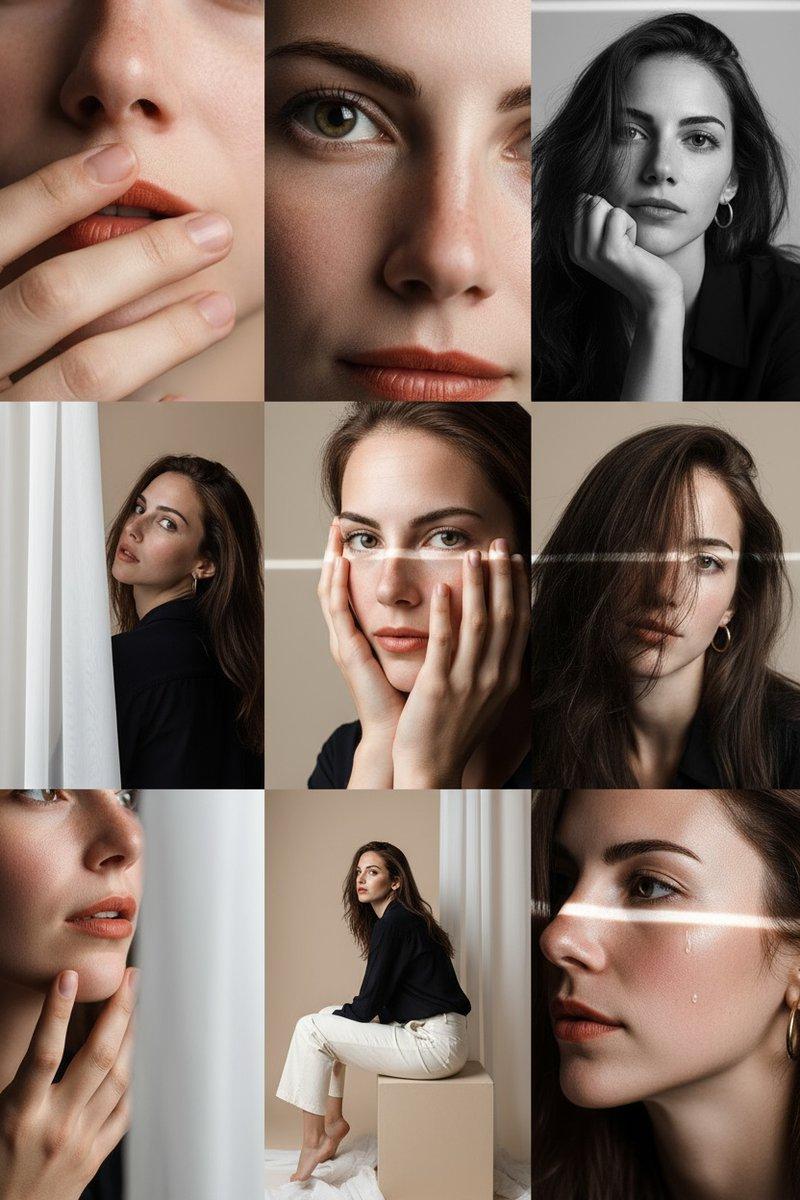
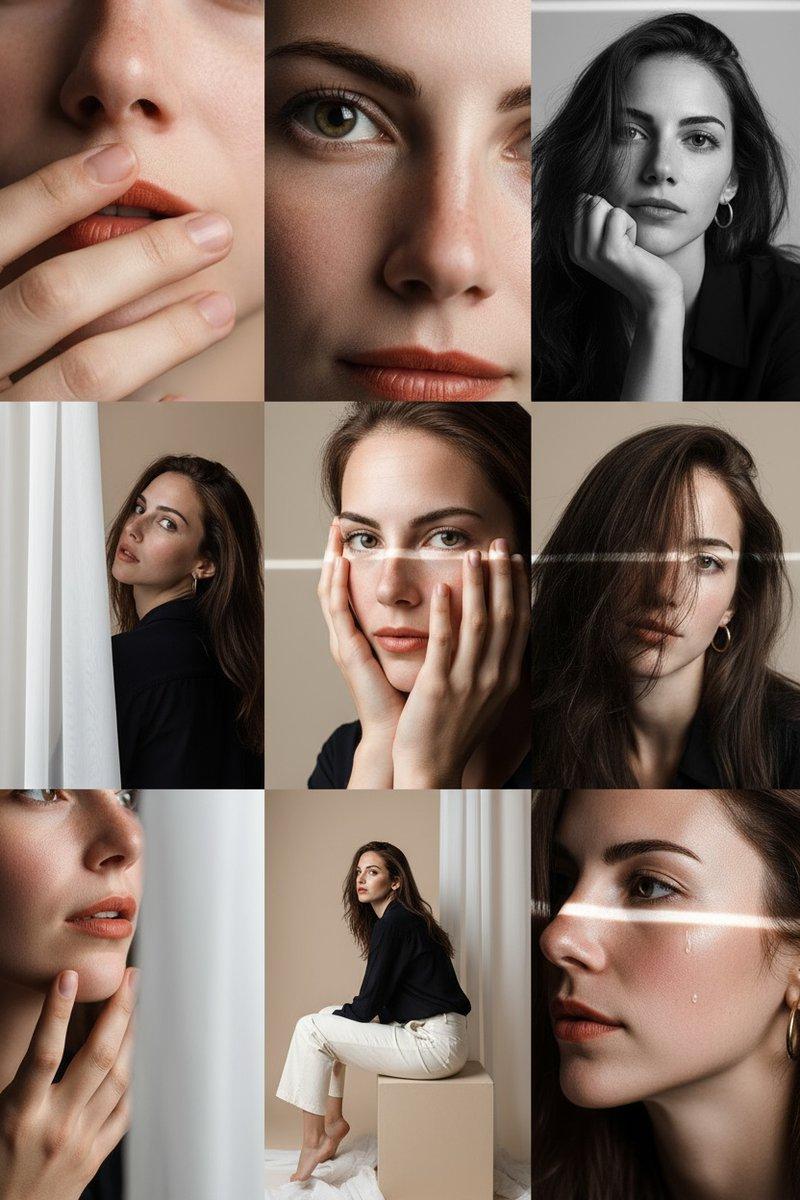
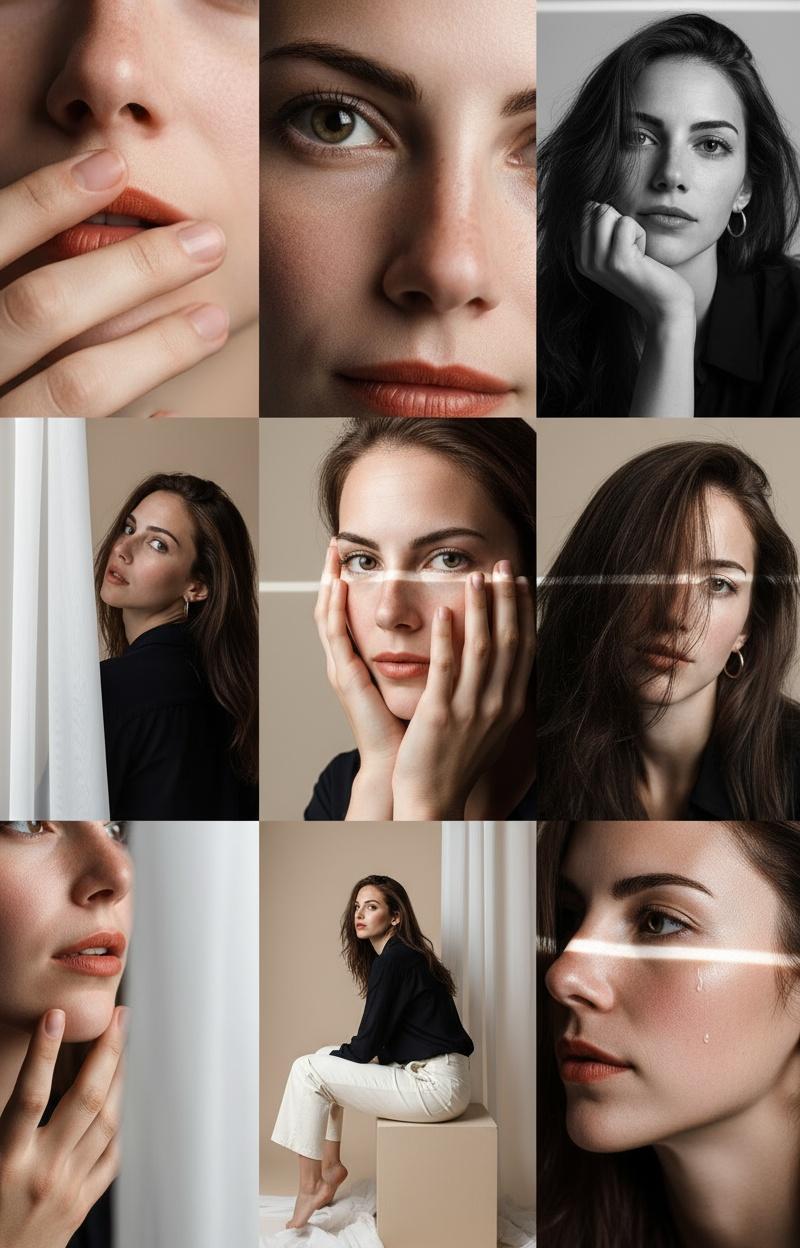
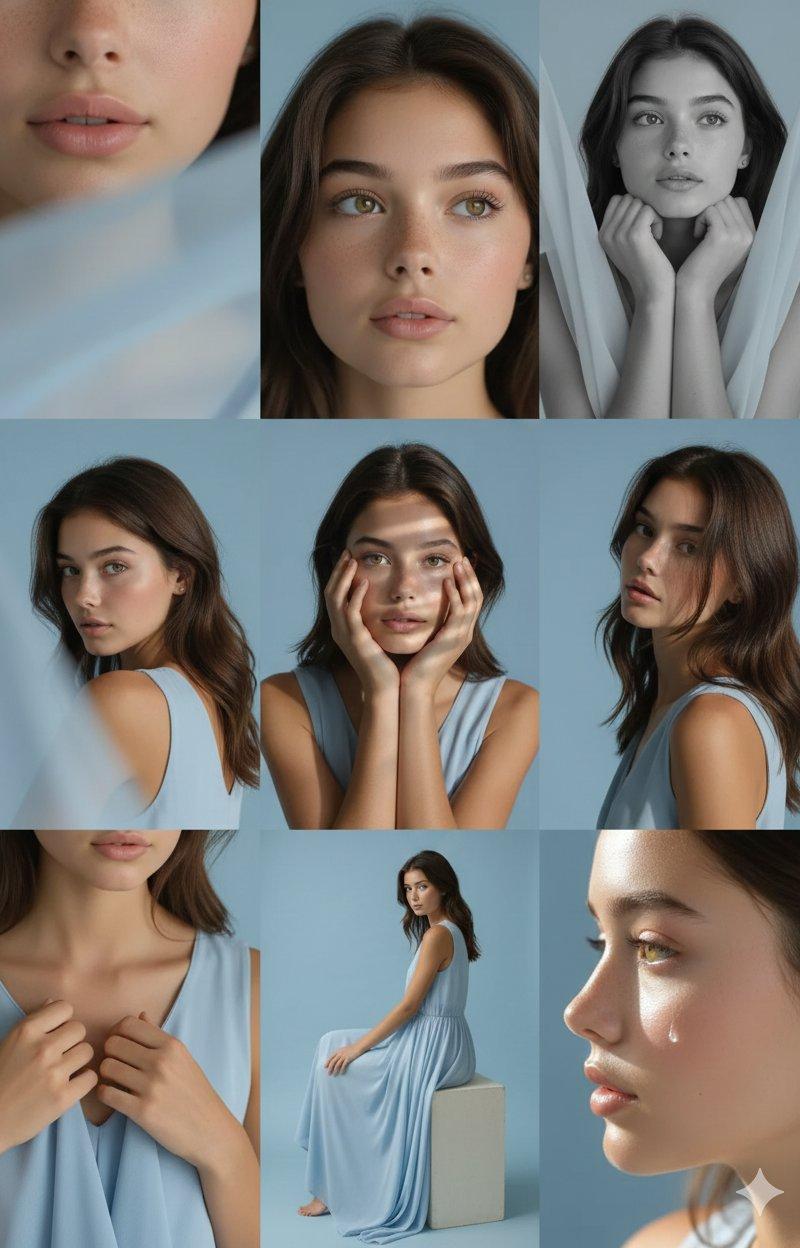
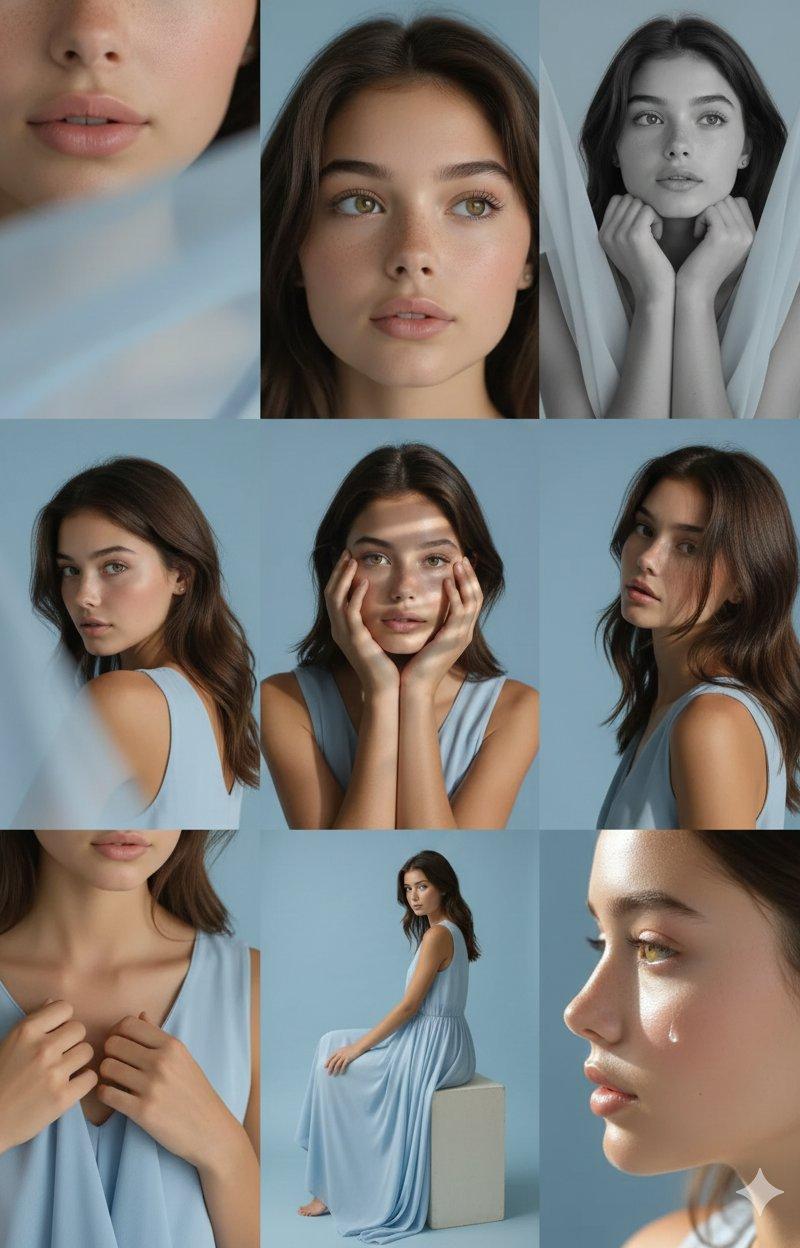
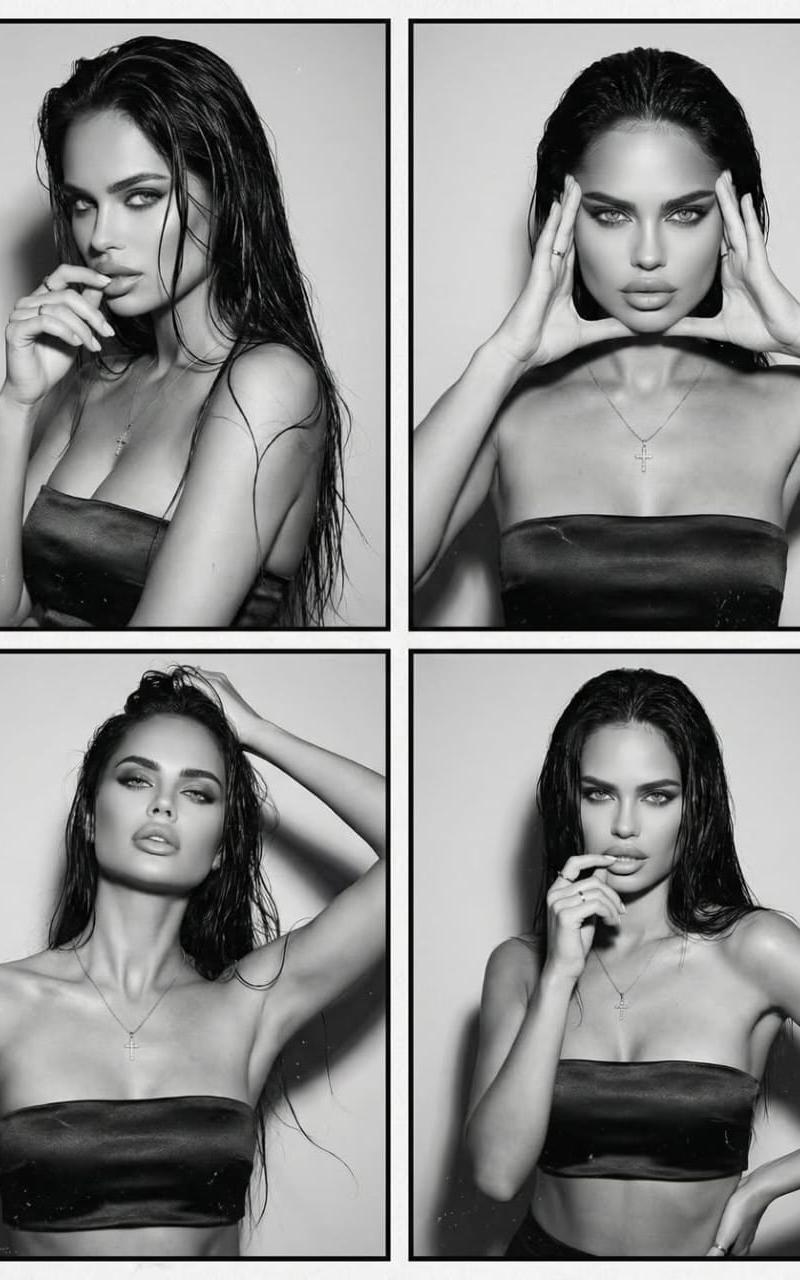
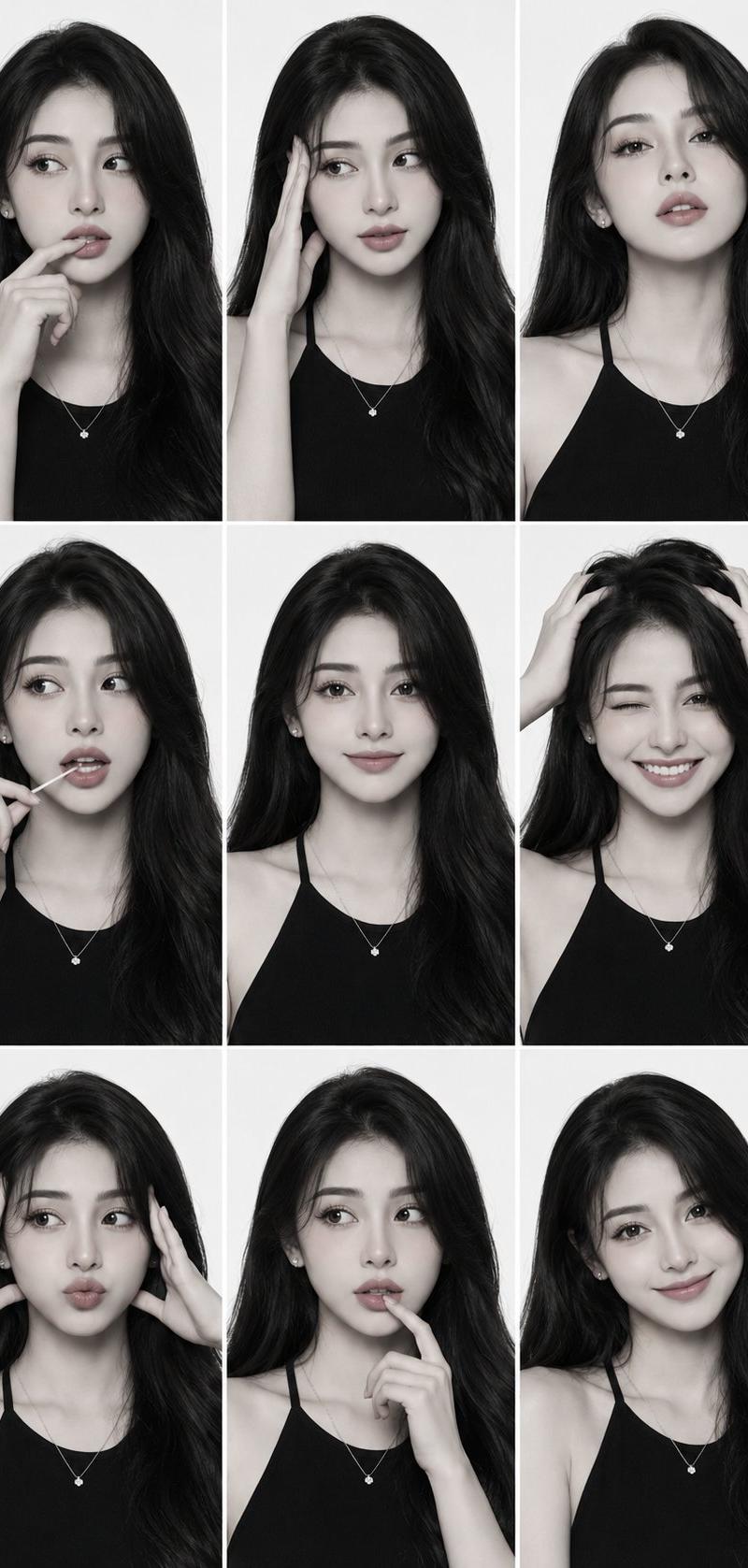
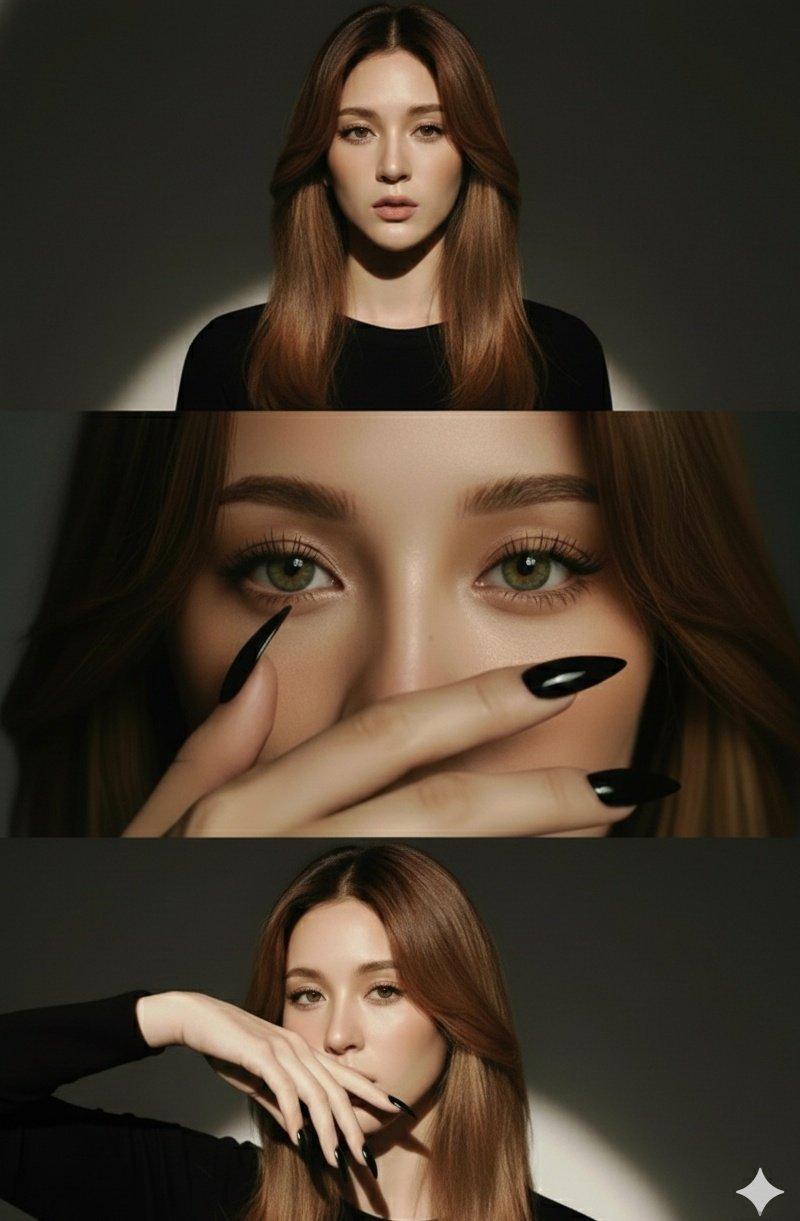
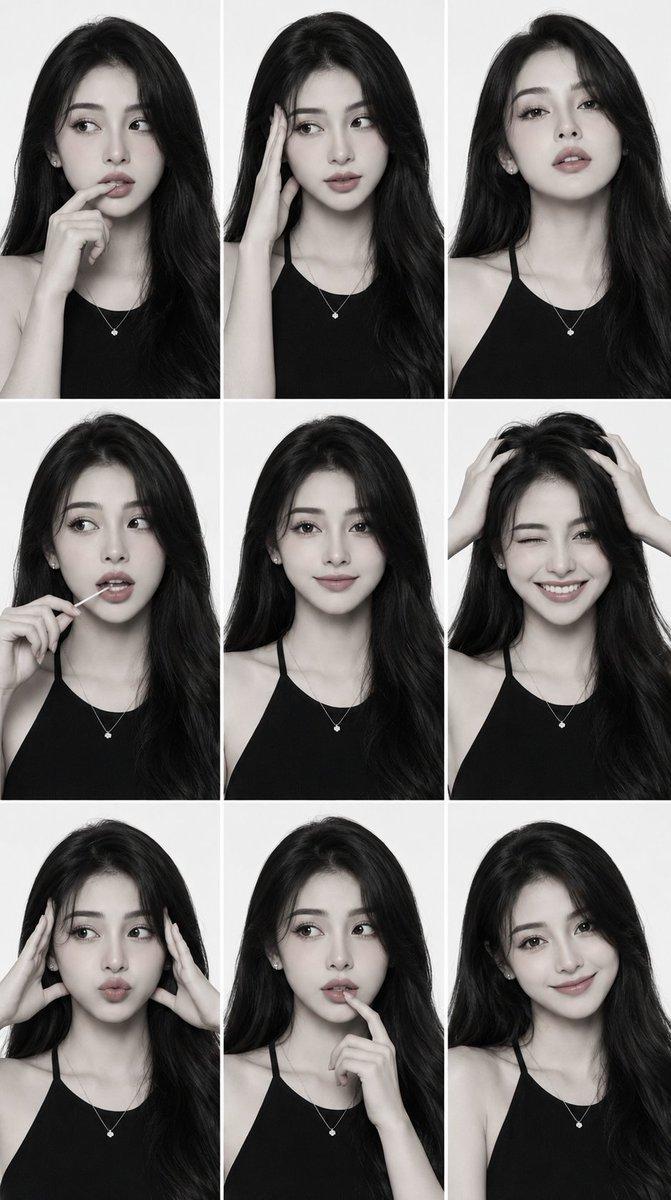
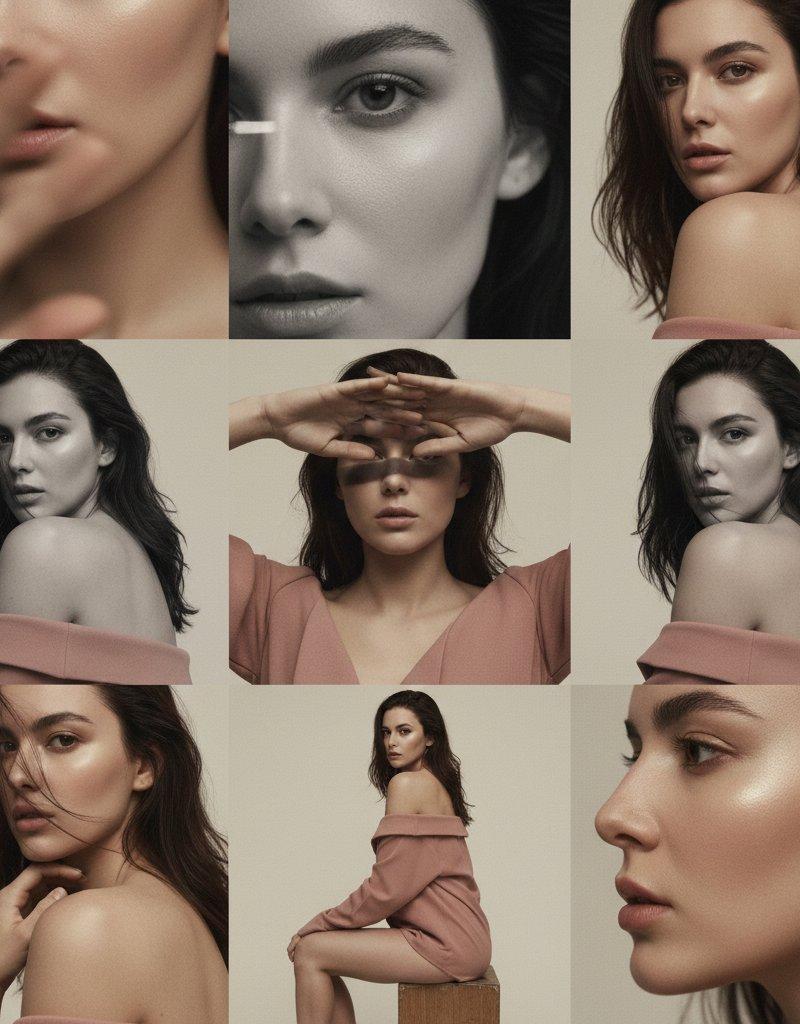
Editorial 3x3 grid in matte cream studio. Character (face characteristics 100% same as uploaded image) wearing a blush-pink off-shoulder top. Same shot structure: extreme lip/cheek close-up with blurred hand, eye-reflection crop, B&W chin-rest close-up, over-shoulder fabric blur, frontal hand-shadow play, angled loose-hair portrait, collarbone-hand crop, seated side pose, profile with droplet highlight. RAW, muted tones, soft cinematic grain.
Which pose would you recreate?
Bookmark this post 🔖
Category
Photography & Realism
Model
Unknown
Creator
MonetizeXWithAb
Source language
zh-CN
Views0
Source ID
selfie-makeover-guide-create-a-3x3-creative-grid-with-gemini-editor
Studio

Guide

About "自拍升级指南:Gemini编辑器打造3x3创意矩阵"

What is this prompt for?

"自拍升级指南:Gemini编辑器打造3x3创意矩阵" AI image prompt for Unknown (Photography & Realism). Your selfie just called. It wants an editorial upgrade 😌⚡ 1️⃣ Open Gemini 2️⃣…

The full copyable prompt and example visuals above are ready for AI image generation or one-click recreate in Picva.

How to use this prompt

  1. Step 1

    Open the prompt detail

    Review the example visuals, category, and full prompt text for "自拍升级指南:Gemini编辑器打造3x3创意矩阵".

  2. Step 2

    Copy the prompt

    Copy the prompt body from this page, or load it directly in Studio.

  3. Step 3

    Pick a model (Unknown)

    Prefer Unknown. If you switch models, keep subject and composition and tweak style terms.

  4. Step 4

    Generate and export

    Recreate the look in Picva, or export into your workflow for editing and publishing.

FAQ

What is the "自拍升级指南:Gemini编辑器打造3x3创意矩阵" prompt?
It is an AI image-generation prompt for Unknown in the Photography & Realism category. This page includes the full prompt text, example visuals, and a one-click recreate path in Picva.
How do I use this prompt to generate an image?
Copy the prompt from this page, or use Generate / Studio. Paste it into a compatible image model, or recreate the look in Picva with optional reference images.
Which model is this prompt for?
This page lists Unknown. Most descriptive prompts also transfer to nearby image models such as GPT Image, Flux, or Midjourney with light style tweaks.
Can I use the result commercially?
You can usually copy the prompt for creation, but commercial use of the final image depends on the model terms, reference-image rights, and the generated content. Follow the source author and platform rules.