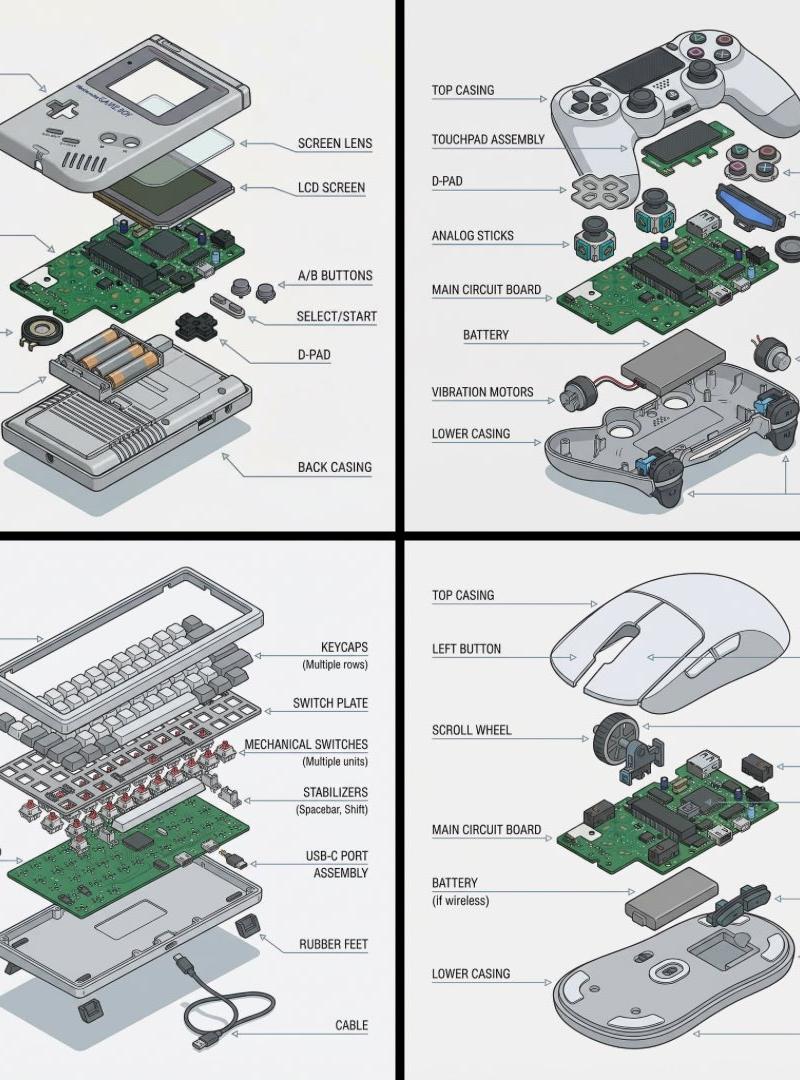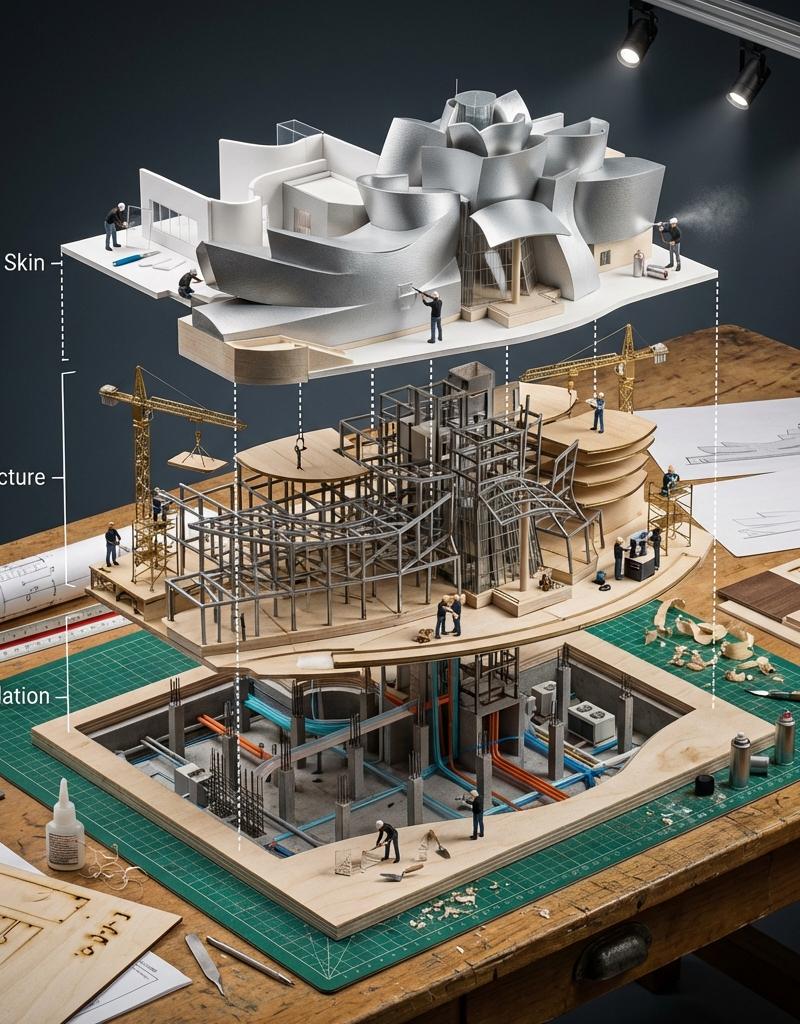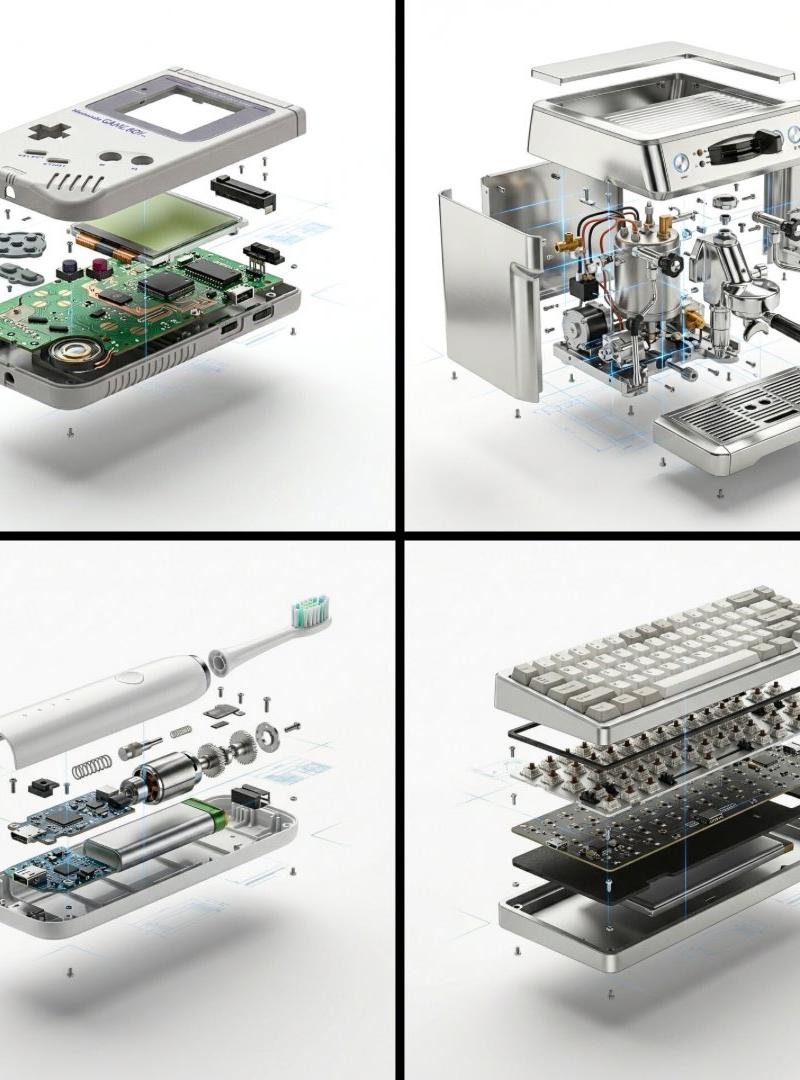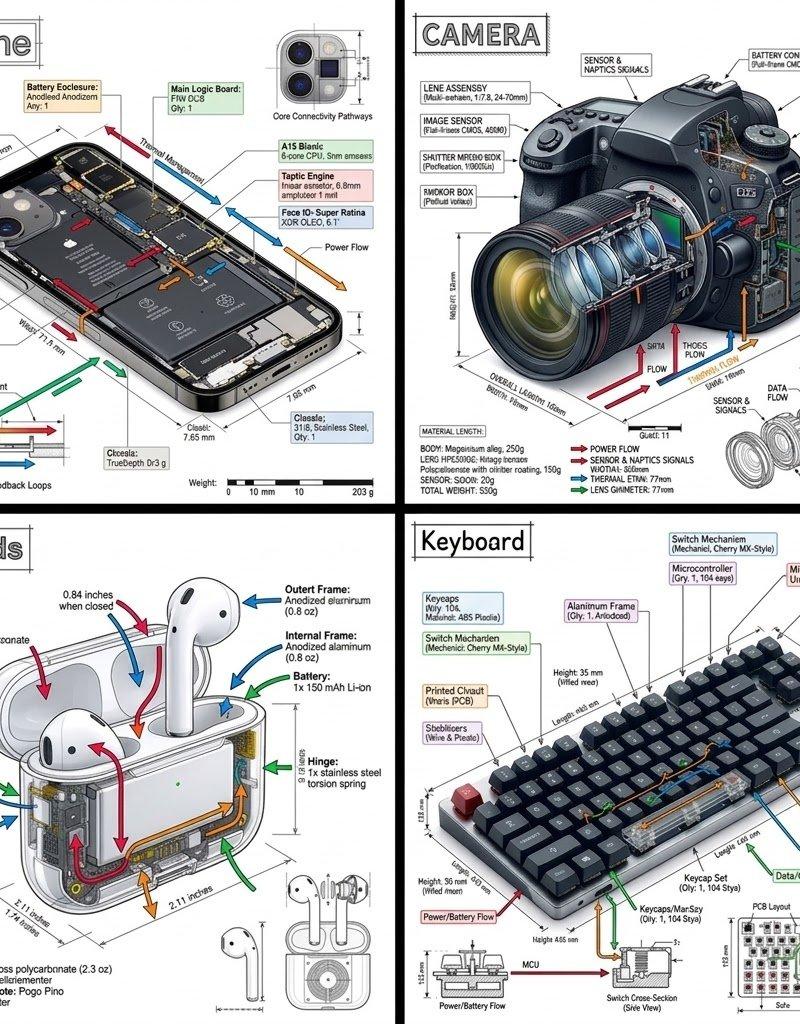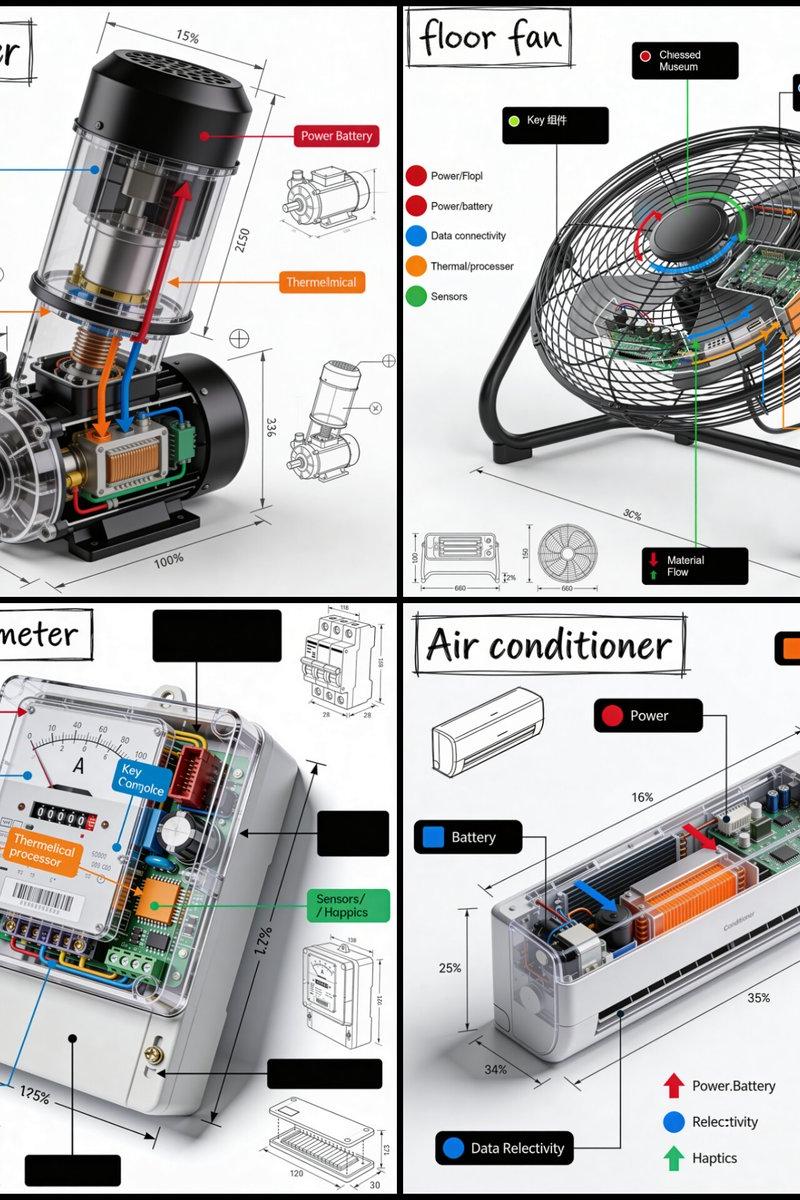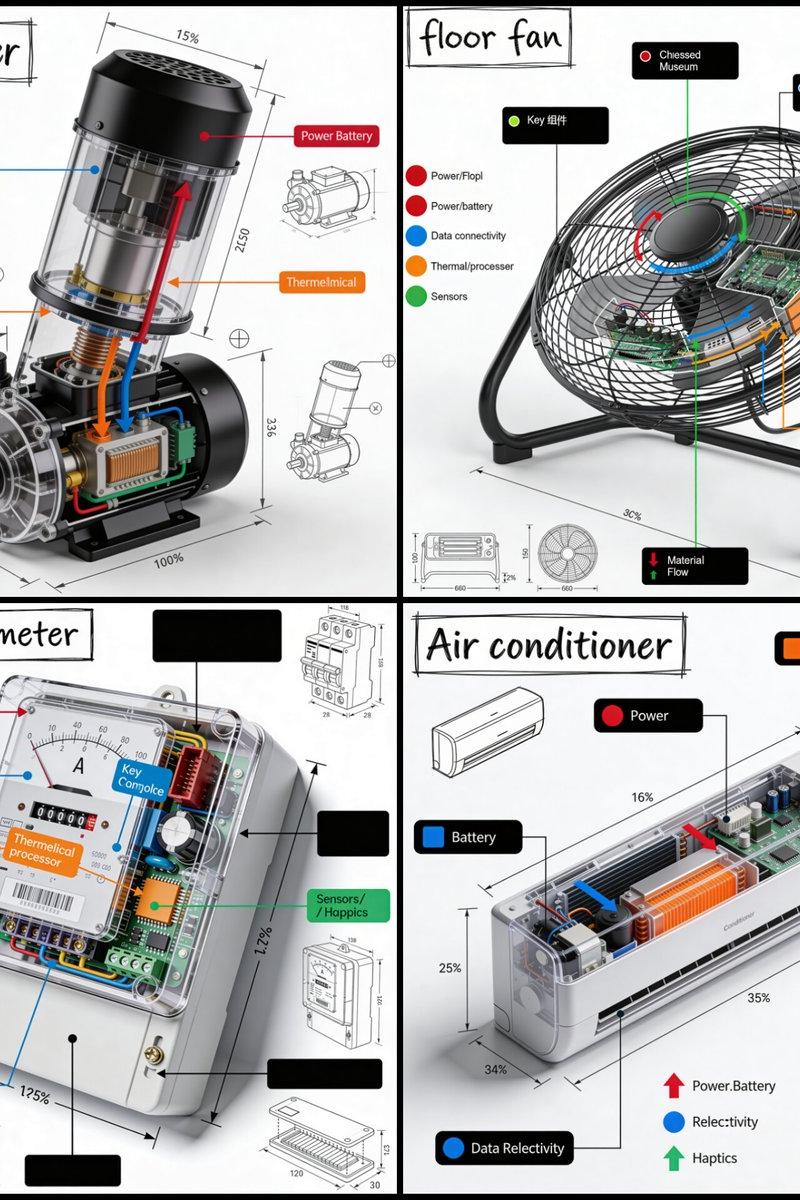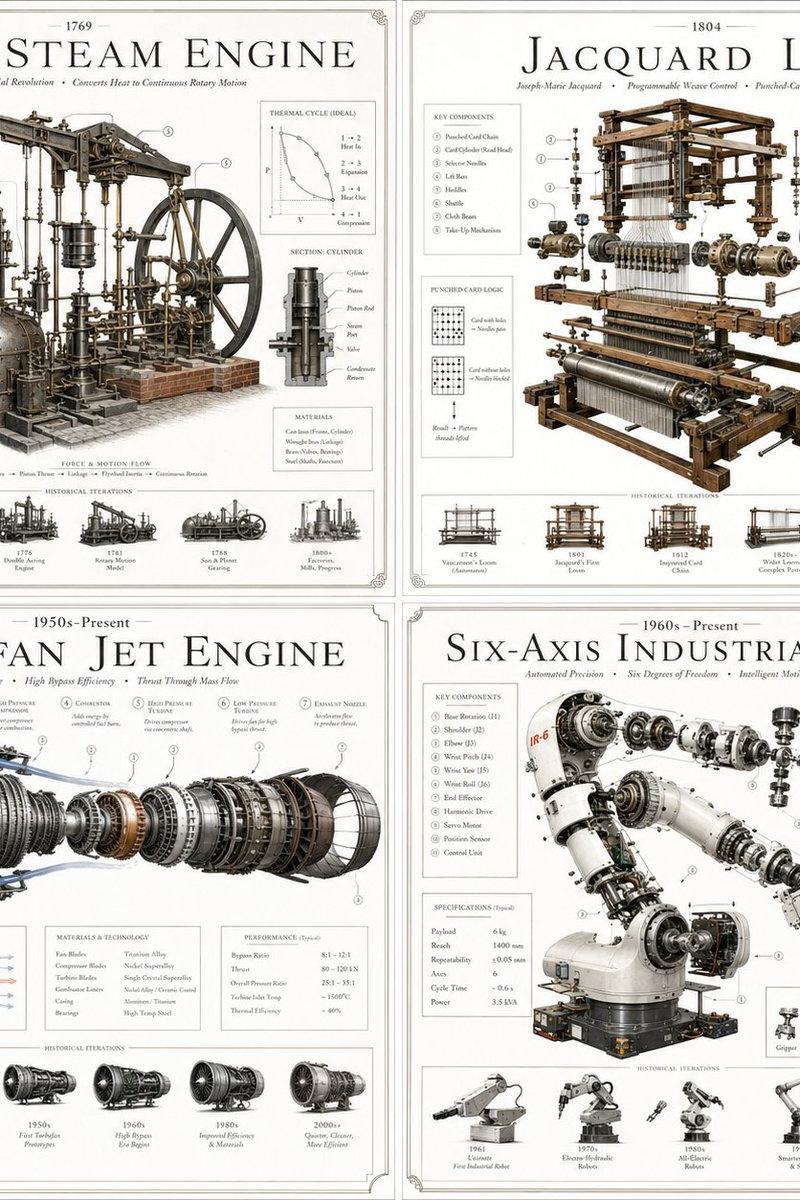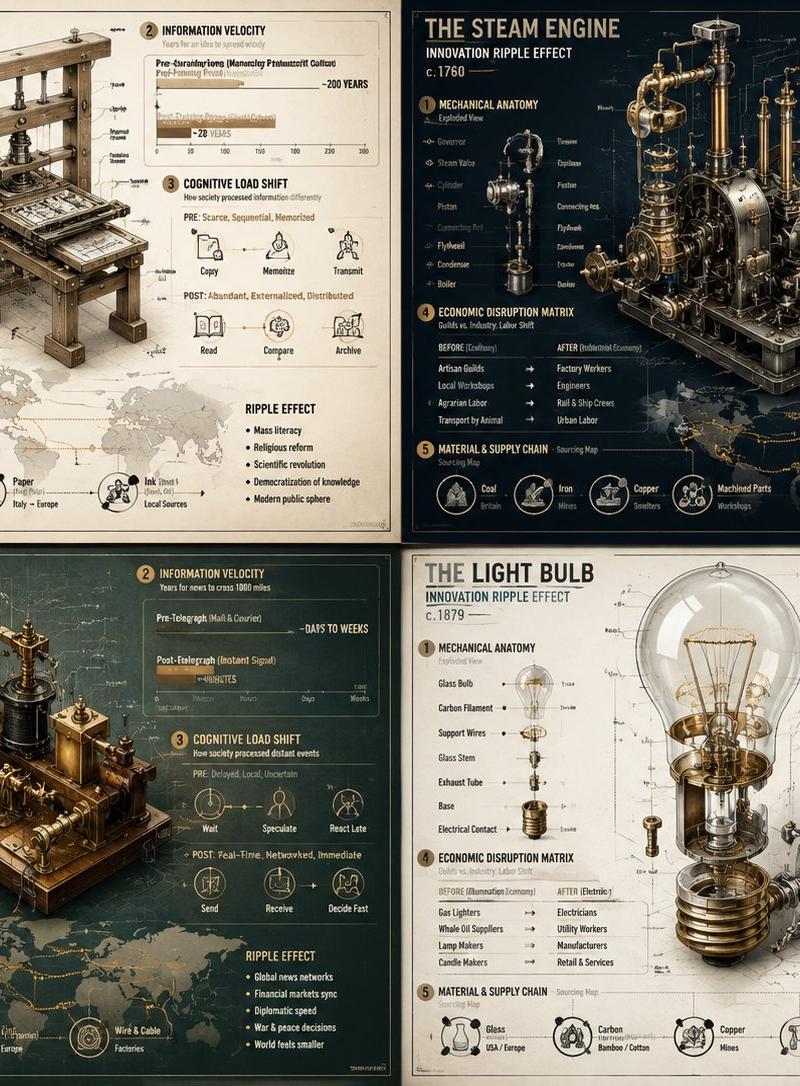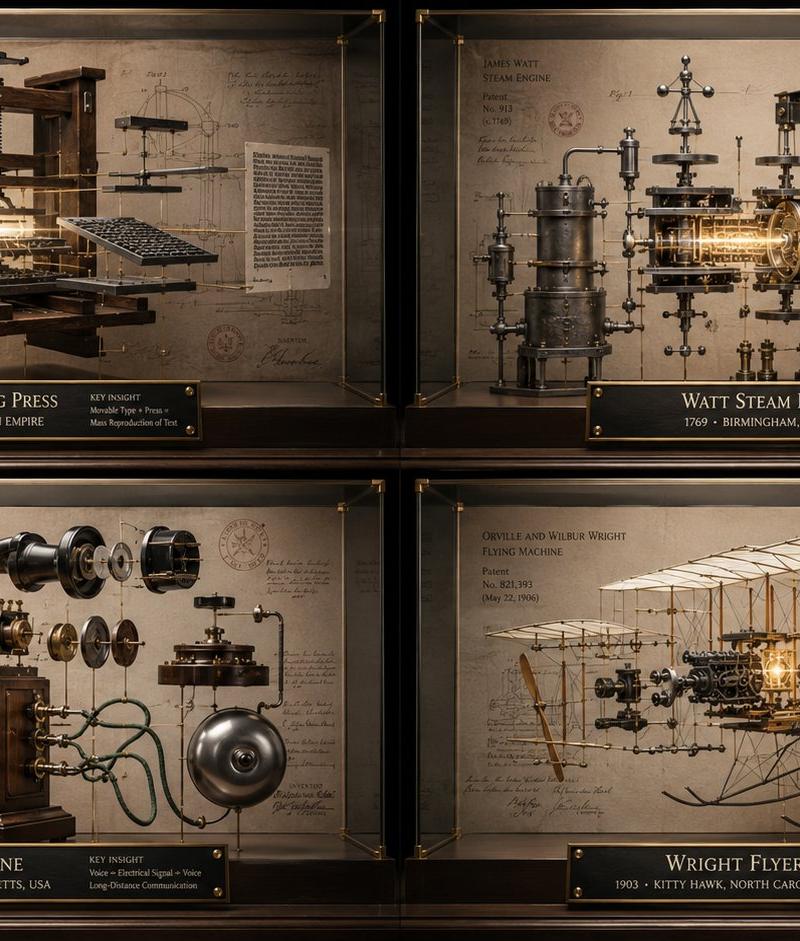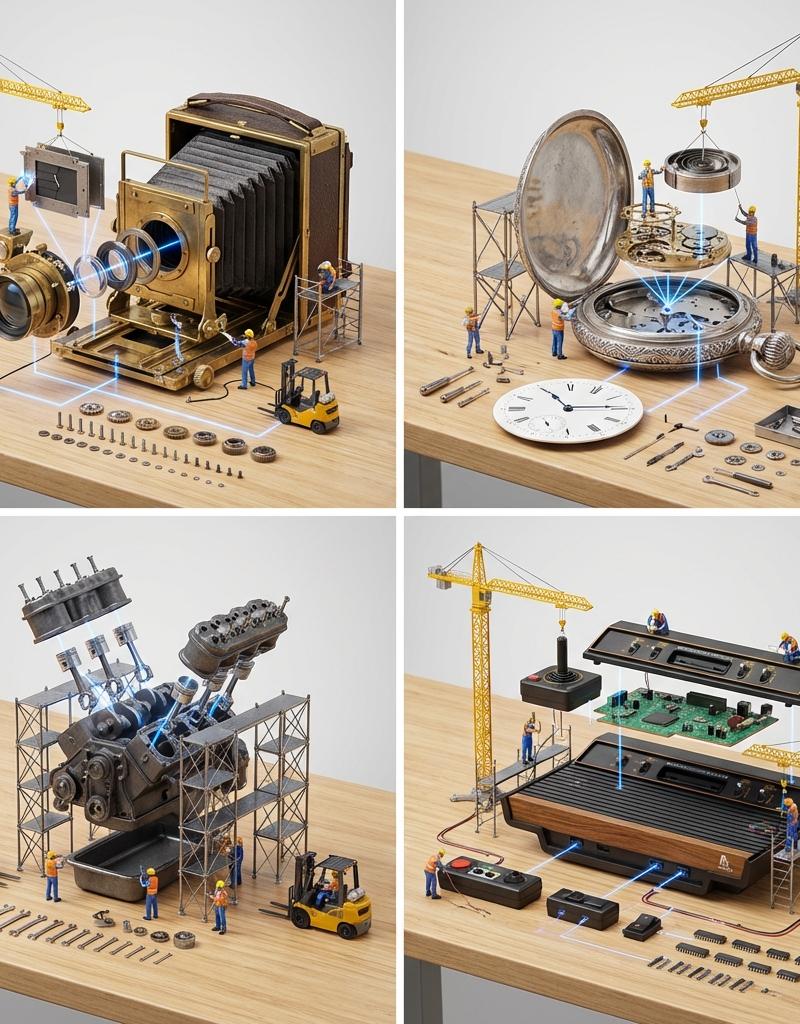
Exploded mechanical knolling: GPT Image 2 prompt
Prompt
<instruction>
 Input A is a Mechanical Device or Gadget (e.g., Vintage Camera, Mechanical Watch, V8 Engine, Game Console).
Deconstruct the object into 3 Functional Layers :
 Chassis (The Shell): Identify the main body frame or housing.
 Engine (The Guts): Identify the primary internal mechanism.
 (e.g., Camera -> Shutter & Mirrors. Watch -> Mainspring & Escapement. Engine -> Pistons).
 Interface (The Control): Identify the buttons, dials, or lens elements.

 2. Container
Goal: "Exploded Construction" Tabletop Photography.
 Surface: A clean, light-grain Wooden Workbench or cutting mat.
 Layout: Exploded View (Knolling). The machine is pulled apart into its components, which are arranged spatially to show how they fit together.

 3. Construction
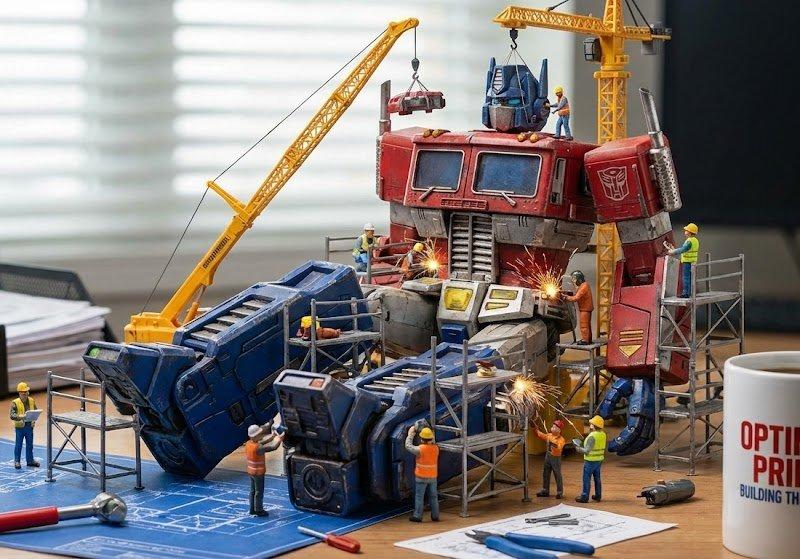
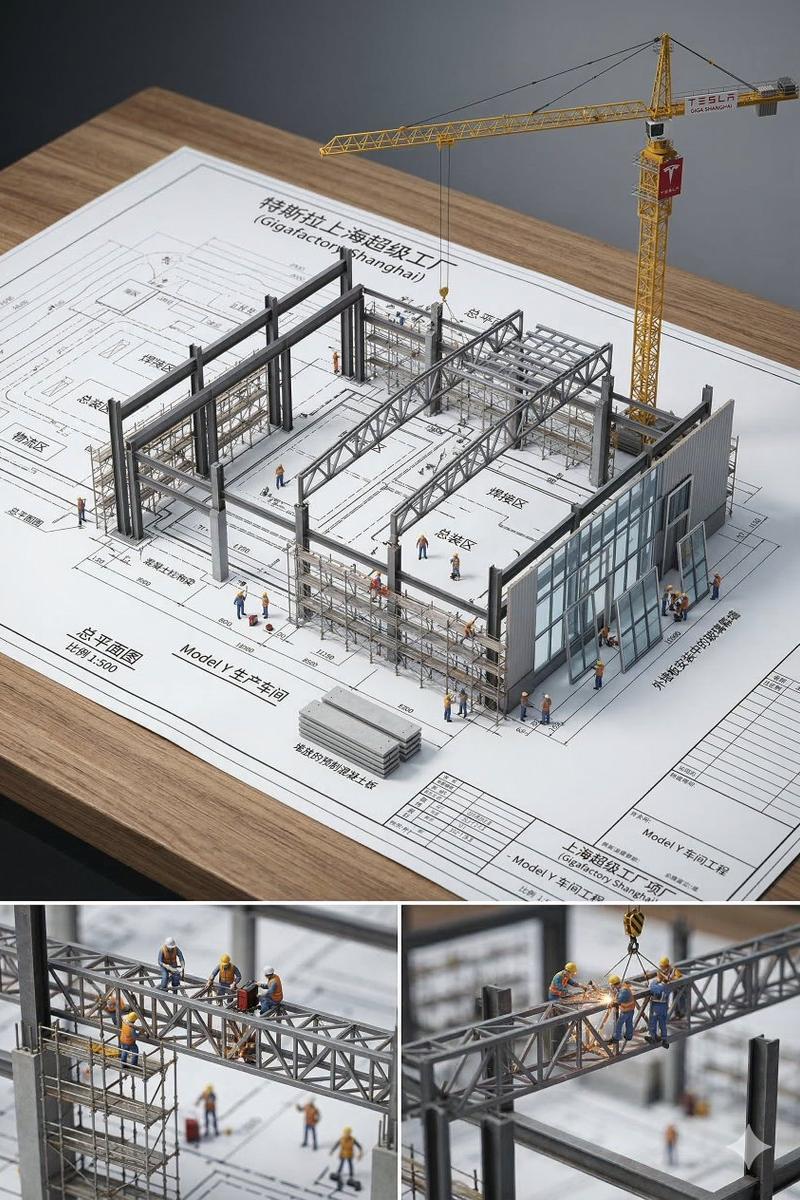
 The Suspension: Major parts (The Chassis) are raised on Miniature Scaffolding or suspended by Miniature Yellow Cranes .
 The Narrative: A crew of 1:87 Scale Construction Workers (Hard hats, vests) are actively building the machine.
 Action: They are welding gears, hoisting the lens, or consulting blueprints on the table.
 Vehicles: Tiny forklifts or flatbed trucks are delivering screws and springs.

 4. Visual
 The Guide Lines: Thin, glowing Blue Laser Lines or holographic wires connect the separated parts, tracing the path of assembly from the table to the suspended parts.
 The Hardware: Tiny screws, washers, and springs are lined up neatly in rows (Knolling style) on the table, waiting to be installed.

 5. Lighting & Atmosphere:
 Lighting: Bright Studio Light. Even, shadowless illumination (High Key) to ensure every mechanical detail is visible.
 Texture: Contrast between the matte grey/black of the machine parts and the bright yellow of the construction equipment.

 Output: ONE image, 1:1 Aspect Ratio, Macro Photography, "Miniature World" aesthetic, Technical Precision.
</instruction>
- Category
- Charts & Infographics
- Model
- GPT Image 2
- Creator
- Gadgetify
- Source language
- en
- Source ID
- 2017611578284401056
- Published
- Jan 31, 2026
Views0