20

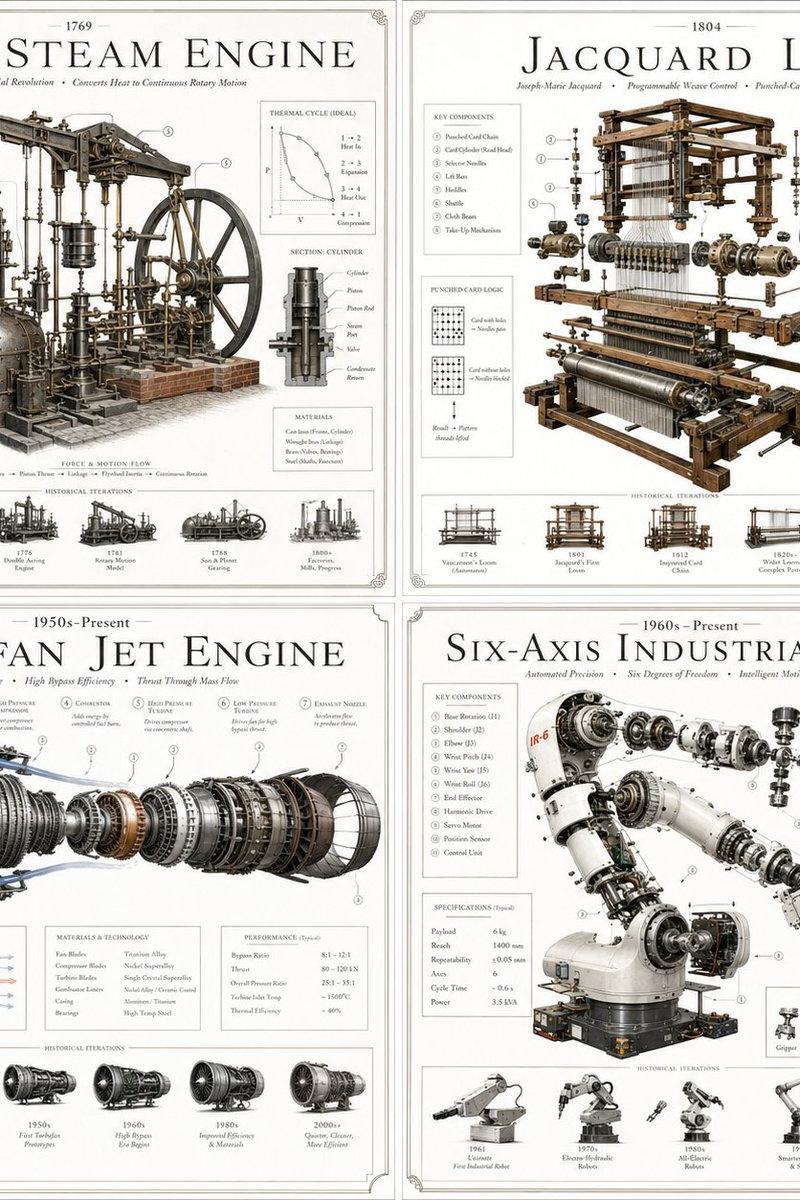
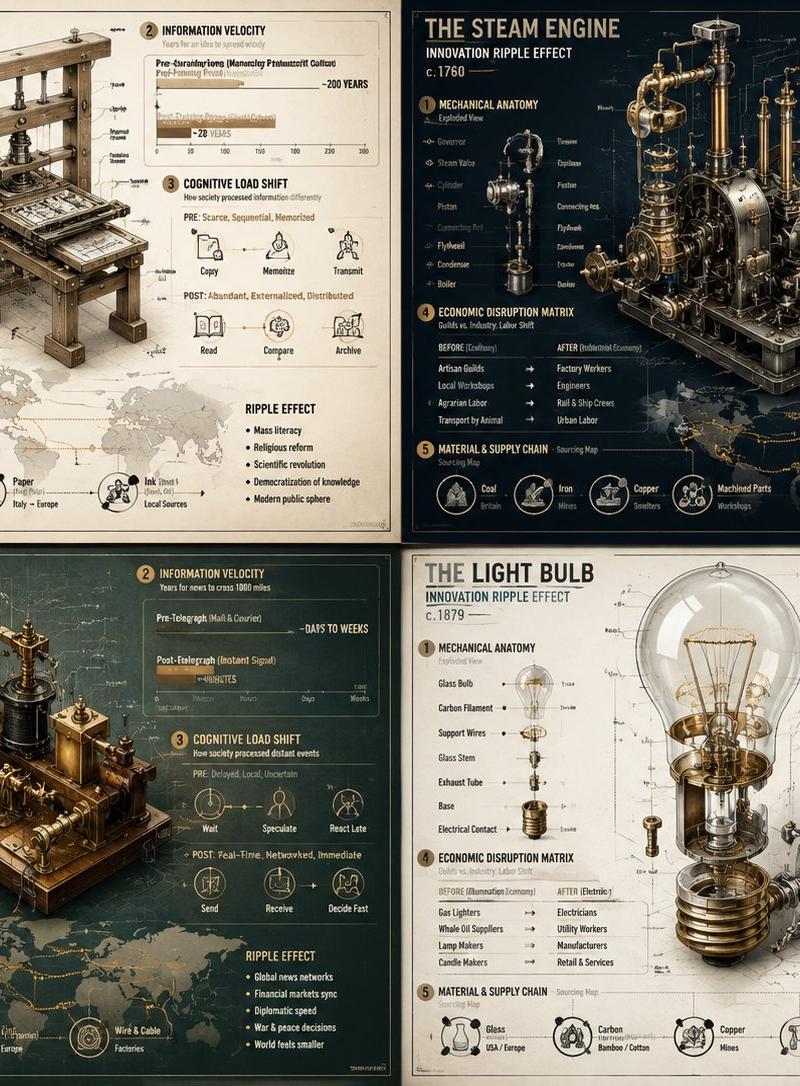
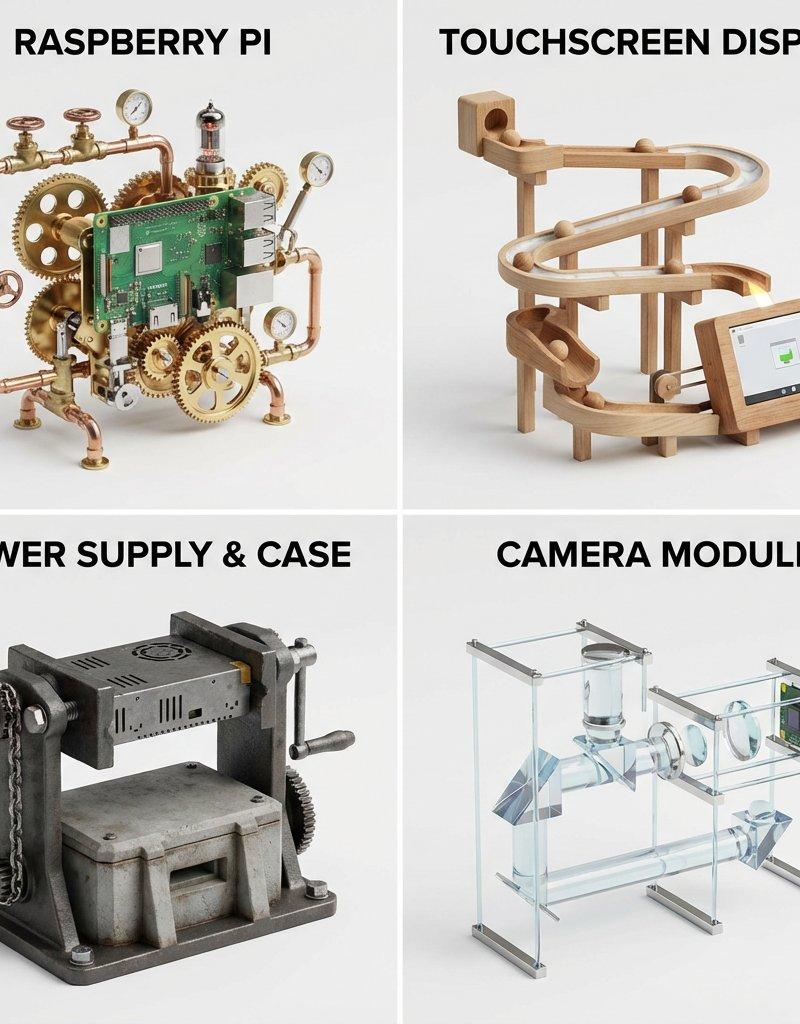
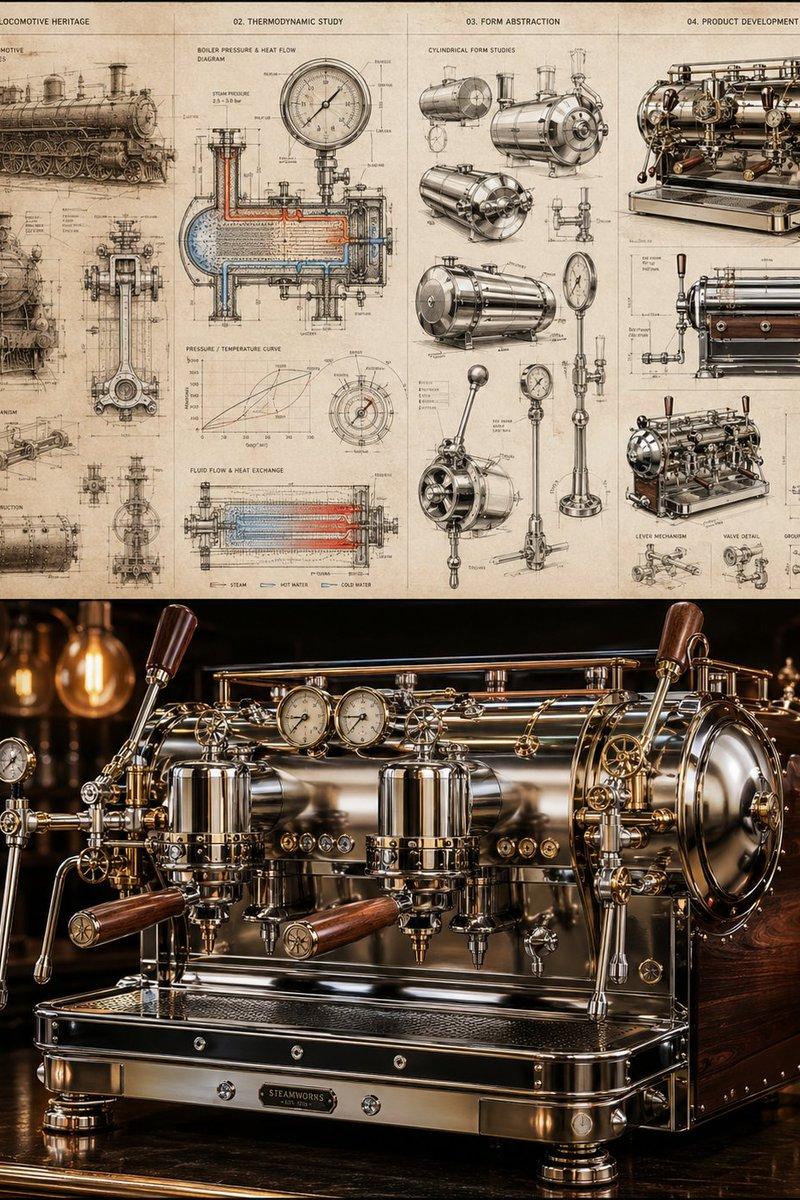
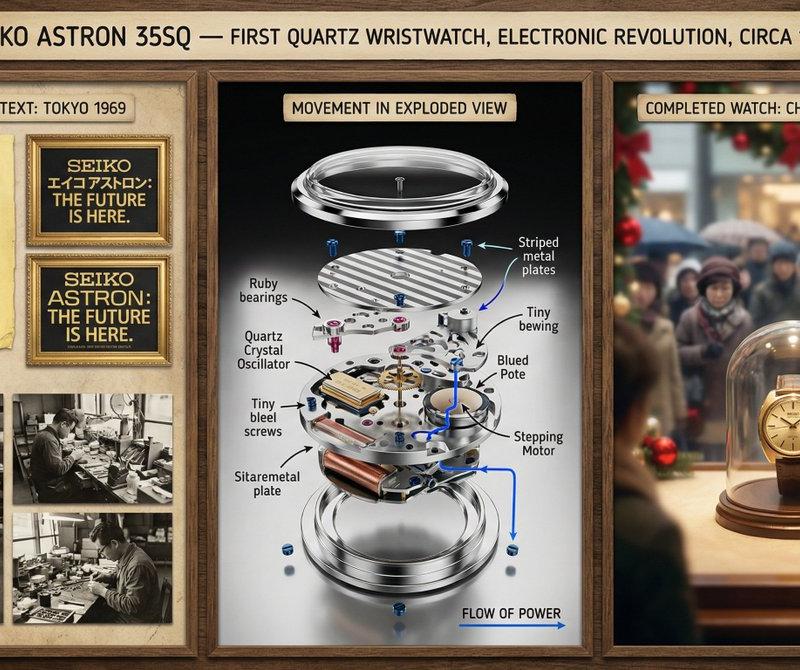
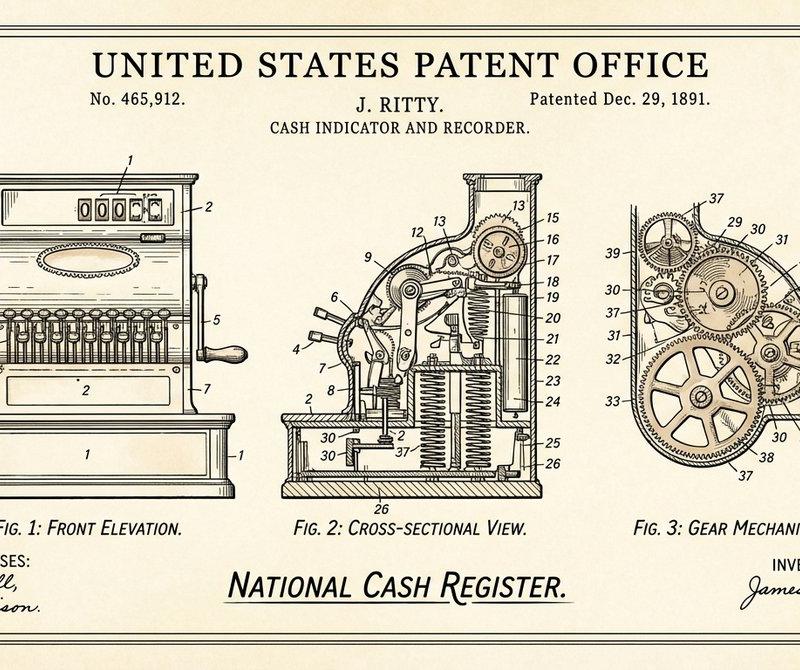
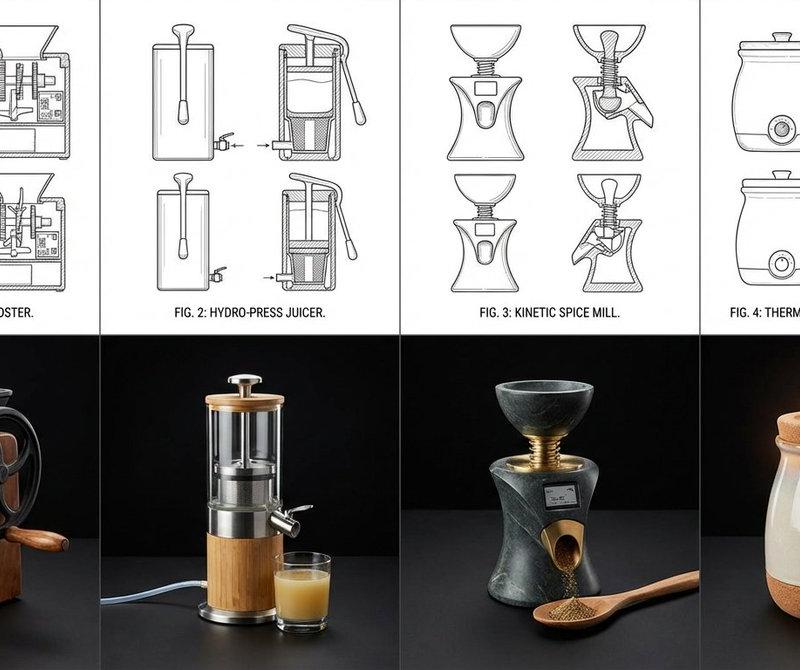
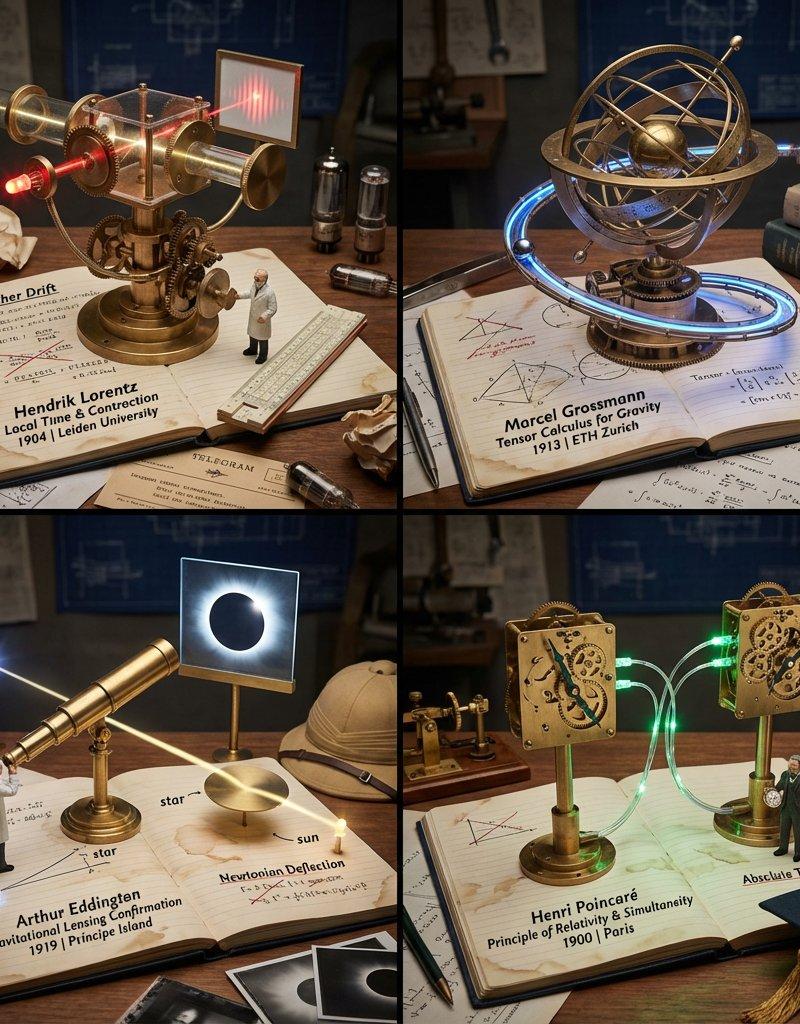
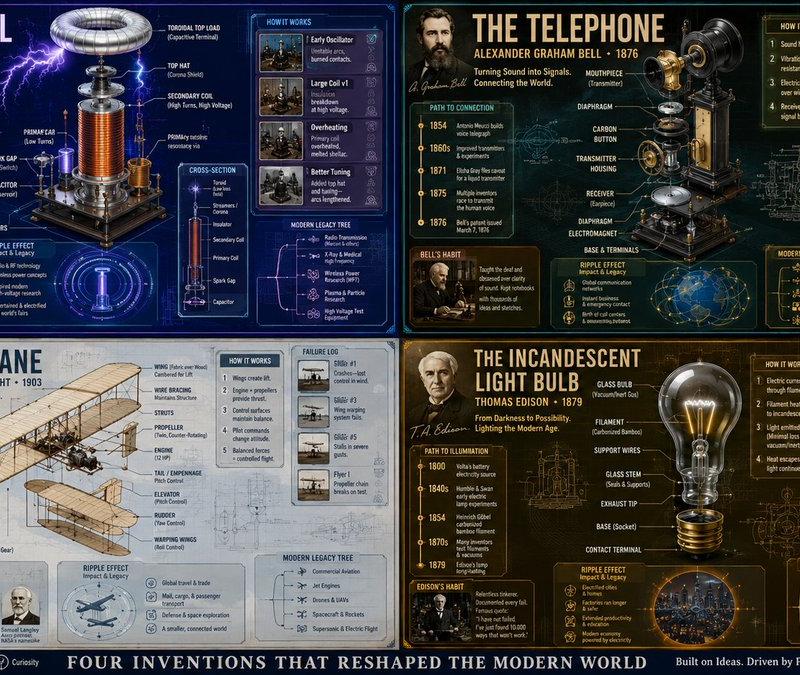
Innovation Reliquary Exploded Diagram
Enlarge

Example images

Innovation Reliquary Exploded Diagram

Prompt
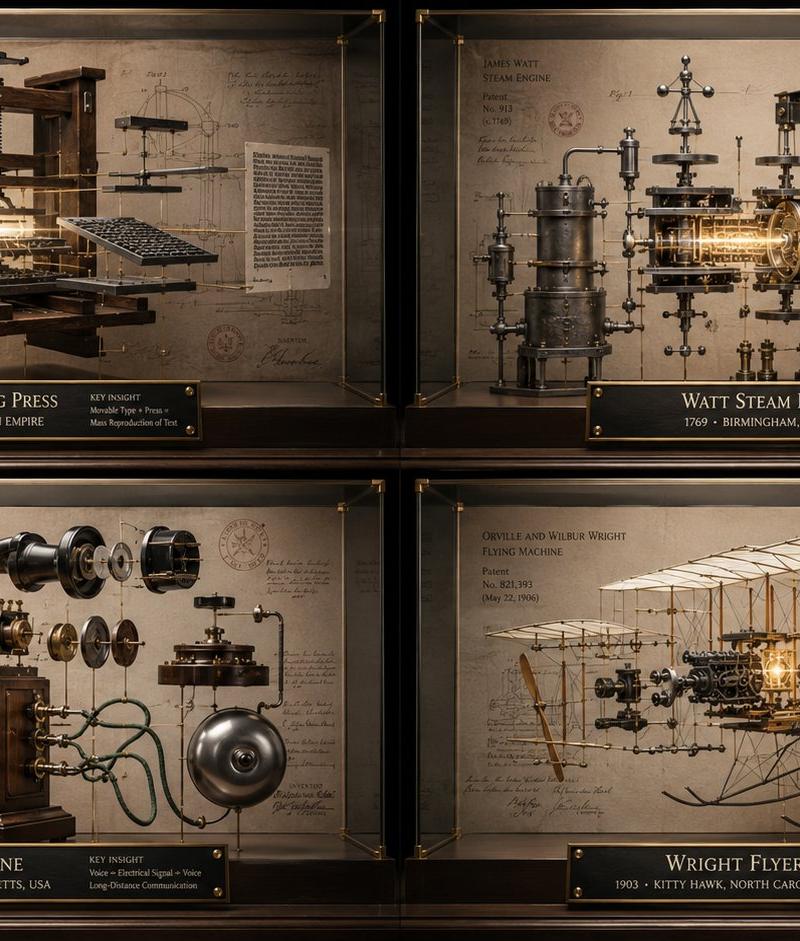
Generate a hyper-realistic "Innovation Reliquary Exploded Diagram."

1. Semantic Extraction:
AI infers:
- Core problem solved
- Mechanism
- Historical era
- Inventor culture
- Materials
- Failure points
- Social impact

2. Container:
Structure: floating exploded object inside a glass museum case.
Every part is suspended on brass rods and fine tension wires.

3. Background:
Patent-paper wall with faint diagrams, tolerances, labels, and archive stamps.

4. Integration:
The invention’s key insight becomes a central glowing mechanism.

5. Visual Syntax:
Materials: brushed steel, glass, brass, aged paper, black ink.
Lighting: luxury product photography.
No cheap blueprint clichés.

Input Variable: {argument name="invention" default="[INSERT INVENTION]"}

Output:
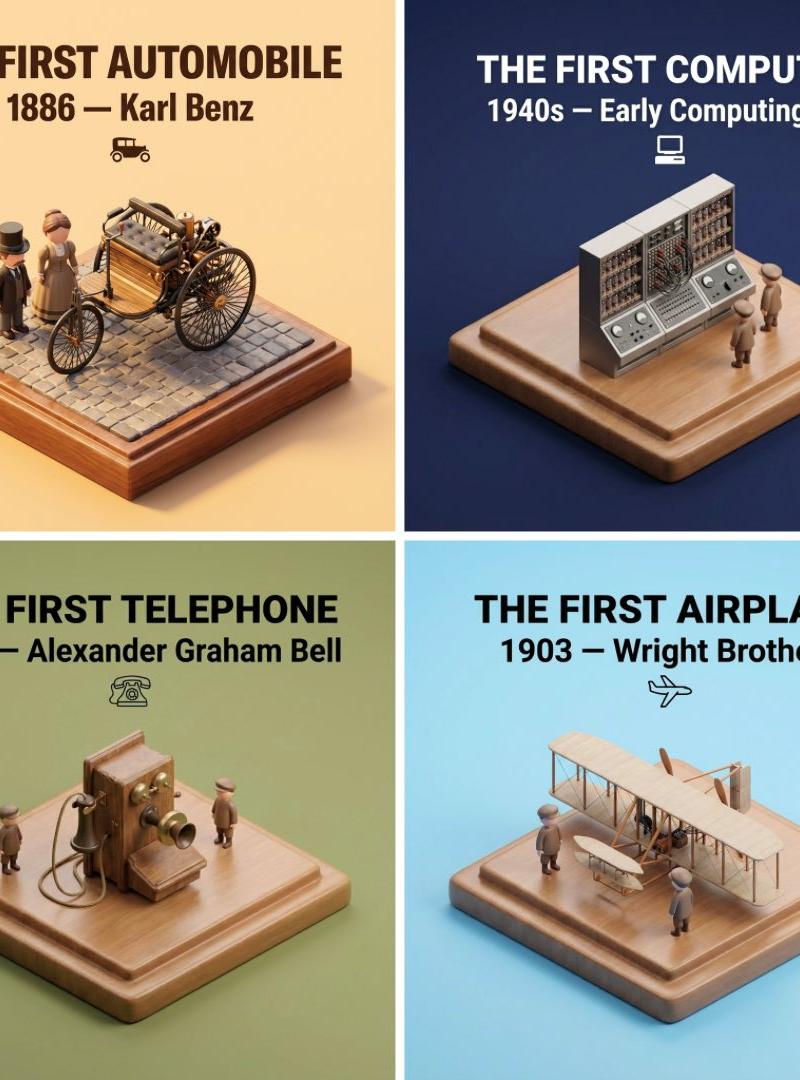
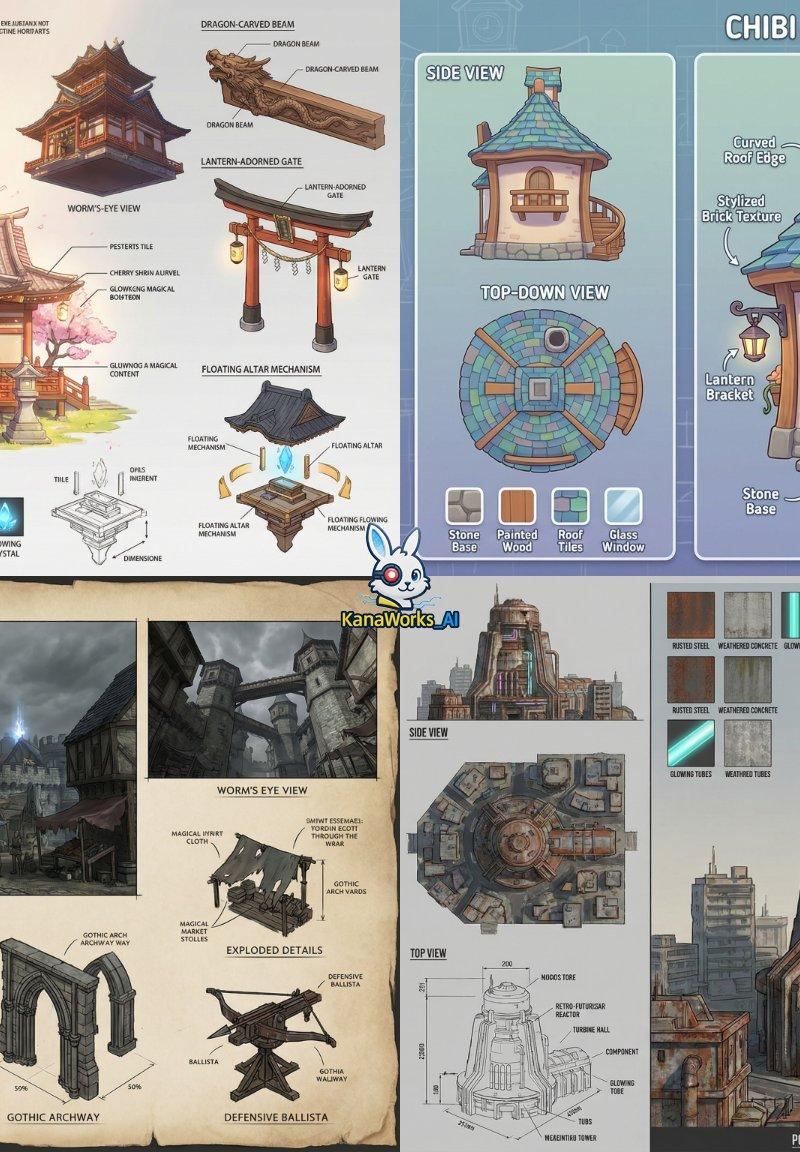
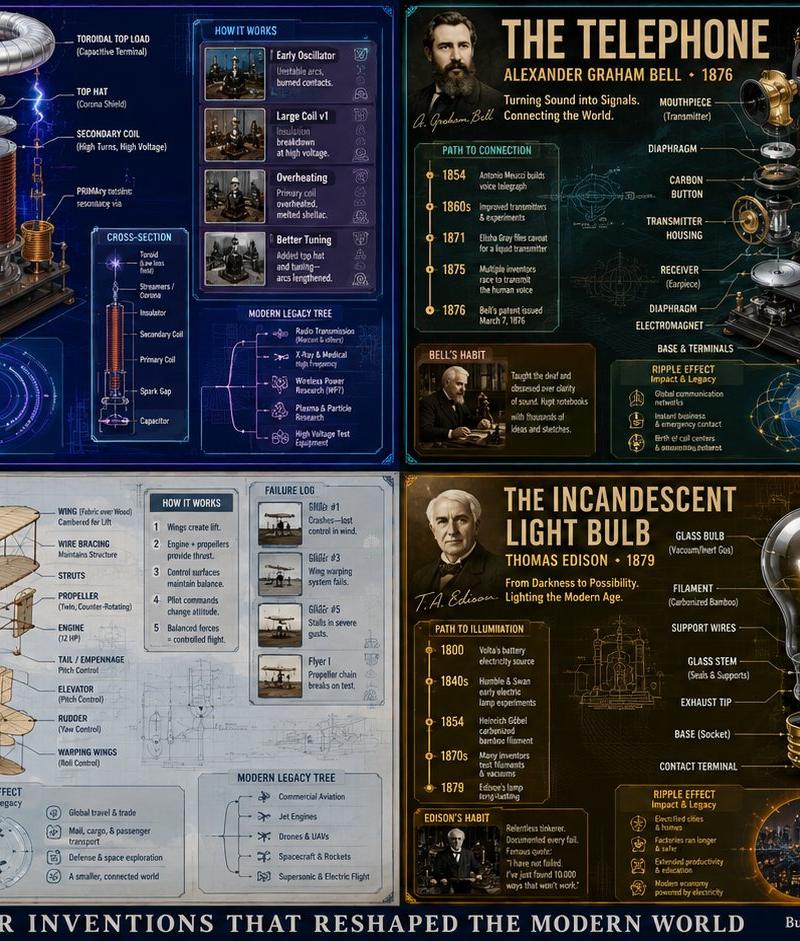
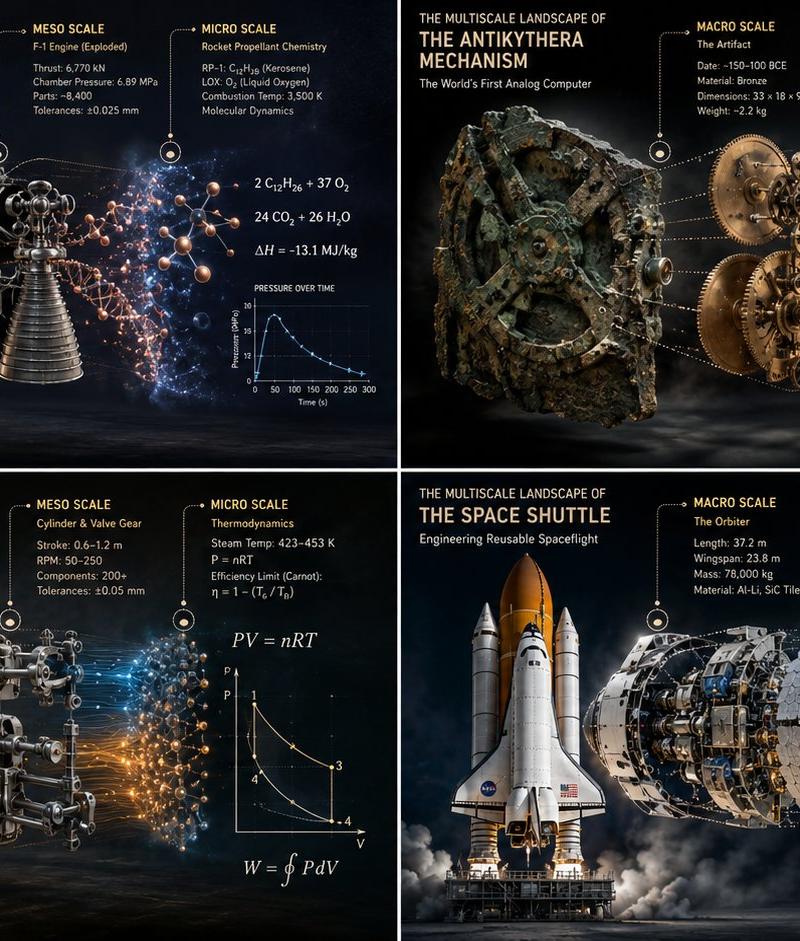
2x2 grid, 16:9, four world-changing inventions.
Category
Charts & Infographics
Model
GPT Image 2
Creator
Gadgetify
Source language
en
Views949
Source ID
24293
Published
Jun 5, 2026
Studio

Guide

About "Innovation Reliquary Exploded Diagram"

What is this prompt for?

"Innovation Reliquary Exploded Diagram" AI image prompt for GPT Image 2 (Charts & Infographics). A complex, structured prompt for generating hyper-realistic mu…

The full copyable prompt and example visuals above are ready for AI image generation or one-click recreate in Picva.

How to use this prompt

  1. Step 1

    Open the prompt detail

    Review the example visuals, category, and full prompt text for "Innovation Reliquary Exploded Diagram".

  2. Step 2

    Copy the prompt

    Copy the prompt body from this page, or load it directly in Studio.

  3. Step 3

    Pick a model (GPT Image 2)

    Prefer GPT Image 2. If you switch models, keep subject and composition and tweak style terms.

  4. Step 4

    Generate and export

    Recreate the look in Picva, or export into your workflow for editing and publishing.

FAQ

What is the "Innovation Reliquary Exploded Diagram" prompt?
It is an AI image-generation prompt for GPT Image 2 in the Charts & Infographics category. This page includes the full prompt text, example visuals, and a one-click recreate path in Picva.
How do I use this prompt to generate an image?
Copy the prompt from this page, or use Generate / Studio. Paste it into a compatible image model, or recreate the look in Picva with optional reference images.
Which model is this prompt for?
This page lists GPT Image 2. Most descriptive prompts also transfer to nearby image models such as GPT Image, Flux, or Midjourney with light style tweaks.
Can I use the result commercially?
You can usually copy the prompt for creation, but commercial use of the final image depends on the model terms, reference-image rights, and the generated content. Follow the source author and platform rules.