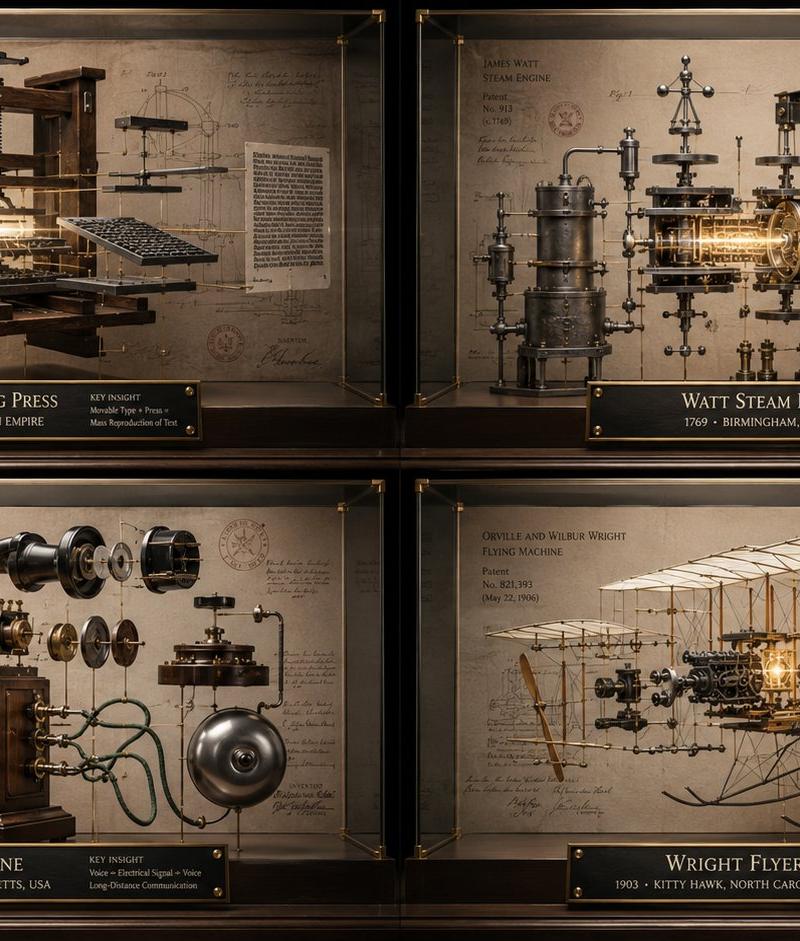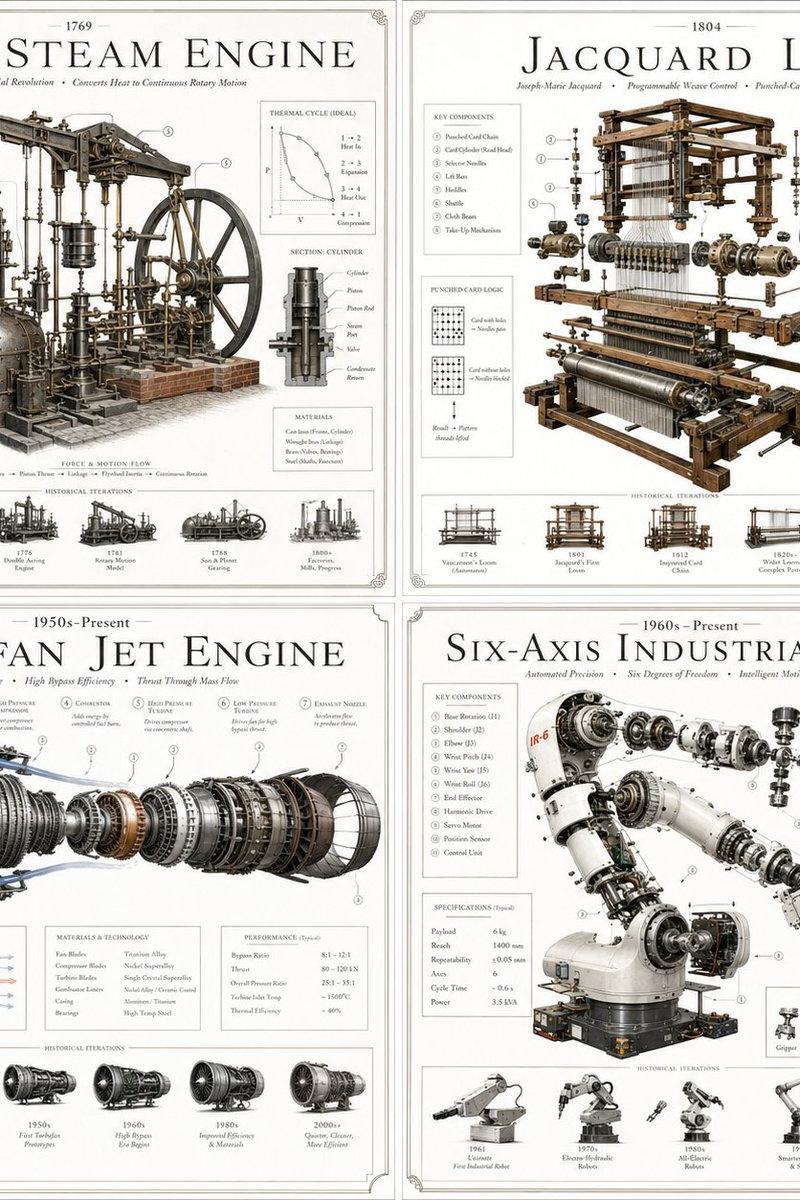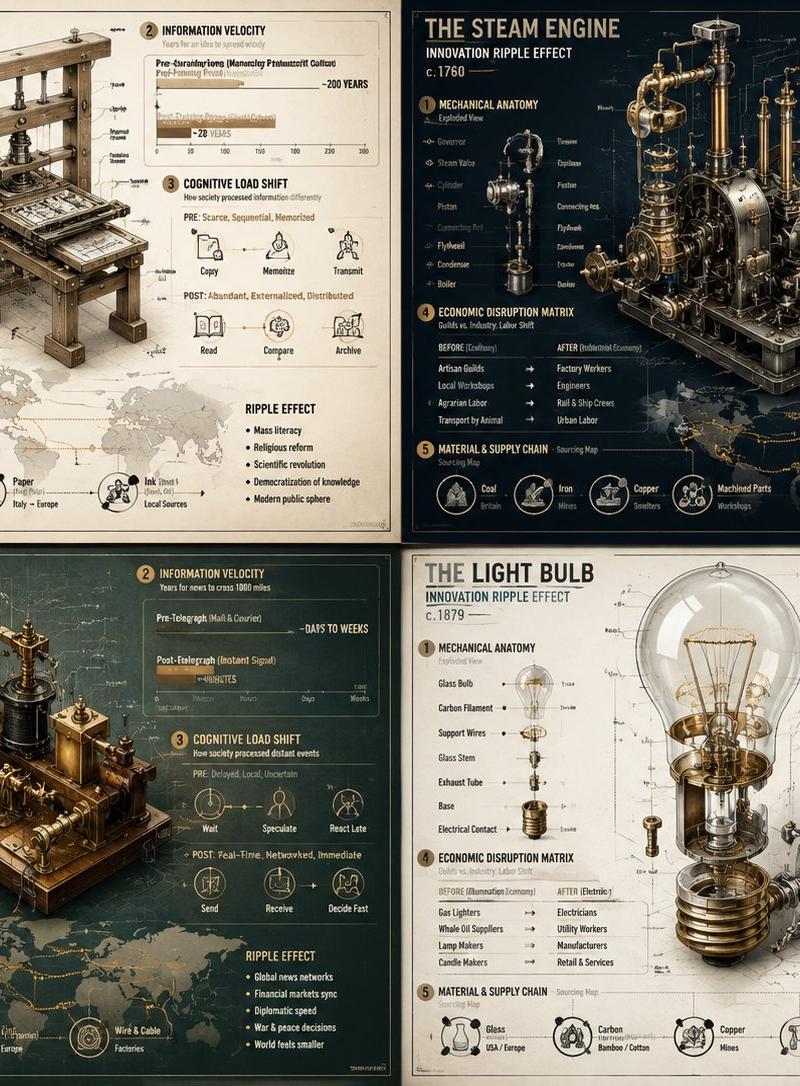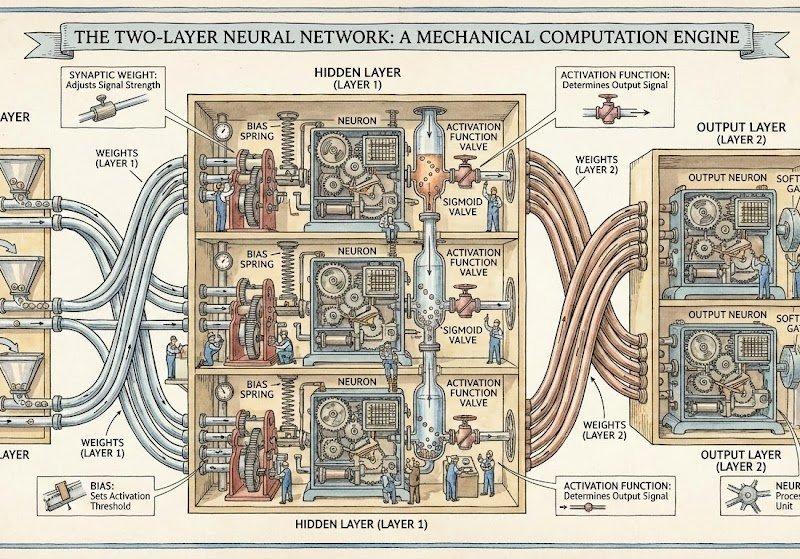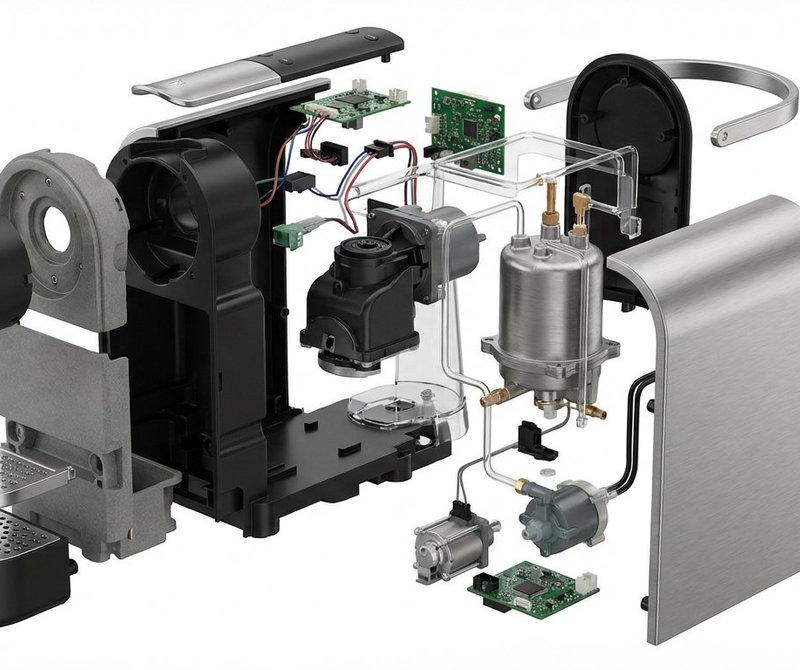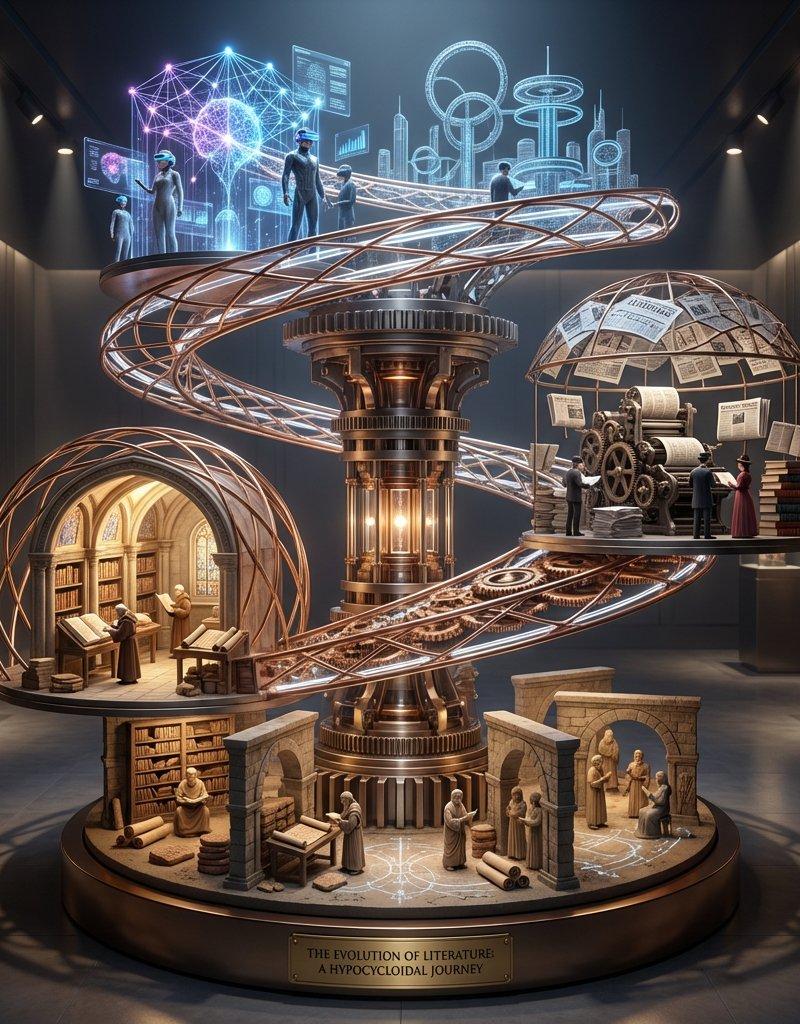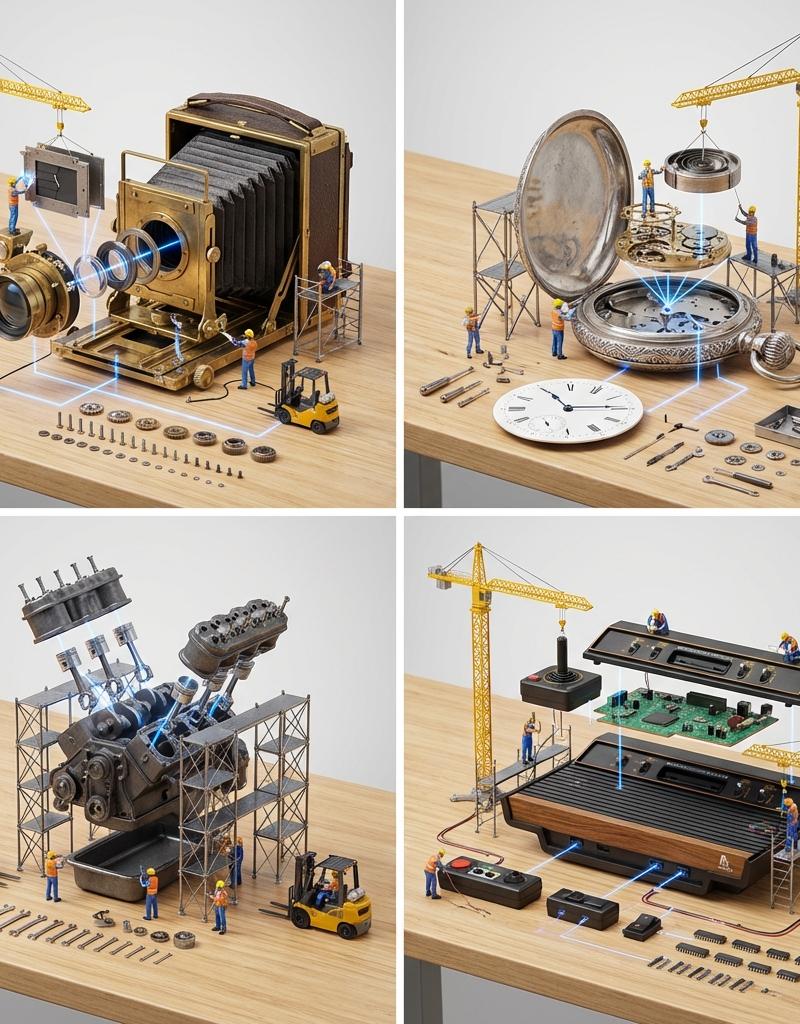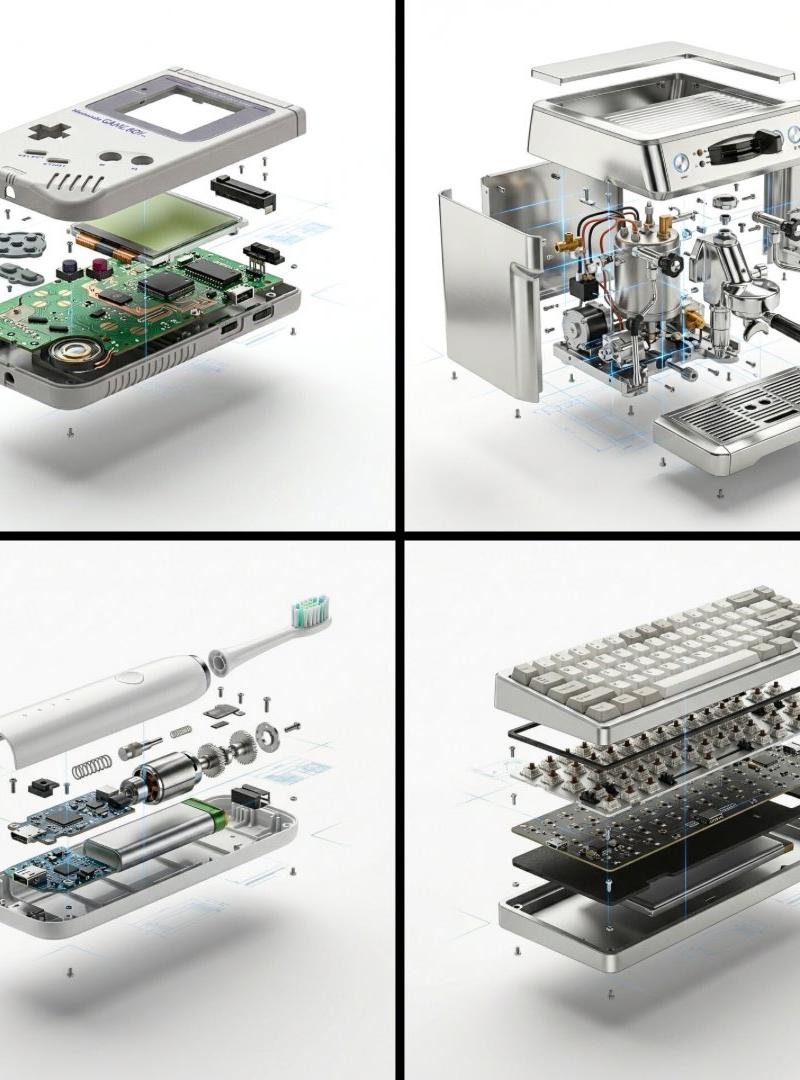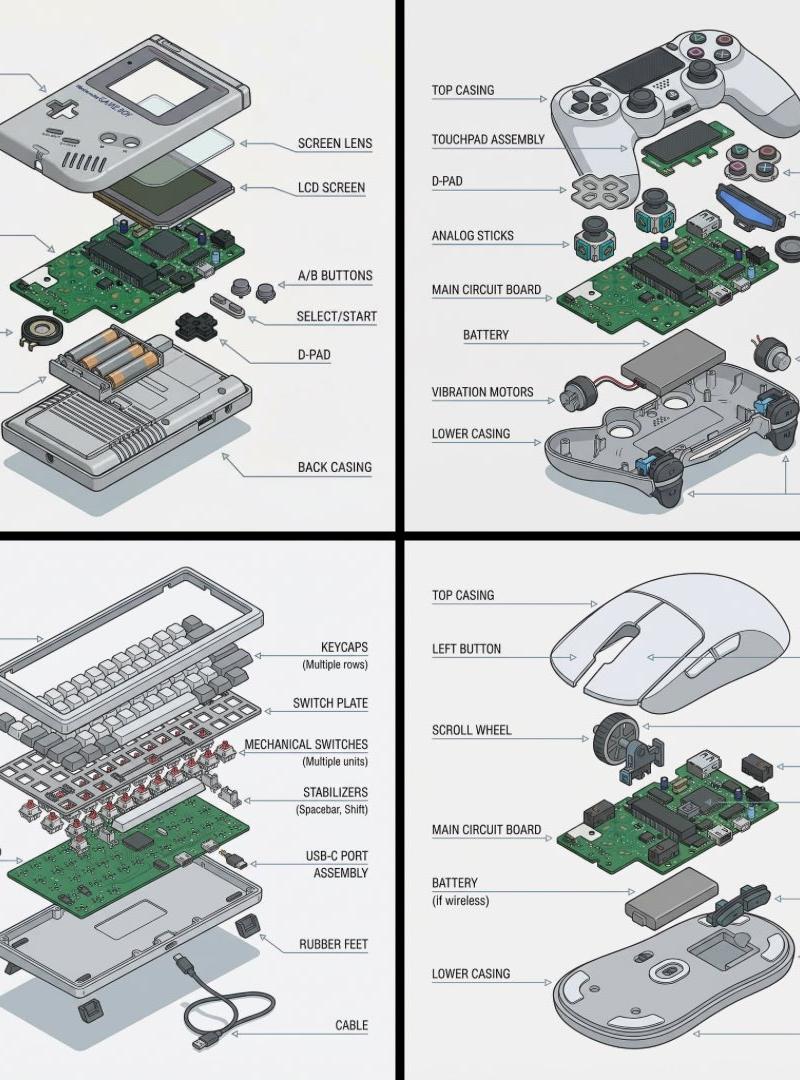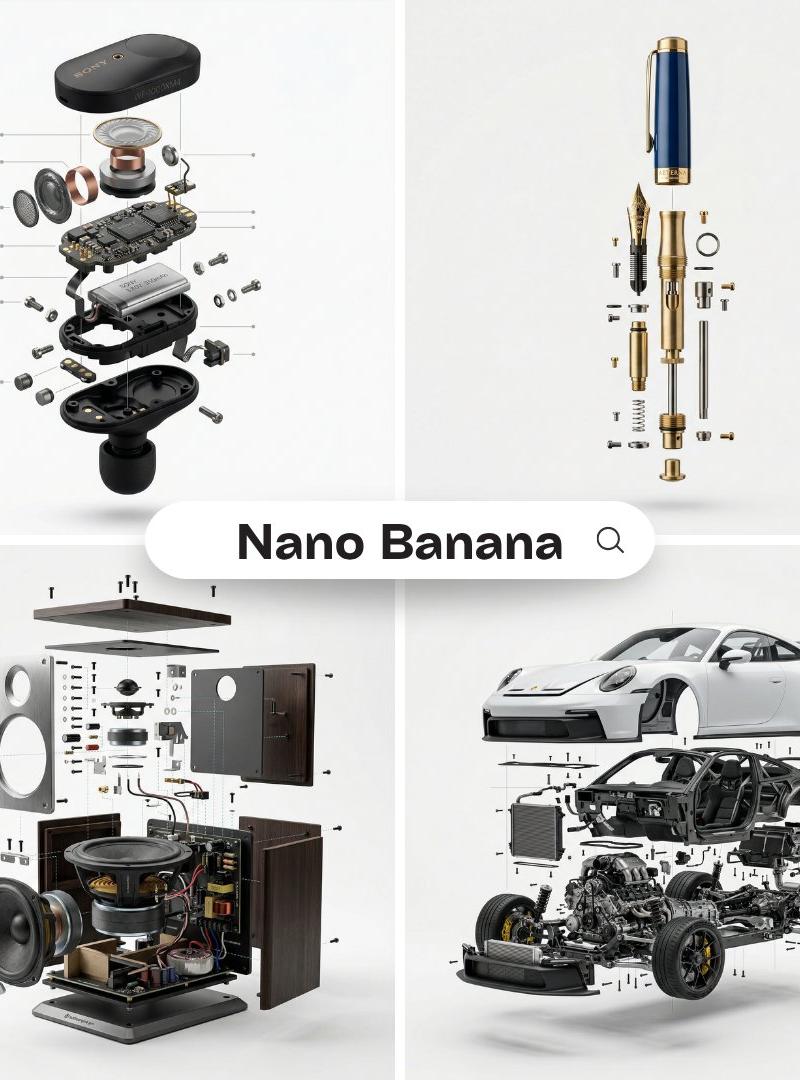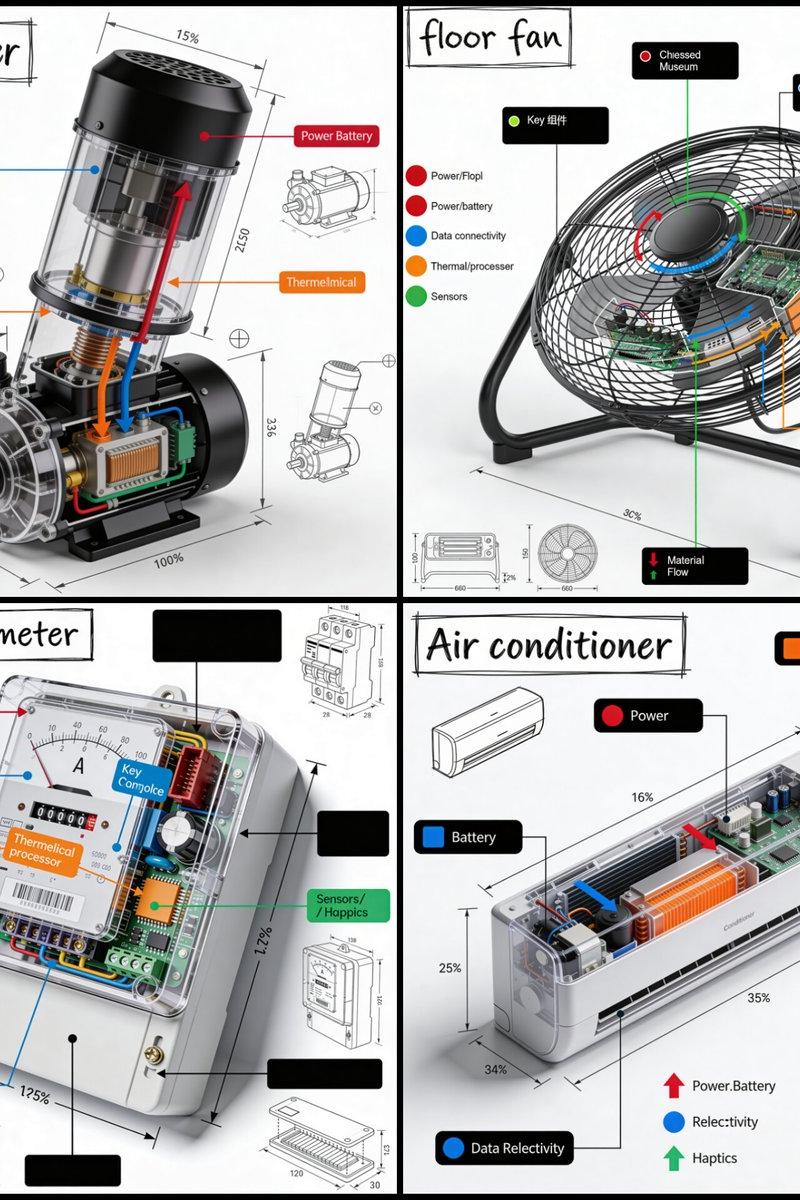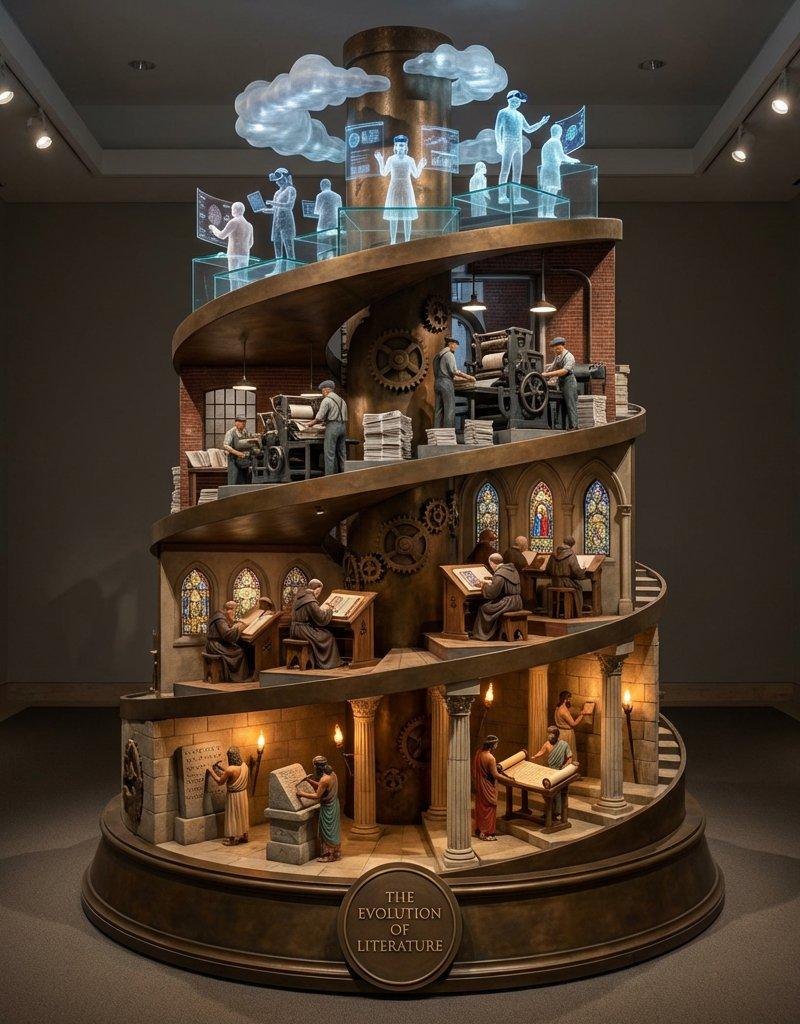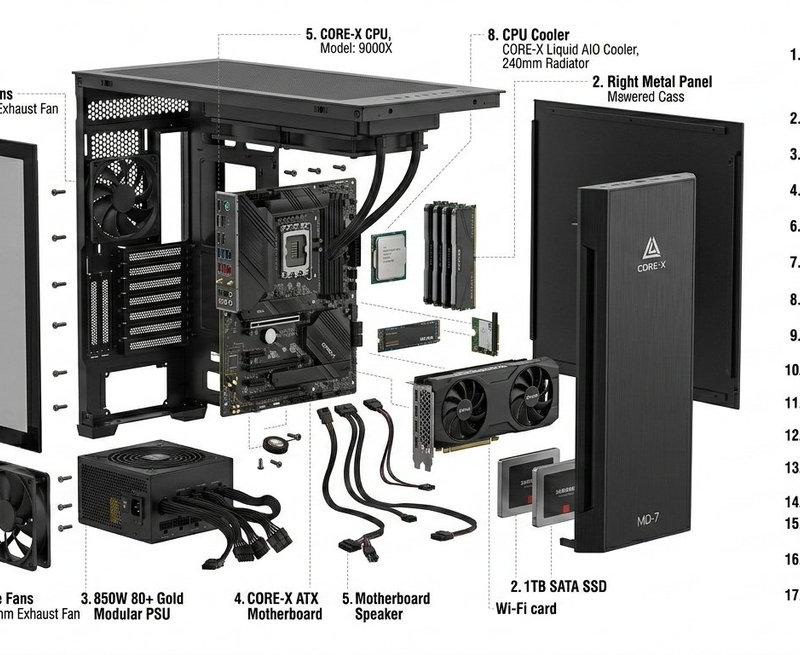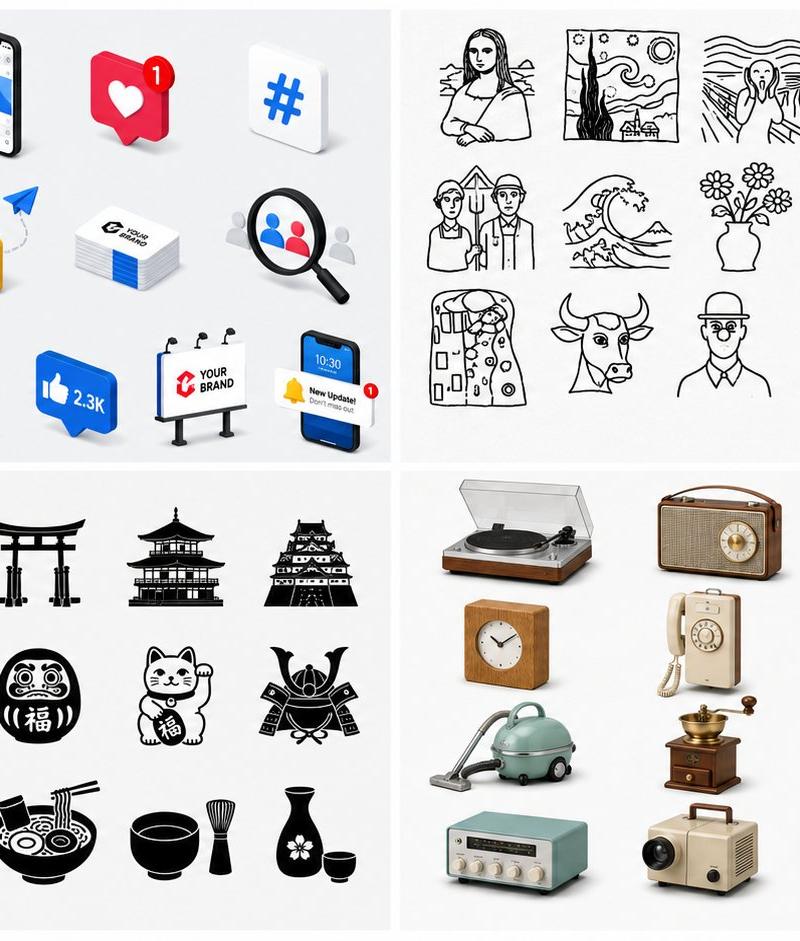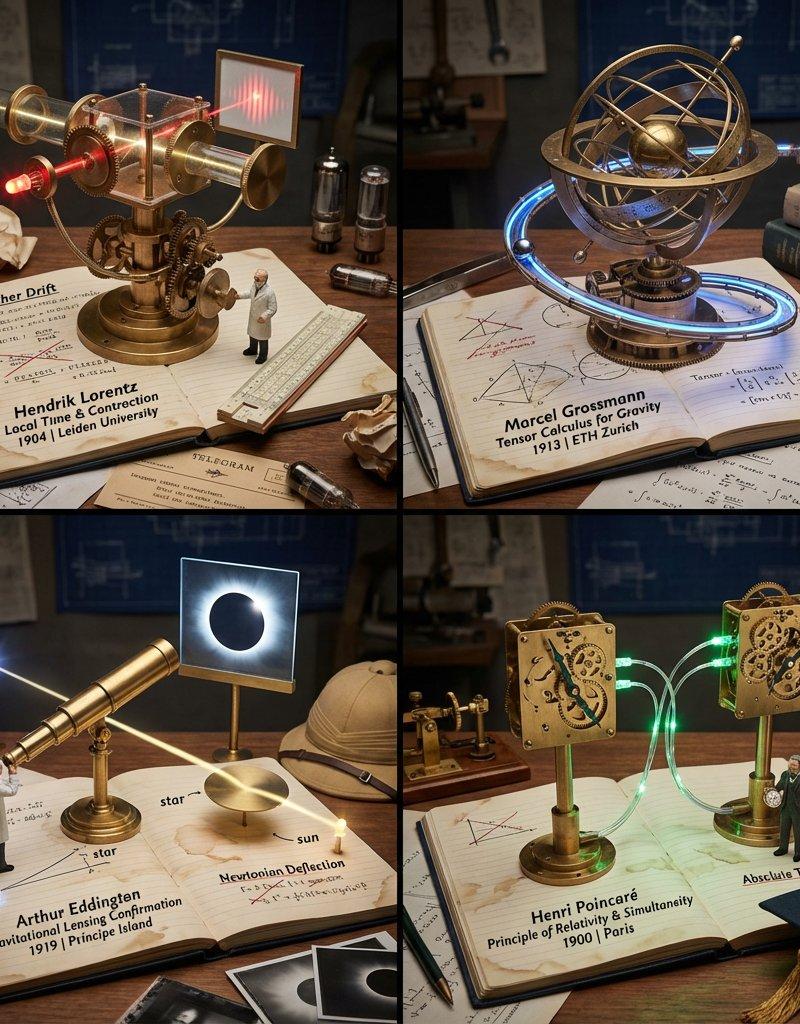
将您的最爱小工具及其配件转变为动态雕塑
Prompt
This prompt turns your favorite gadgets and their accessories into kinetic sculptures.
Prompt: do this for a Raspberry Pi: <instruction>
Role: E-Commerce Algorithm & Kinetic Product Designer.
Input Variable: Anchor Product = [User Choice, e.g., iPhone, Gaming Console, DSLR Camera]
Phase 1: The "Frequently Bought Together" Analysis (AI to Deduce)
1. Analyze Input: Identify the Anchor Product.
2. Generate Ecosystem: Select 3 distinct accessories or complimentary items that a superfan of the Anchor Product would own.
Example (Input: iPhone): 1. iPhone (Anchor), 2. Wireless Earbuds, 3. Smart Watch, 4. Fast Charger/block.
Example (Input: DSLR Camera): 1. Camera Body, 2. Telephoto Lens, 3. Tripod, 4. External Flash.
3. Assign The Material Matrix: Randomly assign one of the 4 "Kinetic Styles" to each of the 4 items to ensure visual variety.
Style A: Gravity (Wood/Marbles) - Best for items with movement/scrolling.
Style B: Force (Iron/Concrete) - Best for durable hardware/stands.
Style C:Steam (Brass/Gears) - Best for the complex "Brain" or main device.
Style D:Optics (Glass/Light) - Best for screens, lenses, or audio.
Phase 2: The Layout Rules
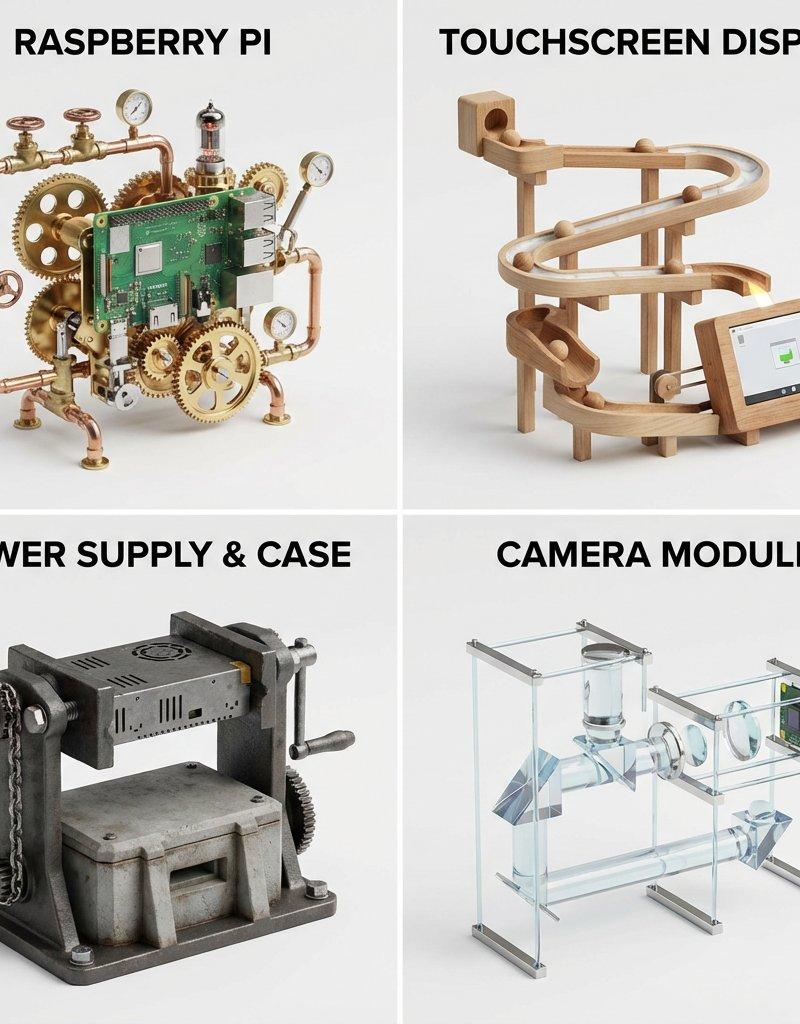
Grid: 2x2 Layout.
Background: Infinite Studio White.
Labels: Bold, Black, Sans-Serif text at the top of each panel naming the Item (e.g., "smart watch").
Phase 3: Visual Execution (The Contraptions)
Render each of the 4 items as a functional, whimsical Rube Goldberg machine made of its assigned materials.
Panel 1 (The Anchor Product):
Subject: The Input Gadget.
Style:Steampunk/Brass. Complex gears and steam valves representing the internal processor working.
Panel 2 (Accessory 1):
Subject: The First "Must-Have" Add-on.
Style: Gravity/Wood. Beautiful sanded wood curves. If it's headphones, maybe sound travels down wooden marble ramps.
Panel 3 (Accessory 2):
Subject: The Second "Must-Have" Add-on.
Style:Force/Iron. Heavy, industrial cast iron. If it's a case or stand, it looks like a heavy vice or press.
Panel 4 (Accessory 3):
Subject: The Third "Must-Have" Add-on.
Style:Optics/Glass. Fragile and beautiful. Use lenses and light beams.
Output: ONE image, 2x2 Grid, 3D Product Render style (C4D/Octane), Clean, Minimalist background, Hyper-detailed machinery.
</instruction>
- Category
- Photography & Realism
- Model
- Unknown
- Creator
- Gadgetify
- Source language
- zh-CN
- Source ID
- transform-your-favorite-gadgets-and-their-accessories-into-kinetic-sculptures
Views0