Strawberry jar assembly: GPT Image 2 prompt
Prompt
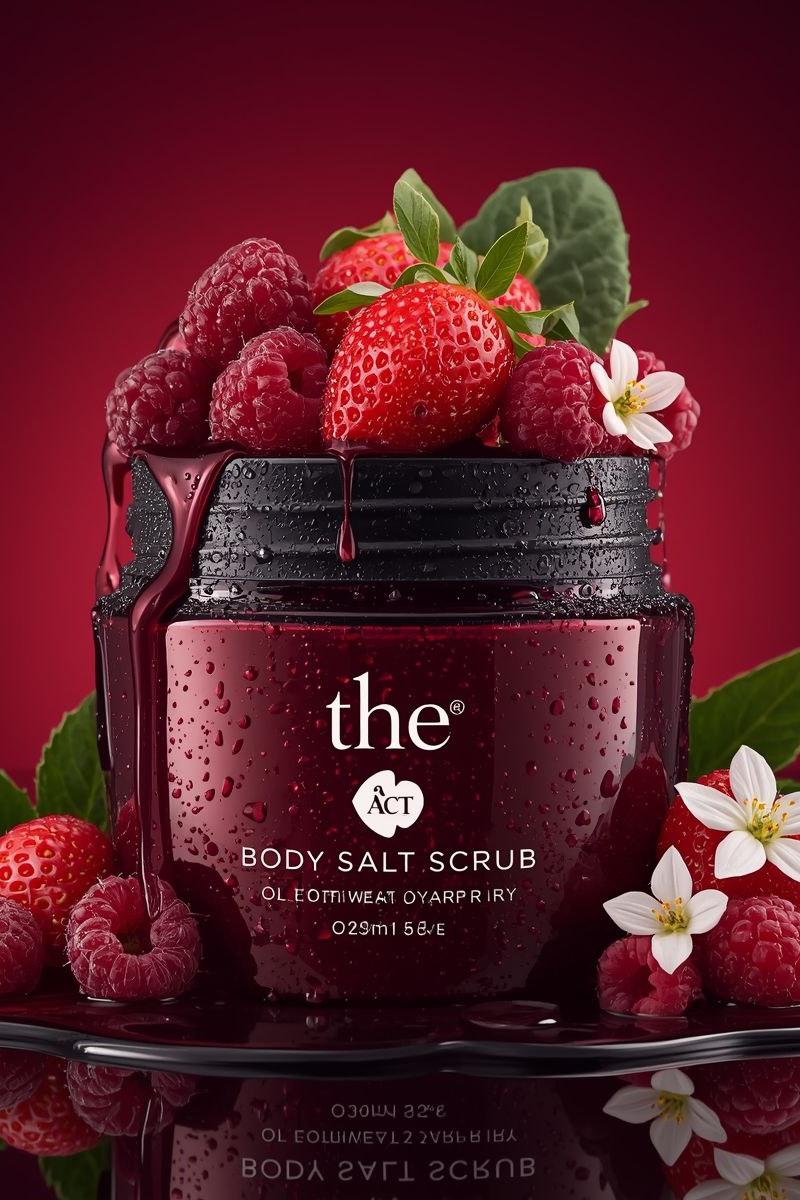
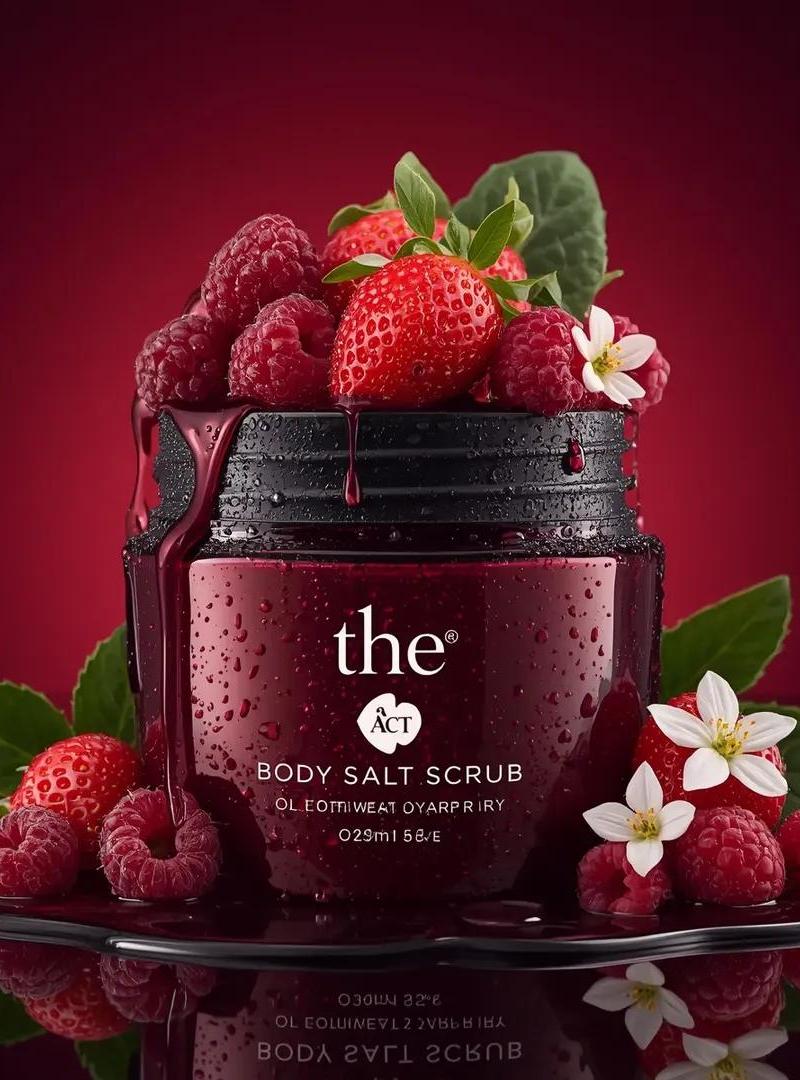
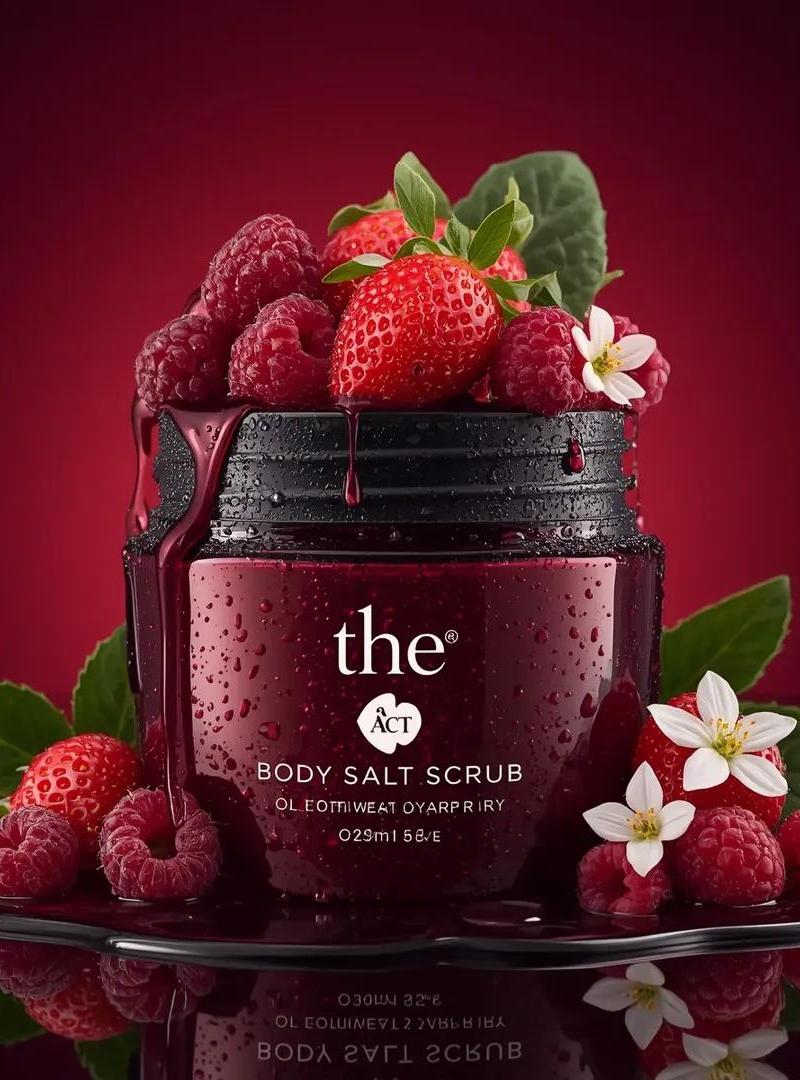
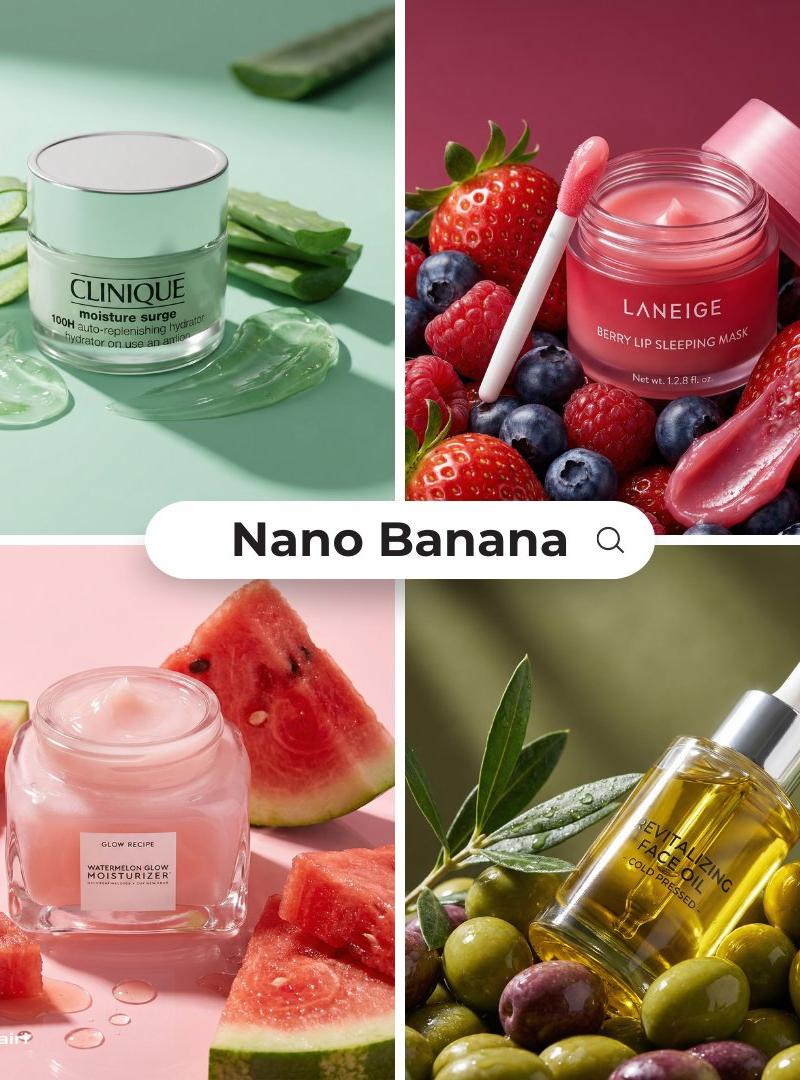
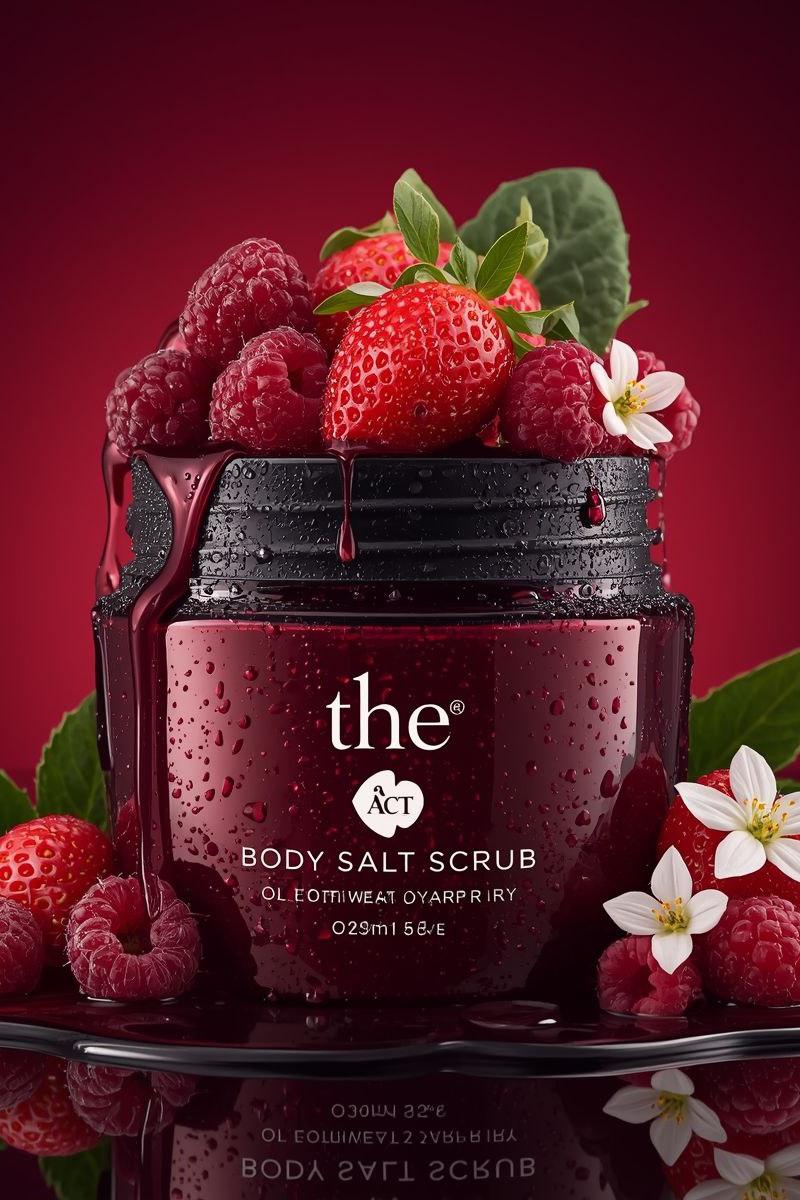
Use the uploaded image as the exact visual reference for jar design, label, strawberries, raspberries, flowers, leaves, condensation droplets, red gradient background, and reflective surface.

Camera:
Locked front-facing camera.
No zoom.
No rotation.
No angle change.
Studio composition remains centered.

Style:
Premium beauty commercial.
Smooth assembling sequence.
Ultra realistic.
Slow motion but not dramatic.

Scene – Start (Empty Setup):
Start with an empty red gradient background and glossy reflective surface.
No jar.
No fruits.
No flowers.
No water droplets.

Assembling Sequence:

1. The glass jar base smoothly slides into frame from below and settles perfectly centered.
2. The lid gently lowers from above and aligns perfectly on the jar.
3. Condensation droplets subtly appear on the glass surface as if forming naturally.
4. Raspberries roll in softly from left and right, stopping naturally around the base.
5. Strawberry halves slide into position at the front.
6. Whole strawberries gently drop from above into the open jar top and settle naturally.
7. Small white flowers softly fall into place between the strawberries.
8. Green leaves slide in behind the jar to frame it.
9. Final micro water droplets appear on fruits for freshness effect.

All movements smooth and controlled.
No bouncing.
No exaggerated motion.
No dramatic lighting changes.

Lighting:
Keep original studio lighting.
Deep red background glow remains consistent.
Soft reflections on the glossy surface.

Sound (if supported):
Soft subtle assembling sound design.
Gentle fruit placement sounds.
Light glass contact sound.
No music or very subtle premium ambient tone.

End Frame:
Fully assembled composition exactly matching the reference image.
Everything perfectly arranged.
Hold for 1–2 seconds.
Ultra clean luxury skincare commercial finish.
- Category
- Brand & Logos
- Model
- GPT Image 2
- Creator
- ChillaiKalan__
- Source language
- en
- Source ID
- 2029019321364824452
- Published
- Mar 4, 2026
Views0