19

Berry red scrub jar shot: GPT Image 2 prompt
Enlarge

Example images

Berry red scrub jar shot: GPT Image 2 prompt

Prompt
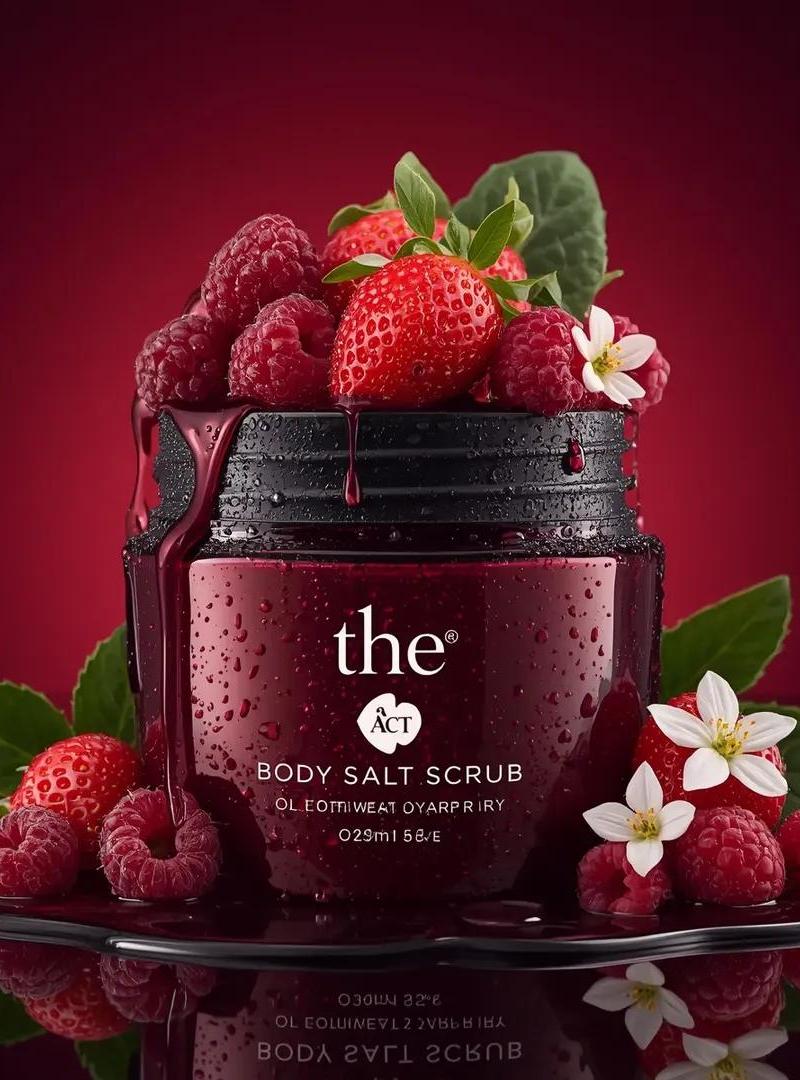
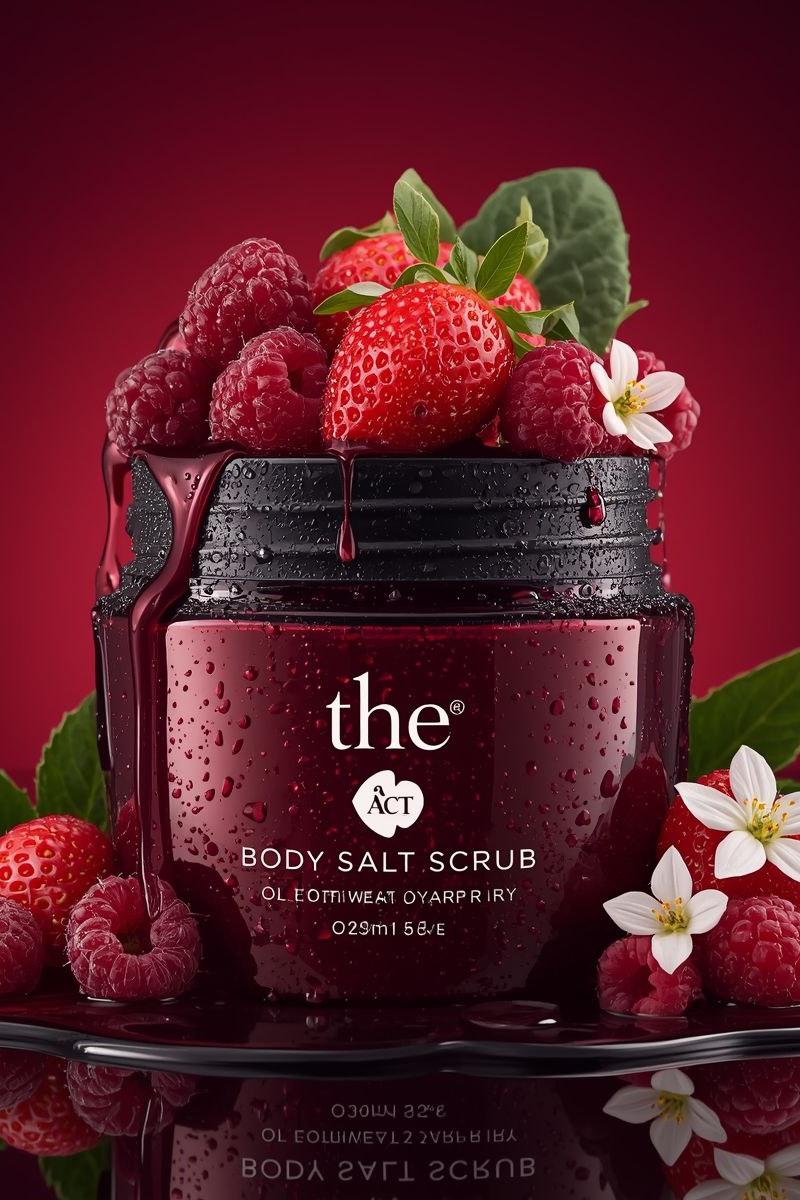
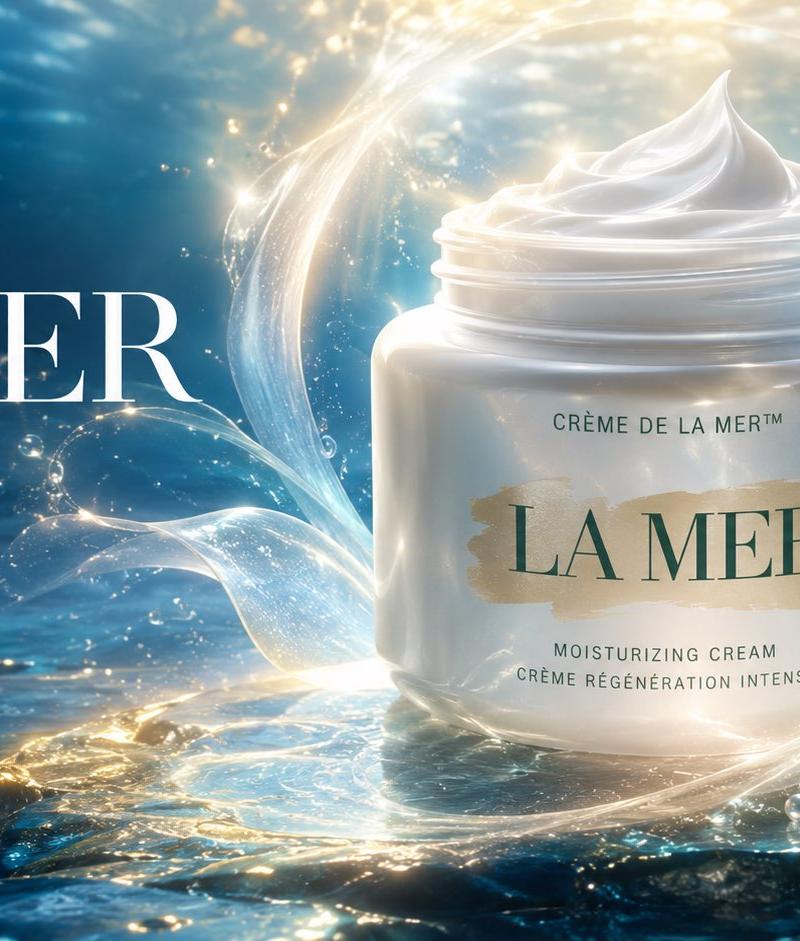
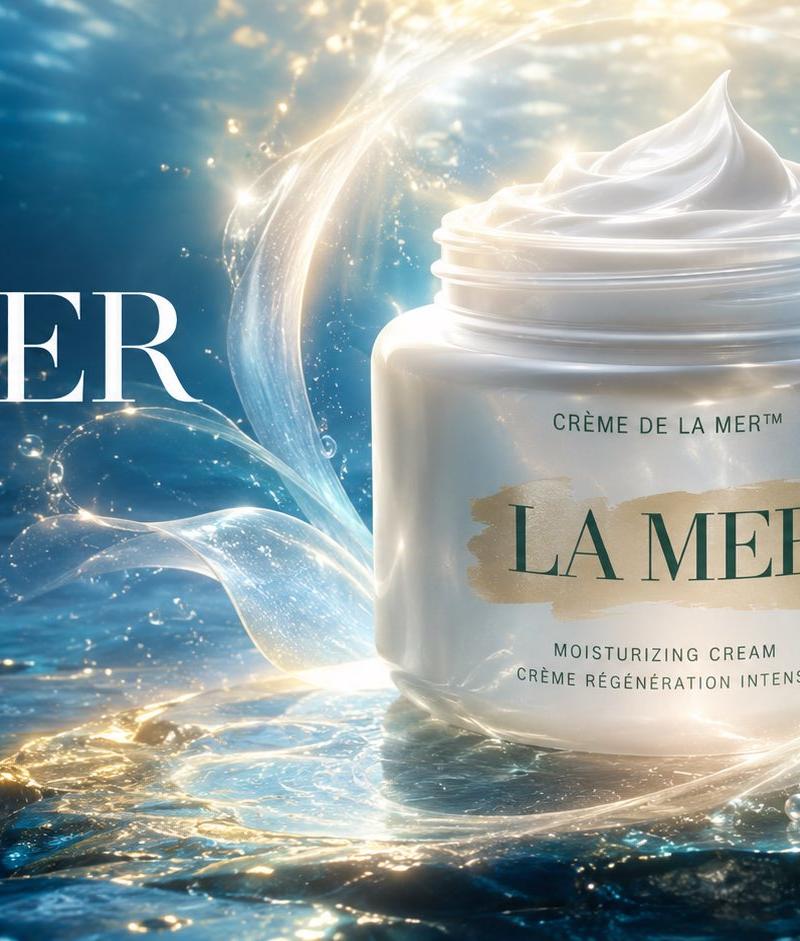
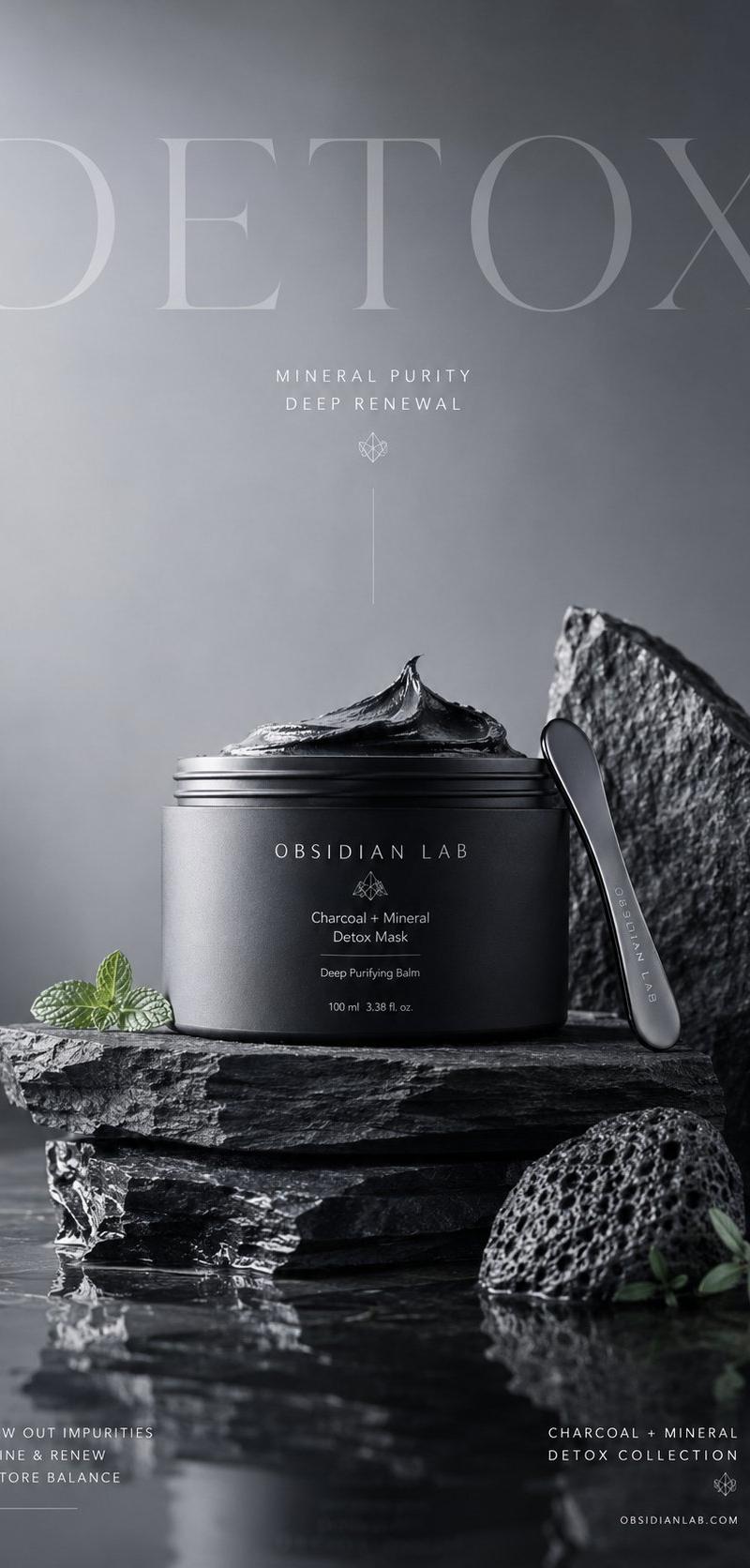
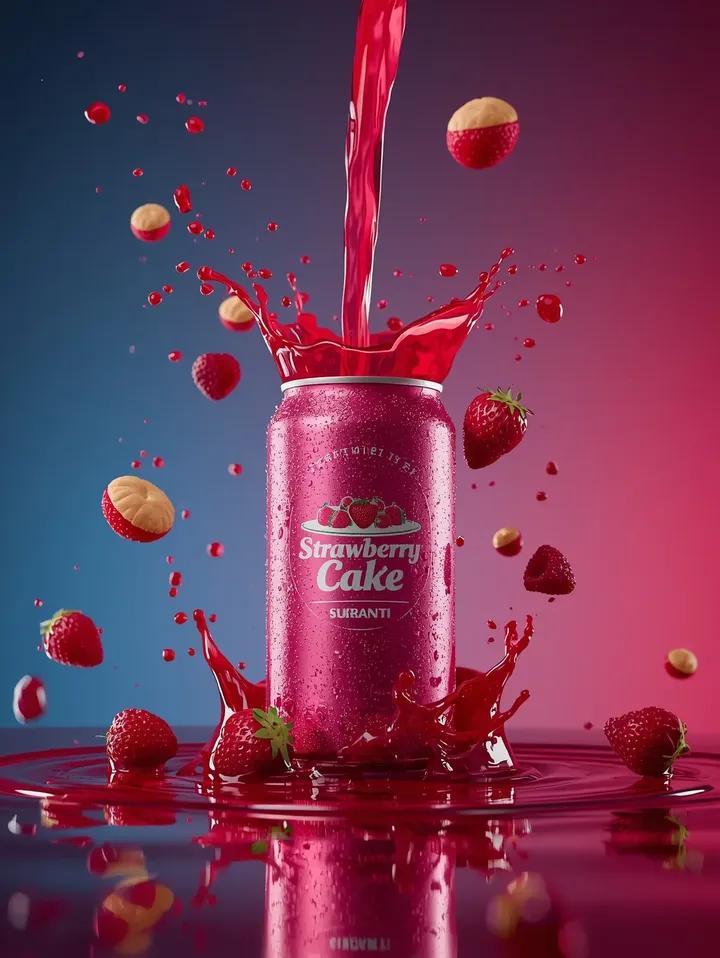
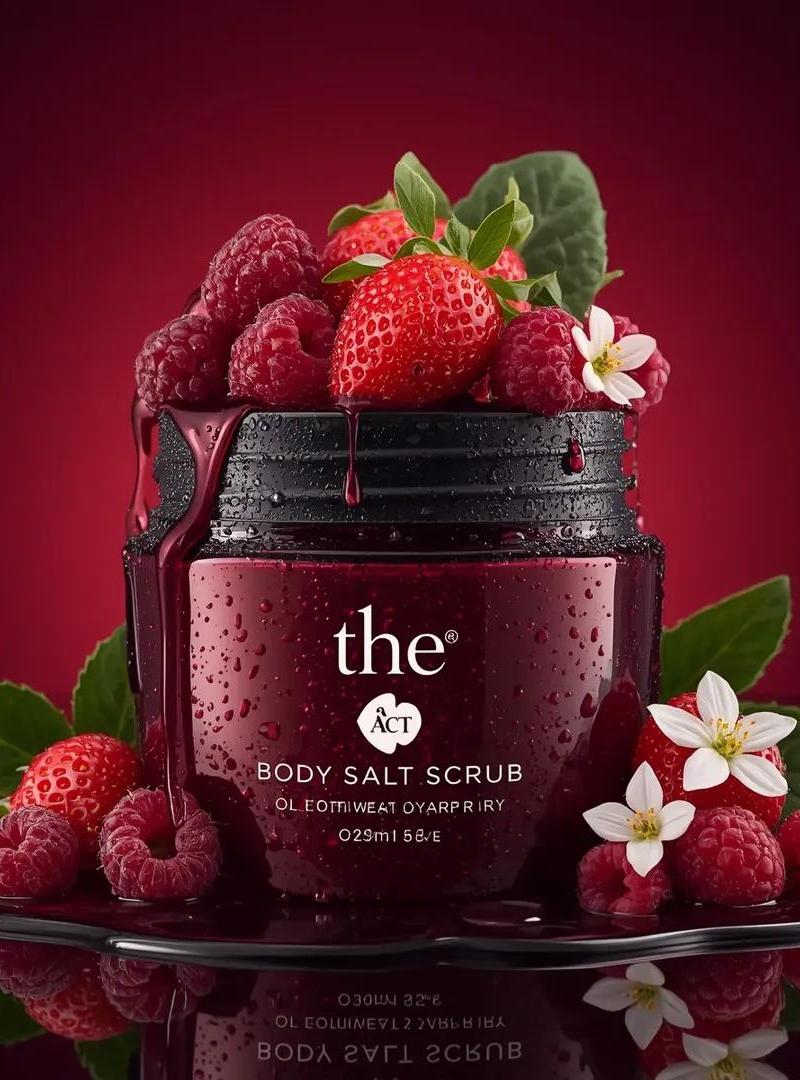
Ultra-realistic luxury cosmetic product photography of a deep red glass jar labeled “the ACT Body Salt Scrub”, placed on a glossy reflective black surface. The jar is open and overflowing with fresh strawberries and raspberries, with berry juice dripping over the rim. Water droplets cover the jar creating a fresh, dewy look. Around the jar are scattered raspberries, strawberries, green leaves, and small white flowers. Background is a smooth gradient rich crimson red studio backdrop. Dramatic studio lighting, soft highlights, sharp macro detail, commercial beauty product advertisement style, high contrast, extremely detailed textures, 8k resolution, shallow depth of field, photorealistic, luxury skincare branding, centered composition.
Category
Brand & Logos
Model
GPT Image 2
Creator
Oogie
Source language
en
Views0
Source ID
2029237707386568814
Published
Mar 4, 2026
Studio

Guide

About "Berry red scrub jar shot: GPT Image 2 prompt"

What is this prompt for?

"Berry red scrub jar shot: GPT Image 2 prompt" AI image prompt for GPT Image 2 (Brand & Logos). Ultra-realistic luxury cosmetic product photography of a deep r…

The full copyable prompt and example visuals above are ready for AI image generation or one-click recreate in Picva.

How to use this prompt

  1. Step 1

    Open the prompt detail

    Review the example visuals, category, and full prompt text for "Berry red scrub jar shot: GPT Image 2 prompt".

  2. Step 2

    Copy the prompt

    Copy the prompt body from this page, or load it directly in Studio.

  3. Step 3

    Pick a model (GPT Image 2)

    Prefer GPT Image 2. If you switch models, keep subject and composition and tweak style terms.

  4. Step 4

    Generate and export

    Recreate the look in Picva, or export into your workflow for editing and publishing.

FAQ

What is the "Berry red scrub jar shot: GPT Image 2 prompt" prompt?
It is an AI image-generation prompt for GPT Image 2 in the Brand & Logos category. This page includes the full prompt text, example visuals, and a one-click recreate path in Picva.
How do I use this prompt to generate an image?
Copy the prompt from this page, or use Generate / Studio. Paste it into a compatible image model, or recreate the look in Picva with optional reference images.
Which model is this prompt for?
This page lists GPT Image 2. Most descriptive prompts also transfer to nearby image models such as GPT Image, Flux, or Midjourney with light style tweaks.
Can I use the result commercially?
You can usually copy the prompt for creation, but commercial use of the final image depends on the model terms, reference-image rights, and the generated content. Follow the source author and platform rules.