Scrapbook torn-edge poster: GPT Image 2 prompt
Prompt
[BRAND NAME]

[PRODUCT TYPE] (Clothing / Food / Automotive / Tech).

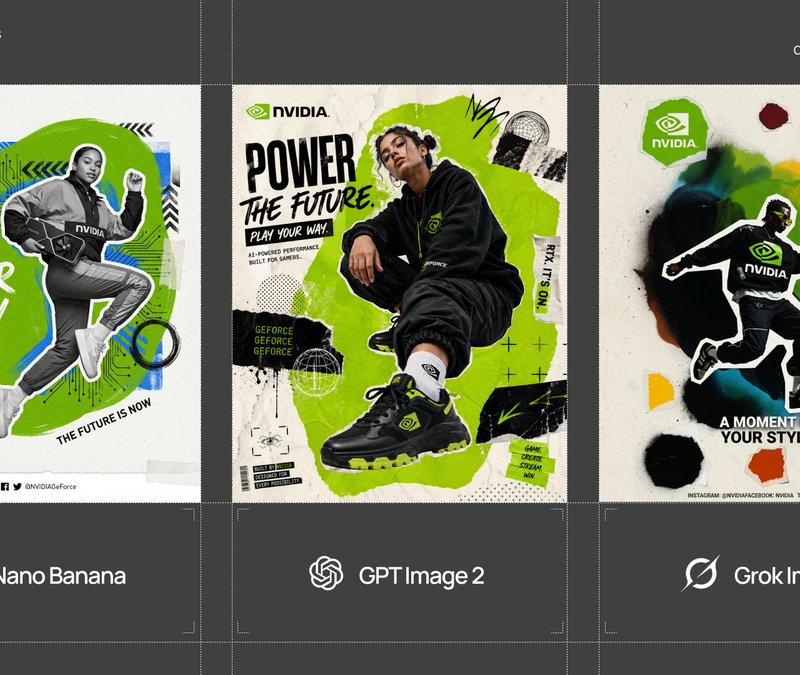
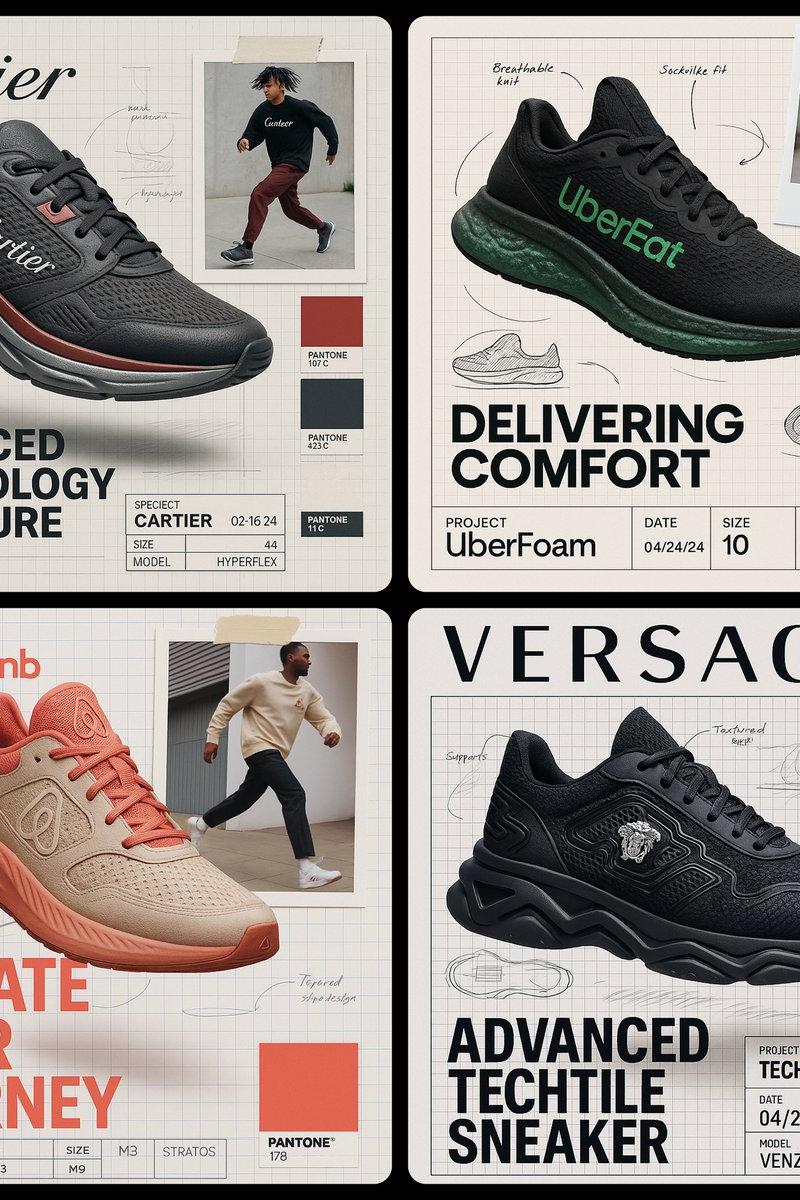
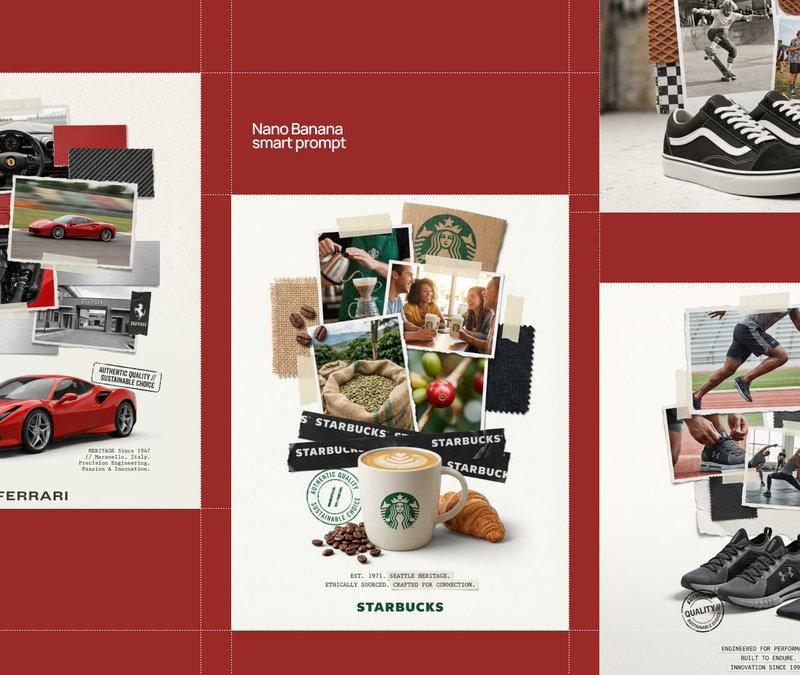
Goal: Generate a professional "scrapbook" style collage poster for [BRAND NAME] centered around a [PRODUCT TYPE].

1. HERO PRODUCT (BOTTOM FOCUS)

- Object: A high-definition, realistic 3D render of a [PRODUCT TYPE] by [BRAND NAME] at the bottom center.

- Placement: Slightly angled to show depth, with soft realistic contact shadows on a plain off-white floor.

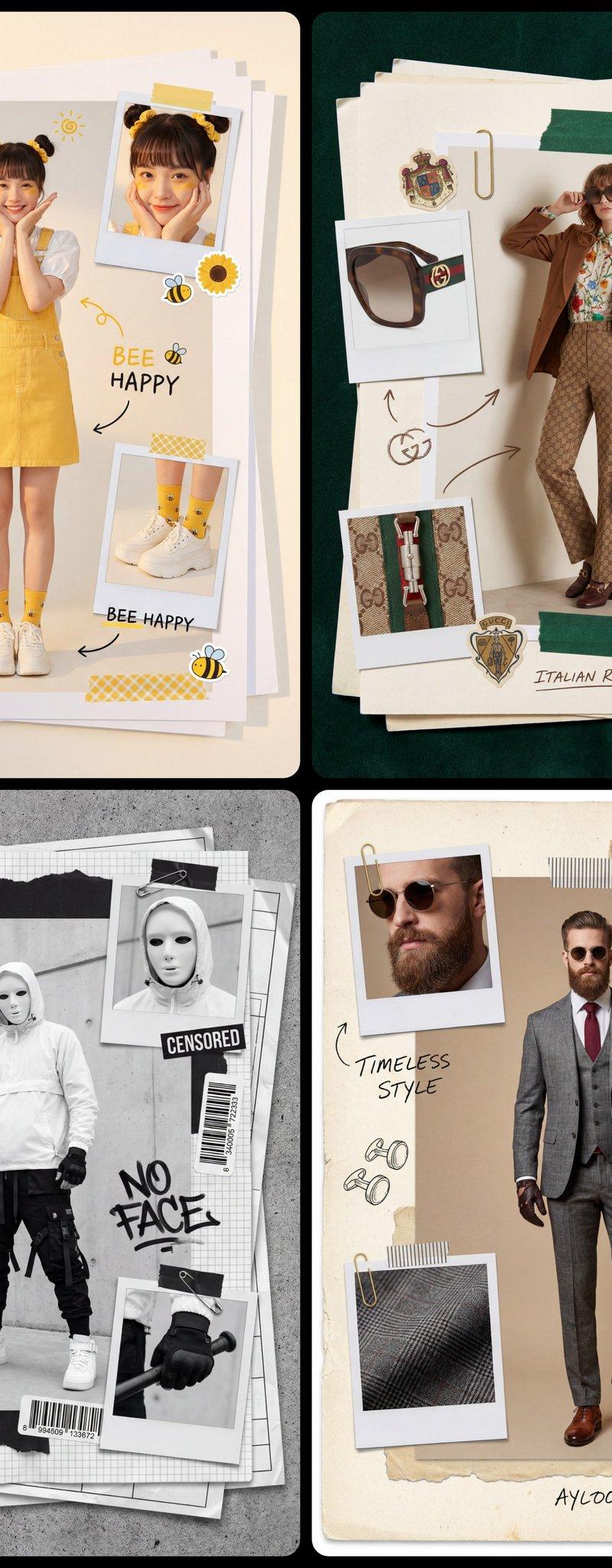
2. THE MULTI-LAYERED COLLAGE STACK

- Photos: A vertical stack of overlapping photos with RAGGED, TORN paper edges rising above the product.

- Content: Photos should show [PRODUCT TYPE] in use, lifestyle shots related to [BRAND NAME], and close-ups of specific details.

- Materials: Physical swatches of textures related to [PRODUCT TYPE] (e.g., leather/fabric for clothing, metal/carbon for cars, organic ingredients for food). Include visible raw edges and stitching.

- Fasteners: Use strips of semi-transparent masking tape and black duct tape with the "[BRAND NAME]" logo printed in white to "hold" the pieces together.

3. GRAPHIC OVERLAYS & STAMPS

- Stamp: A black, distressed ink stamp or seal near the hero product with text: "AUTHENTIC QUALITY // SUSTAINABLE CHOICE".

- Typography: Small, clean sans-serif and typewriter-style text blocks describing the heritage of [BRAND NAME] placed at the bottom.

- Logo: The primary "[BRAND NAME]" logo centered at the very bottom in a minimalist font.

4. STYLE & ATMOSPHERE

- Aesthetic: Industrial DIY, workshop moodboard, high-end editorial collage.

- Lighting: Bright, studio high-key lighting with soft, multi-layered shadows between the paper scraps and textures.

- Quality: 8K resolution, macro detail on paper grain, fabric fibers, and tape adhesive.
- Category
- Brand & Logos
- Model
- GPT Image 2
- Creator
- AmirMušić
- Source language
- en
- Source ID
- 2031446250214572438
- Published
- Mar 10, 2026
Views0