Minimalist owl: GPT Image 2 prompt
Prompt
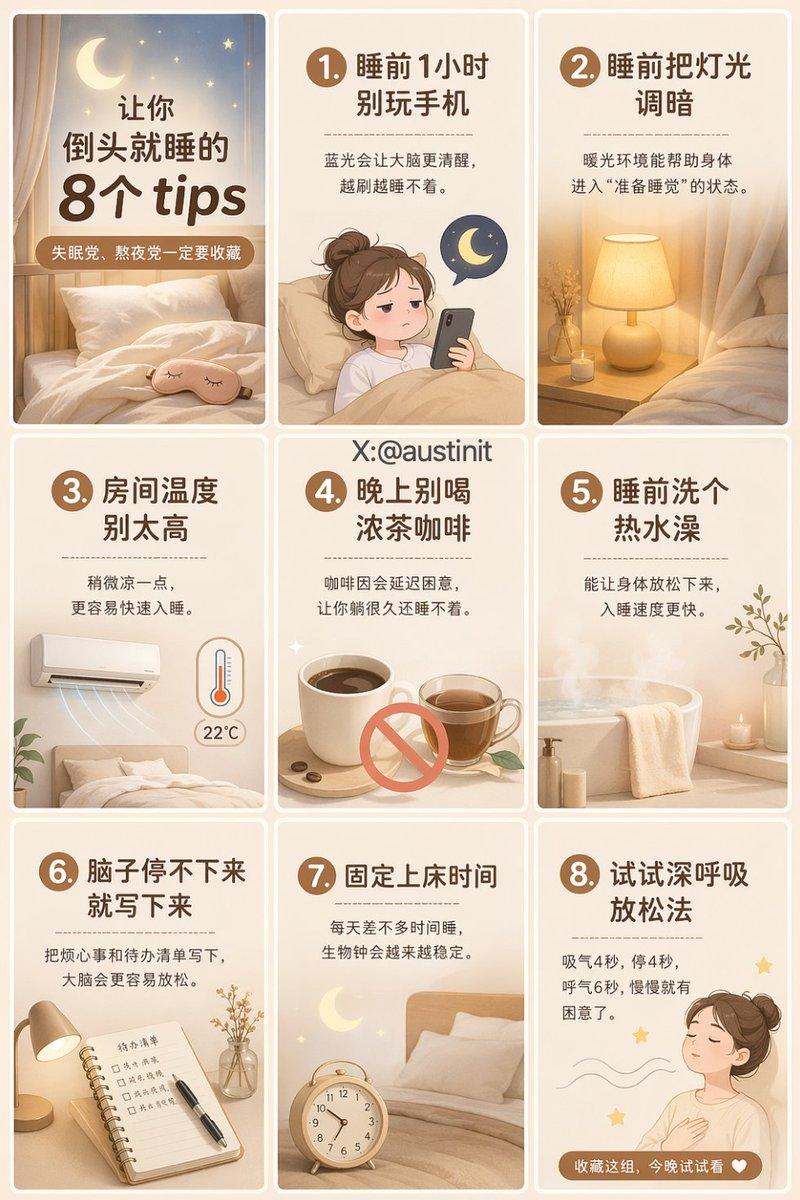
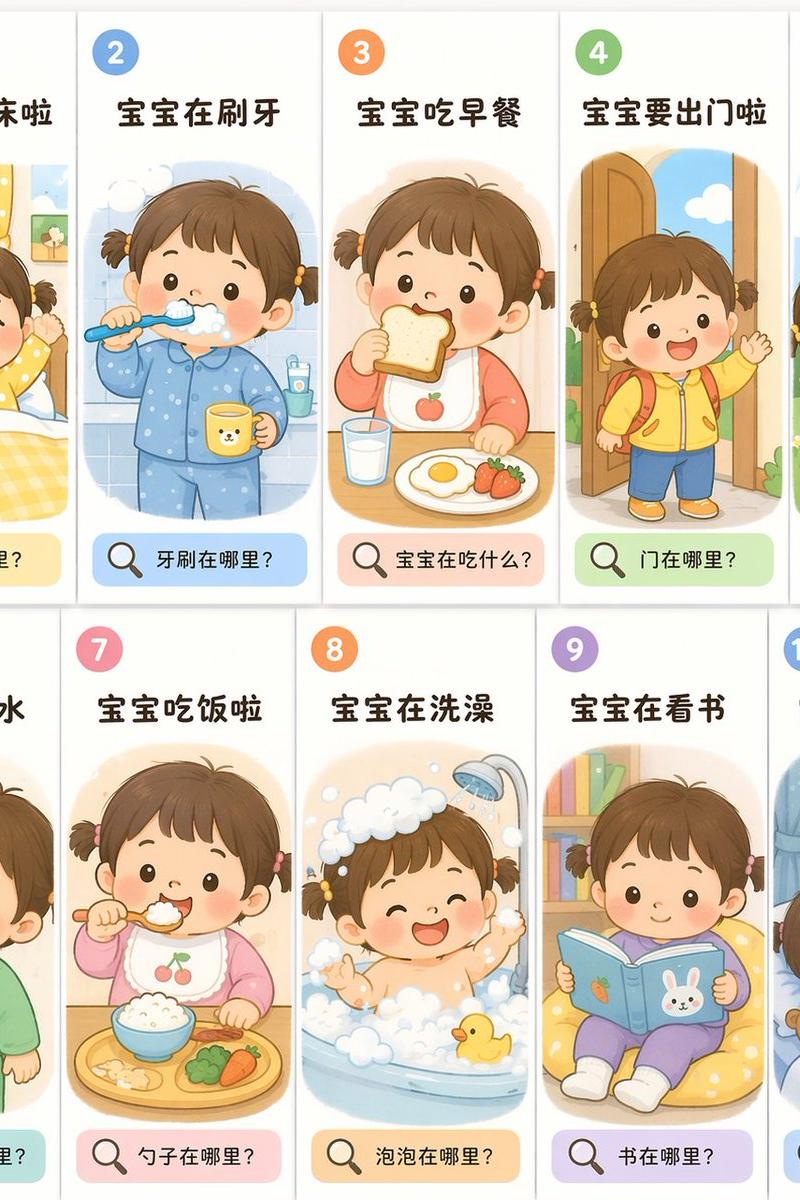
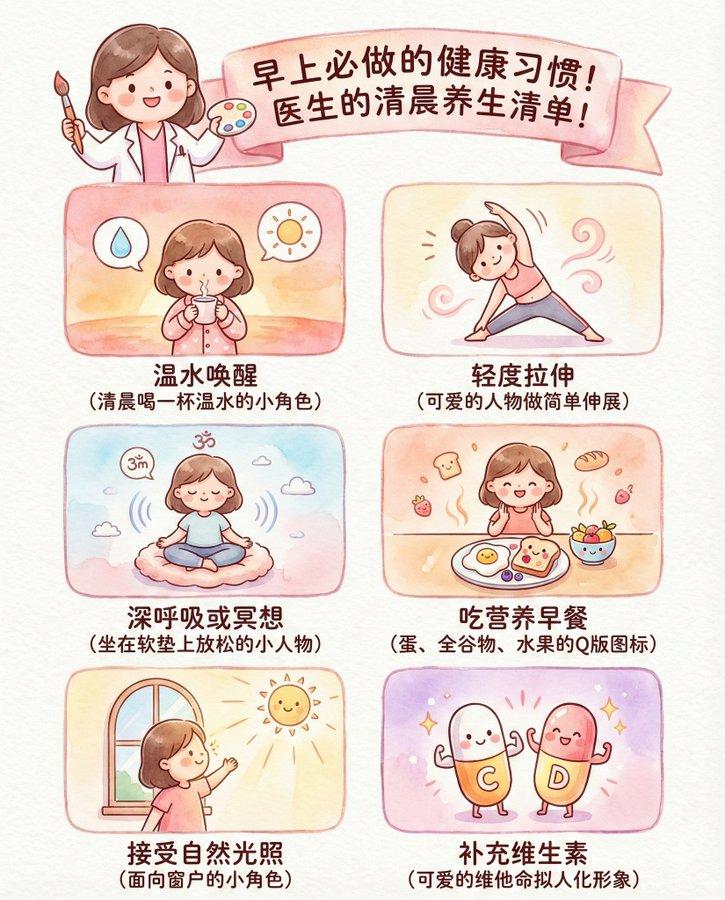
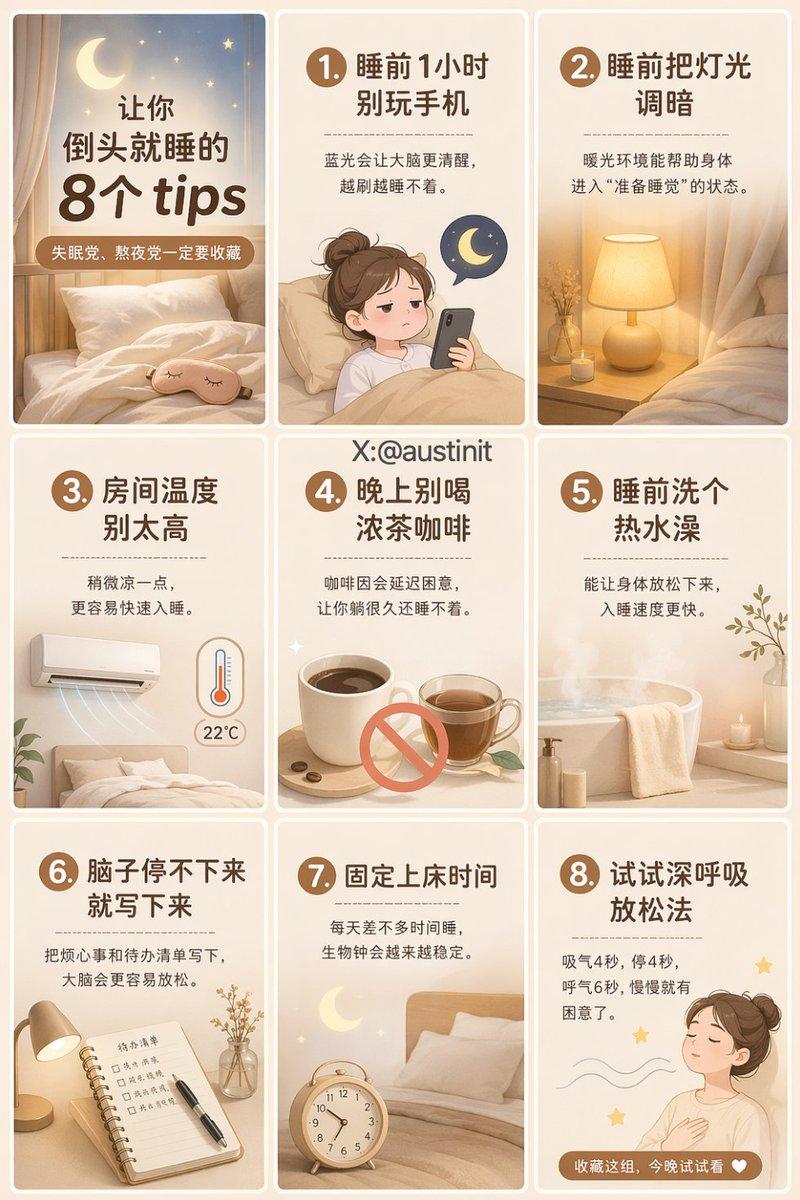
Generate a 3:4 vertical 9-grid poster suitable for posting on Xiaohongshu, with an overall layout of 3 columns × 3 rows. The boundaries of the nine cells should be clear so they can be directly cut into 9 separate images for posting. The overall style should be clean, premium, and consistent, suitable for women-oriented healthy lifestyle content with a viral Xiaohongshu cover feel. The image should have clear information layout, large readable text, comfortable negative space, and a gentle healing color palette.

Overall visual style:
Main colors are cream white, light beige, light oat color, and light caramel color, with a small amount of dark brown text. Instagram-style, healing, sleep-therapy theme, minimalist layout, with light skeuomorphic illustrations as accents. Elements such as pillows, the moon, stars, hot milk, aromatherapy, books, eye masks, curtains, and beds may be included. The overall feel should be like a professional new-media design, with neat fonts, suitable for educational Xiaohongshu 9-grid posts.

Layout requirements:
The entire image must be a standard 9-grid composition, with each cell capable of standing alone after splitting.
Each cell's content is centered and complete; do not place titles or body text near dividing lines.
Keep clear gaps or thin borders between cells so reading is unaffected after cutting.
All text in Chinese, clear and readable, no garbled text, no English.
Each cell should look like an independent Xiaohongshu image-text card, but the visual style remains consistent.
The image should be refined, real, natural — not cheap-marketing or overly flashy.

Specific 9-grid content:

Cell 1 (cover)
Main title: 8 tips that put you to sleep instantly
Subtitle: a must-save for insomniacs and night owls
The cover should be the most eye-catching, suitable as the lead image. Include healing sleep elements like soft beds, the moon, pillows, eye masks; prominent title with premium layout.

Cell 2
Title: 1. Don't use your phone 1 hour before sleep
Body: Blue light makes the brain more alert; the more you scroll, the harder to fall asleep.
Elements: phone, moon, sleepy face illustration
Cell 3
Title: 2. Dim the lights before bed
Body: A warm-light environment helps the body enter 'ready to sleep' mode.
Elements: bedside lamp, warm yellow light, curtains
Cell 4
Title: 3. Don't keep the room too warm
Body: A slightly cooler temperature makes it easier to fall asleep quickly.
Elements: air conditioner, thermometer, blanket
Cell 5
Title: 4. Avoid strong tea and coffee at night
Body: Caffeine delays drowsiness, leaving you lying awake for a long time.
Elements: coffee cup, teacup, prohibition sign

Cell 6
Title: 5. Take a hot shower before bed
Body: It relaxes the body, making you fall asleep faster.
Elements: bathroom steam, towel, hot water
Cell 7
Title: 6. If your mind won't stop, write it down
Body: Writing down worries and to-dos helps the brain relax.
Elements: notebook, pen, small desk lamp
Cell 8
Title: 7. Keep a fixed bedtime
Body: Going to bed at roughly the same time each day stabilizes your biological clock.
Elements: clock, moon, bed
Cell 9
Title: 8. Try deep-breathing relaxation
Body: Inhale 4 seconds, hold 4 seconds, exhale 6 seconds — drowsiness comes gradually.
Footer small text: Save this set, try it tonight
Elements: breathing line graphic, closed-eye figure, stars

Quality requirements:
High definition, premium layout, magazine feel, real and publishable, new-media operations aesthetic, Xiaohongshu viral image-text style, neat text layout, ready for direct cutting.
- Category
- Charts & Infographics
- Model
- GPT Image 2
- Creator
- Austin
- Source language
- zh-CN
- Source ID
- 2046037688969769346
- Published
- Apr 20, 2026
Views0