7

Illustration food shot: GPT Image 2 prompt
Enlarge

Example images

Illustration food shot: GPT Image 2 prompt

Prompt
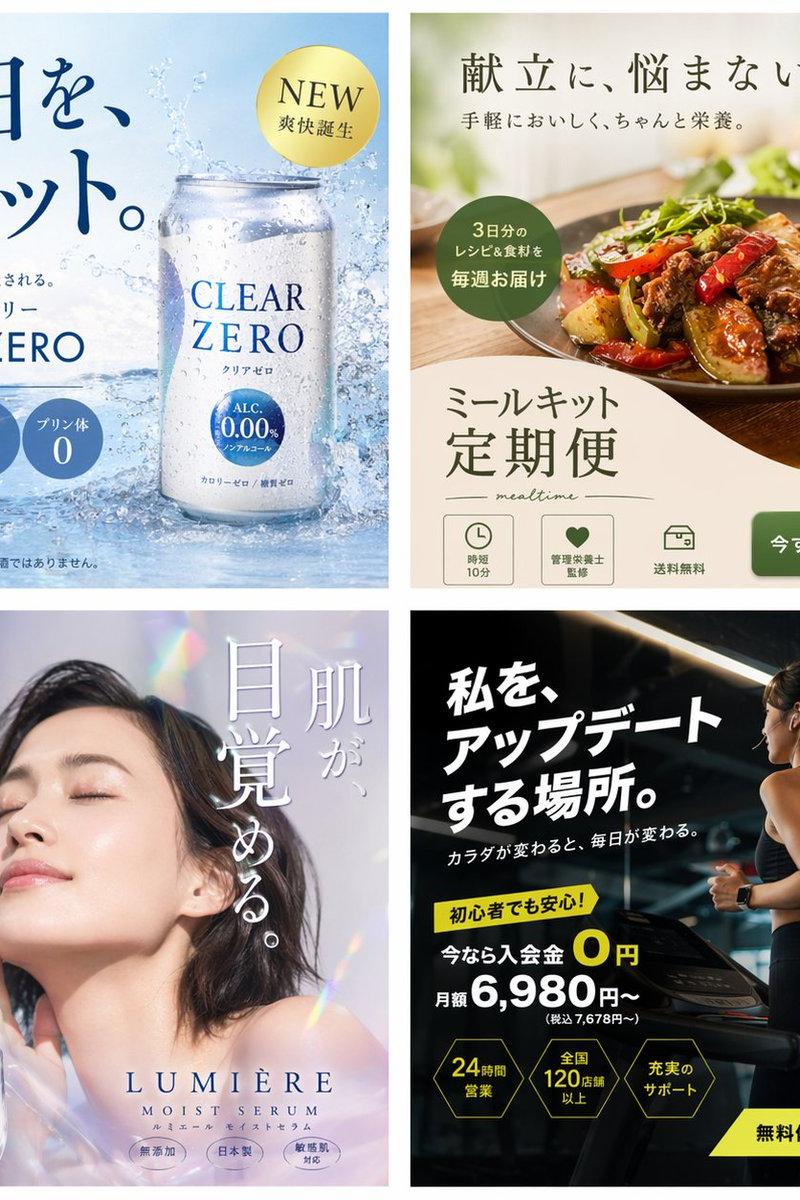
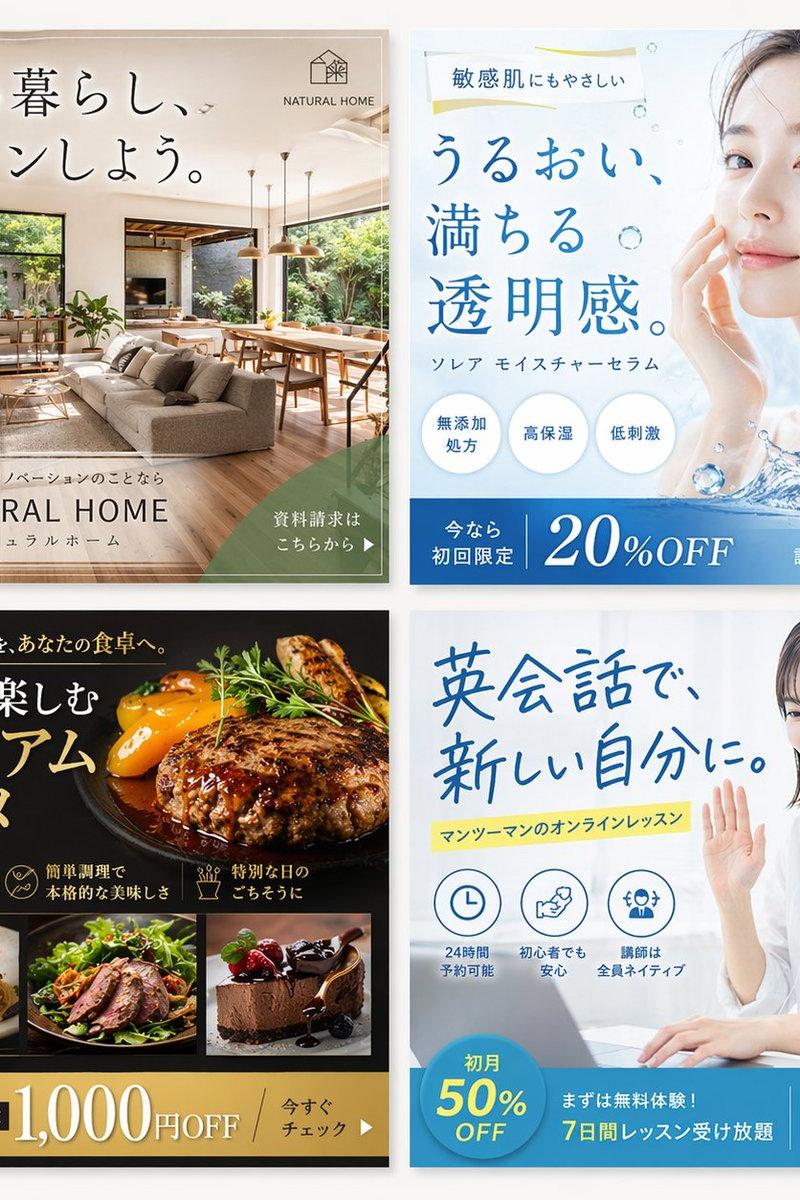
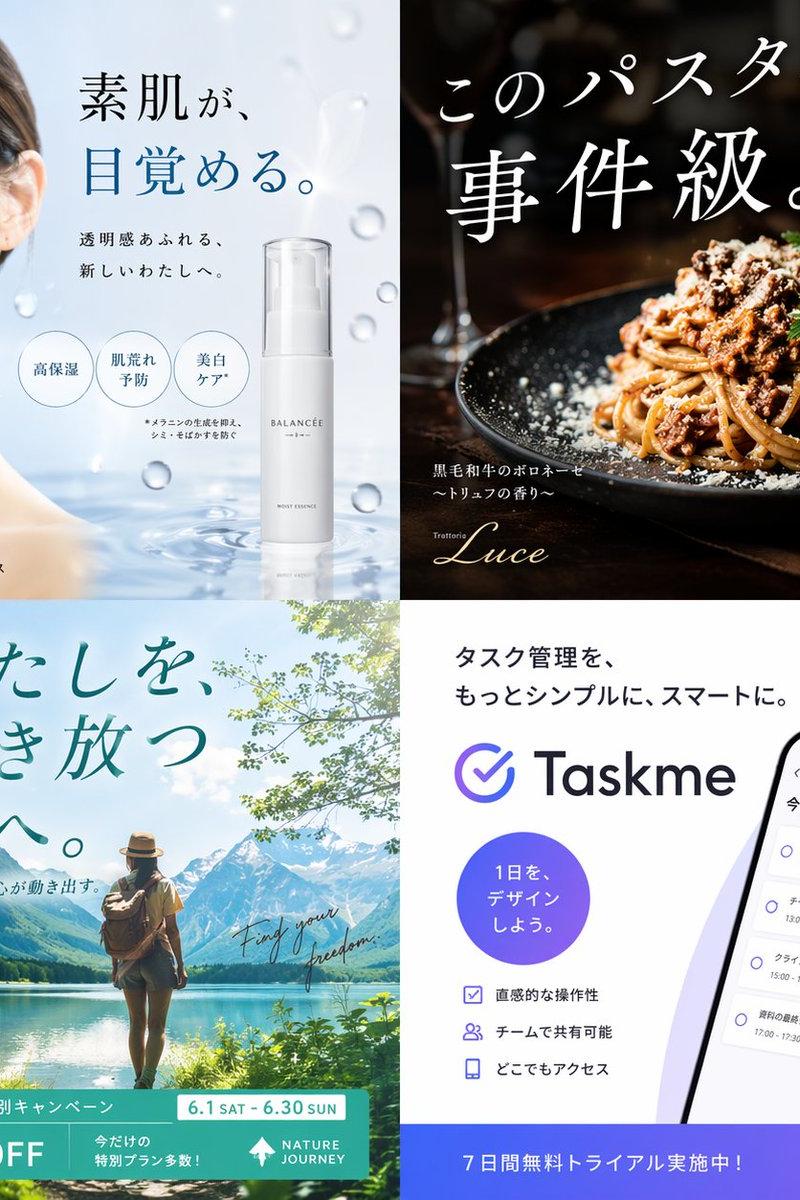
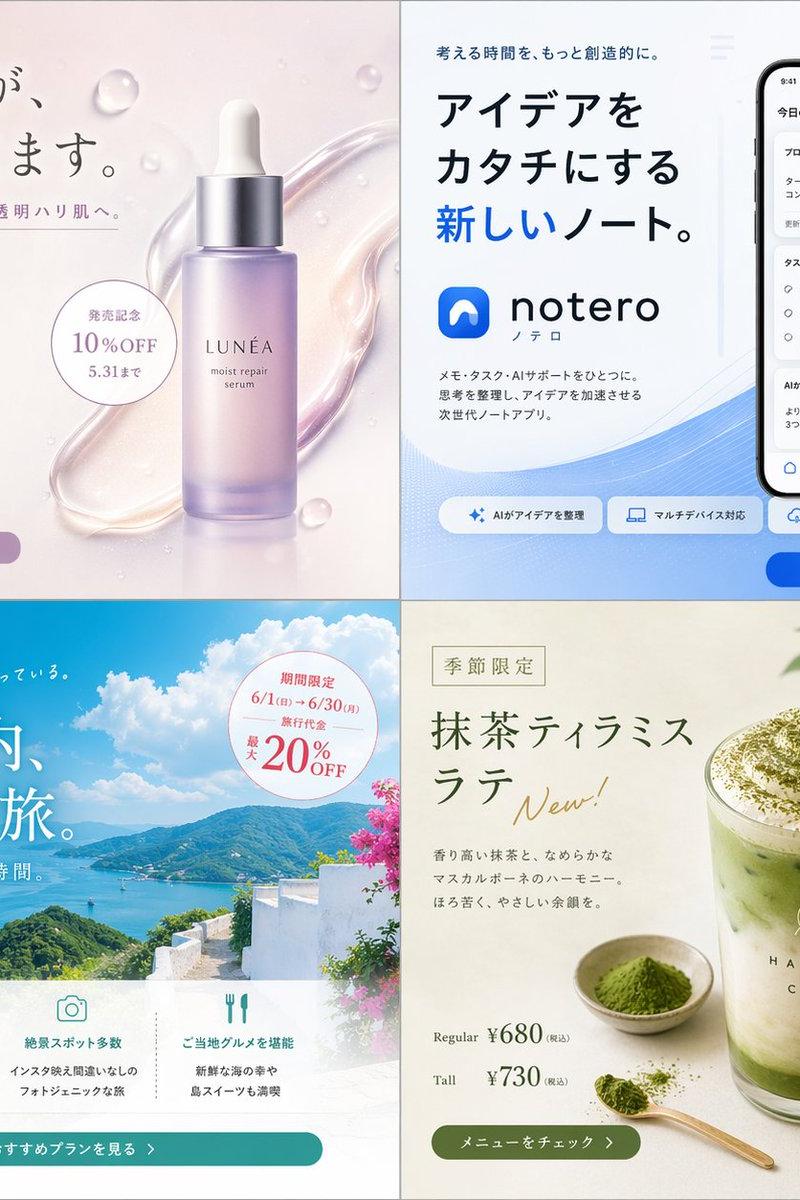
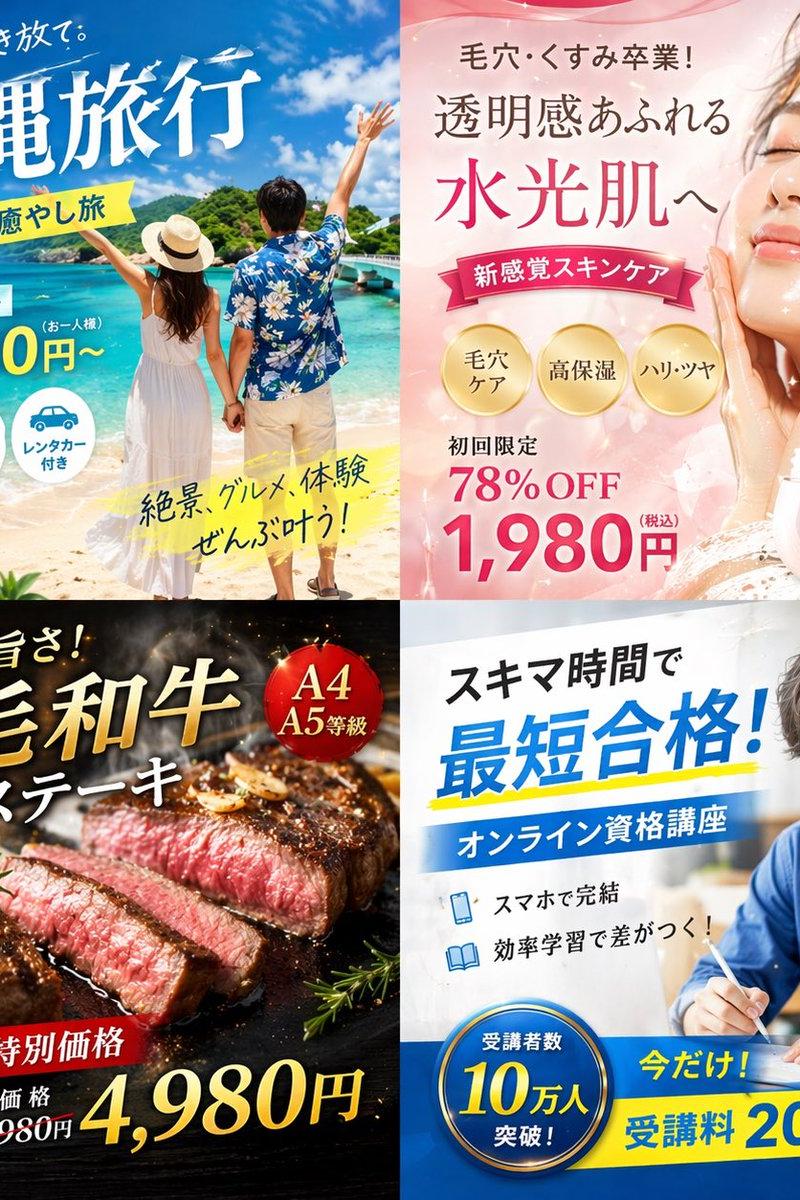
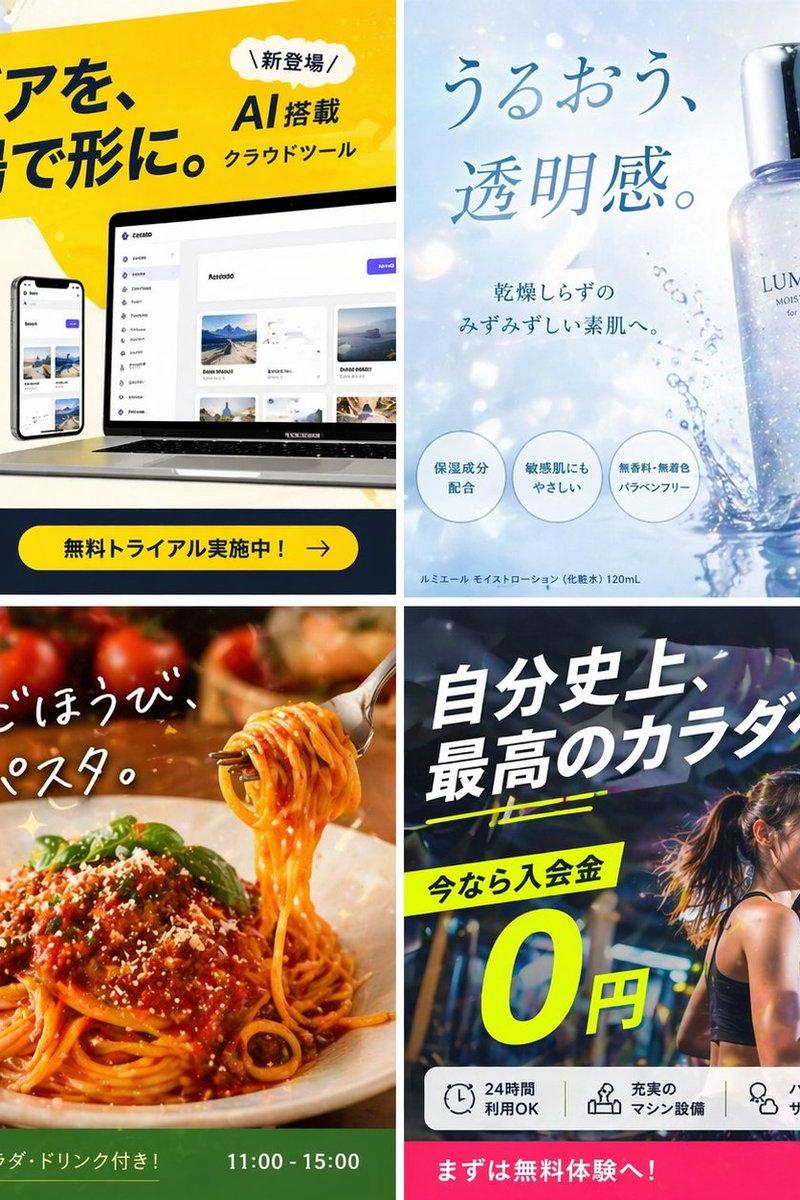
Create high-impact visuals for fictional Japanese ads designed to go viral on social media. On a 1:1 square canvas, arrange four ads in a 2×2 grid.

Genres: ① Tech (AI / apps) ② Beauty / cosmetics ③ Food & drink ④ Fitness. All in Japanese copy, with fictional brands.

[Viral production requirements]
· A strong, instantly attention-grabbing tagline
· Emotion-driving elements (surprise, empathy, urgency, desire)
· High-contrast color schemes (neon, vivid colors, black × fluorescent, etc.)
· Bold layout (overflowing, diagonal placement, oversized text)
· Thumbnail-friendly composition (center emphasis, close-up faces, gaze direction)
· Social-ad-style 'cleverness' (arrows, emphasis frames, speech bubbles)

[Design style]
· 2025-trend social ad style
· TikTok / Instagram ad style
· Visibility first (readable on phones)
· Photo-style or high-quality illustration
· With CTA (e.g., free now, limited, 3 days left)

[Random viral elements]
For each ad, randomly pick one from each of ①–③ below and reflect them in the tagline.
① Forbidden words (pick one):
· You'll regret not knowing
· 99% are doing it wrong
· Stop doing this now
② Gap effect (pick one):
· Cute on the outside, scary on the inside
· Looks ordinary but actually…
· This isn't really ○○
③ Numbers / limits (pick one):
· 3 days only
· 1 spot left
· Free → ¥0

[Important]
· Each of the 4 ads should have a clearly different mood
· Don't break the grid
· Place text for readability
· Intentionally include a 'scroll-stopping disconnect'

Output: a single high-impact visual combining all 4 ads.
Category
Brand & Logos
Model
GPT Image 2
Creator
ヨシダ@AIエンタメ
Source language
zh-CN
Views0
Source ID
2046460259817210284
Published
Apr 21, 2026
Studio

Guide

About "Illustration food shot: GPT Image 2 prompt"

What is this prompt for?

"Illustration food shot: GPT Image 2 prompt" AI image prompt for GPT Image 2 (Brand & Logos). Create high-impact visuals for fictional Japanese ads designed to…

The full copyable prompt and example visuals above are ready for AI image generation or one-click recreate in Picva.

How to use this prompt

  1. Step 1

    Open the prompt detail

    Review the example visuals, category, and full prompt text for "Illustration food shot: GPT Image 2 prompt".

  2. Step 2

    Copy the prompt

    Copy the prompt body from this page, or load it directly in Studio.

  3. Step 3

    Pick a model (GPT Image 2)

    Prefer GPT Image 2. If you switch models, keep subject and composition and tweak style terms.

  4. Step 4

    Generate and export

    Recreate the look in Picva, or export into your workflow for editing and publishing.

FAQ

What is the "Illustration food shot: GPT Image 2 prompt" prompt?
It is an AI image-generation prompt for GPT Image 2 in the Brand & Logos category. This page includes the full prompt text, example visuals, and a one-click recreate path in Picva.
How do I use this prompt to generate an image?
Copy the prompt from this page, or use Generate / Studio. Paste it into a compatible image model, or recreate the look in Picva with optional reference images.
Which model is this prompt for?
This page lists GPT Image 2. Most descriptive prompts also transfer to nearby image models such as GPT Image, Flux, or Midjourney with light style tweaks.
Can I use the result commercially?
You can usually copy the prompt for creation, but commercial use of the final image depends on the model terms, reference-image rights, and the generated content. Follow the source author and platform rules.