16

Japanese student-teacher portrait: GPT Image 2 prompt
Enlarge

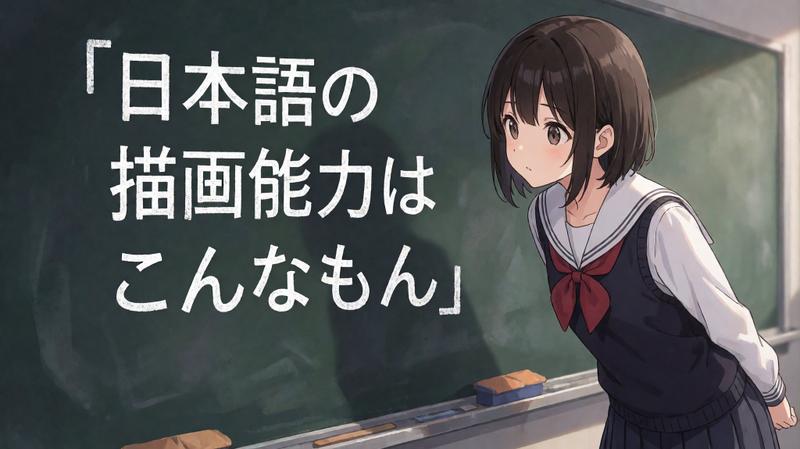
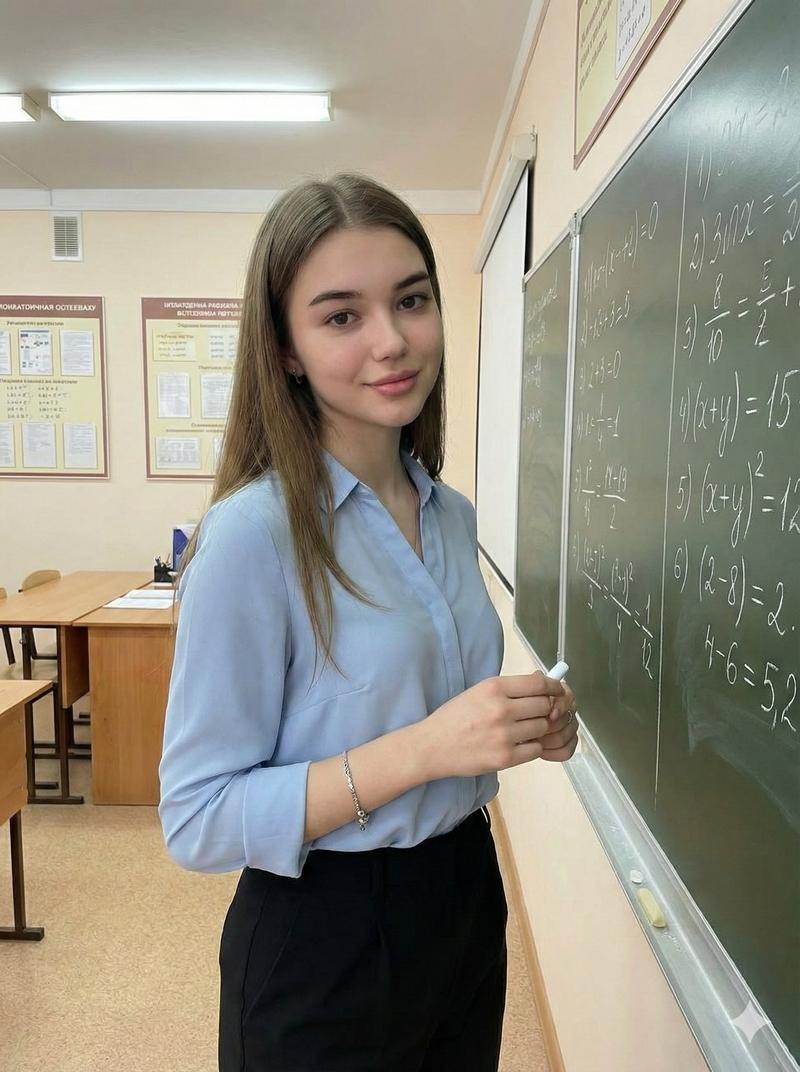
Example images

Japanese student-teacher portrait: GPT Image 2 prompt

Prompt
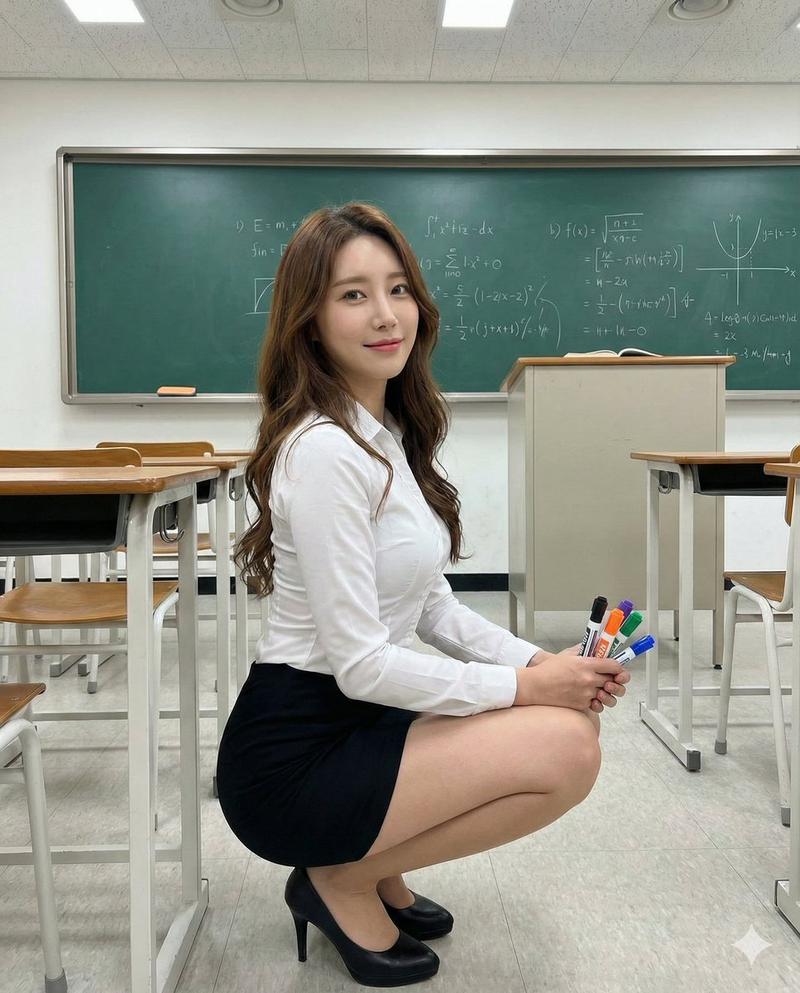
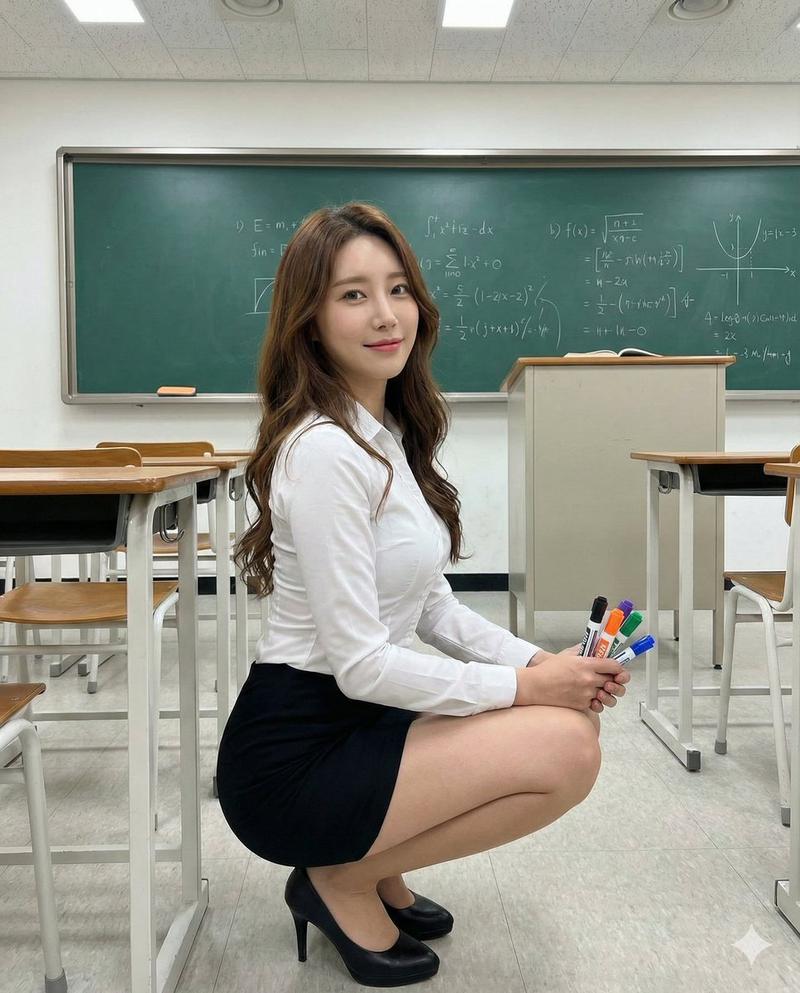
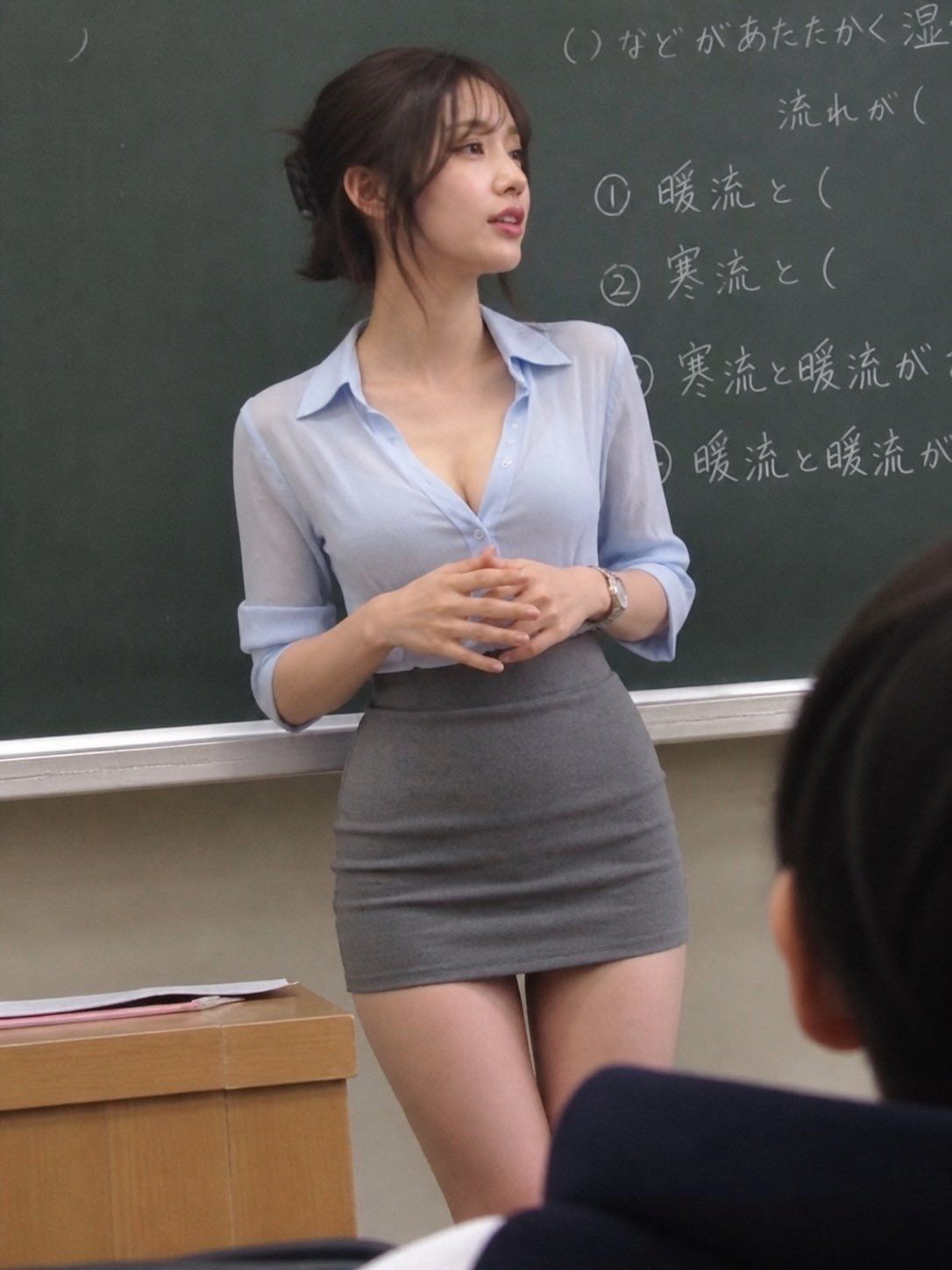
Generate an image with the theme of a stunning beautiful student-teacher who makes you do a double-take.

A 20-year-old Japanese woman. An overwhelming beauty that makes everyone turn their heads. Deep chestnut-brown layered long hair naturally tied back.
Large double-lidded eyes. A small, straight nose. Small but plump, glossy lips. A small face with sharp contours. A slender, tall figure. A curvy, well-defined body with a full chest.

She wears a light blue blouse made of sheer or linen fabric, with the top two buttons undone. Paired with a high-waisted gray short skirt.

Shot from a slightly oblique front angle at some distance, showing her standing right in front of the blackboard at the front of the classroom, talking naturally. The composition is from a seated student's point of view, looking up at her slightly.
A natural, unposed look as if she hasn't noticed the camera.
Reproduce a sense of camera shake and a casually-taken, rough composition. 4k.
Category
Photography & Realism
Model
GPT Image 2
Creator
すず
Views0
Source ID
2050184131750035676
Published
May 1, 2026

Guide

About "Japanese student-teacher portrait: GPT Image 2 prompt"

What is this prompt for?

"Japanese student-teacher portrait: GPT Image 2 prompt" AI image prompt for GPT Image 2 (Photography & Realism). Generate an image with the theme of a stunning…

The full copyable prompt and example visuals above are ready for AI image generation or one-click recreate in Picva.

How to use this prompt

  1. Step 1

    Open the prompt detail

    Review the example visuals, category, and full prompt text for "Japanese student-teacher portrait: GPT Image 2 prompt".

  2. Step 2

    Copy the prompt

    Copy the prompt body from this page, or load it directly in Studio.

  3. Step 3

    Pick a model (GPT Image 2)

    Prefer GPT Image 2. If you switch models, keep subject and composition and tweak style terms.

  4. Step 4

    Generate and export

    Recreate the look in Picva, or export into your workflow for editing and publishing.

FAQ

What is the "Japanese student-teacher portrait: GPT Image 2 prompt" prompt?
It is an AI image-generation prompt for GPT Image 2 in the Photography & Realism category. This page includes the full prompt text, example visuals, and a one-click recreate path in Picva.
How do I use this prompt to generate an image?
Copy the prompt from this page, or use Generate / Studio. Paste it into a compatible image model, or recreate the look in Picva with optional reference images.
Which model is this prompt for?
This page lists GPT Image 2. Most descriptive prompts also transfer to nearby image models such as GPT Image, Flux, or Midjourney with light style tweaks.
Can I use the result commercially?
You can usually copy the prompt for creation, but commercial use of the final image depends on the model terms, reference-image rights, and the generated content. Follow the source author and platform rules.